Week 8-3D Tetra Meshing Challenge
Aim:
To solve 3D tetra mesh given components.
Objective:
¬To perform different method to solve the solid parts.
¬To give tetra mesh in given components.
Model 1: (Housing hub)
Given CAD:
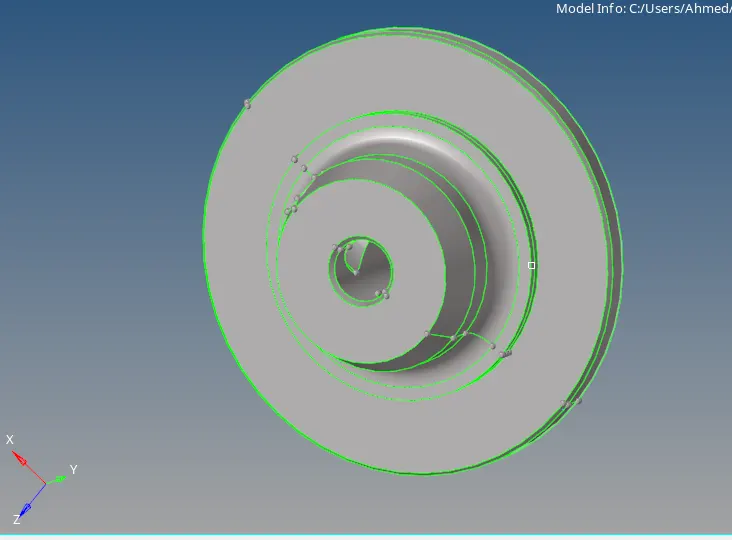
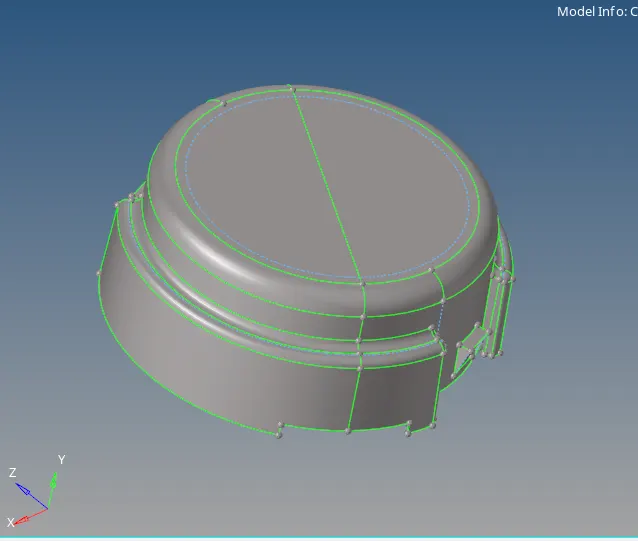
Given data:
TetraMesh Generation Method: 2D to 3D Conversion
Elements sizes: Min- 2 Units, Target- 5 Units, Max- 7 Units
Tet collapse: 0.15
Procedure:
¬ Initially import the cad model in hyprmesh.
¬ This method is 2d to 3d coversation.
¬ Check the geomtry clean up.
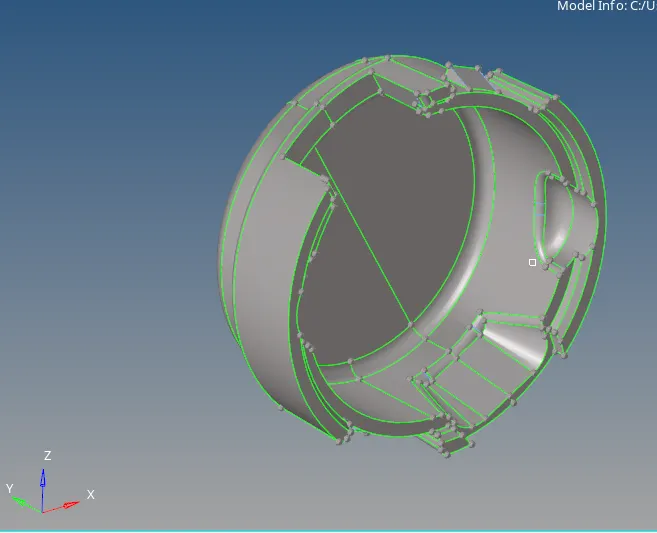
¬ Now going to mesh 2D components .
¬ Go to 2D - automesh -selected as surface - target value as 5.

¬ Select the surface and give mesh option.
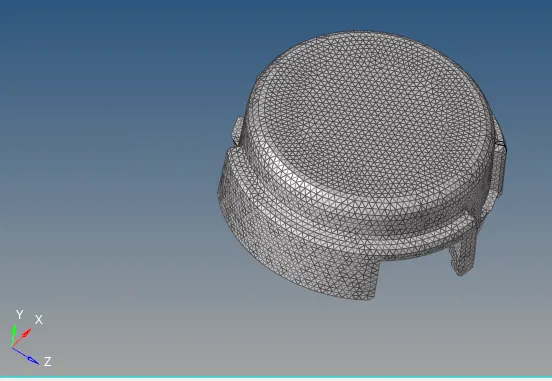
¬ Similarly to the other components.
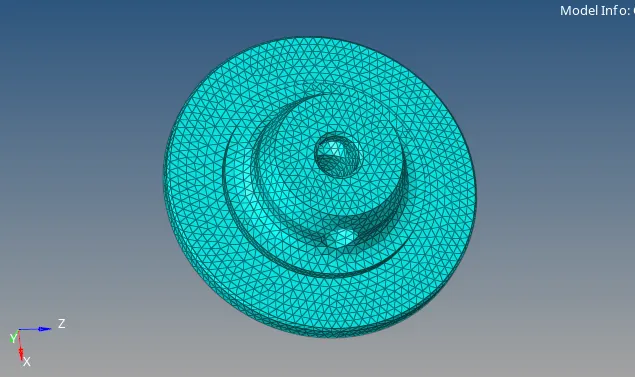
¬ check the min and max length value in quality issues.
¬ clear all the quality.
¬ Then converted into 3d components.
¬Go to 3D - tetramesh- tetramesh-select element - give mesh

¬2D mesh is converted into 3D mesh components.
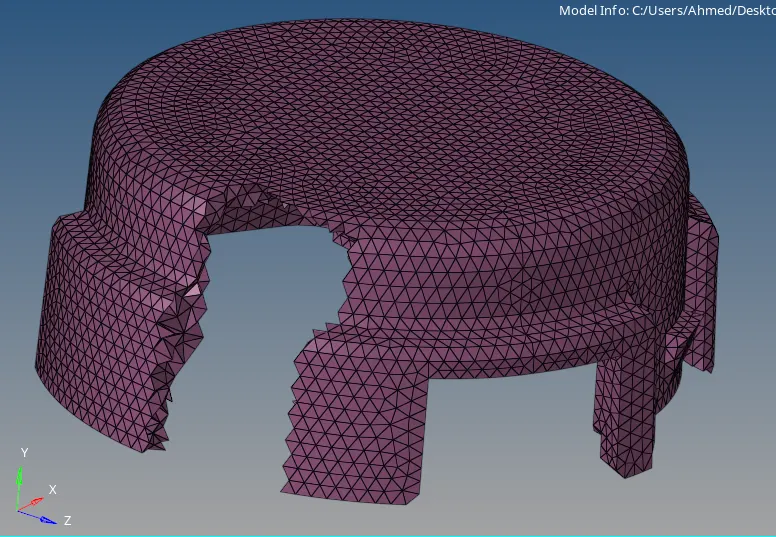
¬Similarly to other components.
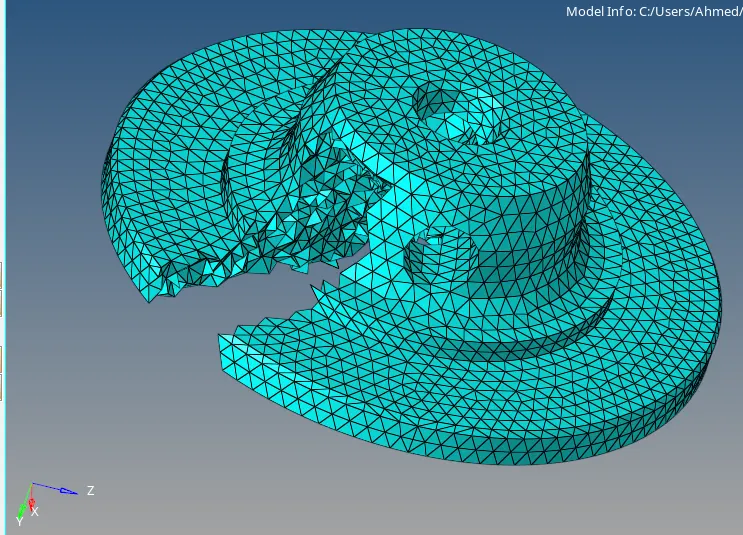
¬After 3d coversation need th check the quality.
¬Check the tet colapse - check element - 3d - tet colapse - value 0.15 .
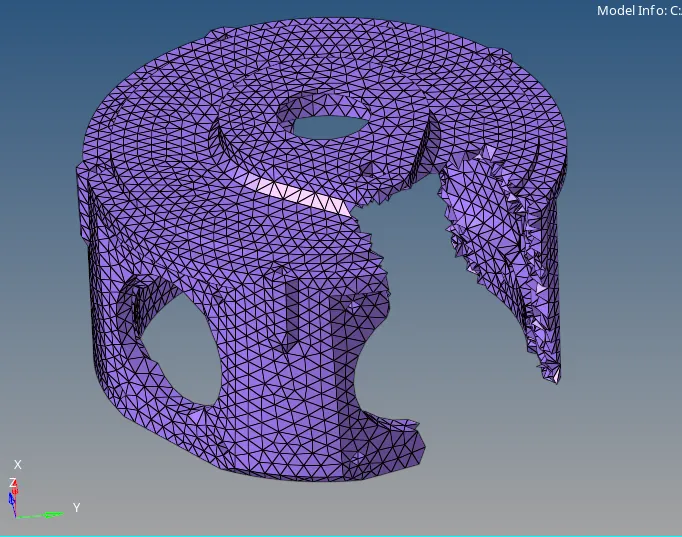
¬ if any error available using the remesh option in tetramesh or else manually clear it.
Model 2:
Given CAD:
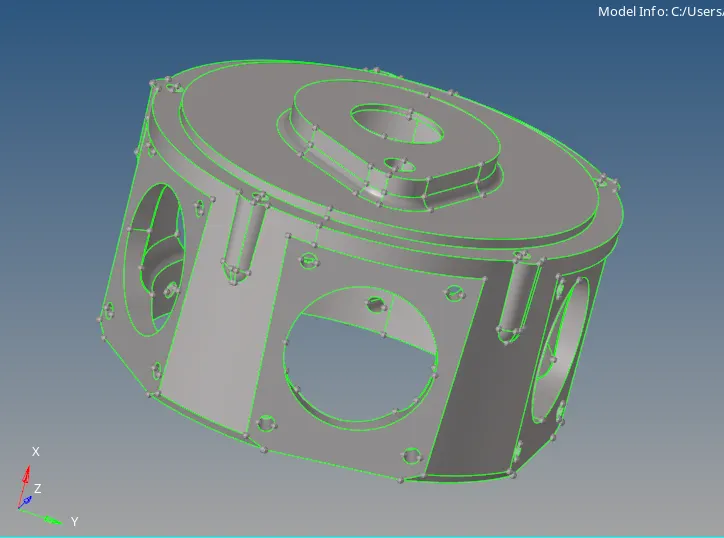
Given data:
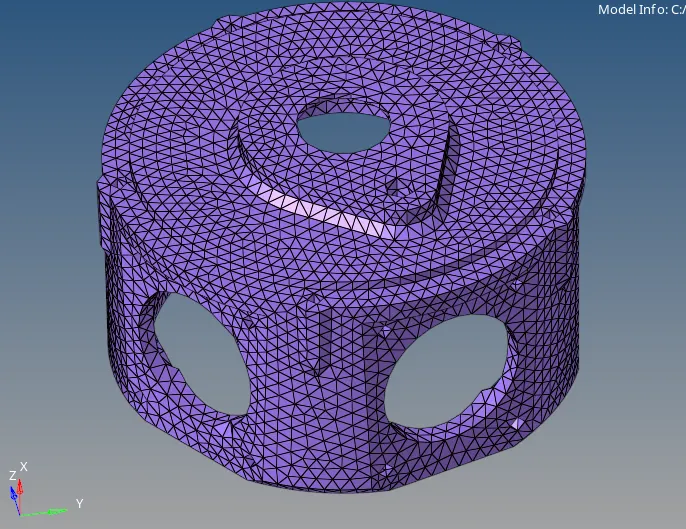
TetraMesh Generation Method: Quick Tetra Mesh/ Volume Tetra Mesh
Target Element size: 3 Units.
Tet Collapse: 0.15
Procedure:
¬ Import the geometry in hypermesh.
¬ Check the geometry any red line are available or not.
¬ In this model no min and max element value.
¬ No need to 2d to 3d conversation#
¬This parts going to mesh directly as a 3d components.

¬ go - 3d - tetramesh - volume tetra - surface - select the surface.
¬Give element value as 3 .
Model 3:
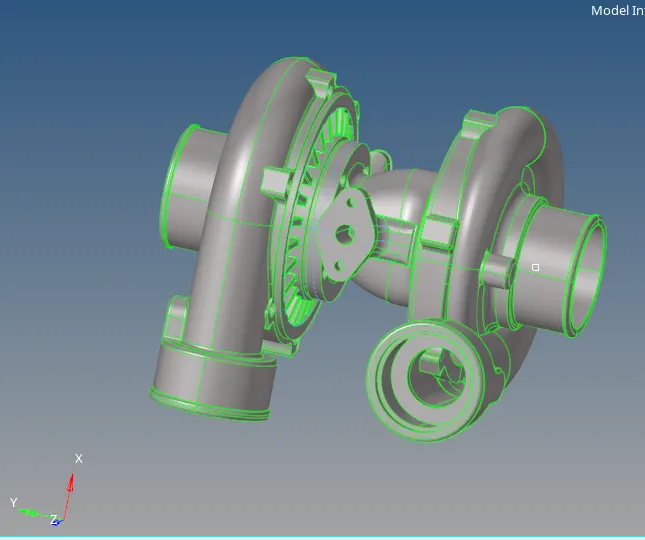
Given CAD:
Giveb data:
TetraMesh Generation Method: Quick Tetra Mesh/ Volume Tetra Mesh
Target Element size: 4 Units.
Tet Collapse: 0.15
Procedure:
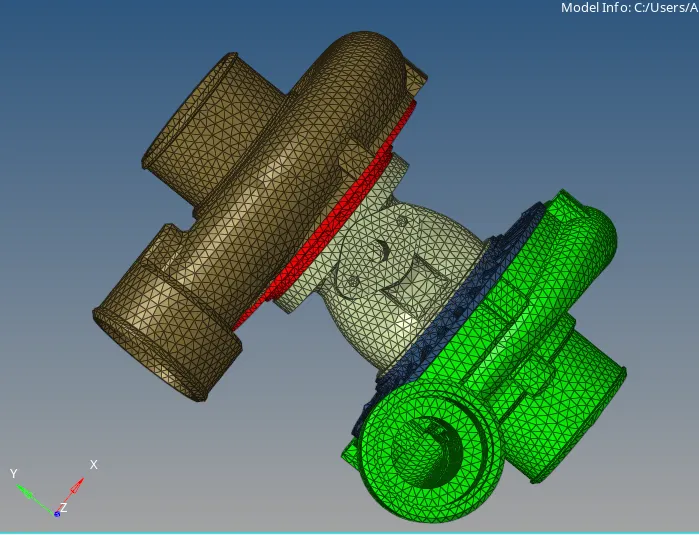
¬ There are 4 components in this model .
¬ Going to mesh the components in different method.
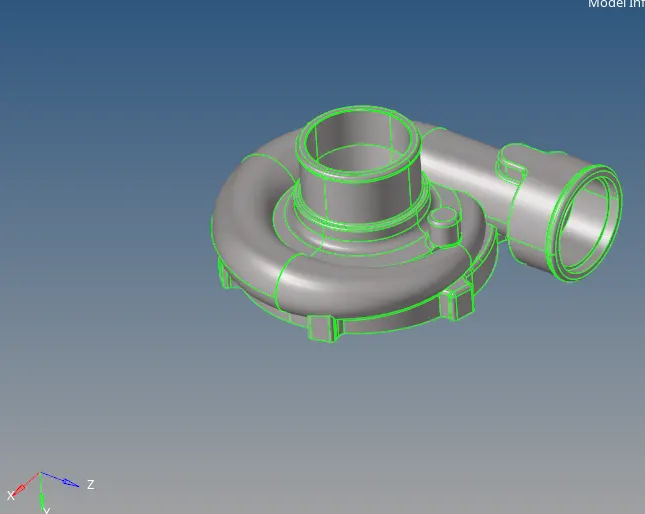
¬This components meshed using the volumetetra method.
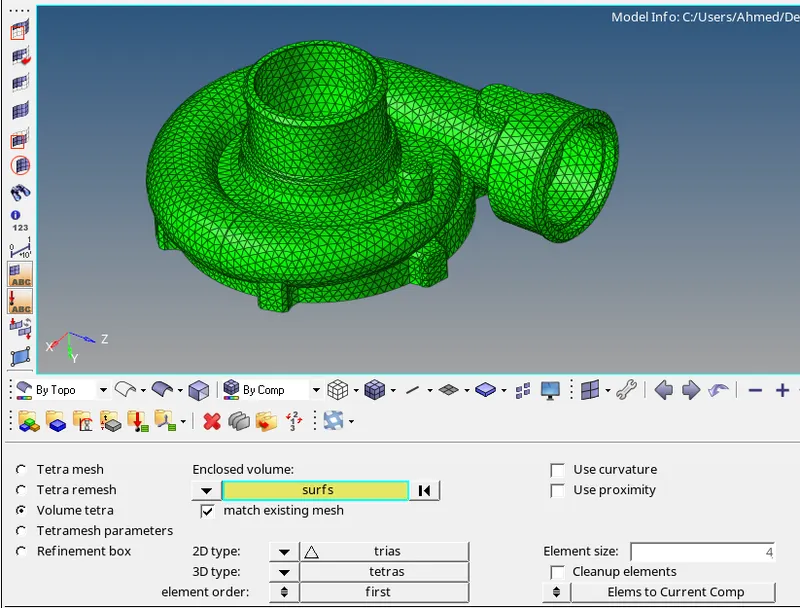
¬ This part is meshed using voulmetetra method - solid components.
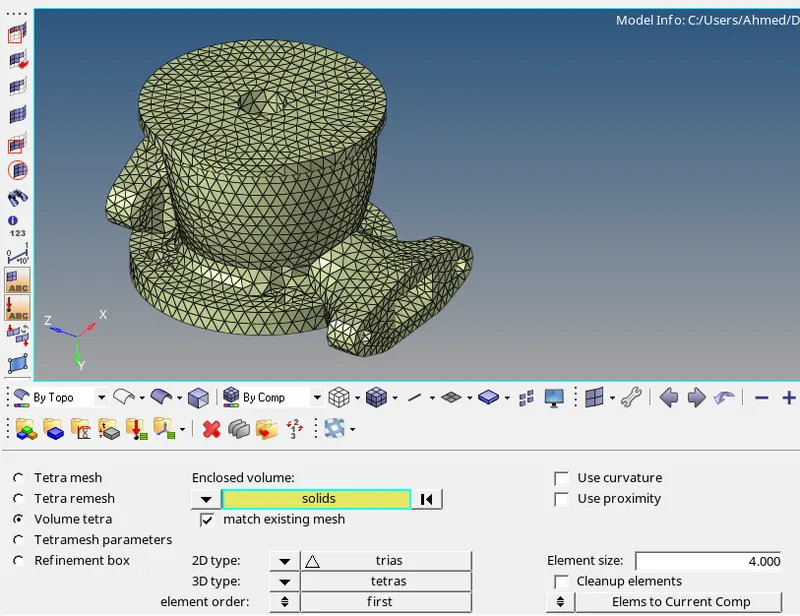
¬Then next part meshed in quick tets method.
¬ Go to view - browse- hypermesh - utility.
¬ select geo- quick mesh - select components - element value - and meshed.
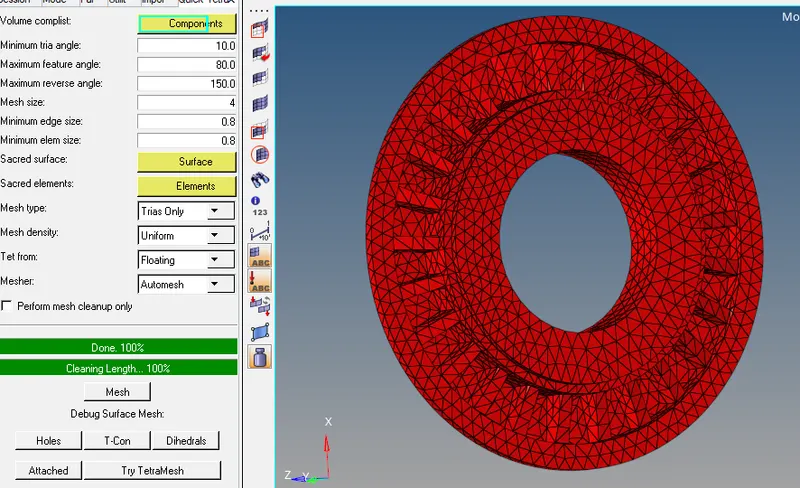
¬ And the final part is mesh using 2d to 2d conversation method .
¬ Previously explain about this method.
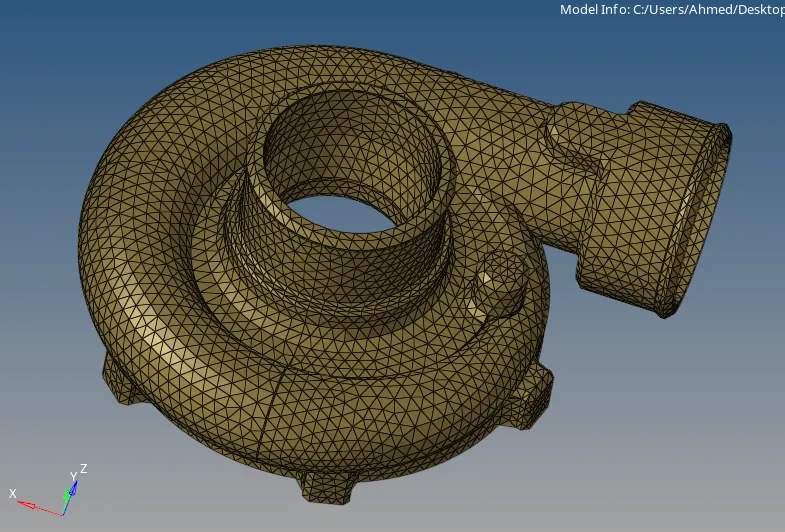
¬ check the tet colapse errors and clear it all
¬ Final output of the components.
Conclusion:
¬Learn different method to solve the tetra mesh of 3d components.
¬ Able to clear the tet colapse errors.
¬understand the 3d mesh components.