Week 8-3D Tetra Meshing Challenge
- Create a Teramesh for Housing component with the following quality criteria.
TetraMesh Generation Method: 2D to 3D Conversion
Elements sizes: Min- 2 Units, Target- 5 Units, Max- 7 Units
Tet collapse: 0.15
Aim: To Create a Teramesh for Housing component with the following quality criteria
Elements sizes: Min- 2 Units, Target- 5 Units, Max- 7 Units
Tet collapse: 0.15
Model:
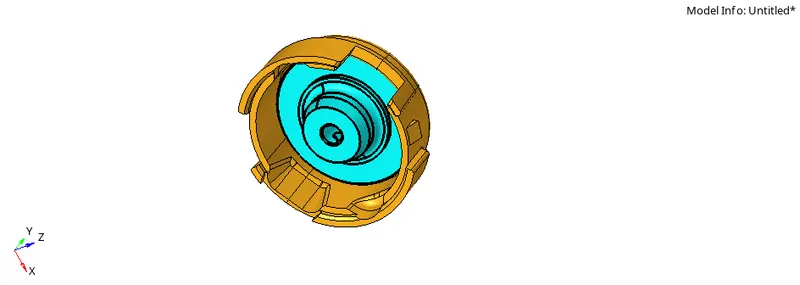
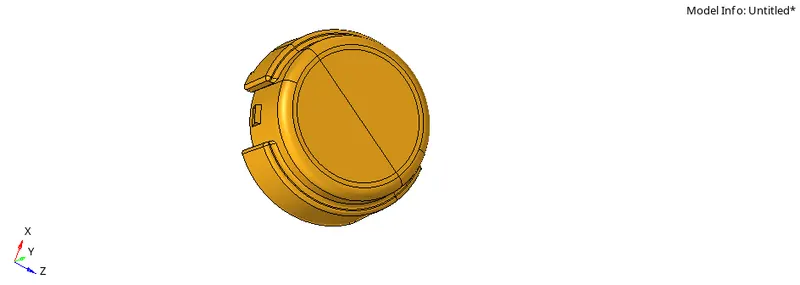
Procedure:
STEP1: Import the model using Import-geometry -filetype-STEP-import.
STEP2: Perform the required geometry cleanup to avoid element failures.
STEP3: Perform 2d meshing using tria elements and by giving the required element size.
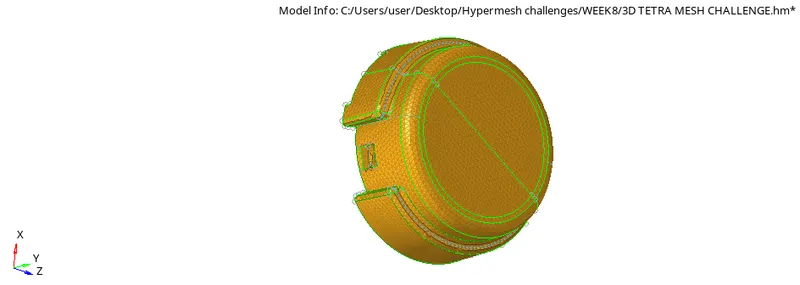
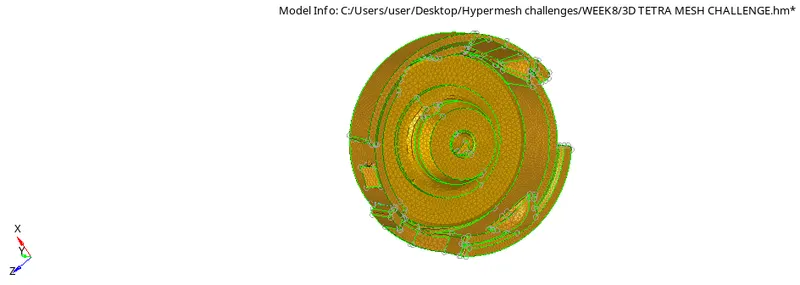
STEP4: Check for quality criteria and fix the elements which are failing for minimum and maximum length.
STEP5: Go to 3d-Tetramesh-select component-Give tetcollapse value in tetrameshparameters and mesh to obtain 3d tetrahedral elements.
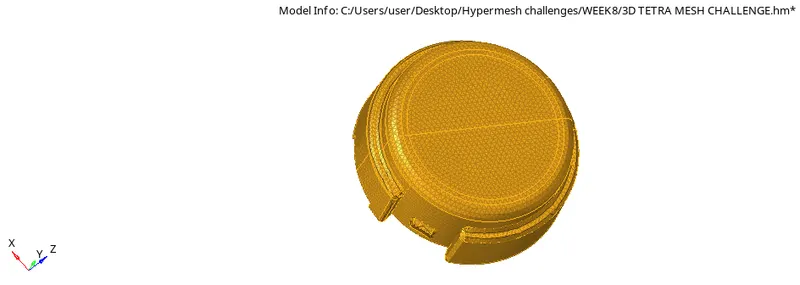
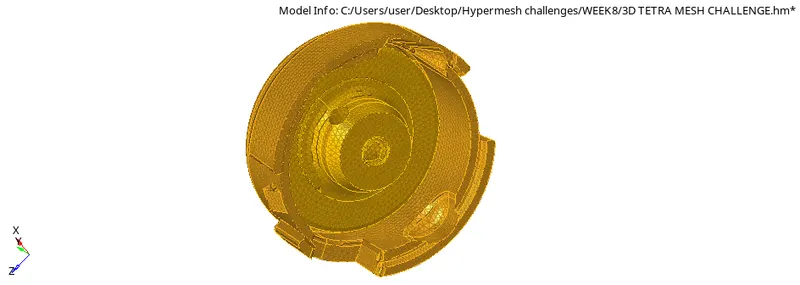
STEP6:Go to Tools-check elements-3d-tetcollapse and check elements failed for tet collapse.
STEP7: If there are any failed elements try to fix them by tetraremeshing.
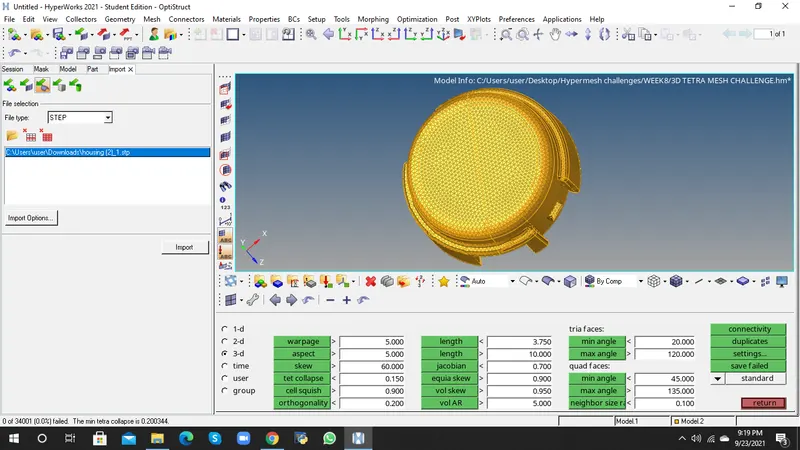
STEP8: Tetramesh is created for the given component.
2. For the given model, Create a 3D Tetramesh with the following quality criteria.
TetraMesh Generation Method: Quick Tetra Mesh/ Volume Tetra Mesh
Target Element size: 3 Units.
Tet Collapse: 0.15
Aim: To Create a Teramesh for Housing component with the following quality criteria
Target Element size: 3 Units.
Tet Collapse: 0.15
Model:
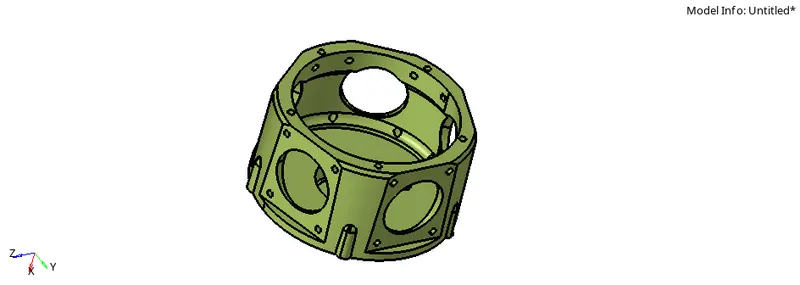
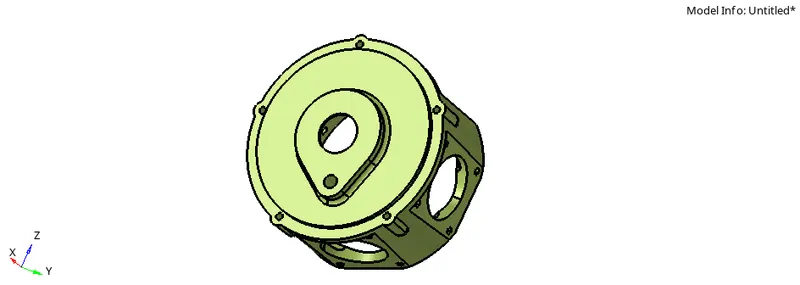
Procedure:
STEP1: Import the model using Import-geometry -filetype-IGES-import.
STEP2: Perform the required geometry cleanup to avoid element failures.
STEP3: Perform 3d meshing using volumetetra-select solids-specify element size and tetcollapse value-mesh.
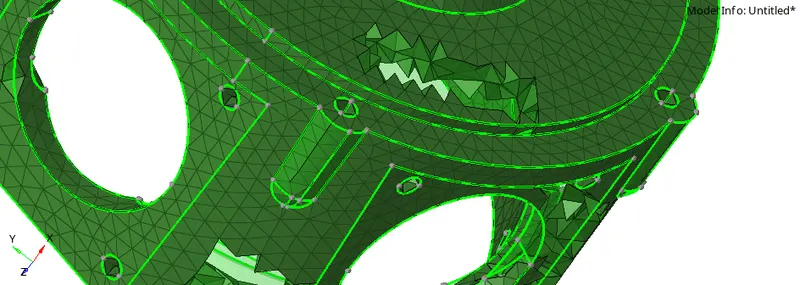
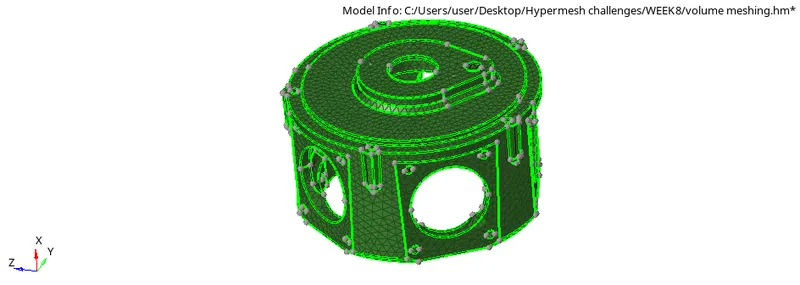
STEP4:Go to Tools-check elements-3d-tetcollapse and check elements failed for tet collapse.
STEP5: If there are any failed elements try to fix them by tetraremeshing.
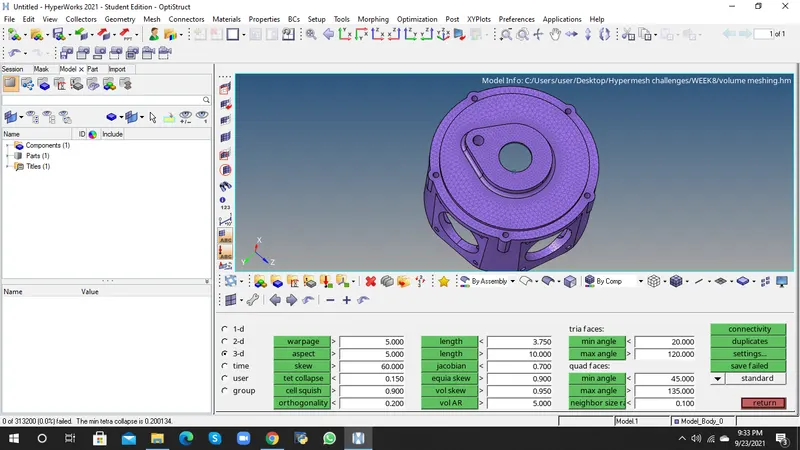
STEP6: Tetramesh is created for the given component.
3. For the given assembly model, Create a 3D Tetramesh with the following quality criteria.
TetraMesh Generation Method: Quick Tetra Mesh/ Volume Tetra Mesh
Target Element size: 4 Units.
Tet Collapse: 0.15
Aim: To Create a Teramesh for Housing component with the following quality criteria
Target Element size: 4 Units.
Tet Collapse: 0.15
Model:
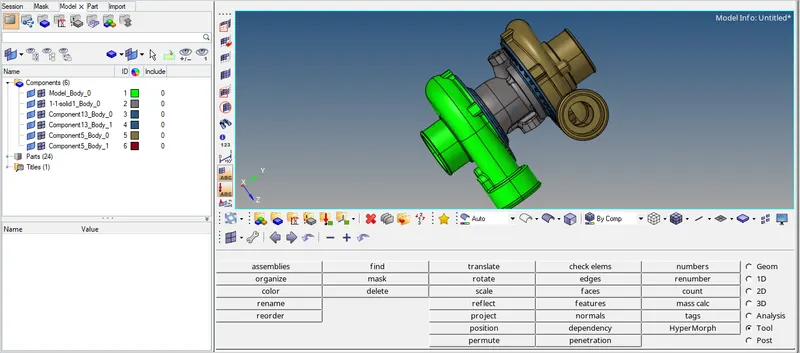
Procedure:
STEP1: Import the model using Import-geometry -filetype-IGES-import.
STEP2: Perform the required geometry cleanup to avoid element failures.
STEP3: There are 4 components in the given model
STEP4: Perfom geometry cleanup on individual model and mesh each individual model.
STEP3: Perform 3d meshing using volumetetra-select solids-specify element size and tetcollapse value-mesh.
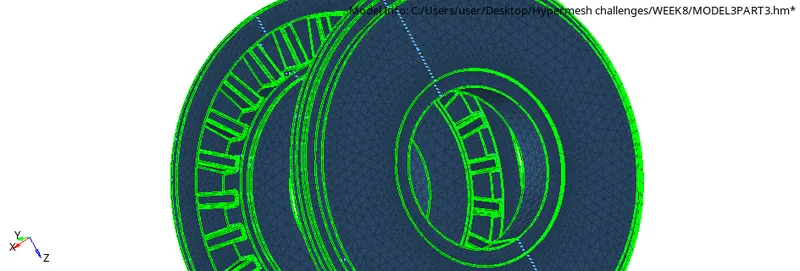
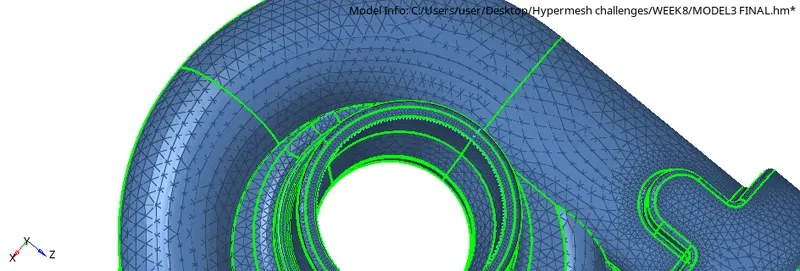
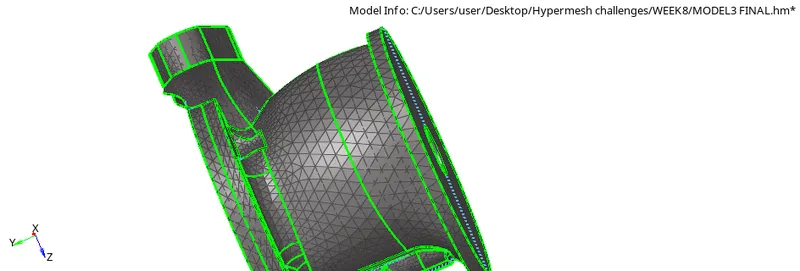
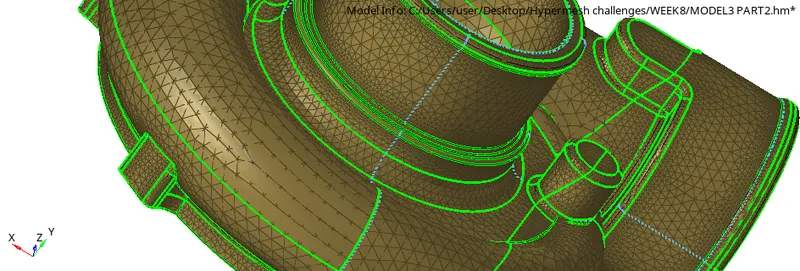
STEP4:Go to Tools-check elements-3d-tetcollapse and check elements failed for tet collapse.
STEP5: If there are any failed elements try to fix them by tetraremeshing.
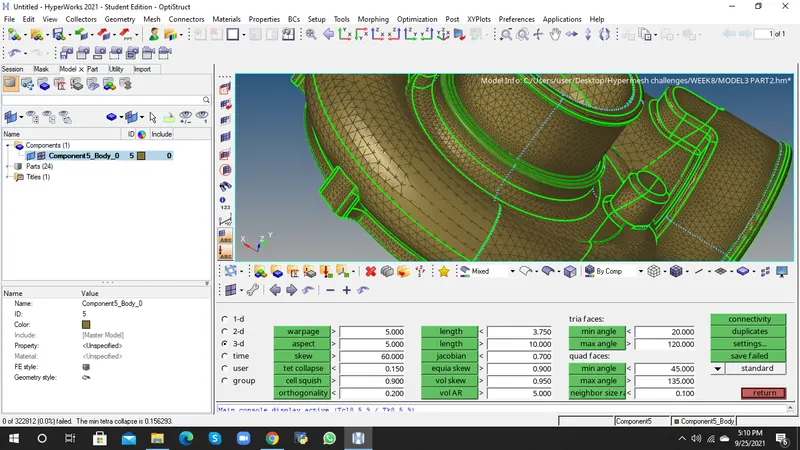
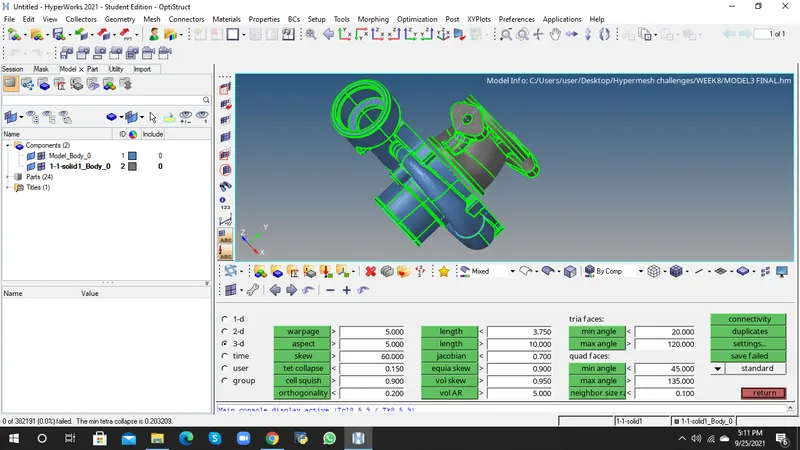
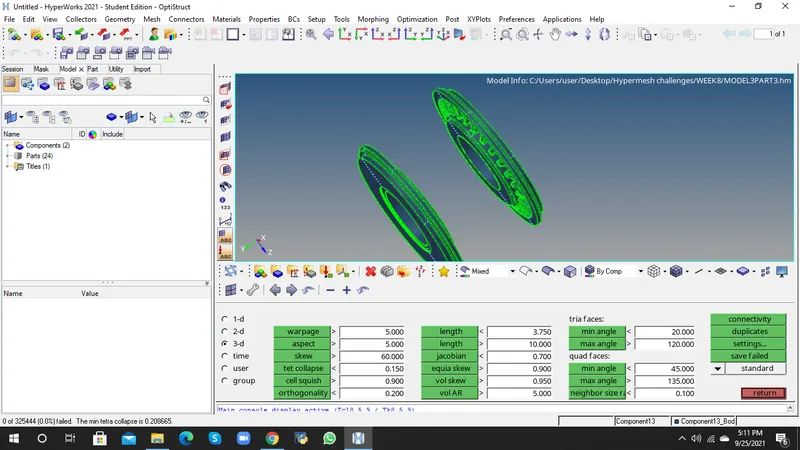
STEP6: Tetramesh is created for the all components.