Week 8-3D Tetra Meshing Challenge
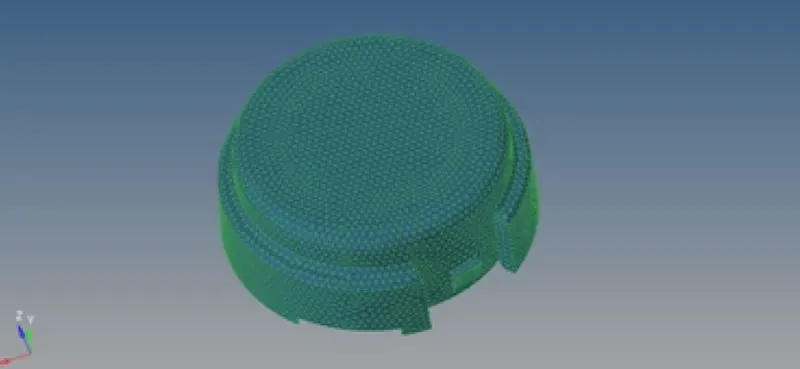
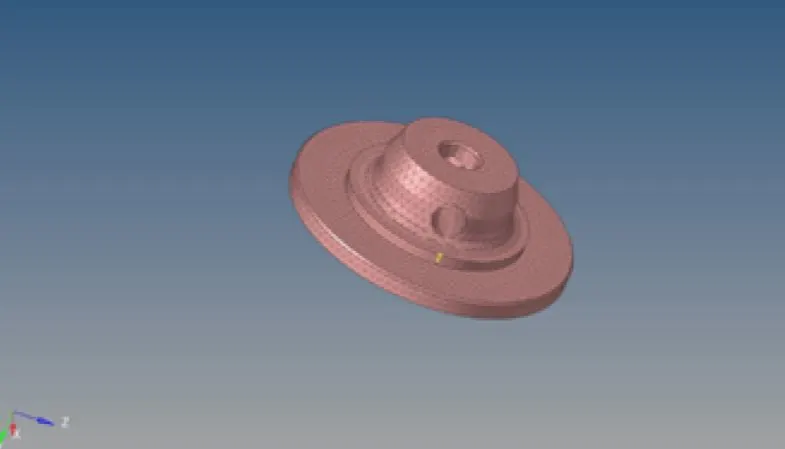
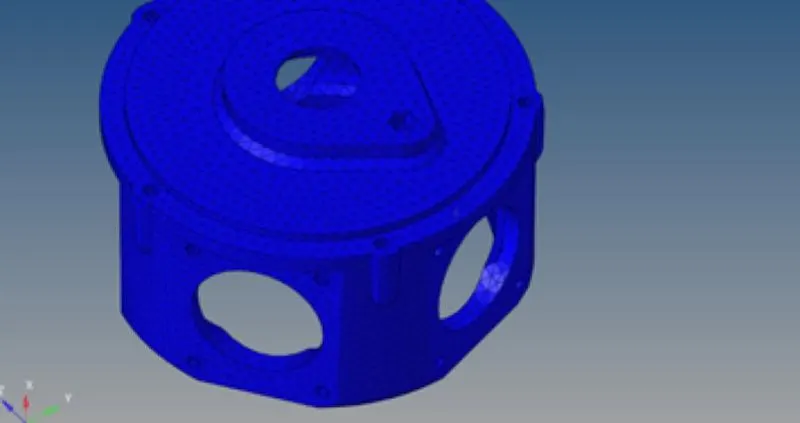
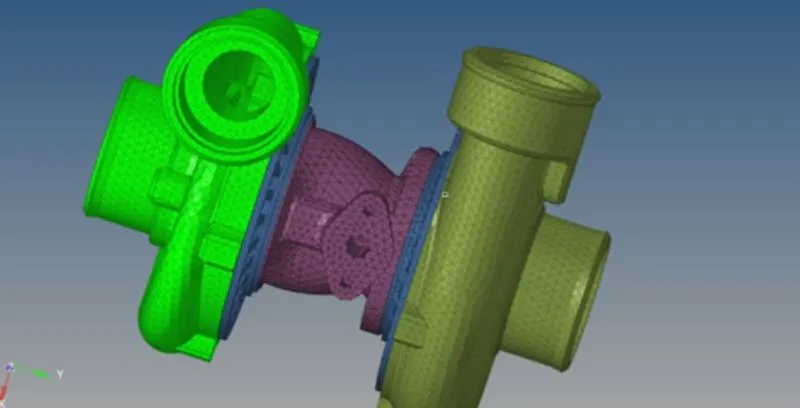
AIM: To mesh the component using 3d tetra mesh under target element size based upon the geometry.
OBJECTIVE:
- Auto cleanup the geometry of the given component.
- 2D meshing the component.
- 3D tetrameshing the component using 2D elements.
EXPLANATION:
1. Model is imported using the gui tool. the cad model is in .stp file.
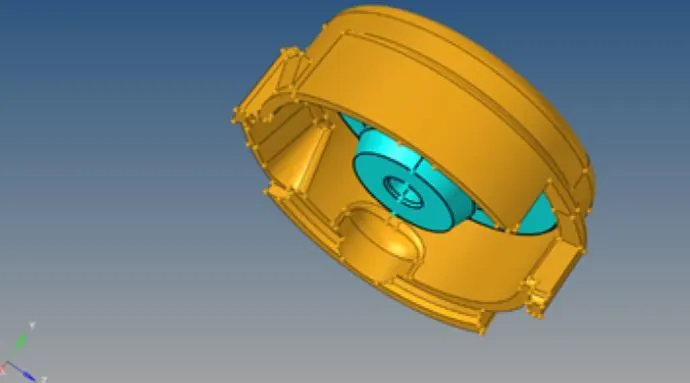
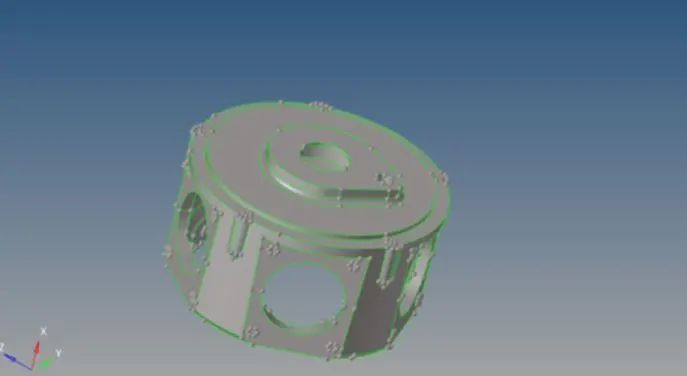
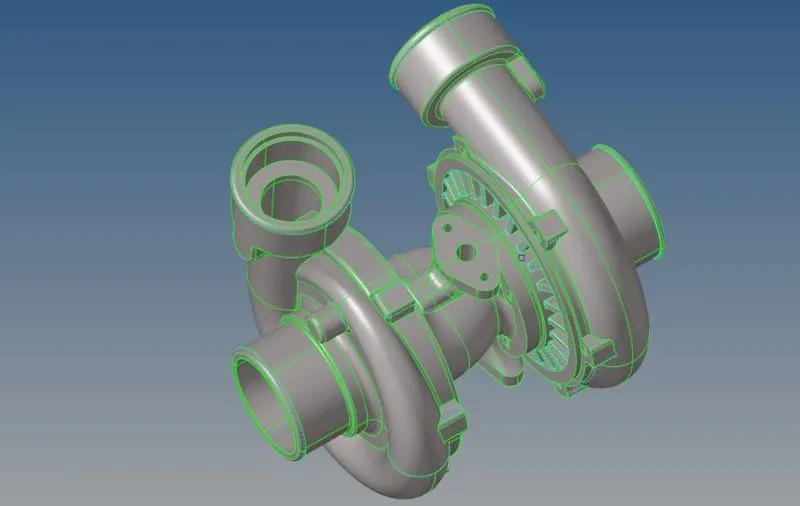
2. The solids are deleted from the given cad model.
3. The geometry at which the minimum length is possible are evaluated by defeaturing the minimum length.
4. Meshed the component using the 2d element.
5. Tetcollapse is redesigned using distance between points.
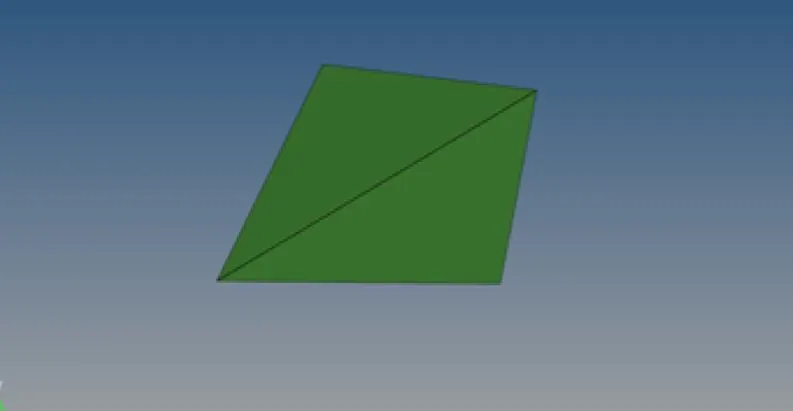
5. The meshed component is then adjusted to max and min length by using the clean up tools.
6. After the meshing convert the 2d mesh elements into 3d mesh component by using 3d tetramesh option.
CONCLUSION:
1. Learned how to use 3d tetramesh.
2. Learned how to toggle the unwanted surfaces.
3. Learned how to rearrange the tet-collapse.