Week 8-3D Tetra Meshing Challenge
AIM:
To perform 3D meshing for the given component with a mentioned quality criteria.
METHODOLOGY:
Methodology to perform 3D meshing for the given component with a mentioned quality criteria.
- IMPORT MODEL
- DELETE SOLIDS
- GEOMETRY CLEANUP
- MESHING
- CONVERTING 2D TO 3D MESHING
- CHECKING TET COLLAPSE
PROCEDURE:
- IMPORT MODEL:
- Import the given model into hypermesh.
- Importing model may not be possible if the file format is not supported by the hypermesh.
2.DELETING SOLIDS:
- Before generating 2D mesh for the components then the solids should be deleted.
- It can be done by using the delete tool and select solids and select all to delete all solids from the component.
3.GEOMETRY CLEANUP:
- After importing the model the main process is geometry cleanup.
- In some cases if the model is imported to hypermesh due to some graphical issues the geometry changes may occur, So geometric cleanup plays an important role.
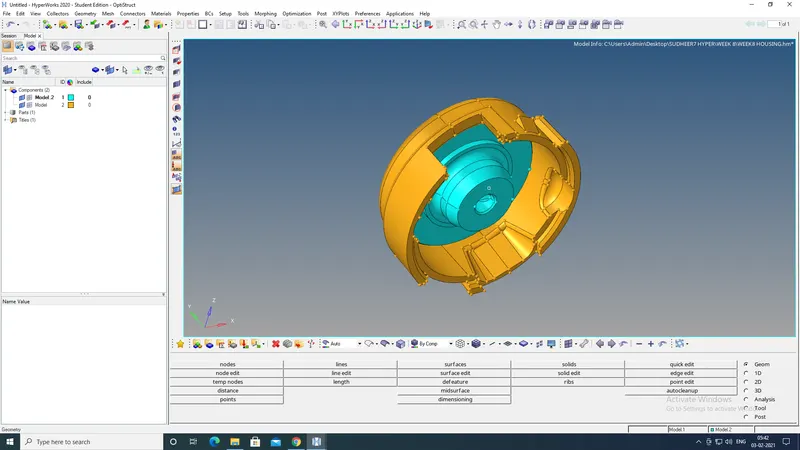
housing model
- Remove all unnecessary lines from the model.
- Check if any surface is missing or overlapped.
- If any surface is missing, create a new surface over there by using a surface tool or filler surf tool.
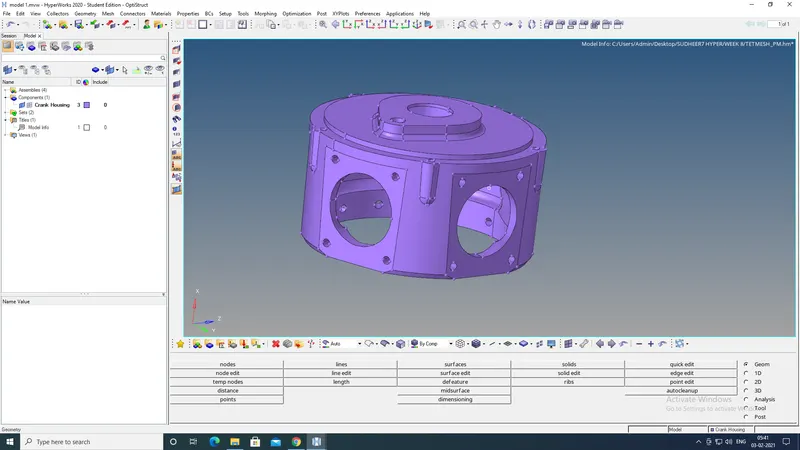
MODEL 2
- If two surfaces are not stretched together then use a toggle edge tool to stretch together.
- By using the toggle edge tool the feature lines can be suppressed for the better mesh generation.
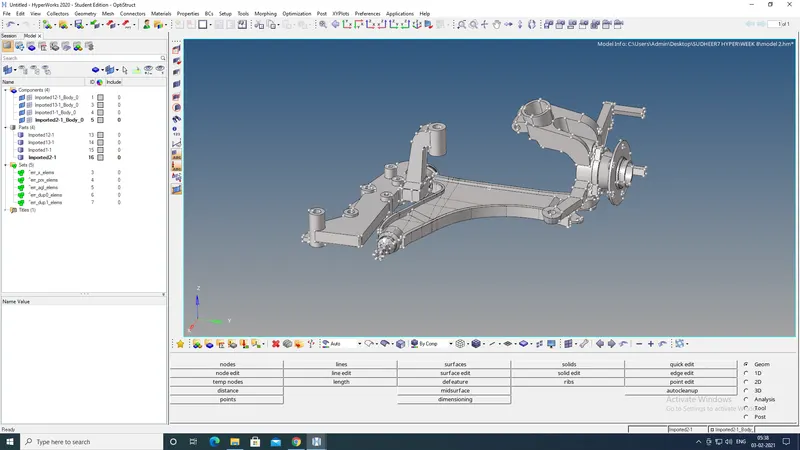
MODEL 3
4.MESHING THE COMPONENT:
- For the given housing model to perform the meshing select 2D.
- In 2D by using AUTOMESH tool mesh is generated.
- Before meshing, always assign the quality criteria.
- For creating TETRA MESH for the model, firstly trias meshing should be generated.
- Select the whole surface to generate trias mesh and proceed with the meshing.
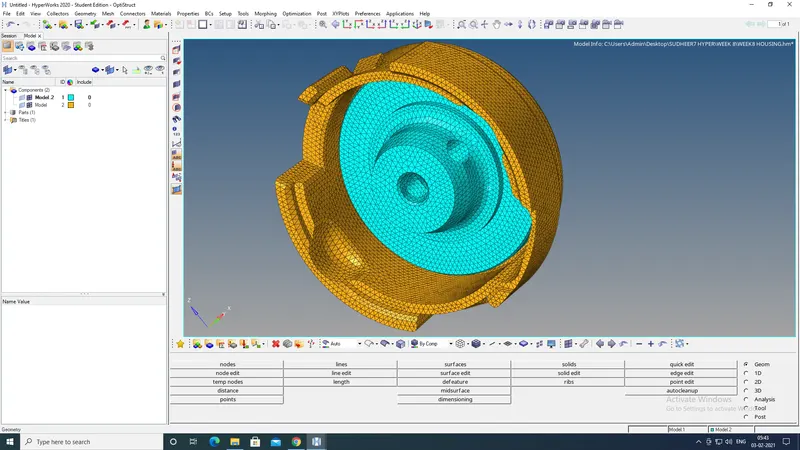
HOUSING MODEL
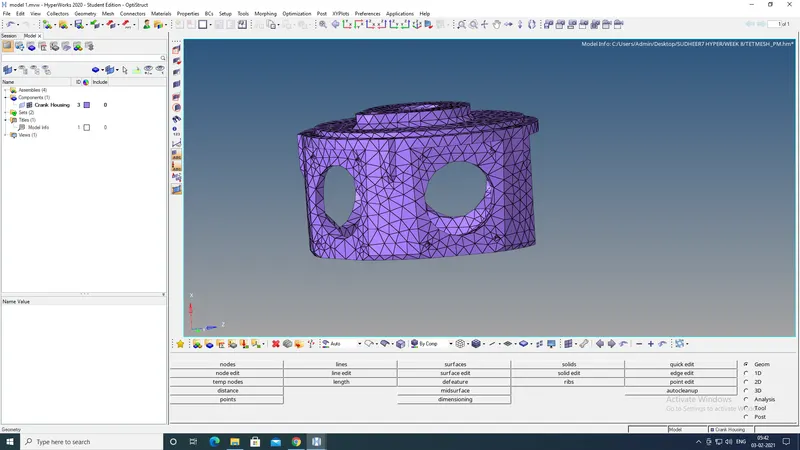
MODEL 1
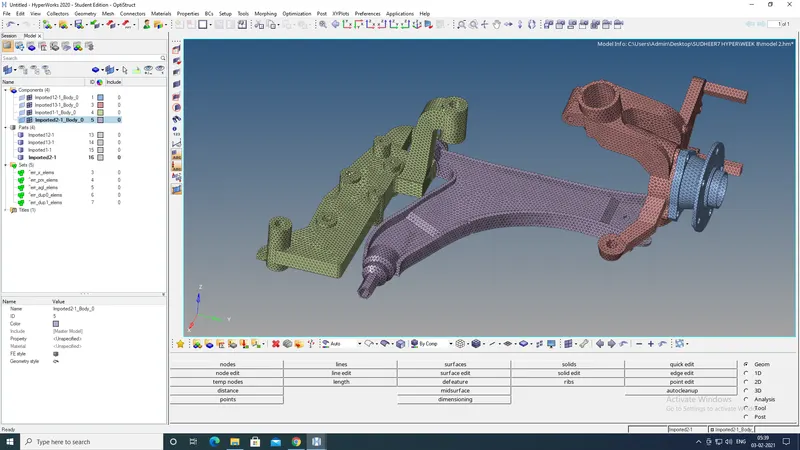
MODEL 2
5.CONVERTING 2D TO 3D MESHING:
- For converting the 2D trias meshing to 3D tetra meshing go to 3D tools.
- Under 3D tools select tetramesh, under tetra mesh tools there are tools to create tetra mesh, tetra remesh, parameters, volume tetra and refinement box.
- For converting 2D to 3D mesh select tetra mesh and select the elements from the model to convert to 3D.
- After performing the tetra mesh the 3D meshing of the model will be ready.
- By multiple ways tetra mesh can be generated. Directly we can create tetra mesh without creating the 2D mesh.
6.CHECKING TET COLLAPSE:
- For checking the TET COLLAPSE we can directly access the check menu by F10.
- The tet collapse should not exceed by the given value.
- To solve the tet collapse we can use the TRANSLATE tool from tools.
- By adjusting the height the tet collapse can be solved.
LEARNING OUTCOMES:
- Trias meshing
- Tetra meshing
- Complete 3D meshing
RESULT:
3D Meshing for the given components with a mentioned quality criteria had done completely.
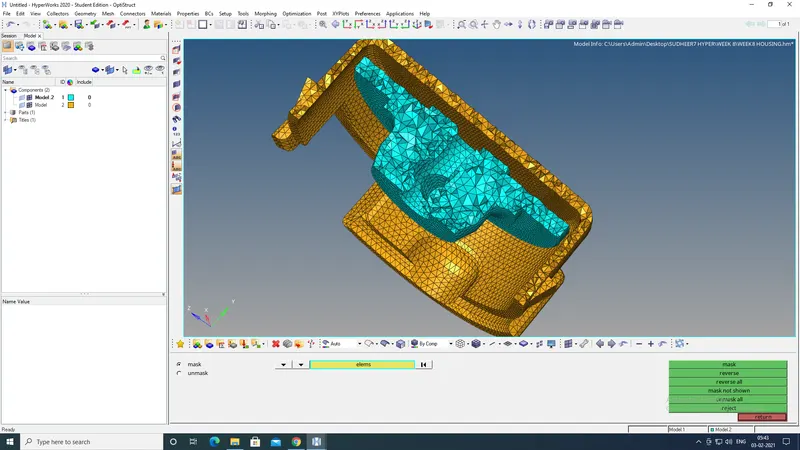
HOUSING MODEL
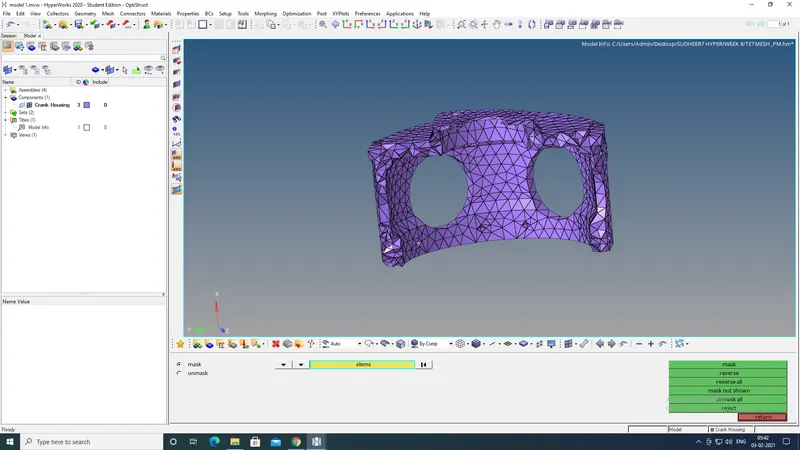
MODEL 1
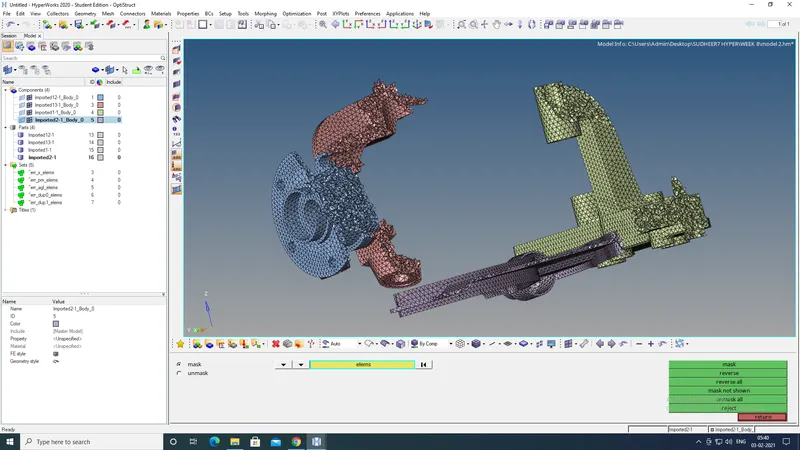
MODEL 2