Week 8
What is Morphing?
Morphing is the change in design or shape of an object without any numerical inputs. The example of this is the 1st generation Honda Brio, a hatchback version and Honda Amaze, a sedan version. The designers can morph an existing hatchback version of a model into a sedan version using morphing technique instead of building the car from scratch as any change in the numerical value of a design will consume a lot of time and effort. Some other hatchback and sedan version of car models where morphing technique is applied are Hyundai i10 & Hyundai Xcent.
Procedure
In the present challenge, Geometry Cleanup is performed first and then morphing deck is used to change the shape of certain areas of the model without altering the numerical inputs.
1. Geomtery Cleanup
After applying topo there were few geomtery errors in the model as shown in Figure 1.1.
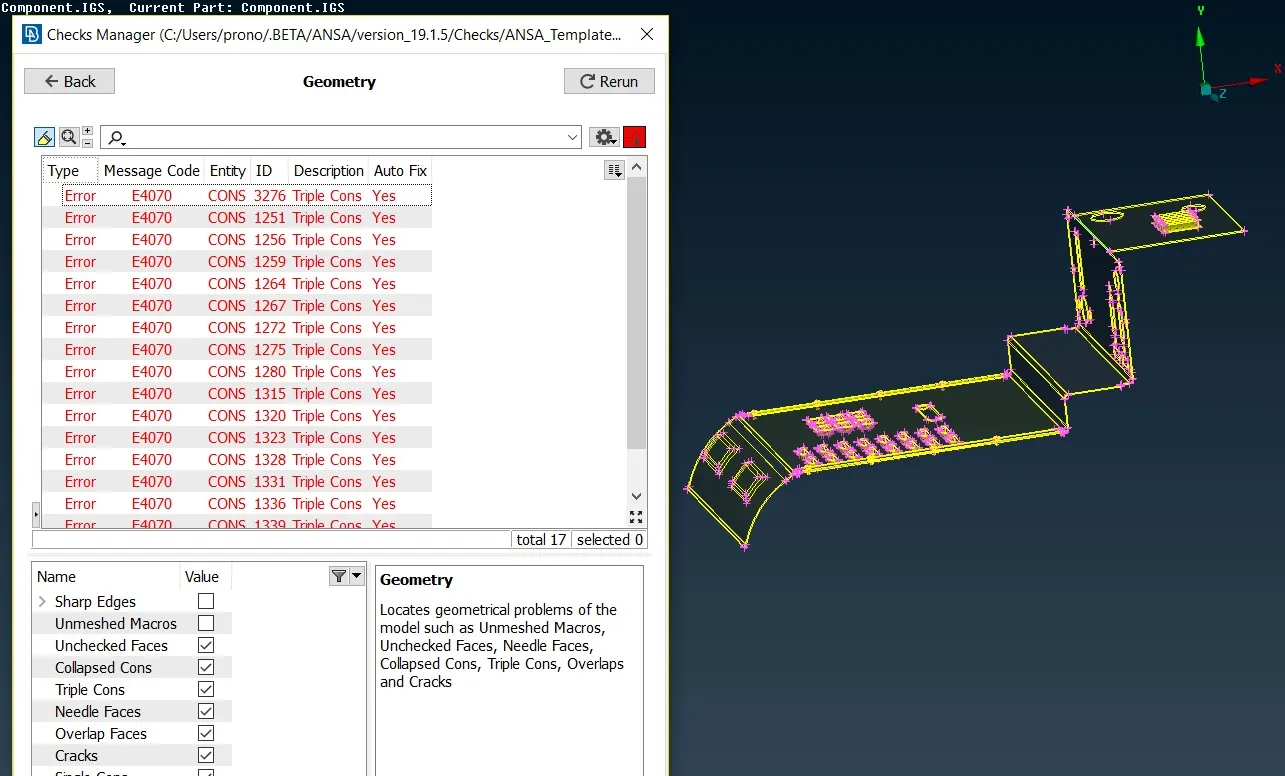
Figure 1.1 Model before Geometry Cleanup
"AutoFix" could solve most of the errors but few triple cons were removed manually by releasing the cons and stitching the surfaces properly using topo. The model after geometry cleanup is shown in Figure 1.2
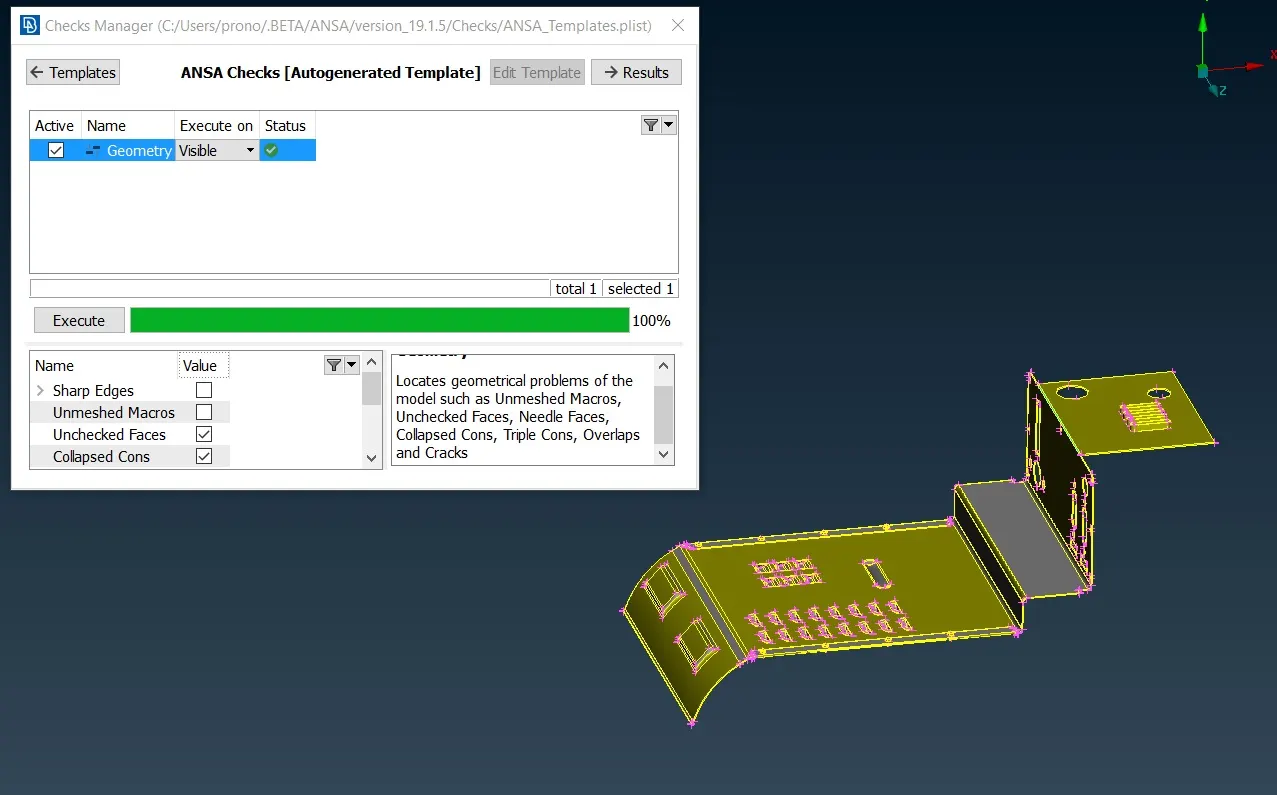
Figure 1.2 Model after Geometry Cleanup
2. Morphing
In the morphing deck, first select the area to be morphed and go to (Boxes -> New -> Geometry). After creating the box, select the control points of the box and move in the X,Y or Z direction as per requirment. Select the middle mouse button for applying the morphing. Figure 2.1, 2.2 and 2.3 shows the different steps to implement morphing in the given model.
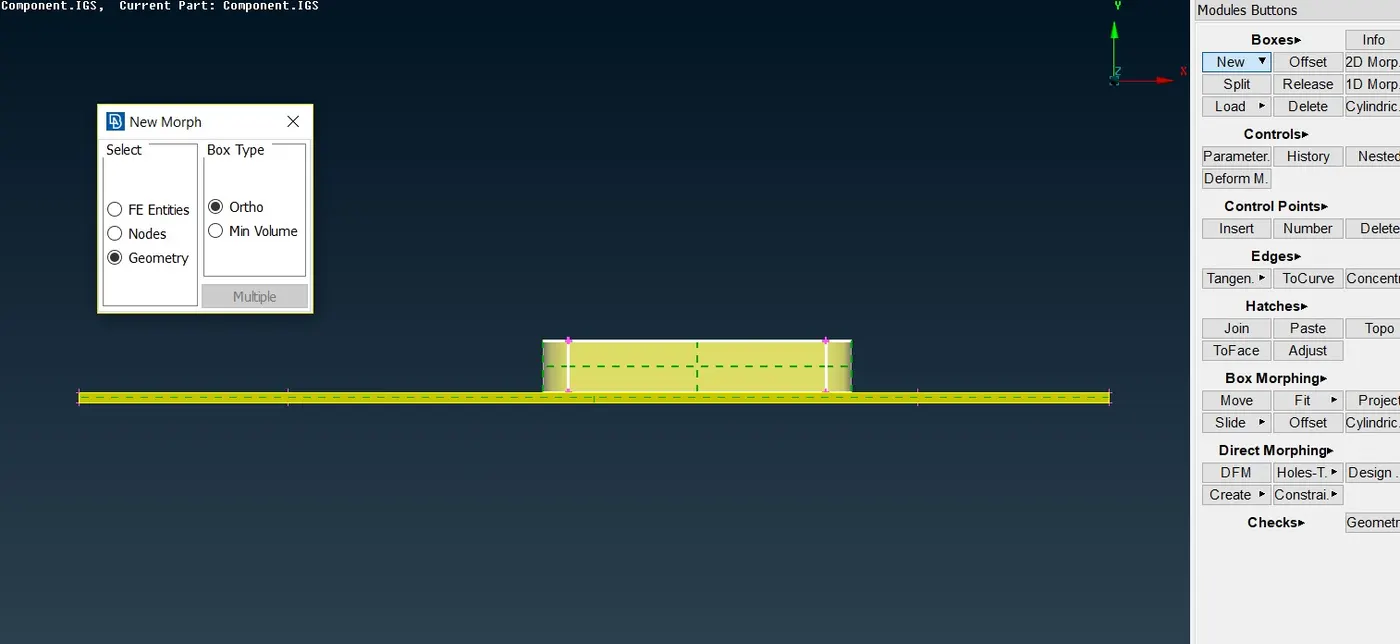
Figure 2.1 Selection of Geometry to be Morphed
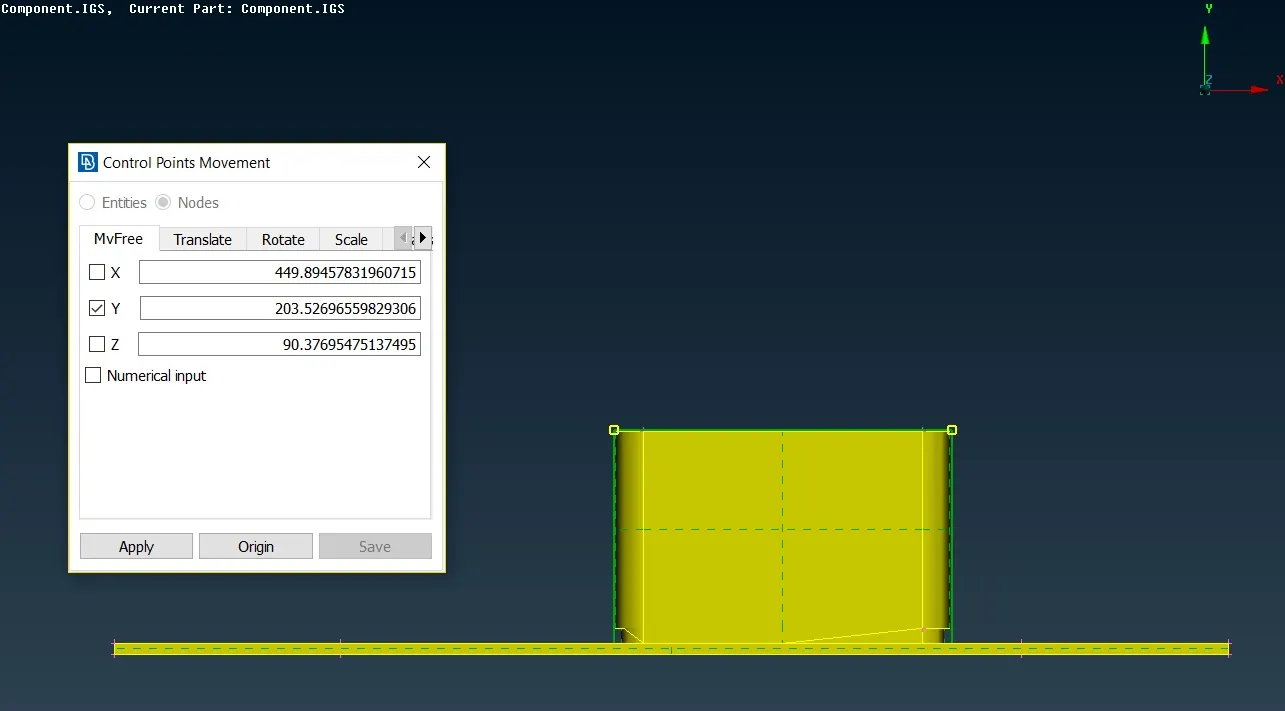
Figure 2.2 Geometry after Morphing
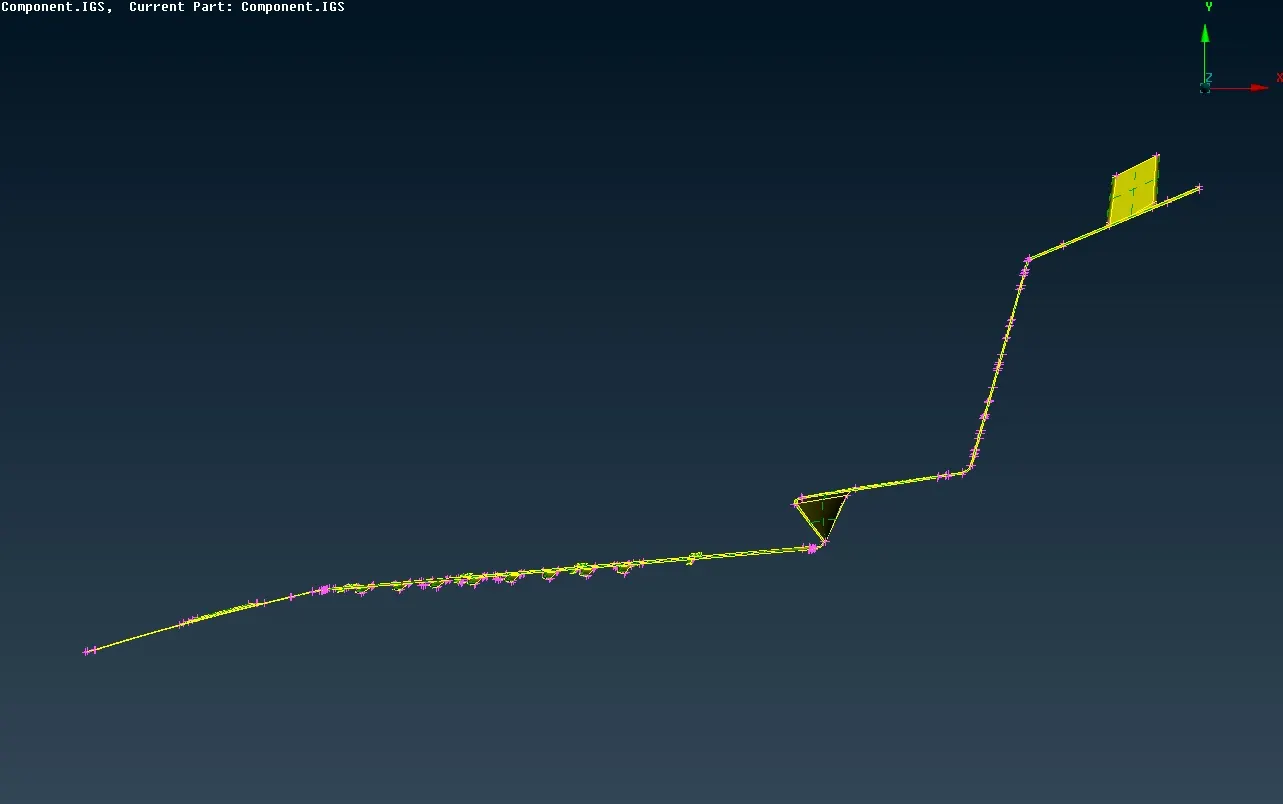
Figure 2.3 Final Model after Morphing
3. Learning Outcome
In the challenge, new deck of Morphing is used to change the shape of the model.
4. Conclusion
Morphing technique can be used when minimal modification is to be done on an existing design. It reduces the time and effort required to model and simulate significantly.