Week-7 Head Impact
Head Impact Simulation
Objective: To study the impact caused to the pedestrian, when there is a crash or accident.
- There are multiple regulations regarding crash and safety of vehicle.
- One of the primary simulations of automotive sector and how the integrity is preserved when a car is crashed.
- In this simulation we observe pedestrian safety.
- For this simulation an Anthropomorphic Test Dummies (also known as crash test dummies).
- The general assumption is that the crash test dummies will fall on the Bonet of the car or on the wind shield.
- In this crash scenario the AID (Anthropomorphic Test Dummies) indicates the major injuries or the major impacted area impacted are “head” and “lower limb” part of the body.
- This type of simulation is generally known as HIC (Head Impact Criterion or Co-efficient) in the CAE domain. This is to quantify of head injury.
Procedure:
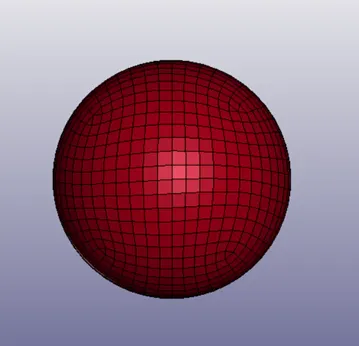
CASE 1: A sample Keyword is provided to simulate it against a rigid wall.
The keyword file is opened in the LS-pre-post.
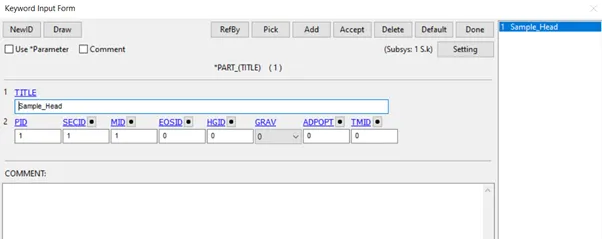
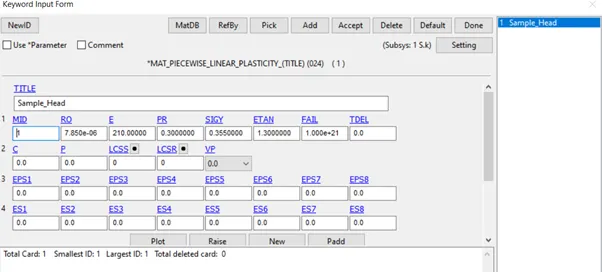
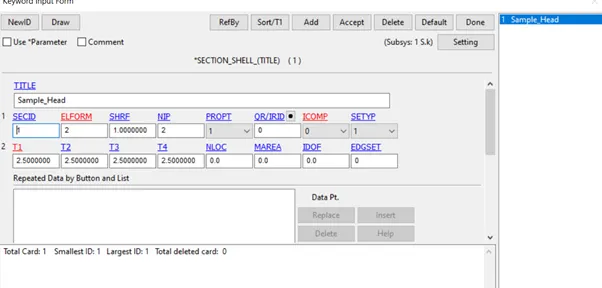
The file is given the necessary Section ID, Material ID and its type.
The initial velocity is given. Since speed of the car will be at 40 kmph because the application of breaks is taken into consideration. Since the speed of the car should be in terms of velocity, upon converting the value of velocity is 11.11.
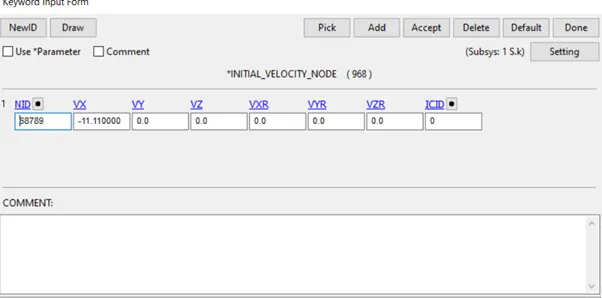
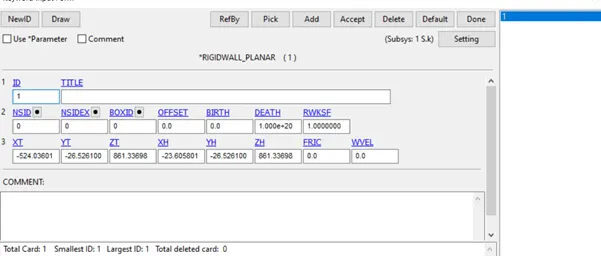
The Rigidwall is created within the LS- Prepost software.
The type of contact is given to spherical model.
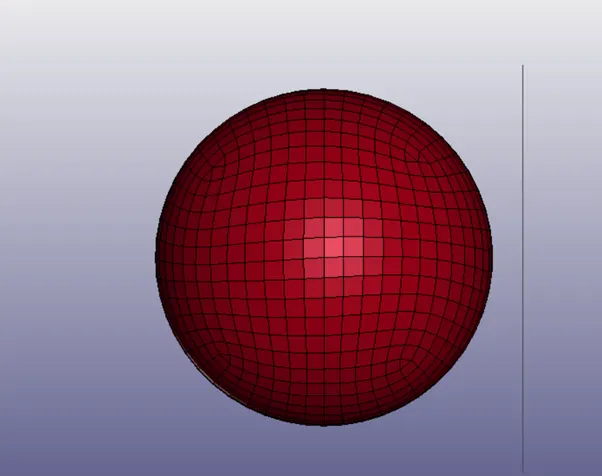
- The control termination is specified at 20.
- The required Database keys are enabled.
- The ASCII keys which were enabled are GLSTAT, NODOUT, and RWFORC. Case 2: The Head form impacting against the Rigid wall.
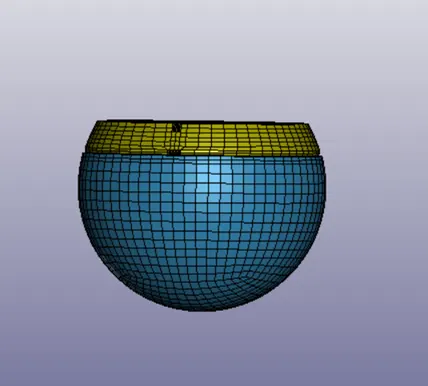
- Open the keyword file of the model using LS-Prepost.
- For the simulation the head form should be rotated about 50°.
- Define Transform.
- Include transform.
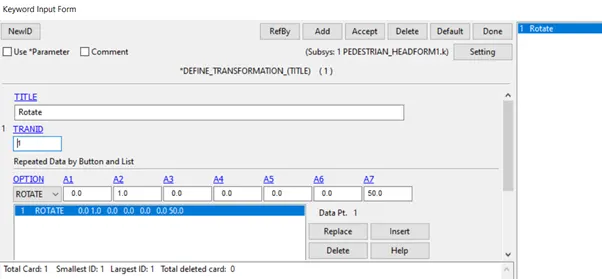
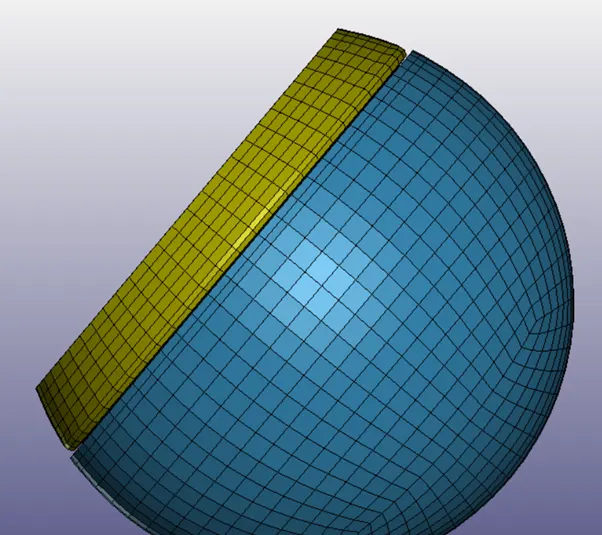
Create a rigid wall using create entity option.
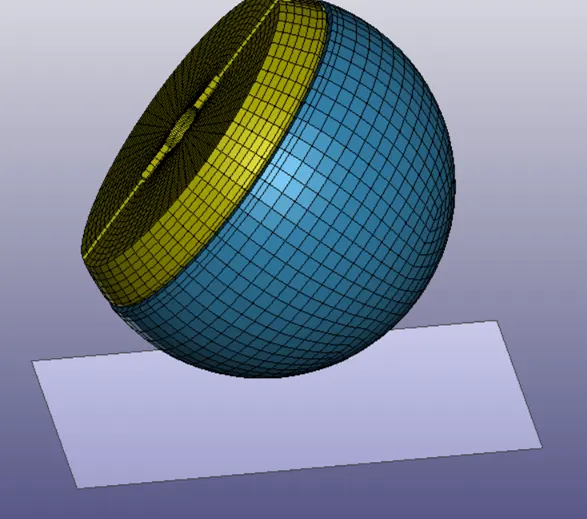
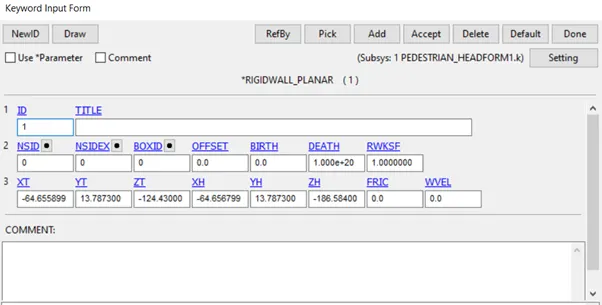
- Give the spherical head form initial velocity as in case 1.
- The contact card is specified. The spherical head form here is the slave model.
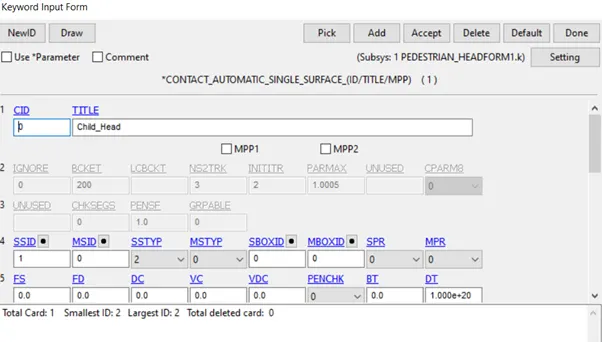
The necessary DATABASE cards are enabled and the keyword file is saved in the. k extension.
Case 3: In this scenario the head form is simulated against the Bonnet of the car.
- The given hood part is opened in LS-DYNA pre-post using the keyword file.
- The material card is created and the thickness is given to the hood.
- The file is dragged into the main file using the *INCLUDE keyword.
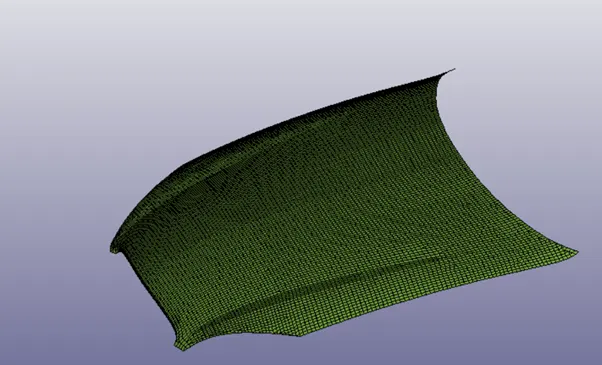
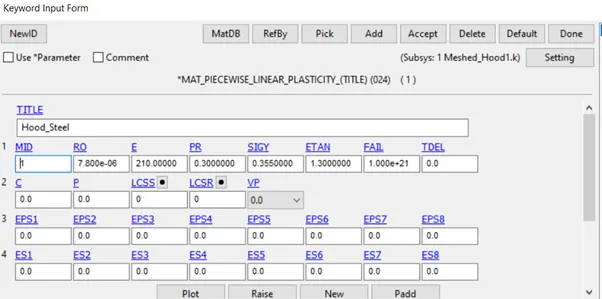
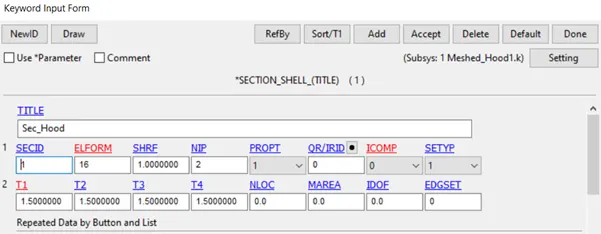
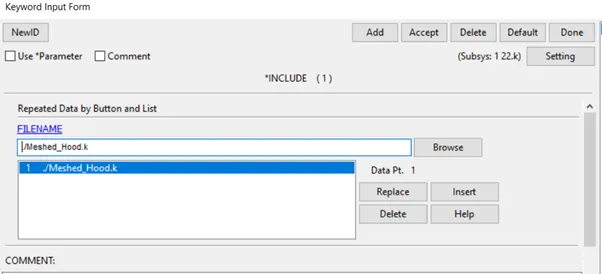
For Head form model the keyword are inserted same as in the Case 2.
Both the sphere and Hood files are opened in the main file using *INCLUDE transform and *INCLUDE keywords.
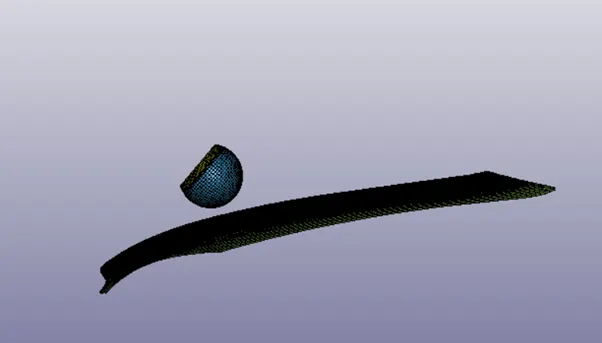
The contact card is assigned to both the parts. The head form is assigned as the slave model and hood as the master.
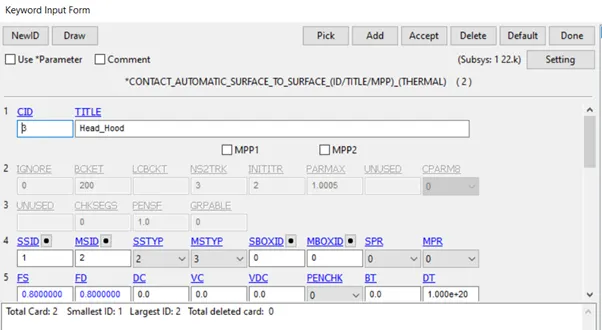
The necessary DATABASE cards are assigned and the model is simulated.
HIC value of case 3:
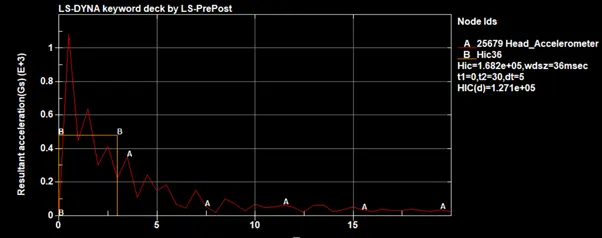
HIC Value of Case 2:
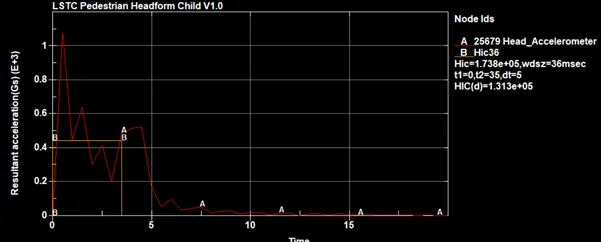
HIC value of Case 1:
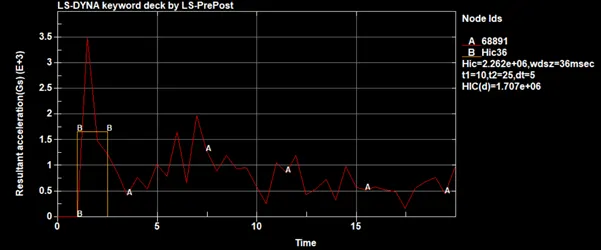
Conclusion: Thus the model has been simulated for the given simulation scenarios and HIC value for different scenario is analysed.