Week-7 Head Impact
Aim:
To simulate and comparison of the pedestrian head impact with rigid wall and pedestrian head impact with hood.
Procedure:
Case 1: Simple Head Impact with the Rigid Wall.
1. Open the LS-Dyna.
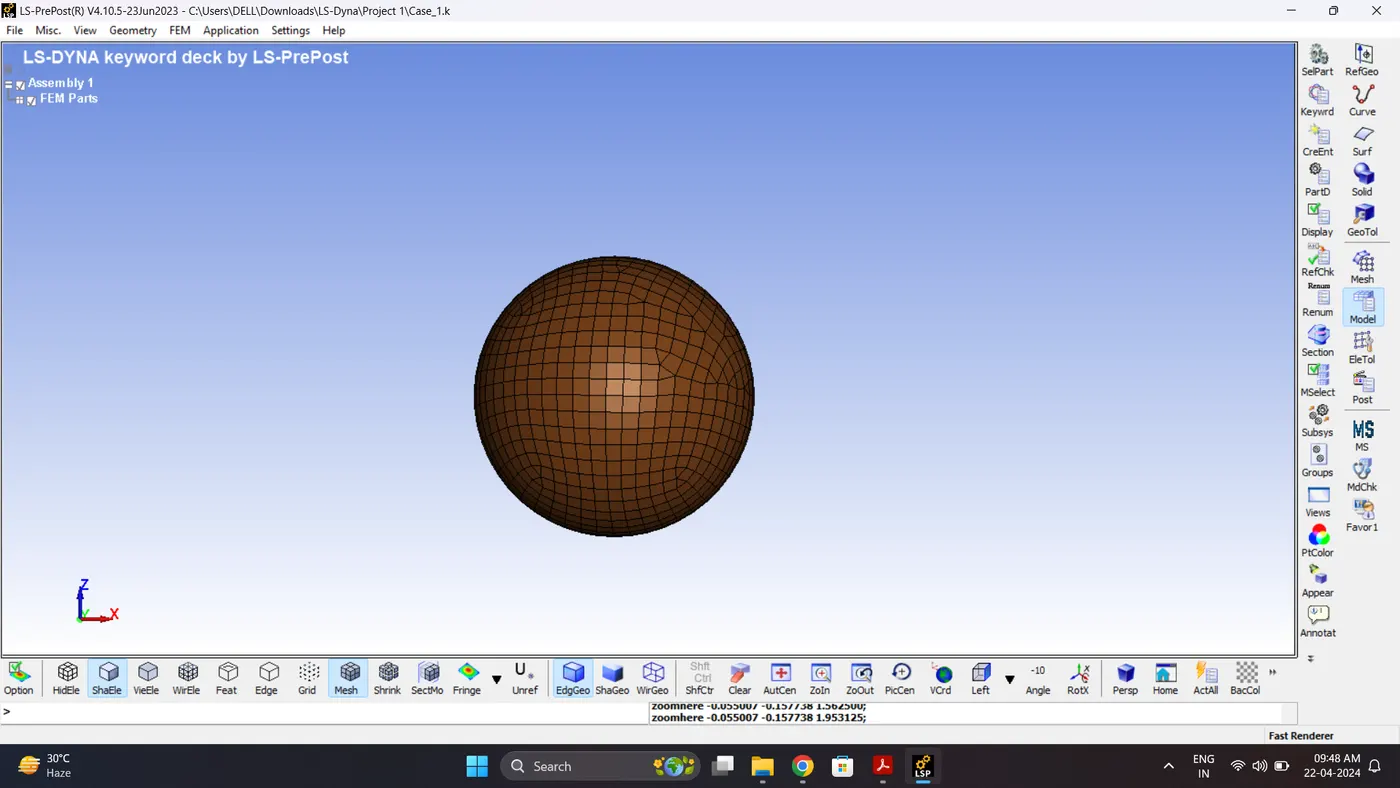
2. Import Simple_Head_Model.
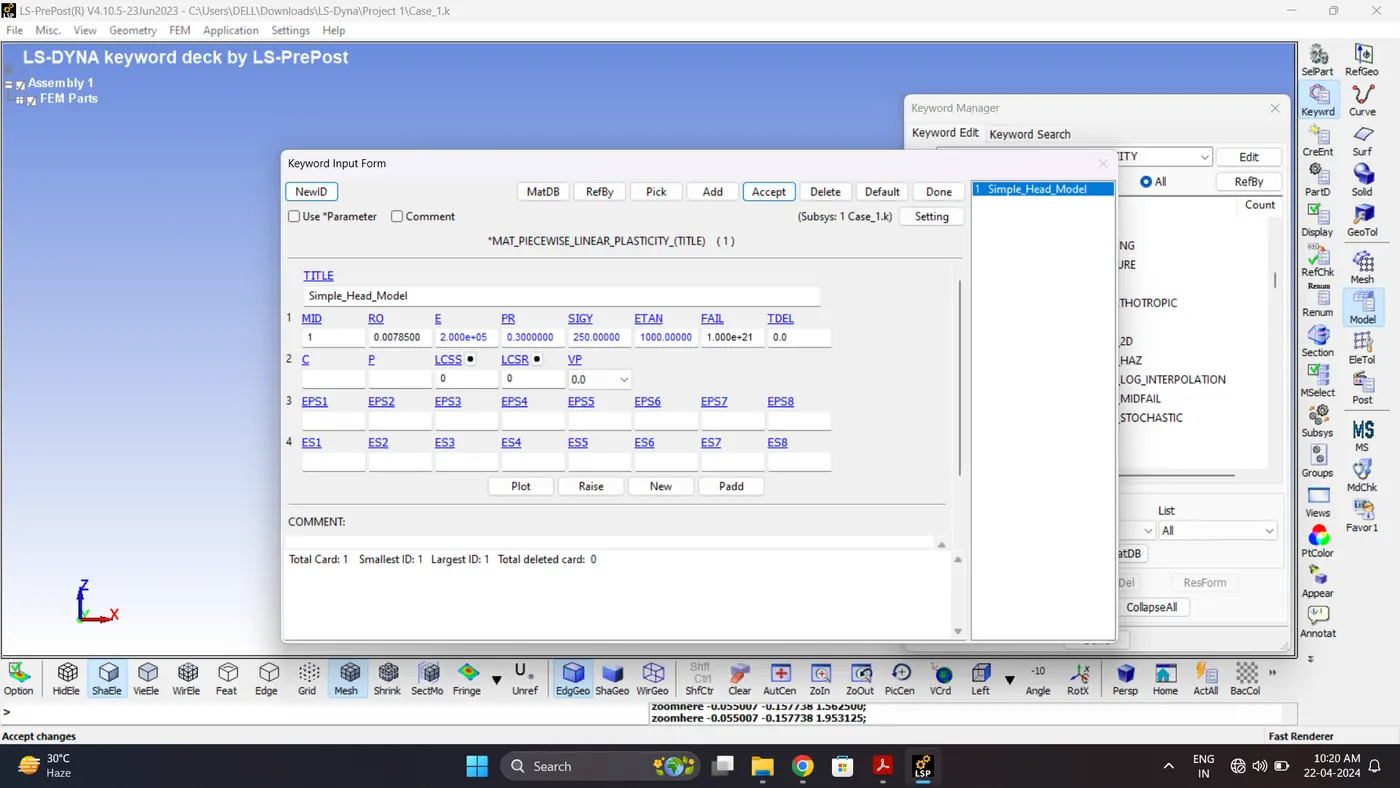
3. Create a Material card for Head. Go to Model - Keyword Manger - MAT - 024_Piecewise_Linear_Plasticity.
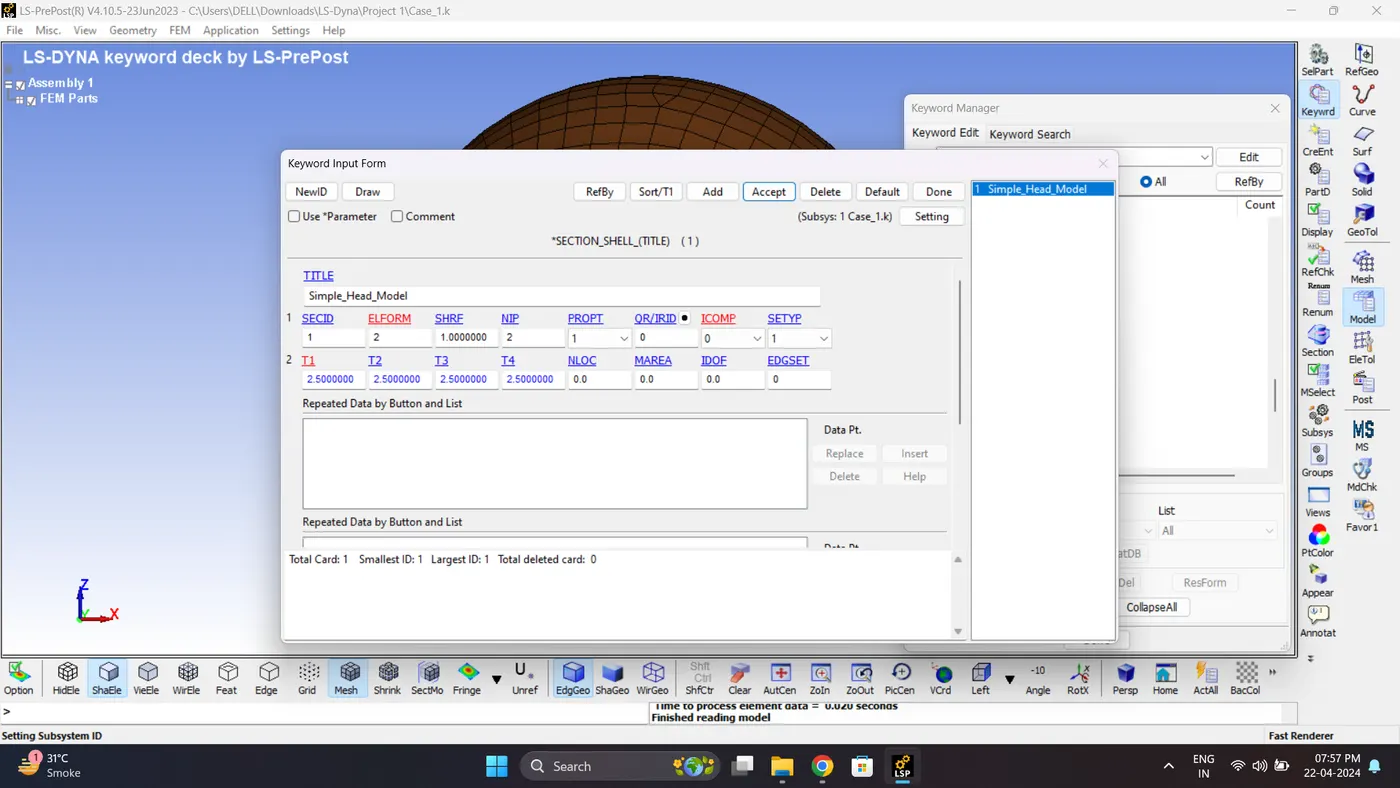
4. Create a section for shell. Go to Model - Keyword Manger - Section - Shell.
5. Create a Hourglass control card. Go to Model - Keyword Manger - Hourglass.
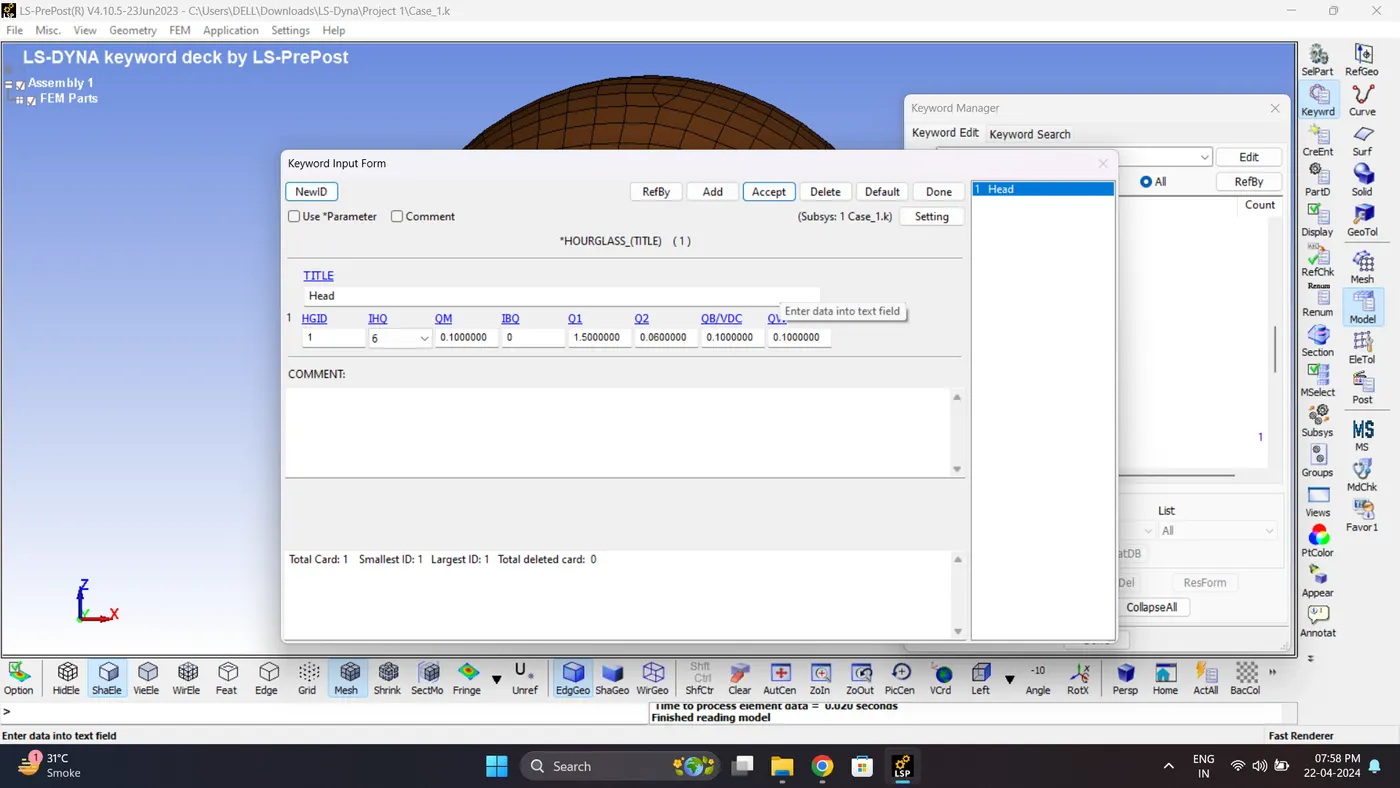
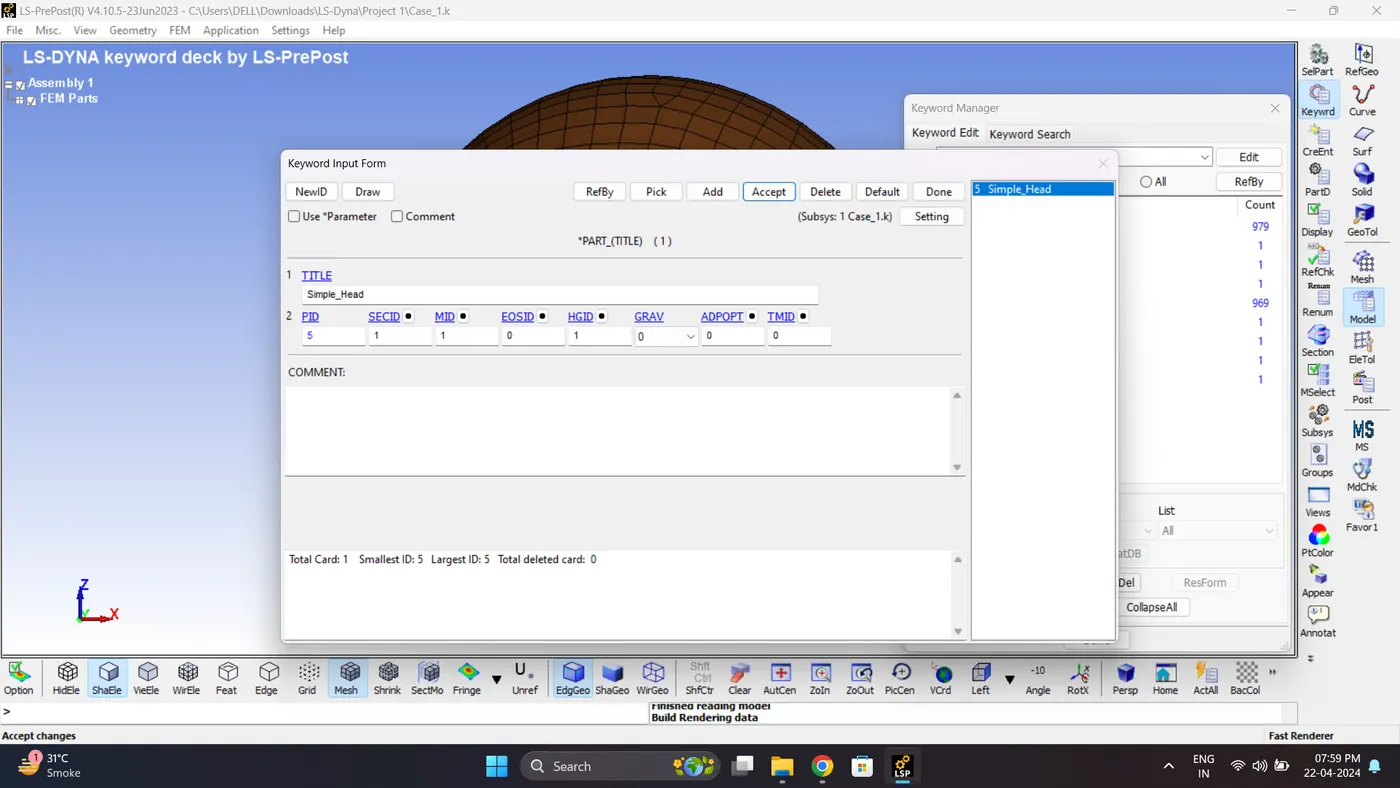
6. Assign section, Material, Hourglass to Part.
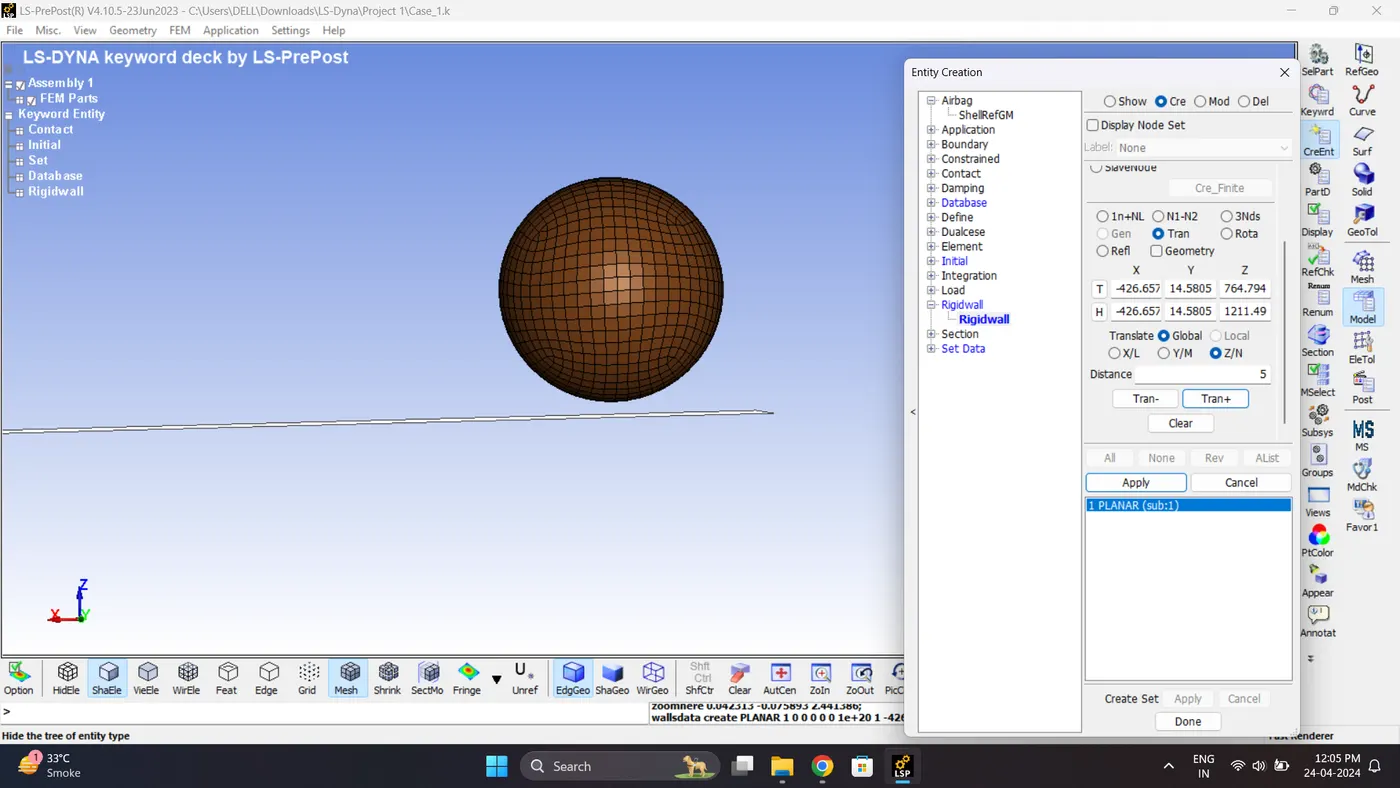
7. Create a Rigid wall. Go to Model - Create Entity - Rigid wall.
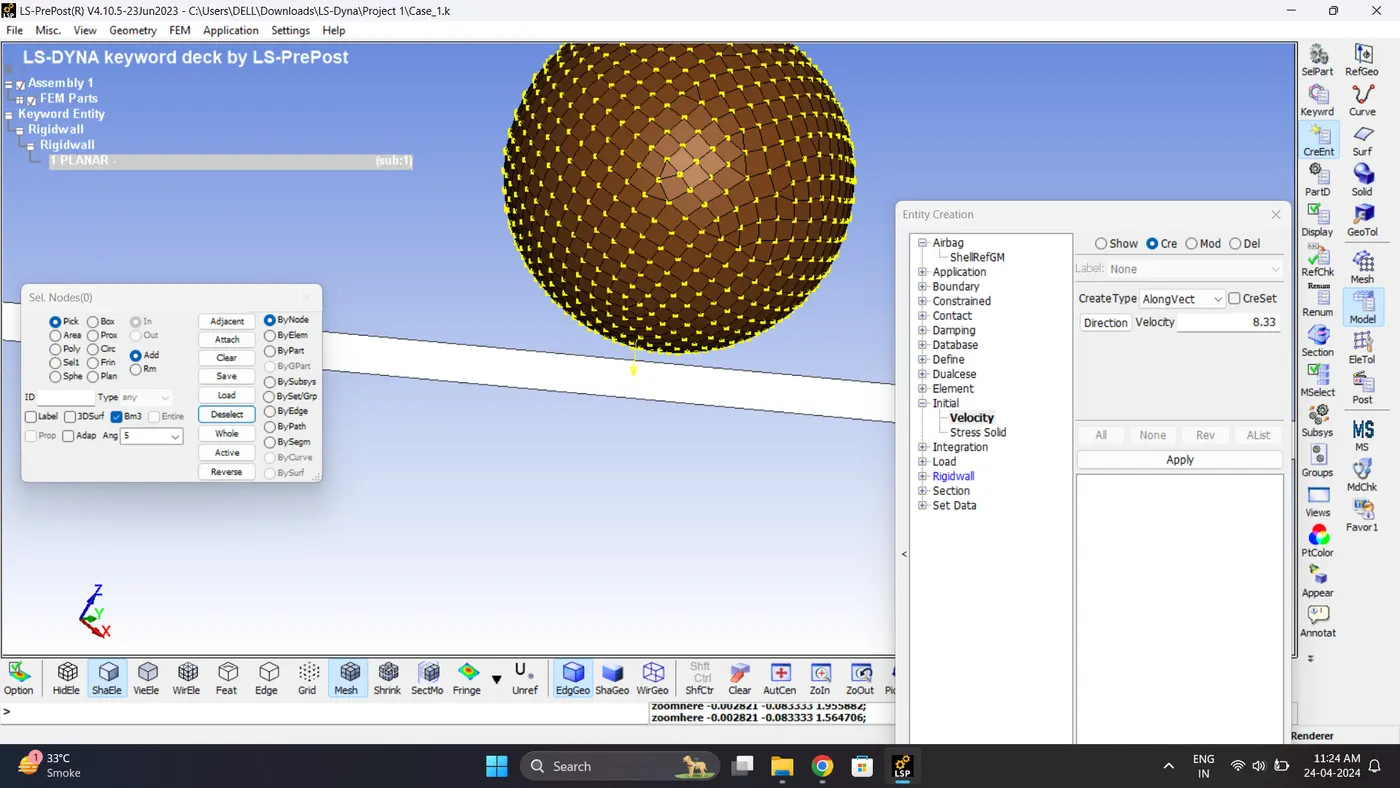
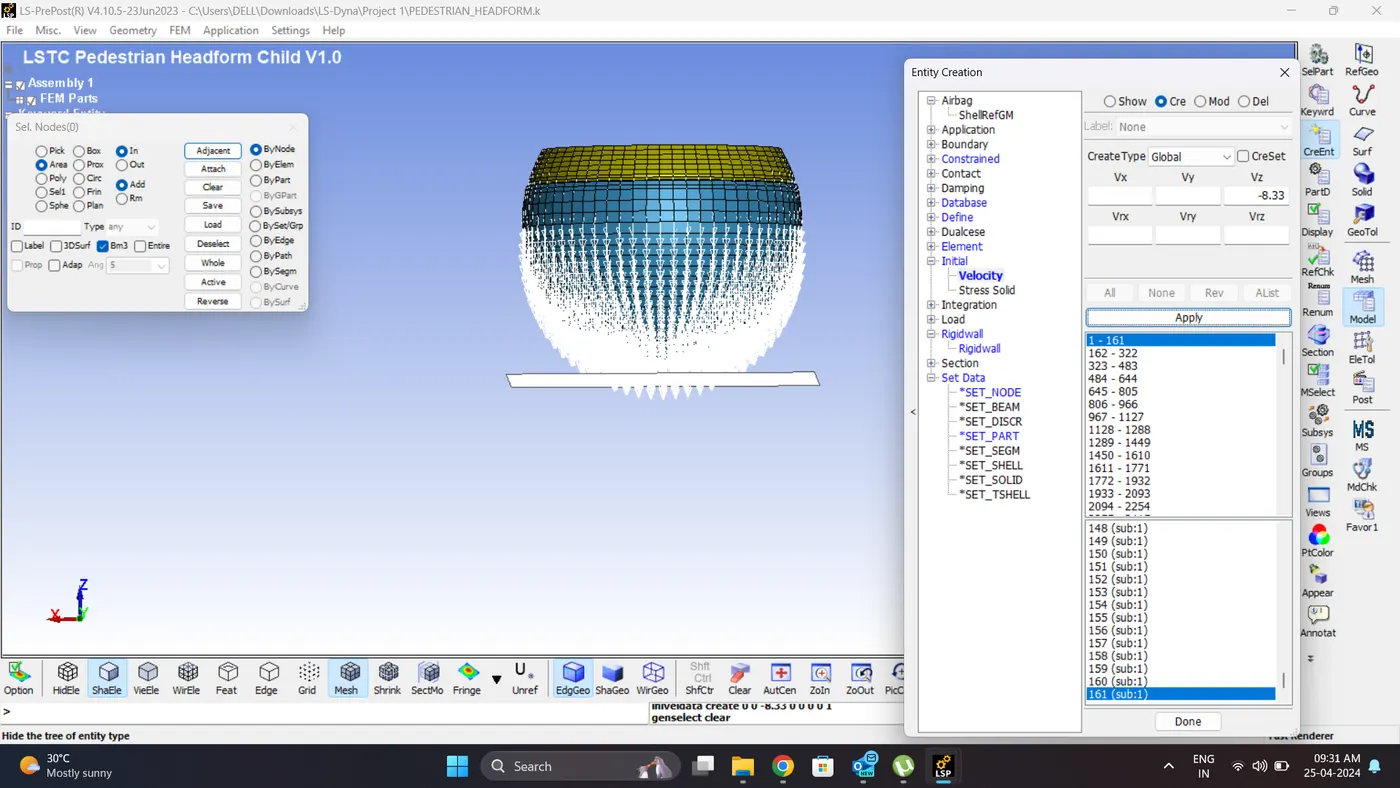
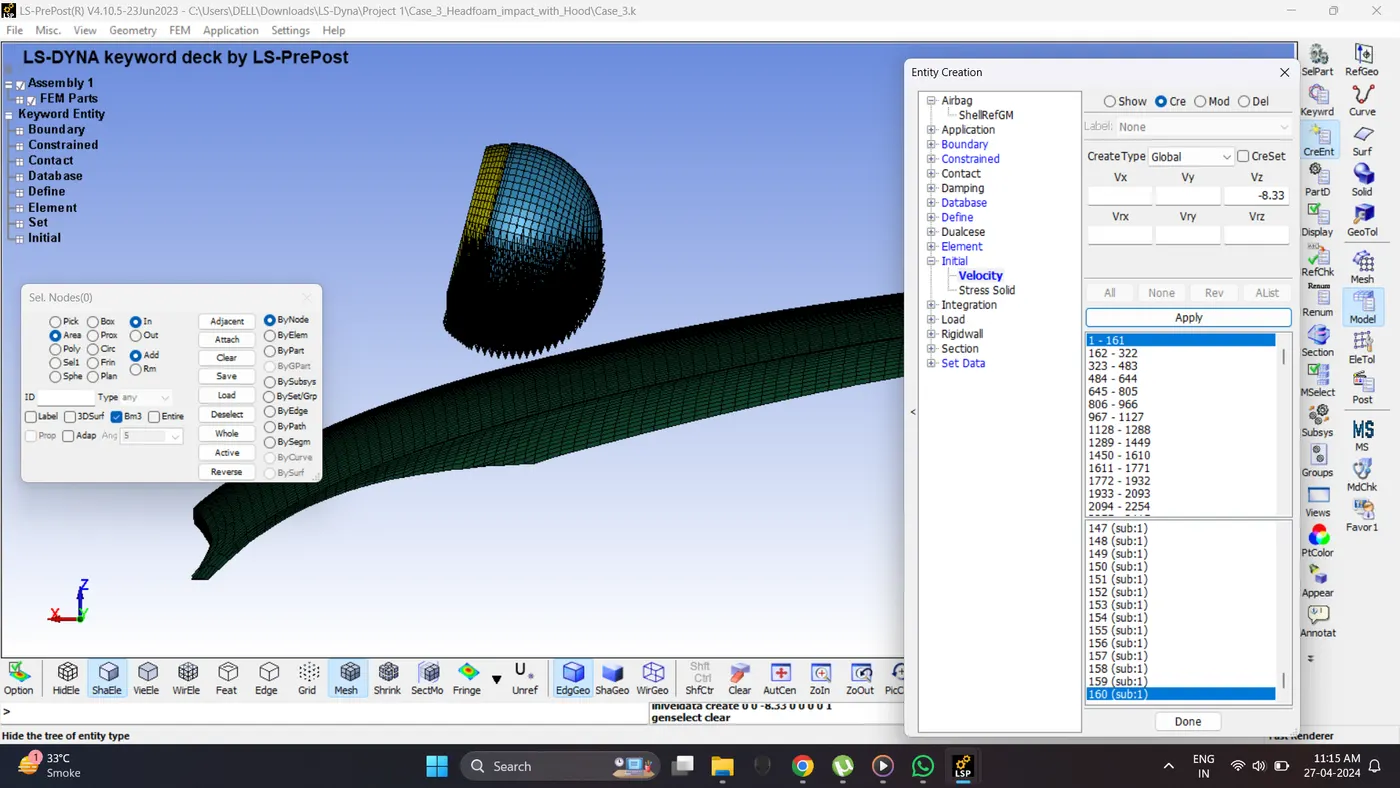
8. Give Initial Velocity. Go to Model - Create Entity - Initial - Velocity.
Assume the head initial velocity is 30 kmph ie. 8.33 mm/ms
9. Create a Part set for the head.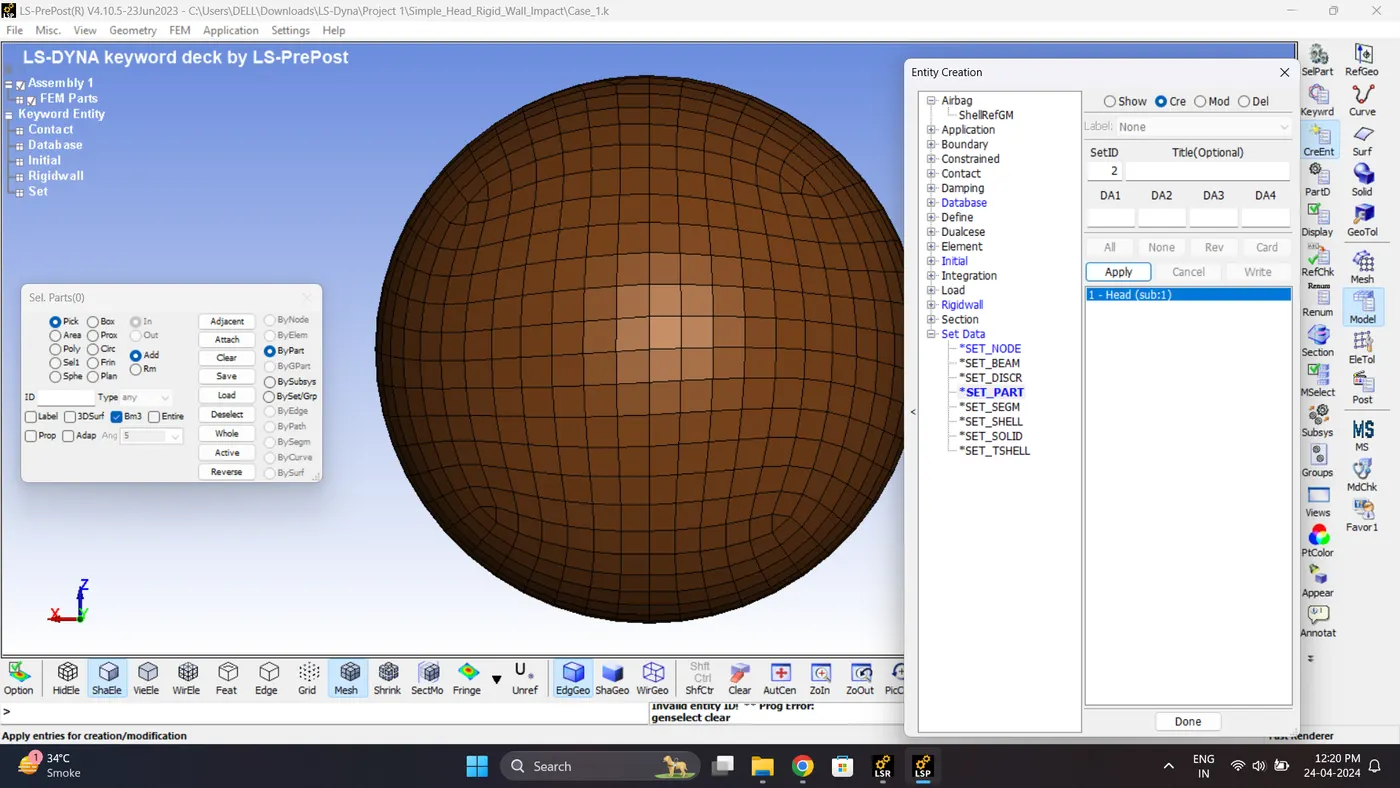
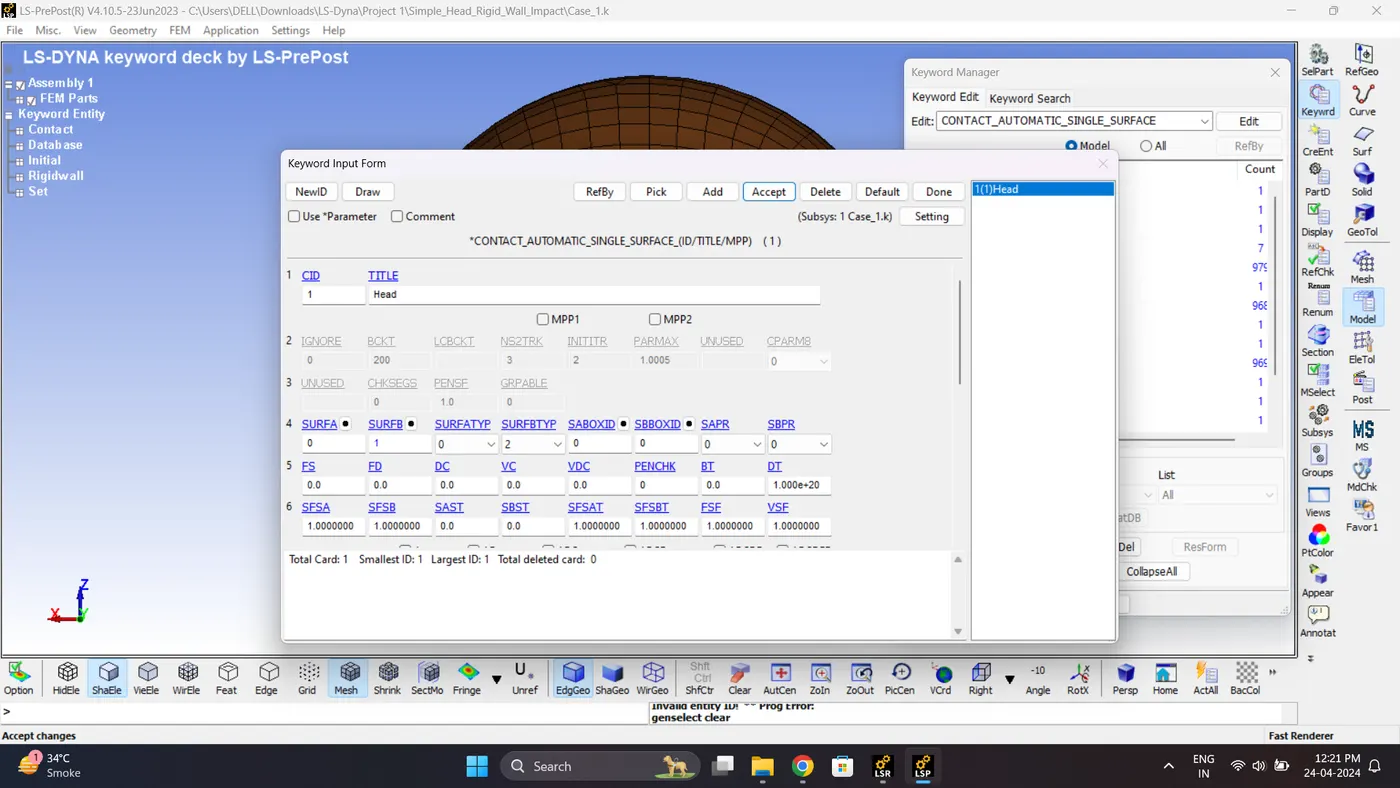
10. Create a Self Contact. Go to Model - Keyword Manager - Contact - Automatic_Single_Surface.
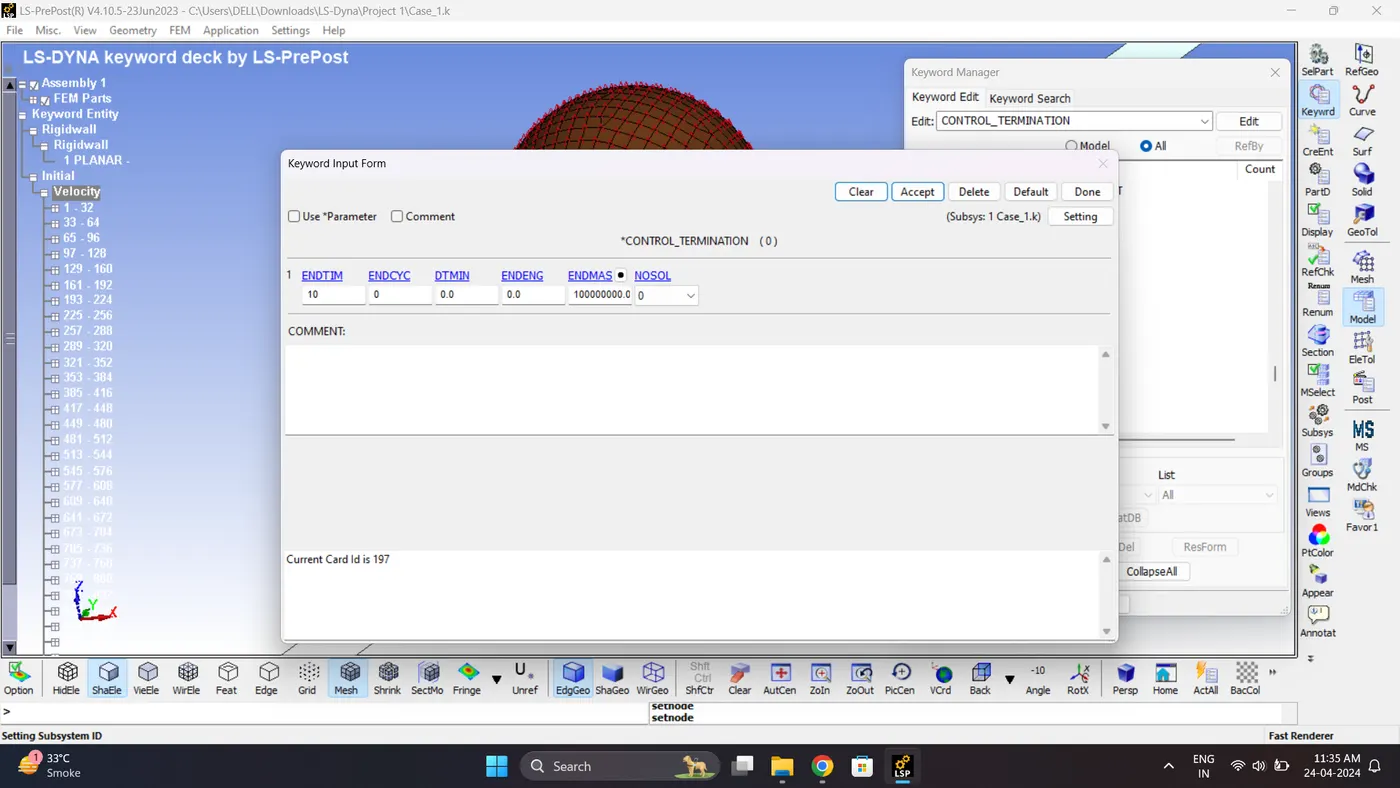
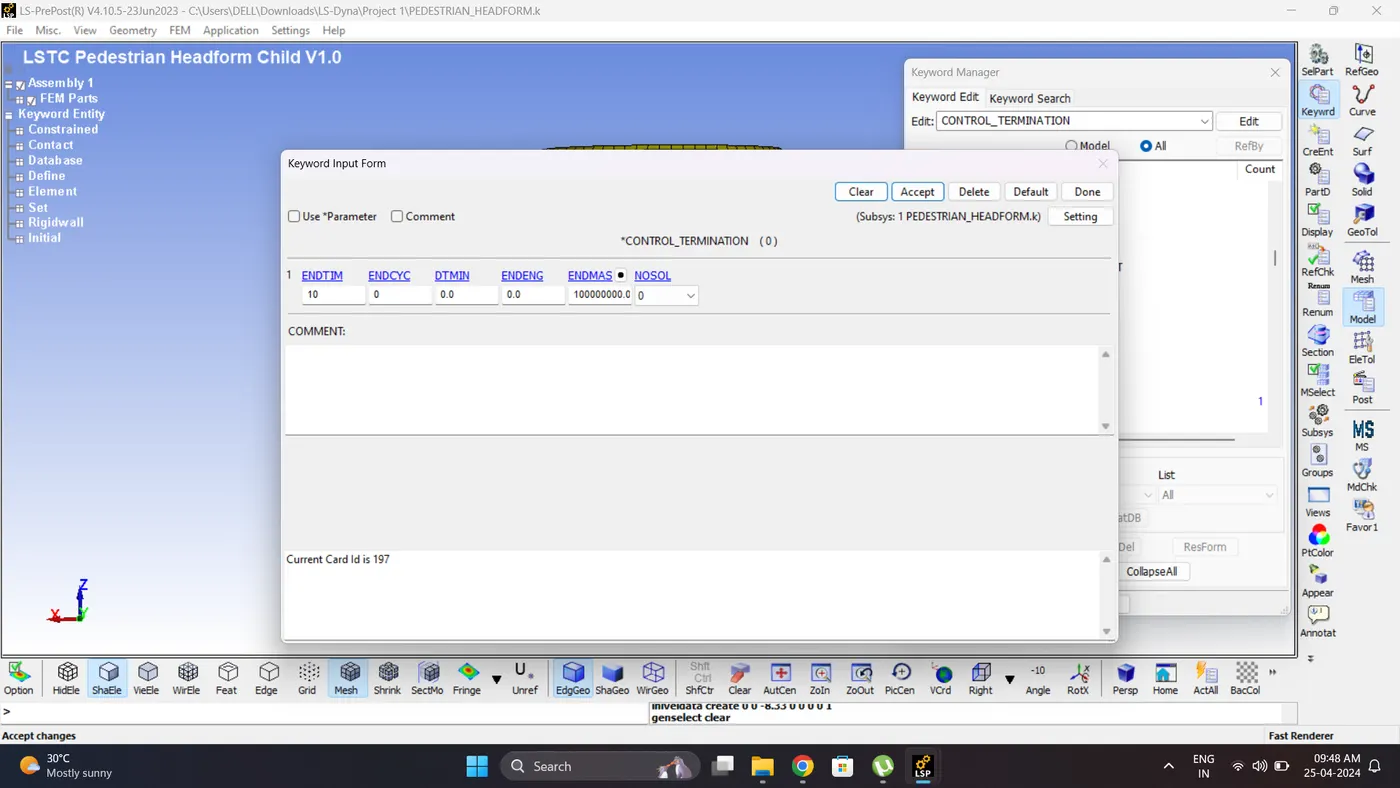
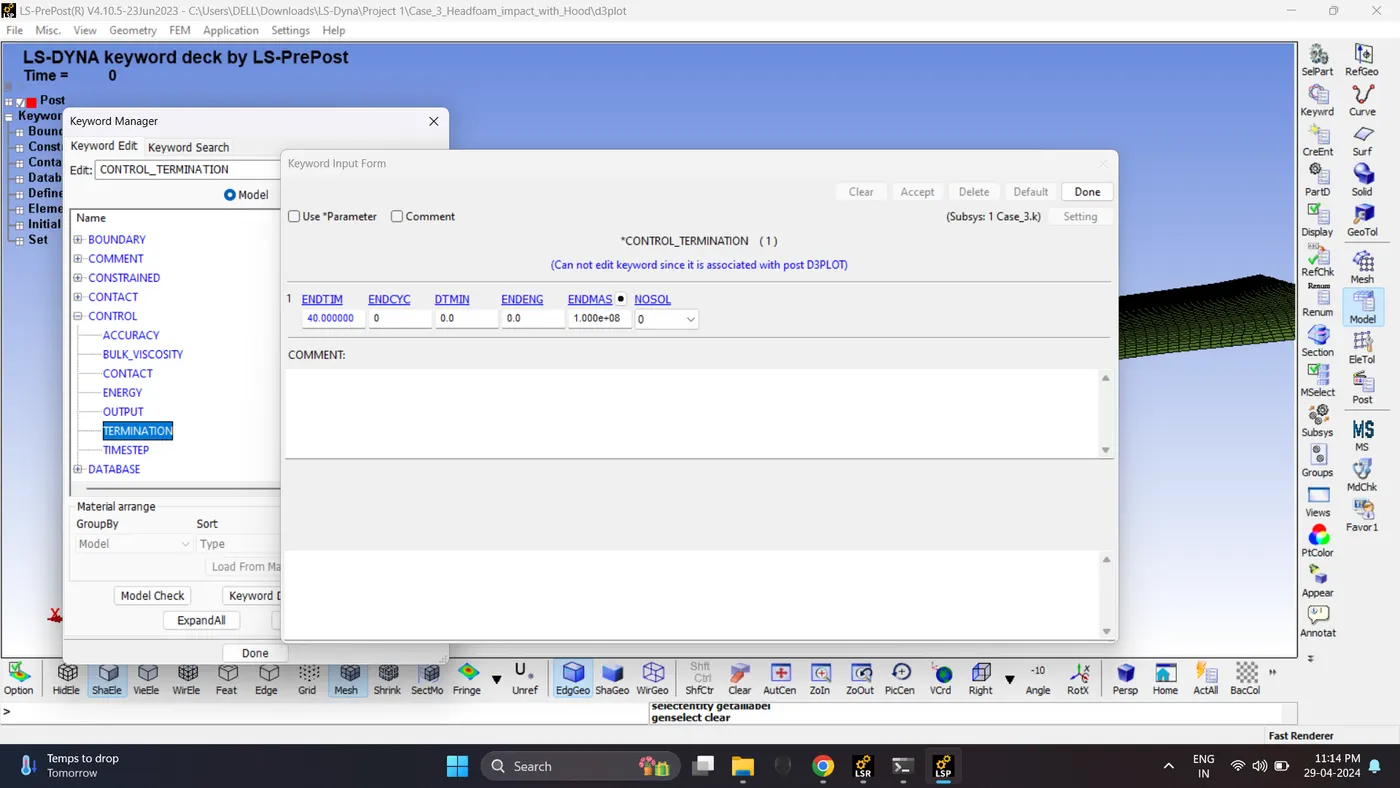
11. Create a Control Termination card. Go to Model - Keyword Manager - Control - Termination.
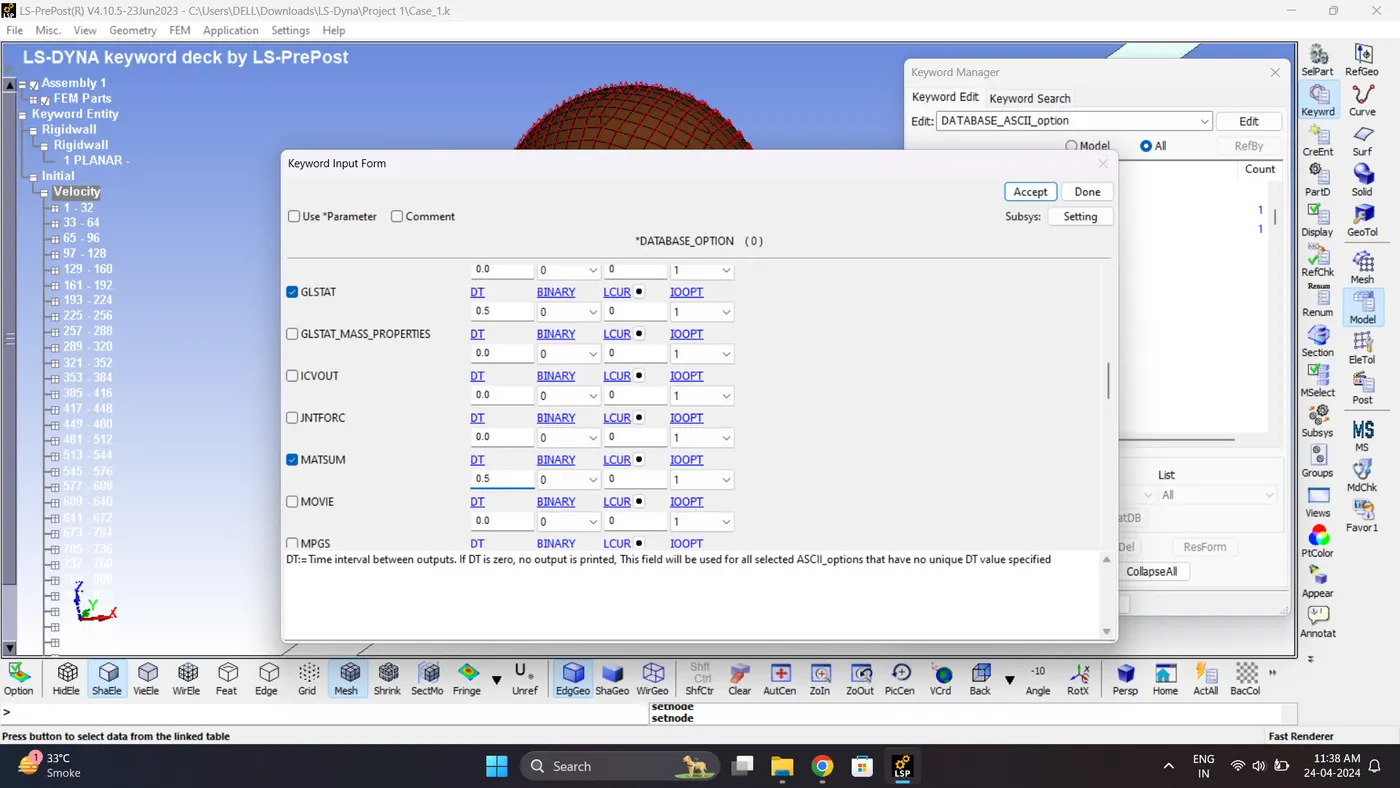
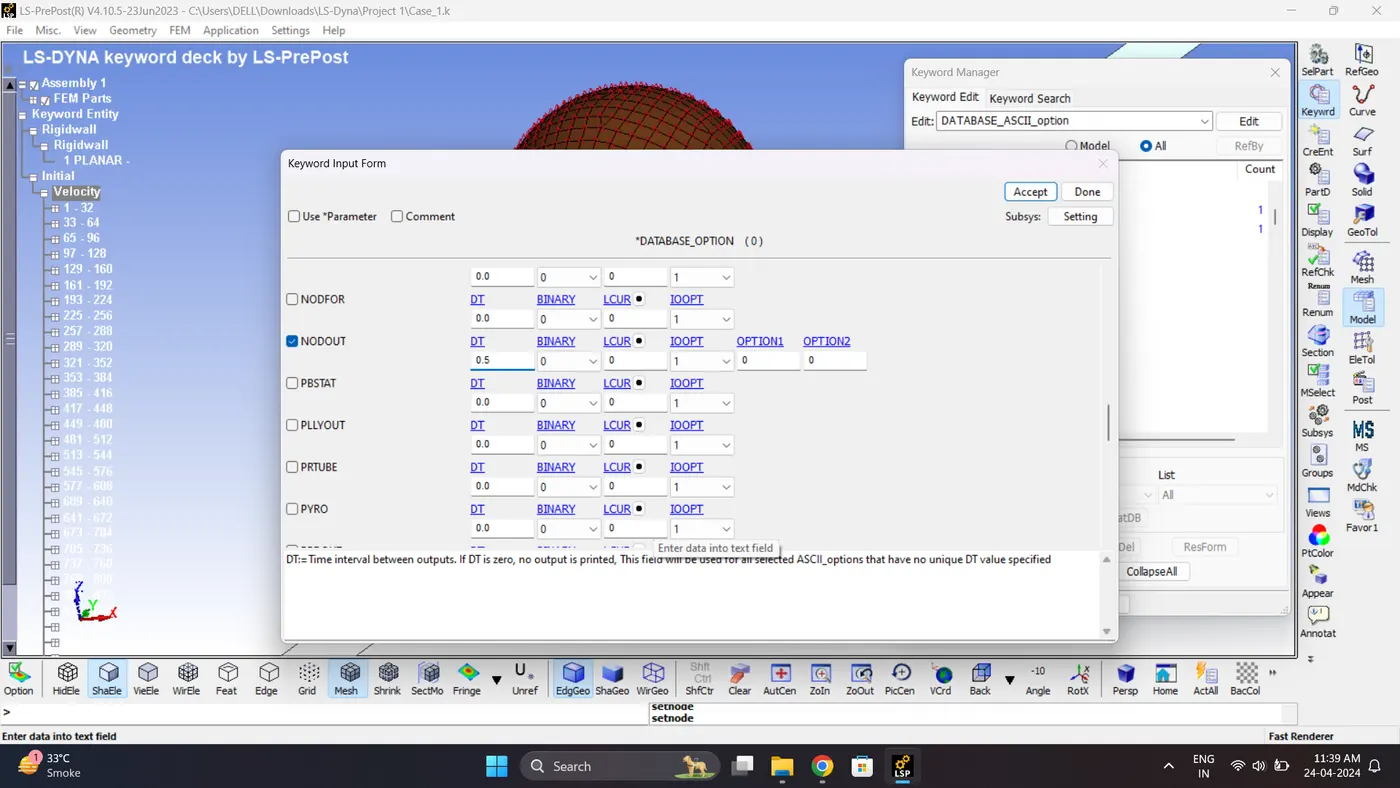
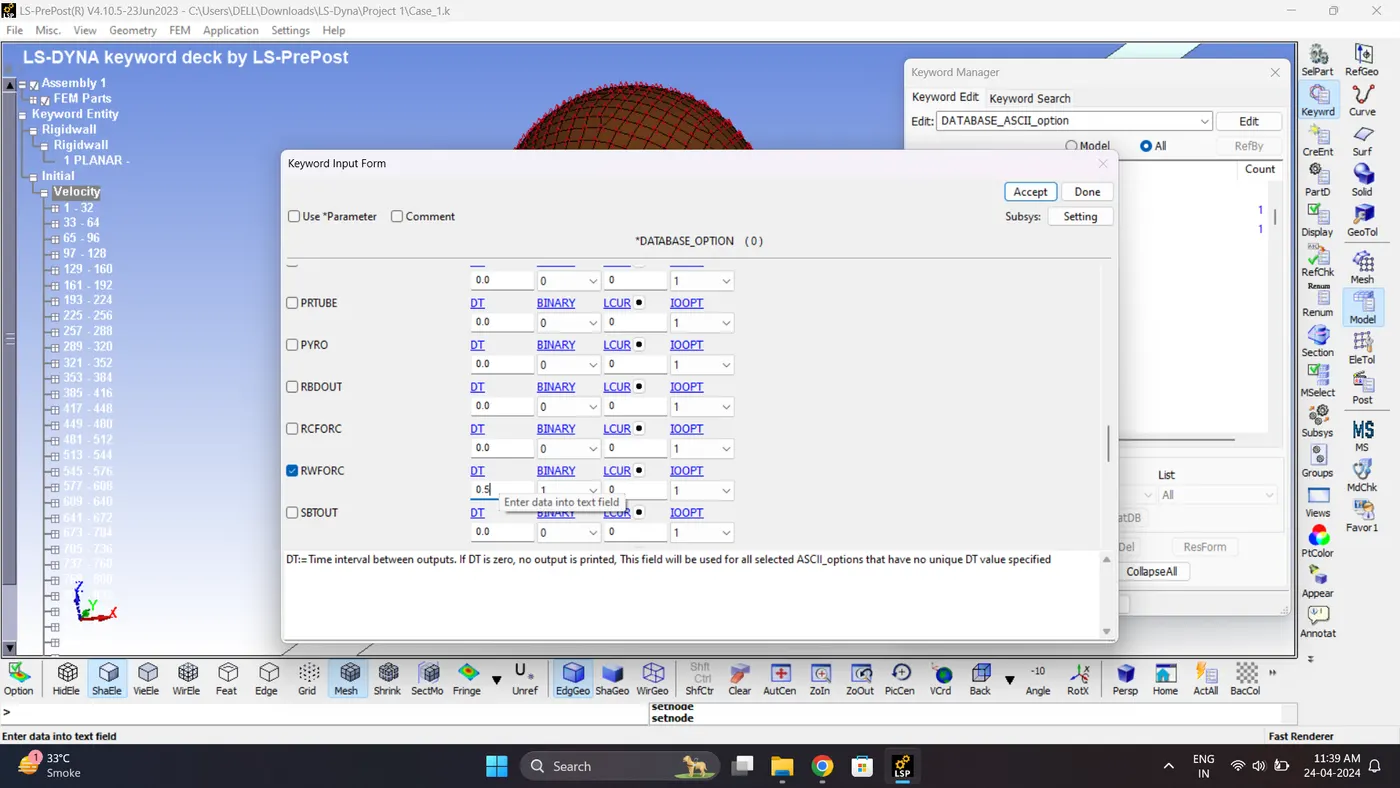
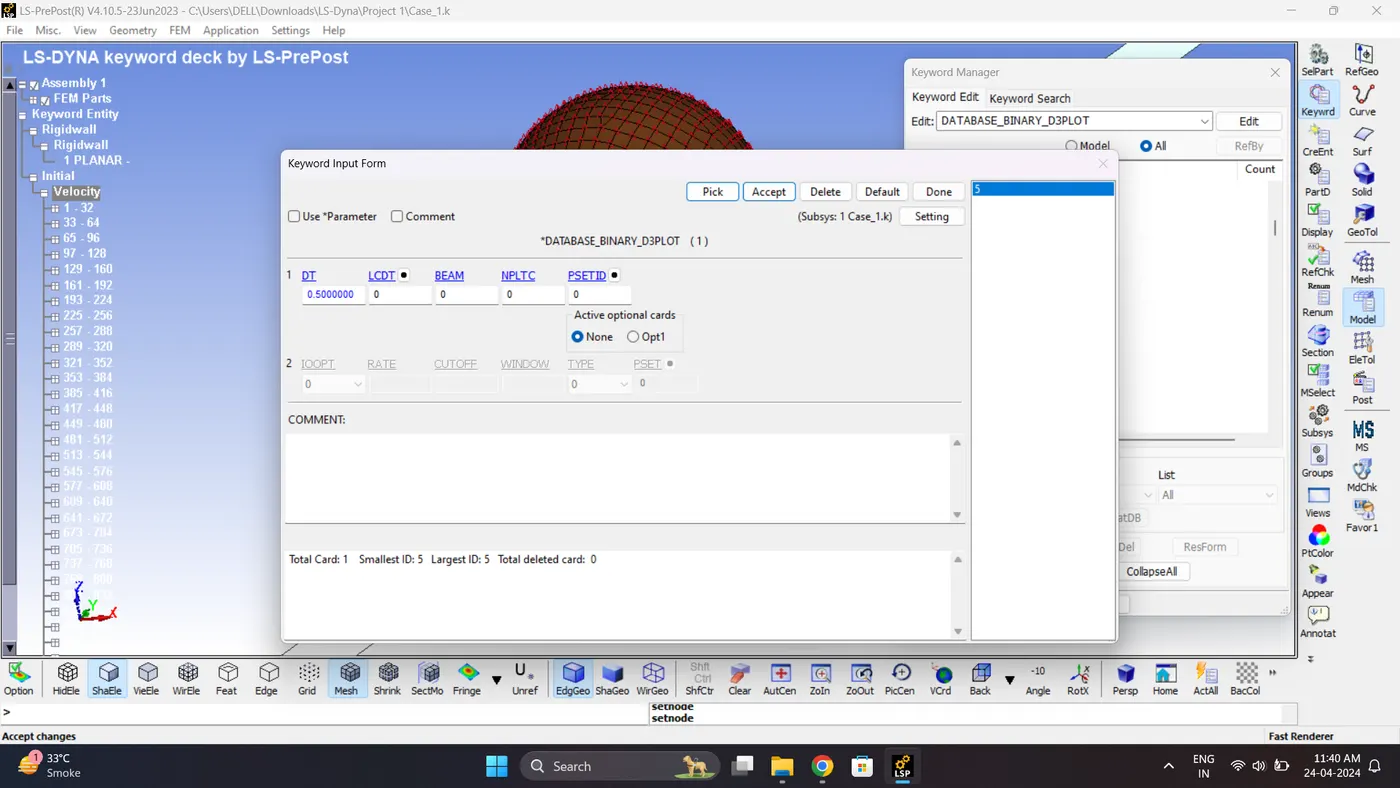
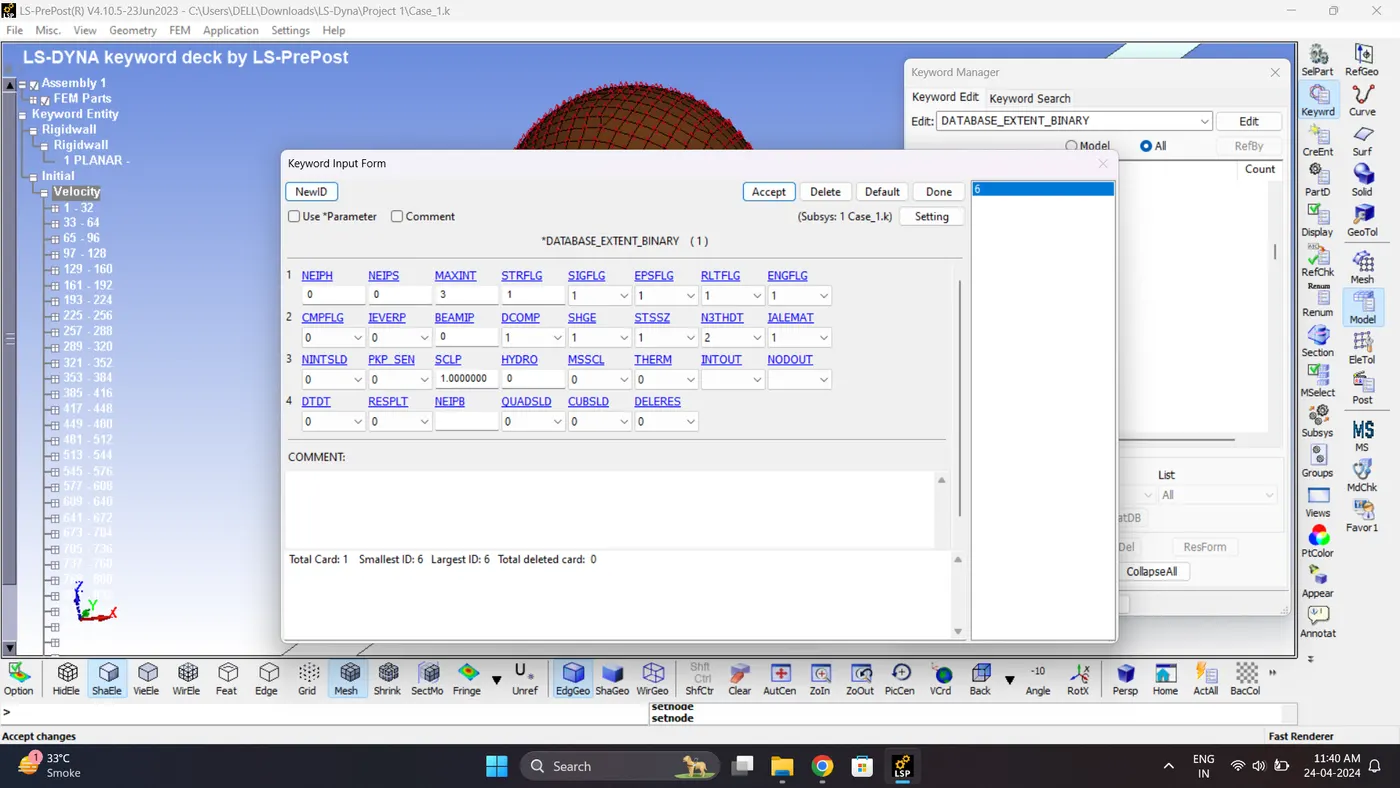
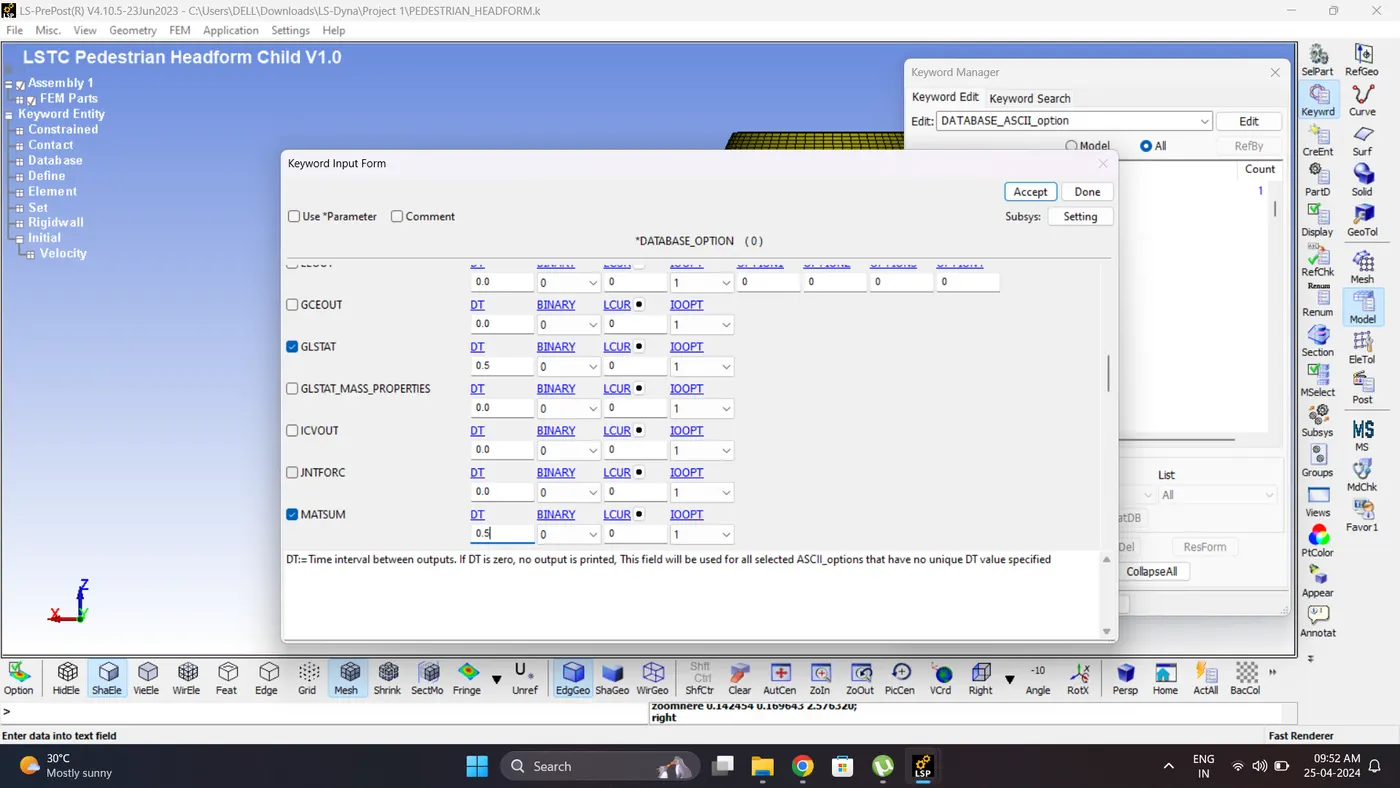
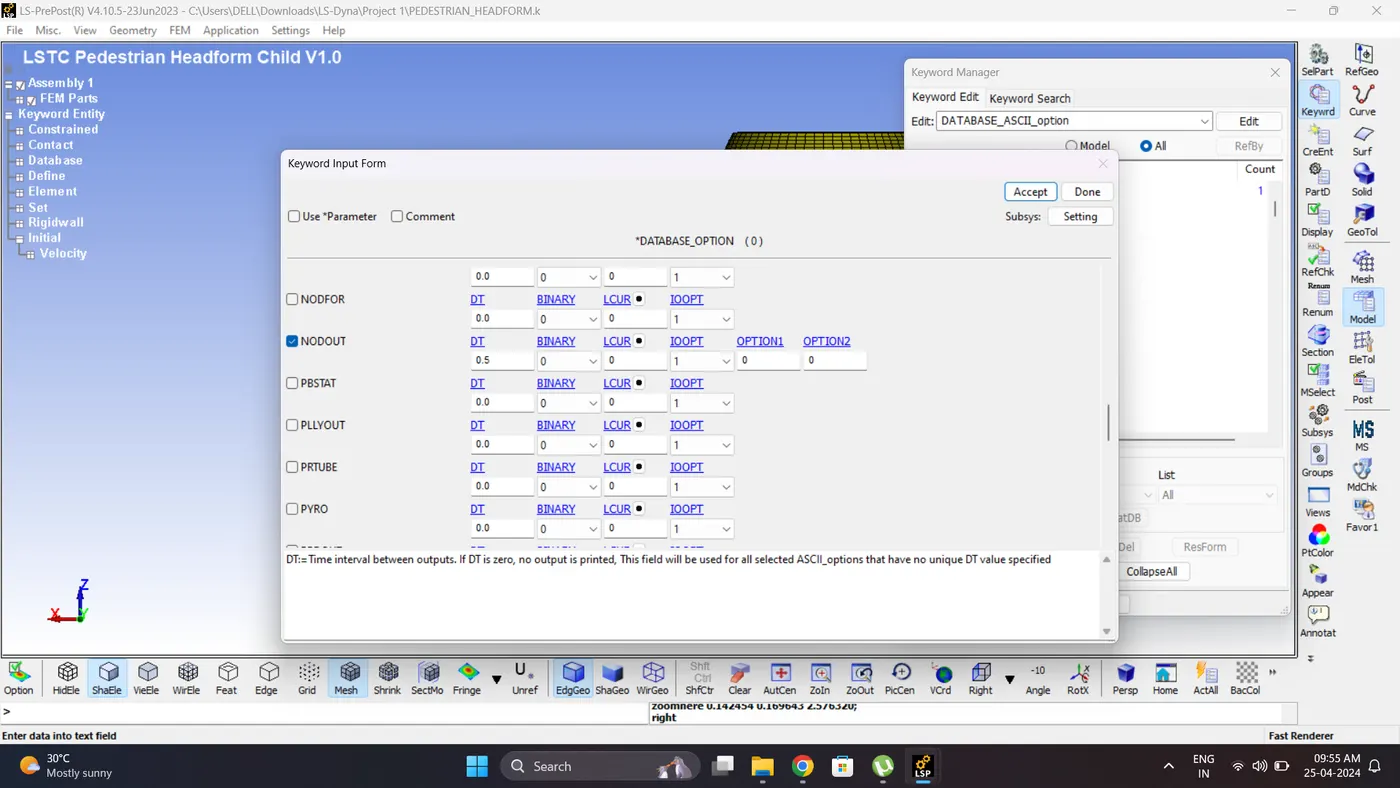
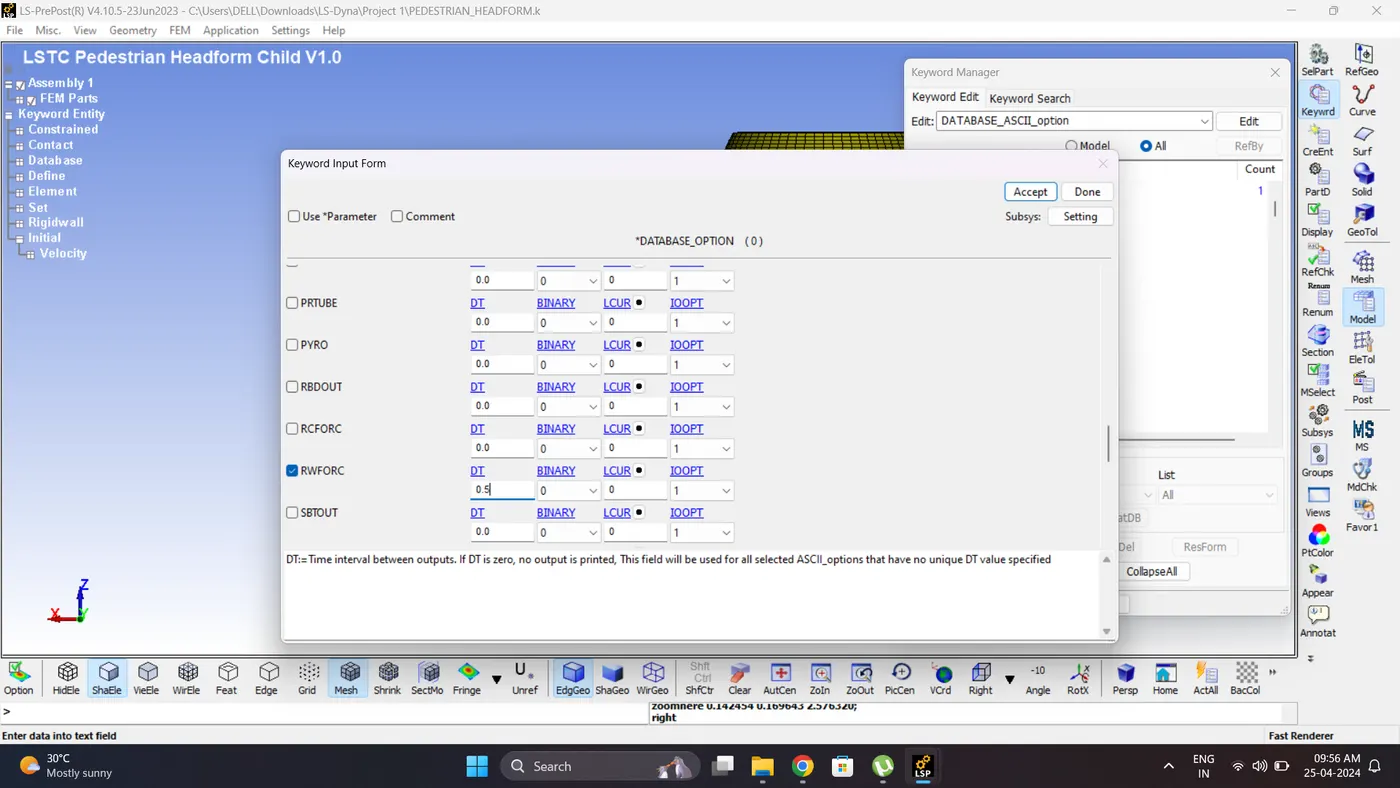
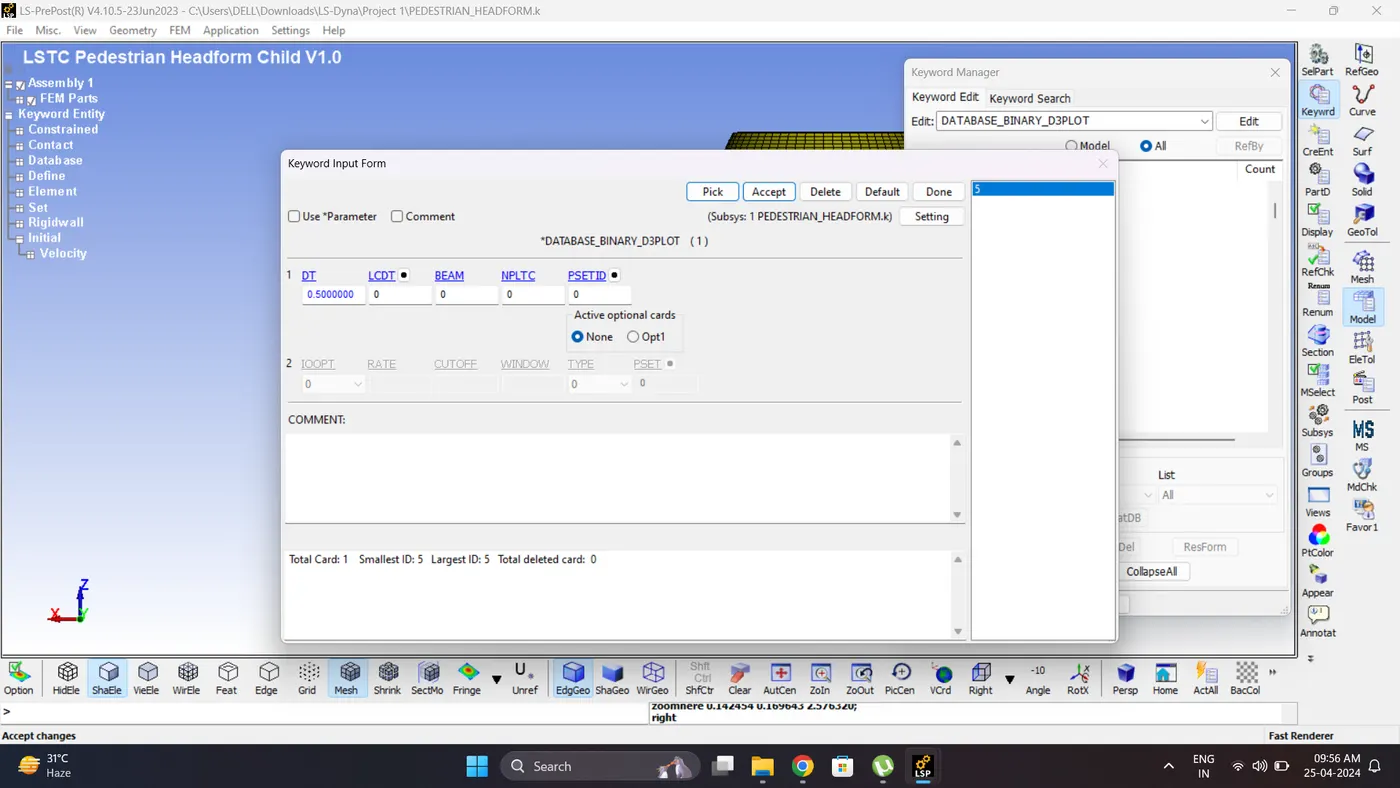
12. Create a Output request card. Go to Model - Keyword Manager - Database - ASCII_option / D3Plot / Extend Binary.
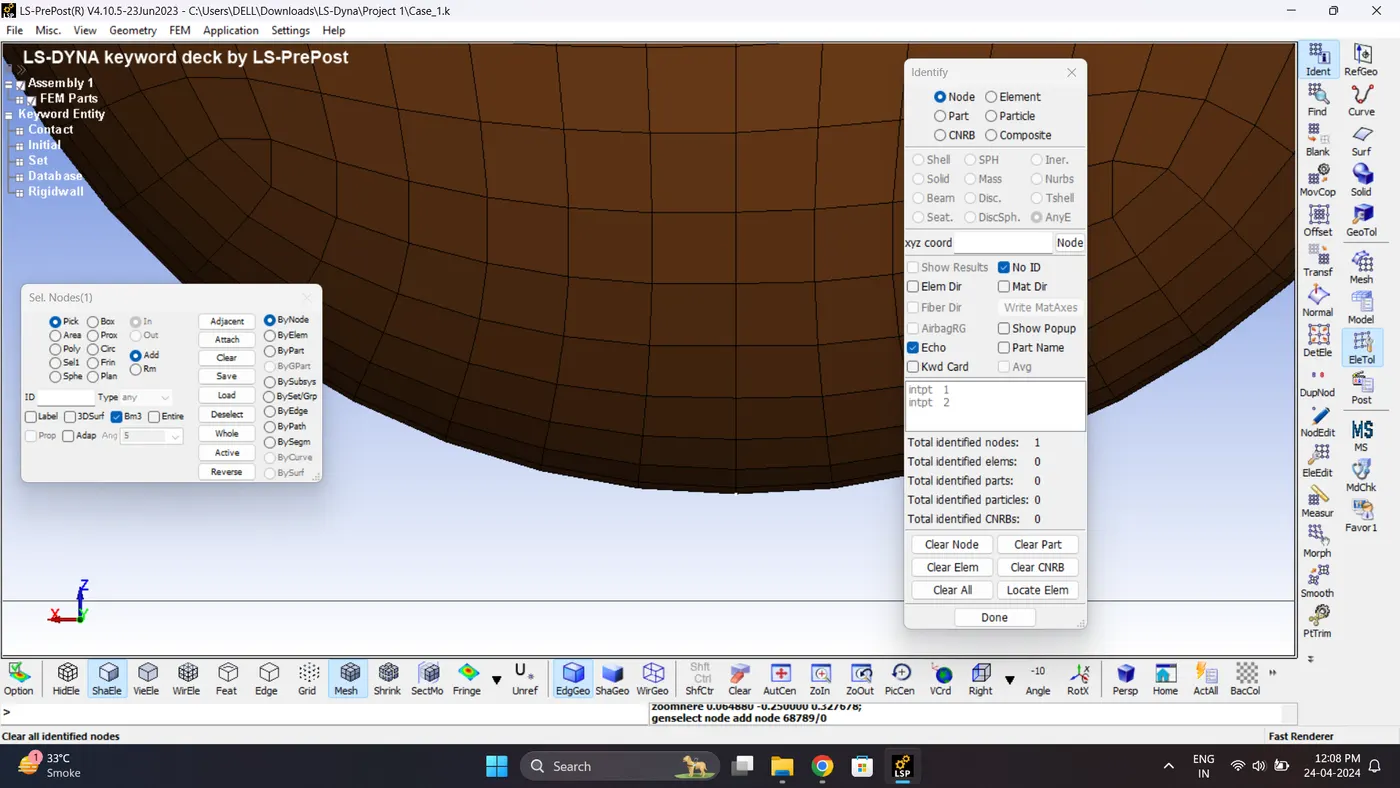
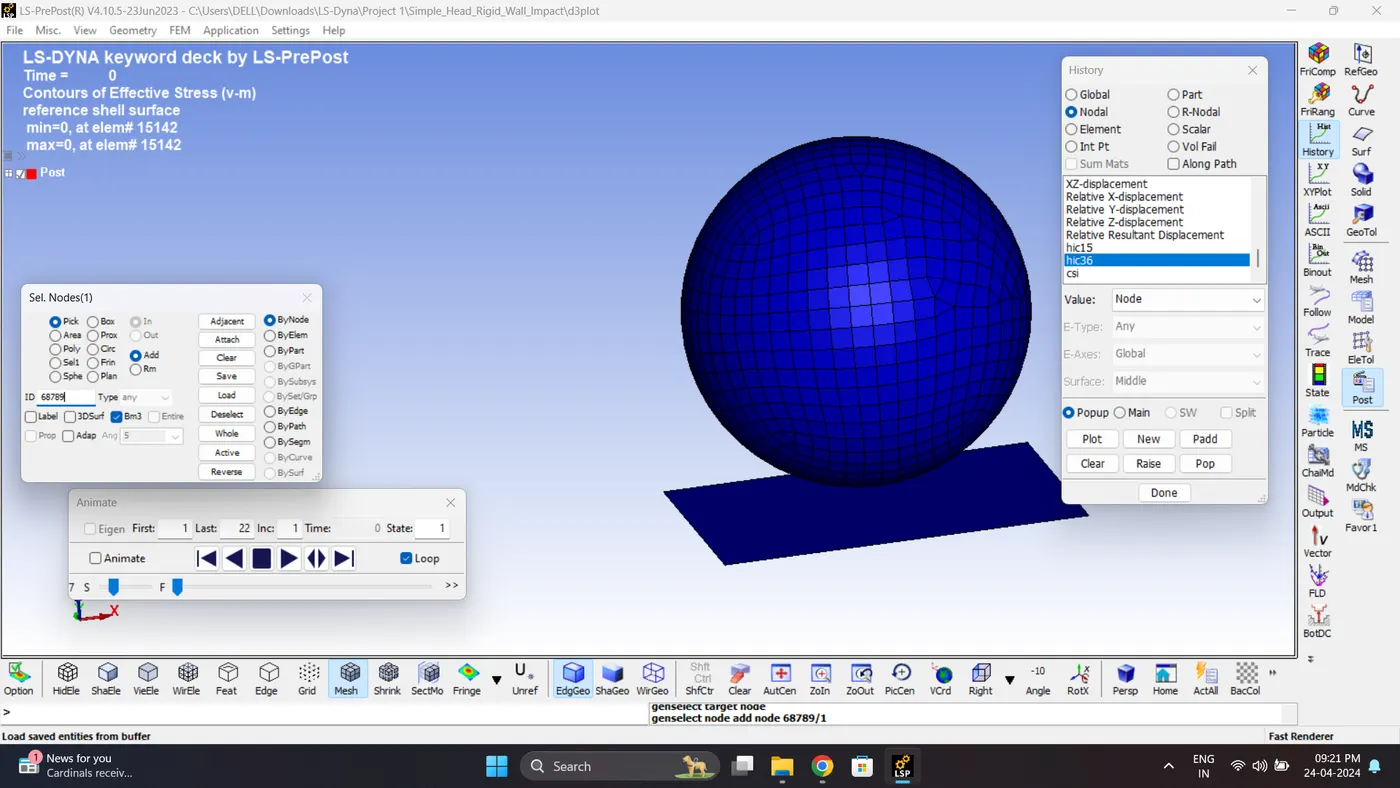
13. Find the node number to which HIC value to be calculated.
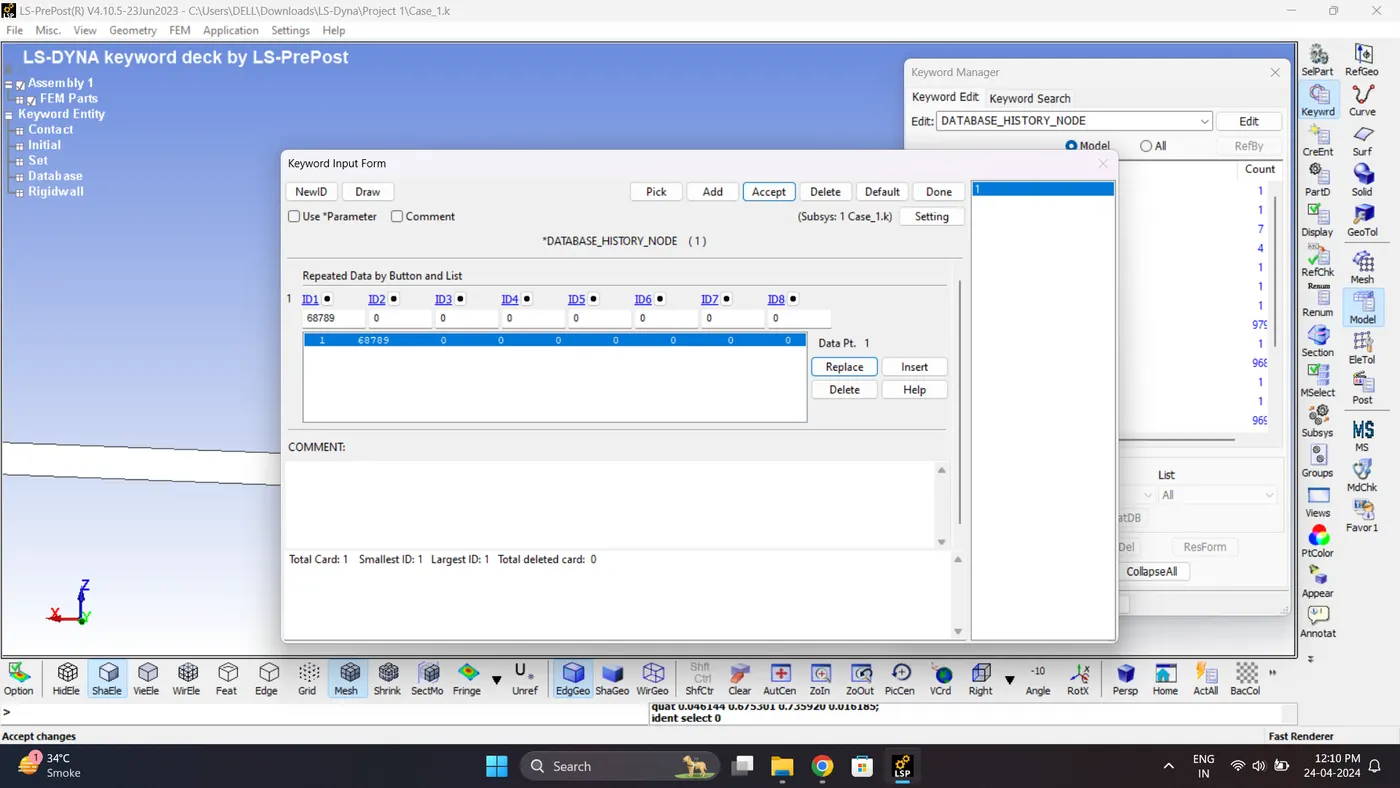
14. Create DATABASE_HISTORY_NODE card to compute the HIC value of the node 68789.
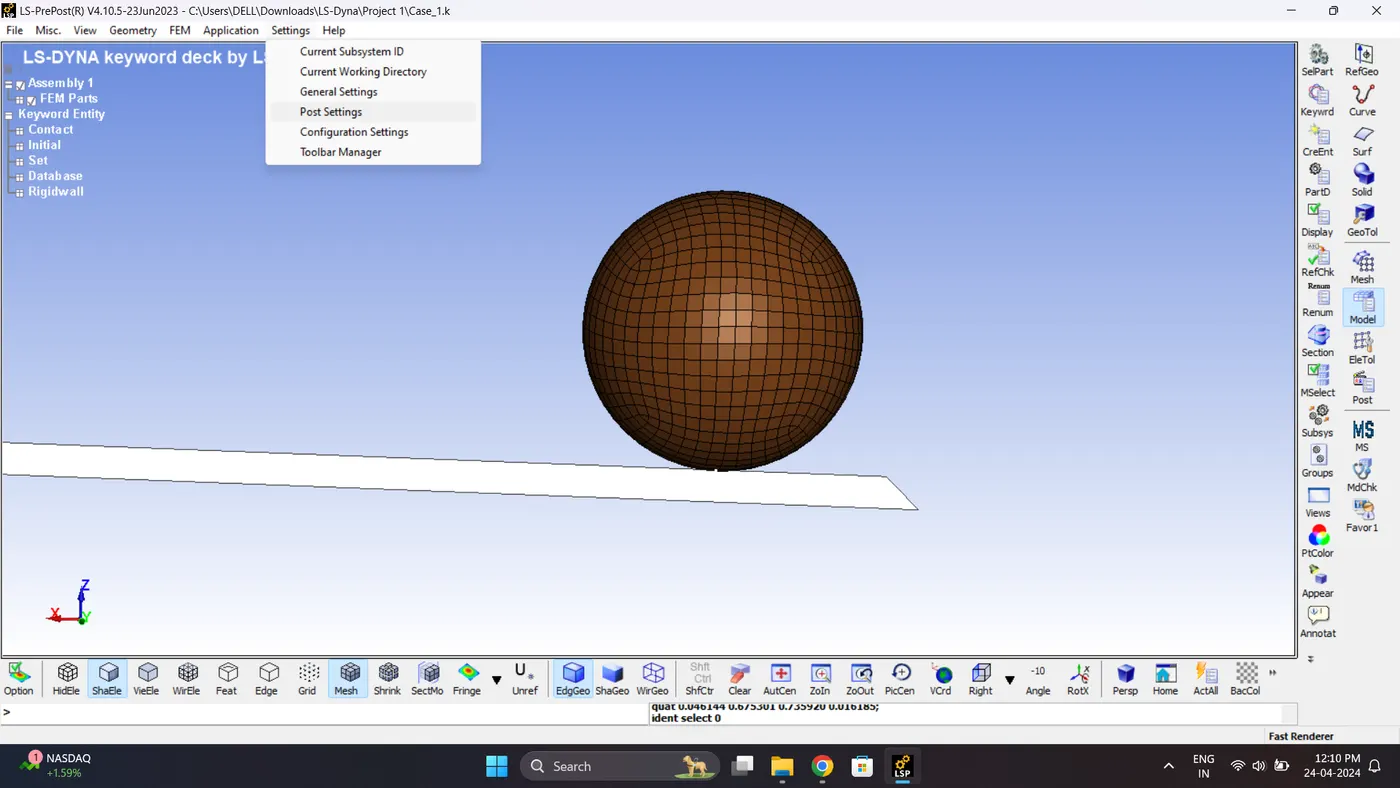
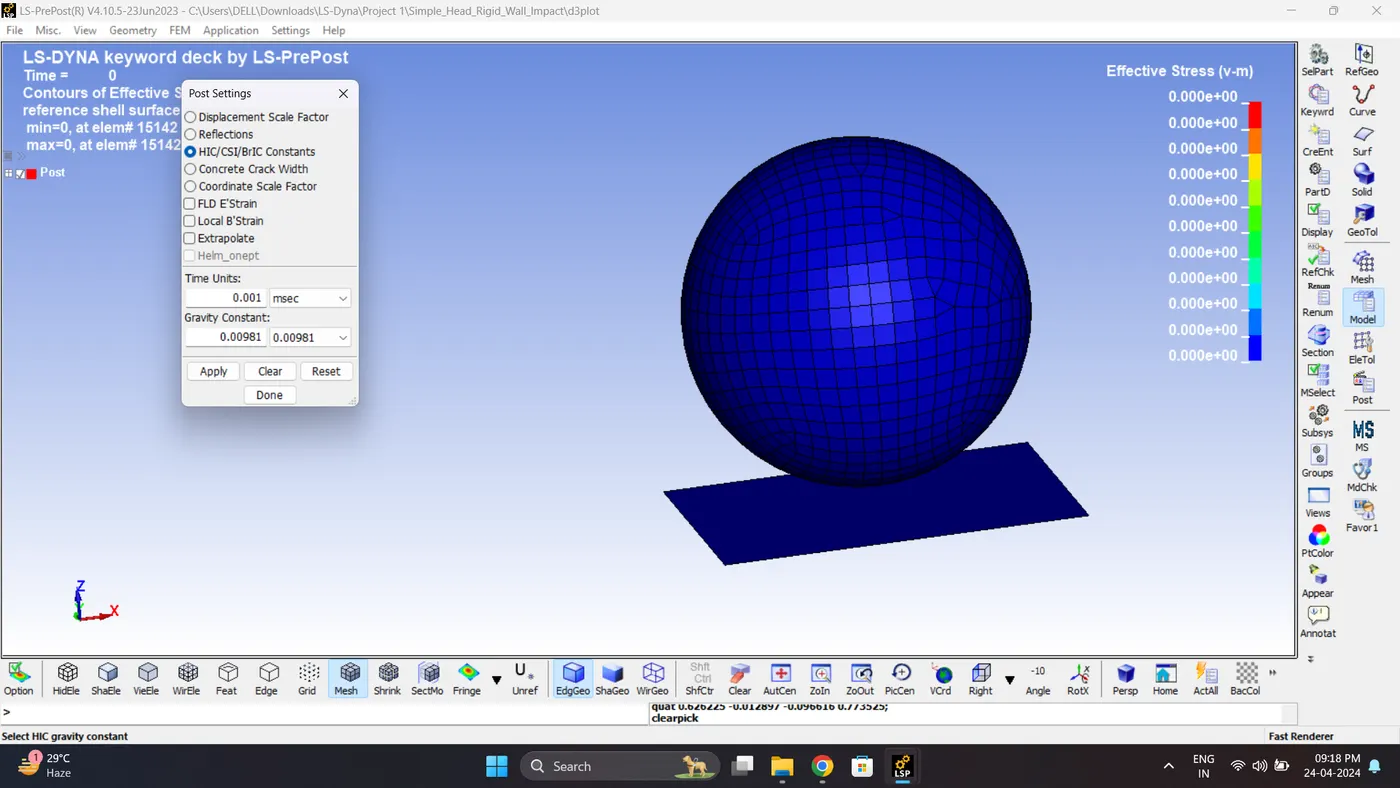
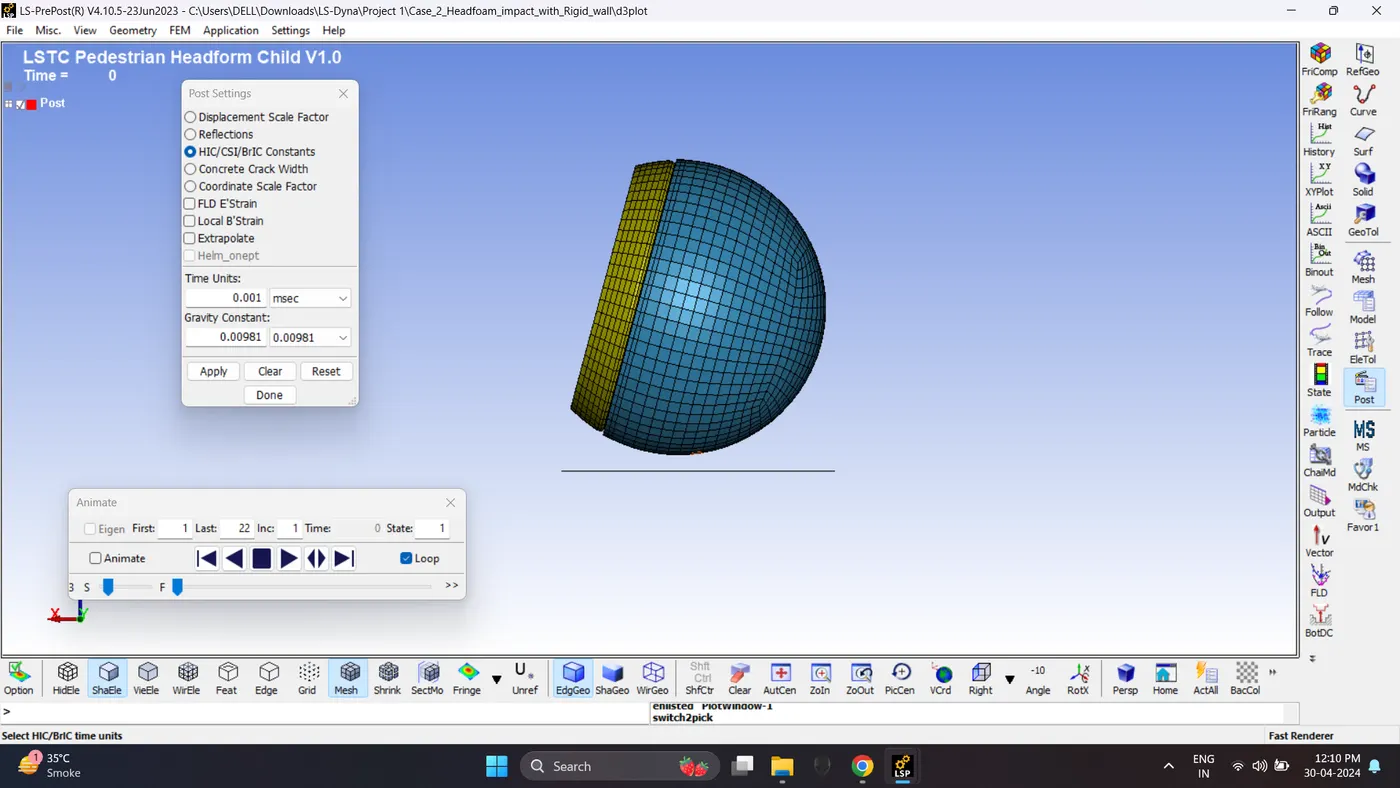
15. Check Post Setting for HIC. Go to Setting - Post Setting - HIC.
Check consistency of Time unit and Gravity Constant.
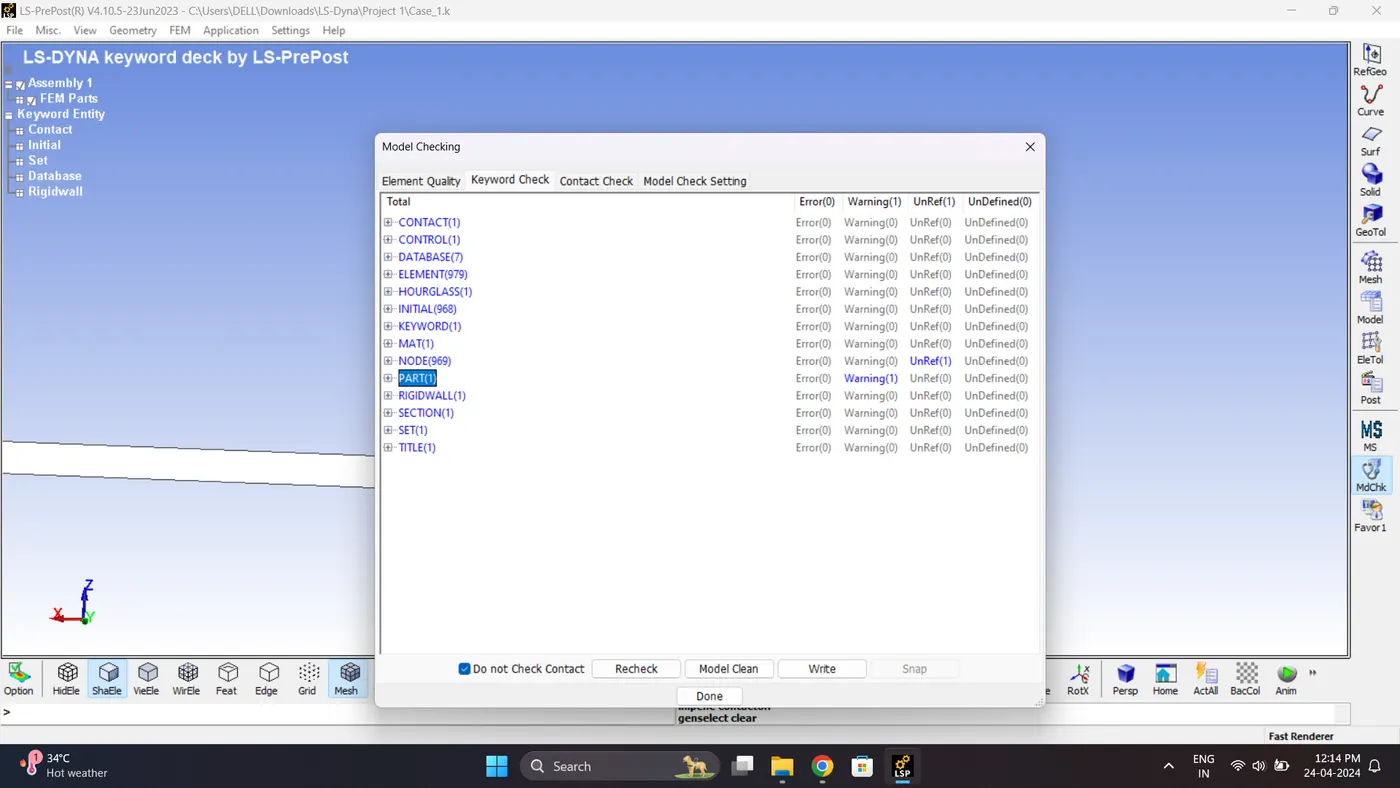
16. Run the Model Checker.
17. Save the File and Run the Simulation. Open LS_Run - Select File - Click Add job to local queue.
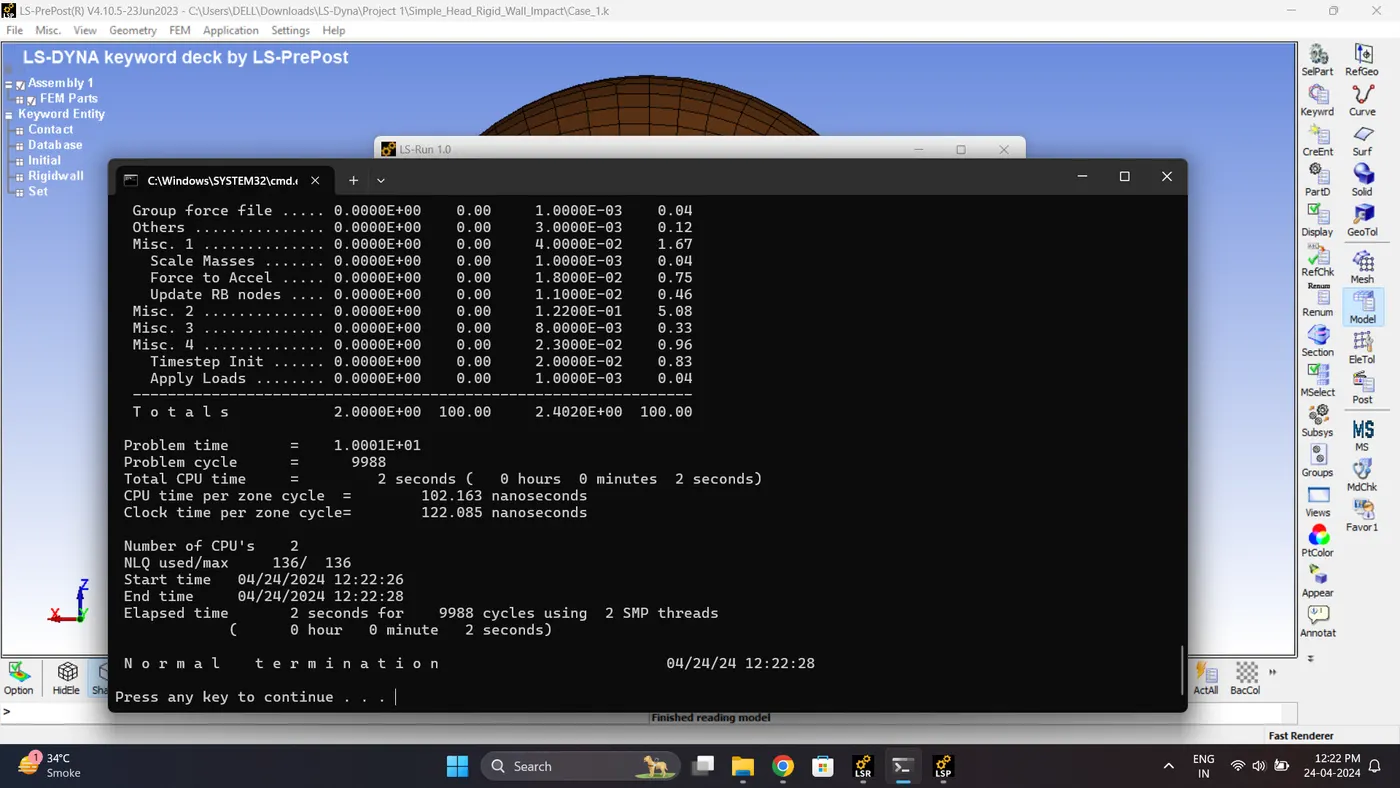
18. Open the Keyword and D3_plot in Ls-PrePost. Play the simulation and contour the von mises stress and effective strain.
Max Vin mises stress = 243.859 gm/mm*ms^2.
Maximum Effective Plastic Strain = 0.0347253
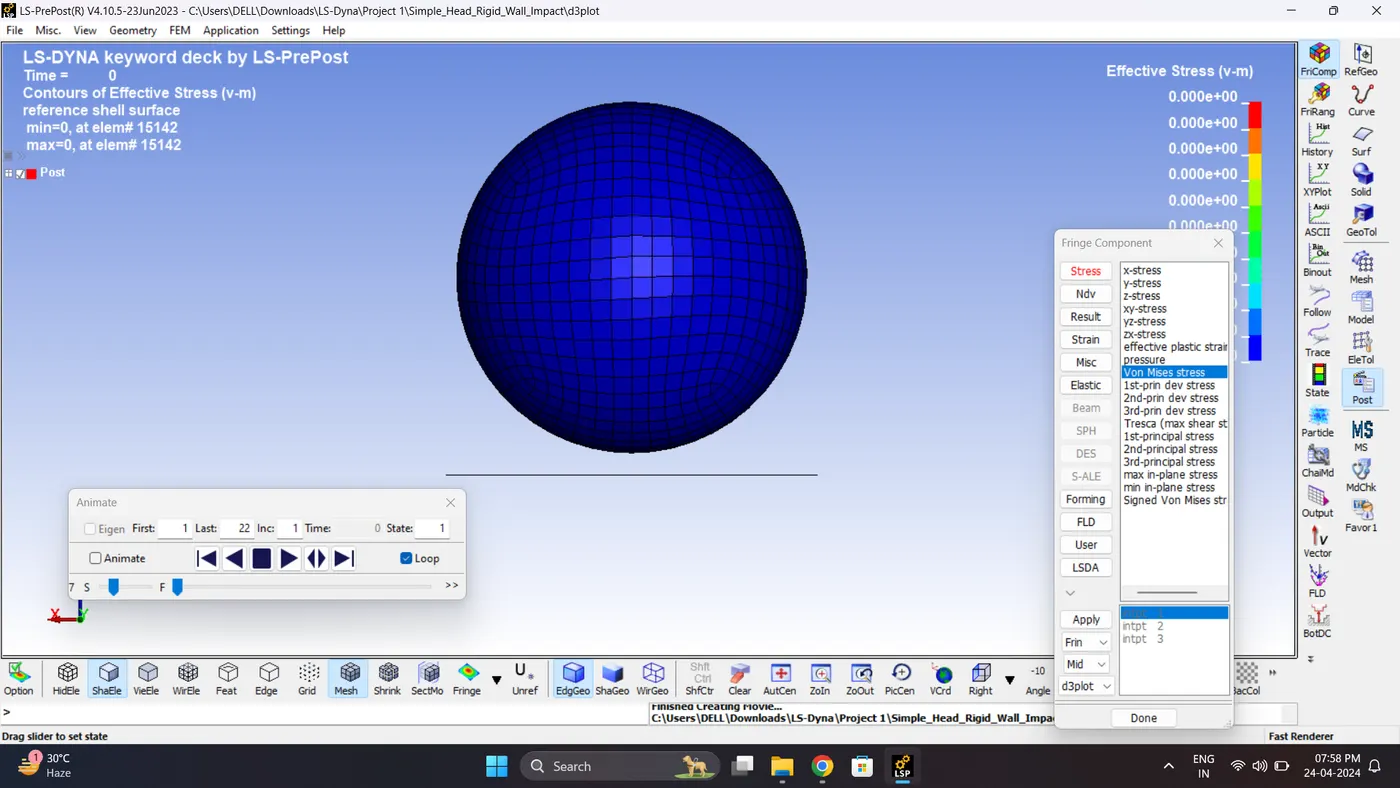
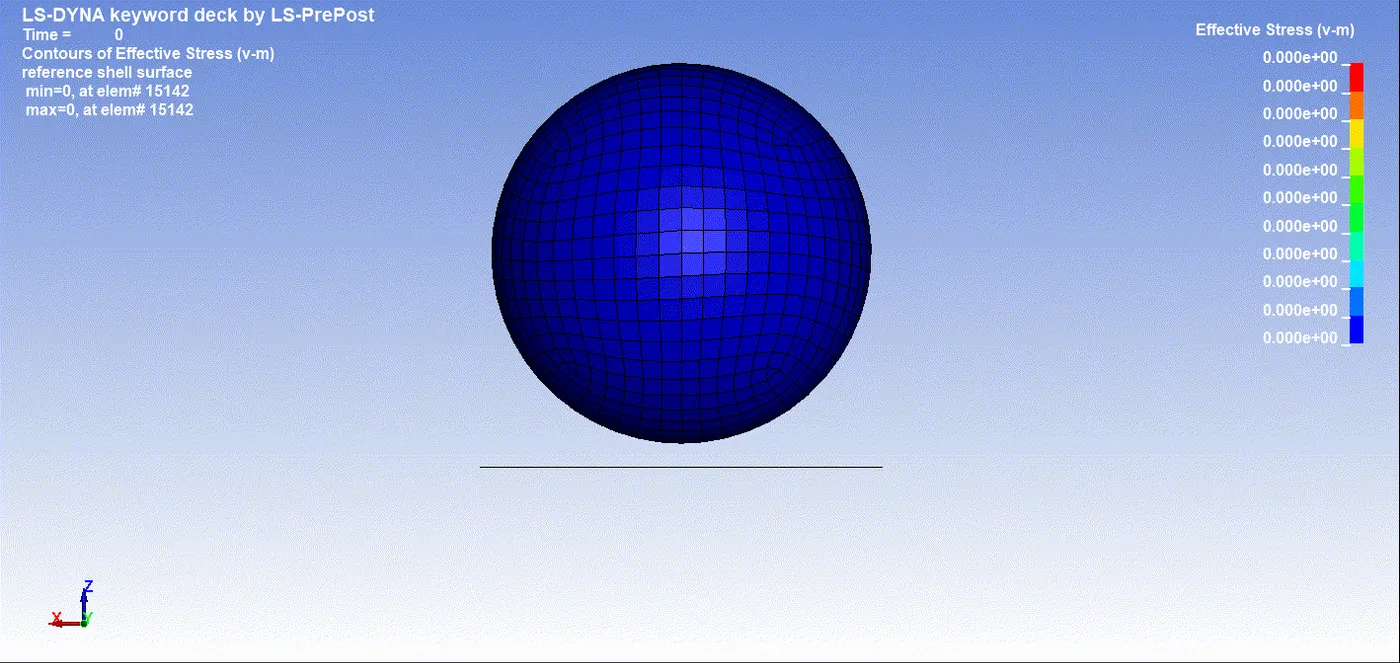
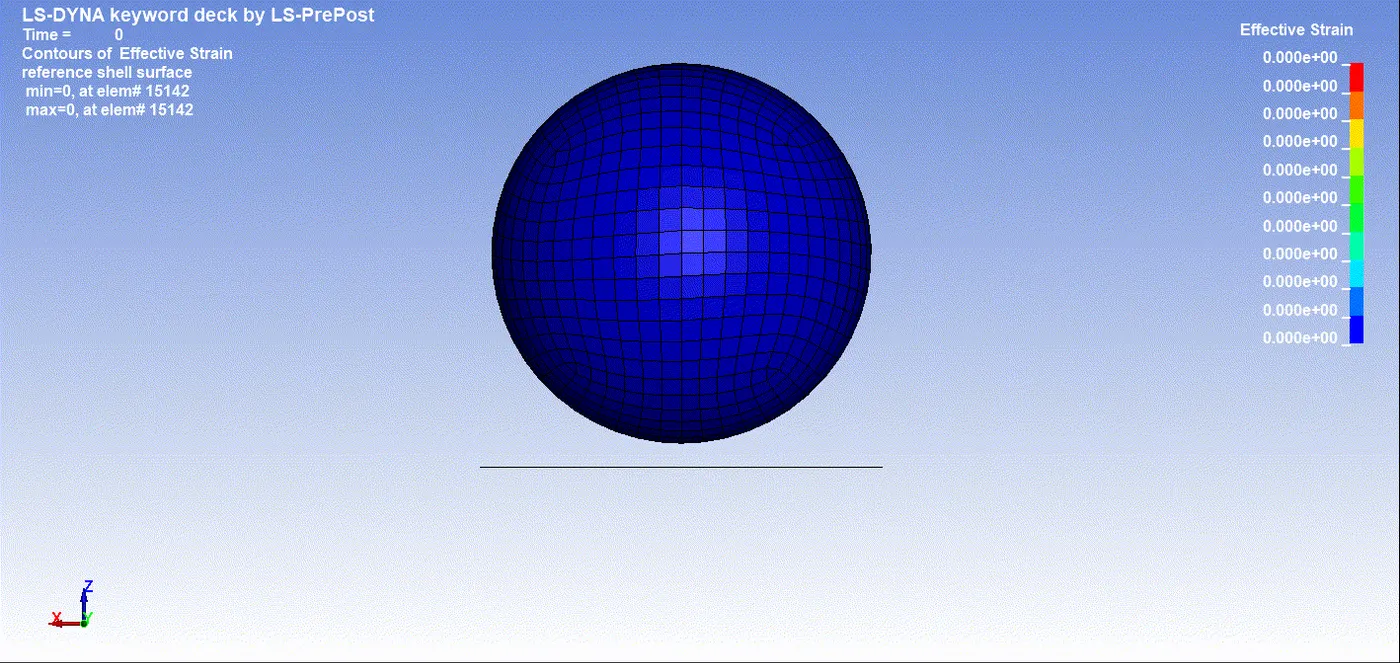
19. Plot all the energies.
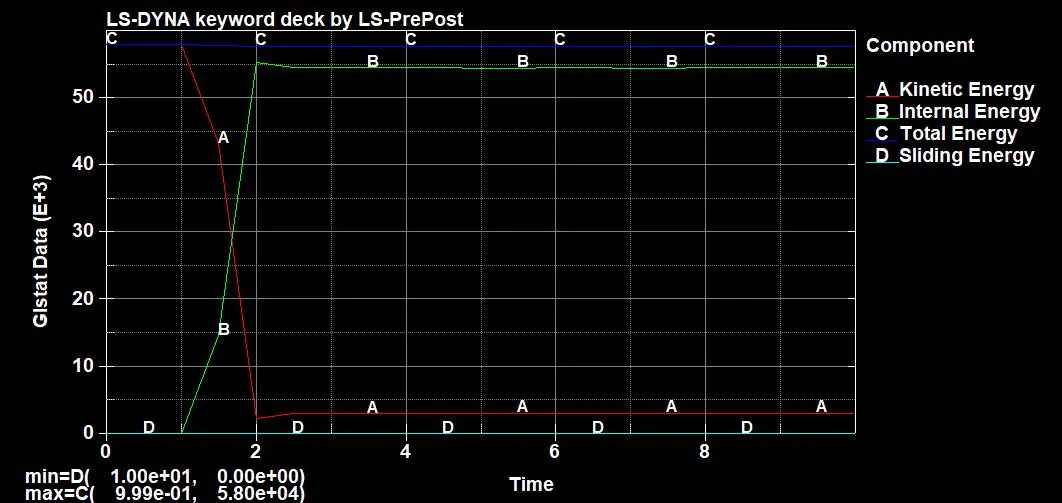
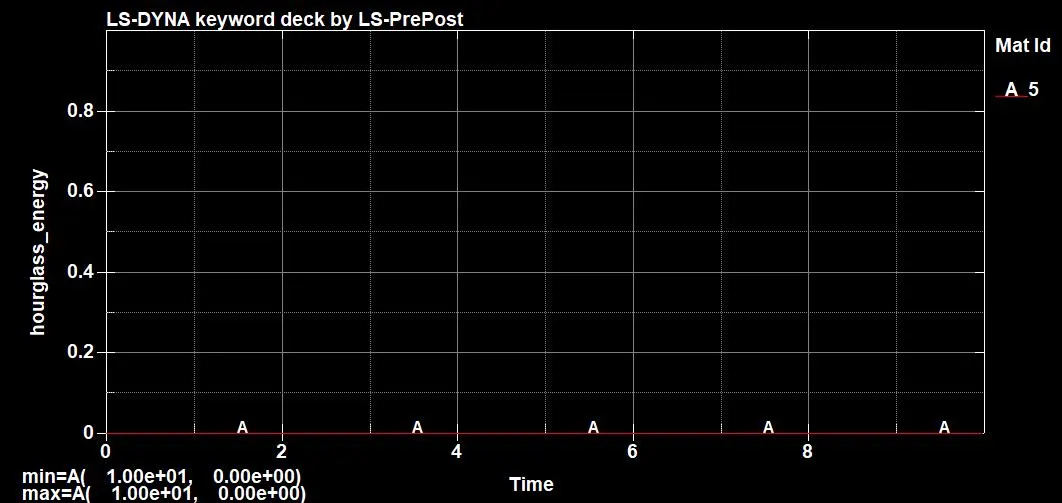
20. Check Post Setting for HIC. Go to Setting - Post Setting - HIC. Check consistency of Time unit and Gravity Constant.
Plot the HIC 16 graph for node number 68789. Go to Post - History - Nodal - hic36.
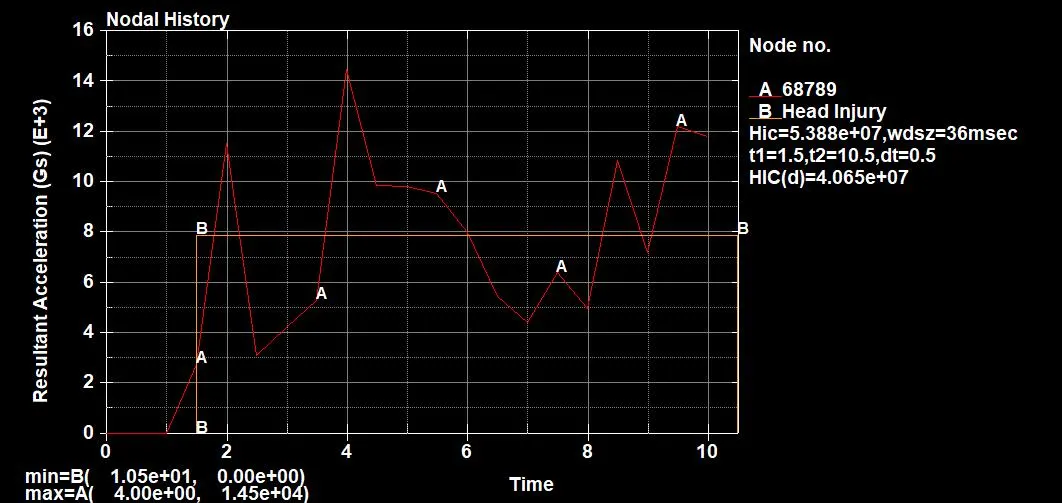
Case 2: Headform impact with the Rigid wall
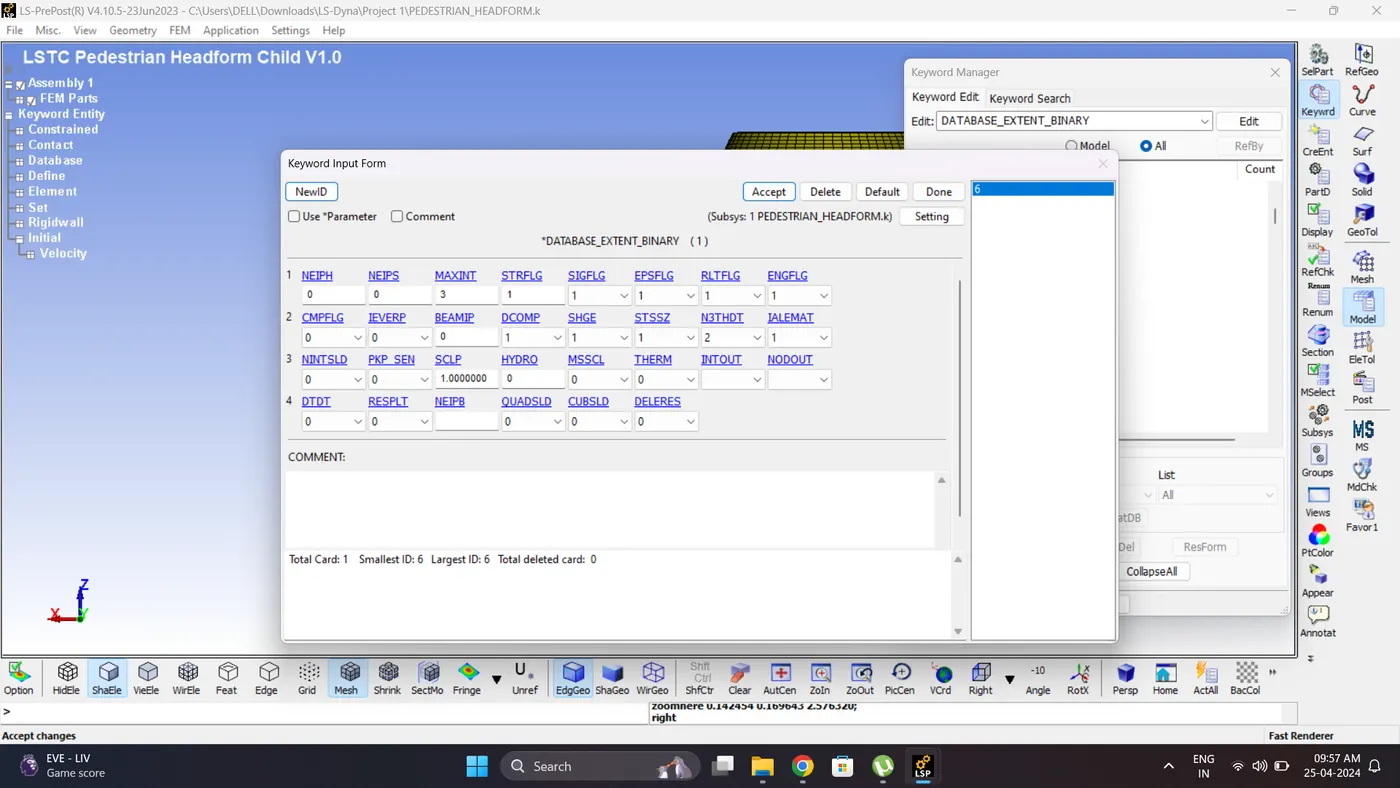
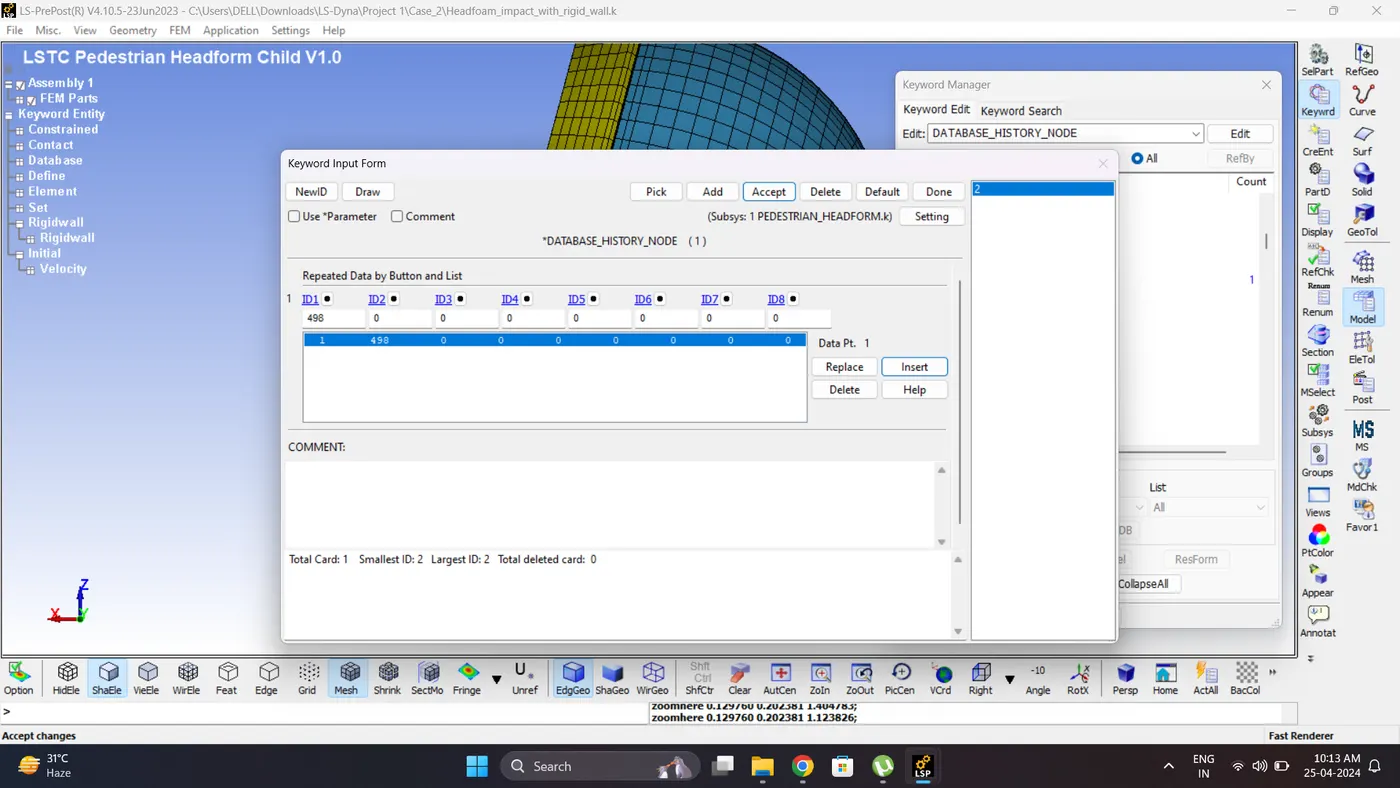
1. Similarly to case 1 create rigid wall, initial velocity, control cards and output requests. 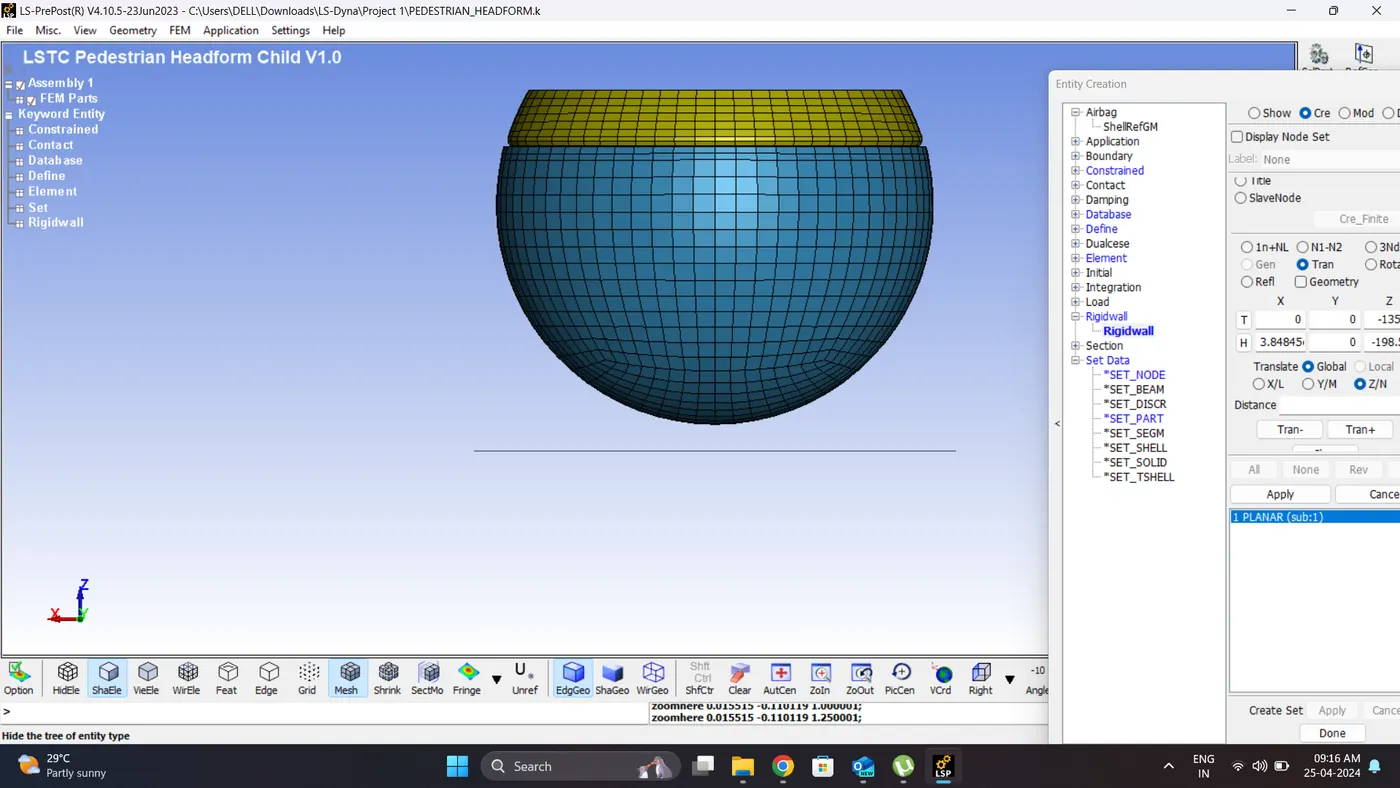
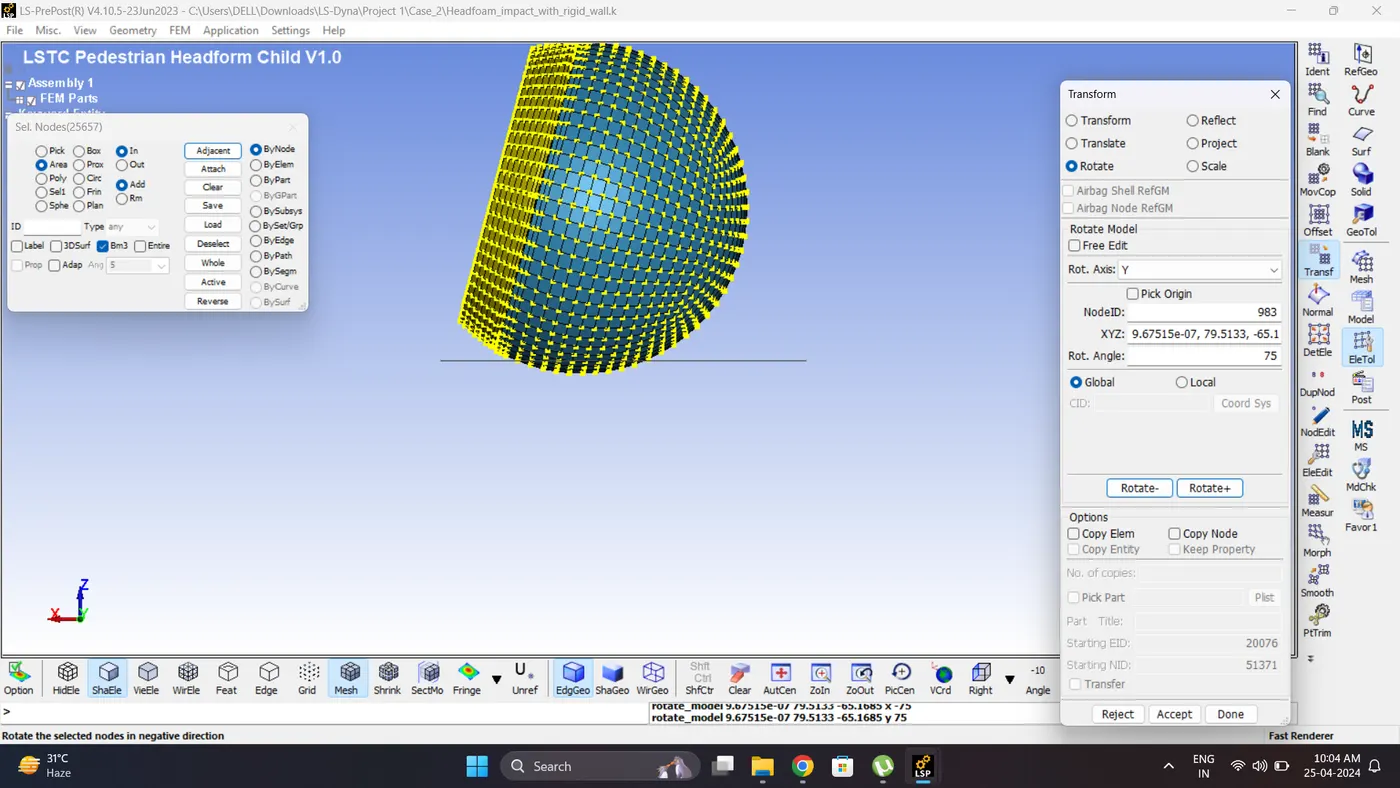
2. Rotate the headfoam about 75 degree. Go to EleTol - Transform - Rotate.
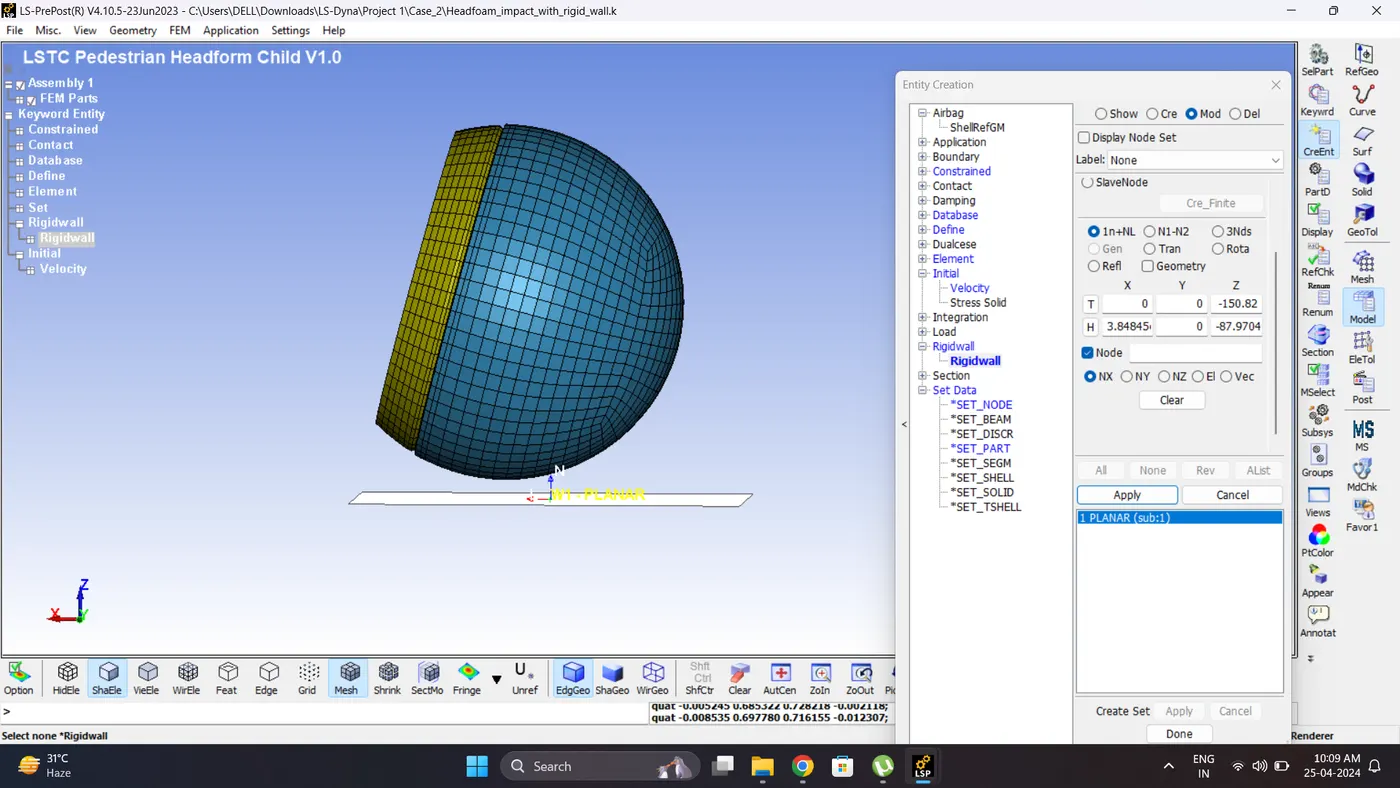
3. Adjust the rigid wall.
4. Run the Model Checker.
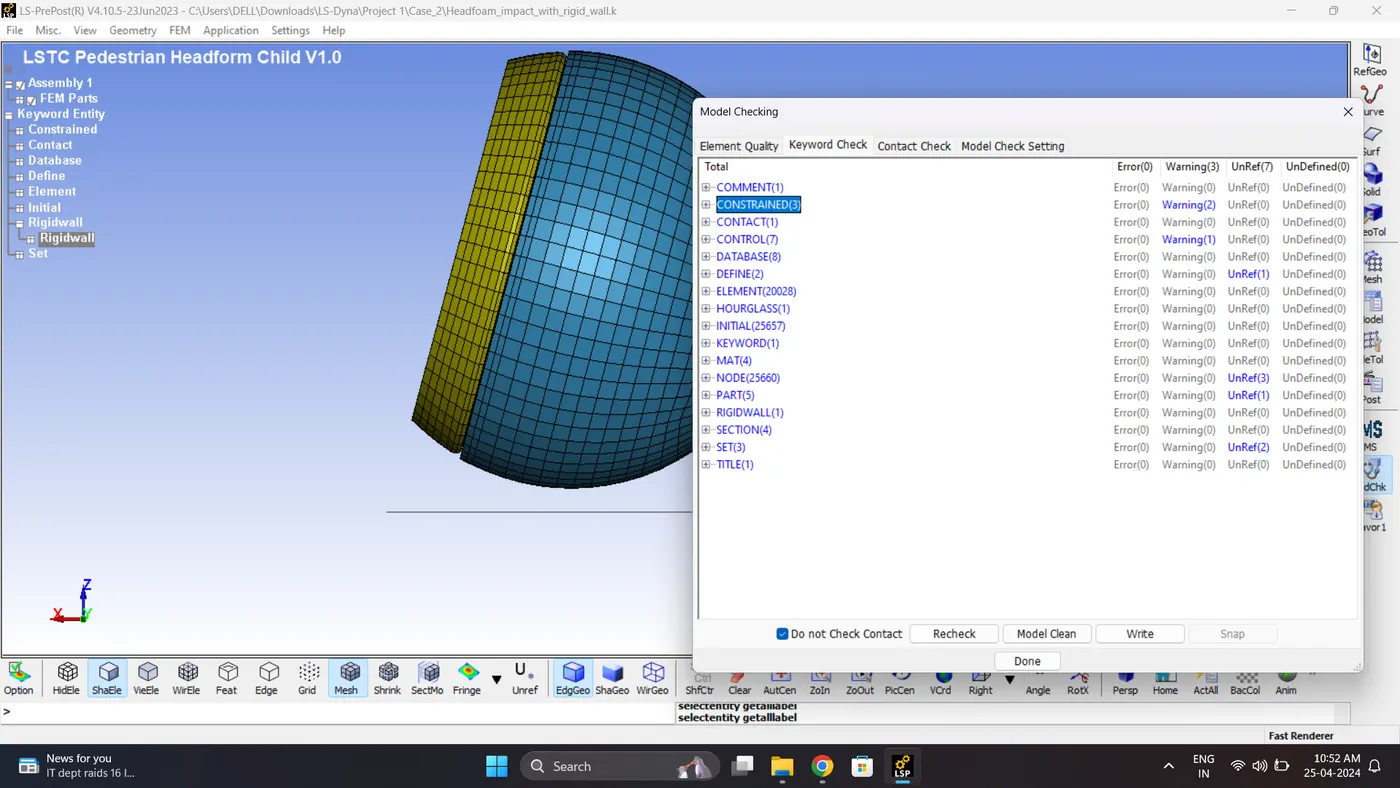
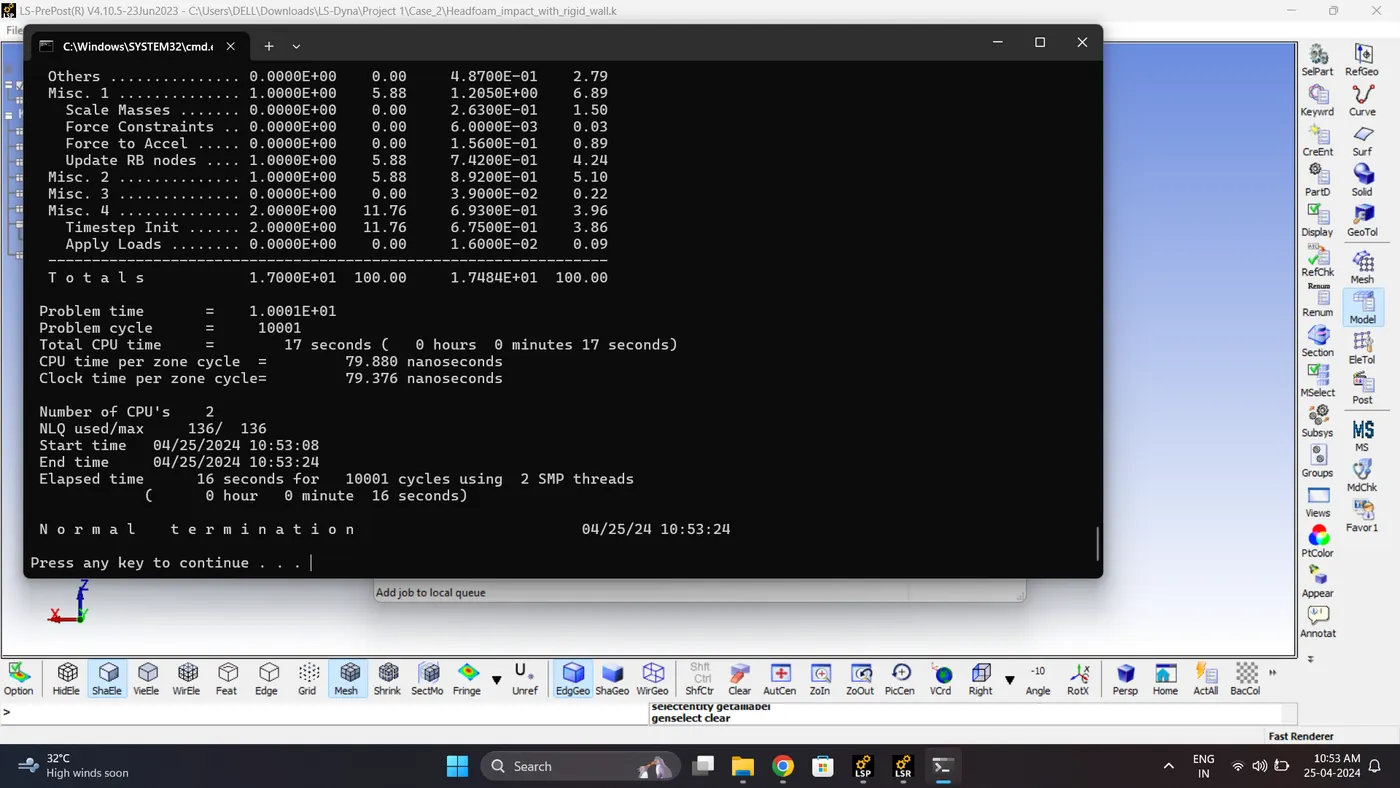
5. Save the File and Run the Simulation. Open LS_Run - Select File - Click Add job to local queue.
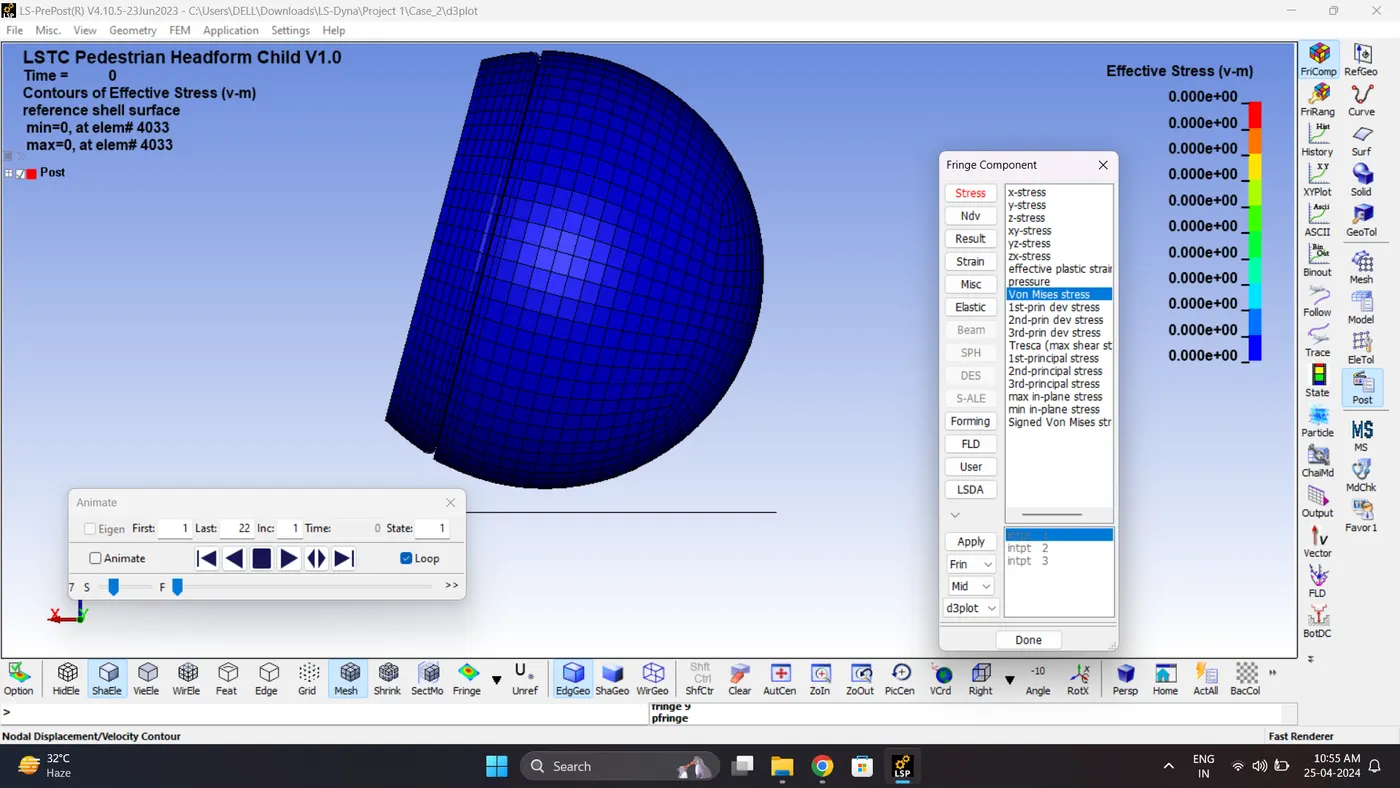
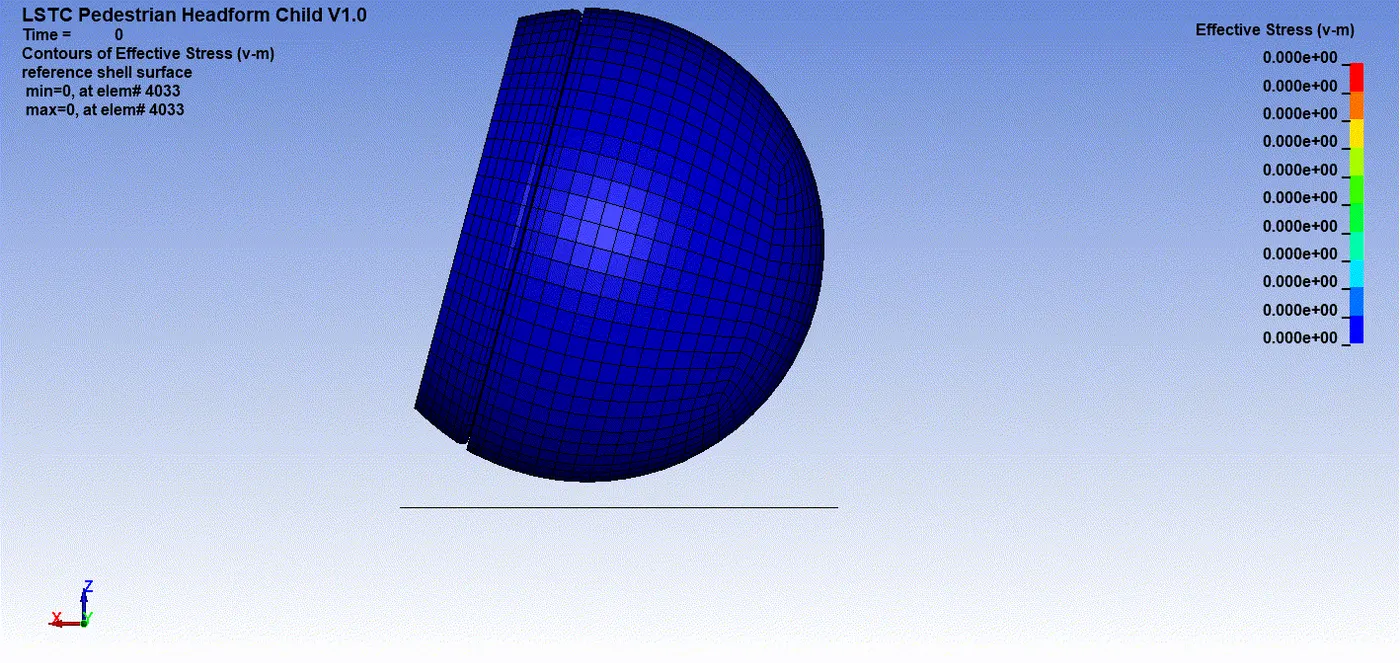
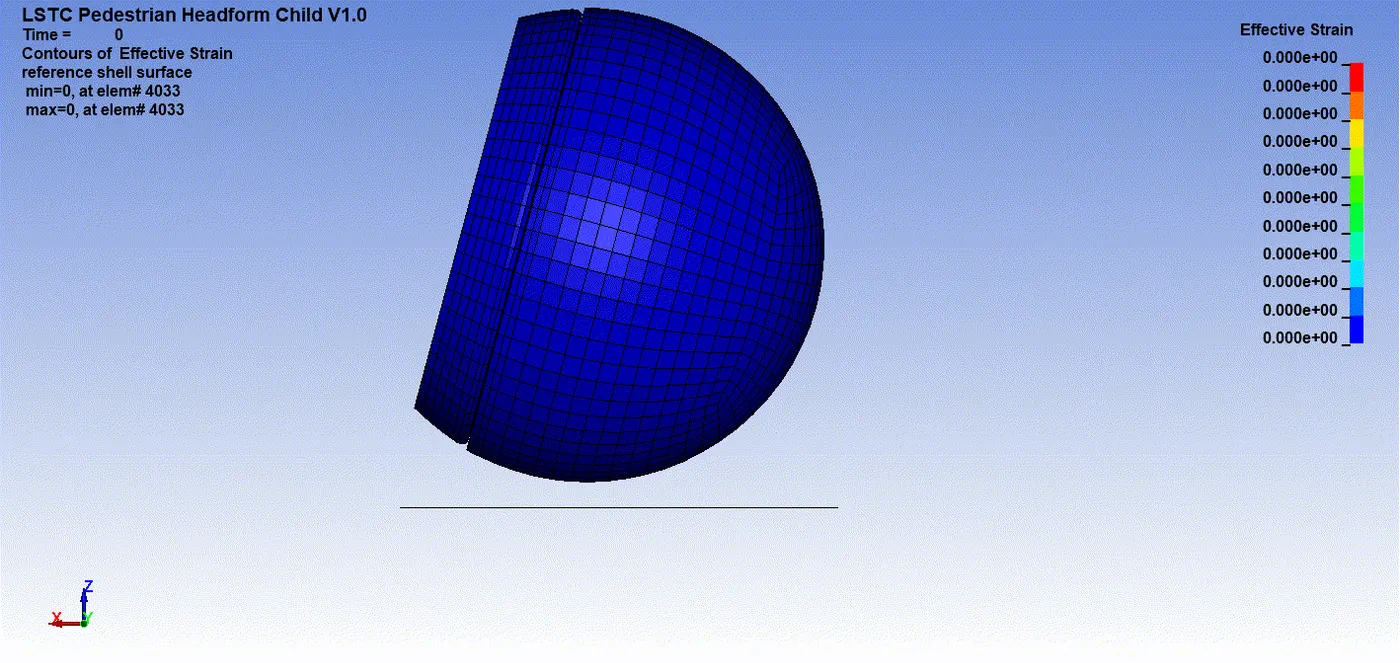
6. Open the Keyword and D3_plot in Ls-PrePost. Play the simulation and contour the von mises stress and effective strain.
Max Vin mises stress = 0.00941864 kg/mm*ms^2.
Maximum Effective Plastic Strain = 0.634625
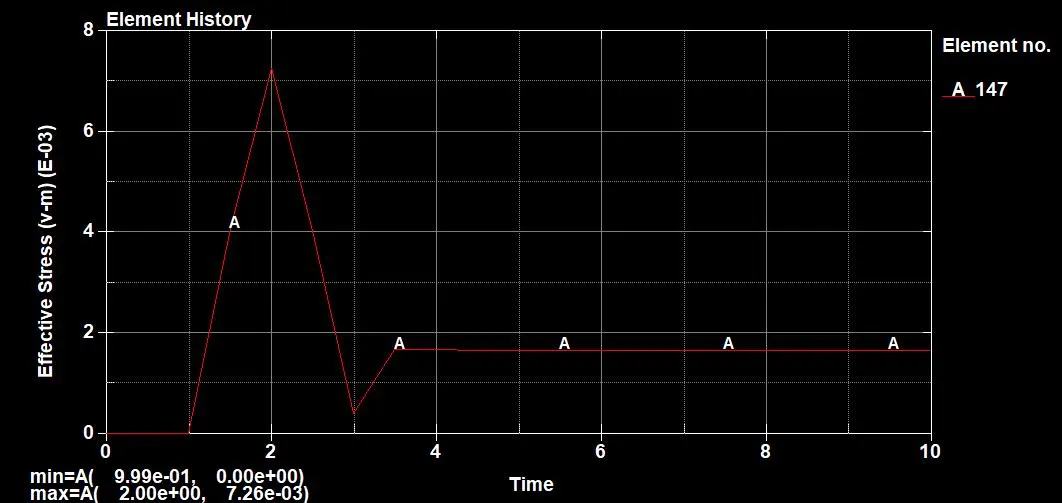
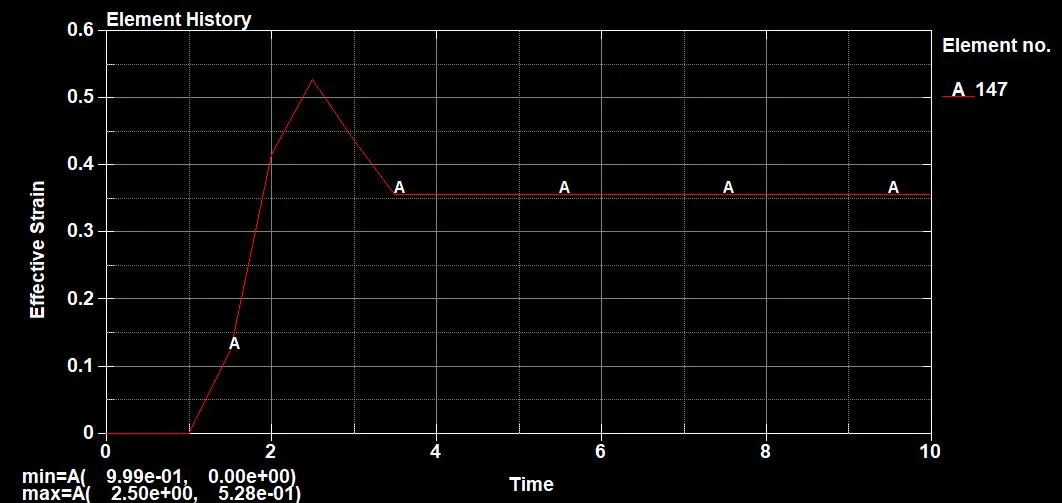
7. Plot the stress and strain plot for Element no 147. Go to Post - History - Element.
Maximum Stress = 0.00726 kg/mm*ms^2.
Maximum Strain = 0.528
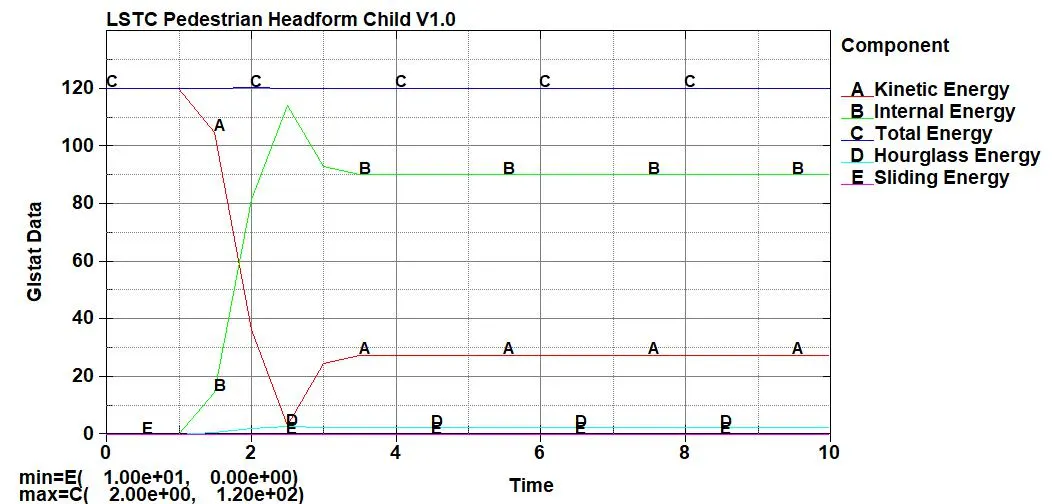
8. Plot all the energies.
9. Check Post Setting for HIC. Go to Setting - Post Setting - HIC. Check consistency of Time unit and Gravity Constant.
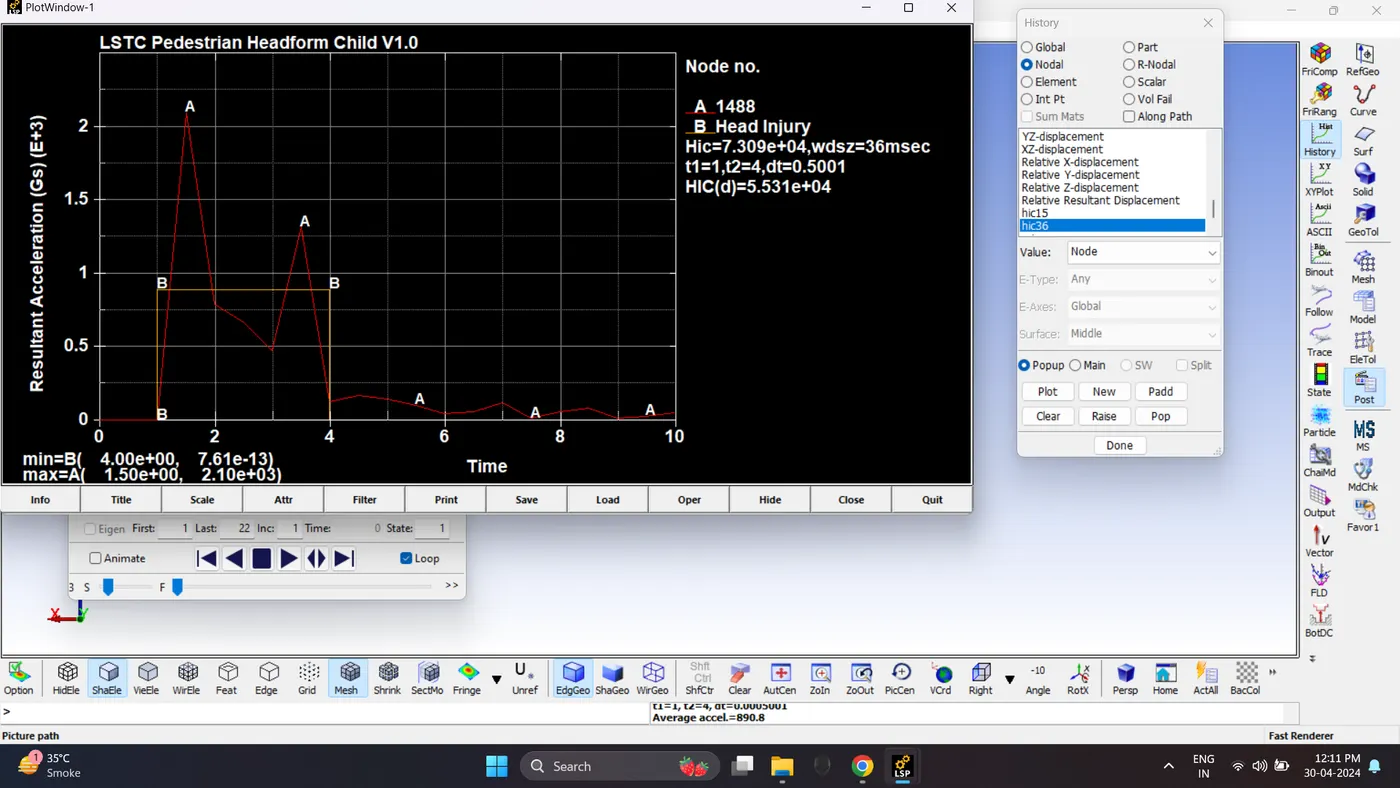
Plot the HIC 16 graph for node number 1488. Go to Post - History - Nodal - hic36.
HIC is 5.531e+04.
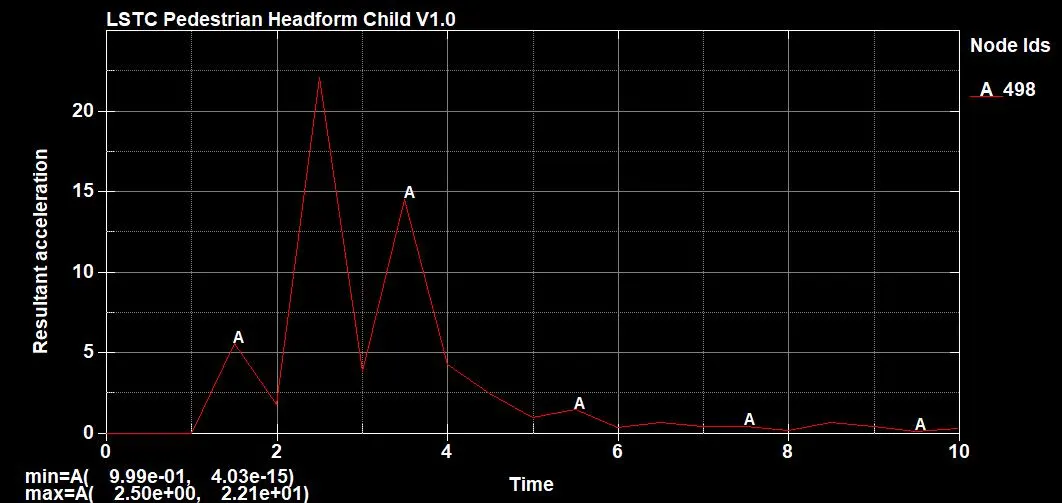
10. Plot the Acceleration of node no 498. Go to Post - ASCII - Nodout - Resultant Acceleration.
Maximum Acceleration is 22.1 mm/ms^2.
Case 3: Pedestrian Head Impact with Hood.
1. Place the Head and Hood Model in single folder. Open the Hood Model.
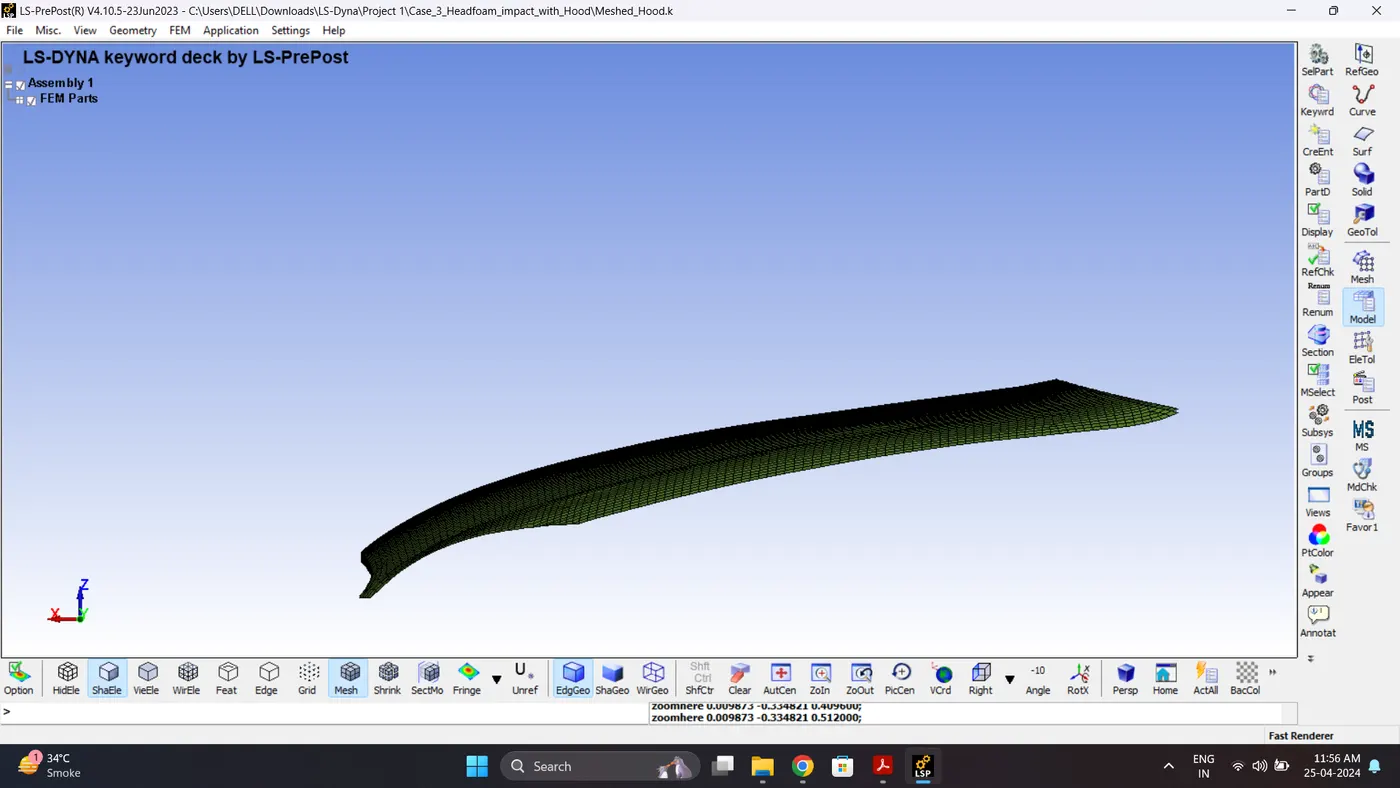
2. Create Section, Material and Hourglass for Hood. Assign it to Hood part.
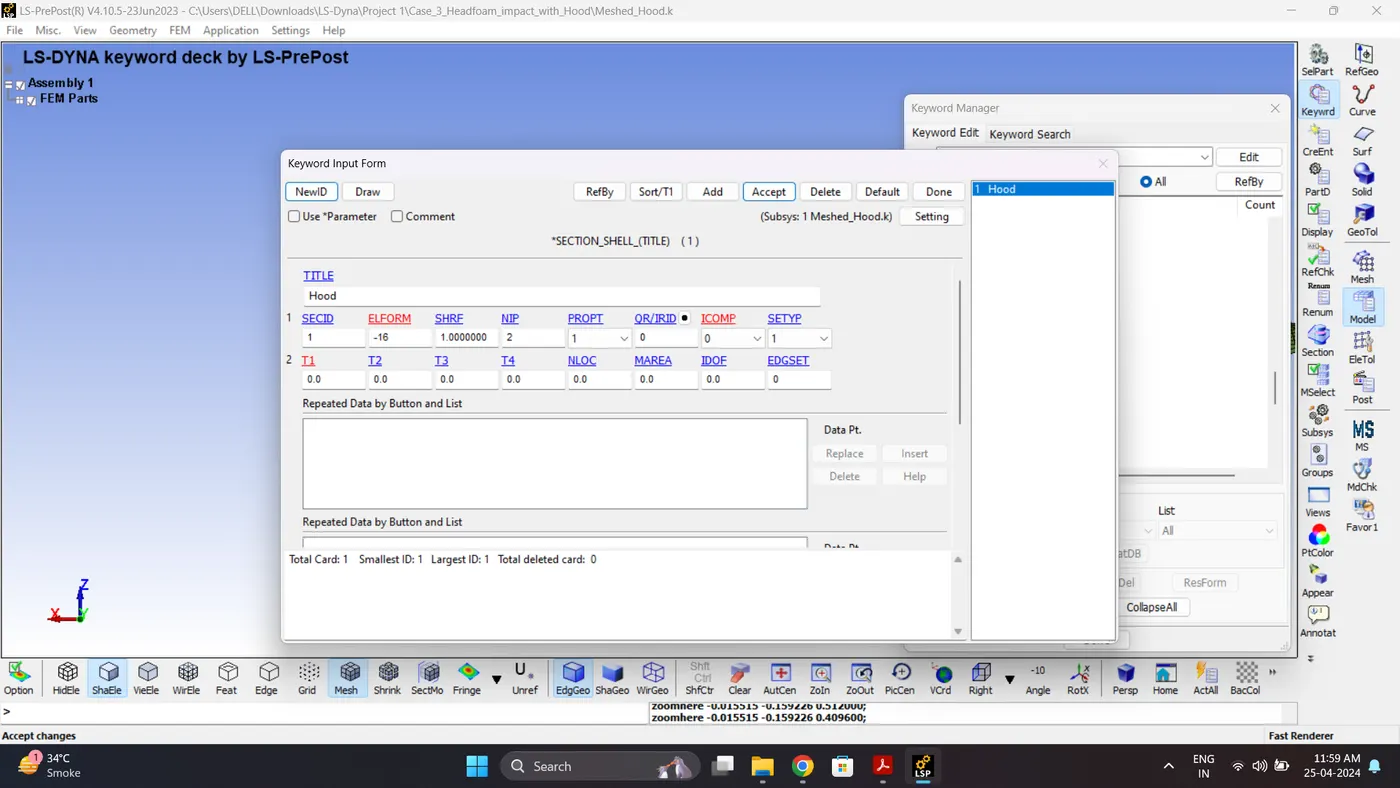
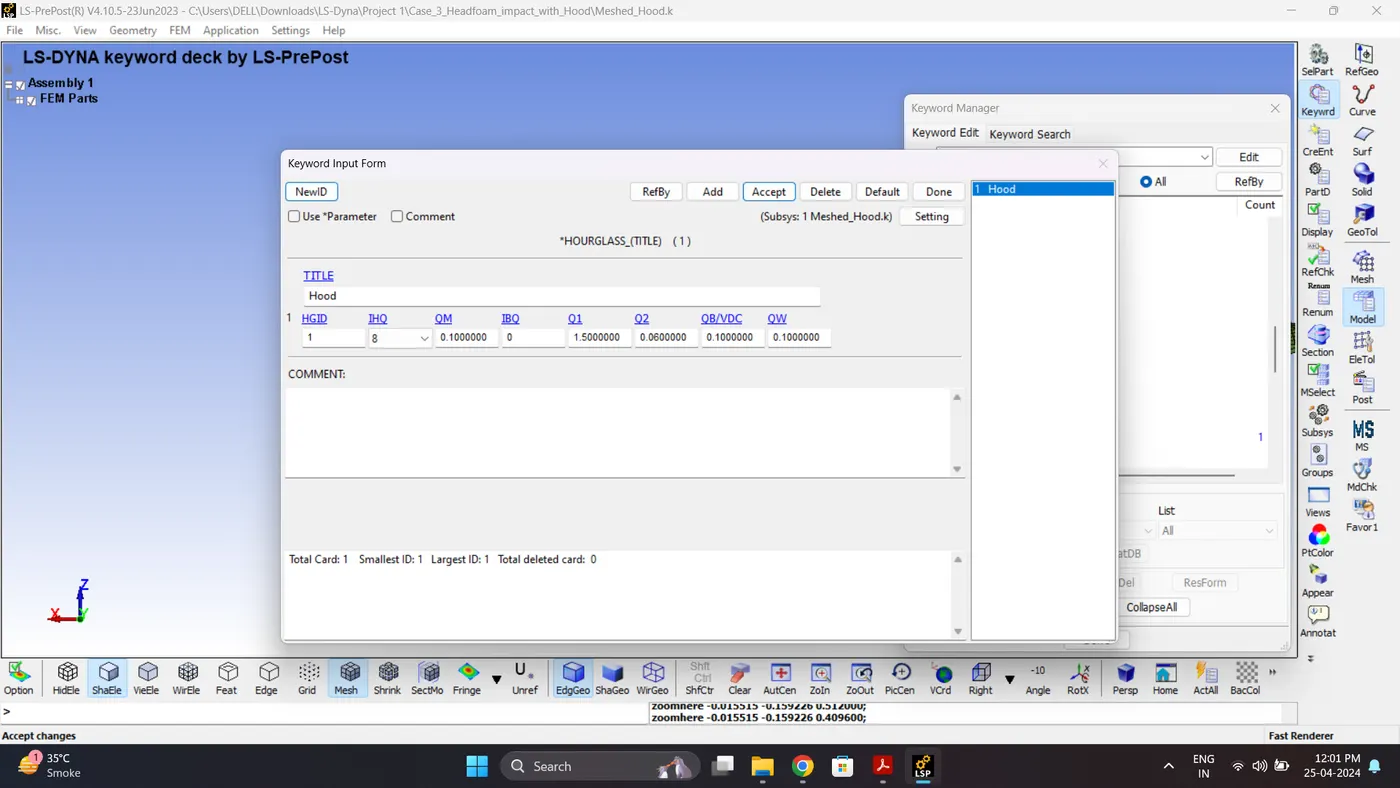
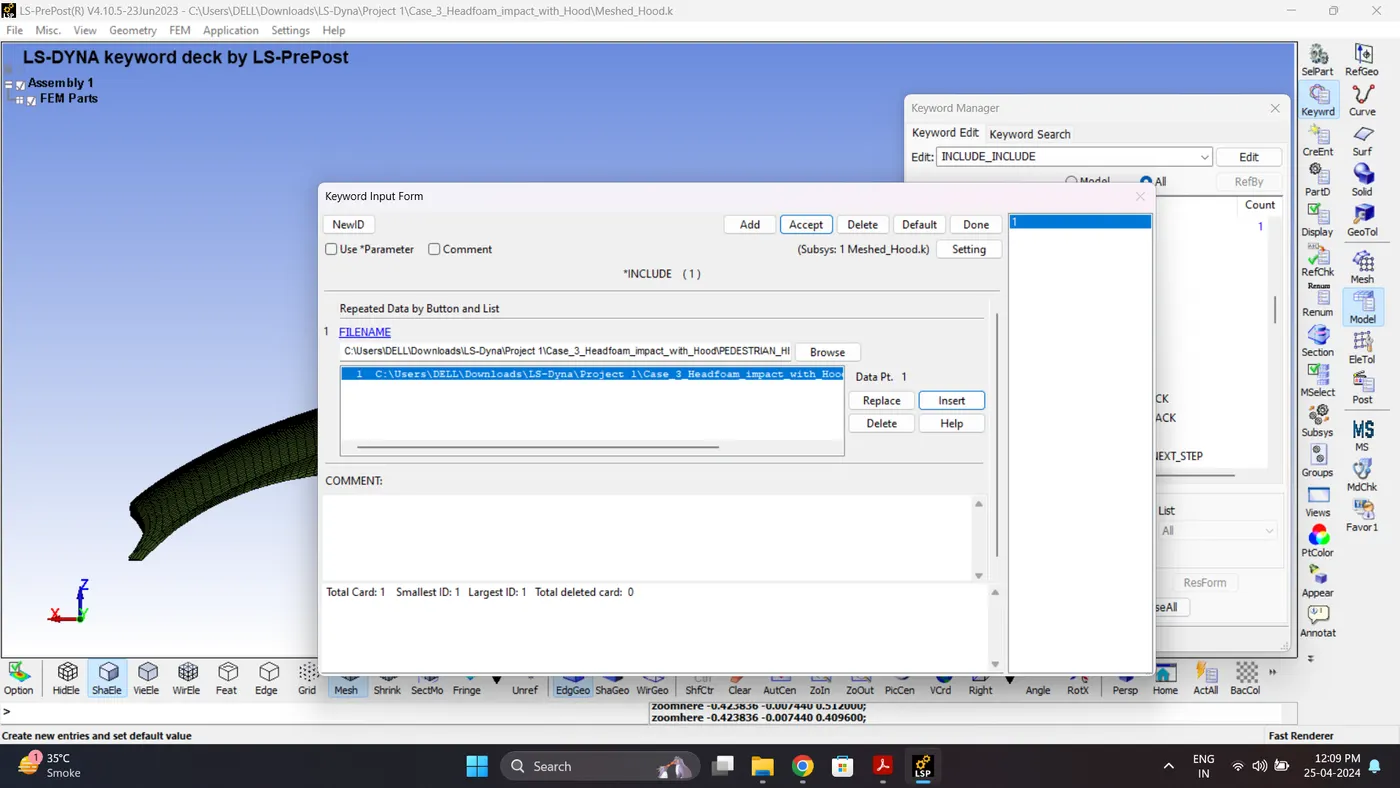
3. Use Include to add Head Model. Go to Model - Keyword Managar - Include.
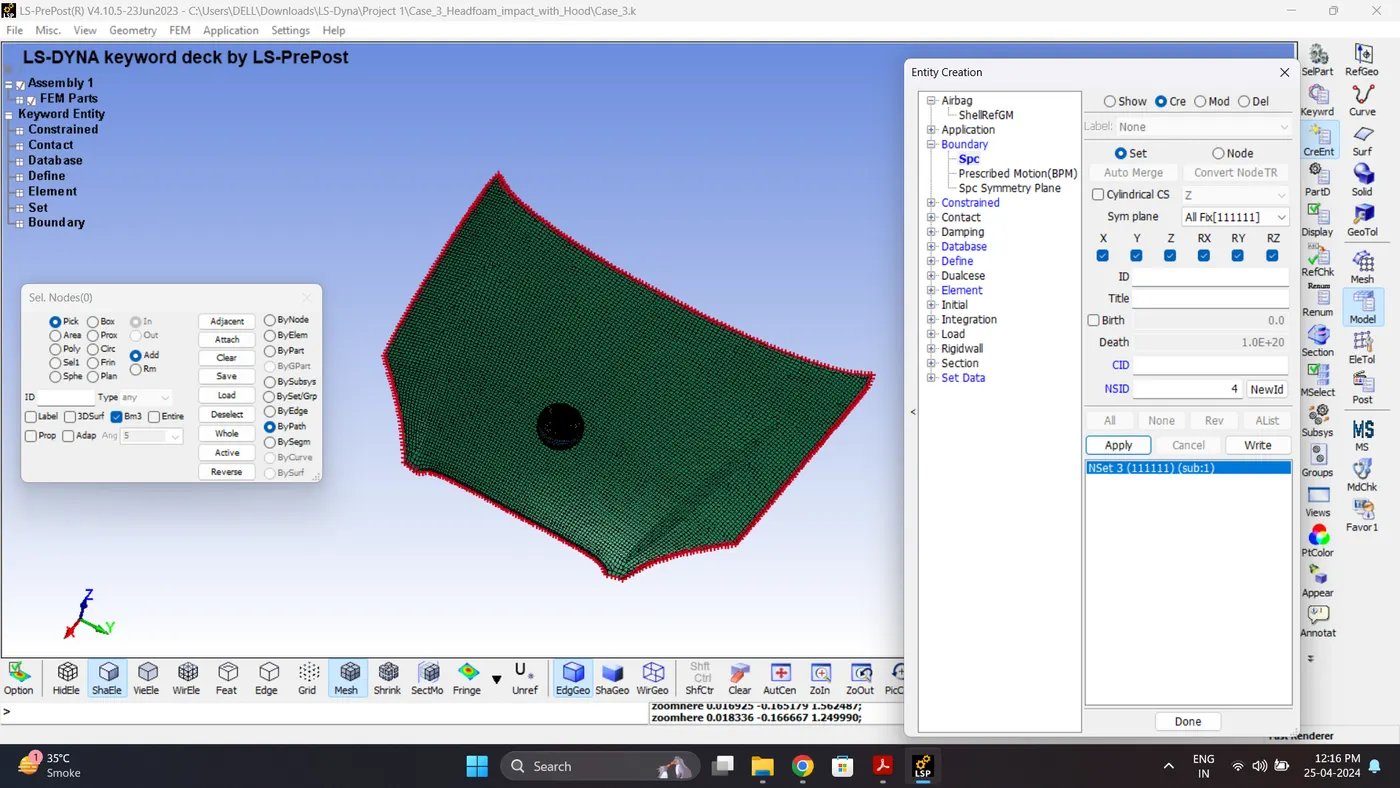
4. Lock the DOF of Hood Boundary element nodes in all direction.
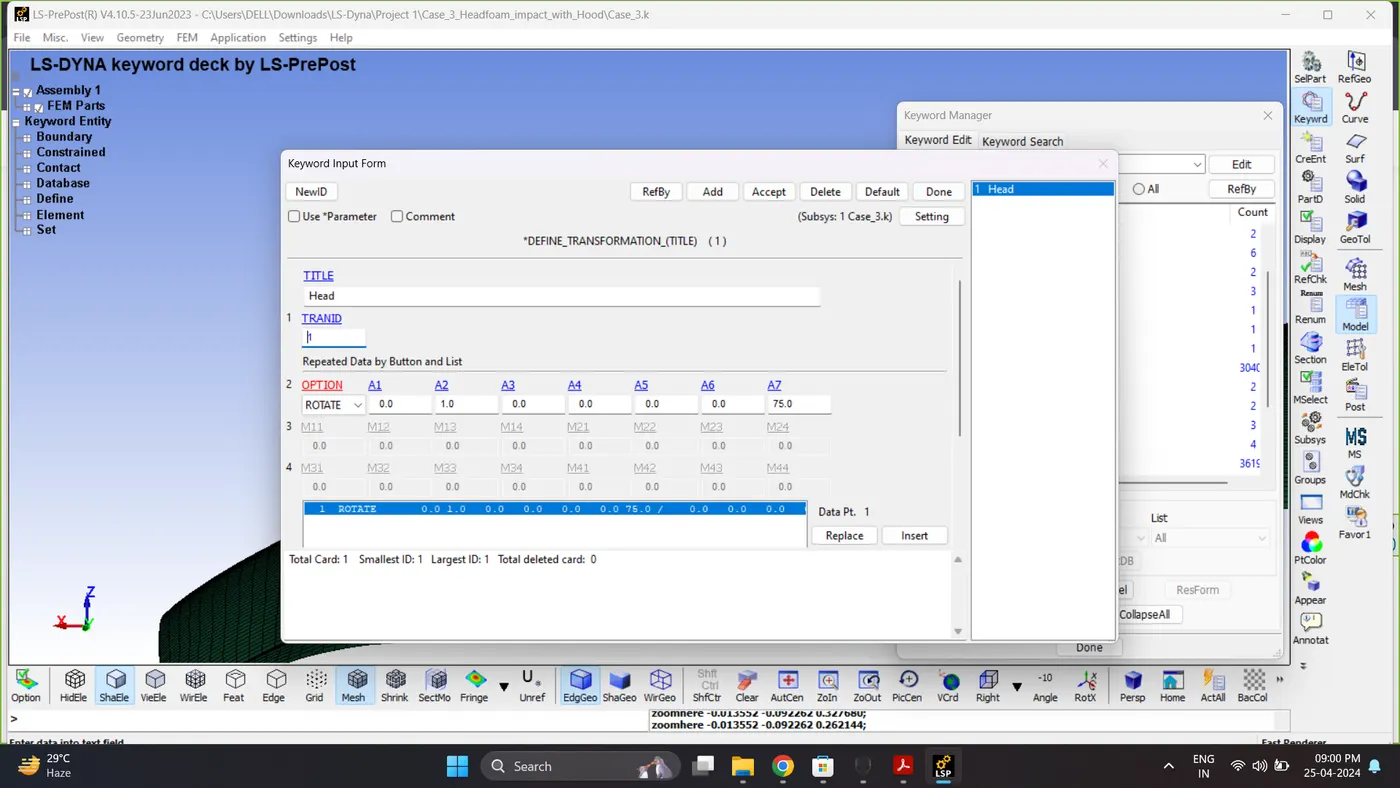
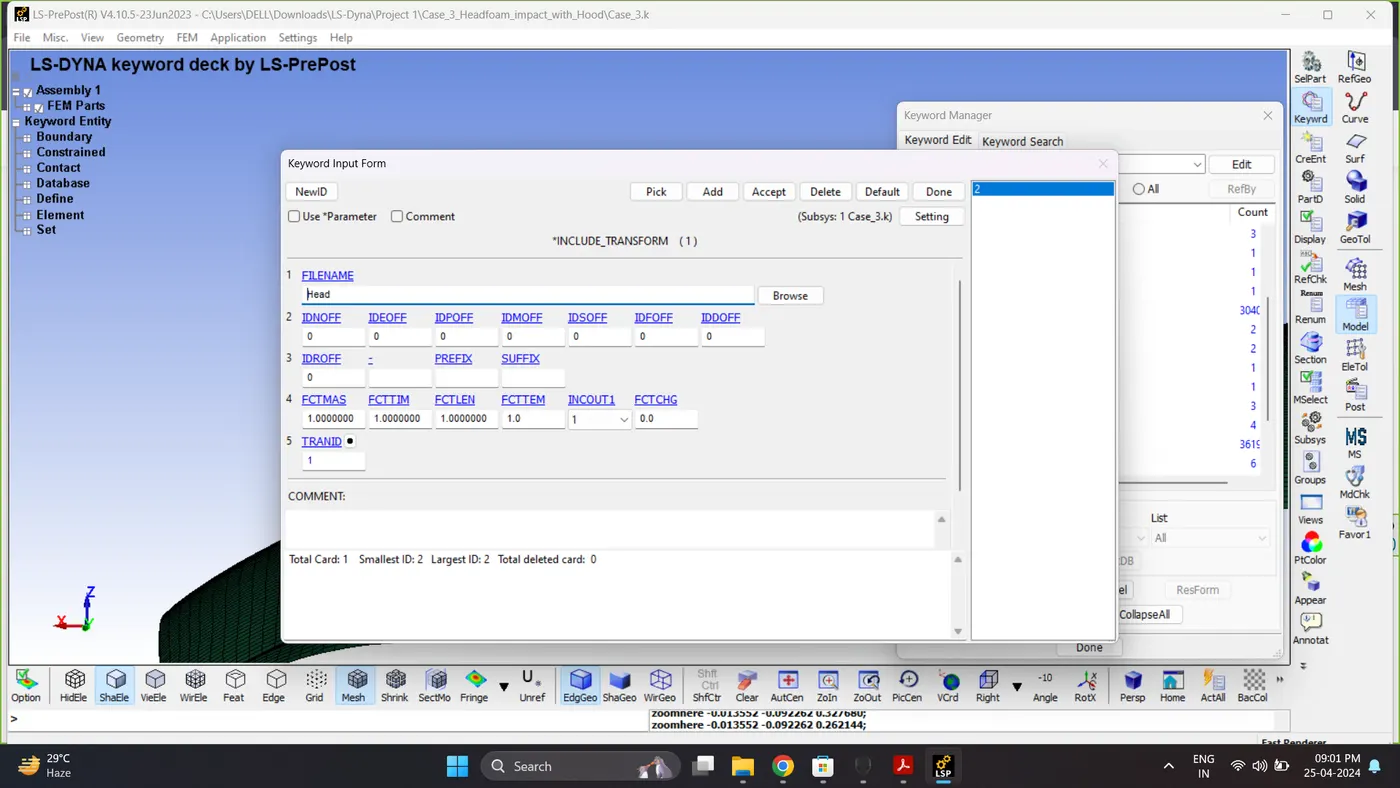
5. Rotate the head model using Define Transform and Include Transform.
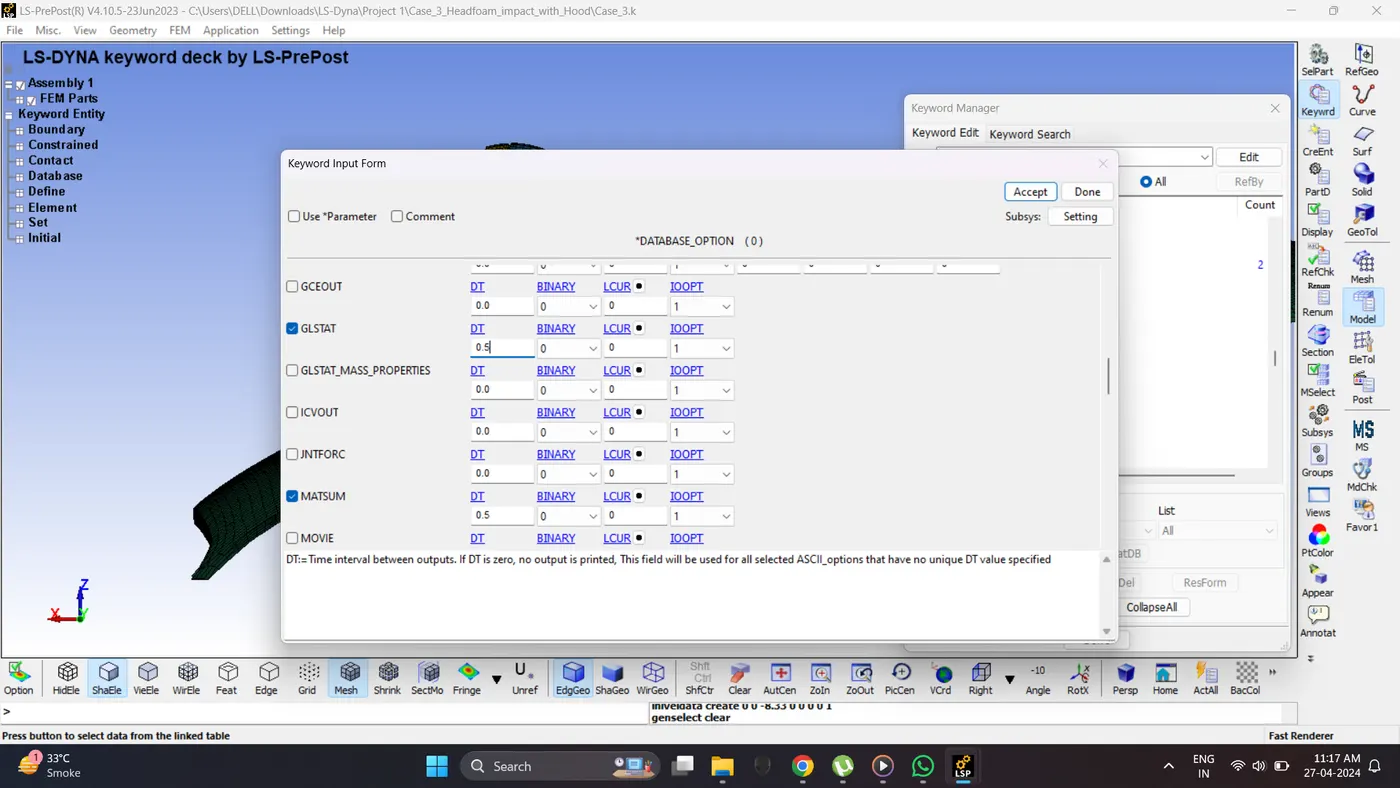
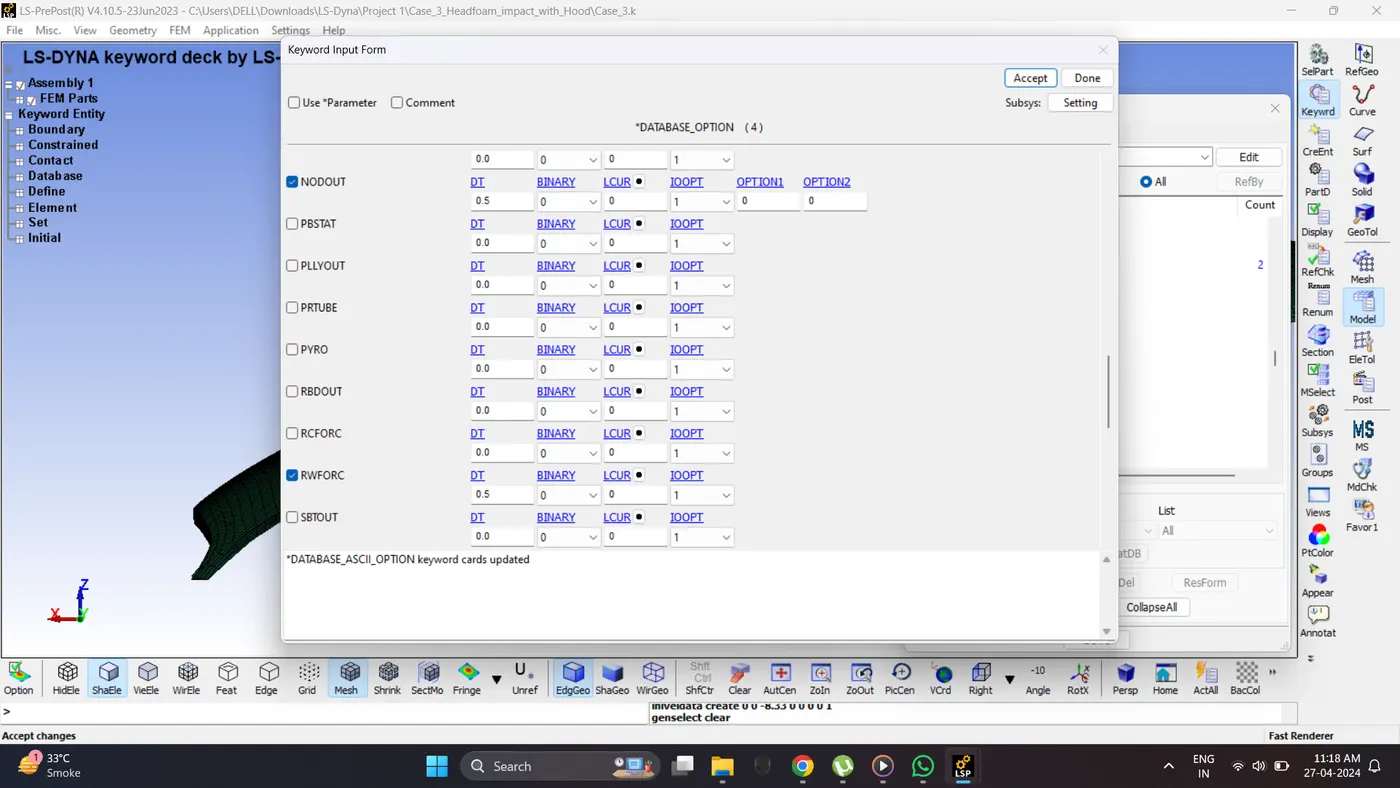
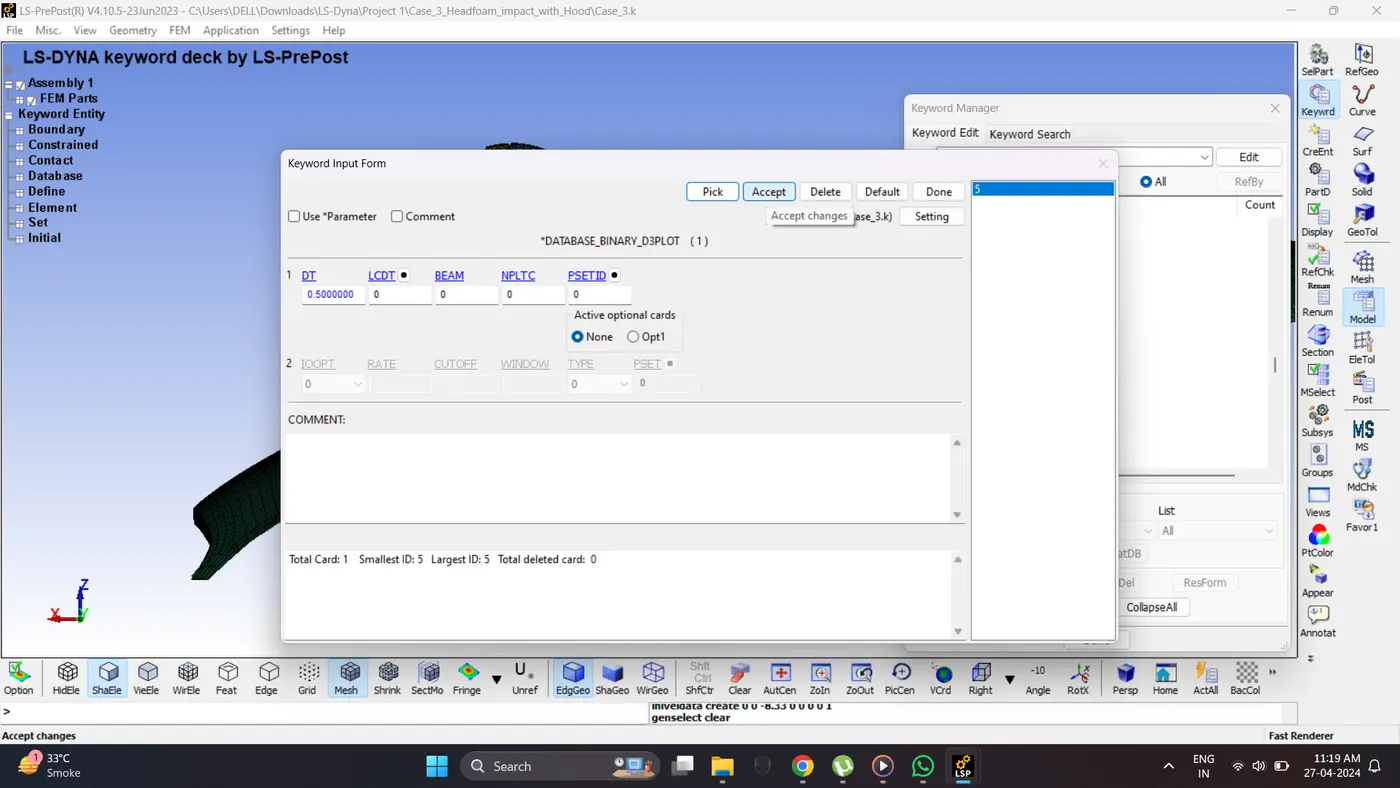
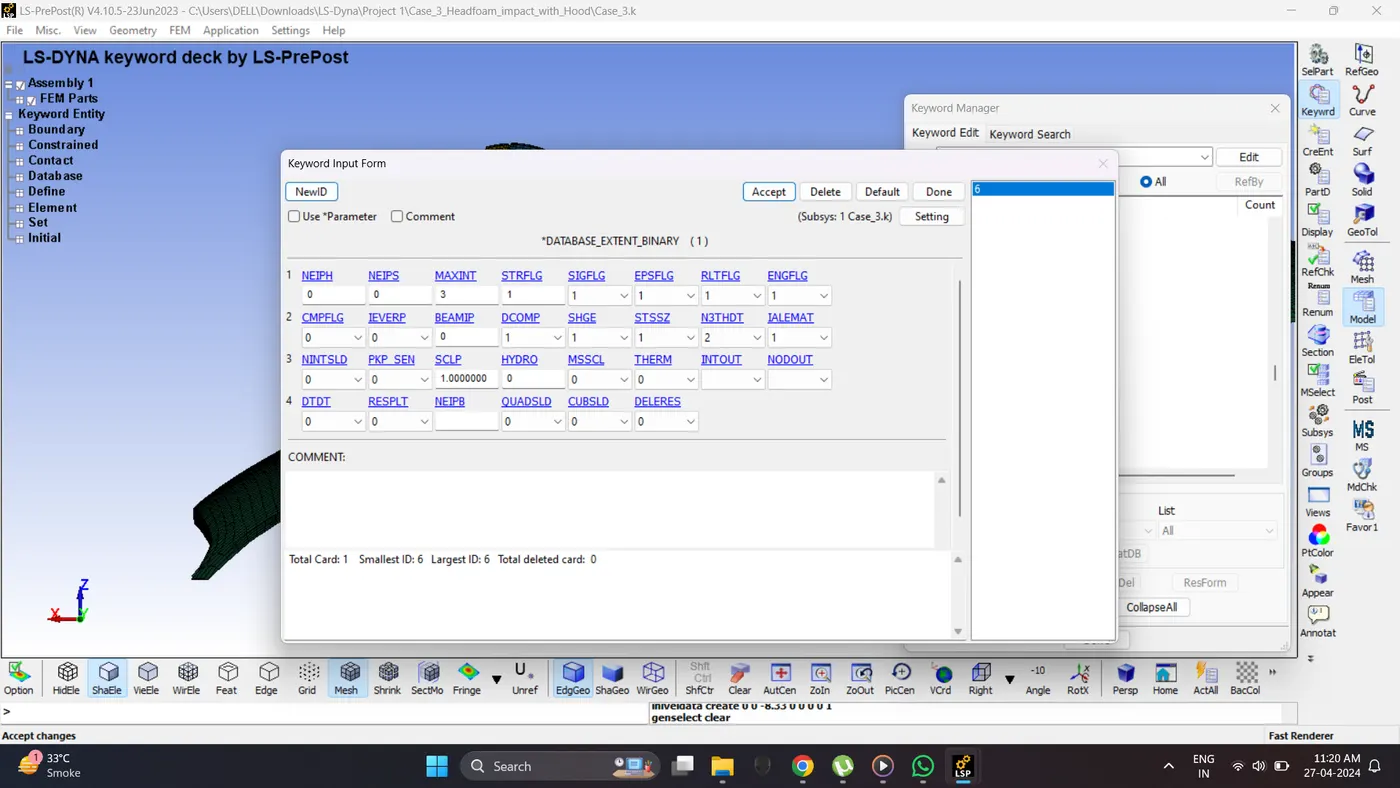
6. Similarly to case 2 create initial velocity, control cards and output requests.
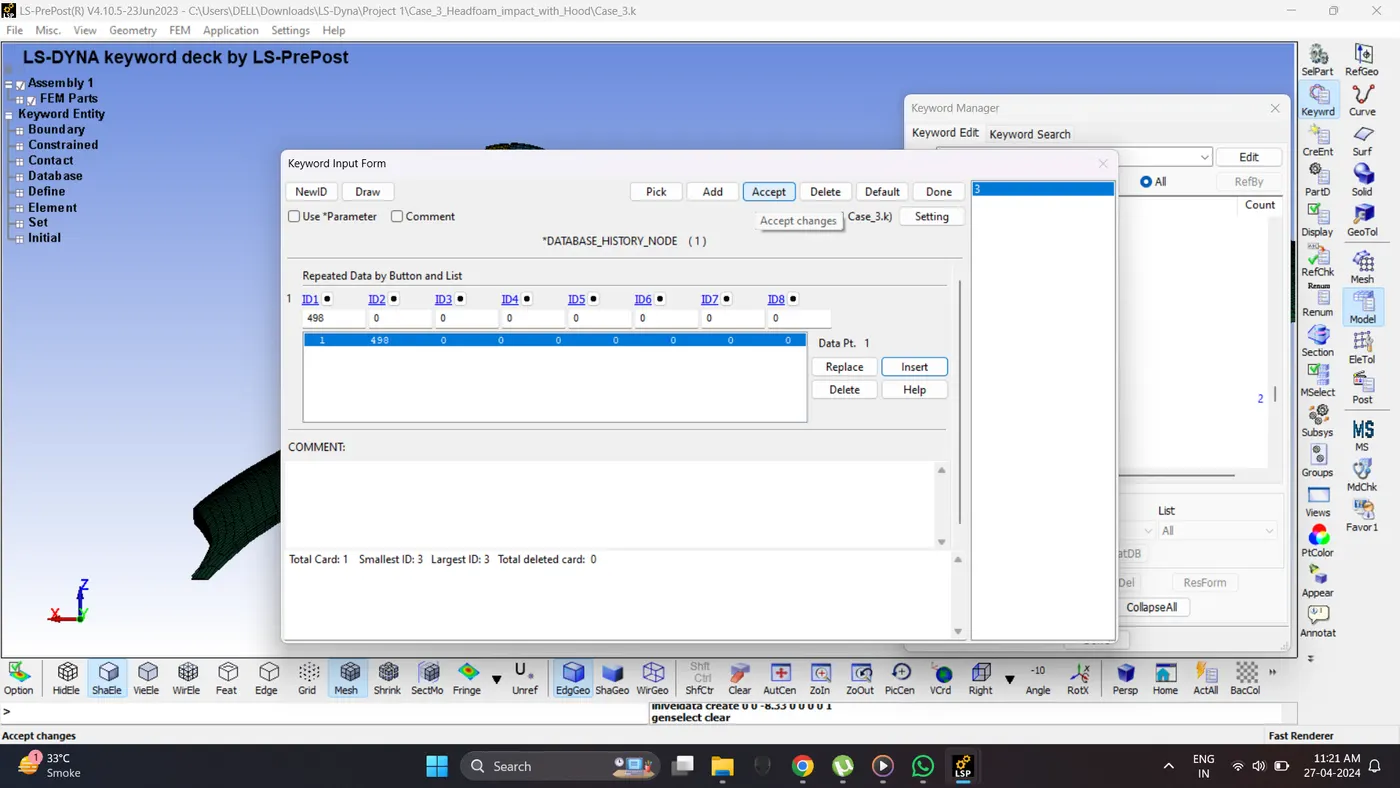
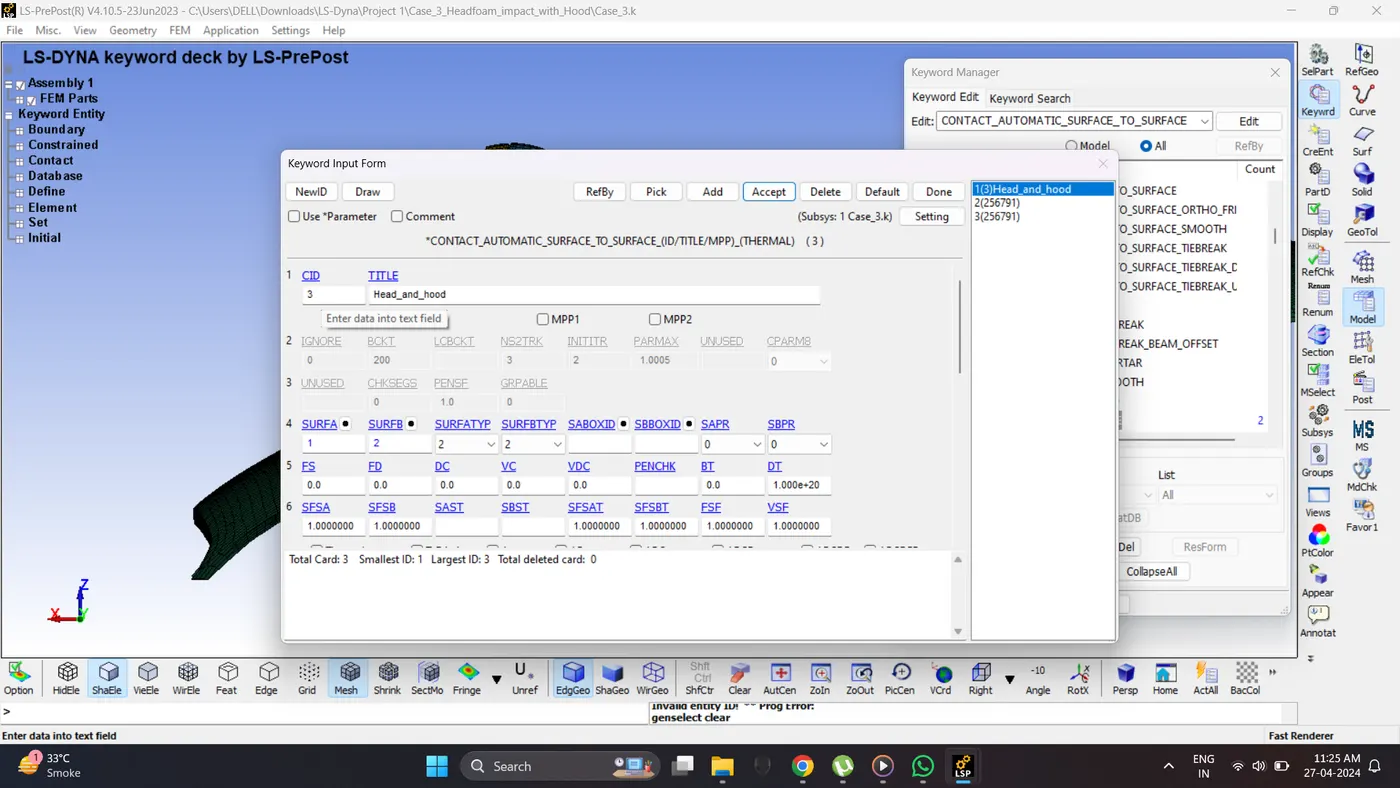
7. Create a Automatic Surface to surface contact between head and hood.
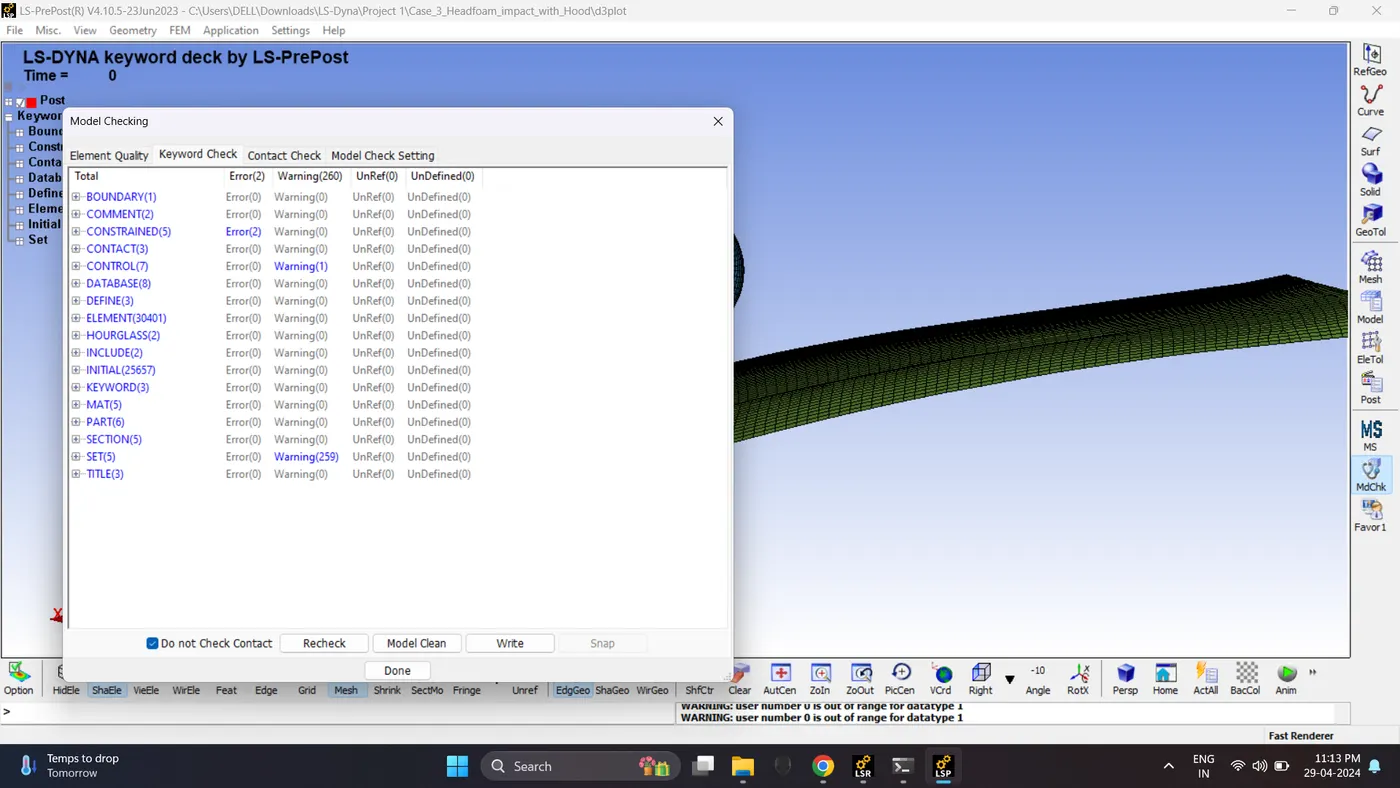
8. Run the Model Checker.
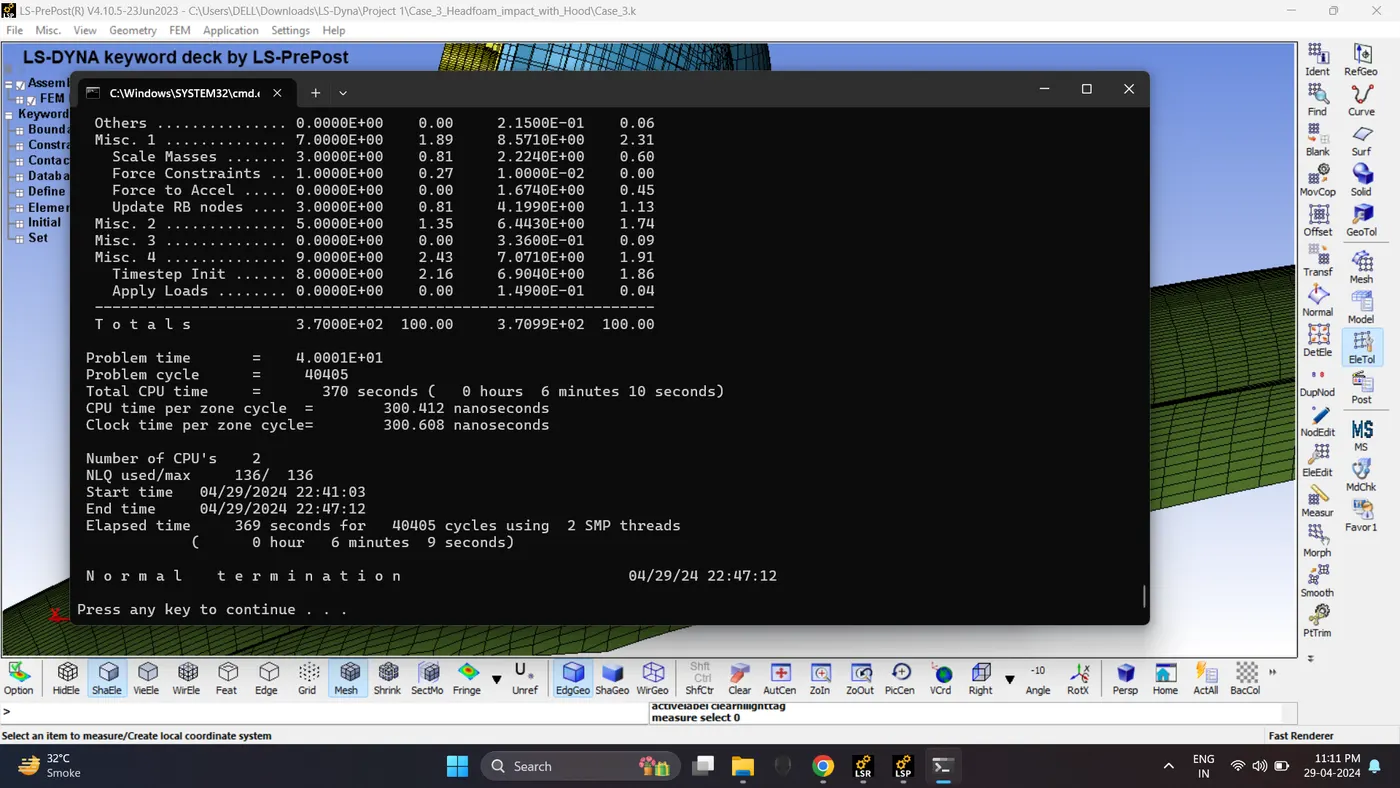
9. Save the File and Run the Simulation. Open LS_Run - Select File - Click Add job to local queue.
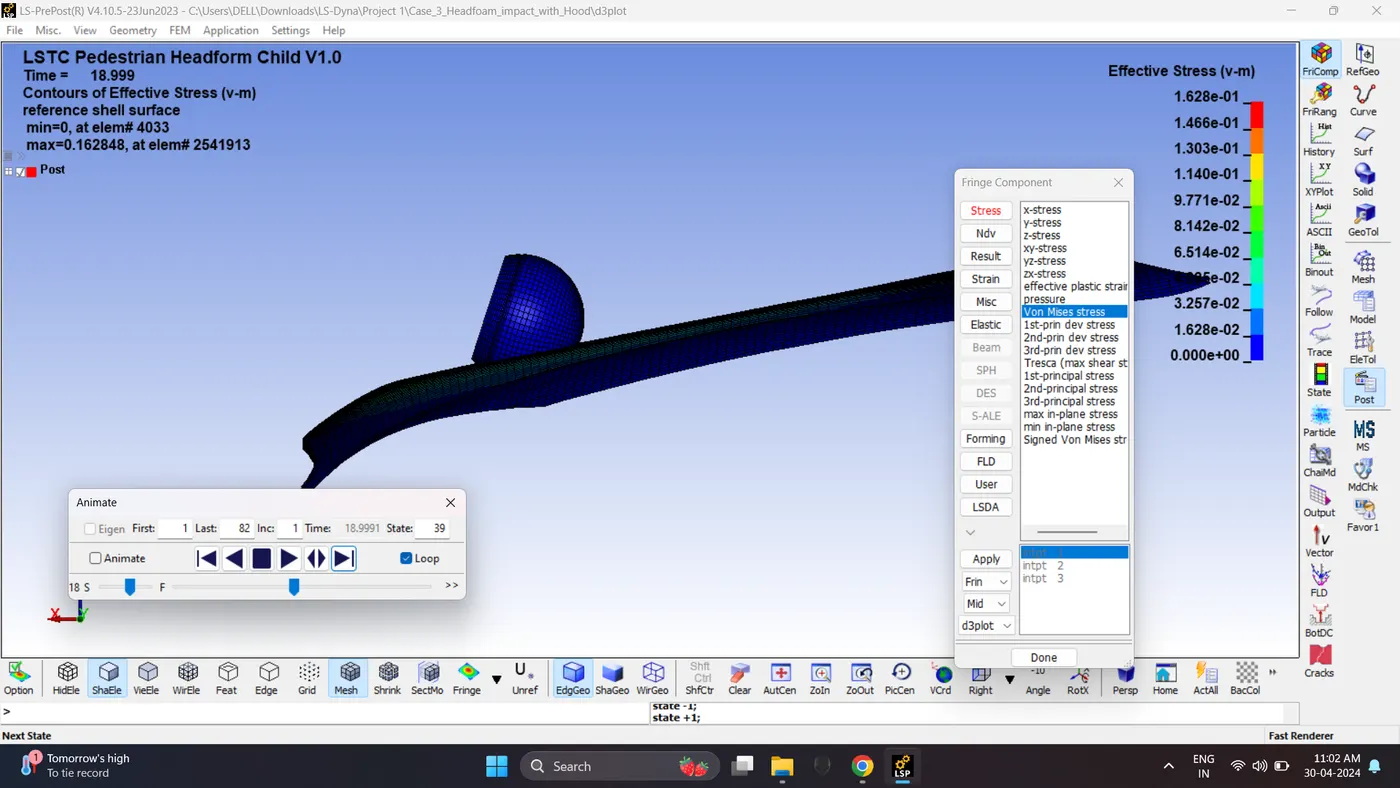
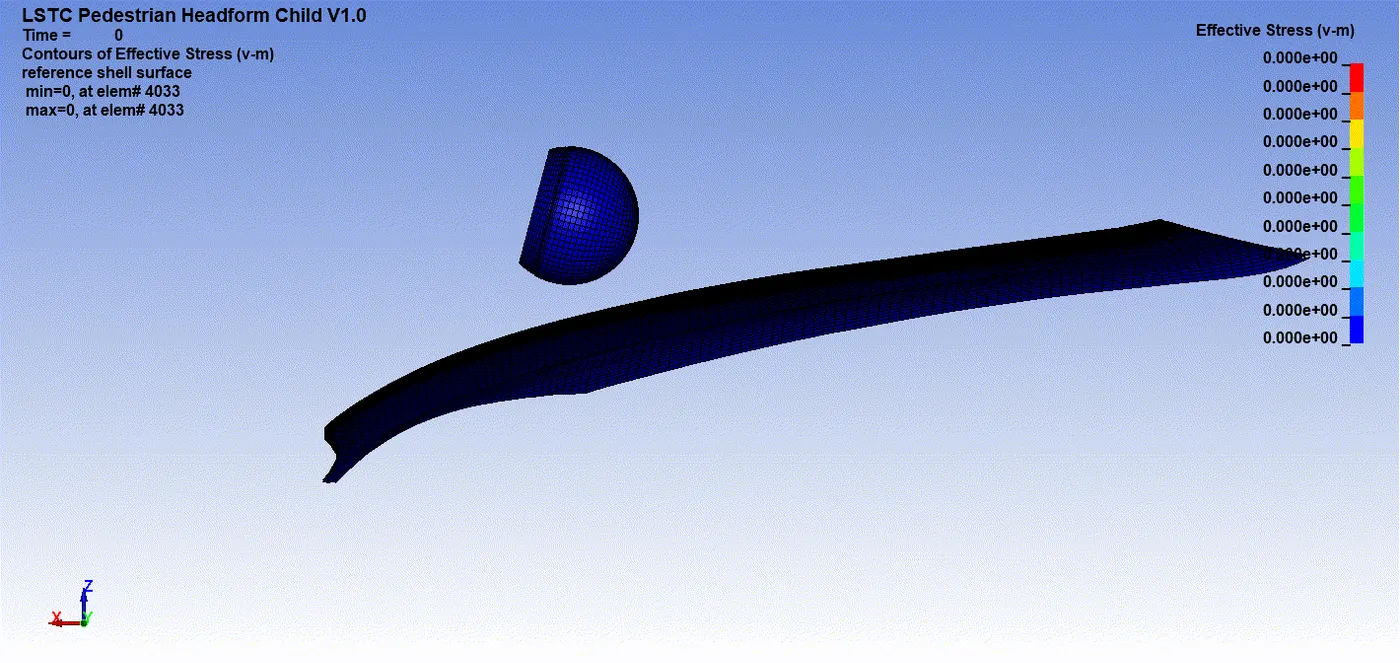
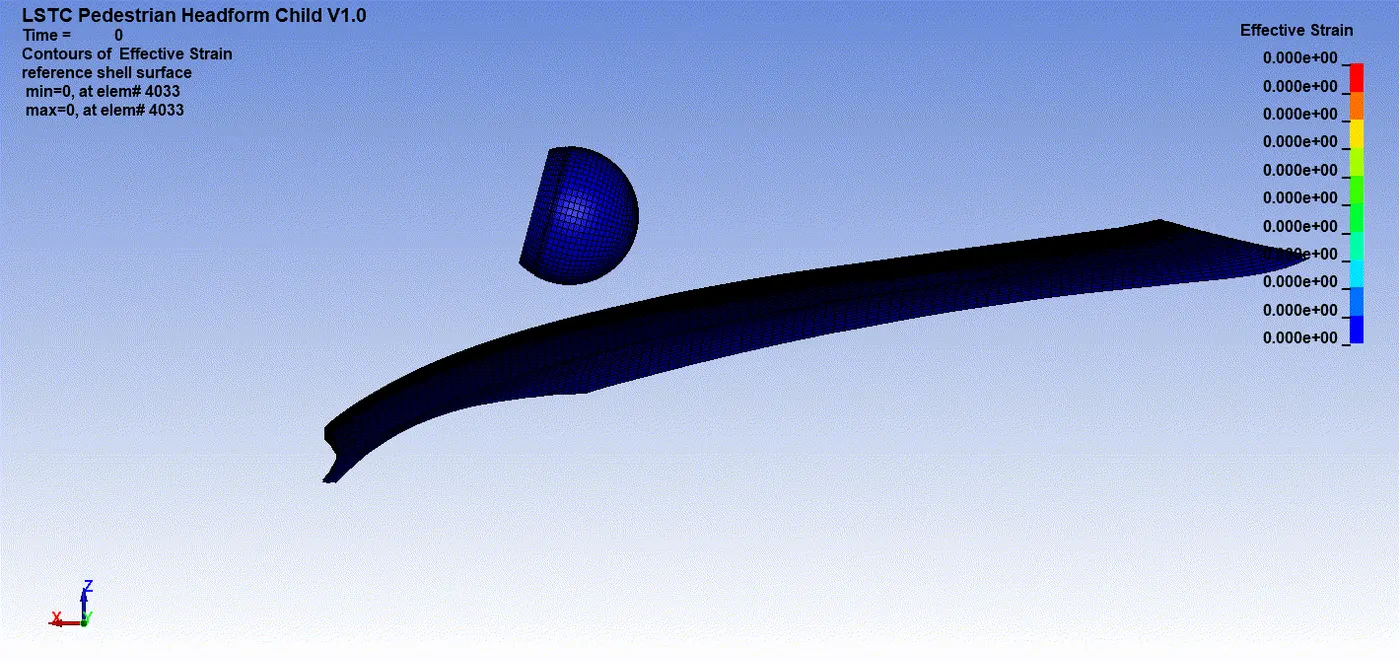
10. Open the Keyword and D3_plot in Ls-PrePost. Play the simulation and contour the von mises stress and effective strain.
Max Von mises stress = 0.162848 kg/mm*ms^2.
Maximum Effective Plastic Strain = 0.0166796
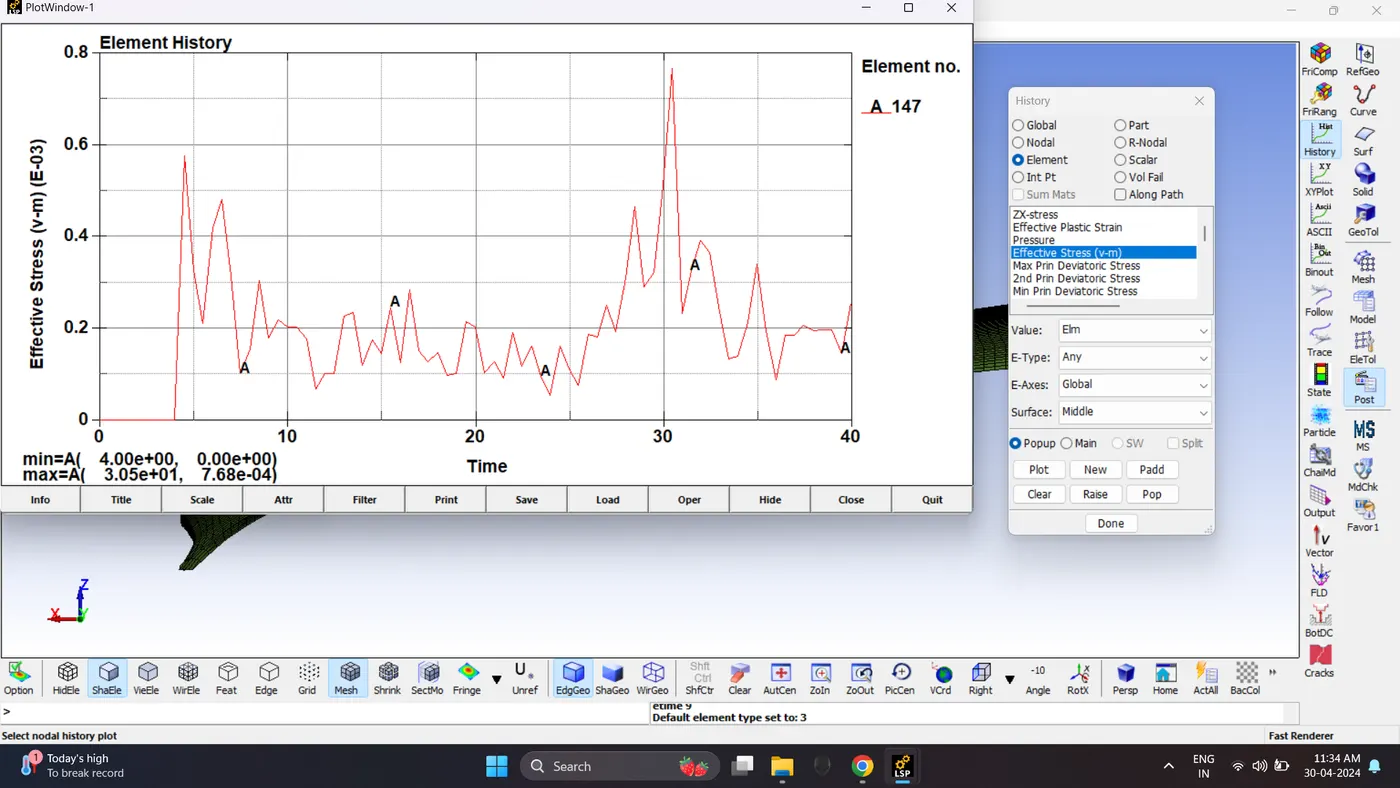
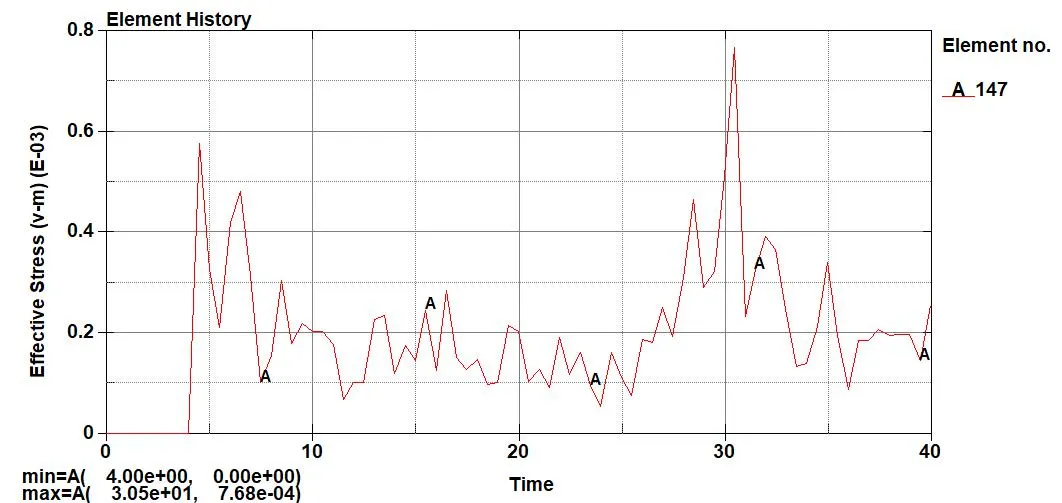
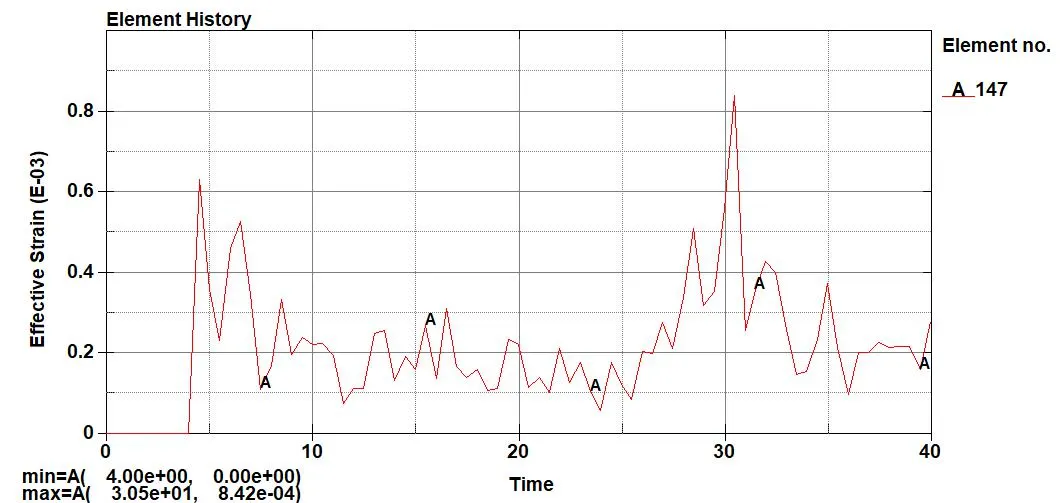
11. Plot the stress and strain plot for Element no 147. Go to Post - History - Element.
Maximum Stress = 0.000768 kg/mm*ms^2.
Maximum Strain = 0.000842.
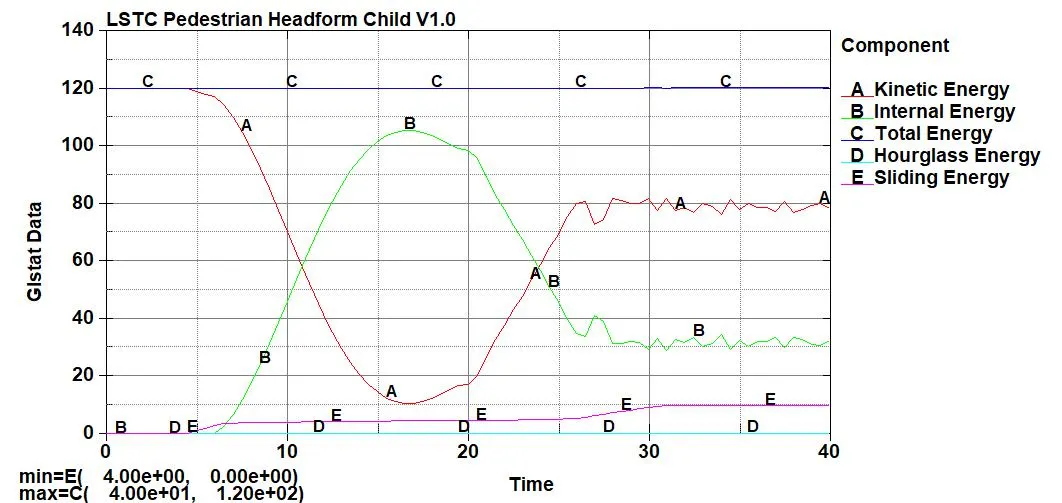
12. Plot all the energies.
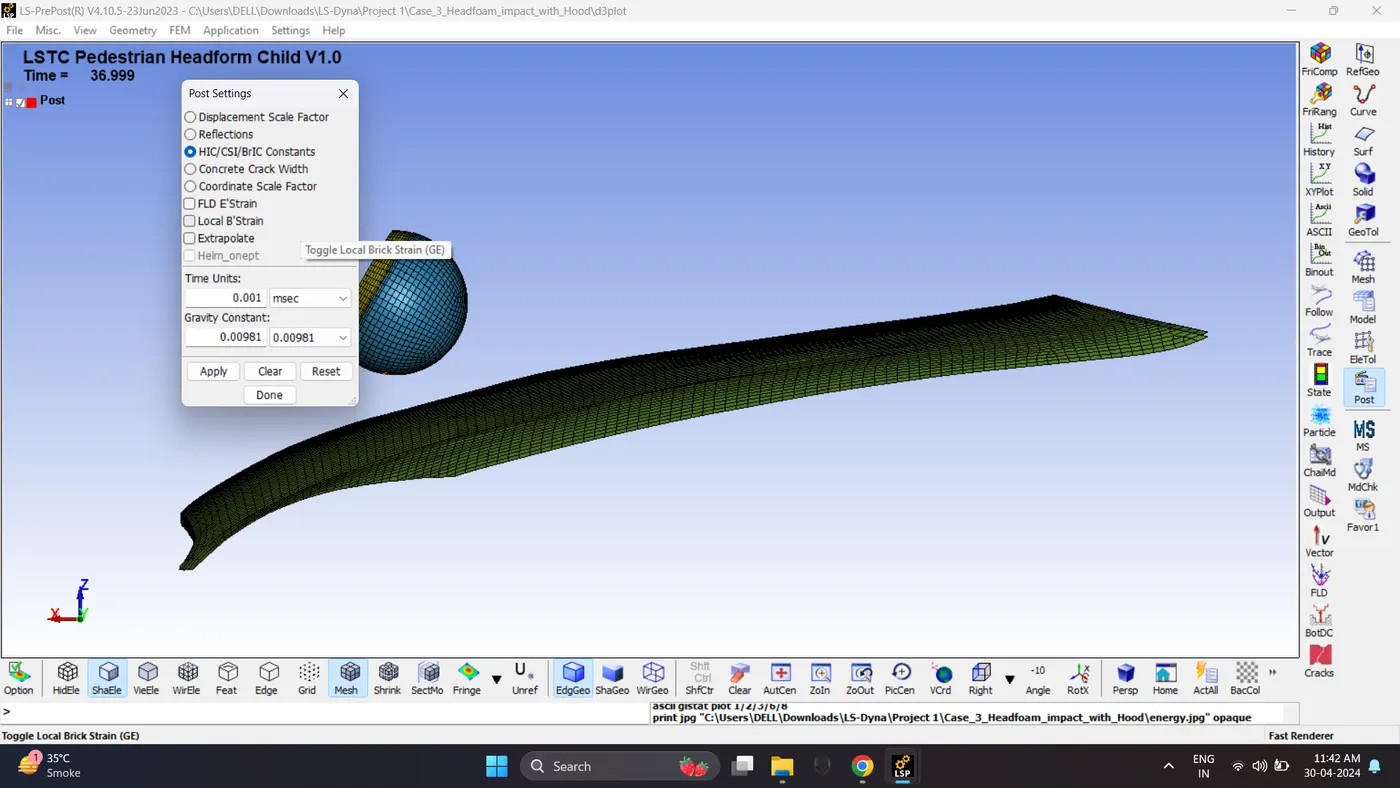
13. Check Post Setting for HIC. Go to Setting - Post Setting - HIC. Check consistency of Time unit and Gravity Constant.
Plot the HIC 16 graph for node number 1488. Go to Post - History - Nodal - hic36.
HIC is 4.409e+06.
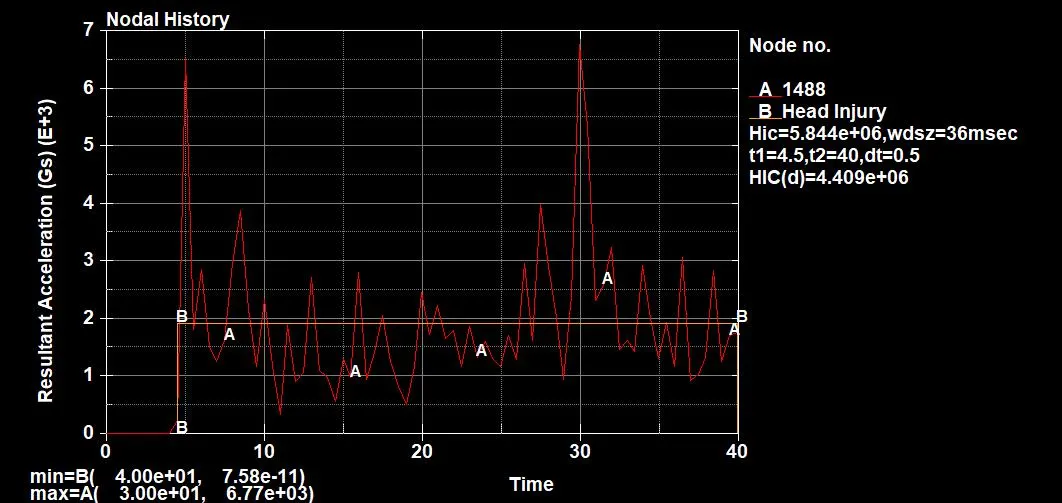
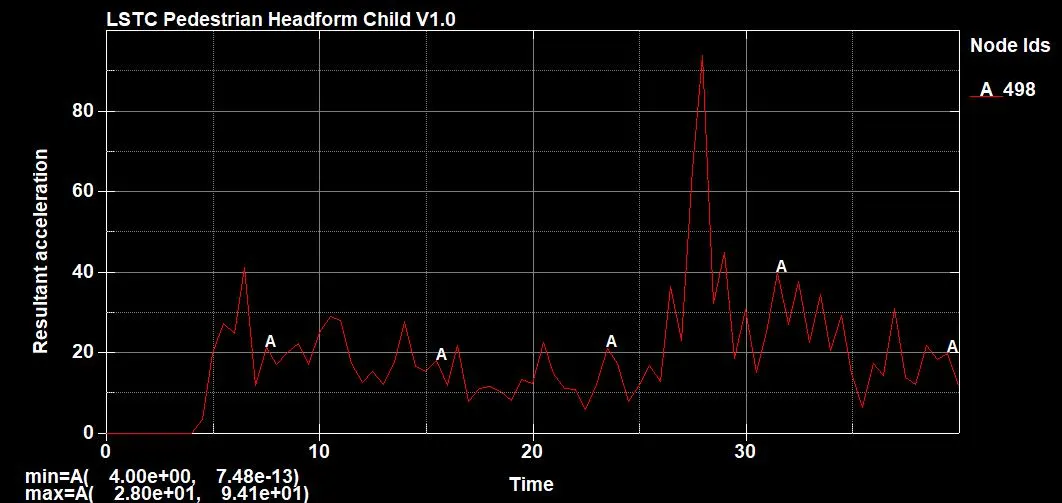
14. Plot the Acceleration of node no 498. Go to Post - ASCII - Nodout - Resultant Acceleration.
Maximum Acceleration is 94.1 mm/ms^2.
Case 2 and Case 3 Comparison:
| Case 2 | Case 3 | |
| Stress on Element 147 | 0.00726 kg/mm*ms^2 | 0.000768 kg/mm*ms^2 |
| Strain on Element 147 | 0.528 | 0.000842 |
| HIC | 5.531e+04 | 4.409e+06 |
| Head Acceleration | 22.1 mm/ms^2 | 94.1 mm/ms^2 |
1. The standard model of the child head foam with proper material was used, Since the rigid wall is undeformable so the total stress is transferred to the head and deforms the head foam geometry severely the HIC values are lower.
2. The standard head model but in this case, it impacts on the car hood to study the real-life situation the hood was defined with a piecewise linear plasticity material model (Mat_024) which is a deformable model so during the impact the hood deforms significantly and reduces stress and strain on the head foam.
3. Stresses are induced more in case 2 compare to case 3 due to undeformable rigid wall was used.
4. Strain are induced more in case 2 compare to case 3 due to undeformable rigid wall was used. Head Deformation is more.
5. Acceleration of head after impact is seen more case 3. Due to its impacting the Aluminium material Hood.
Conclusion:
The given models for all three cases are successfully simulated in LS Dyna.