Week 4 - 2D Meshing for Sheet Metal
Objective :
For the given CCB CAD model, Check for the Geometry cleanup (if required), Take the mid surface, and Mesh it with the below 2D element Quality criteria.
|
S.No |
Quality Criteria |
Value |
|
1 |
Target/Average length |
5 |
|
2 |
Minimum Length |
3 |
|
3 |
Maximum Length |
7 |
|
4 |
Aspect |
3 |
|
5 |
Warpage |
15 |
|
6 |
Skewness |
45 |
|
7 |
Jacobian |
0.7 |
|
8 |
Minimum Quad Angle |
45 |
|
9 |
Maximum Quad Angle |
135 |
|
10 |
Minimum Tria Angle |
30 |
|
11 |
Maximum Tria Angle |
120 |
|
12 |
Tria Percentage |
15 |
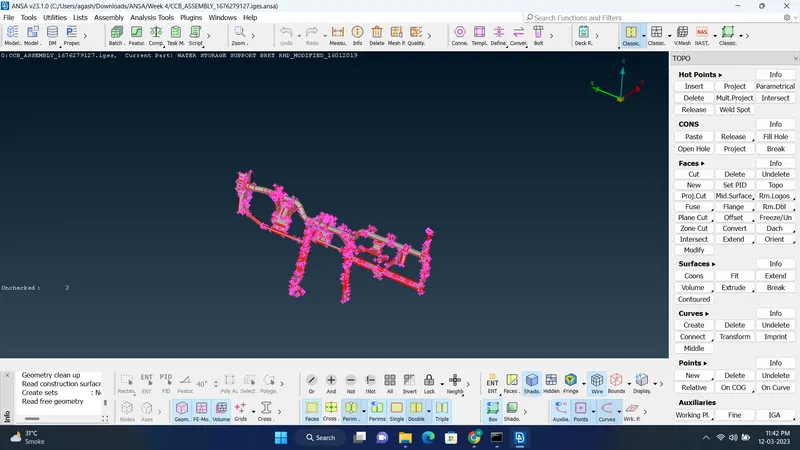
Cad Model Image:
Initial
Procedure:
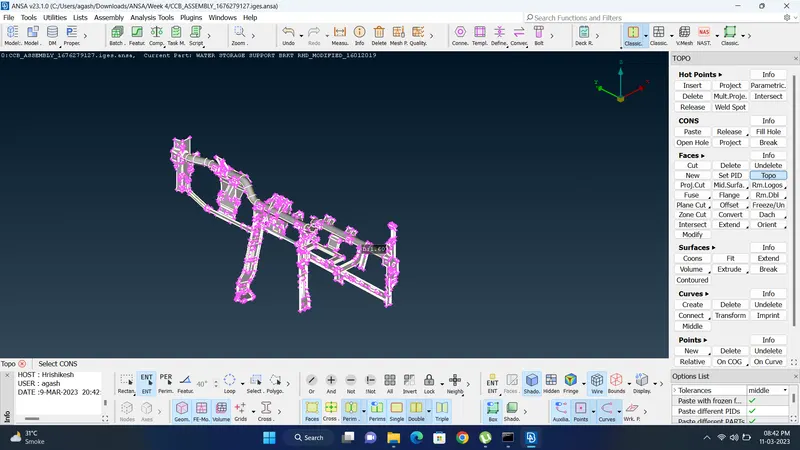
1.1. Open file in ANSA and Topo the whole Model.
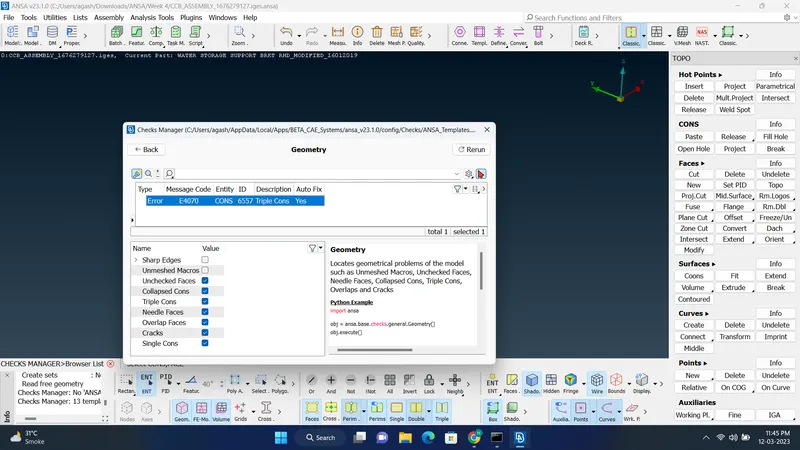
2.Check for Geometry and try fixing by selecting all error, select fix and if the error are still there solve using manual method.
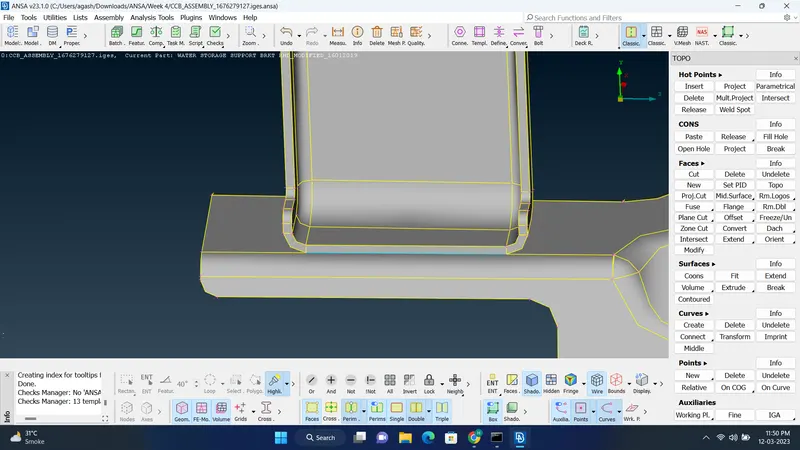
3. This error is not a problem because it happening due joining of two surfaces. so its not an issue.
4. Then visible only one property (Property ID 2) and Measure its thickness.
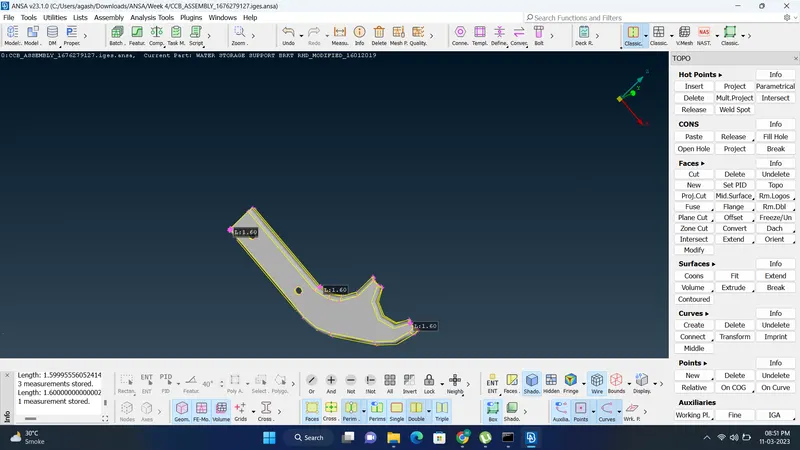
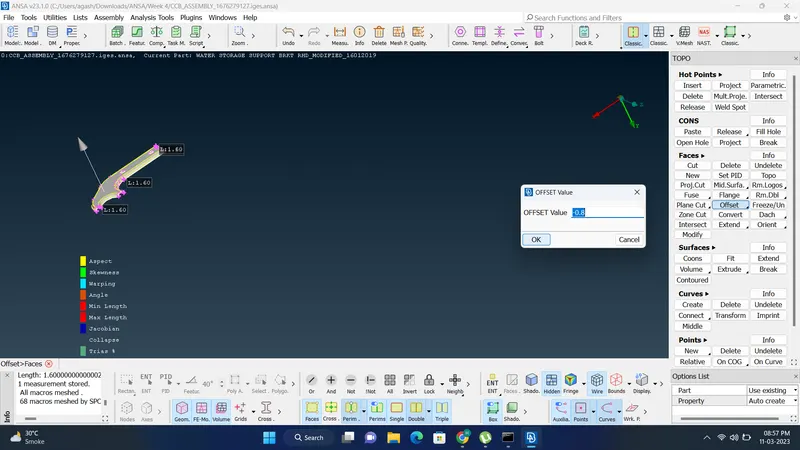
5. After Measuring thickness Create a mid surface using 'Offset' option and Give value half of its thickness.
During creating mid surface in option select create new property and after that 'No' to delete original faces.
After that open properties and rename the property to identify.
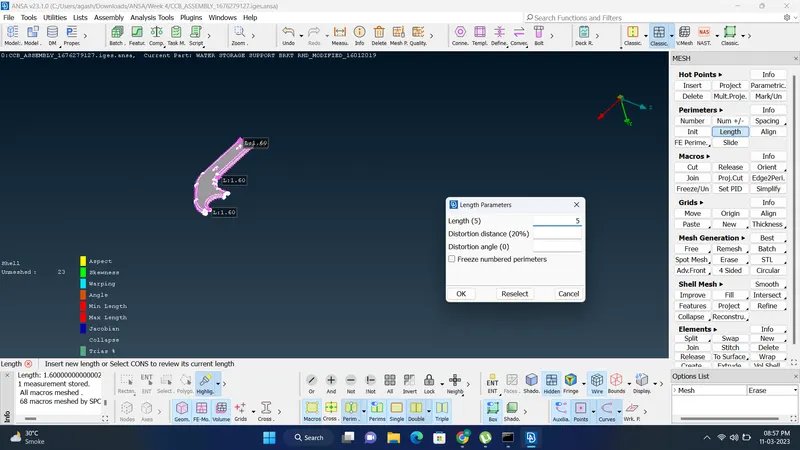
6.Then input 'Mesh parameter', 'Quality Criteria', and 'Length Parameter' to the component.
7. Select 'Best' option to mesh the surface.
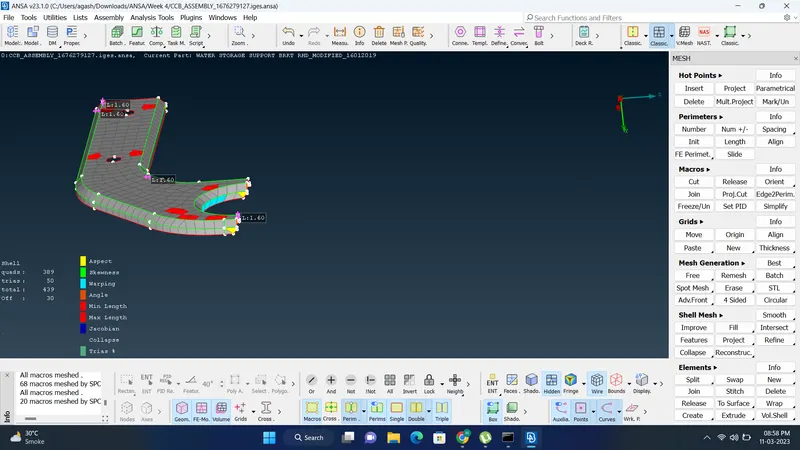
8.Click on 'Hidden' option to see quality criteria on surface, if the surface are failing the colour of in which quality criteria its failing, if it failing we have to sometime use 'Join','Cut' cons ,'Delete' the face and recreate new face, sometimes create new Cons using 'Cut' for better mesh flow and 'Reconstruct' or 'Smooth' option. , If the surface is failing 'off' will be shown, if the surface is not Failing on Quality Criteria, then the Surafce is ready as shown Below. We have to also reduce the Trios to Minimum for better result.
For reducing tria and creating better mesh flow sometimes use 'Split', 'Swap', 'Smooth','Improve' as per the conditions
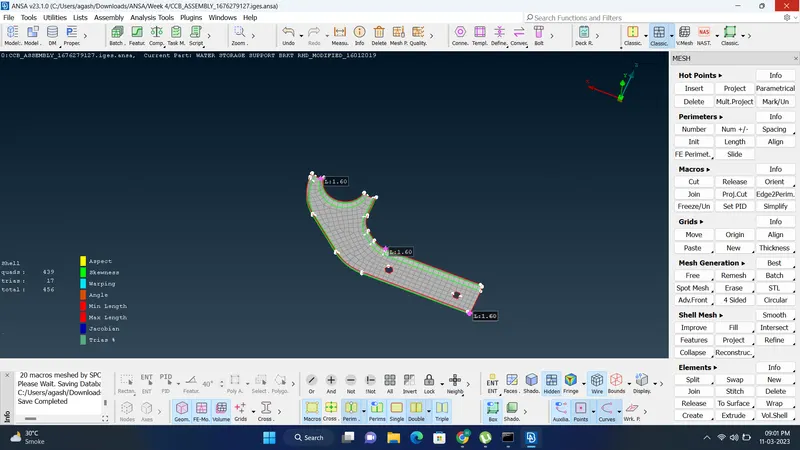
9) After that give thickness to the Mid-Surface by opening property. As Thickness Value same as Parent Geometry and Meshing for one part is finished.
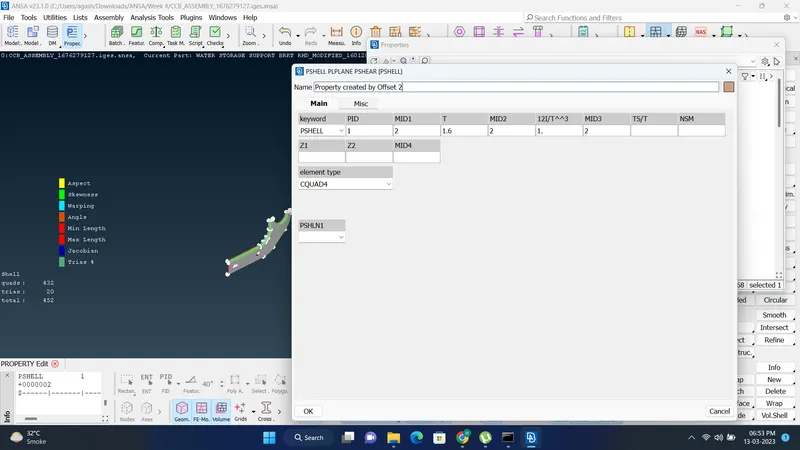
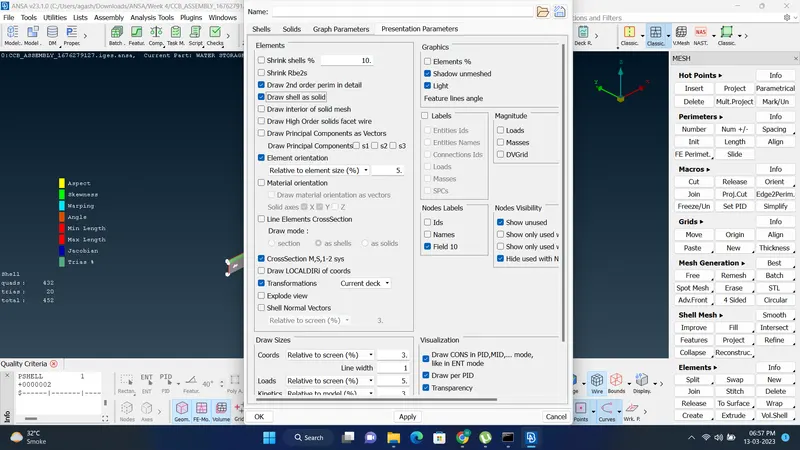
10) Repeat above procedure to the other properties also and Go to quality criteria, click on 'Draw Shell as Solid' and click on apply.
11. After that the meshing for the sheet metal is Done. Check the whole Mid-Surface only visibling them to do final check.
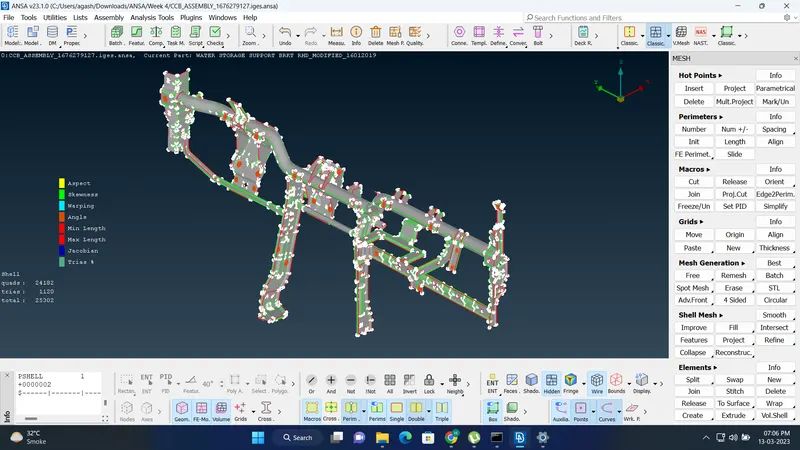
Result :
The 2-D Meshing of the Sheet Metal is been done successfully.
Final Model Image: