Week - 7 - Checking and correcting the edges
Aim:
Checking and correcting free edges.
Procedure:
1) Create a code that displayed free and T edges for displayed elements:
proc free_edges {} {
*clearmarkall 1;
*createmark elements 1 "displayed"
if {[hm_marklength elements 1] !=0} {*findedges1 elements 1 0 0 0 30}
}
proc T_edges {} {
*clearmarkall 1;
*createmark elements 1 "displayed"
if {[hm_marklength elements 1] !=0} {*findedges1 elements 1 1 0 0 30}
}
2) Free edge color red and T edge cyan:
*collectorcreateonly components "Free Edges" "" 3
*collectorcreateonly components "T Edges" "" 7
3) Except for edges, all other components must be made transparent:
*setdisplayattributes 4 1
*setcomponentdisplayattributes "Free Edges" 2 1;
*setcomponentdisplayattributes "T Edges" 2 1;
4) Temp nodes must be automatically created for “free nodes” for a tolerance value of 0.01:
set a [hm_getusermark nodes]
eval *createmark nodes 1 $a
*nodemarkaddtempmark 1
Part B:
1) Create a code to turn off free edge display and restore the window:
proc delete_edges {} {
delete_comp "Free Edges"
delete_comp "T Edges"
delete_comp "^edges"
*setdisplayattributes 2 1
}
delete_edges;
2) Map these codes over a key and also create a tk widget:
The code has assigned separetely for generating free edges and free edges off by keyboard settings.
Snippets:
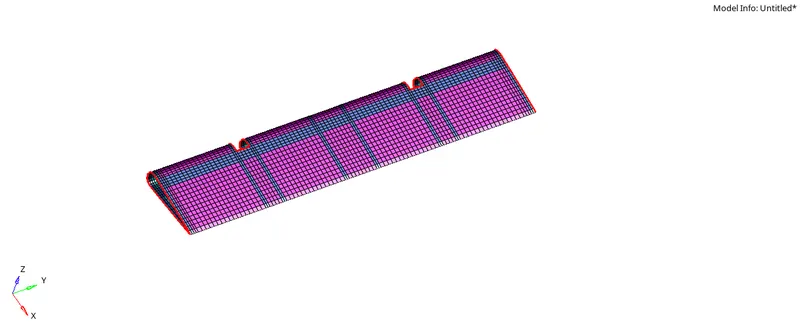
Free edge and T edge for displayed component.
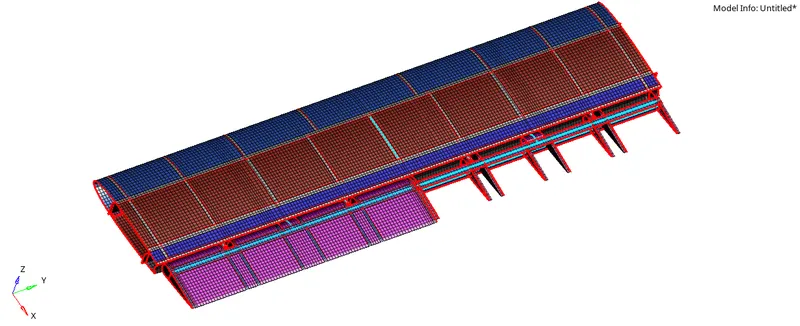
Free edge are in red colour and T edges are in cyan colour.
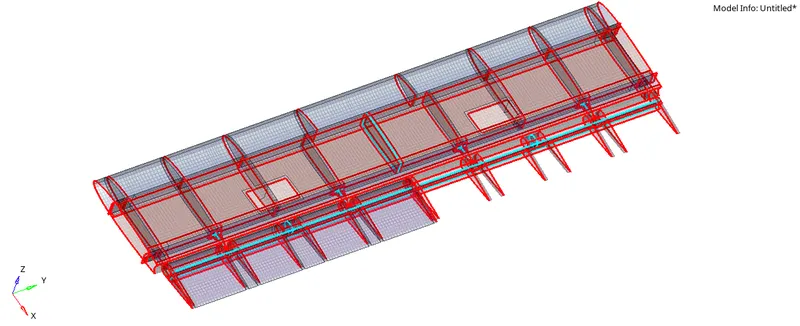
Except Free and T edges rest all in Transparent.
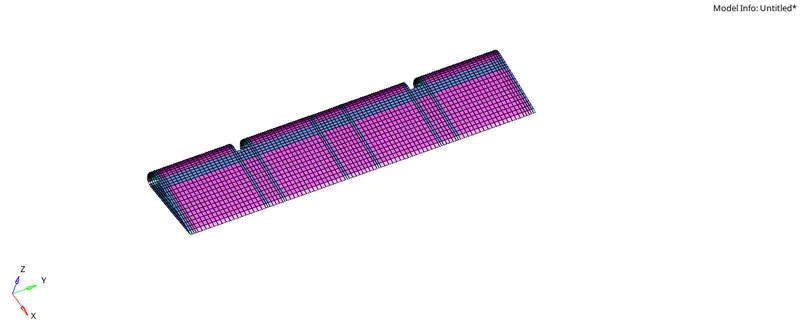
The representation of the display after Free and T edges turned off.
Conclusion:
Free edges and T edges are now at a press of a button.