Week 7 Challenge - Assembly Workbench
AIM :-
In this week’s assignment, I will have created 2 assemblies according to the content covered in the course videos. I have provided with 2D diagrams of the components , firstly created the individual part files and then create a complete assembly of those part files in the assembly workbench. After creating the assembly makes use of the drafting tools to creation the 2D drawing similar to the one given in the assignment folder.
NEED TO SUBMIT :-
- Submitted the CAT_parts of the components,
- And 2 neccesary CAT_product files are attached and browse to the challenge.
The Model Drawing 1 :-
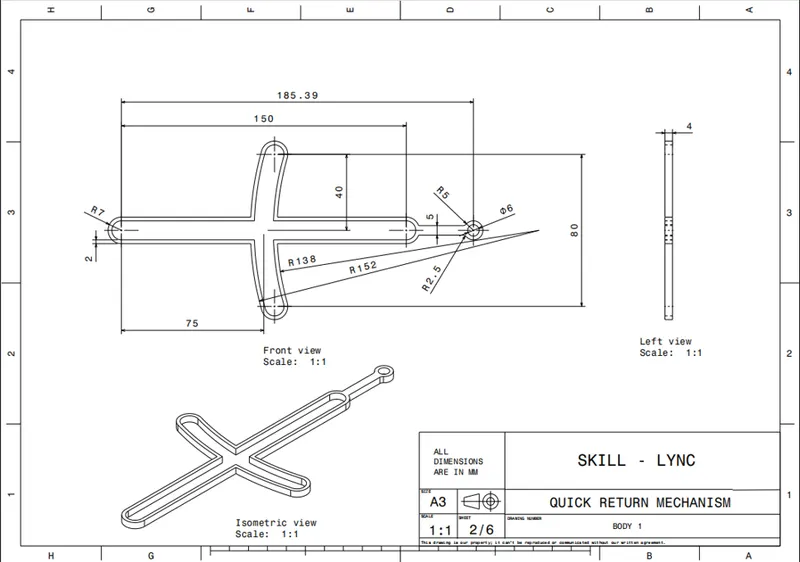
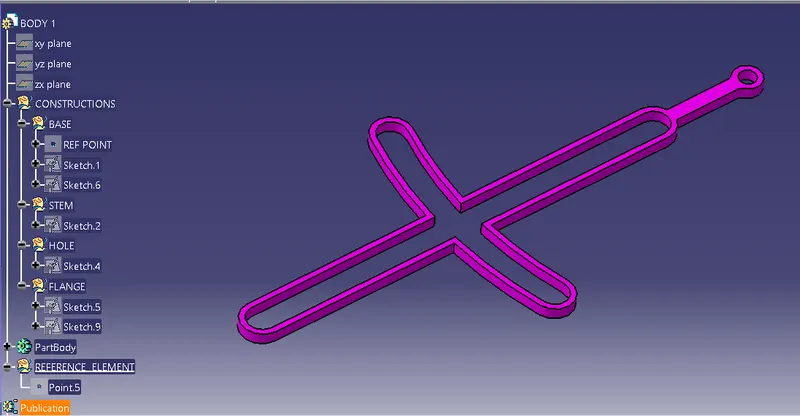
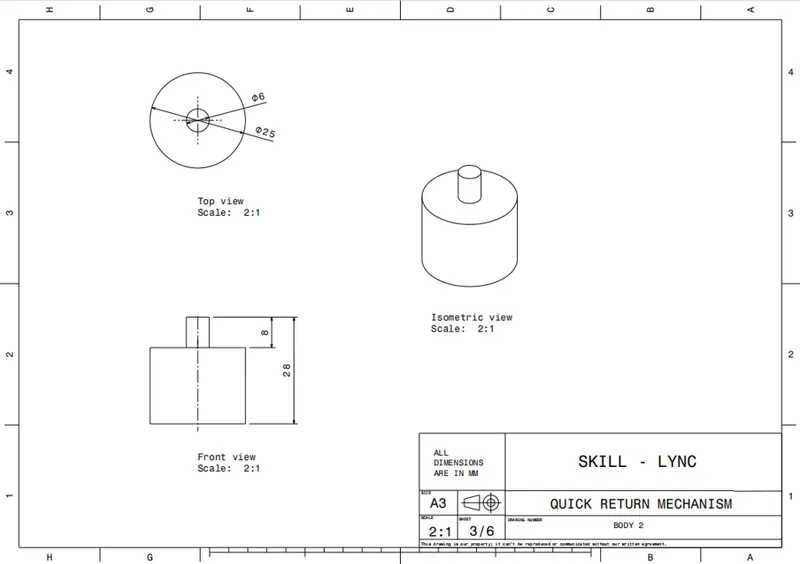
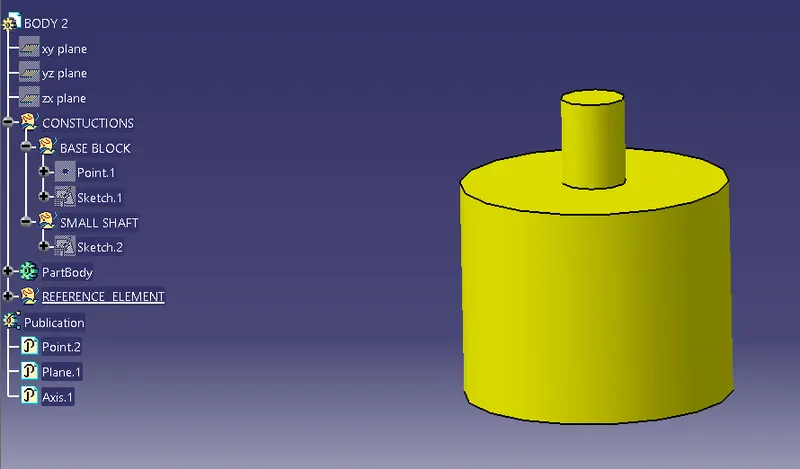
For the model drawing 1, all the required components are created in the part module has attached the snaps as follows.
1. BODY 1
2. BODY_2
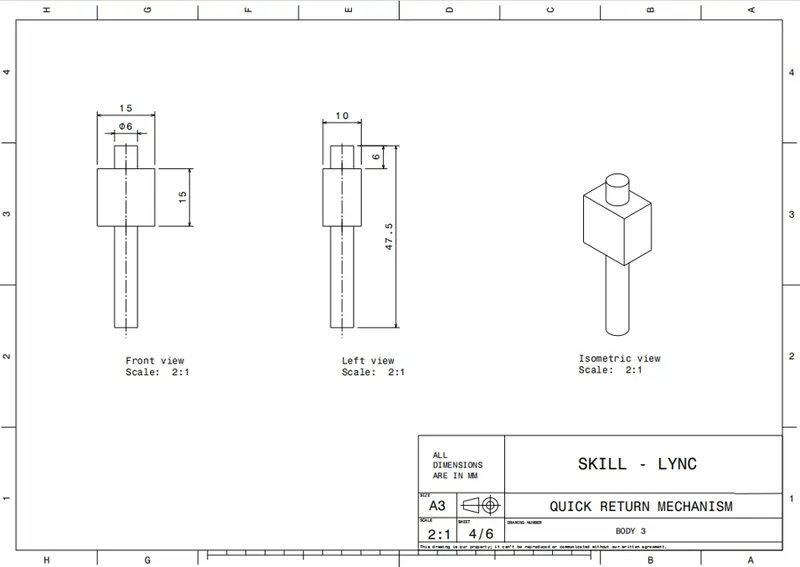
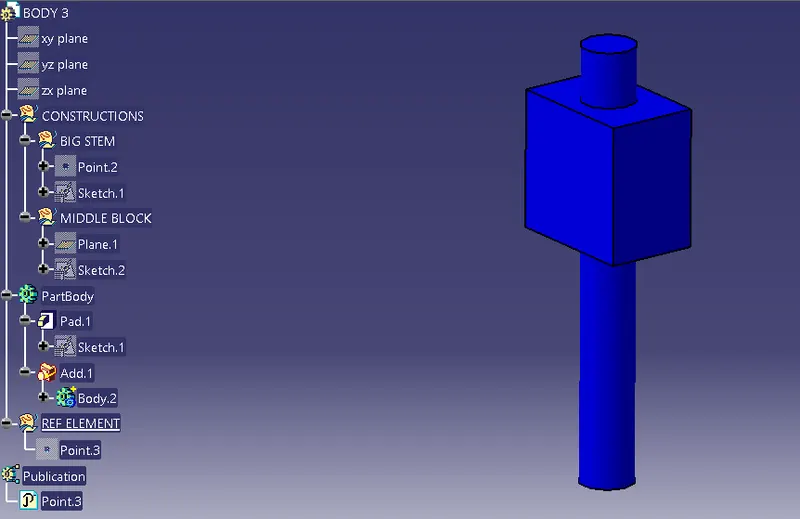
3. BODY_3
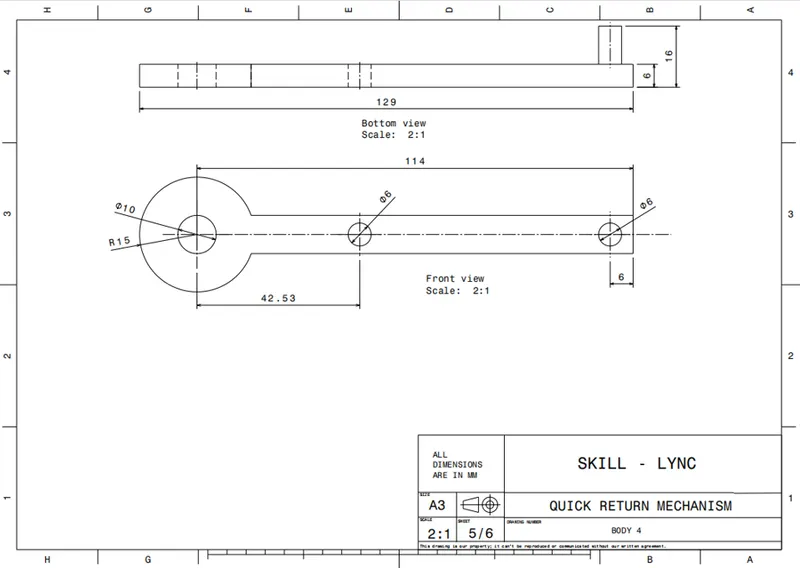
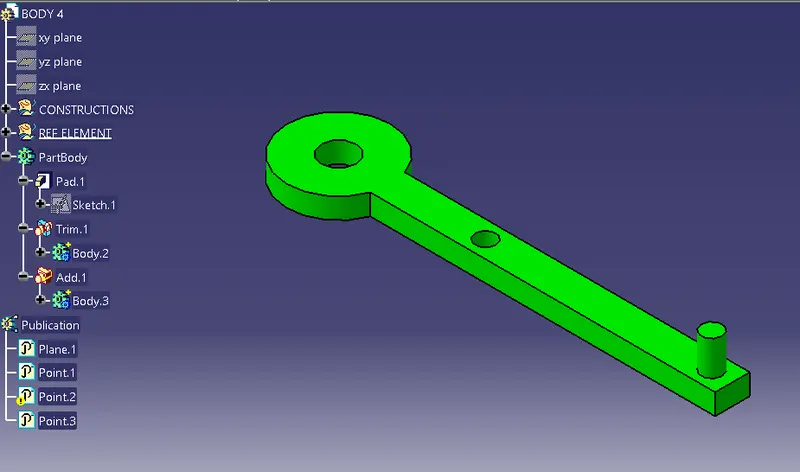
4. BODY_4
5. BODY_5
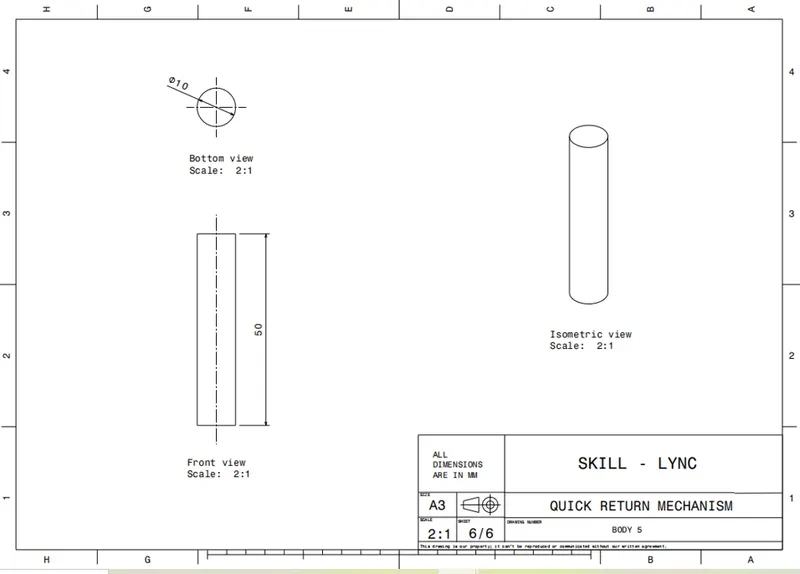
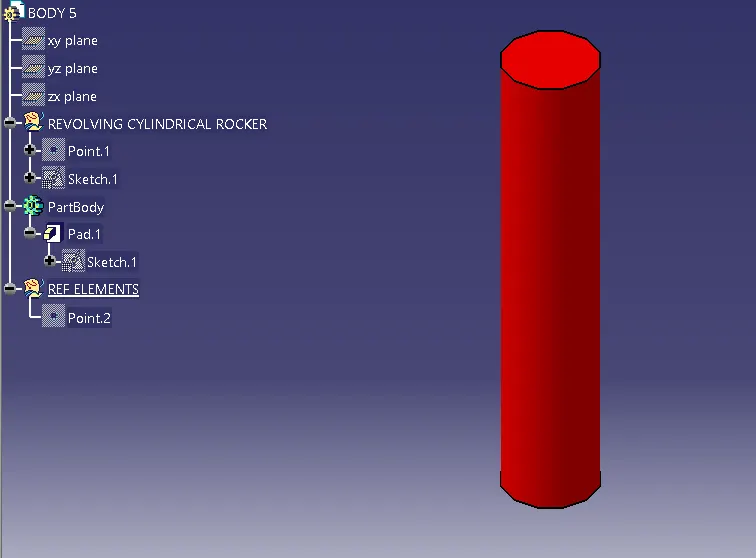
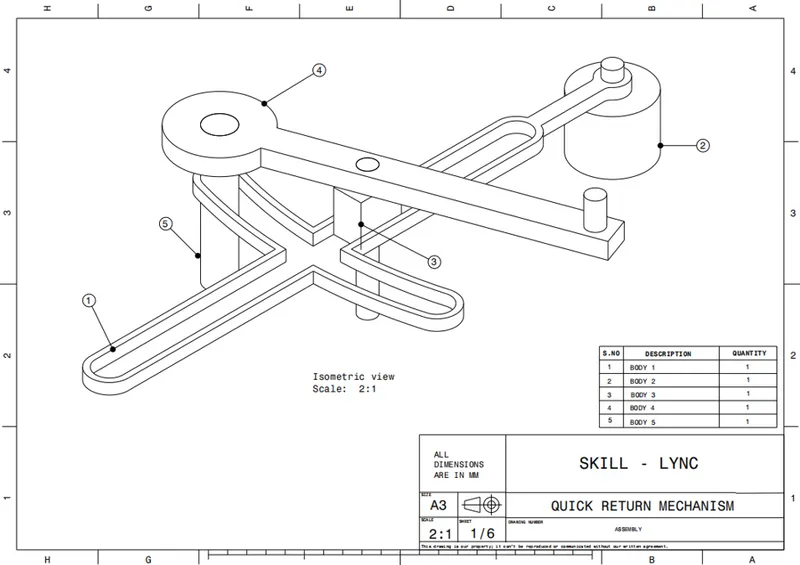
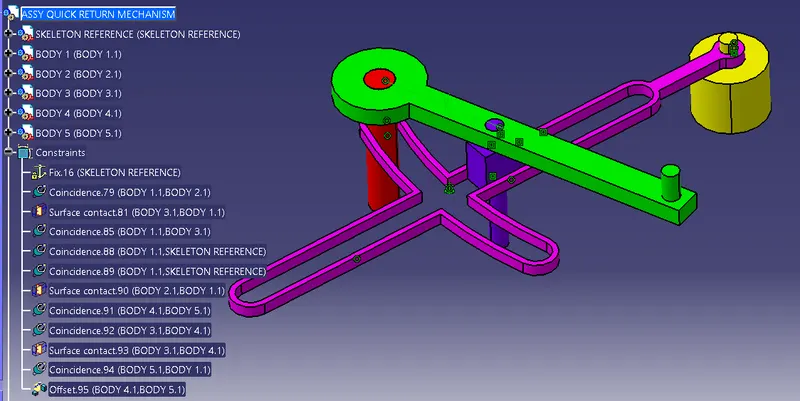
- Final Assembly _ QUICK RETURN MECHANISM. (Model Drawing 1)
- MODEL DRAWING 2 :-
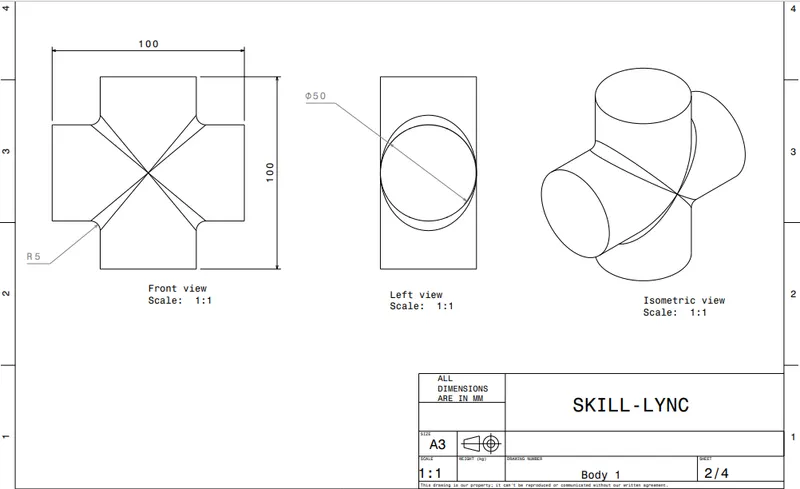
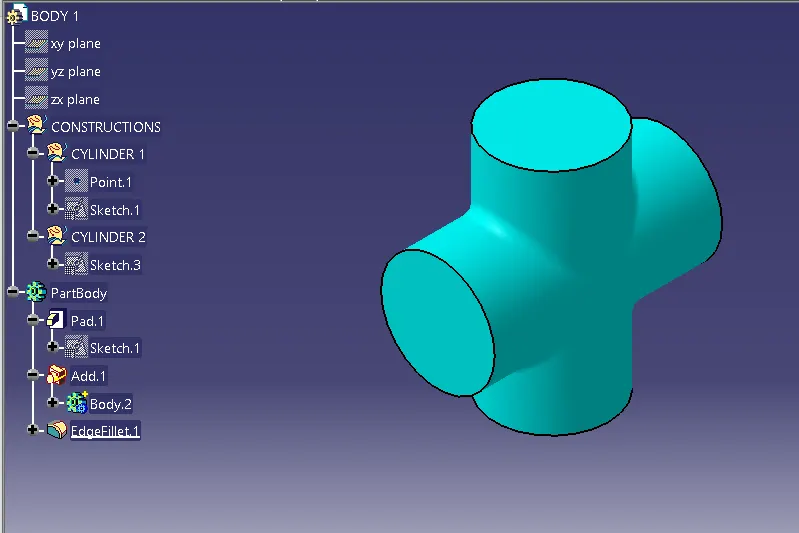
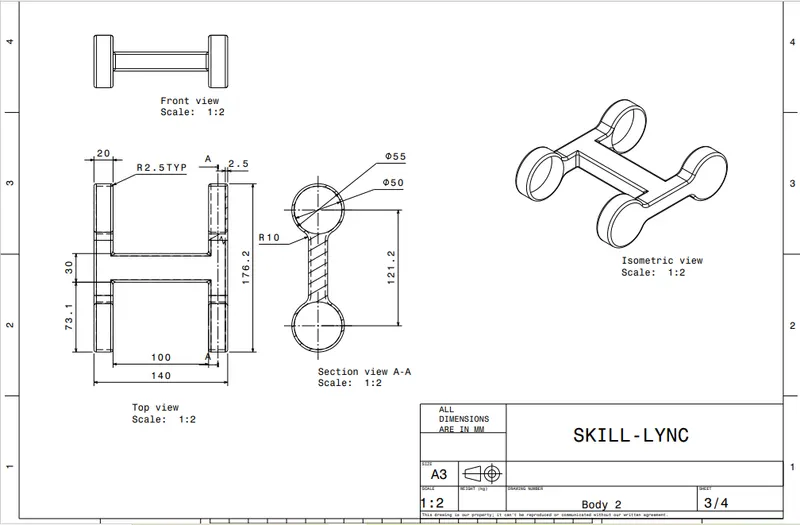
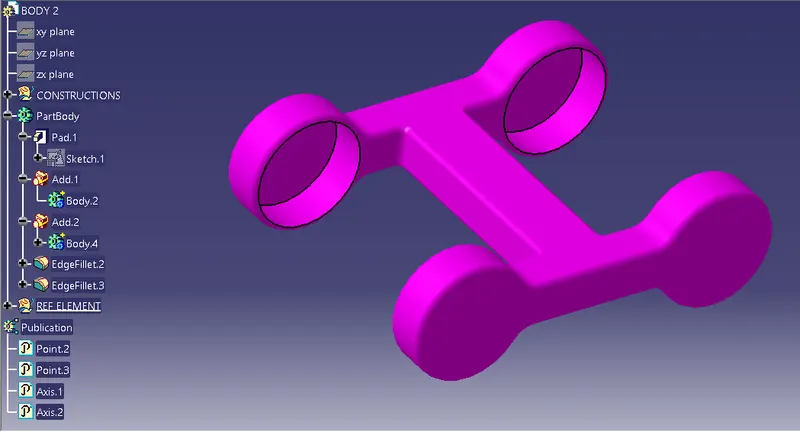
All the neccesary components are created using part design workbench of the Model drawing 2 as follows.
1. BODY_1
2. BODY_2
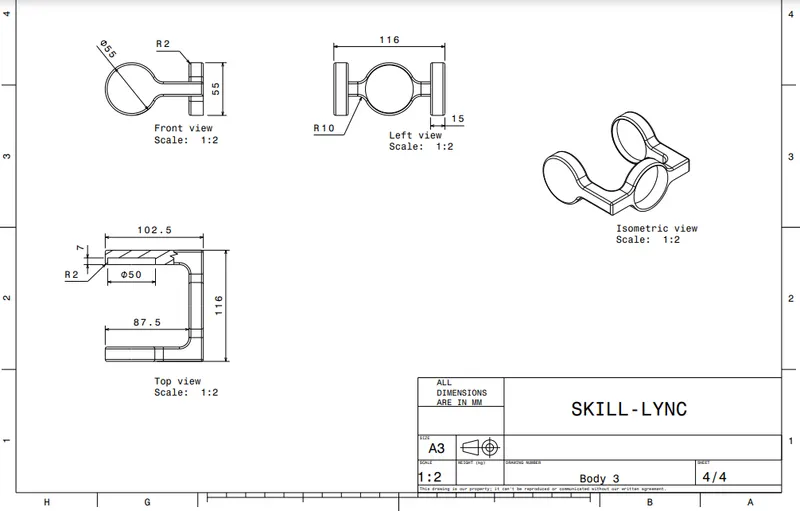
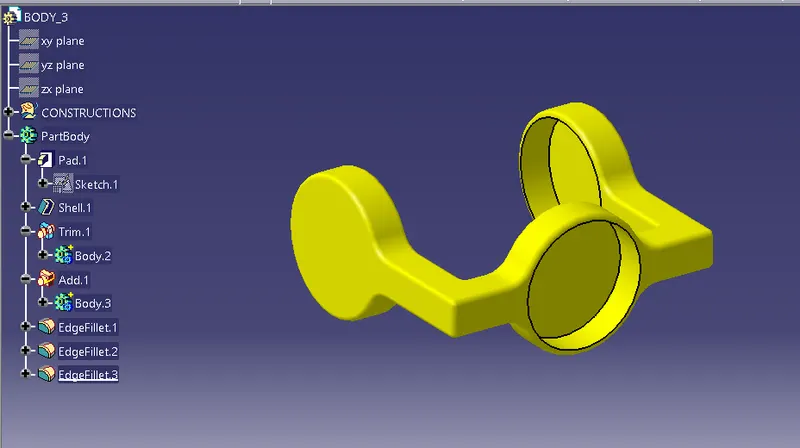
3. BODY_3
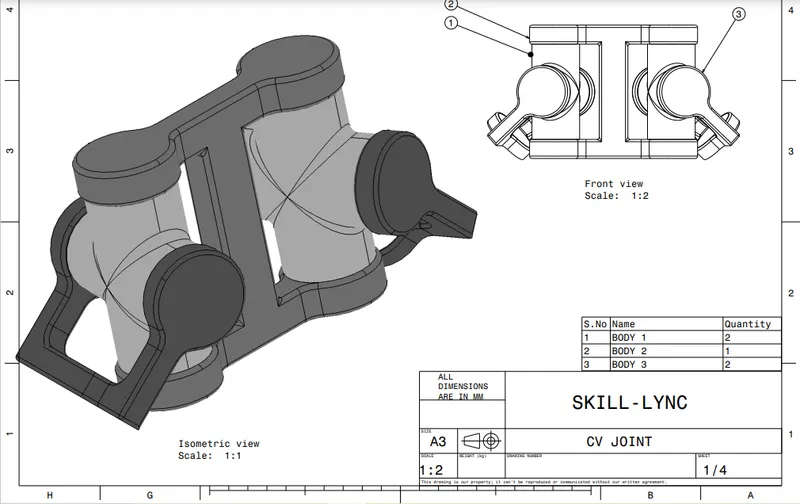
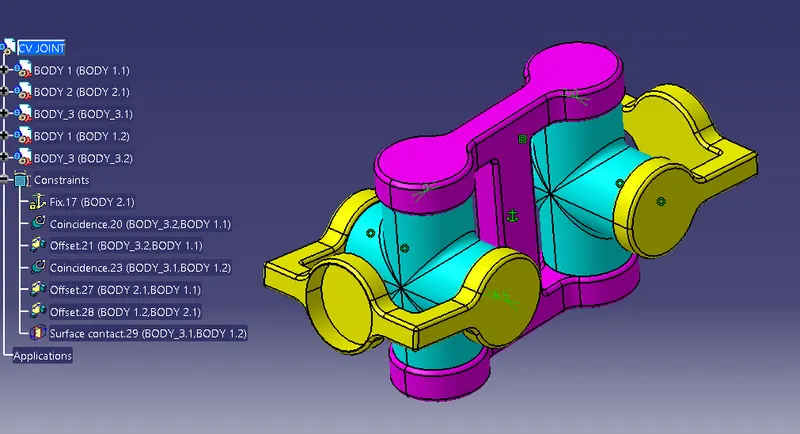
- FINAL ASSEMBLY OF THE MODEL DRAWING 2. (CV JOINT) :-
CONCLUSION :-
In this way i have completed the 2 assemblies from the provided drawing with there neccesary components are also created seperate. and finally snaps and reports are attached to the report as well.
Thanks you.