Week 7 Challenge - Assembly Workbench
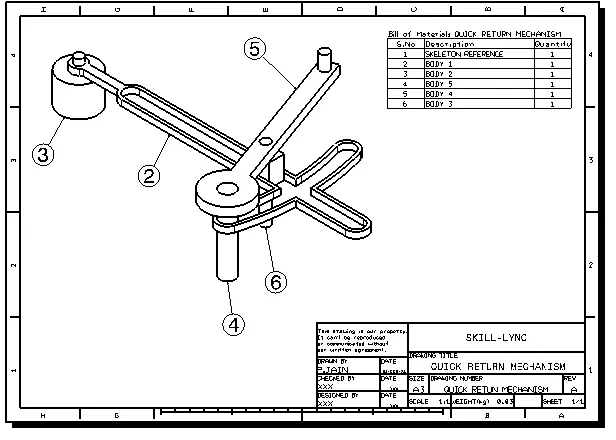
- OBJECTIVE : To create the CAD model of "QUICK RETURN MECHANISM" and "CV JOINT" using assembly module then prepare manufacturing drawings of the assembly & parts using drafting module.
QUICK RETUERN MECHANISM : A quick return mechanism is an apparatus to produce a reciprocating motion in which the time taken for travel in return stroke is less than in the forward stroke. It is driven by a circular motion source (typically a motor of some sort) and uses a system of links with three turning pairs and a sliding pair.
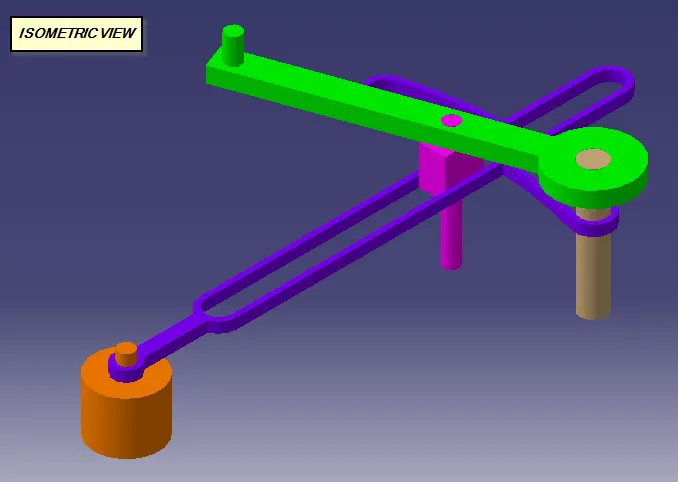
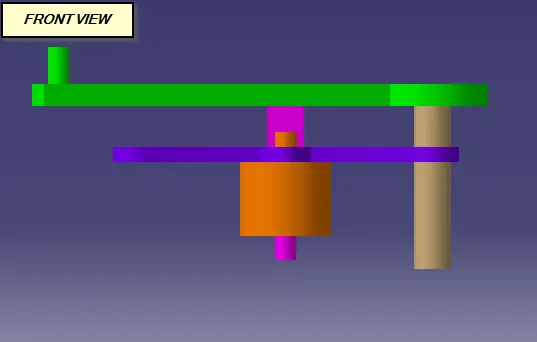
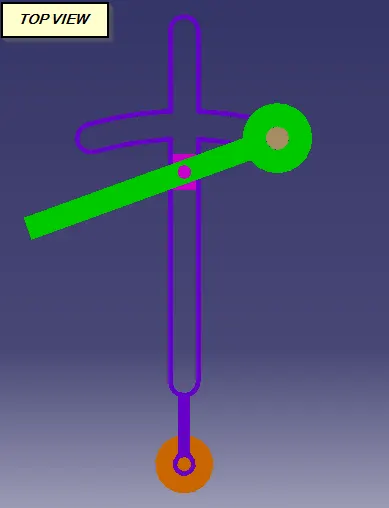
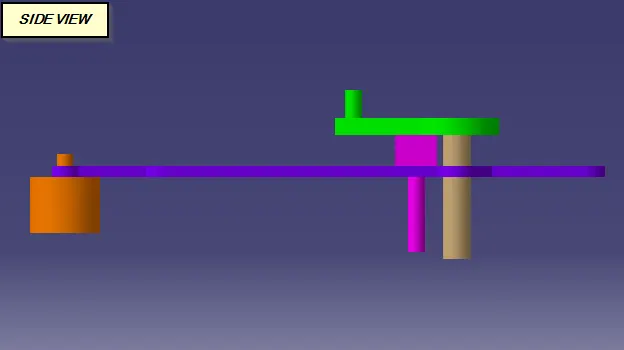
DRAFTING VIEW : Please go through with PDF file for detailed drawing.
CV JOINT : Constant velocity joints, commonly known as CV joints, are located at each end of the drive shaft. They connect the wheels to the axles as well as to the transmission. CV joints shift torque at a controlled speed to the wheels. They are also responsible for the up and down motions of the suspension system.
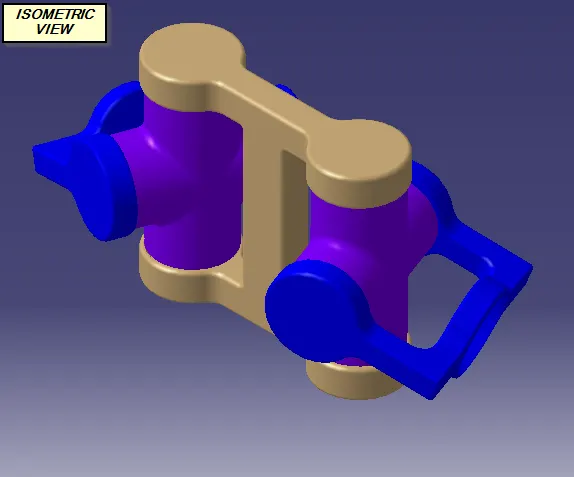
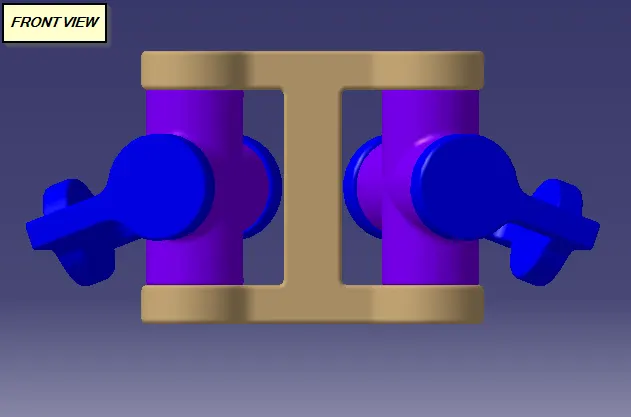
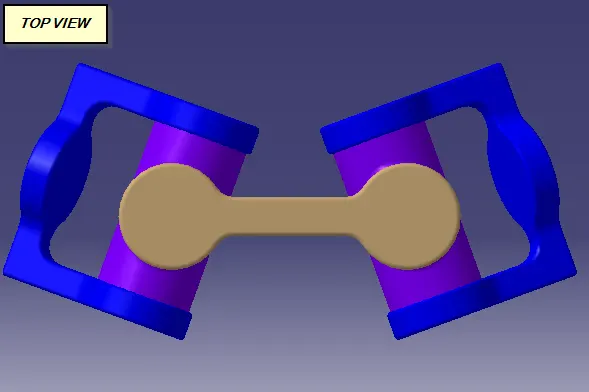
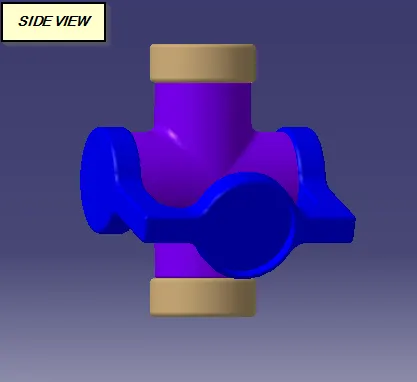
DRAFTING VIEW : Please go through with PDF file for detailed drawing.
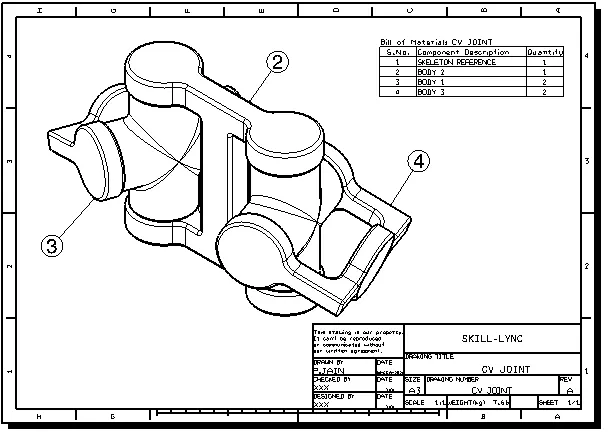
- MODELLING APPROACH :
1. Modelling started with to understand the assembly sequence and rectified the constrainted, which we used.
2. Begin with entered into the asembly module workbench and start to created a product feature by the use product command.
3. First create, A skeleton file into the product sub-level using "part command" and fixed it using "fix-contraint". We used skeleton part features like point,planes & axis as a reference features during parts assembly.
4. Then create individual parts used "part modeling workbench" and copy and paste them into our product model tree.
5. All the references of individual parts and product published using "Publication command"
6. All the parts assembled using different constrains commands taken from "Contraining groups"
7. At the end the manufacturing drawings of assembly and parts created using "Drafting workbench"
- CONCLUSION : I have learned the assembly workbench and difference commands used to insert the parts and assembled them. To understabd the Publication command which is very usefull to give the dependancy on the published reference to other parts or features.