Week 7 Challenge - Assembly Workbench
INPUT GIVEN :
For both the exercise 2D diagram of individual parts and assembly is given as input.
STEPS FOLLOWED :
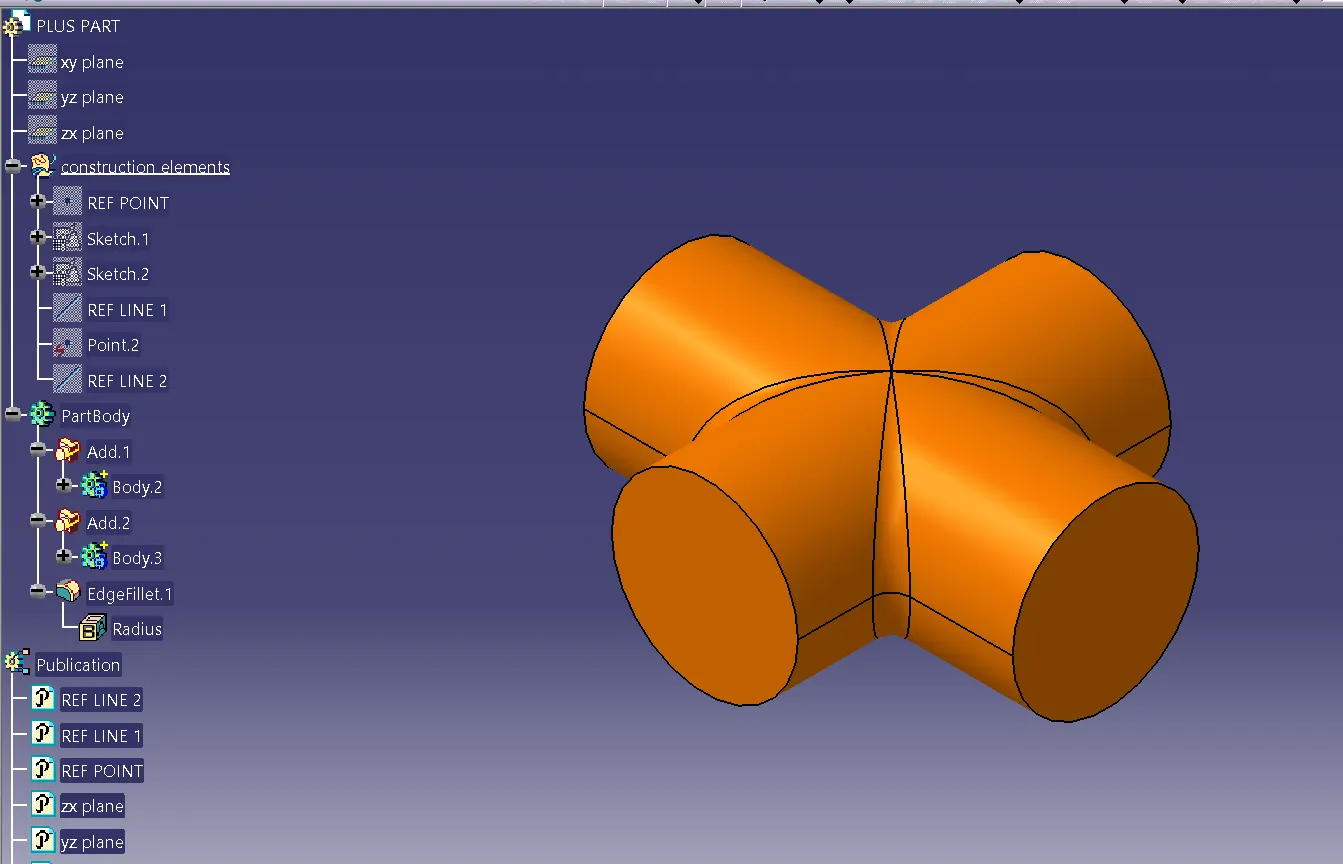
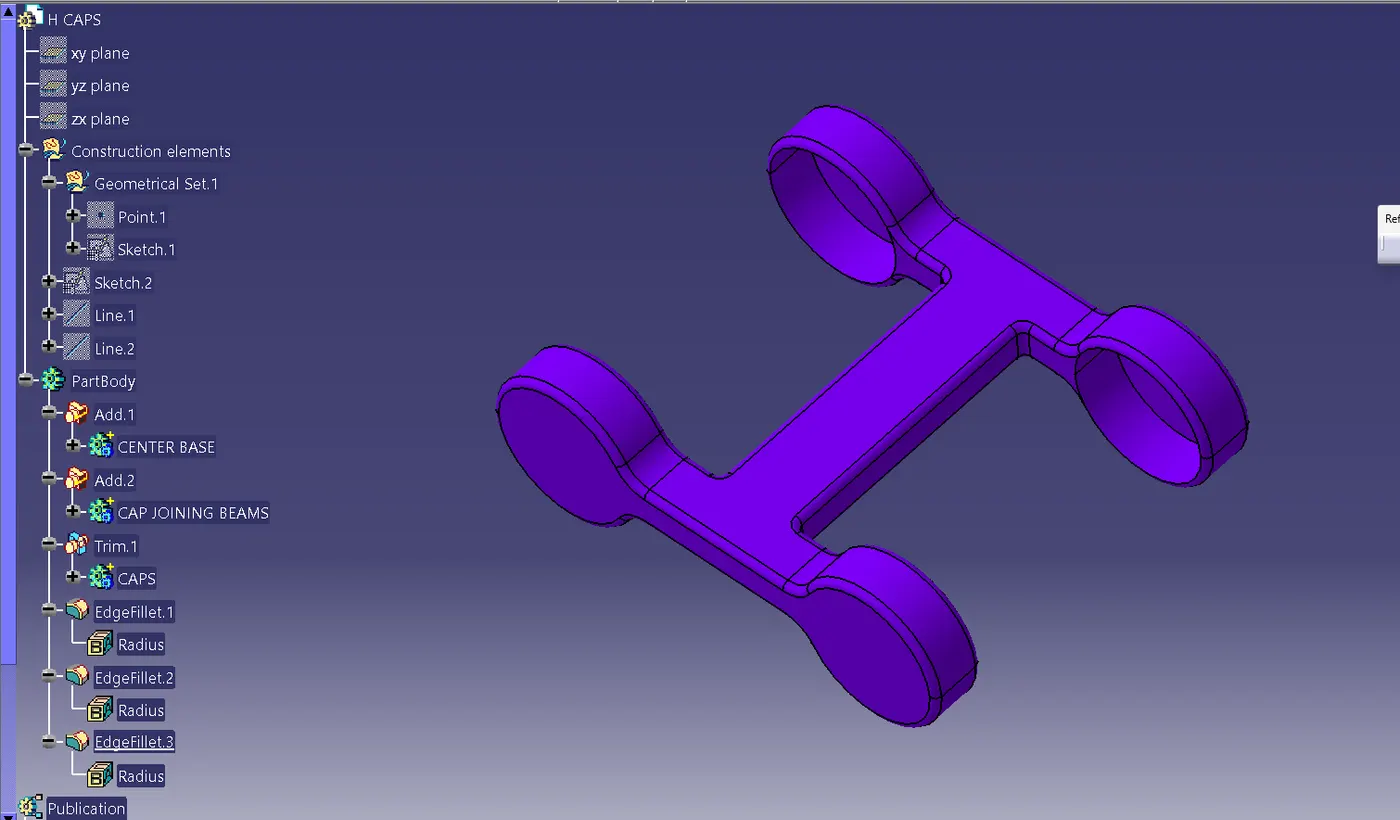
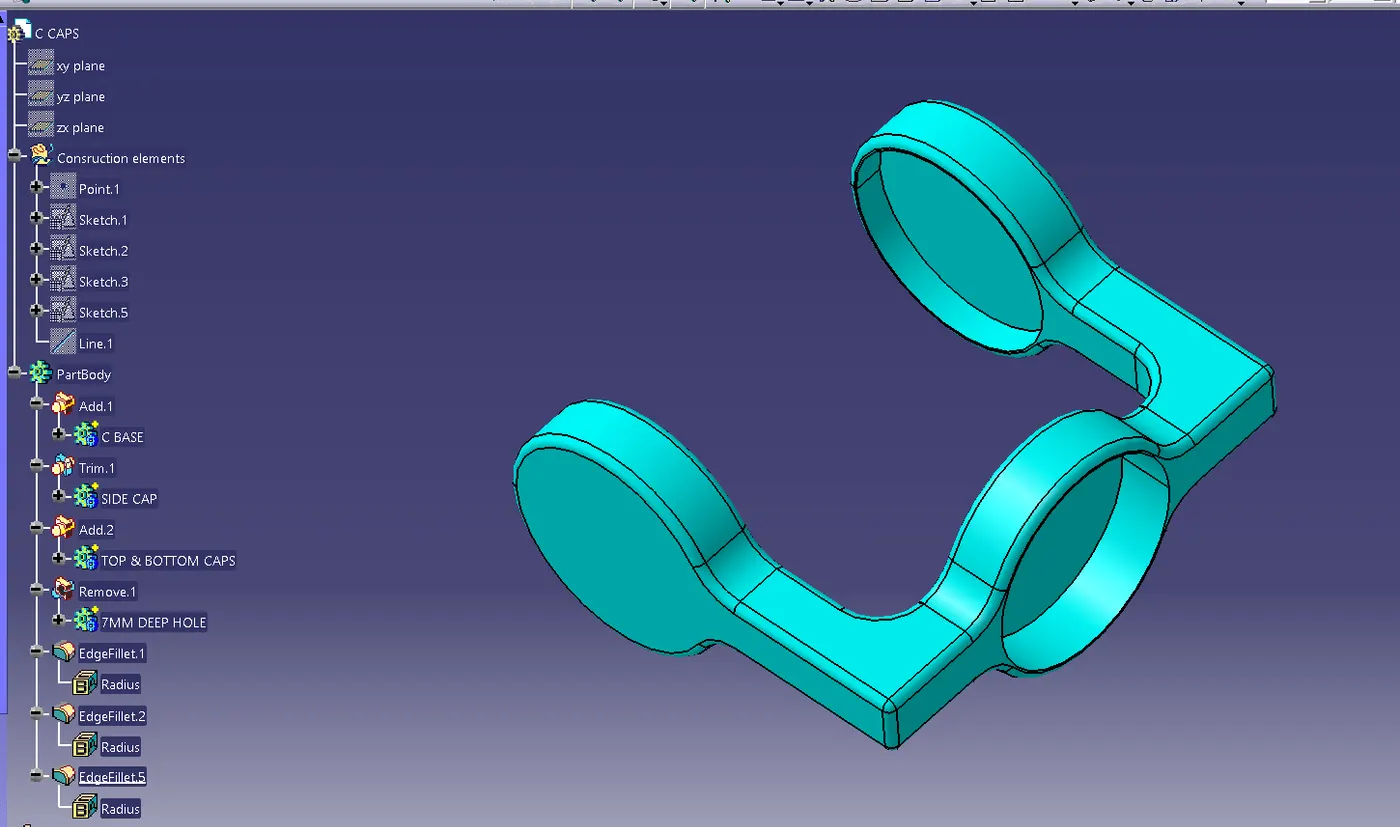
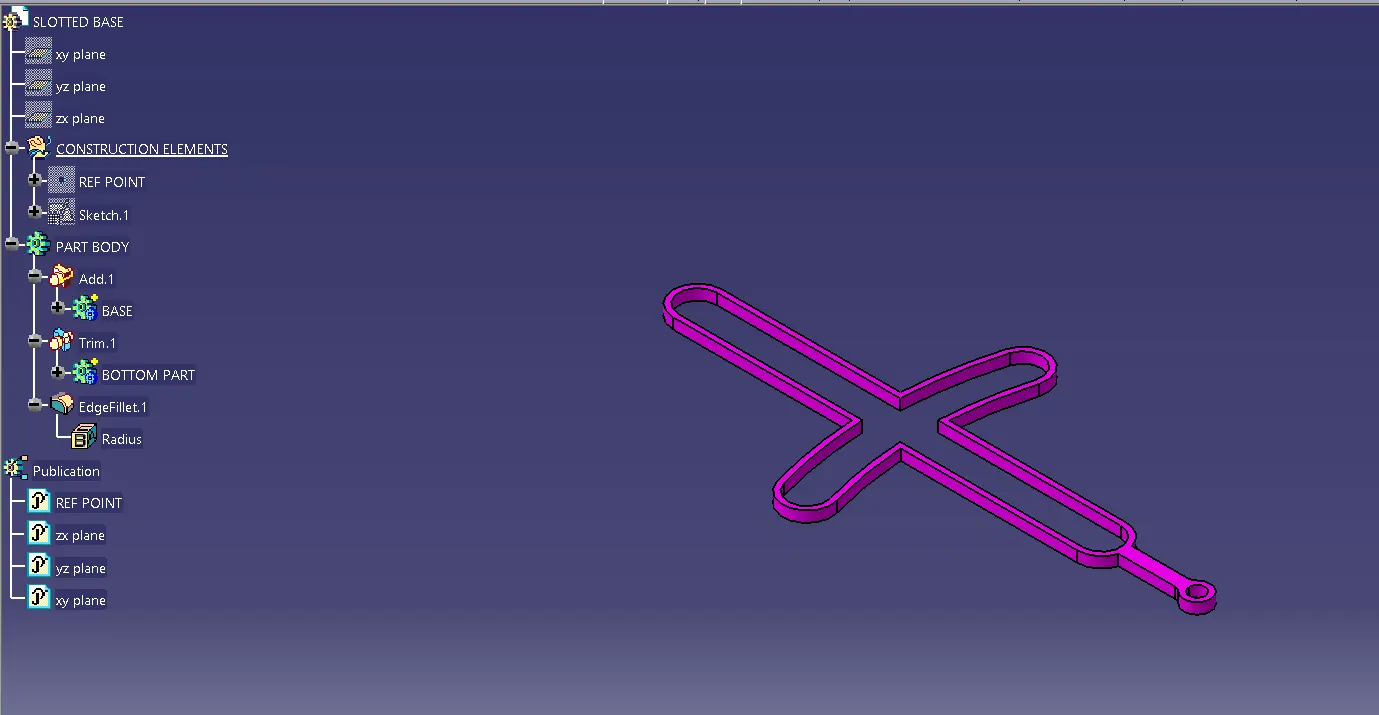
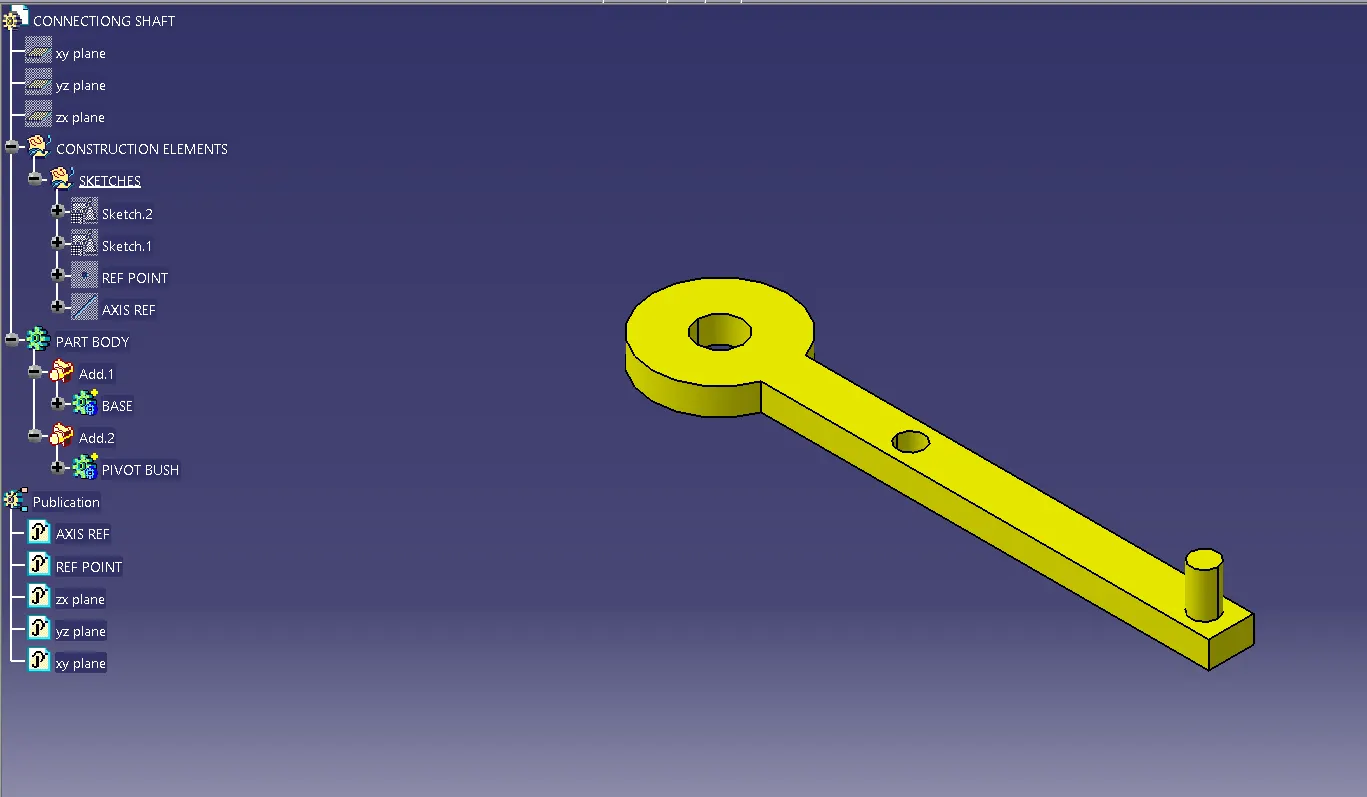
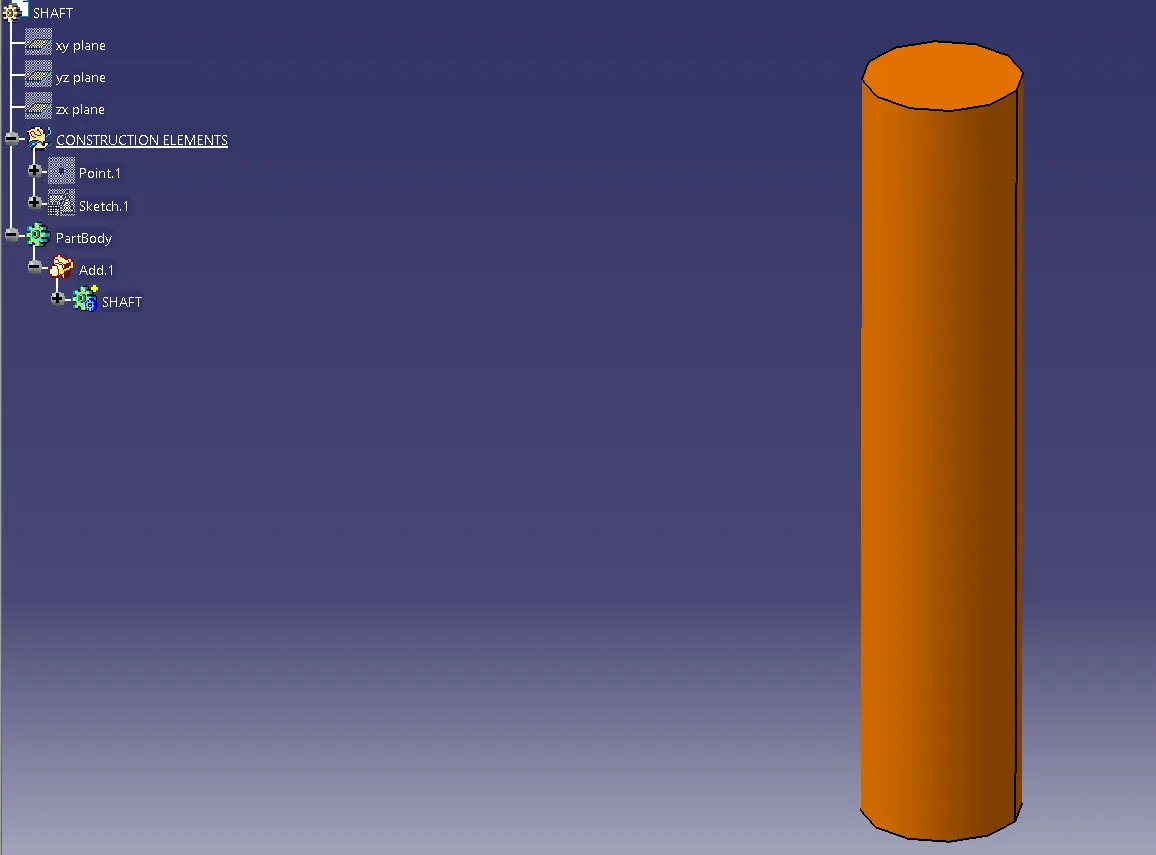
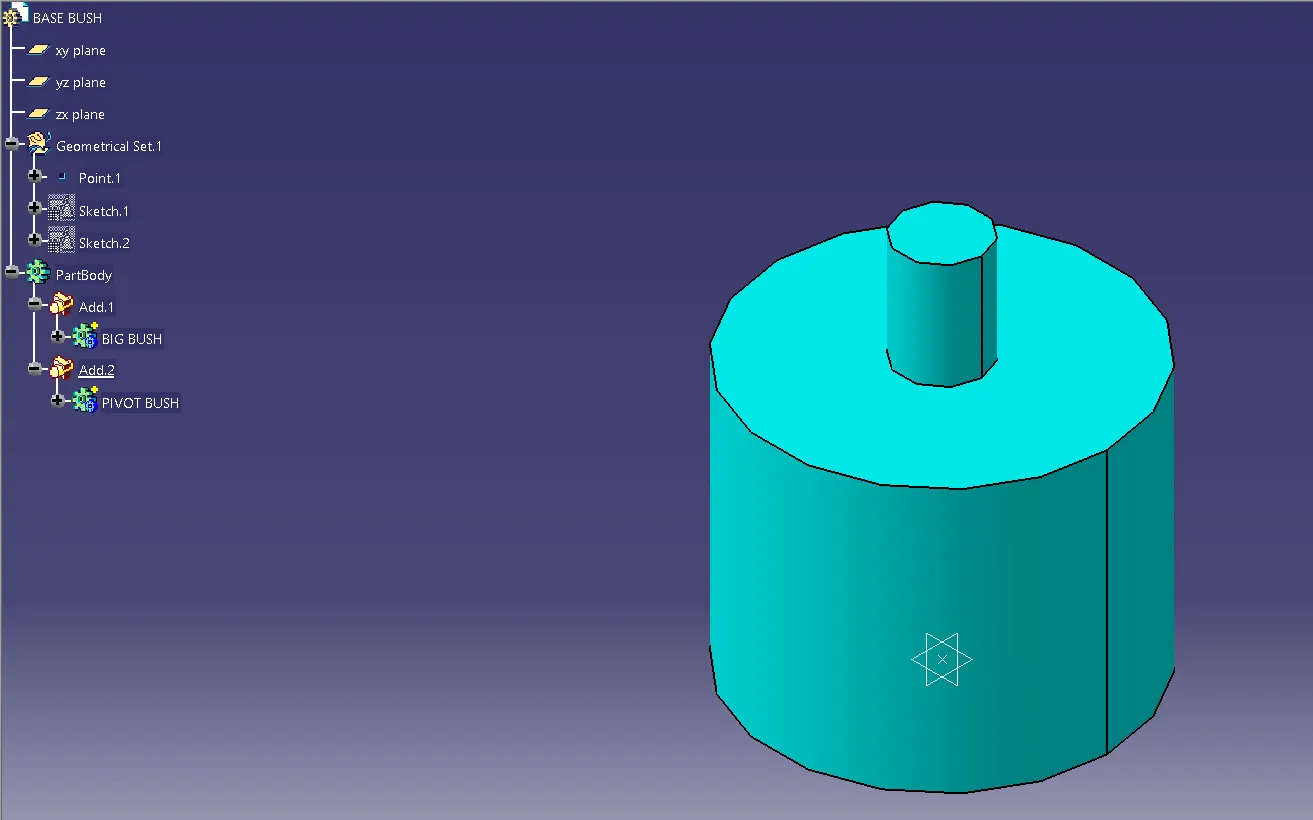
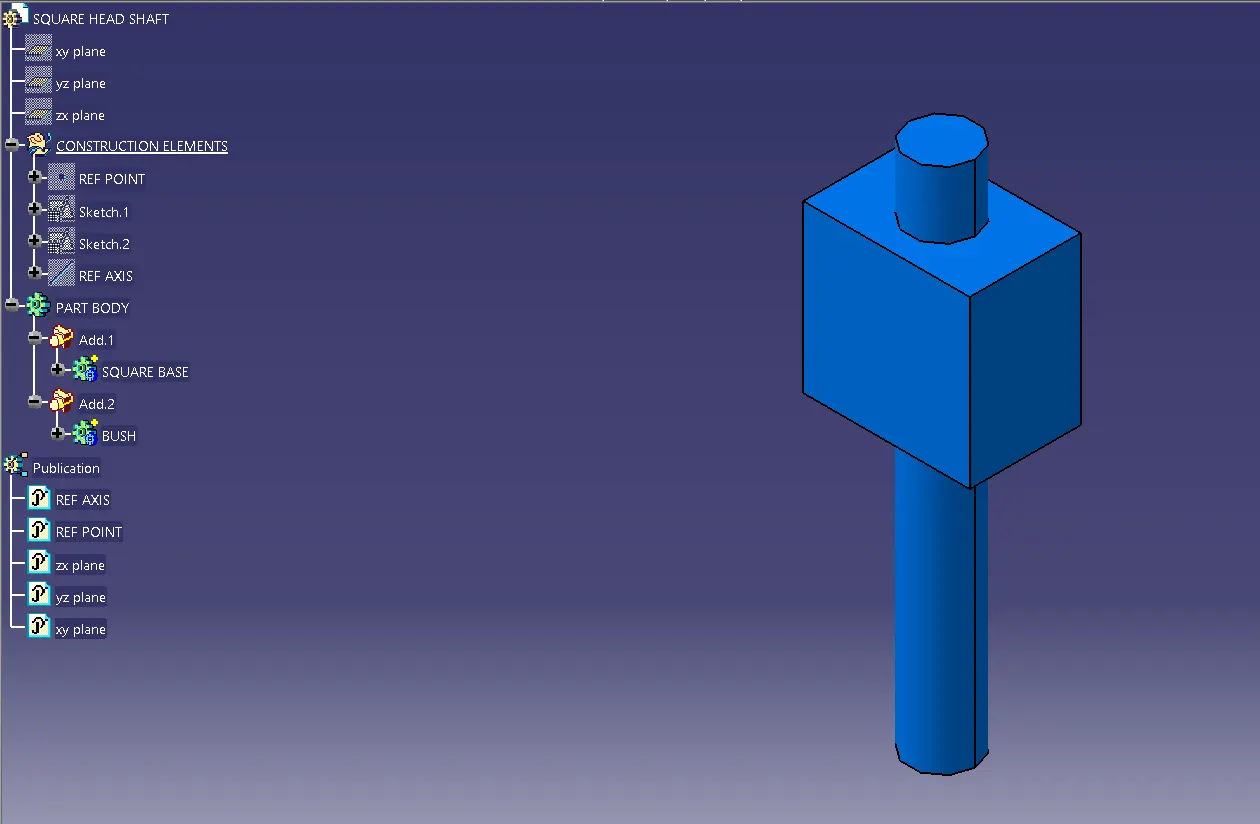
- Firstly, Individual parts have been created in the part (workbench all parts are saved in the same folder).
EXERCISE - 1
EXERCISE - 2
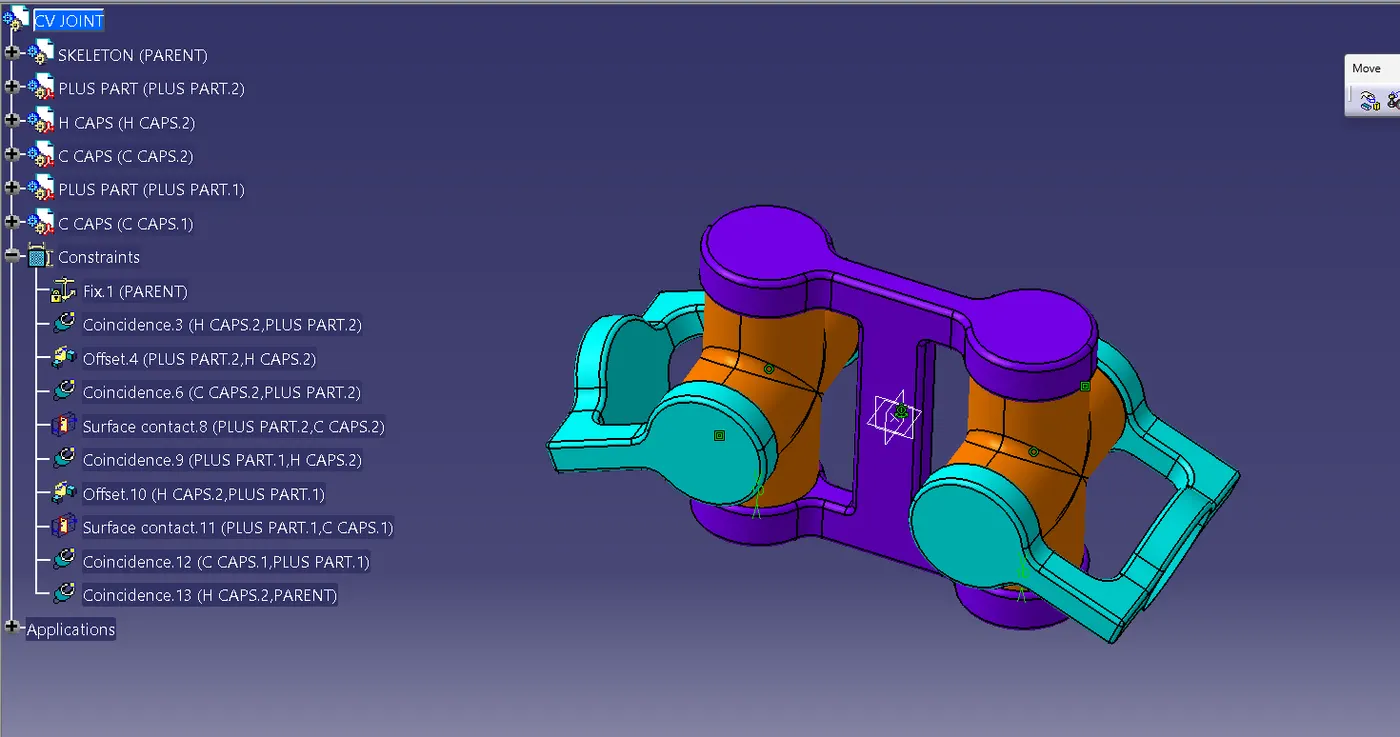
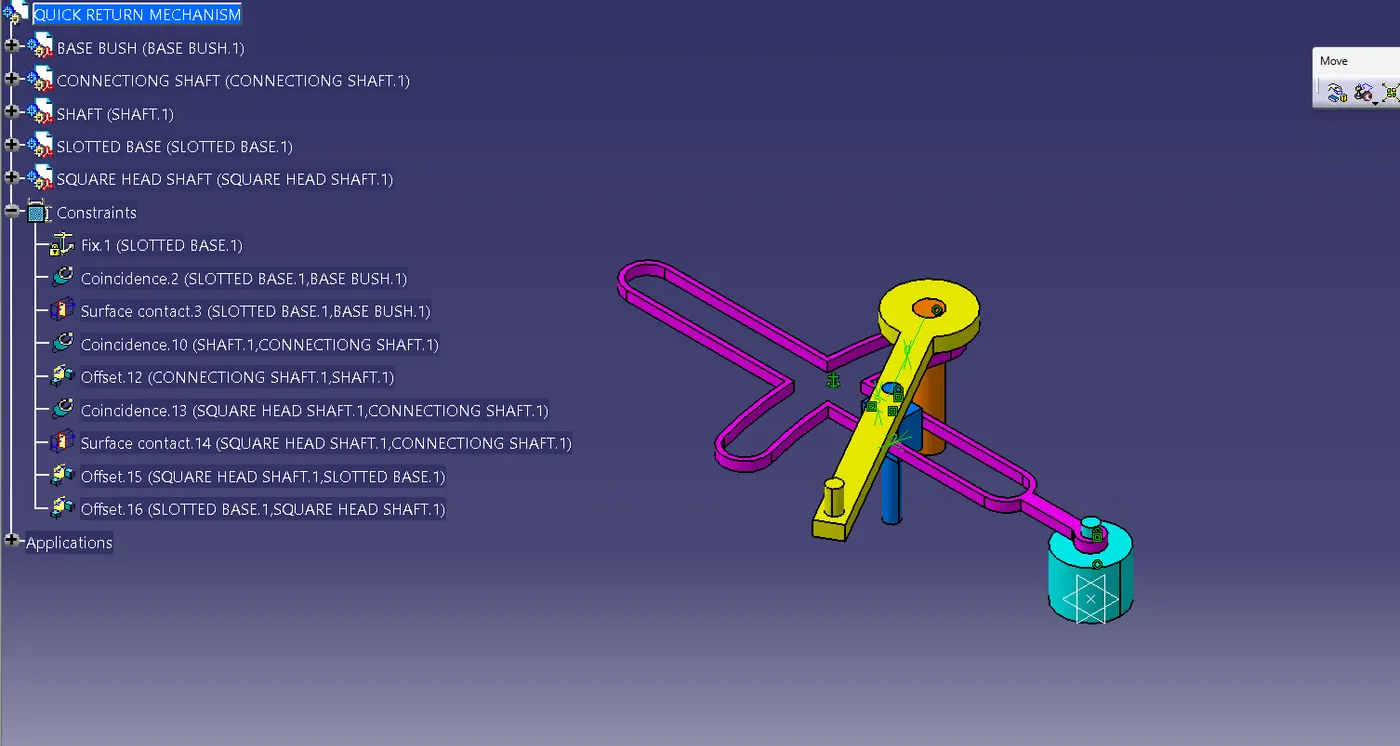
- Opened assembly workbench in Catia and called the part files into assembly by using the existing component command.
- Assembled the parts using constrain.
- exploded the assembly and updated (checked the constraints).
EXERCISE - 1
EXERCISE - 2
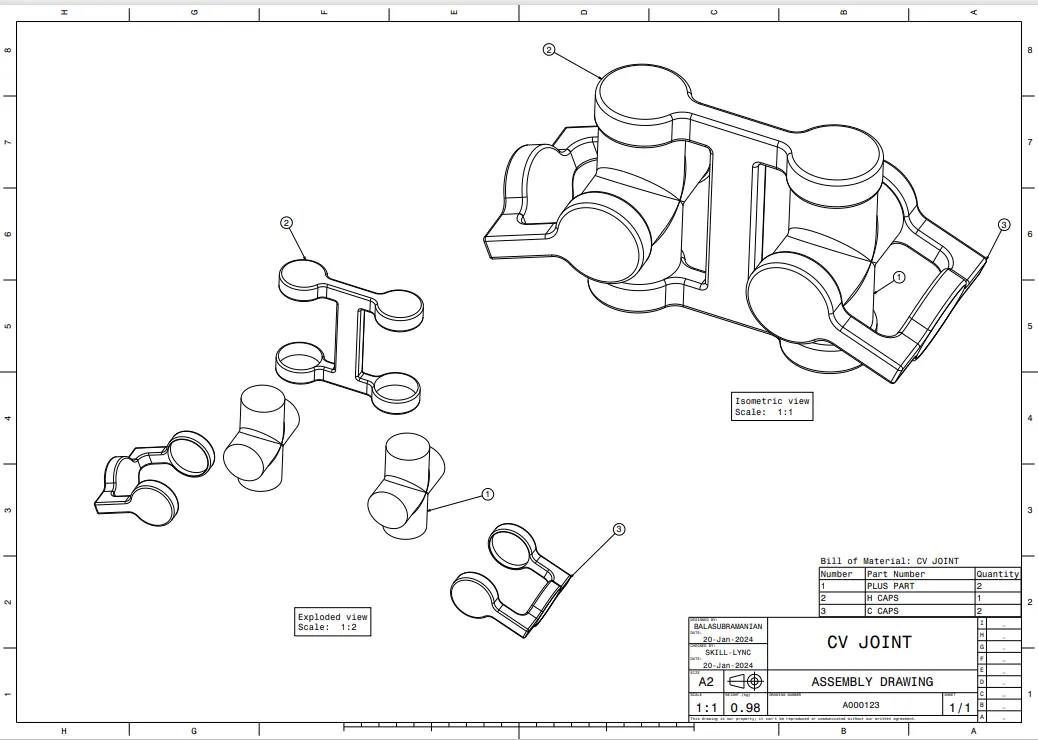
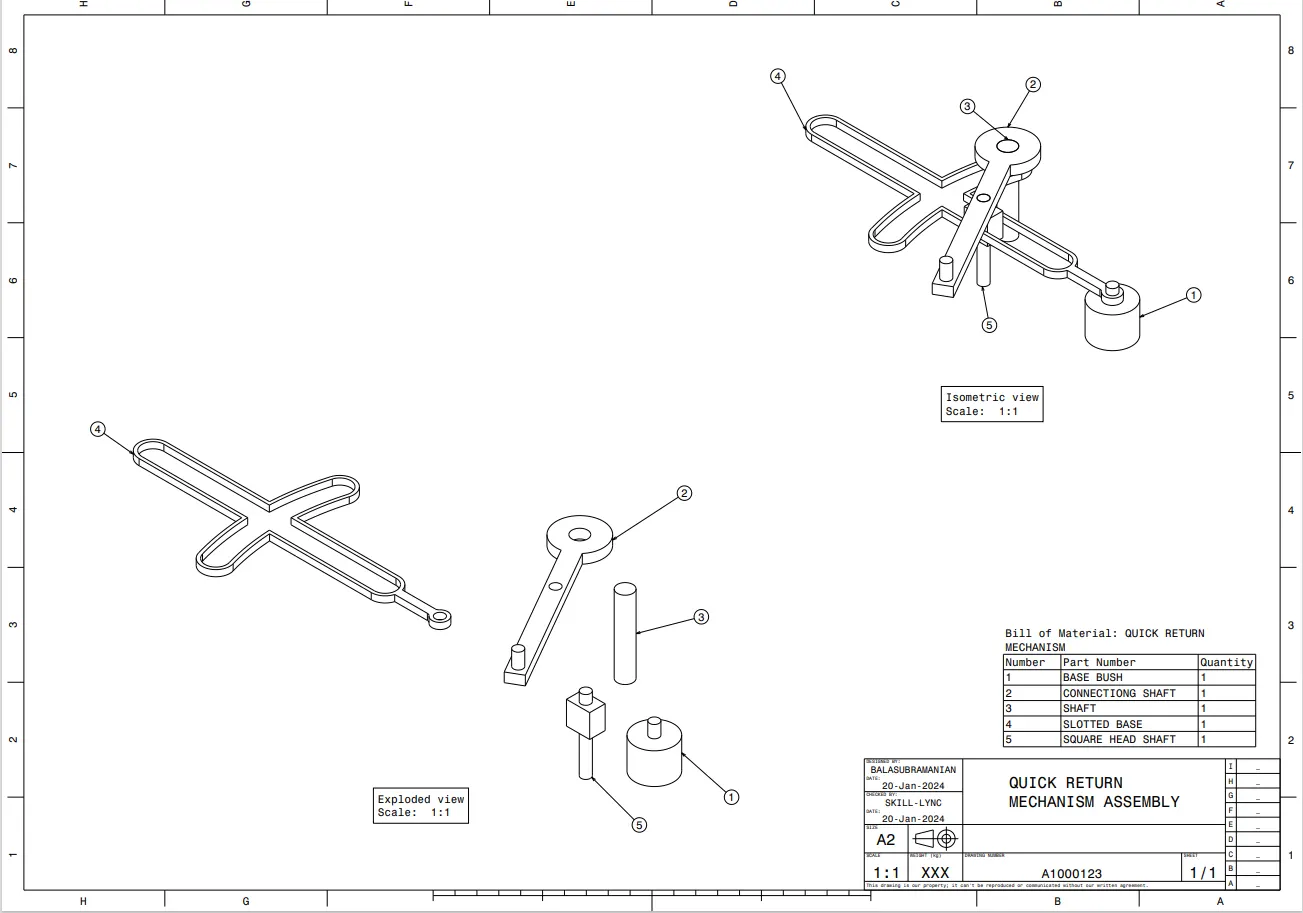
- Drawing for all parts and assembly was also created (CATdrawing and PDF formats have been done).
EXERCISE - 1
EXERCISE - 2
CONCLUSION :
Worked in the Assembly workbench and learned new commands like (constrain commands, explode, manipulate, BOM, Baloon, save management etc.,)