Week 7 Challenge - Assembly Workbench
All the drawings are analysed.
Create a point at the origin,create four planes at a certain distance from the origin and click ok.
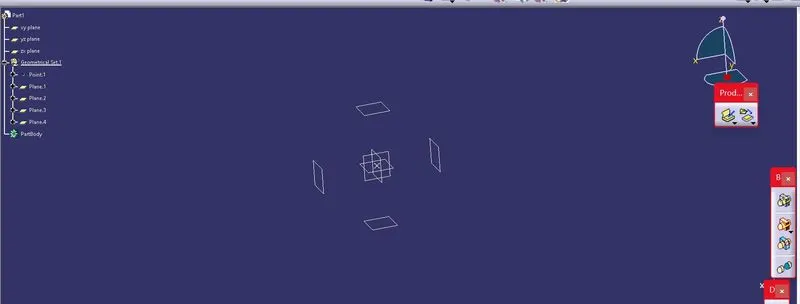
Click positioned sketch and draw circles of suitable diameter.
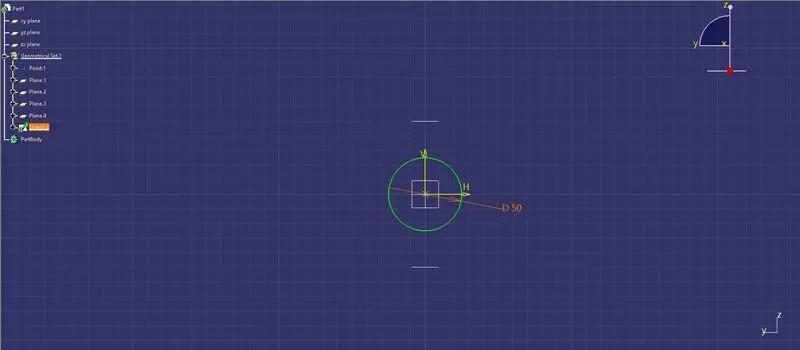
Extrude all the four circles till the origin
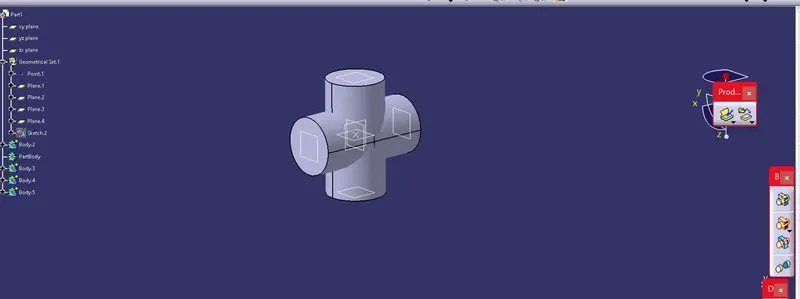
click the add boolean command and add all the parts
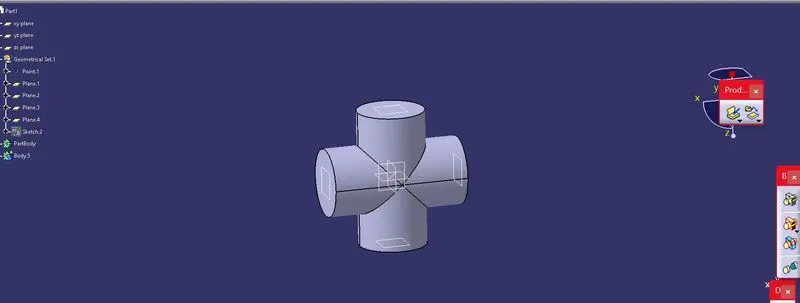
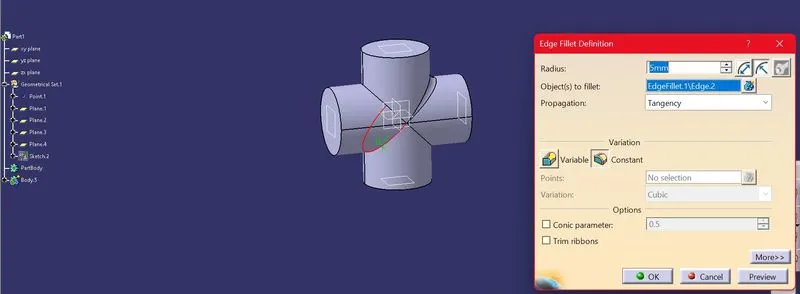
Do edge fillet on the edges and click ok.
Repeat the similar steps to get the parts also.
Create one half of the part first and then mirror it,add both using add boolean command.
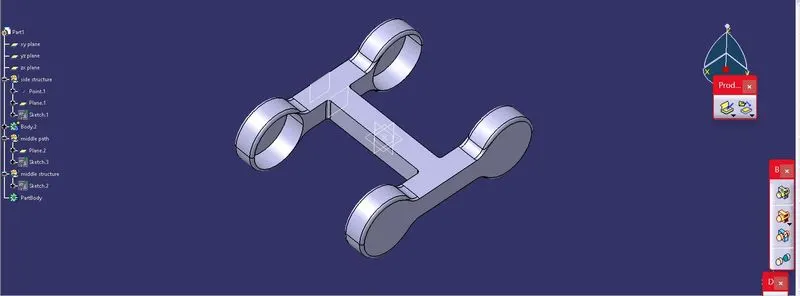
Third part of cv joint is also created.
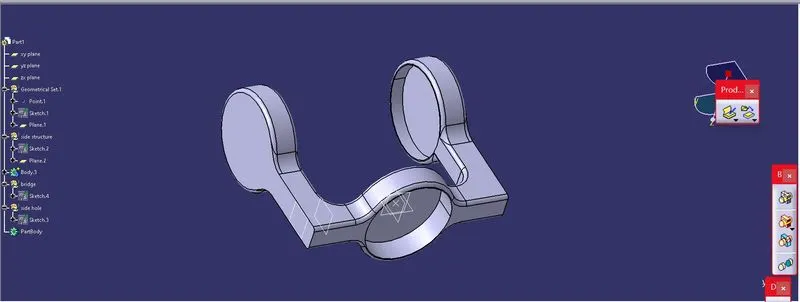
Parts of the quick return mechanism are also created with the same procedure.
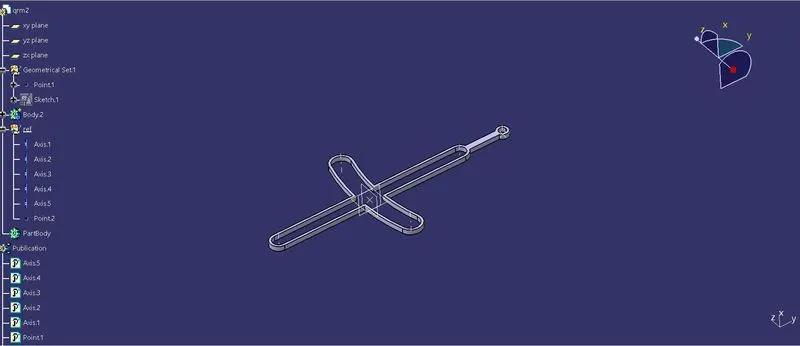
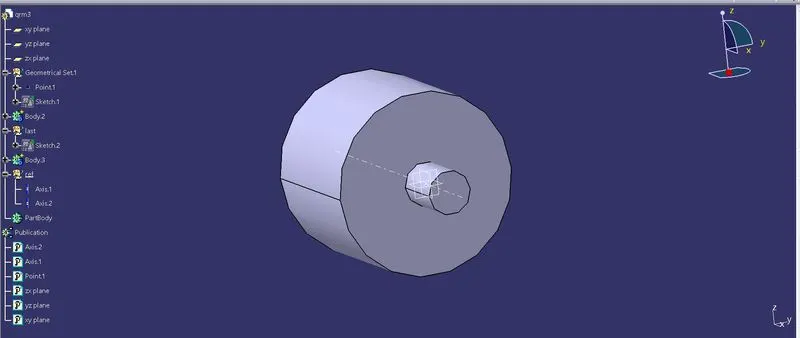
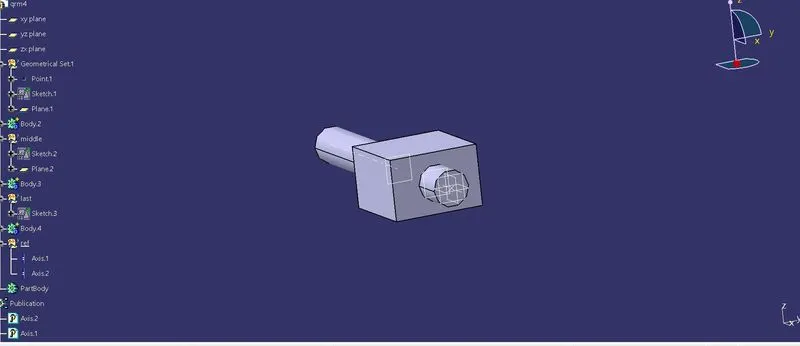
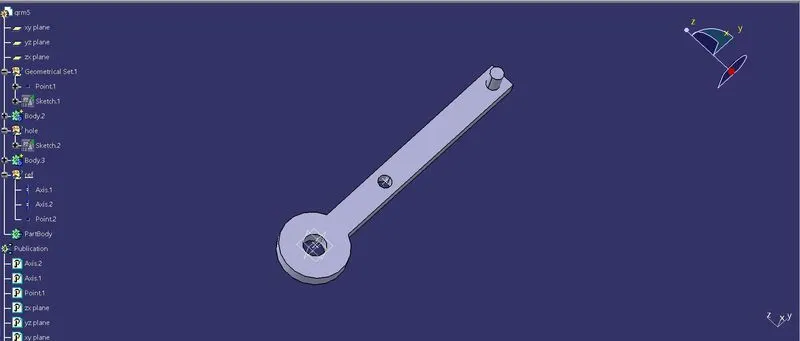
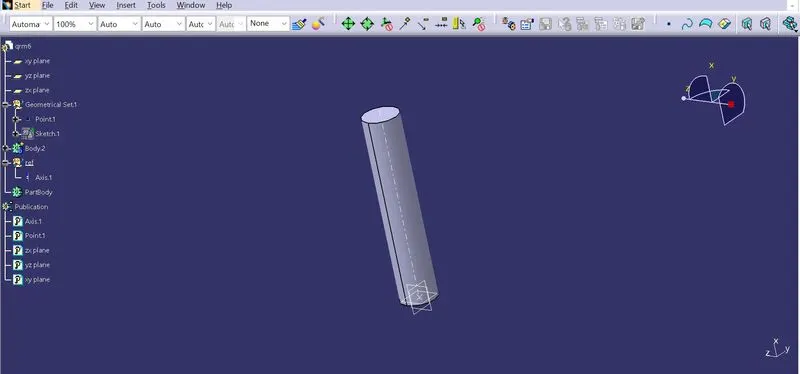
After all the parts are created,click new,product and click ok.Create a part inside the product.insert a geometrical set and create a point at the centre.Select the point and all the planes ,click insert,publications and publish them.
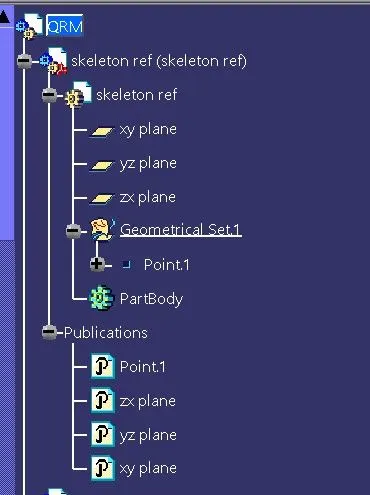
Add all the parts inside the product file.
For earlier created parts,create a geometrical set named ref and add axis of the structure inside it.select the required planes and axis,publish them.
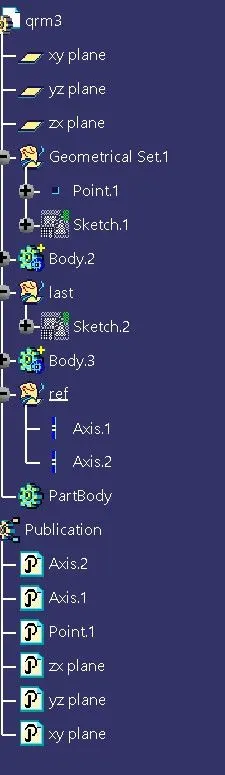
Go to the assembly design,import all the parts into the product file,click coincidence icon and select the axis of the parts to be aligned and click ok.
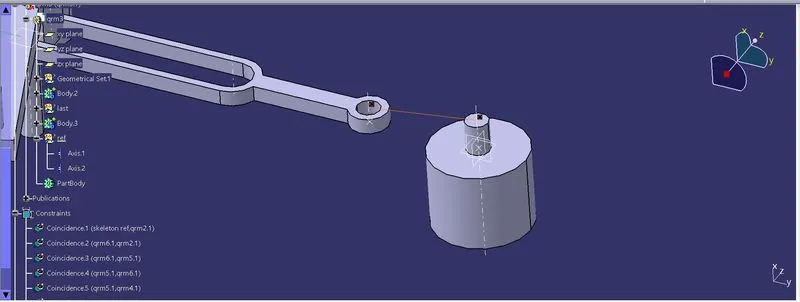
click on the update icon to see the coincidence.
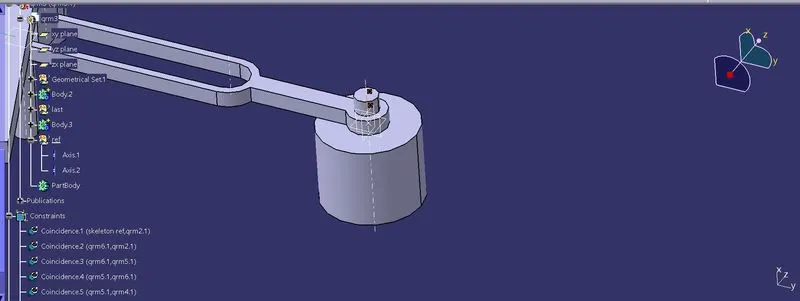
Like this according to the drawing,coincide all the parts and save it.
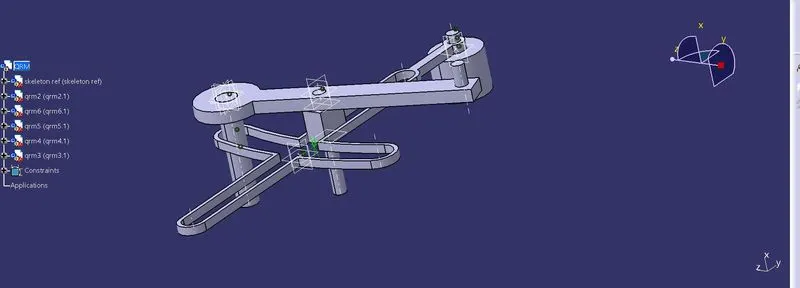
similar is done here.
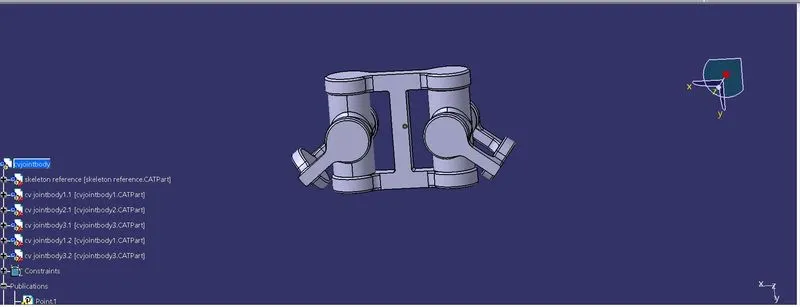
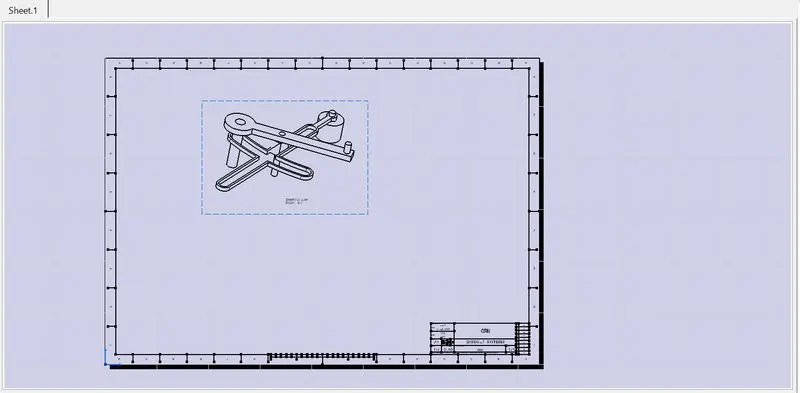
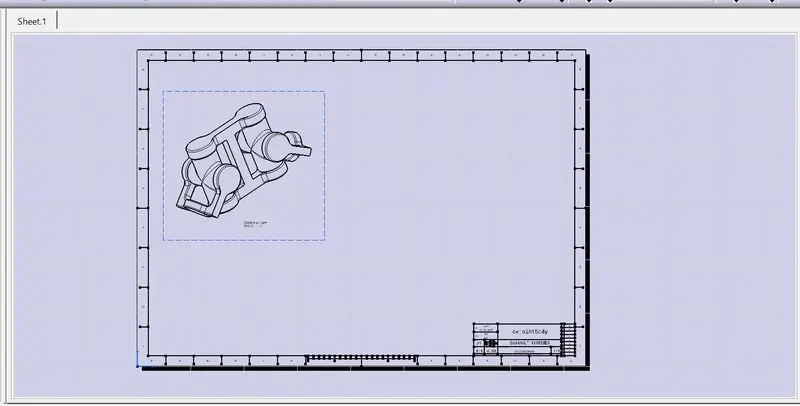
click on new,drawing,click on the isomteric view and go to the product window and click the product.