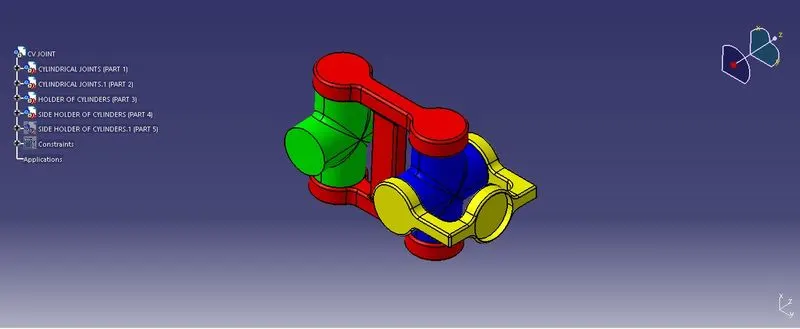
Week 7 Challenge - Assembly Workbench
Assembly Workbench
OBJECTIVE:-
- Creation of Model 1 - Quick Return Mechanism - Part creation, Assembly and 2D drawing.
- Creation of Model 2 - CV Joint - Part design, Assembly and 2D drawing.
REPORT
QUICK RETURN MECHANISM:
Steps to create Model 1
- Create a all sketch by using positioned sketch command
- Ensure that all the sketches in iso- constrained
- Use pad command for thicken solid for all the above sketch
- QUICK RETURN CROSS
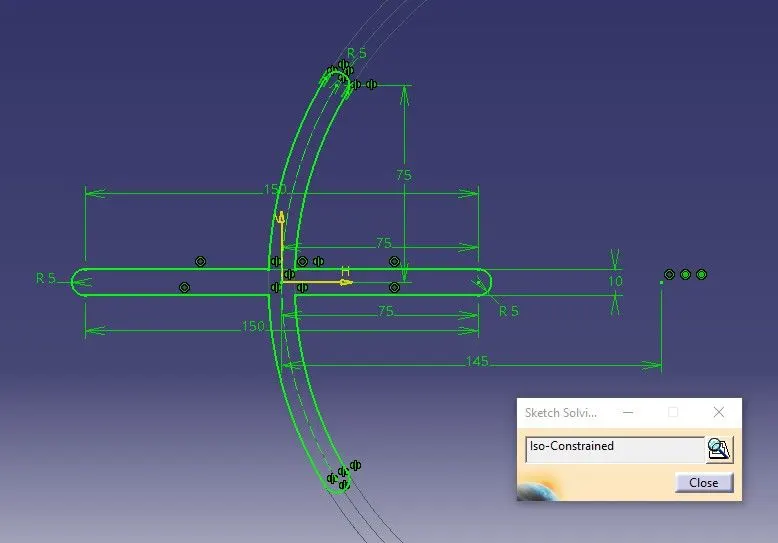
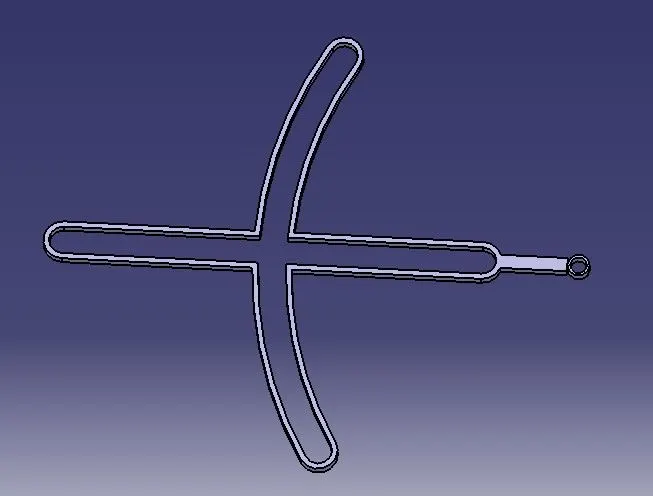
- CONNECTING ROD TO CIR. BUSH
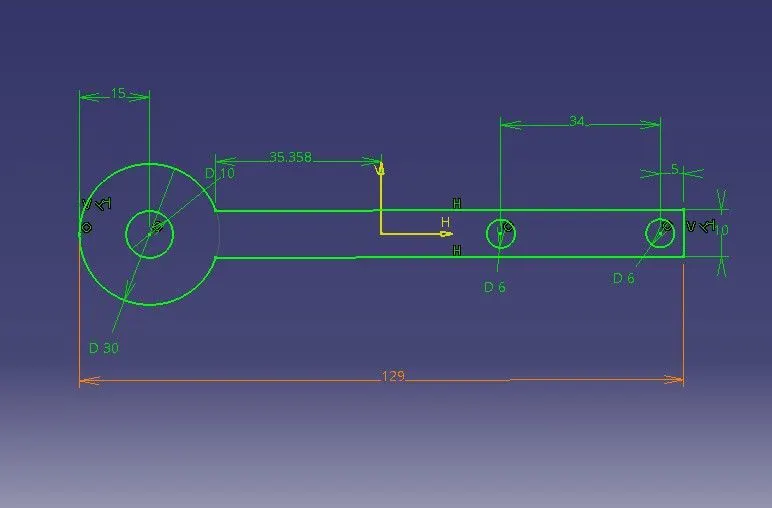
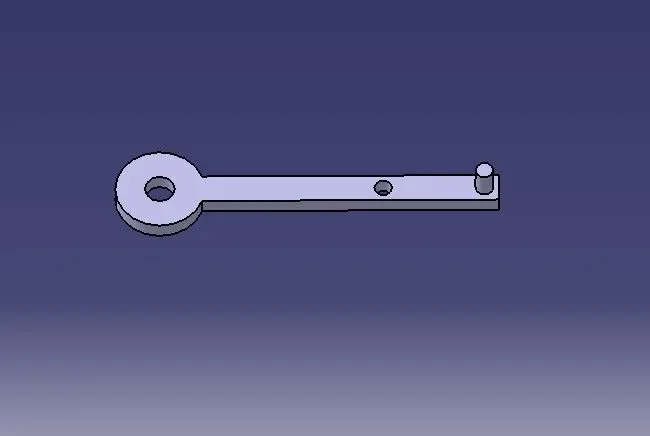
- CIR. SUPPORT BUSH
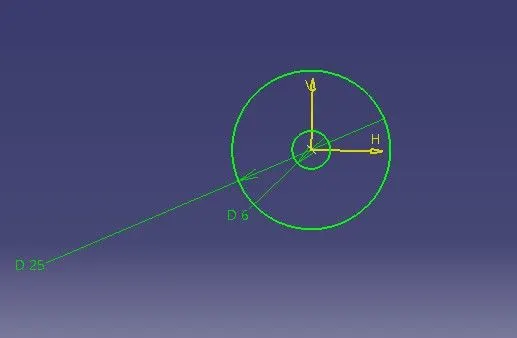
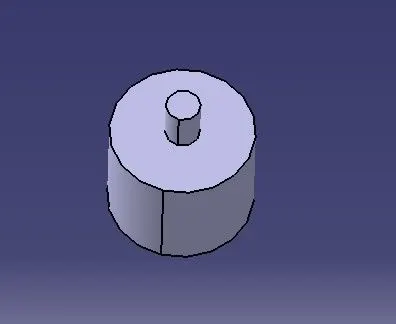
- CONNECTING SHAFT
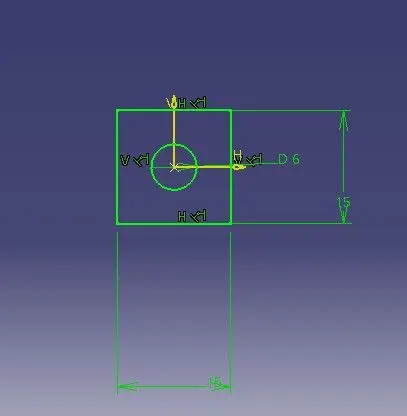
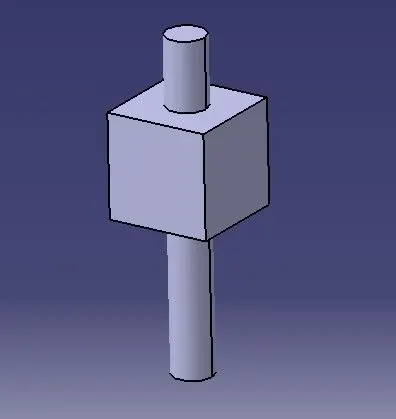
- ROD
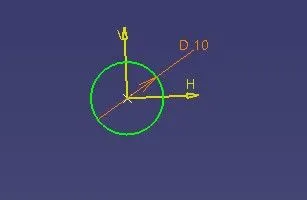
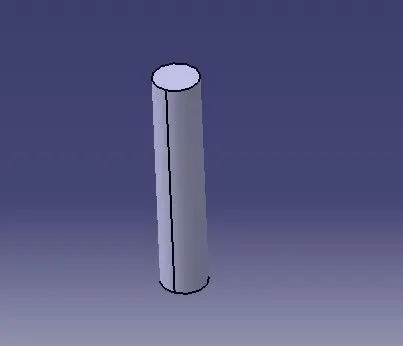
DRAWINGS
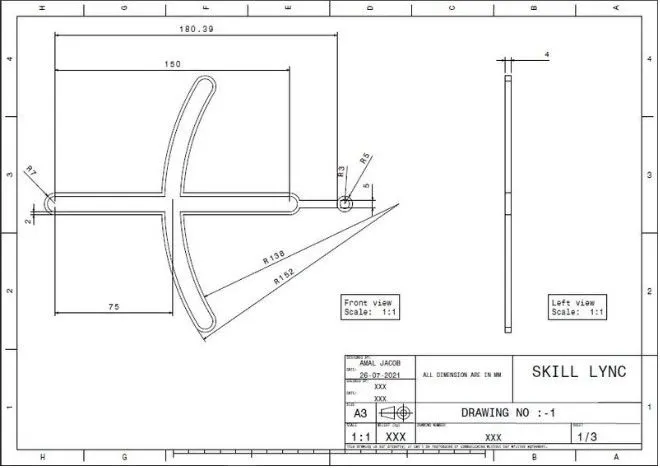
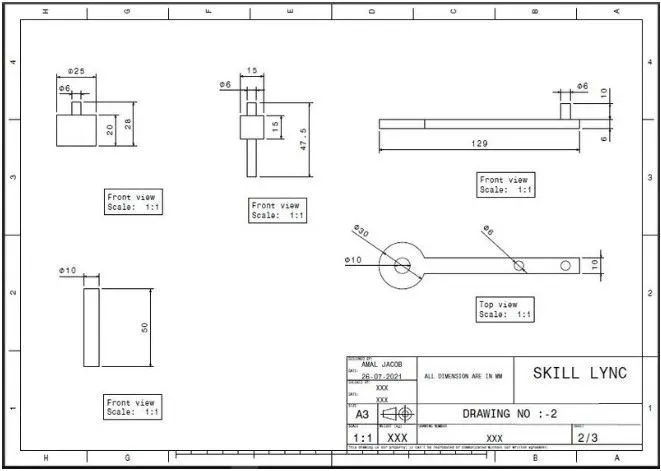
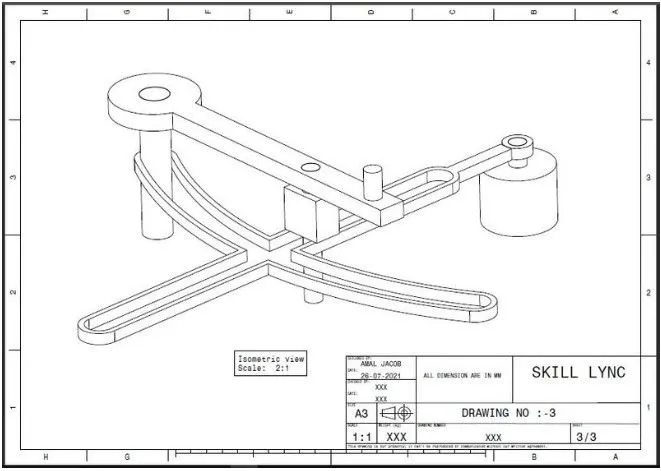
ASSEMBLY
Steps for creating the assembly
- Create a new CATproduct and insert all the above separate CATPART by using existing component command.
- Create a reference elements for all catparts.
- Add Reference elements like axis, points wherever we need
- Use publication tool to make all the necessary elements like planes,points,axis to make visible.
- Make the reference part fixed.
- Now using Constrain, Offset tools assemble the each parts to one another.
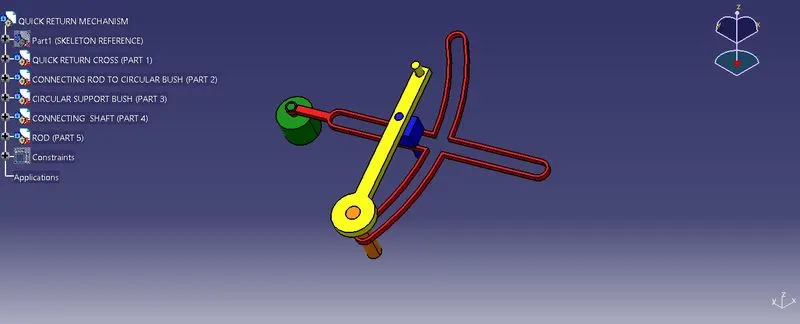
CV-JOINT
Steps to create Model 2
- Create a all sketch by using positioned sketch command
- Ensure that all the sketches in iso- constrained
- Use pad command for thicken solid for all the above sketch
- CYLINDRICAL JOINT
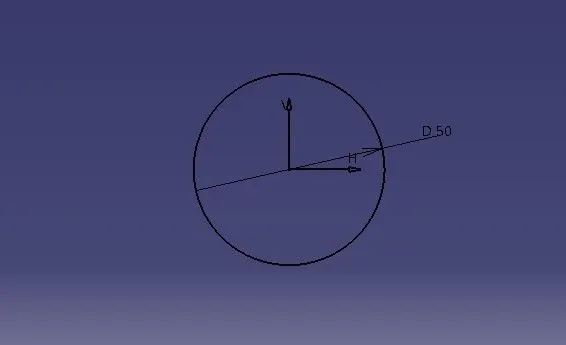
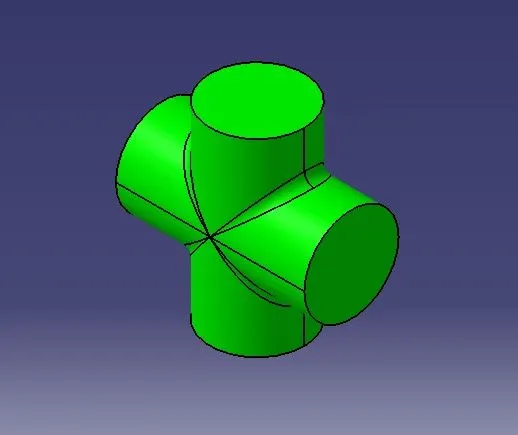
- HOLDER OF CYLINDERS
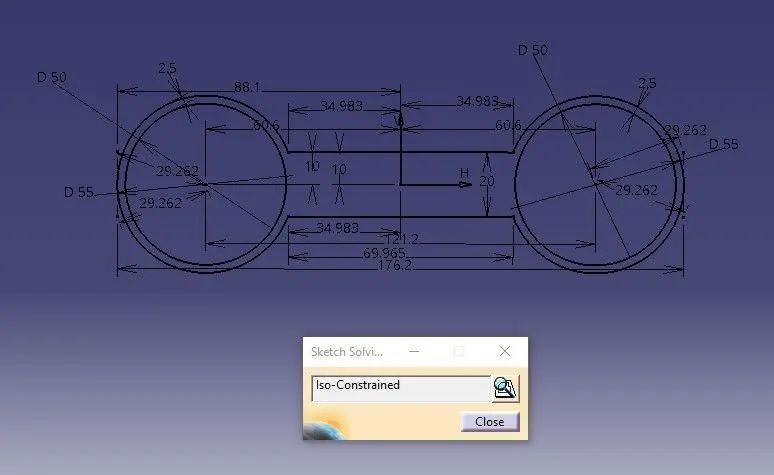
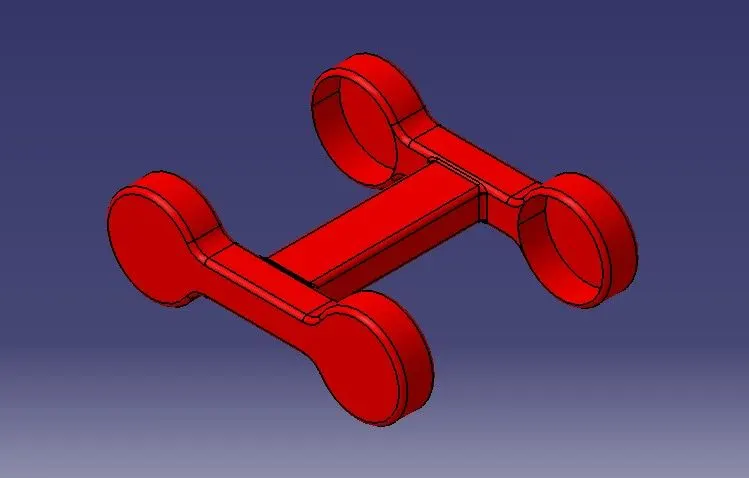
- SIDE HOLDER OF CYLINDERS
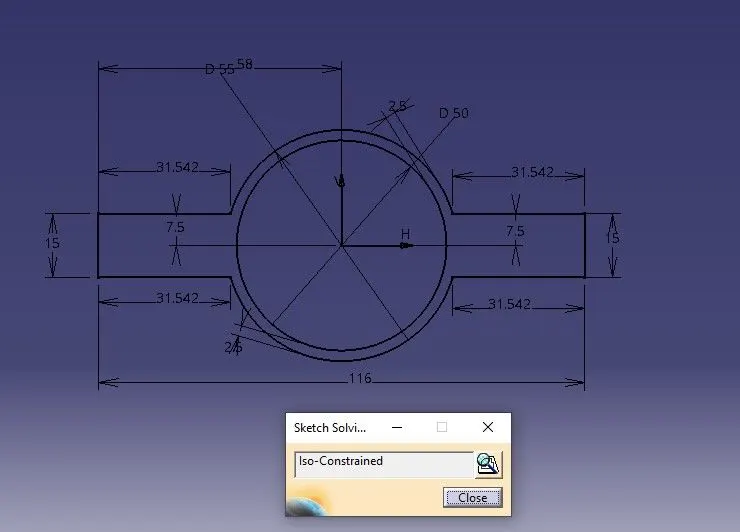
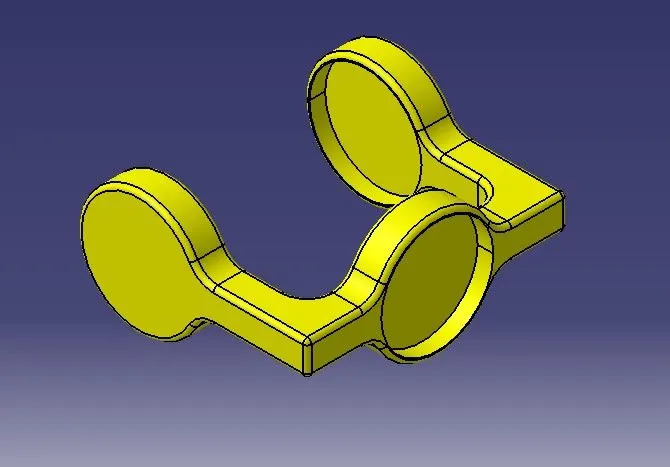
DRAWINGS
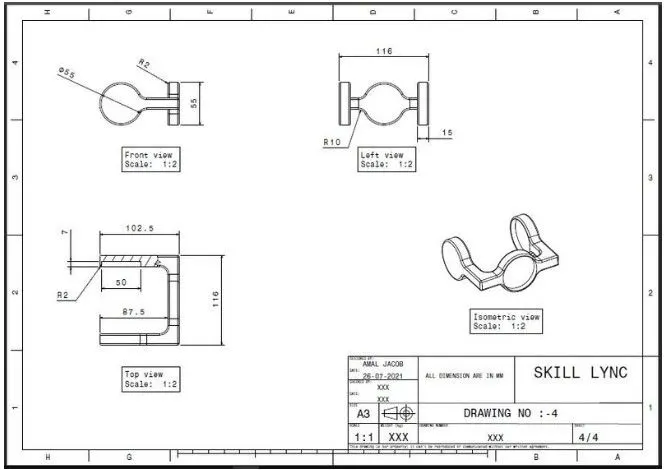
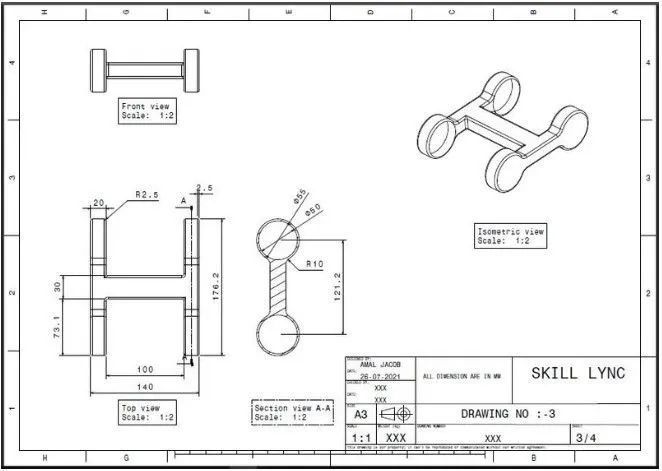
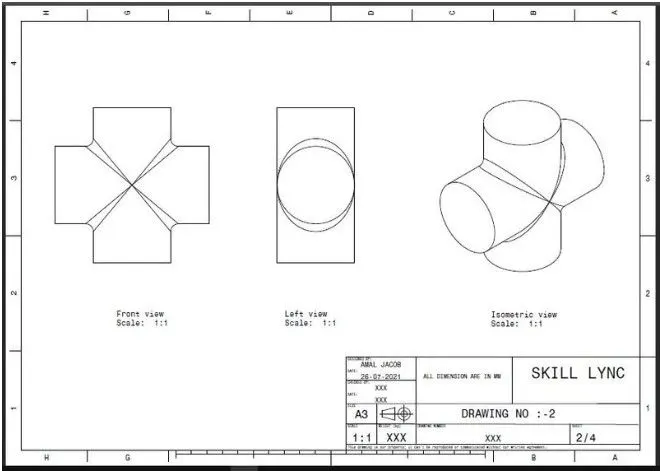
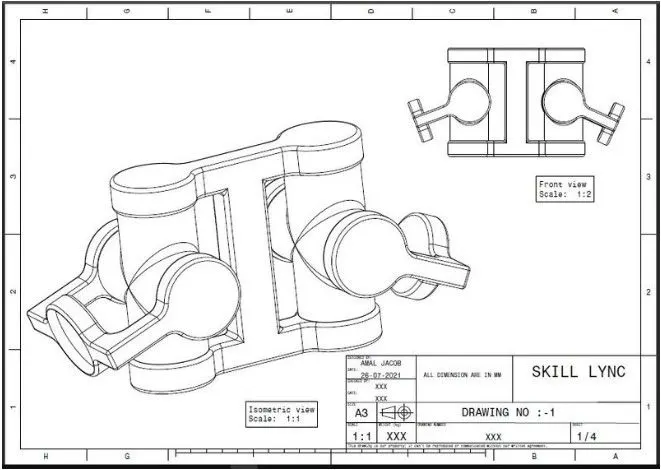
ASSEMBLY
Steps for creating the assembly
- Create a new CATproduct and insert all the above separate CATPART by using existing component command.
- Create a reference elements for all catparts.
- Add Reference elements like axis, points wherever we need
- Use publication tool to make all the necessary elements like planes,points,axis to make visible.
- Make the reference part fixed.
- Now using Constrain, Offset tools assemble the each parts to one another.