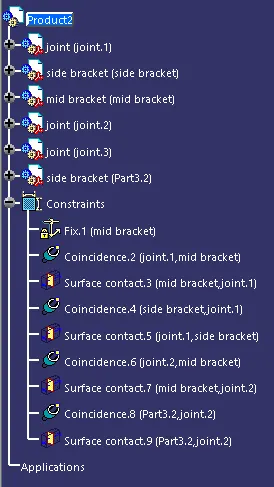
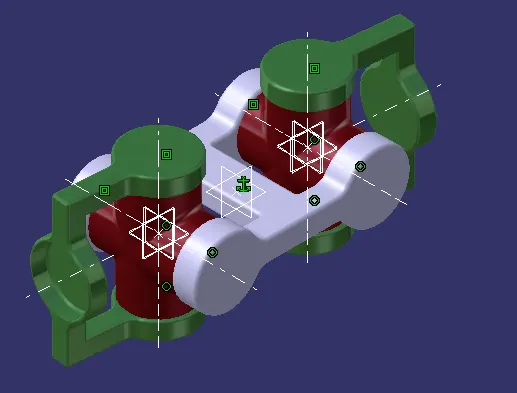
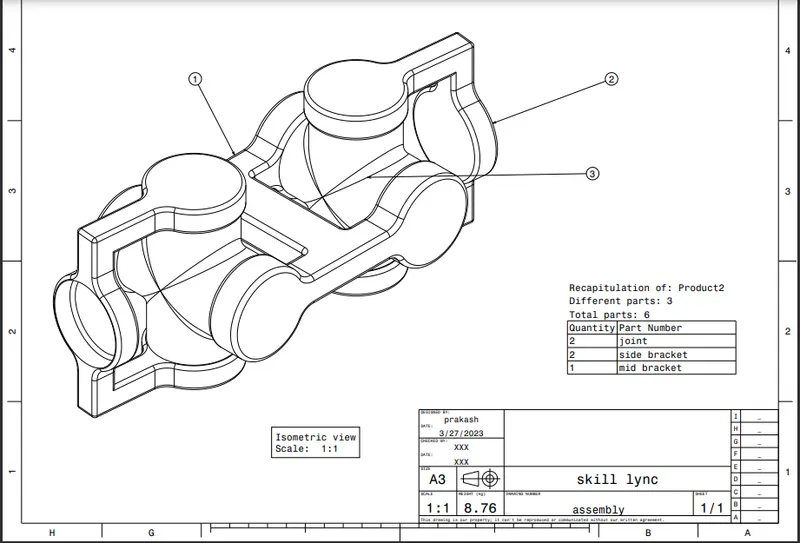
Week 7 Challenge - Assembly Workbench
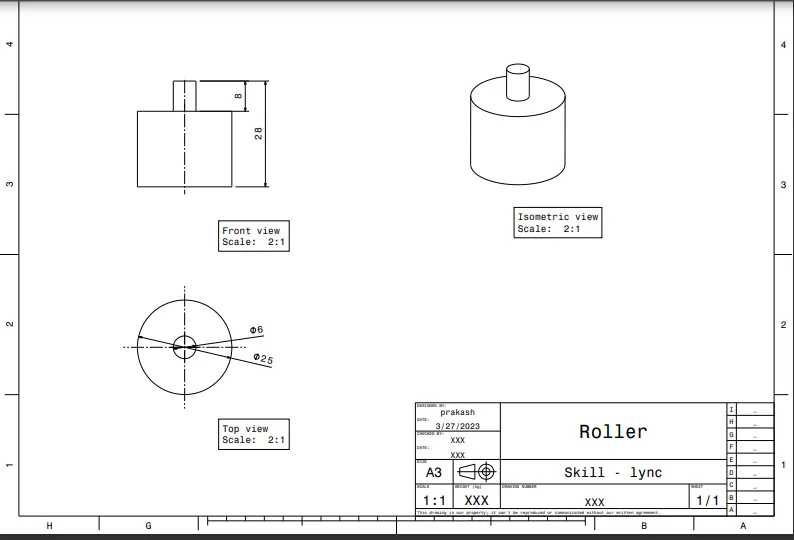
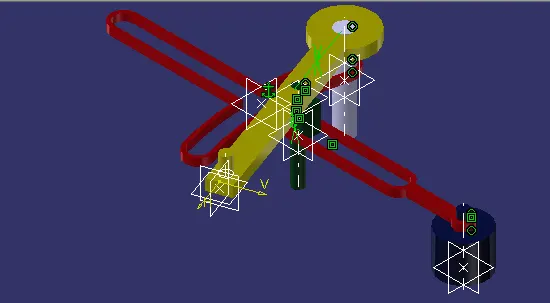
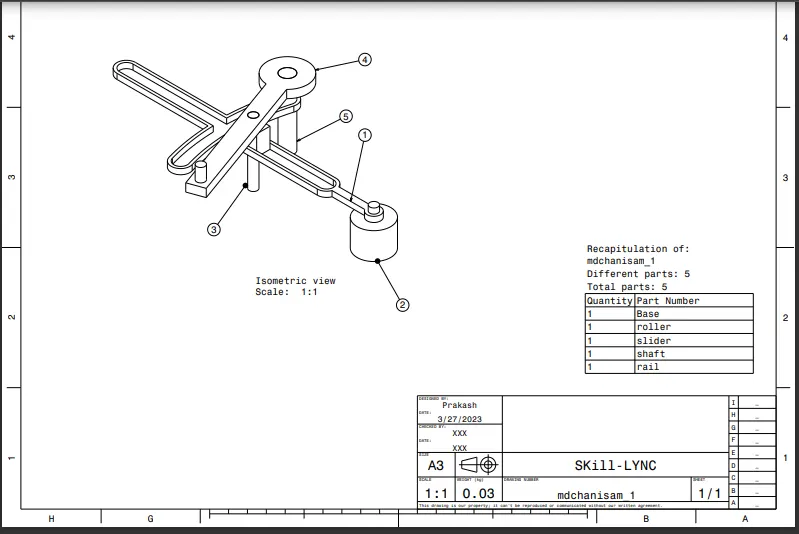
AIM: TO create the following assembly using Part and assembly work bench and also drawing using drafting.
SKETCH workbench:
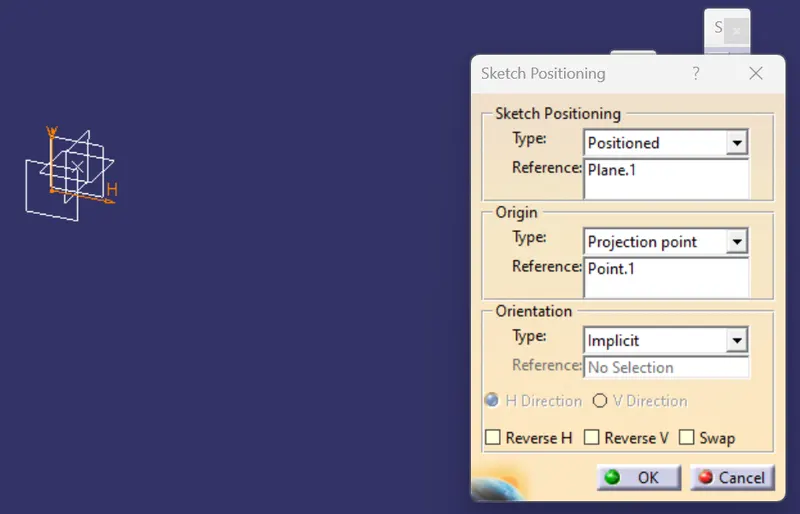
POSITION SKETCH
Point definition:
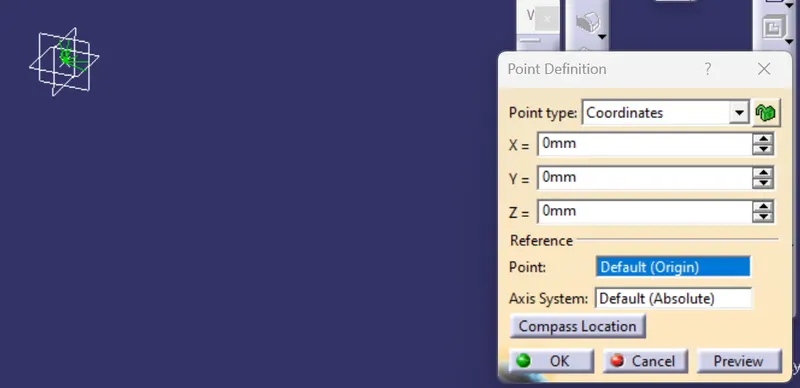
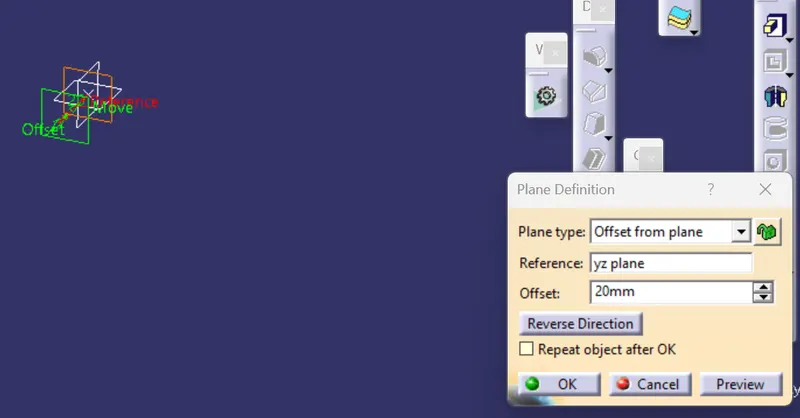
Plane definition:
Select "POSITIONED SKETCH"
- select the reference plane for sketch positioning
- select the point in reference after selecting orgin type as "Projection point".
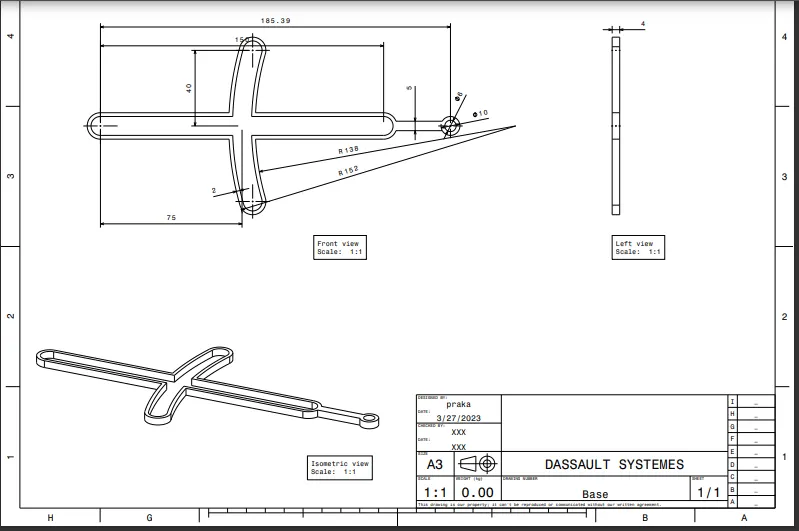
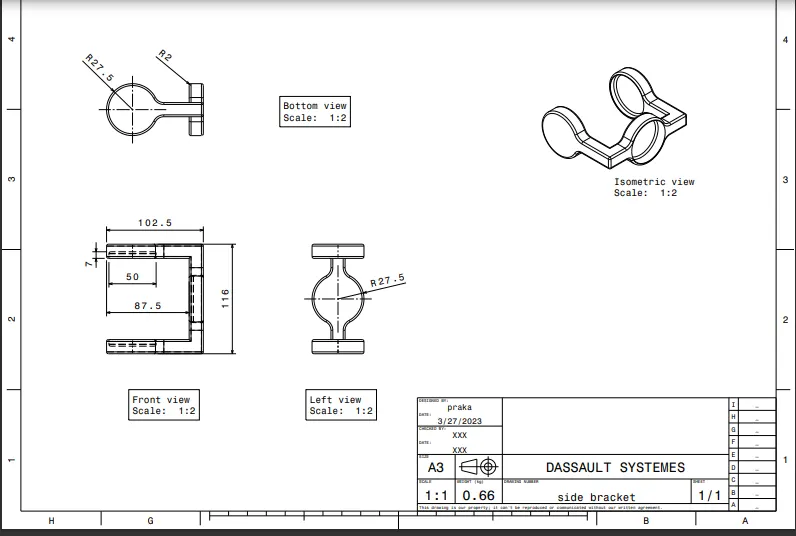
DRAWING_!:
Our main aim while creating a sketch is to make it iso constrained as follows
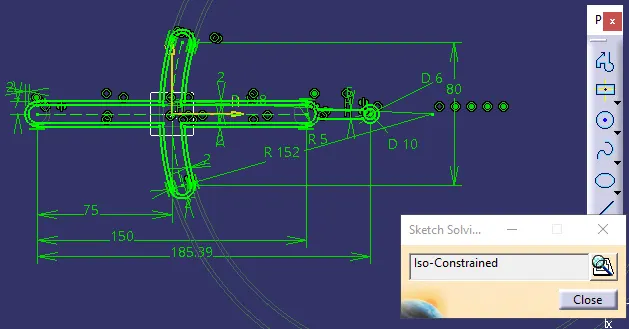
in the same way we need to define and constrain all sketches
Part Workbench:
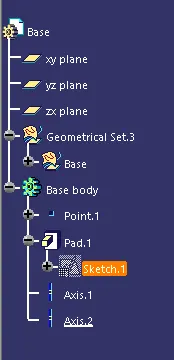
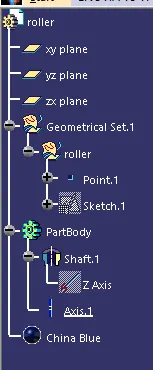
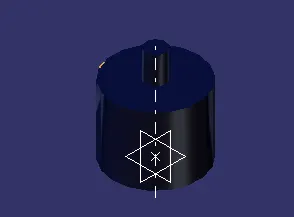
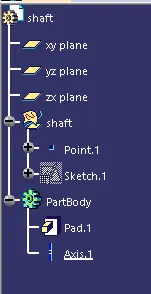
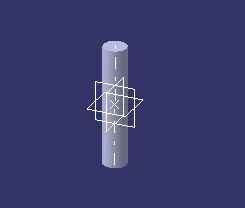
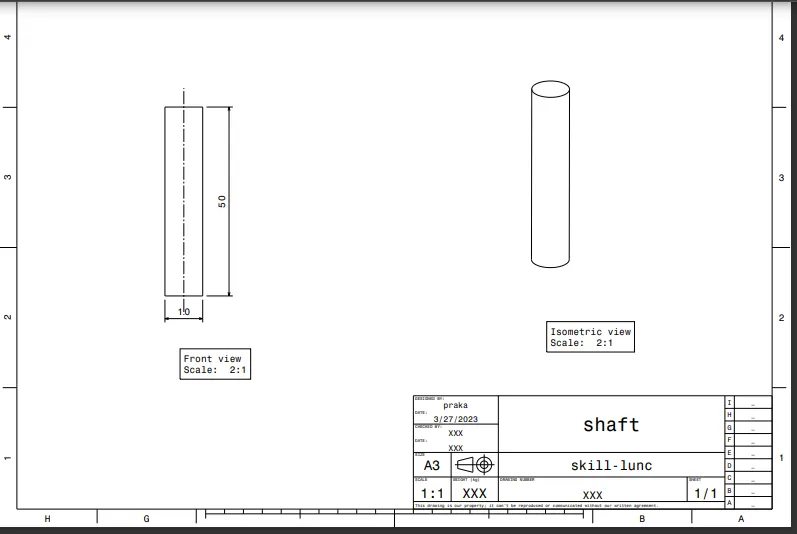
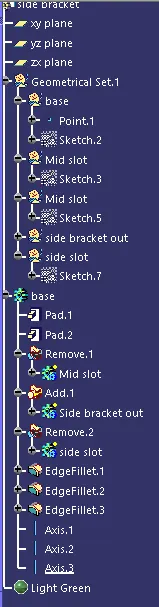
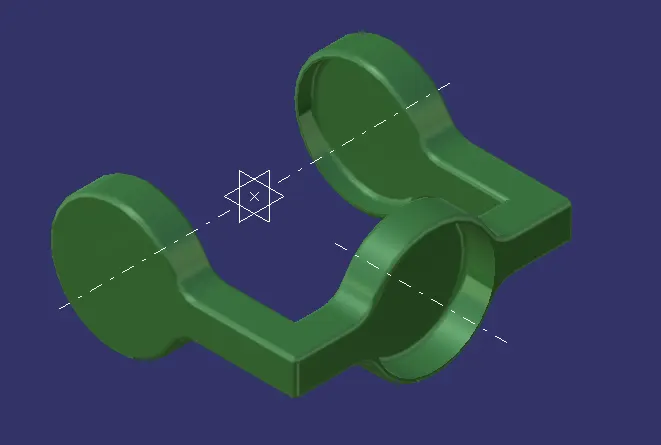
We need to use sketch based, dressup features and boolean operations to create a parts as follows
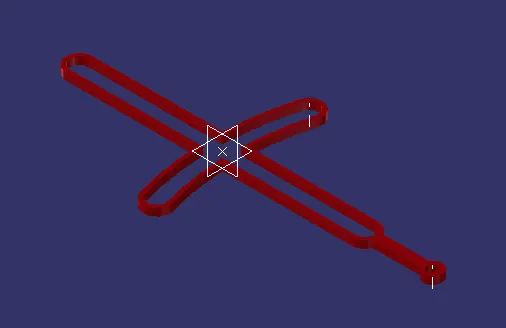
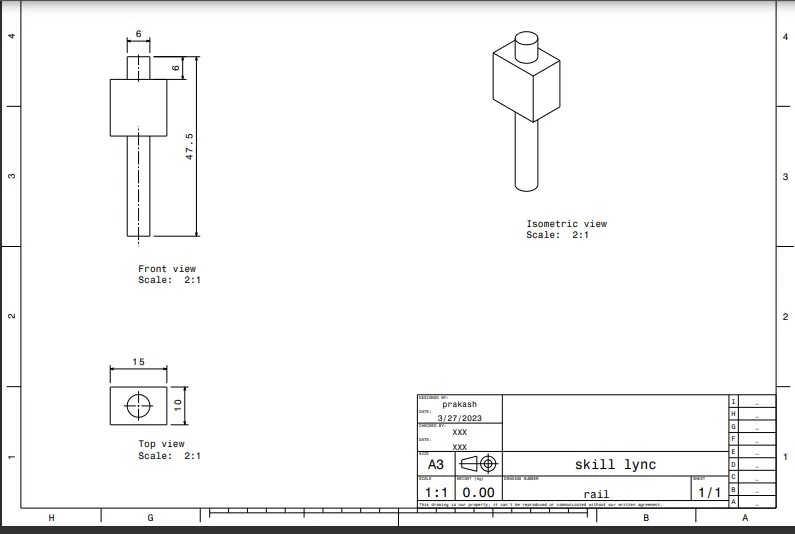
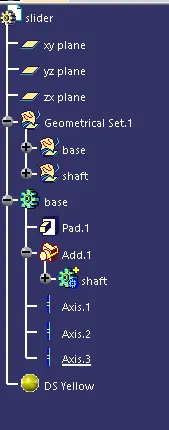
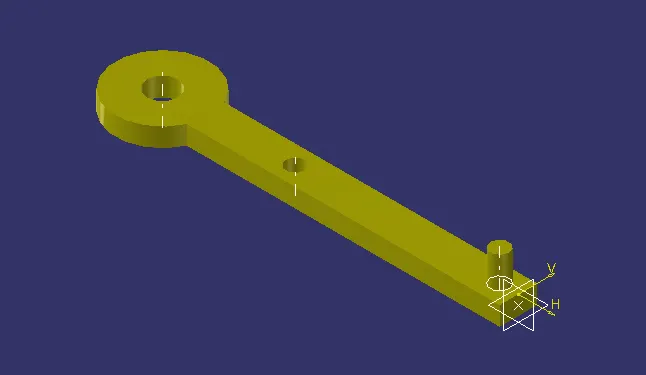
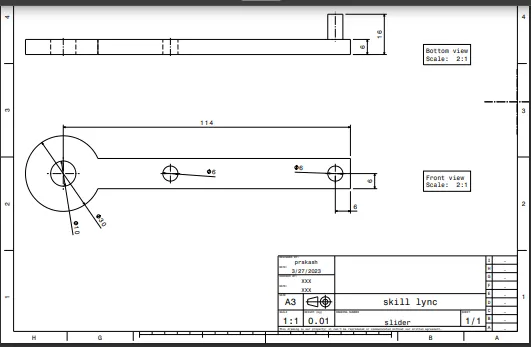
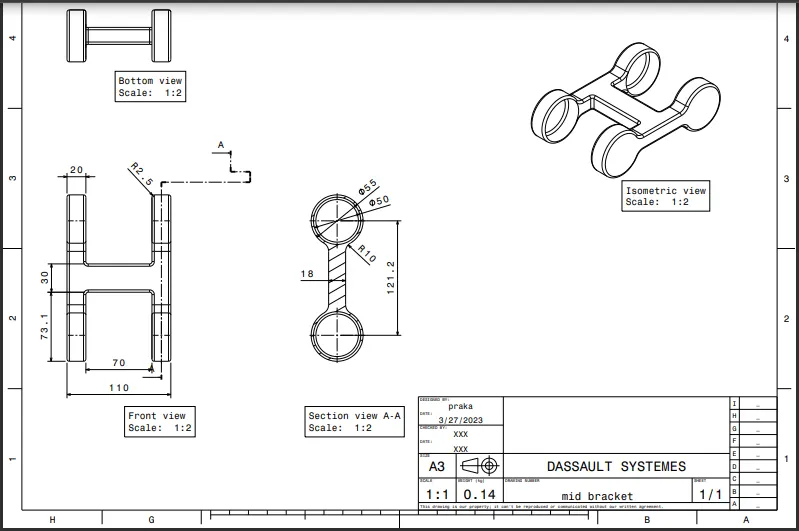
DRAWING_2:
Our main aim while creating a sketch is to make it iso constrained as follows
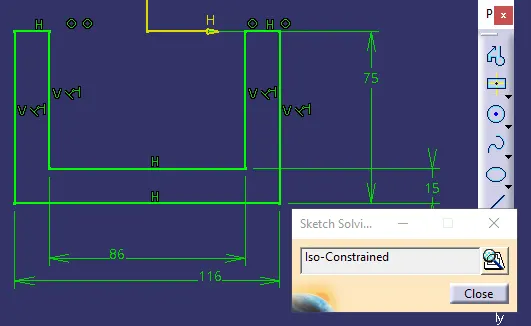
in the same way we need to define and constrain all sketches
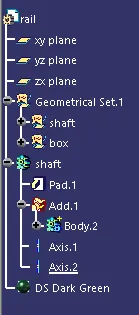
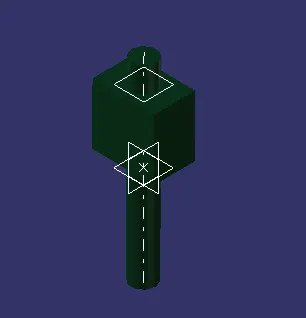
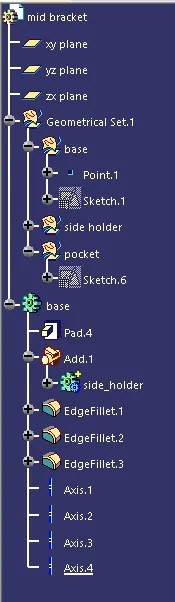
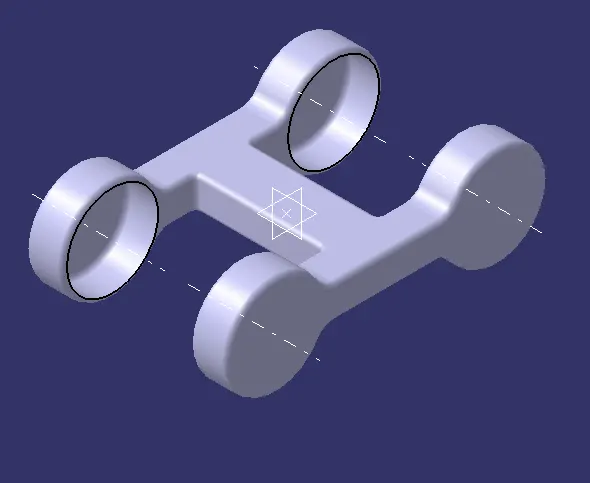
Part Workbench:
We need to use sketch based, dressup features and boolean operations to create a parts as follows
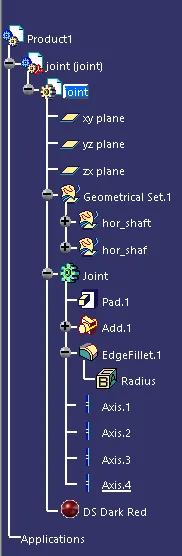
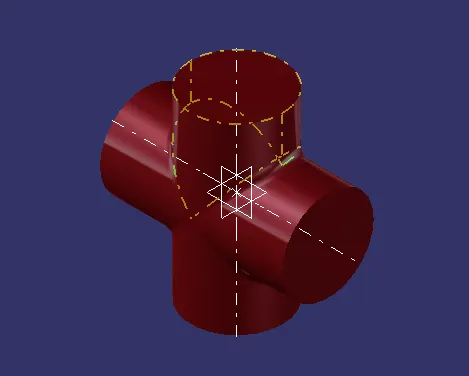
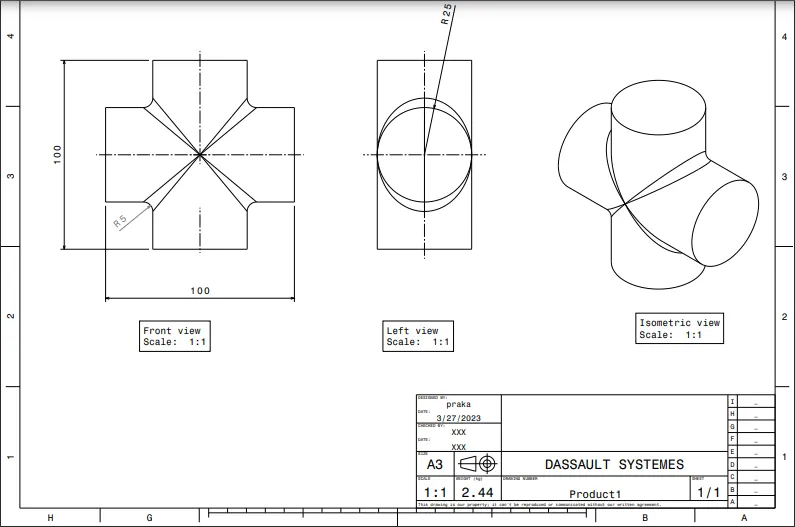
ASSEMBLY WORKBENCH:
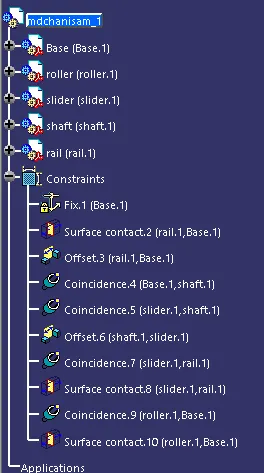
Now uising assembly work bench assemble the parts as follows