Week 7 Challenge - Assembly Workbench
Aim: To create 2 assemblies for the given 2D diagrams of the components. first, make the individual part files and then create a complete assembly of those part files in the assembly workbench.
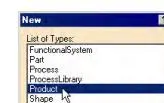
Assembly modeling is the process of creating designs that consist of two or more components assembled together at their respective work positions. The components are brought together and assembled in the Assembly Design workbench by applying suitable parametric assembly constraints to them. The assembly constraints allow you to restrict the degrees of freedom of components on their respective work positions. The assembly files in CATIA are called Product files. There are two methods to invoke the Assembly Design workbench of CATIA. The primary method to start a new product file is by selecting File > New from the menu bar to open the New dialog box From this dialog box select Product, as shown in Figure. Another method of invoking the Assembly Design workbench is by choosing Start > Mechanical Design > Assembly Design from the menu bar.
QRM PARTS
BODY 1
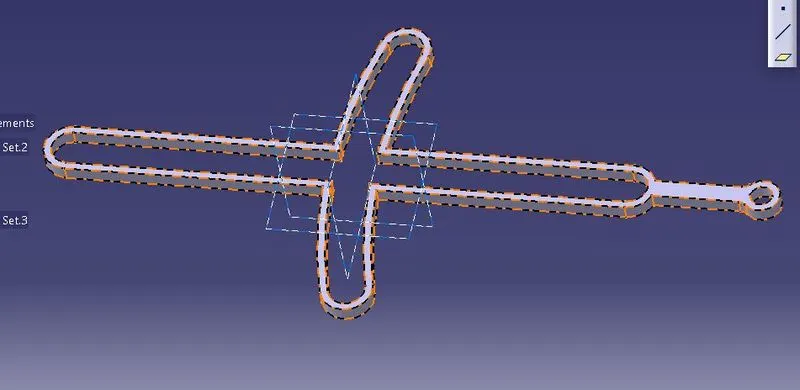
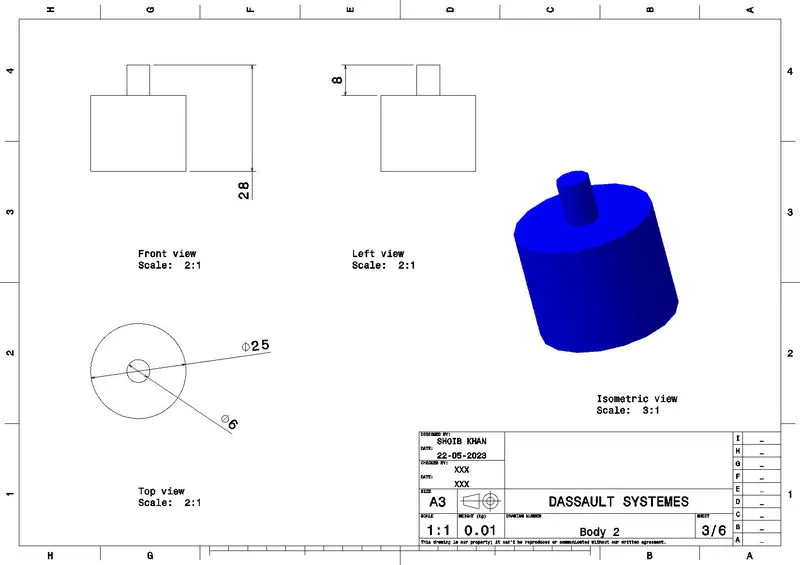
Body 2
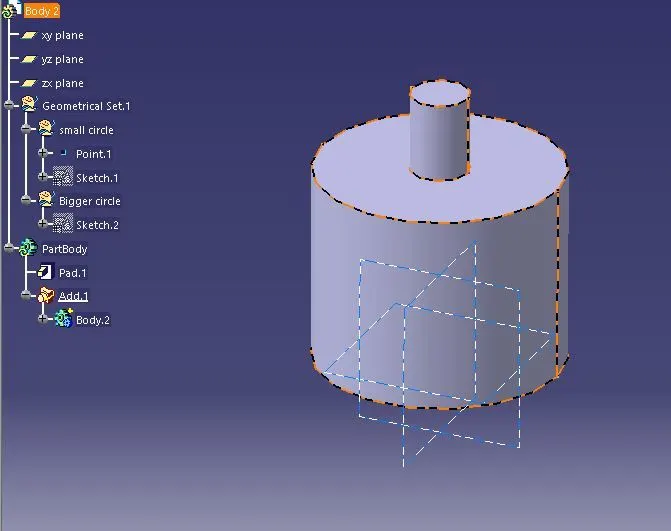
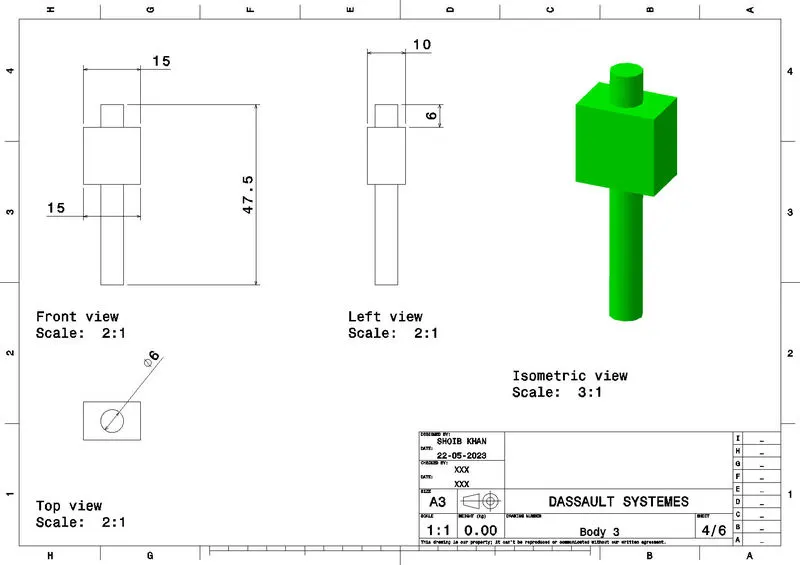
Body 3
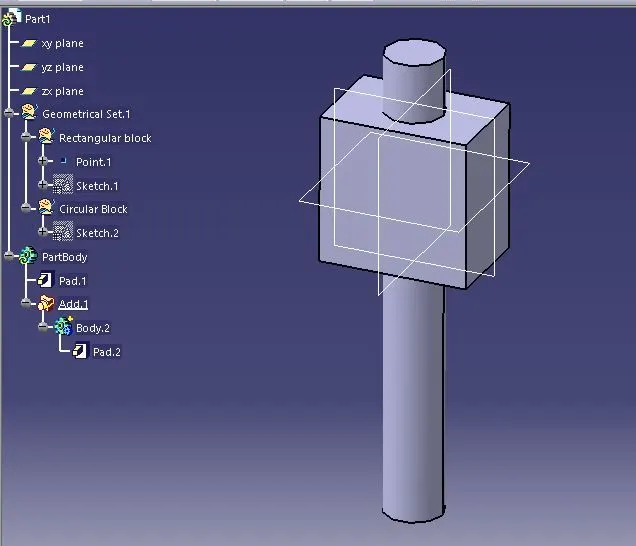
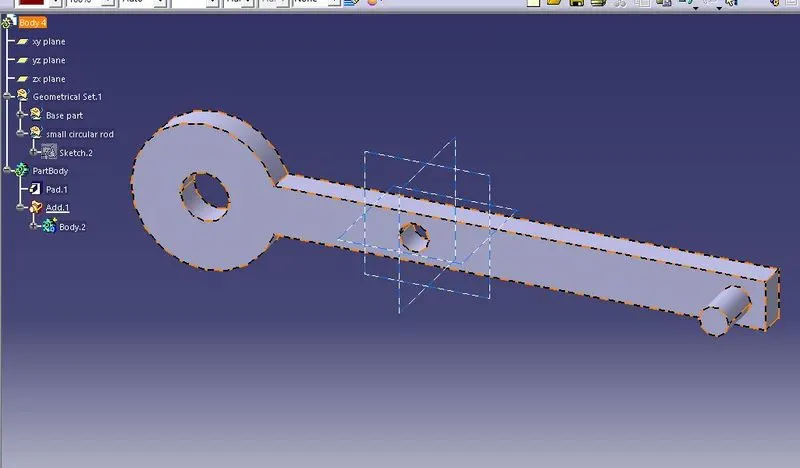
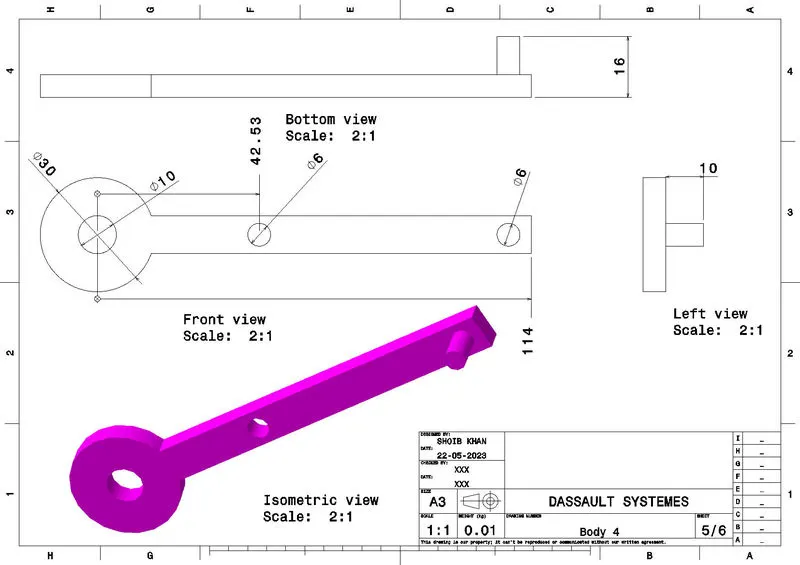
BODY 4
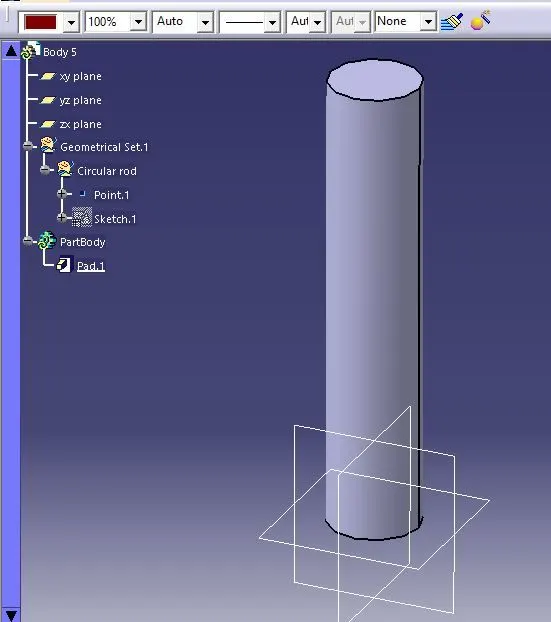
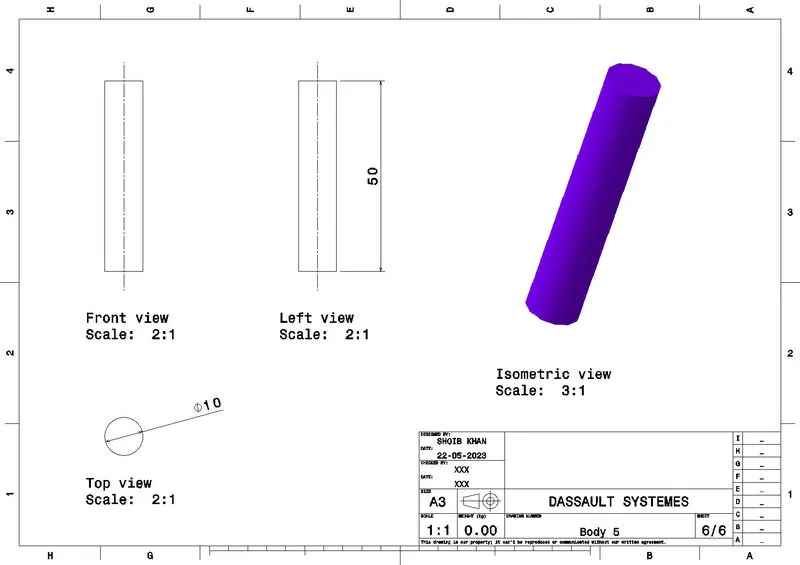
Body 5
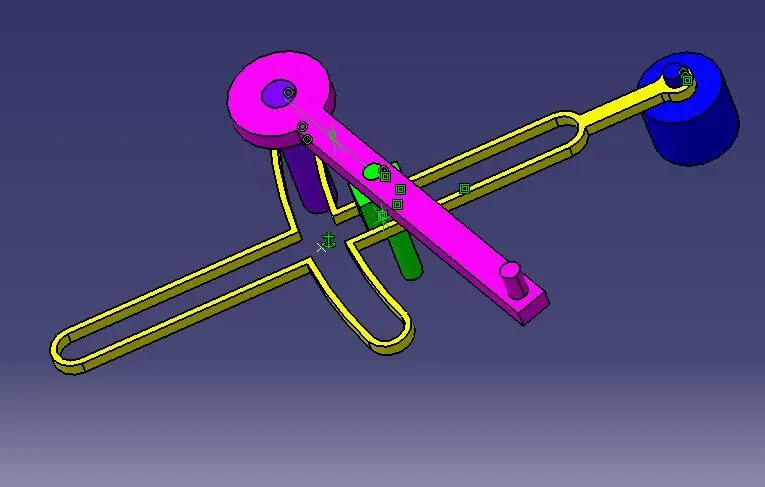
QRM ASSEMBLY
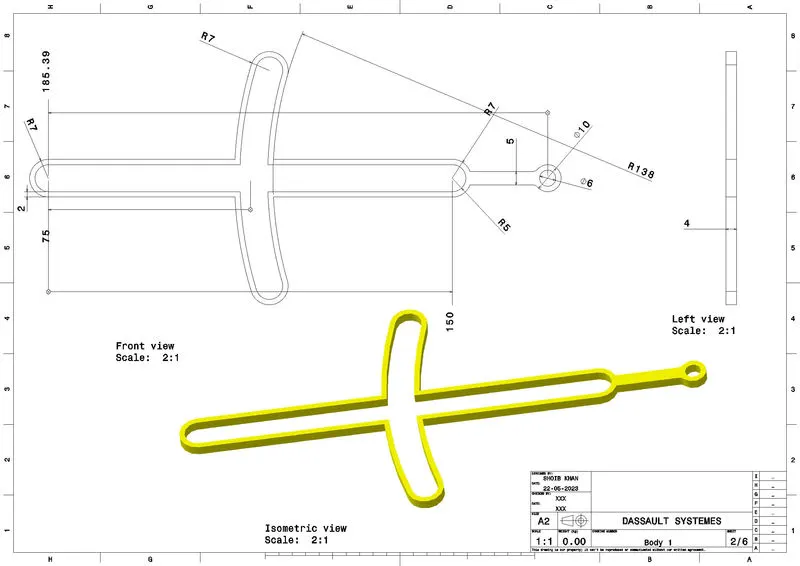
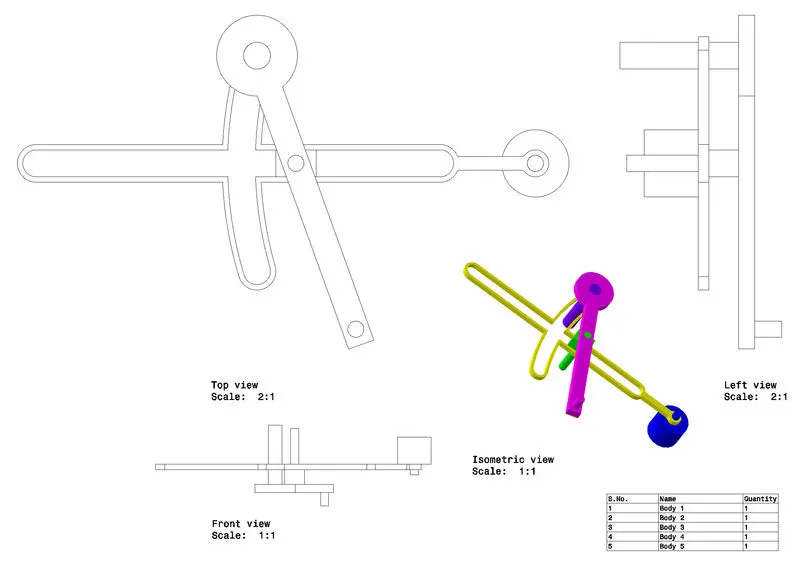
QRM DRAFTING
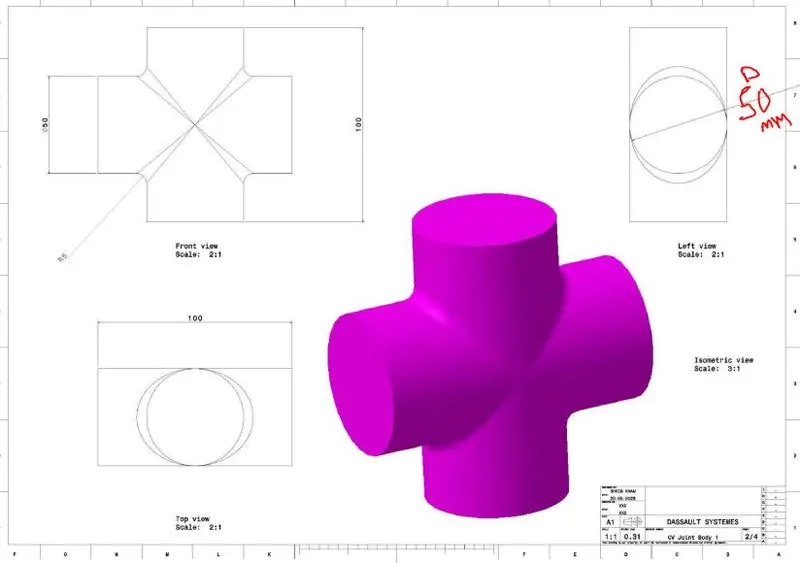
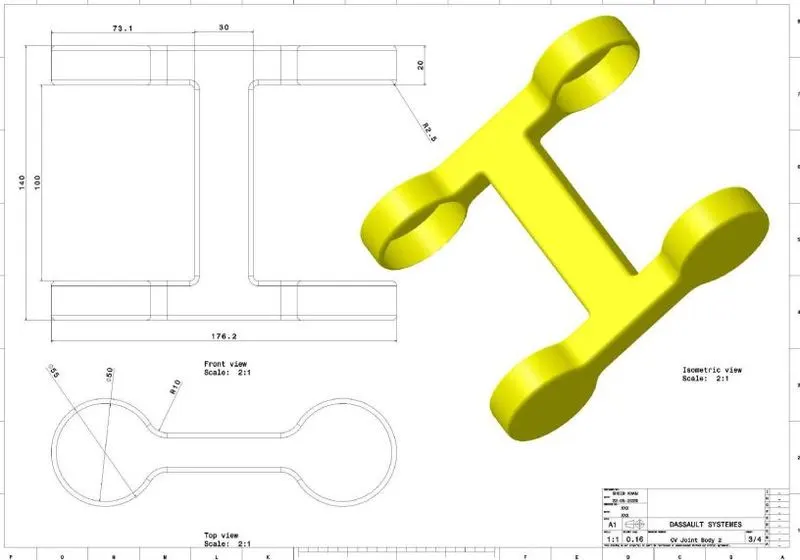
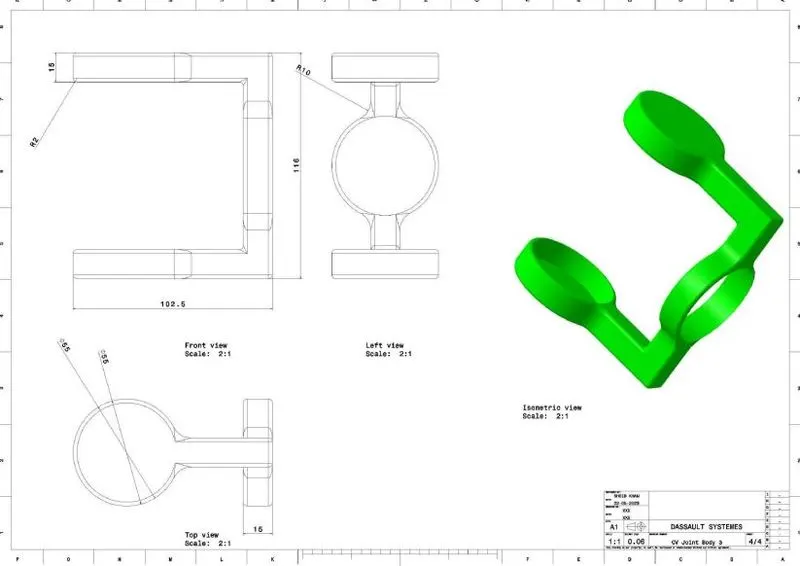
C V JOINT PARTS
Body 1
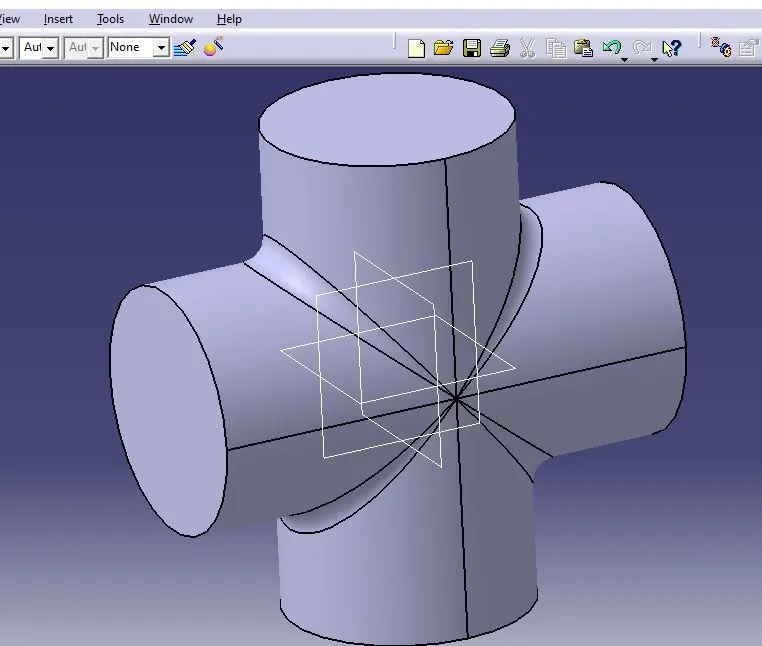
Body 2
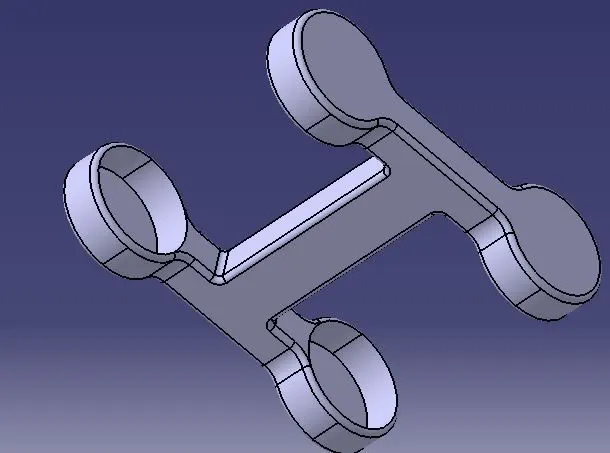
Body 3
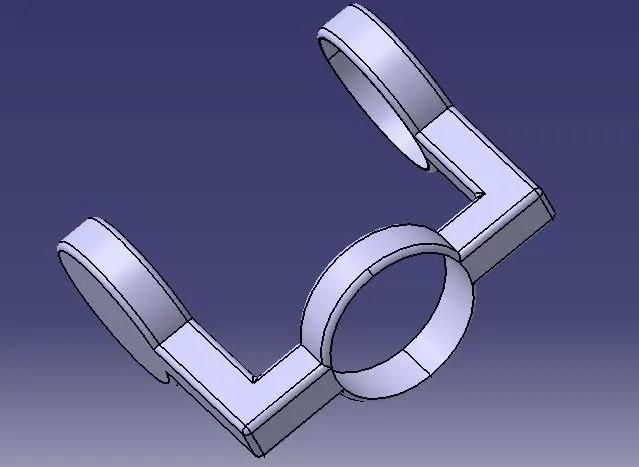
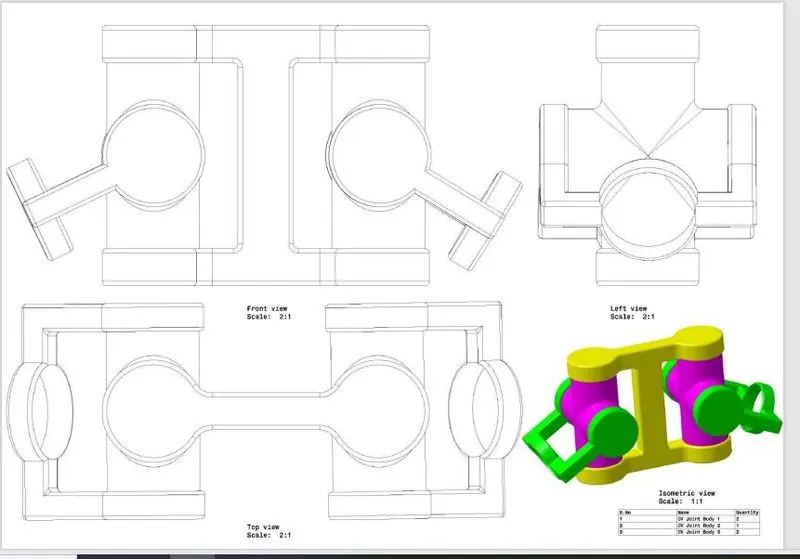
CV JOINT ASSEMBLY
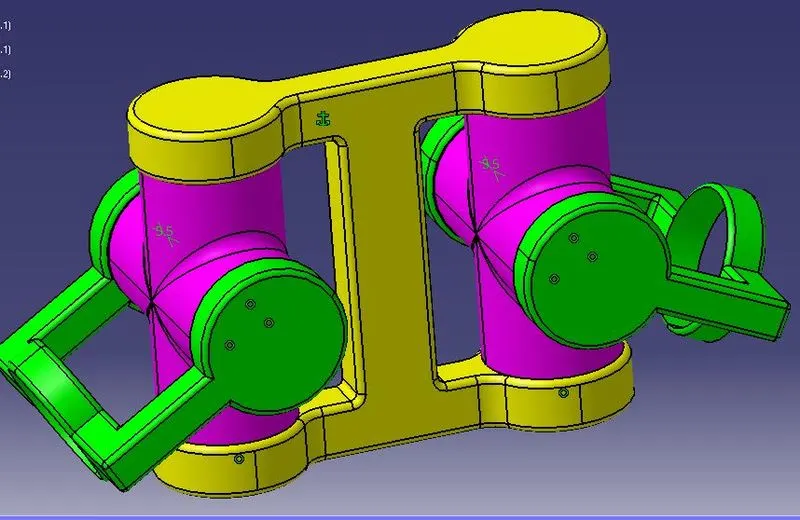
CV JOINT DRAFTING
LINKS:
SINGLE ZIP FILE
https://drive.google.com/file/d/13BJIudCALSQ34AgEVmEhsgAVl2O_zG7D/view?usp=share_link
GOOGLE DRIVE FILE
QRM PART
https://drive.google.com/file/d/17gEqJCp0ELWilBreapcZzhpAHPc74u4P/view?usp=share_link
https://drive.google.com/file/d/1GIg9pHGsvFKWYwt5F6bI7lOZvCrfdTnU/view?usp=share_link
https://drive.google.com/file/d/13XZ5nvWxYcRw0bTWb3oEknq-uPfi3_8D/view?usp=share_link
https://drive.google.com/file/d/1ep5lhMaAV2OZL8FE08-GXd_kQZLsL6L3/view?usp=share_link
https://drive.google.com/file/d/1GuhY01bKEEKfODn9ERDb9lgAreXJGxAS/view?usp=share_link
QRM ASSEMBLY
https://drive.google.com/file/d/1LBNsfs-vGkcEjGBQjeW0guTVomsD9TM8/view?usp=share_link
QRM DRAFTING
https://drive.google.com/file/d/1WtvtpMpaGqAFNXkS7TwqNia3T47vHOG-/view?usp=share_link
https://drive.google.com/file/d/164VMu9xqwnev94Yg36xNWMSqRR4vmcNC/view?usp=share_link
CV JOINT PART
https://drive.google.com/file/d/1Mpzp6np4y0RNsQfbIxlAxBUtGiw2i-ry/view?usp=share_link
https://drive.google.com/file/d/1J2uwMTVmwSN54z8JZkbp-j20Wea5hPPA/view?usp=share_link
https://drive.google.com/file/d/1g1s6gcdOciPhJ0BPeB5QOXOw8y_LhUJW/view?usp=share_link
CV JOINT ASSEMBLY
https://drive.google.com/file/d/19qdixLj6OCwWV7_7qvSz1jlCRSOm3ouq/view?usp=share_link
CV JOINT DRAFTING
https://drive.google.com/file/d/12nxT6YB3cNoj32-6xE5zzDCtOGhew7f7/view?usp=share_link
https://drive.google.com/file/d/1Ucz9p-MKmotlO_esy6LorjnPLAUcO6B2/view?usp=share_link