Week 7 Challenge - Assembly Workbench
AIM : To create 2 assemblies according to the 2D diagrams of the components Provided and to first create the individual part files and then create a complete assembly of those part files in the assembly workbench. After creating the assembly make use of the drafting tools to create a 2D drawing similar to the one given in the assignment folder.
Report explaining the procedure followed while working on this assignment.
1.QUICK RETURN MOTION MECHANISM.
First Create all individual components
- PART A :
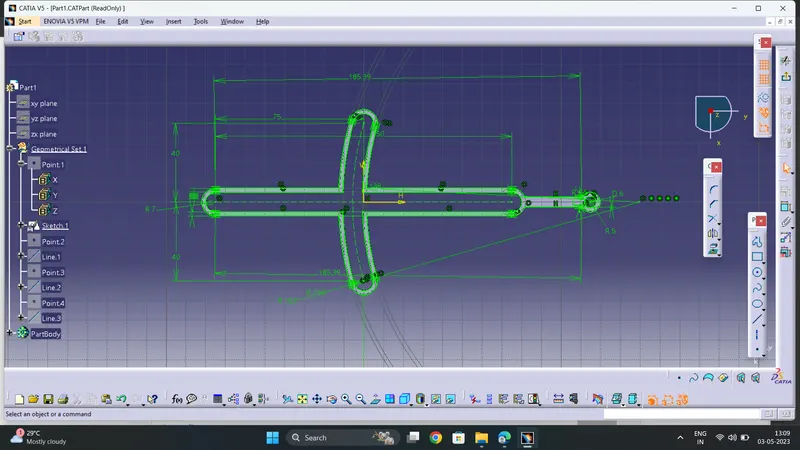
- Create the sketch according to the given required dimensions
- Now ,Exit the sketch and 'Pad' it by 4mm . Thus the First part of complete assembly is now created
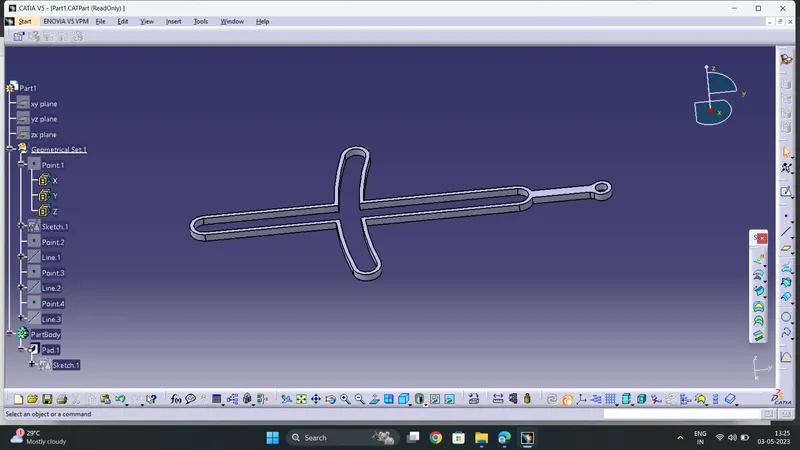
- PART B
- Create the sketch according to the given dimensons
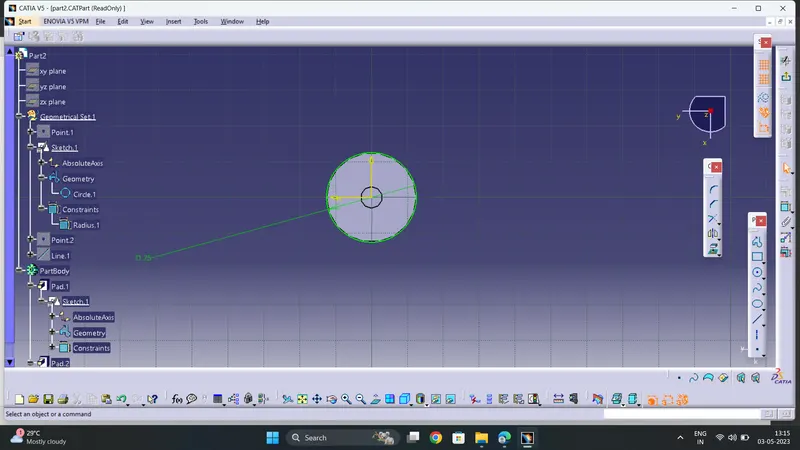
b. Now , 'Pad' it by 20mm
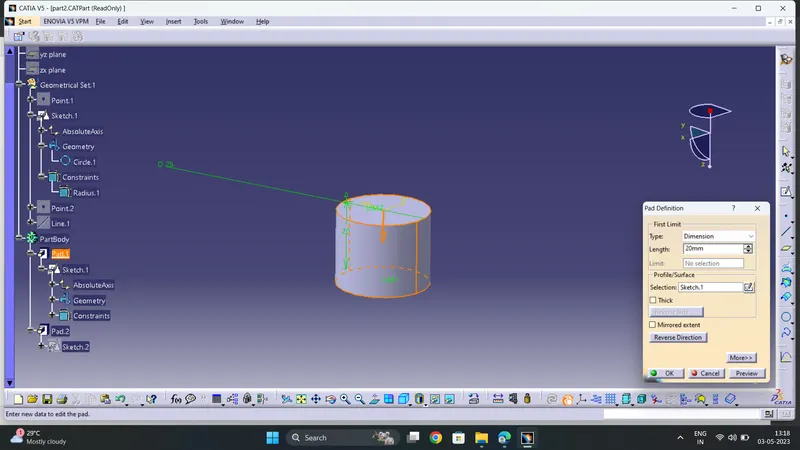
c. Again create the given sketch(circle of diameter 6mm) on the circular solid body according to the given dimensions as shown
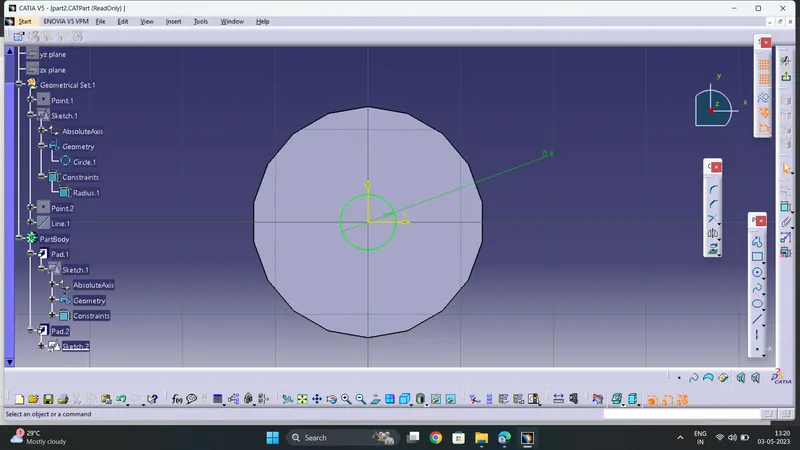
d. Now ' Pad ' it by 8mm
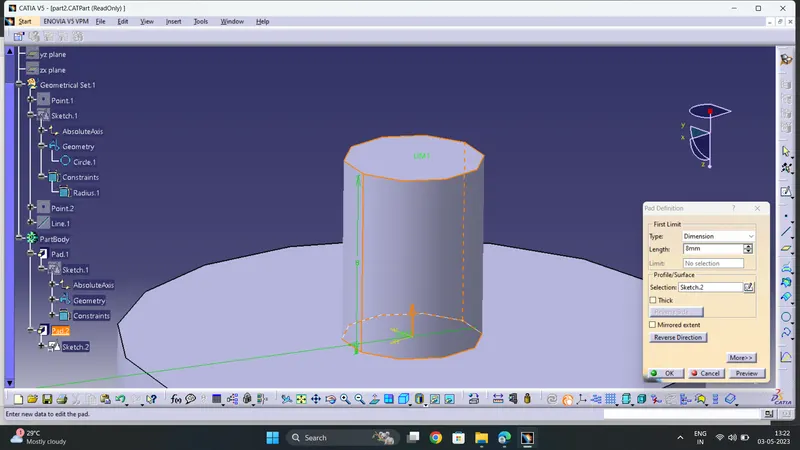
e. Thus the 2nd part of assembly is completed
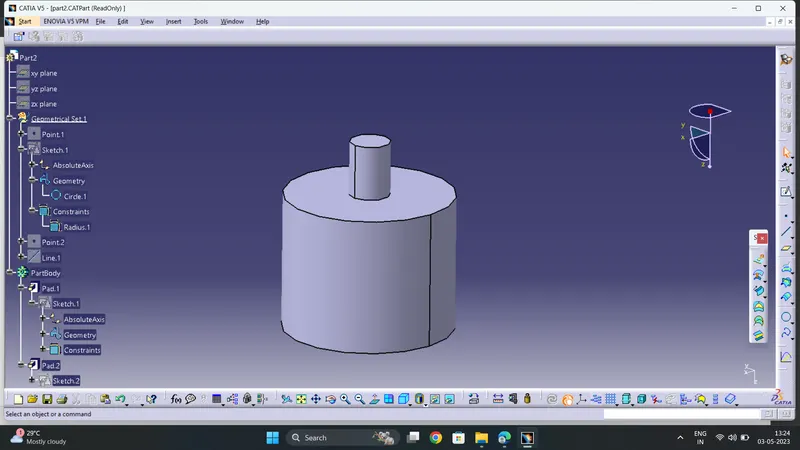
- PART C
- Create the sketch as shown
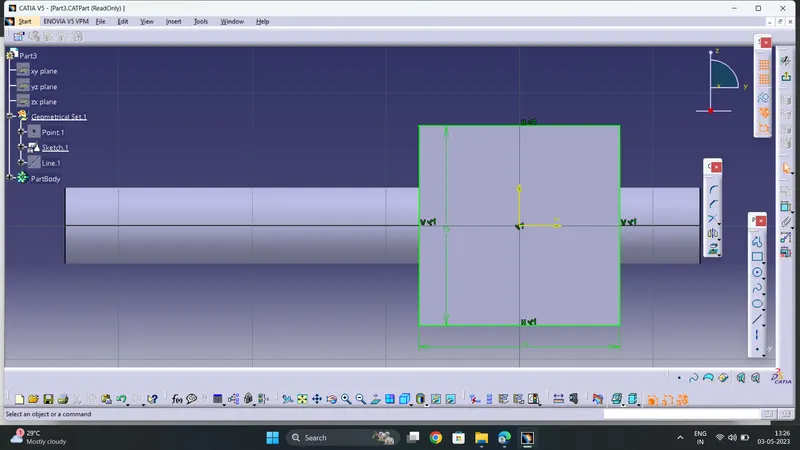
b. Now 'Pad' it by 5mm
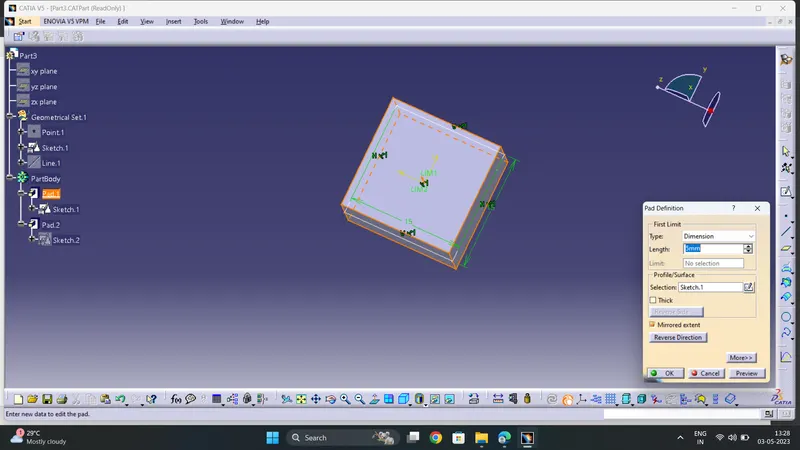
c. Again Create sketch as shown
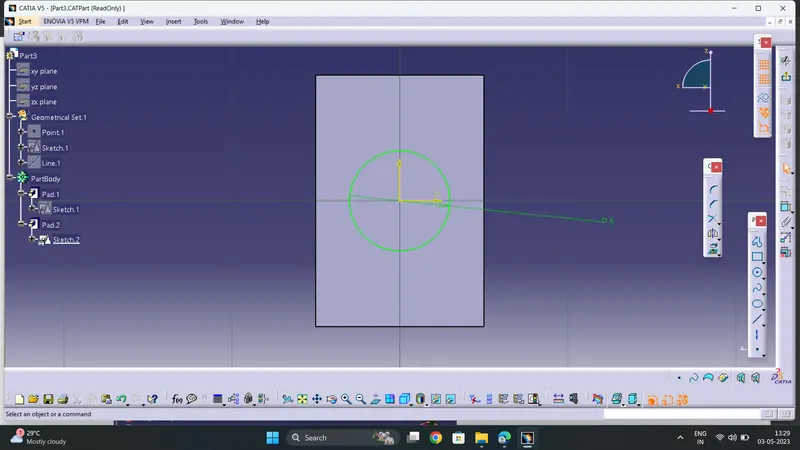
d. Now 'Pad' it as shown
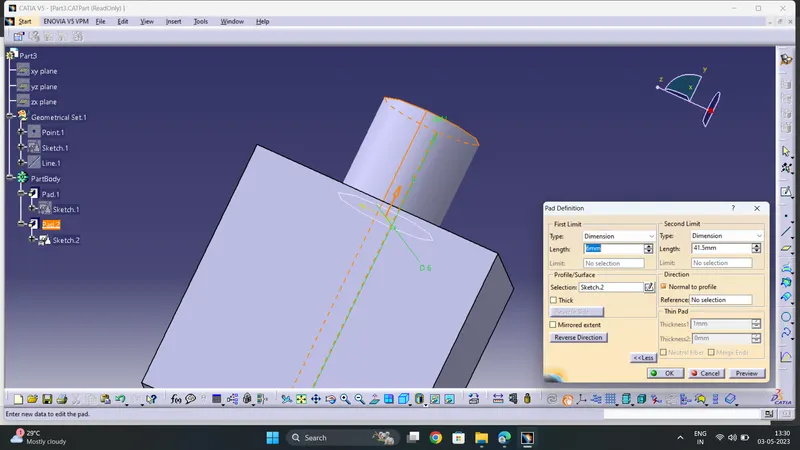
e. Thus the 3rd Part of the assembly is created as shown
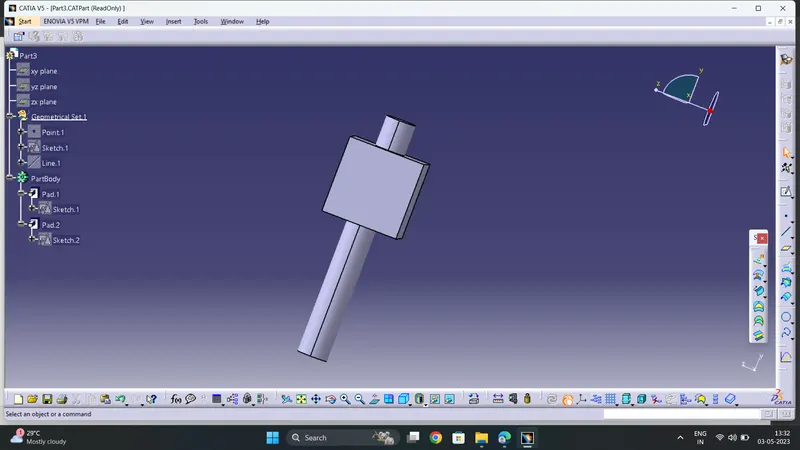
- PART D
- Create the Sketch as shown according to the given dimensions
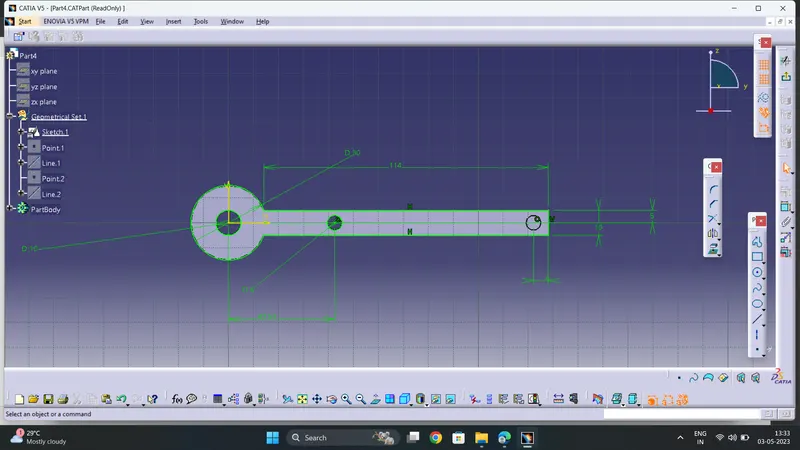
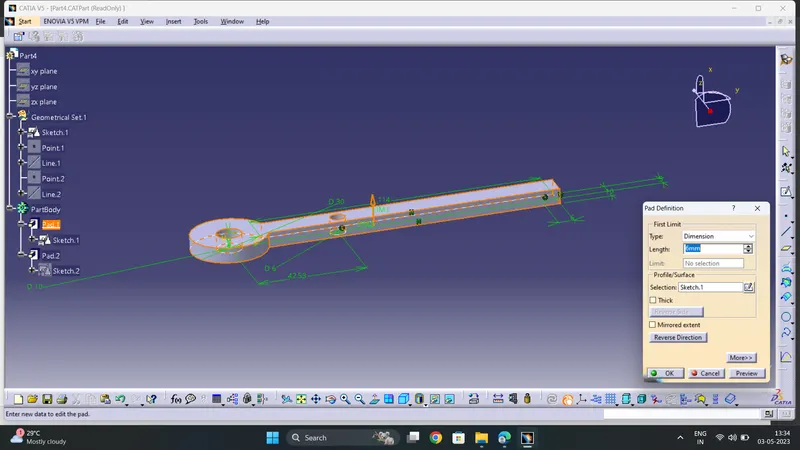
b. Now 'Pad ' it to given dimension
c. Create the sketch as shown
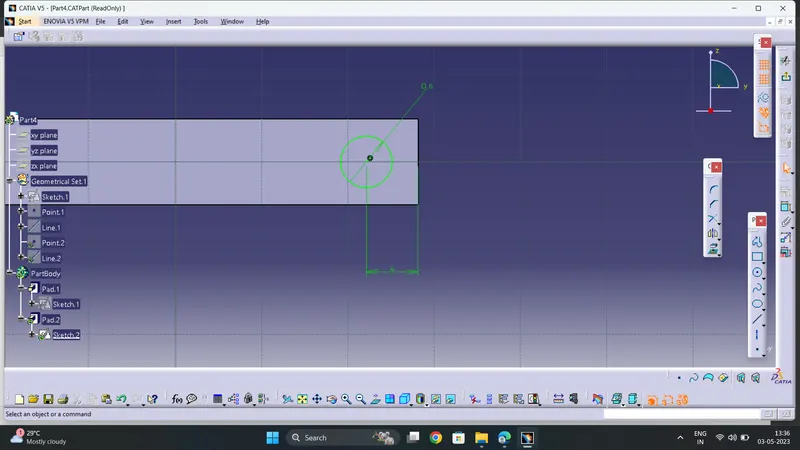
d. Now 'Pad ' it as shown
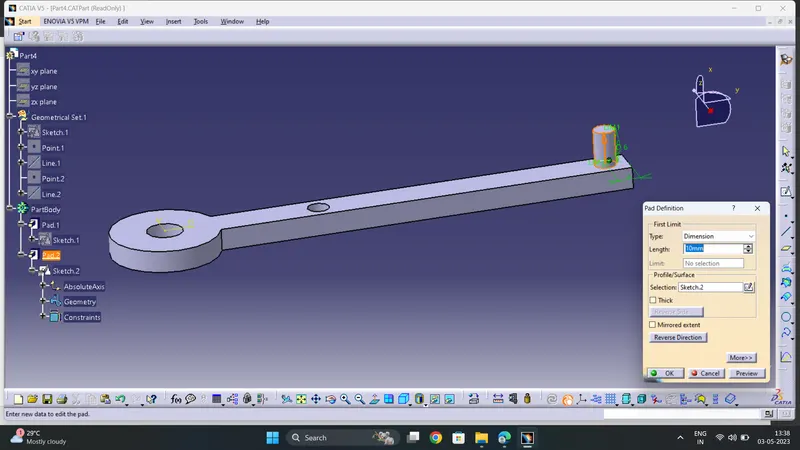
- PART E
Create the sketch according to given dimensions as shown
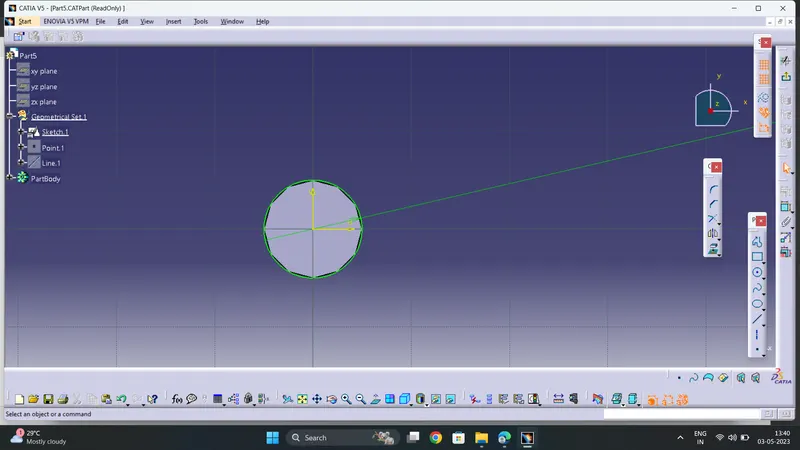
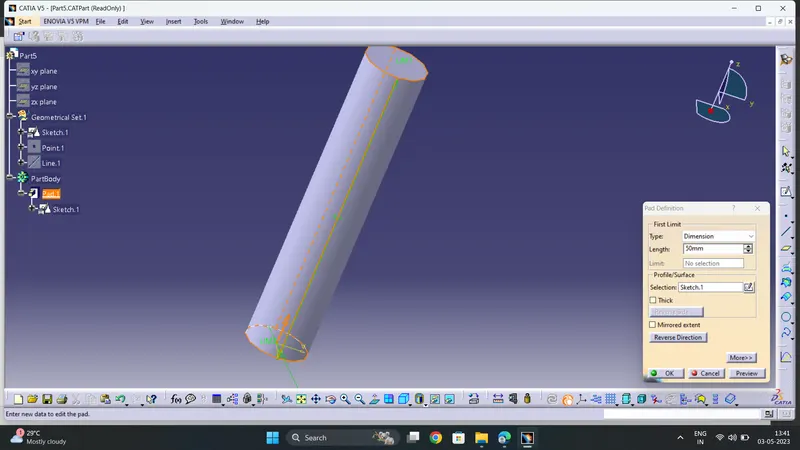
Now ' Pad ' it by 50mm
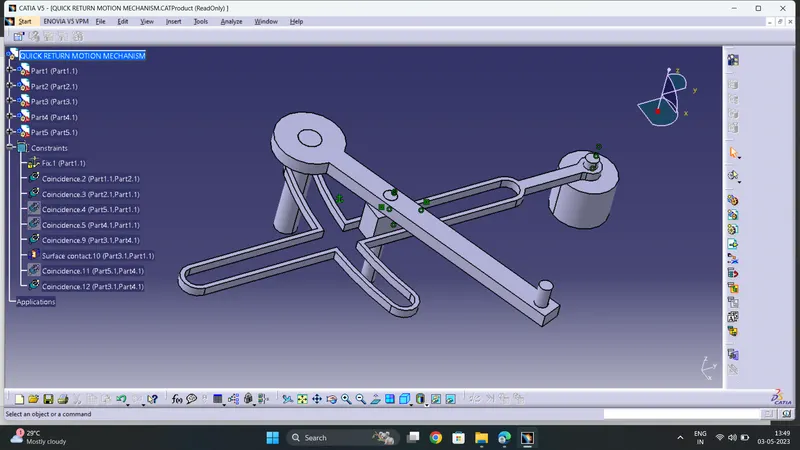
After Creating all individual components of entire Assembly .
Now Go to File ------>New-------->Product
Now Insert all components one by one into this product file
While doing Assembly ,Create the axes for components to be mate and Perform all required and Suitable Assembly Constraints to Coincide or mate .
Assemble all the components as single Part as shown
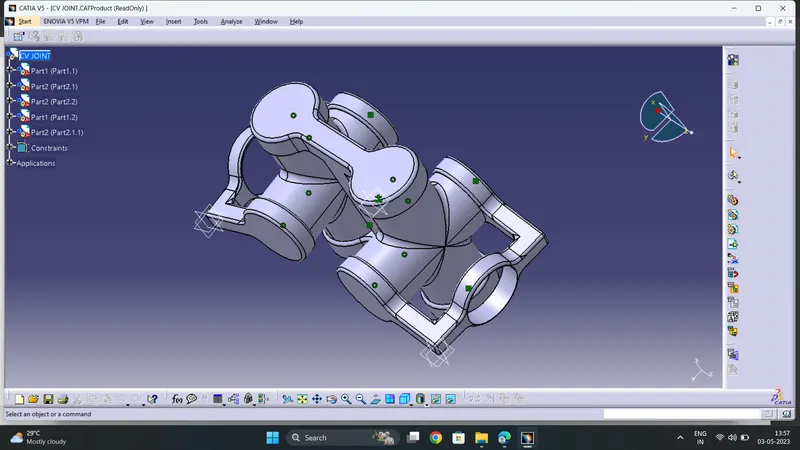
2. CV JOINT
First Create all Individual Componets
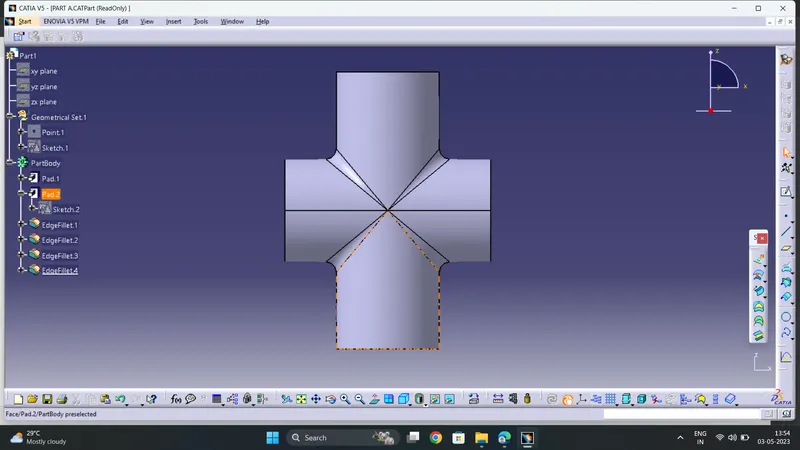
- PART A
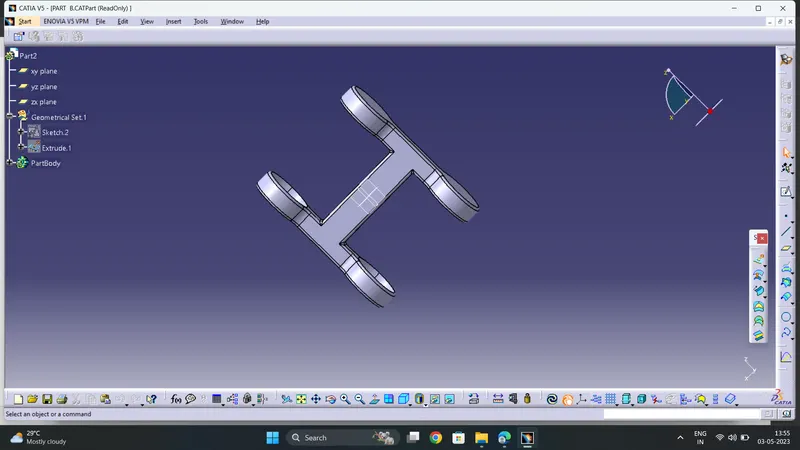
- PART B
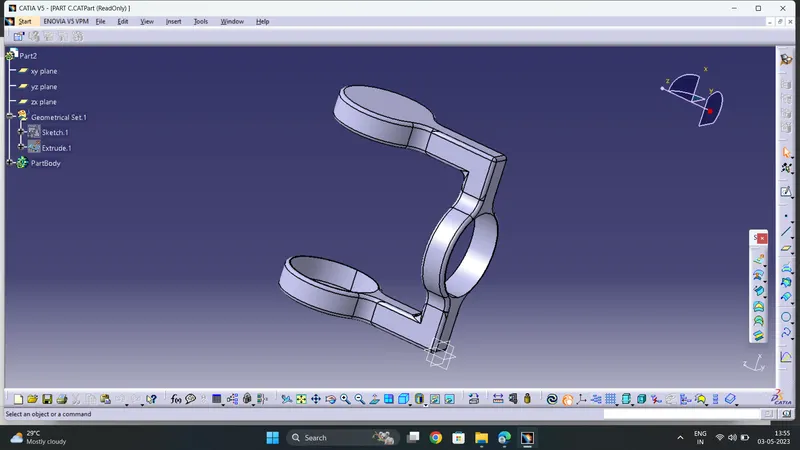
- PART C
After Creating all individual components of entire Assembly .
Now Go to File ------>New-------->Product
Now Insert all components one by one into this product file
While doing Assembly ,Create the axes for components to be mate and Perform all required and Suitable Assembly Constraints to Coincide or mate .
Assemble all the components as single Part as shown