Week 7 Challenge - Assembly Workbench
Week 7 Challenge - Assembly Workbench
AIM:
To create 2 assemblies according to the content covered in the course videos. You will be provided with 2D diagrams of the components and you will have to first create the individual part files and then create a complete assembly of those part files in the assembly workbench. After creating the assembly make use of the drafting tools to create a 2D drawing similar to the one given in the assignment folder.
SOFTWARE REQUIRED:
CATIA_V5 R21
PROCEDURES:
- Initially we creating a solid models by using given inputs (part dimensions).
- Once we get it, and we go to assembly design workbench.
- Assembly design tool commands
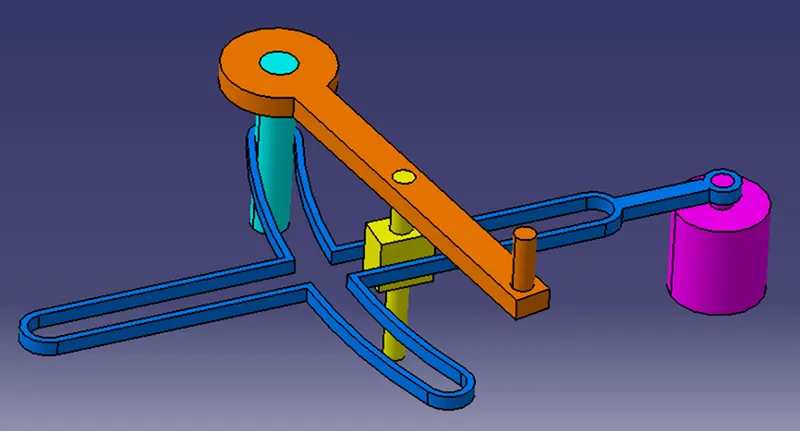
QUICK RETURN MECHANISM
QUICK RETURN MECHANISM CATPARTS:
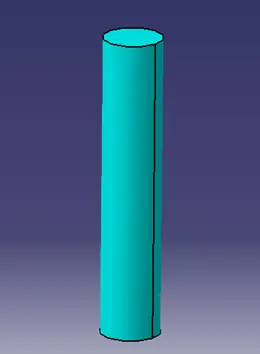
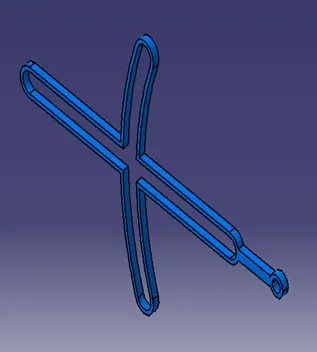
VERTICAL ROD: 4 WAY PART: KEY PART
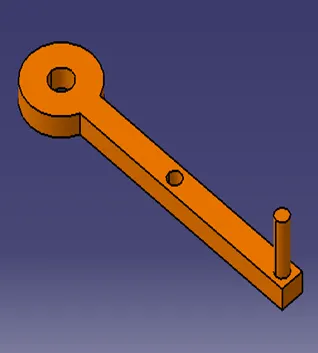
RECTANGULAR PART: CIRCULAR MOTOR PART:
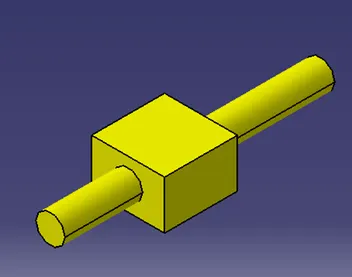
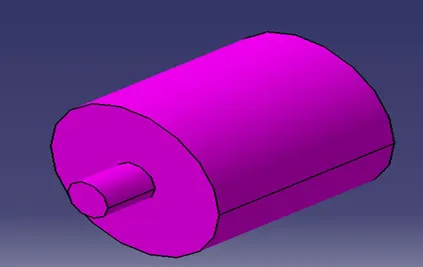
PART: 2
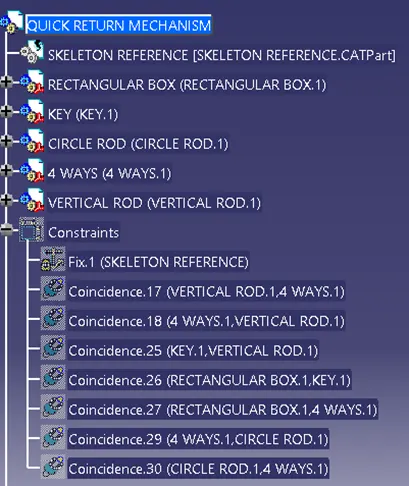
QUICK MECHANISM TREE STRUCTURE:
CV JOINT:
ISOMETRIC VIEW:
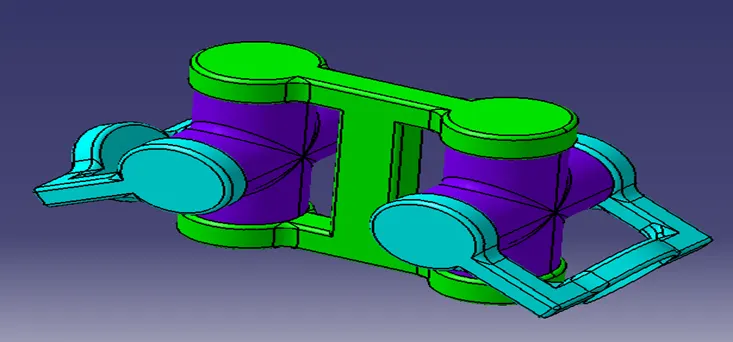
CV JOINT CATPARTS:
3 BOXES PART: 4 WAYS CATPART: 2 SET THUMBS PART:
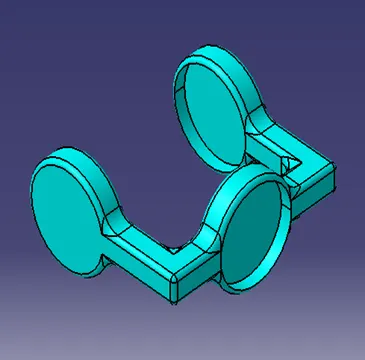
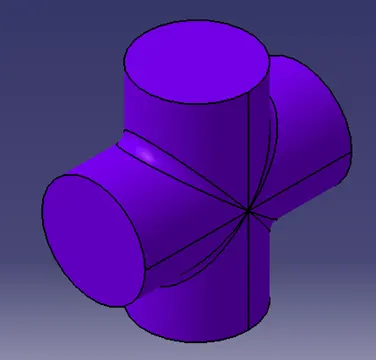
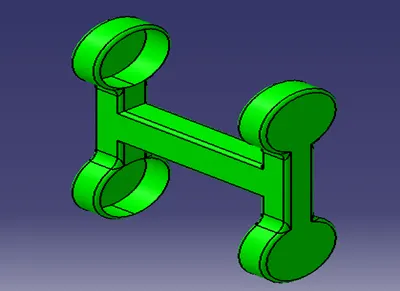
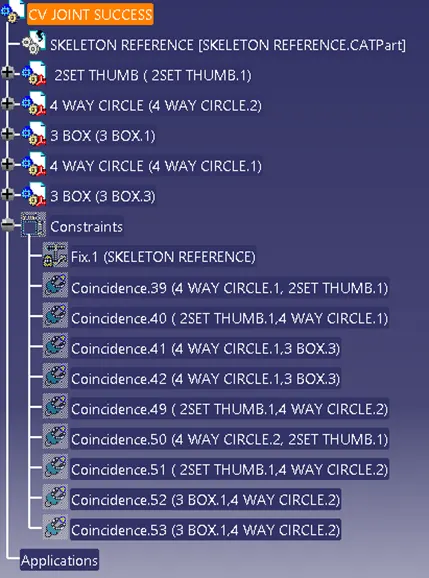
CV JOINT TREE STRUCTURE:
RESULTS:
Created 2 assemblies according to the content covered in the course videos. You will be provided with 2D diagrams of the components and you will have to first create the individual part files and then create a complete assembly of those part files in the assembly workbench. After creating the assembly make use of the drafting tools to create a 2D drawing similar to the one given in the assignment folder. Hence it is proved...