Week 7 Challenge
Load the vehicle parameters. Complete the vehicle model by modelling the remaining equations. Set simulation stop time to 598 sec.
The output should be the vehicle velocity.
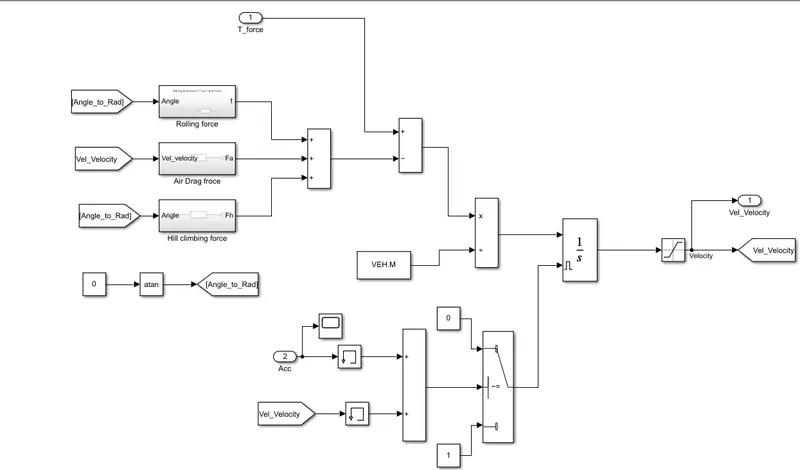
Above model is the main working model of the Vehicle model. In practical the total torque developed by the motor will not recah to the wheels because of some resistive forces. They are Rolling resistance froce, Airodynamics Drag Frorc, Hill climbing/ Gradeing Force. Theres are combinedly called as the Total Tractive force. This is the force required by the motor to move the vehicle and the remaning force generated by the motor is used to run the vechicle at requred velocity.
The total Torque force is subtraced from the total Tractive force resulte in the availiable force to run. Note that the Grade angle is taken as 0
Note: Before running the vehicle lode the VEH.mat file to work space to take the Constant values from it.
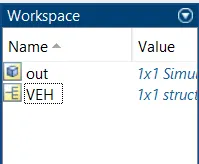
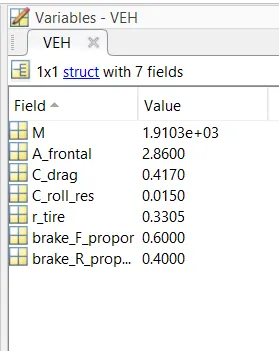
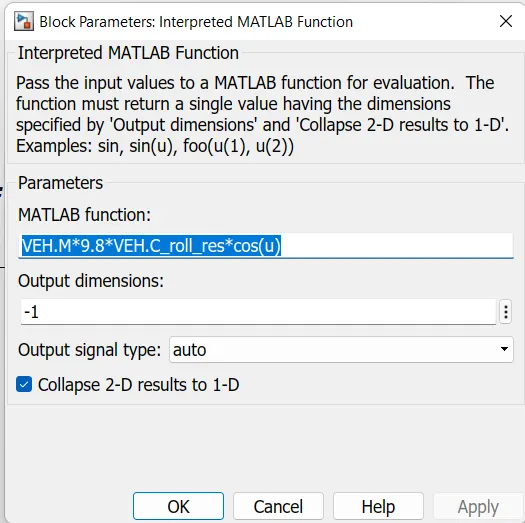
The Rolling Resistance force = Mass * acceleration due to Gravity * Coefficient of rolling resistance * Cos(grade Angle in rad)
it is done by the following
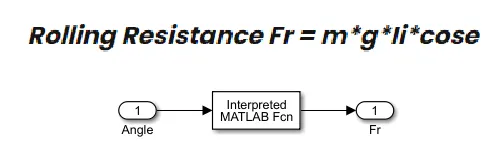
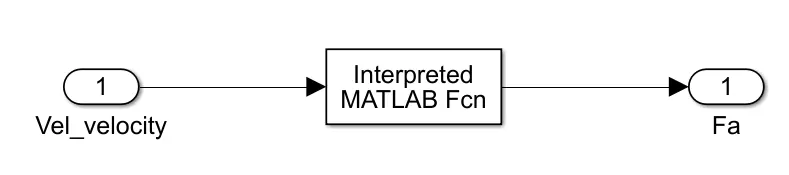
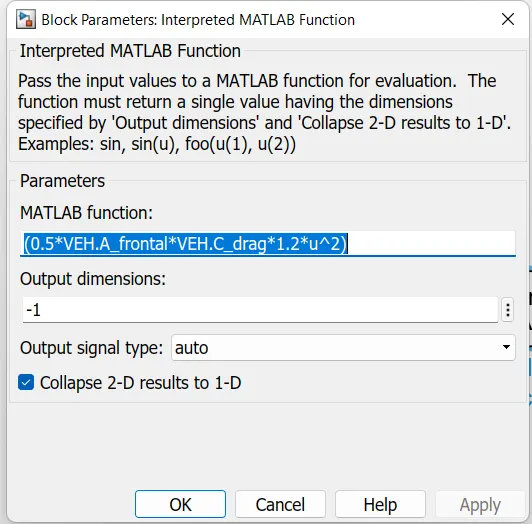
Drag force = 1/2 * Airpressure * frontal area * Drag coefficient * velocity^2
Hill / Grade Force = Mass * Acceleration due to Gravity * sin(grade angle in rad)
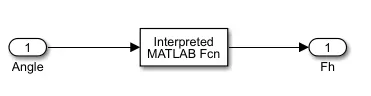
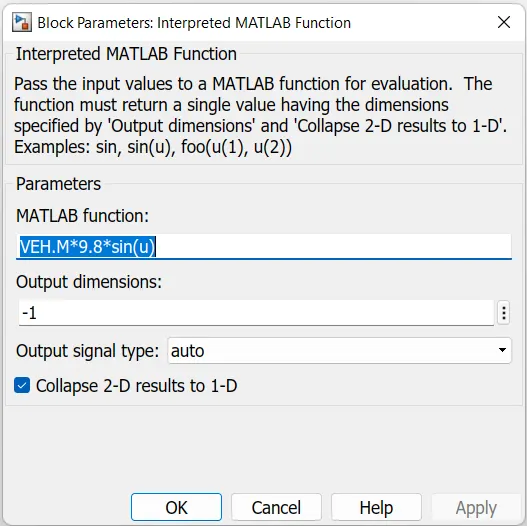
All these forces are added as shown above and subtraced from the Torque force. This resusltant force is divided by the Mass to get the acceleration of the vehicle
F = M*a
a = F/M
- a= acceleration of vehicle
- F = resultant force
- M = mass of the vehicle
This acceletion is integrated to get the velocity. The integratior is provided by a Level trigger to reset it beacuse to avoide the Integral Windup. When ever the velocity or Accelatrion of the driver pedal is zero the integrator shold be reset other wise it will get into Integral windup i.e., it goinh to take the previous value to avaluate and the even the velocity is zero the the out of integrator will increase.
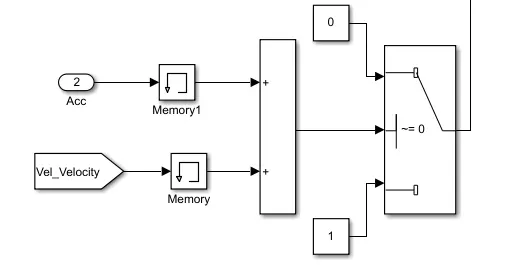
After integrating it we need to limit it for positive speed because the negitive speed will appeare when the Vehicle is going in reverse.
The final output is the Velocity of the Vehicle.
The total simulation is included with the Driver block to get the Acceleration command according to the Drive Cycle
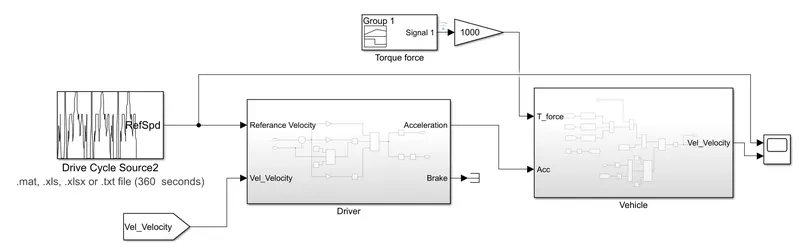
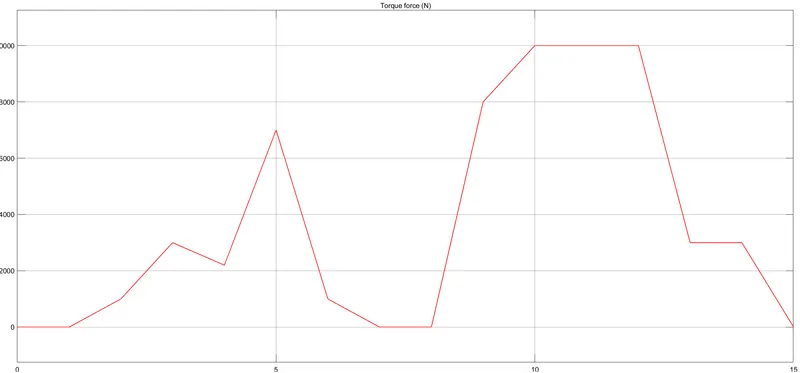
Torque Force by the Signal Bulder is given to Vehicle is as shown below
Results:
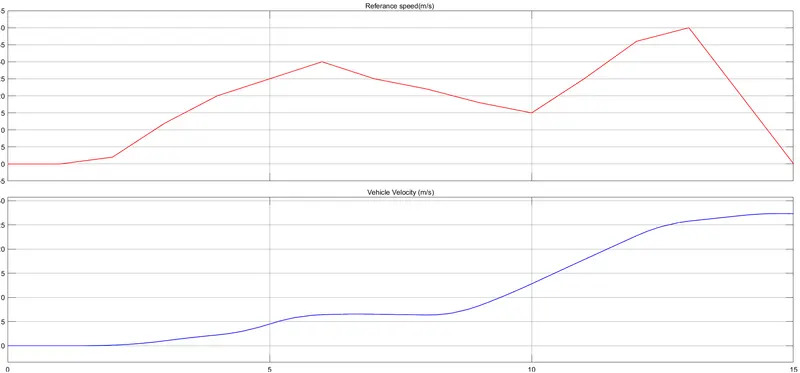
The output is almost following the input speed. The differce is beacue of 2 reasons i.e, - 1) PID controller gains of the Driver block, we need to tune it. even though the PID is tuned the vehicle spped may not follow the input because 2) Toque force - this is given randamly, if we give the acact torque related to the input drive cycle the output will be prefect.