Week- 6 - Solid meshing
Rear View Mirror
Aim: To check for geometrical errors and to mesh the surface with 2D elements and then to generate the volume mesh by using tetra elements for the given Rear view Mirror component
Procedure:
-
To import the CAD model to ANSA GUI
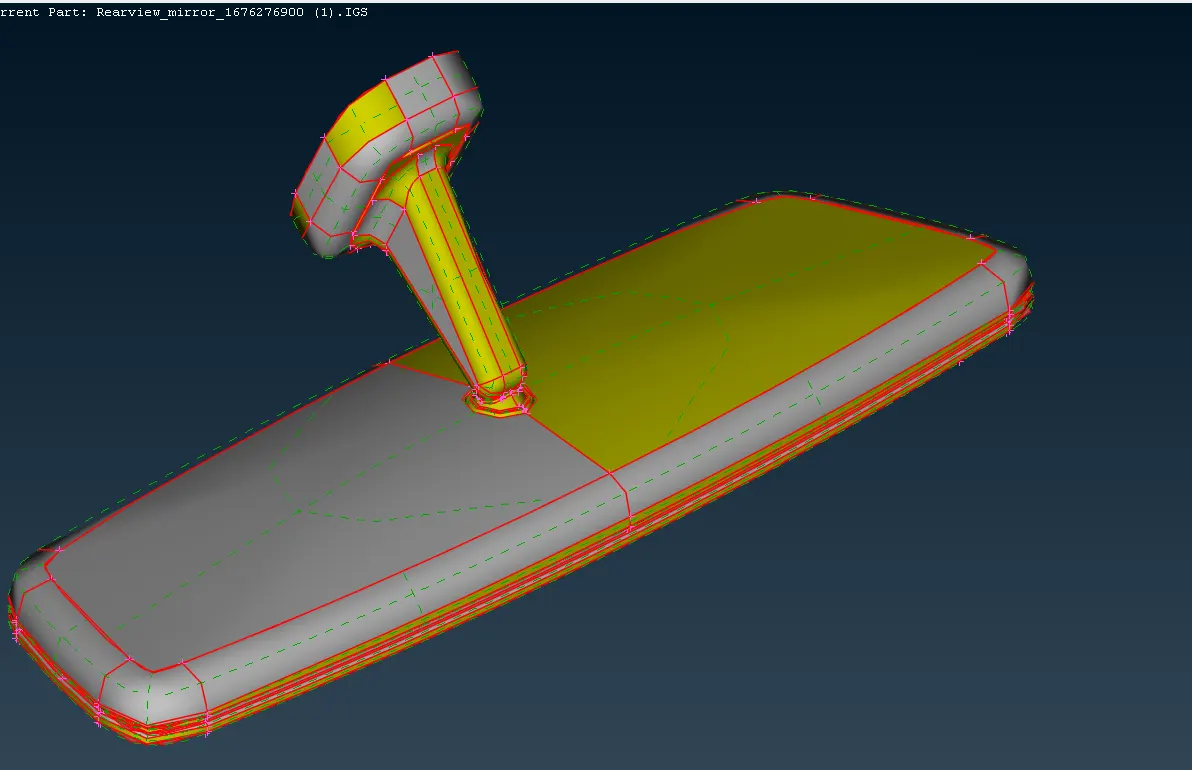
-
Set the Length of model as one initially
-
Topo—-- Faces---- Length----Perimeter & Macros as one
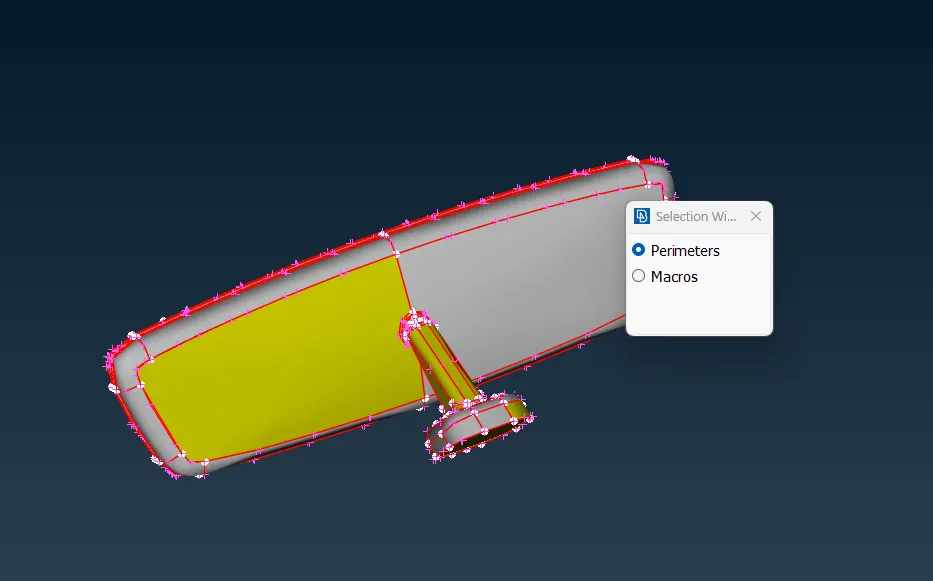
-
Next check for the geometrical errors for the given component, identify the errors and resolve them or fix them
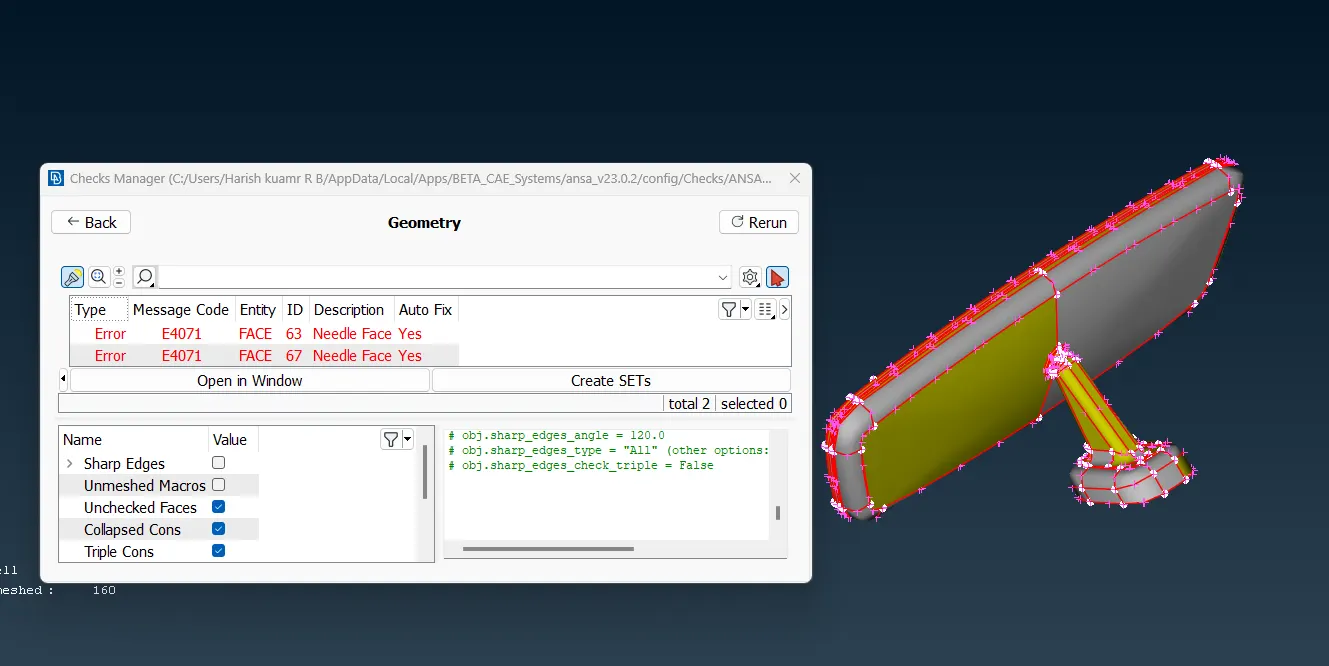
-
Next do the topo on the error free model
Topo module—Faces—Topo
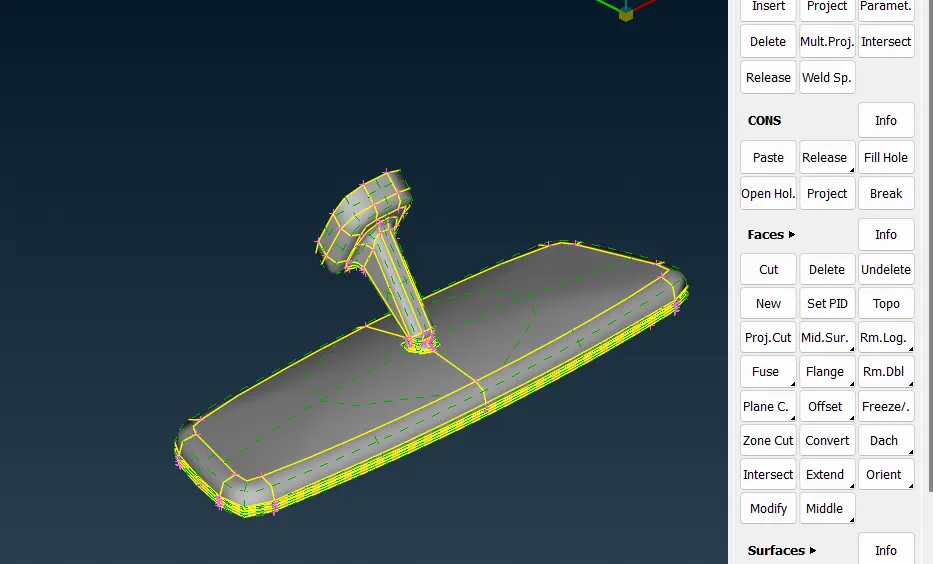
-
Now the model is ready to mesh, here the mid surface is not extracted instead we will generate the mesh on the CAD surface with ortho tria or tria elements
-
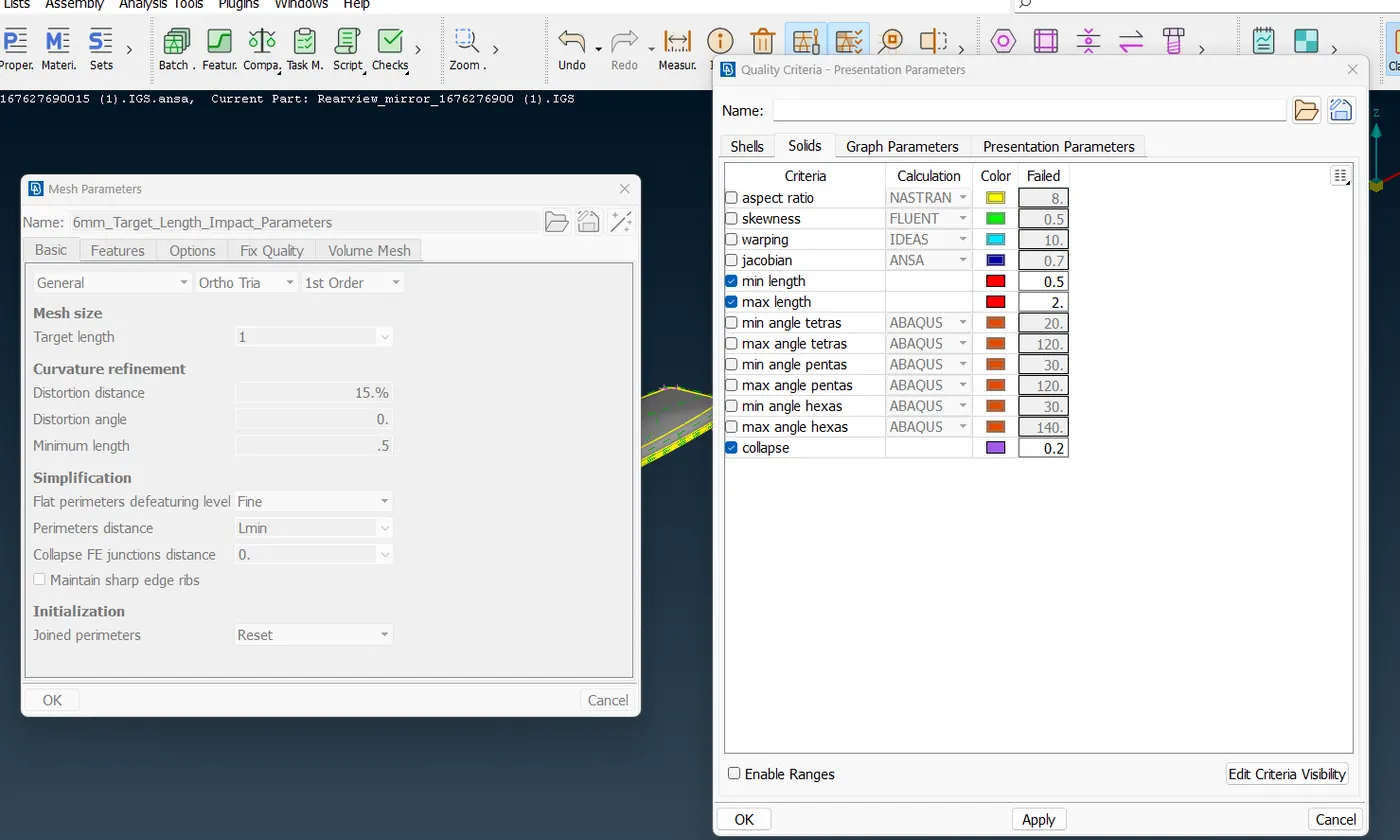
Set the Mesh Parameters and Quality Criteria as given
-
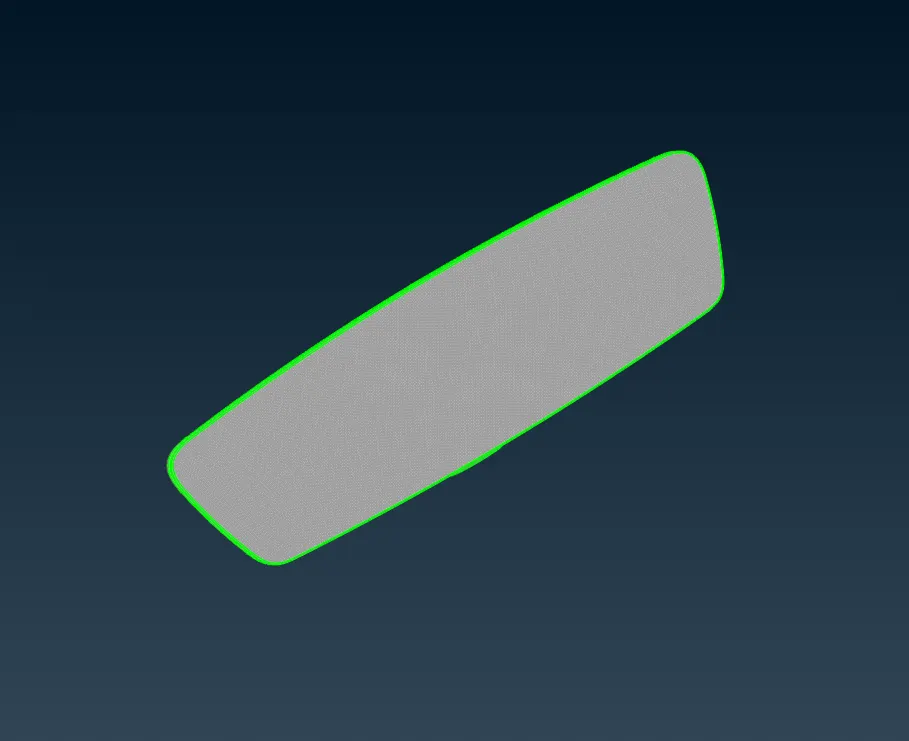
Generate the mesh on the CAD model by using Best or Spot Mesh
Mesh Generation—--Best
-
To have a better mesh flow and to maintain the quality of the mesh by using option reconstruct
Mesh—Mesh Generation ----Reconstruct
-
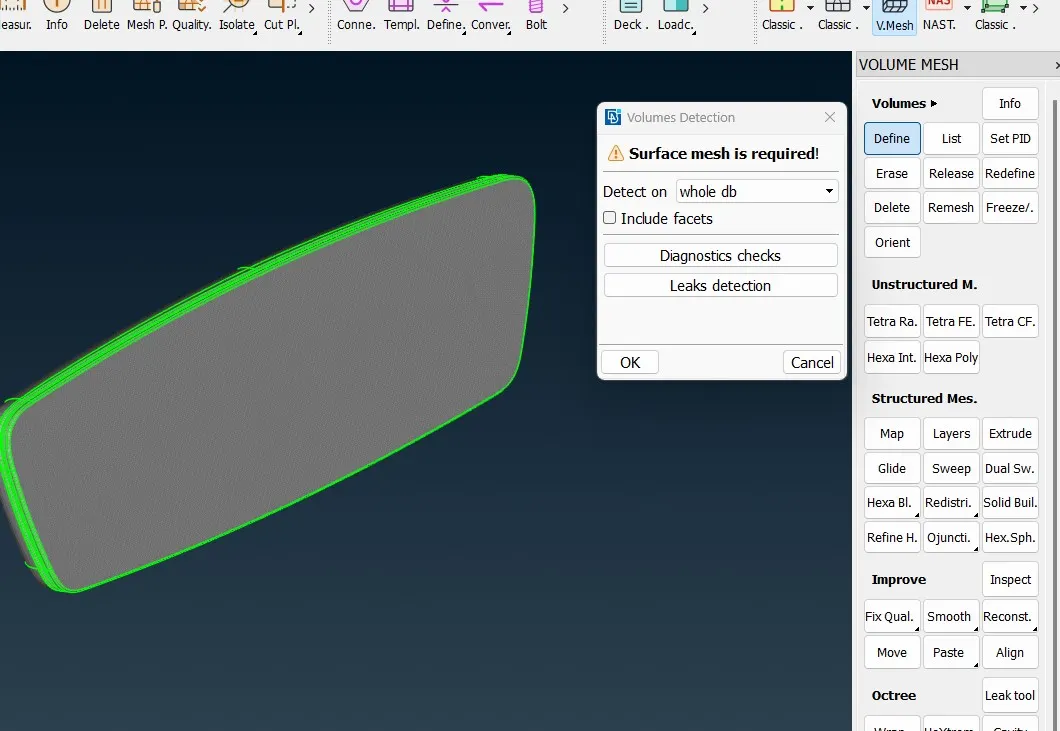
Next switch to Volume Mesh Module and define the meshed component as shown below
Volume mesh—Volume—Define—Visible
-
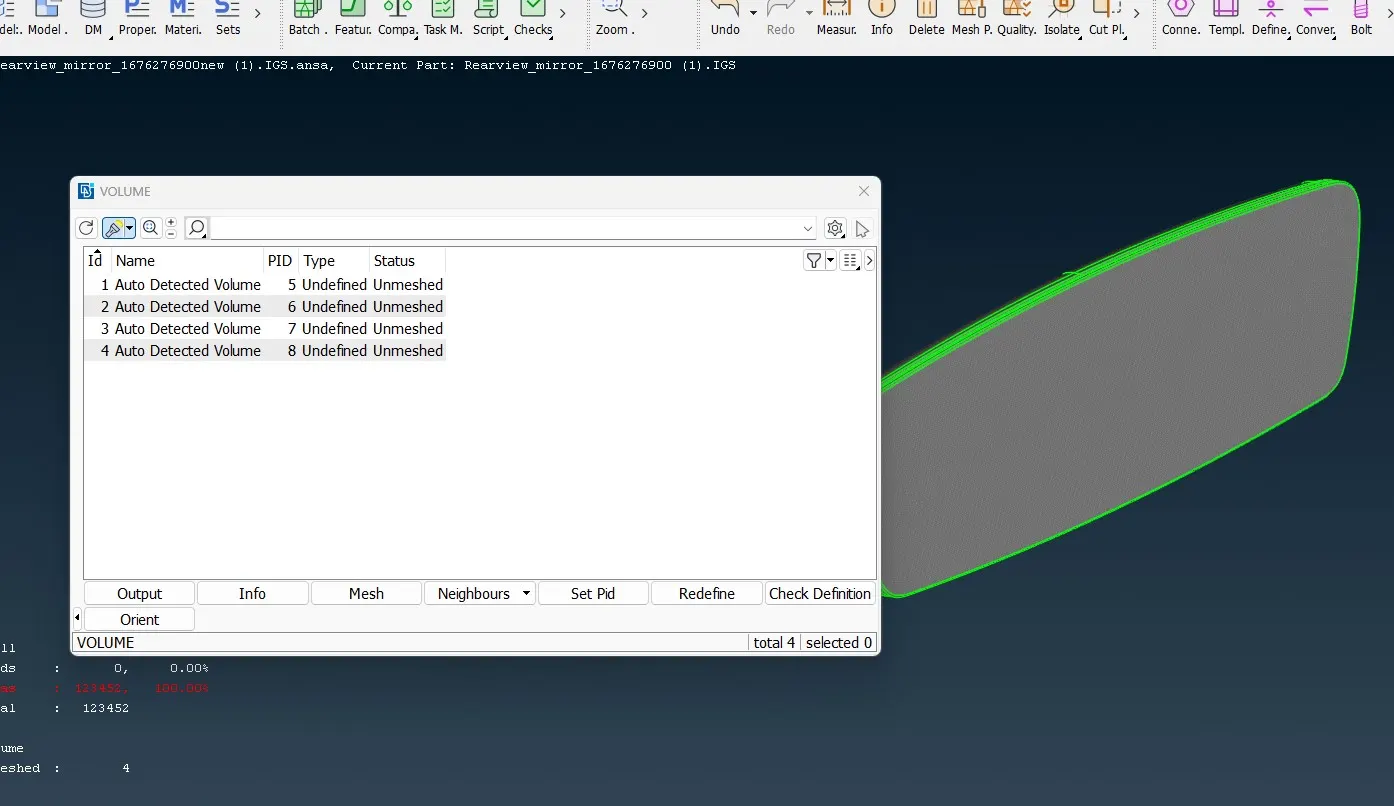
Here solid PID will be created but in the status it will be showing unmeshed
-
Now go for unstructured mesh ,there are two types tetra rapid and tetra fem, here I have used tetra fem to generate a volume mesh
V. Mesh----Unstructured Mesh—Tetra FEM
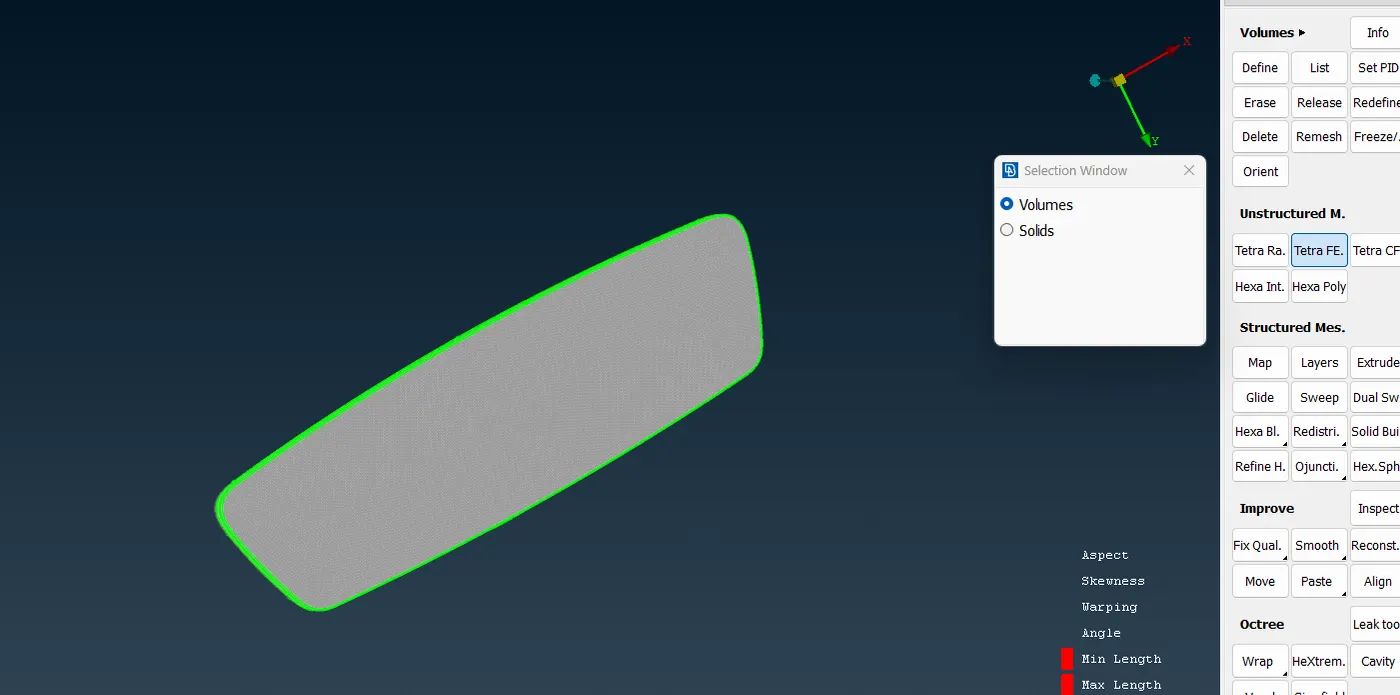
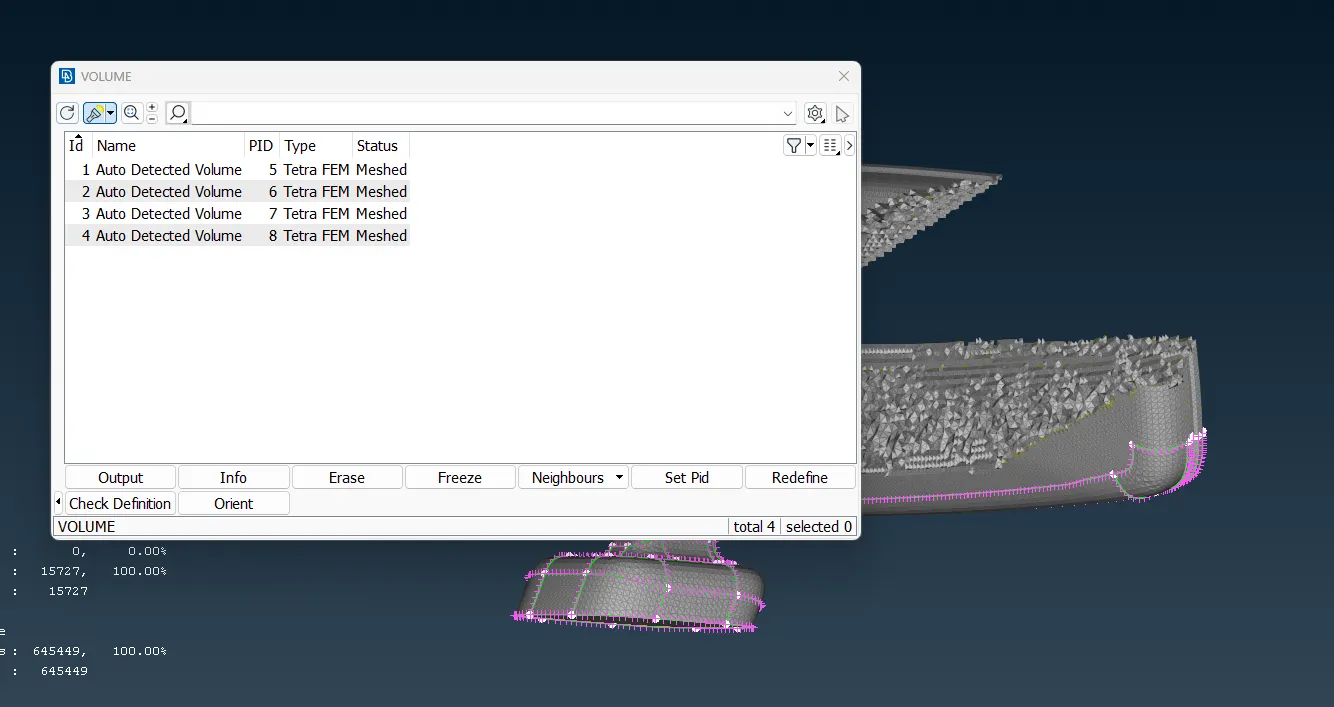
Now in the status it will be shown as Meshed
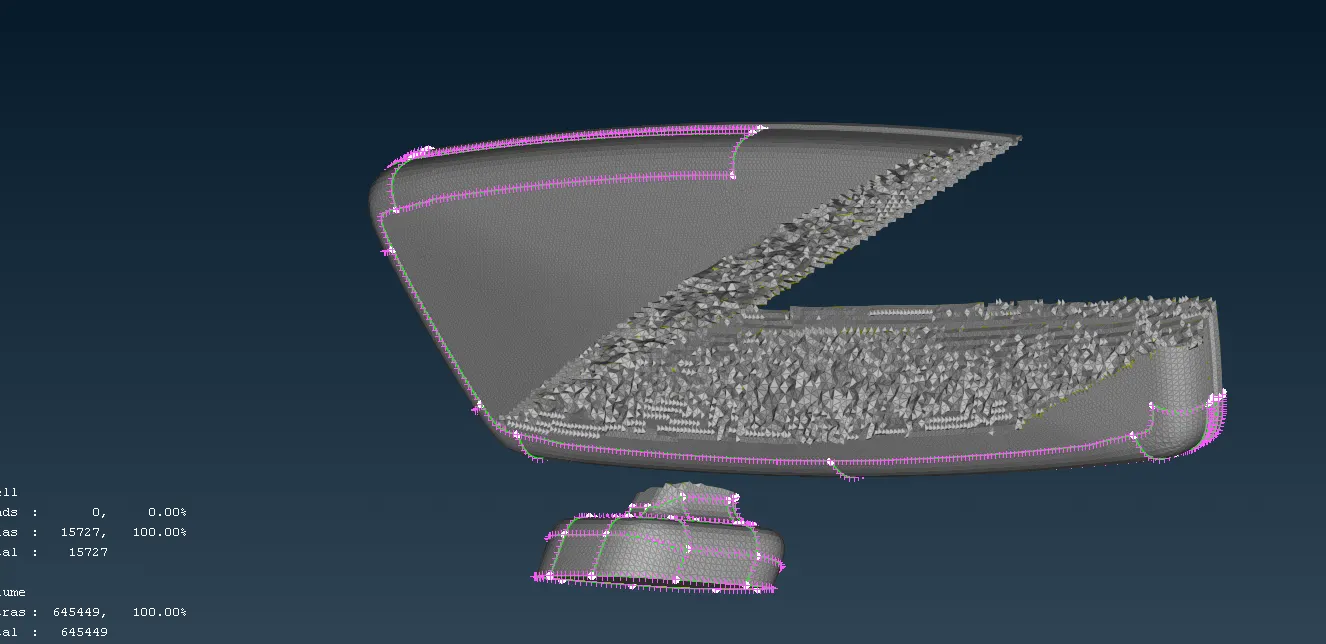
-
Volume or Solid mesh is created as shown above
-
Now check for any Off elements, if there are any Tet collapse fix it by using fix quality or move option
Volume mesh—Improve—Fix Quality or Move
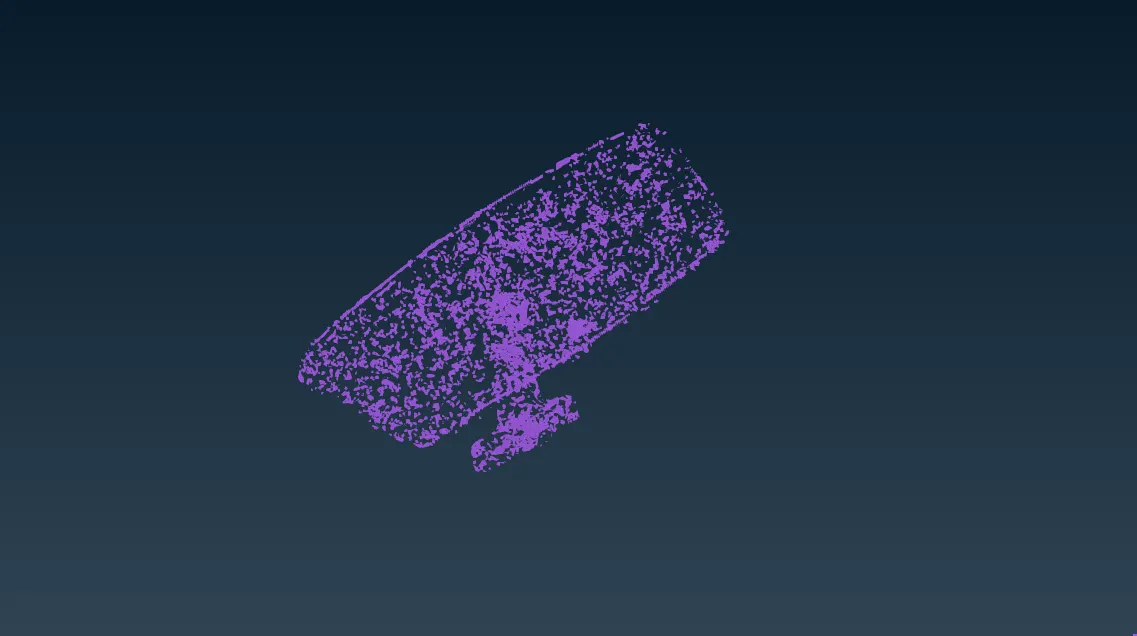
-
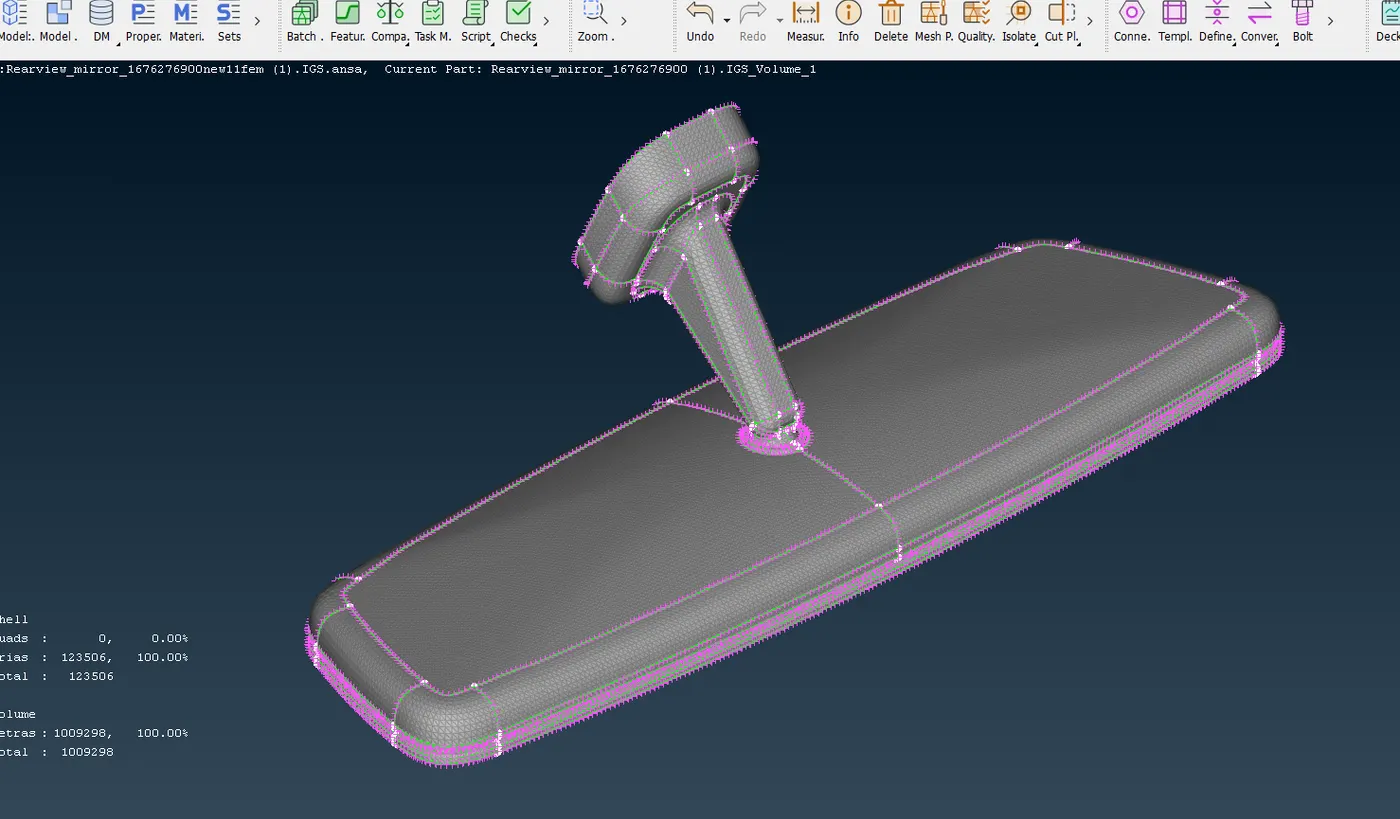
The above fig shows the final outcome of the 3D solid mesh or the volume mesh
Learning outcome:
-
Learned how to mesh the given solid component using tria and ortho tria elements.
-
Learned how to define the volume and apply volume meshing.
-
Learned how to remove errors such as kink, dip and tet collapse elements.
-
Learnt how to use Tetra FEM and Tetra Rapid
Conclusion:
Geometry Cleanup , 2D meshing and Volume meshing for the given solid component i.e. Rear View Mirror has been completed.
https://drive.google.com/file/d/1VGfUeaZP2JGhruwtpT20vfEUUANGsYCr/view?usp=sharing