Week - 4 - 2D meshing for Plastic components
Plastic Bottle Cap
Aim : For the given model , check for geometrical errors and to assign the mid surface by using suitable mid surfacing techniques and maintain the proper mesh flow for the given quality criteria.
Procedure:
-
To import the model to ANSA
-
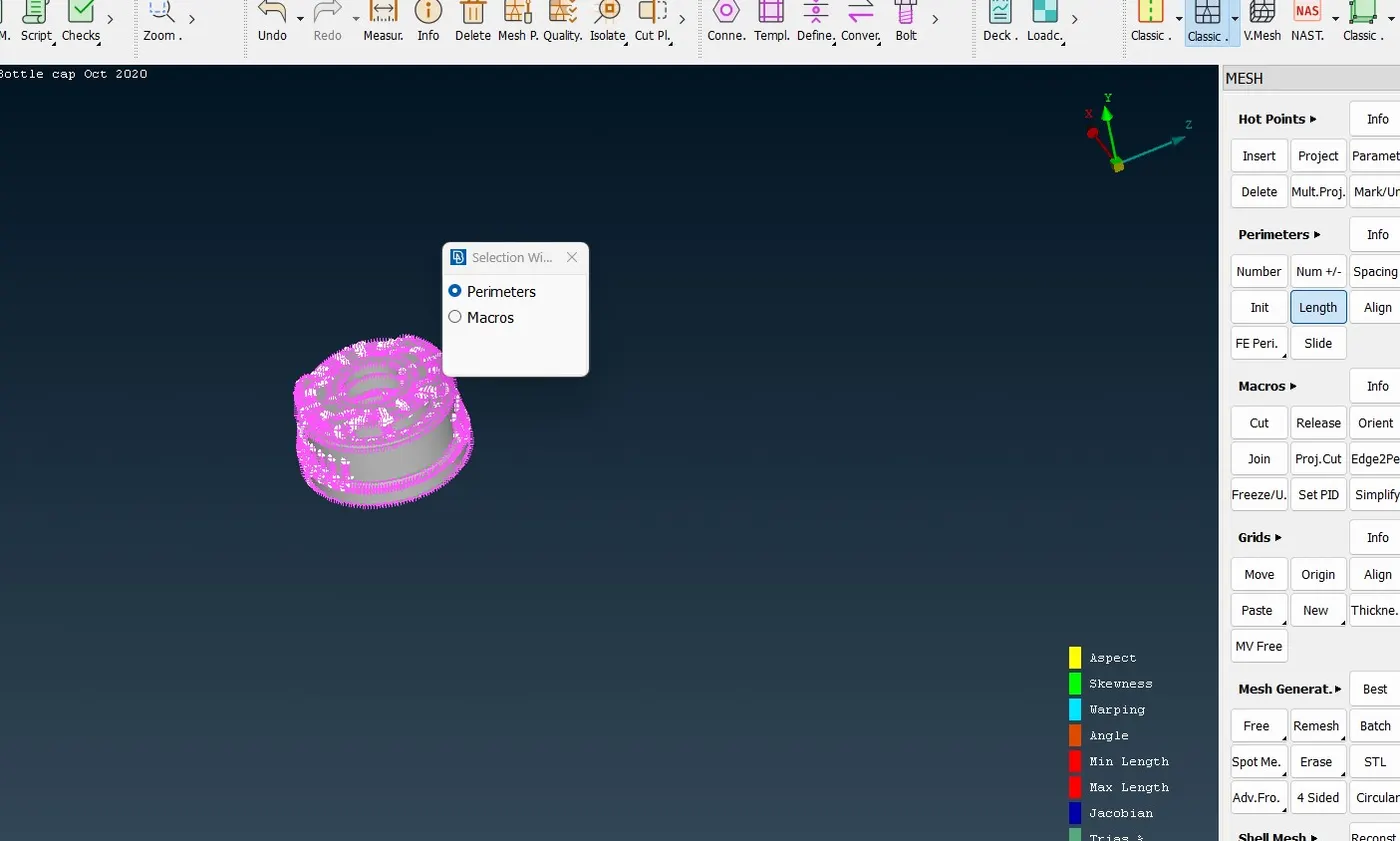
Set the Length of model as one initially
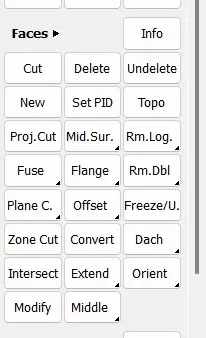
Faces---- Length----Perimeter & Macros as one
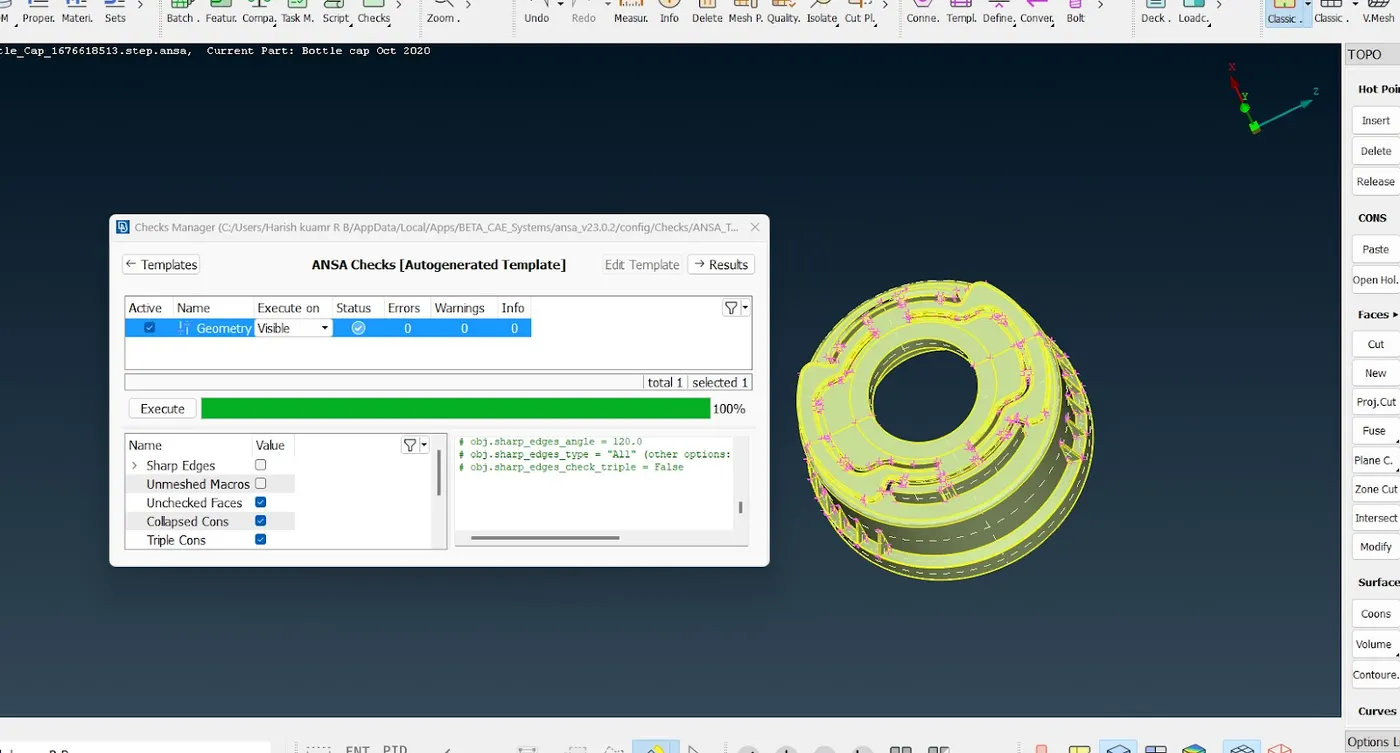
- To perform a geometrical check by using check manger to rectify the errors if any and to fix them by using the options below
-
After geometry cleanup ,measure the thickness of the component as it is having various thickness
-
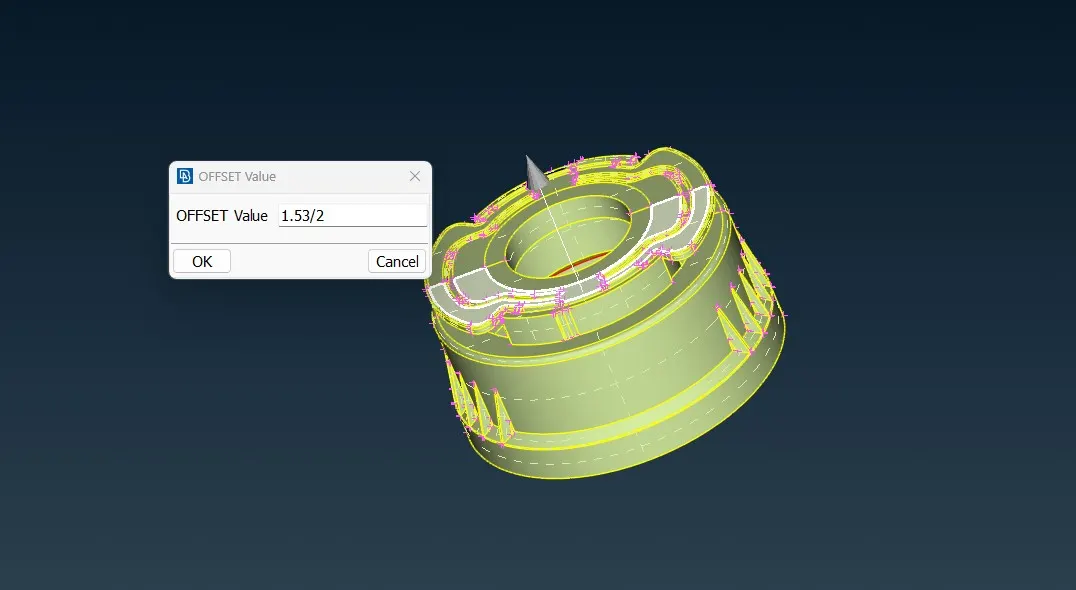
Now extract the midsurface for the given model by using suitable mid surfacing techniques
-
Faces-----Offset
-
Or we can extract the mid surface by using Faces-----Middle option also
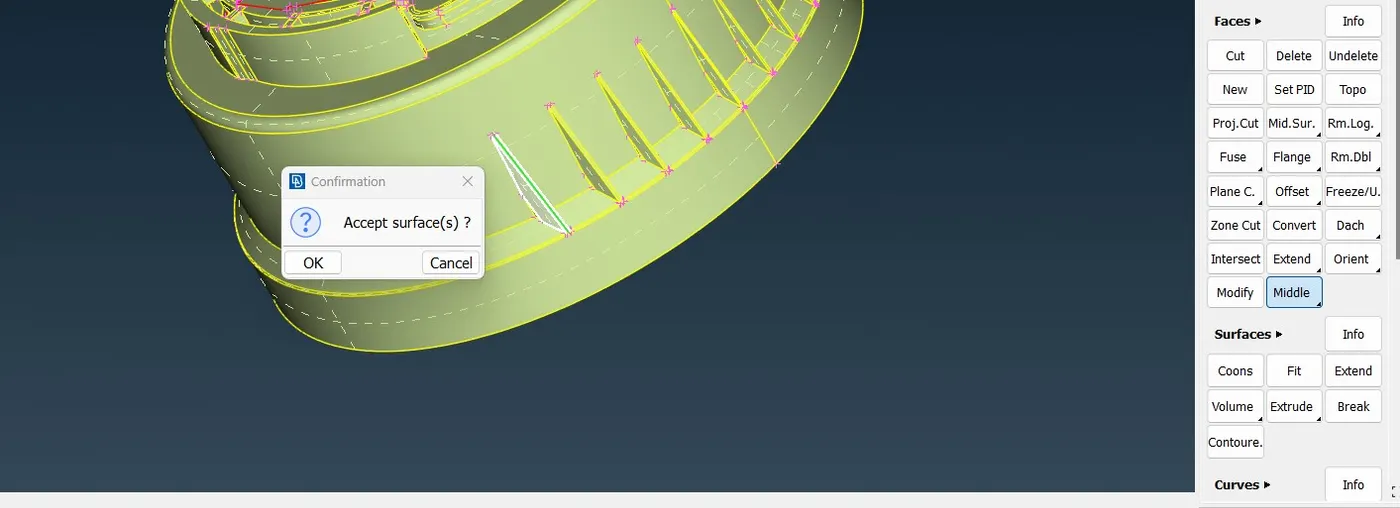
-
we can also extract the midsurface by using Curves-----Middle
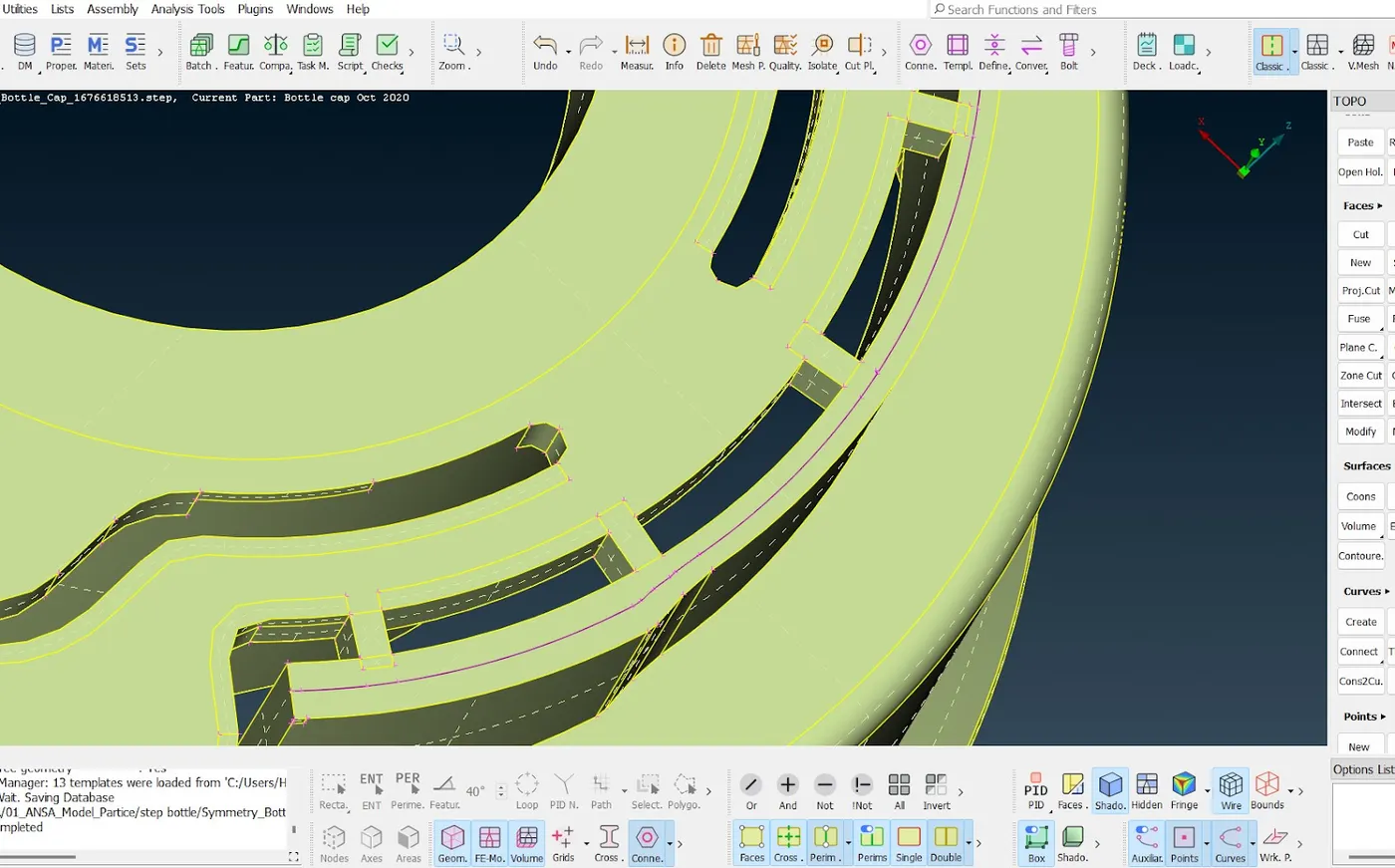
-
Set PID for the various thickness for the given plastic component as shown below
FACES----SETPID
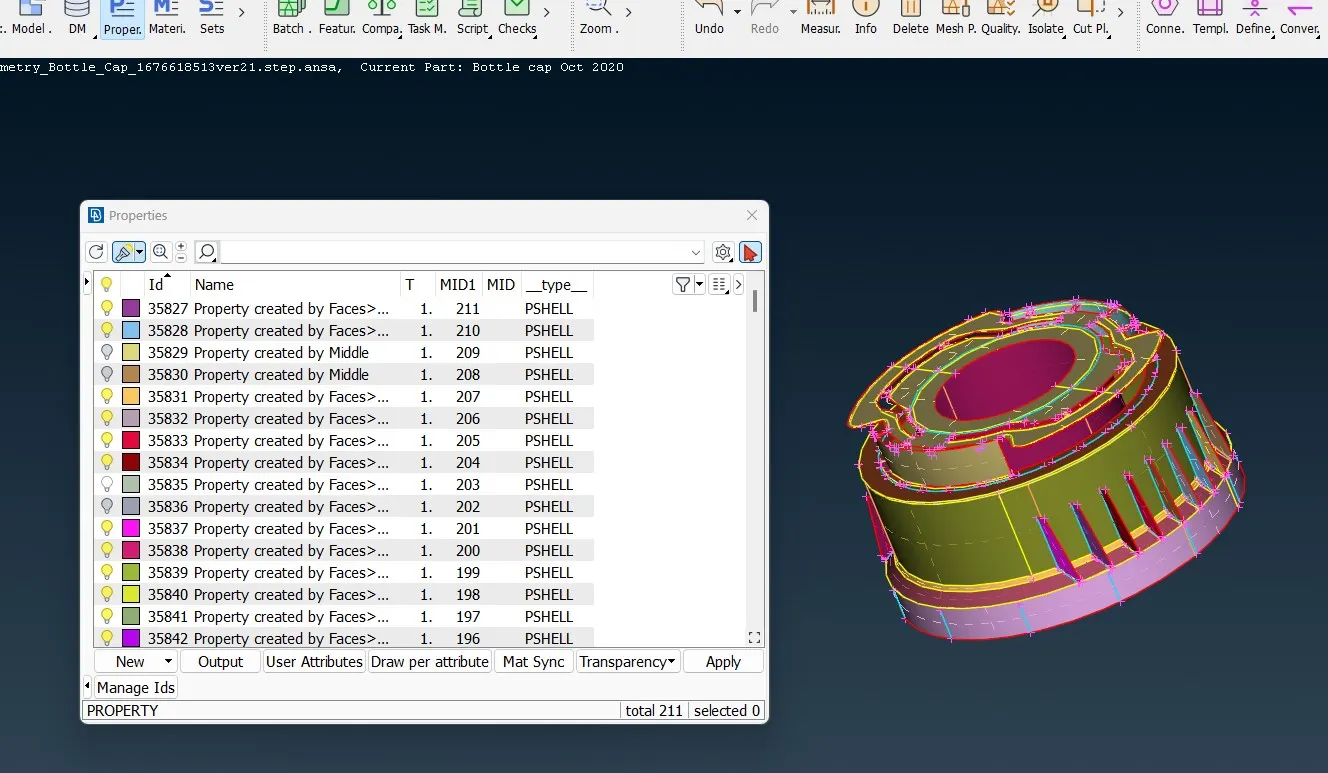
Meshing:
-
Fix the target length
Mesh---- Perimeters ---- Length
-
Assign mesh parameters and Quality criteria values for the given model
-
If any unwanted Hotpoints and Features lines are there remove them
Hotpoints-----Insert or Delete
Macros ----- cut to toggle the Features line
-
Faces of the component should be meshed one by one
Mesh---- Mesh Generation---Best
-
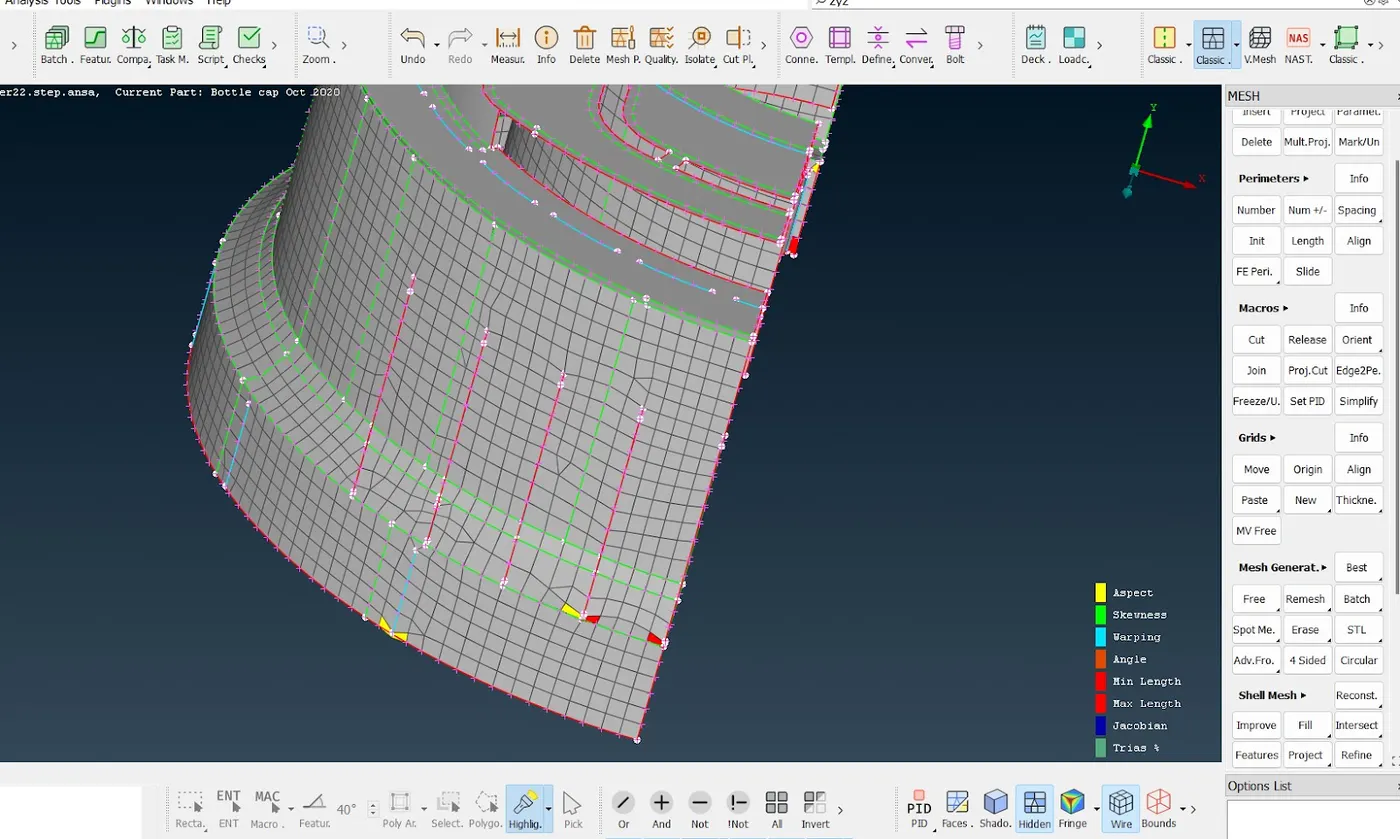
After mesh generation reconstruct the mesh if required
Shell Mesh---- Reconstruction
.
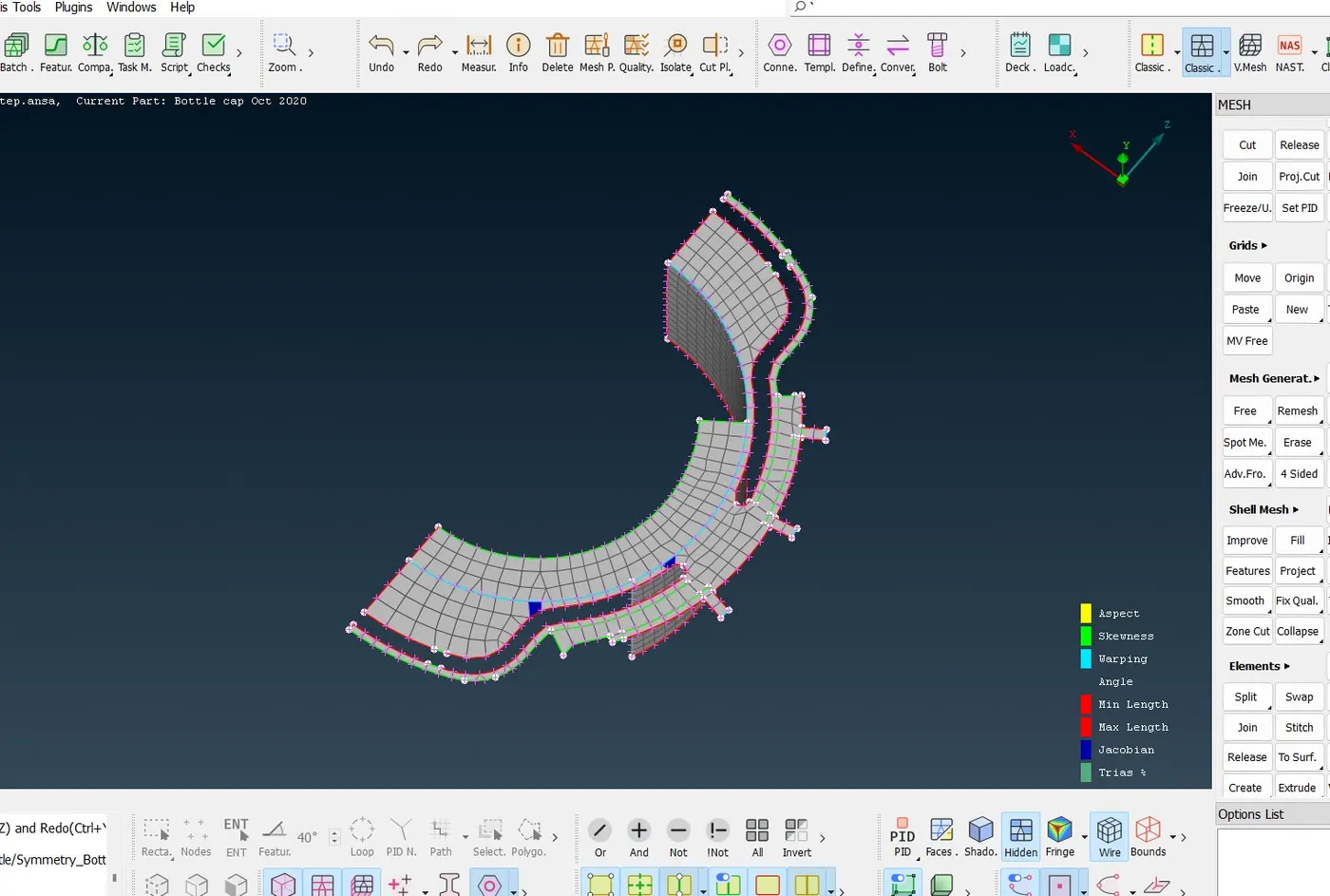
- Check for OFF elements if any resolve them and maintain the mesh flow
-
Use Elements-----Split 0r Grid --- paste to remove the unwanted trias
-
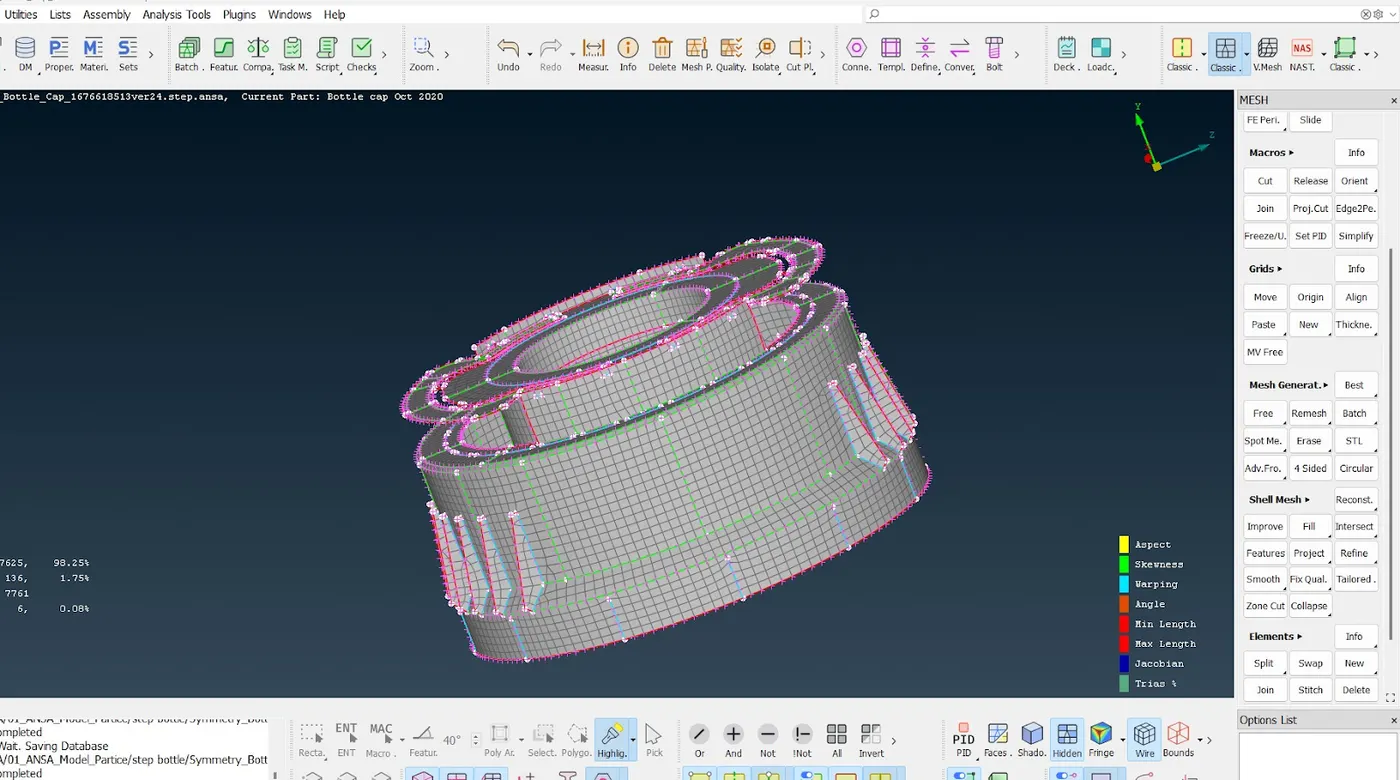
use Shell Mesh ---- Smooth option to maintain the mesh flow
-
Check for any quality issues, if they are failing resolve them and maintain better mesh flow
Results:
Checked for the geometrical errors and extracted midsurface for Plastic bottle cap modle and meshed the Bottle Cap Component as per the given Quality criteria .