Week 6-Meshing of Hood Challenge
Objective: To mesh the given component with the target elem size = 5mm.
Cad model image:
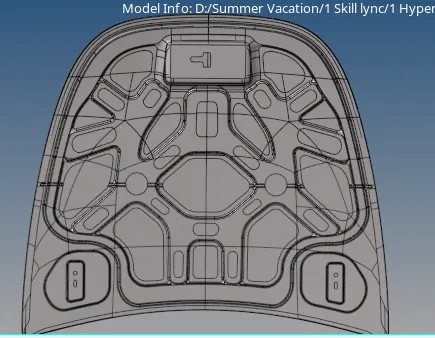
Procedure:
- Import the given CAD model and turn on the topology view to view all the free edges.
- Select each component one by one and then extract mid-surface using the 'skin offset' option for each component separately.
- Hide all other component and only show the inner_extract_midsurface as shown below
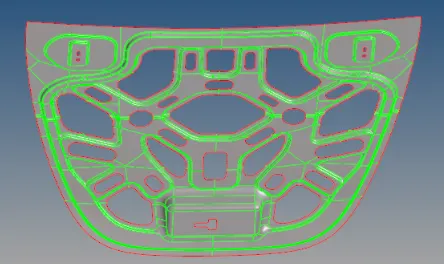
- Use Autocleanup tool to toggle all the extra lines and edges. The edge edit option can also be used for the same.
- As the geometry is symmetric, it can be divided in half. Go to the 'delete' option and delete one half of the surface.
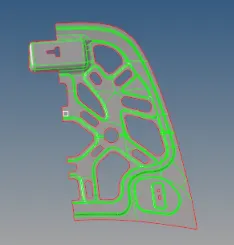
- Select the Automesh option, give the element size as 5mm and select the 'mixed' option for element shapes. This will ensure that no rotational quads are made.
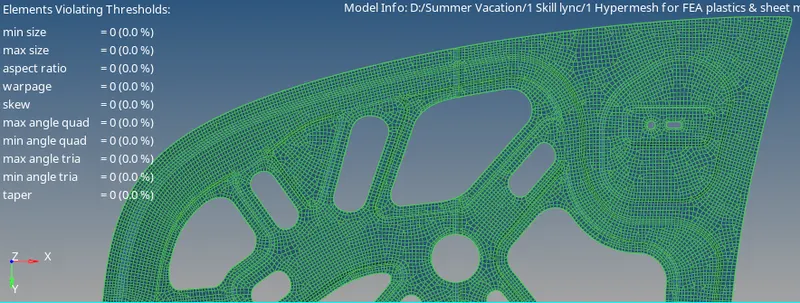
- Under 'Preferences', go to 'Criteria editor' and give the values as given in the question.
- Go to Quality Index and cleanup the mesh further more so that all the requirements are satisfied.
- The final mesh is shown below:
- Repeat the same procedure for all the other components.
- The final mesh of other components is shown below:
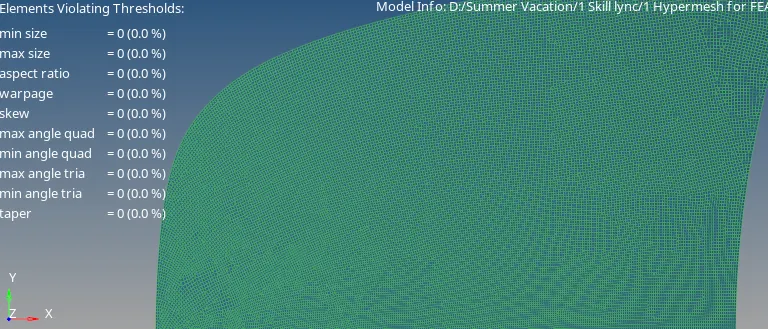
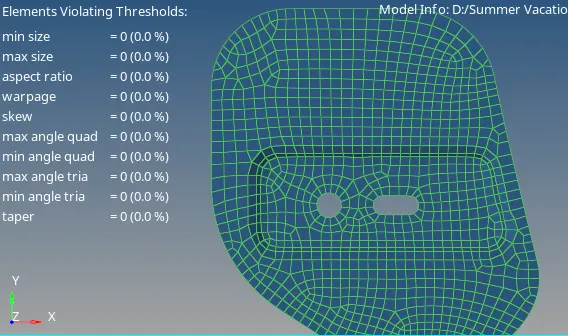
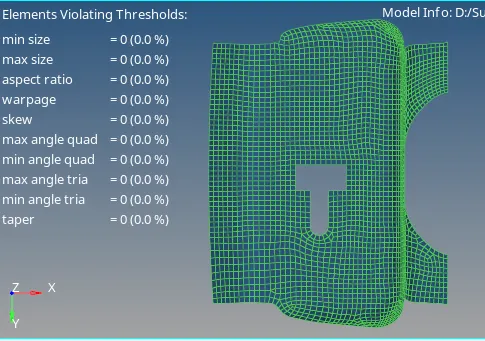
Results: The given component was successfully meshed with the given criteria.