Week 6-Meshing of Hood Challenge
OBJECTIVE
The objective of this assignment is to mesh the hood of a car with a target element size of 5 following the below mentioned quality criteria.
| S.No | Quality criteria | Value |
| 1 | Aspect ratio | 5 |
| 2 | Skewness | 45 |
| 3 | Warping | 15 |
| 4 | Taper | 0.5 |
| 5 | Minimum length | 2 |
| 6 | Maximum length | 8 |
| 7 | Minimum angle quad | 45 |
| 8 | Maximum angle quad | 135 |
| 9 | Minimum tria angle | 20 |
| 10 | Maximum tria angle | 120 |
| 11 | Tria percentage | 10 |
The cad model of the hood is given below.
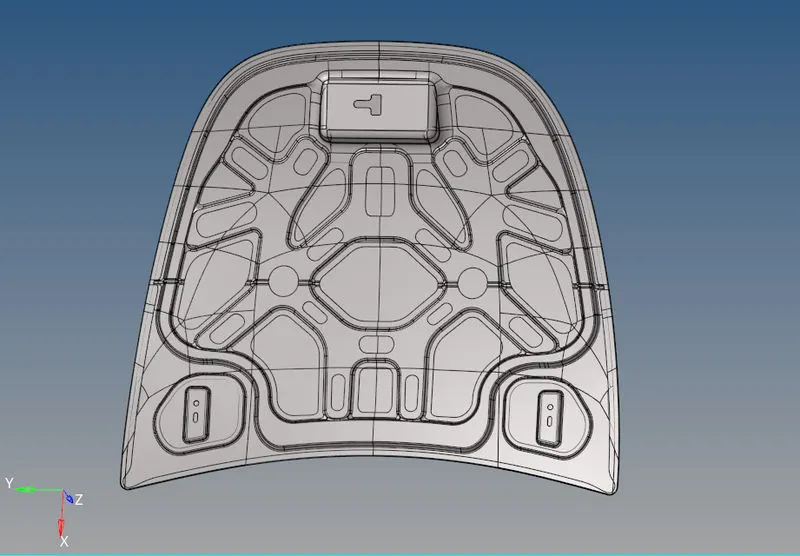
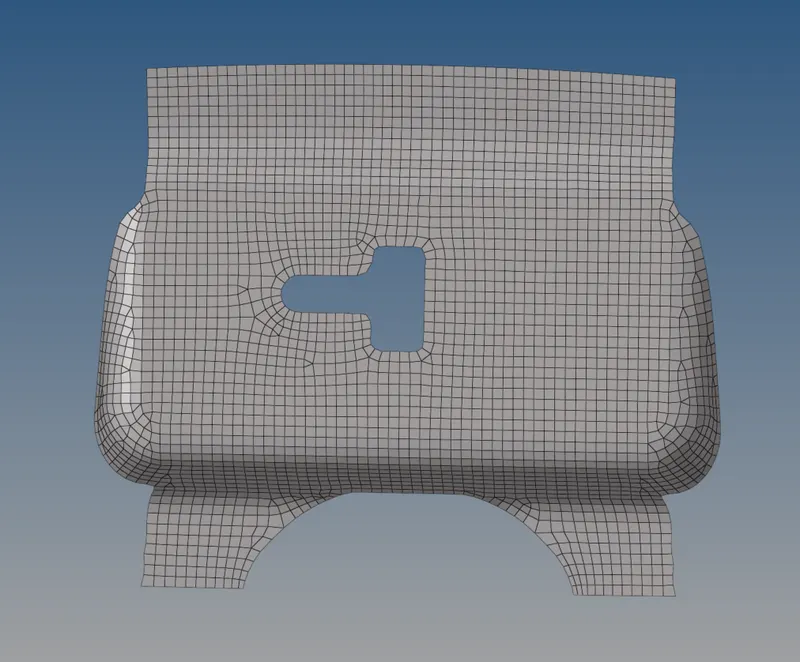
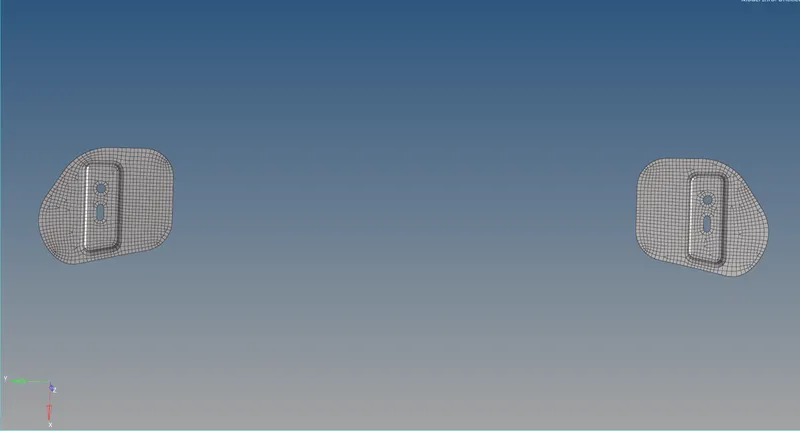
There are four main components to this hood , the latch reinforcement , hinge reinforcement , inner extract and the outer extract. The images of the components seperately is given below.
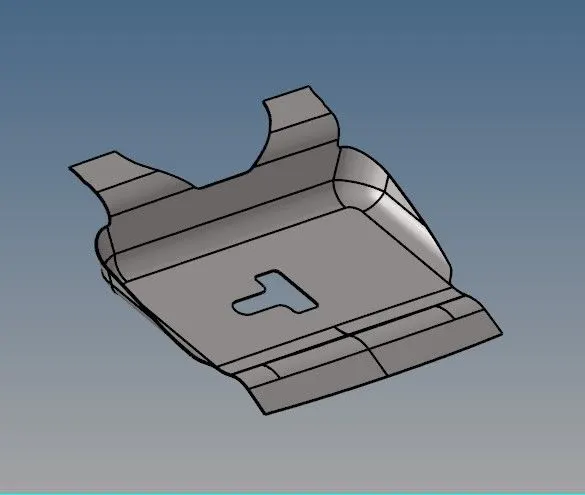
Hinge reinforcement
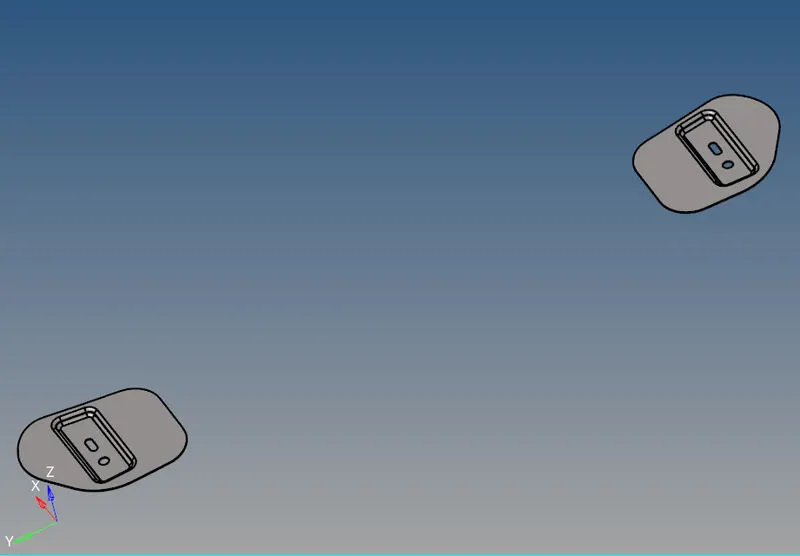
Latch reinforcement
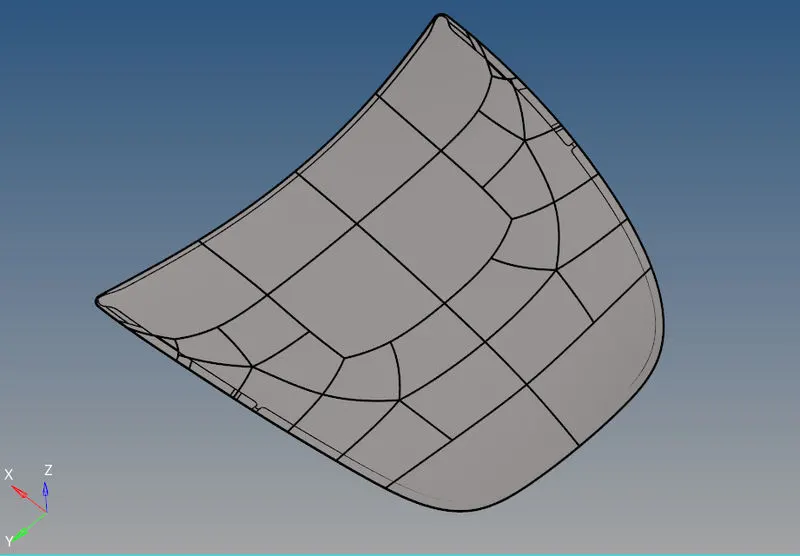
Outer extract
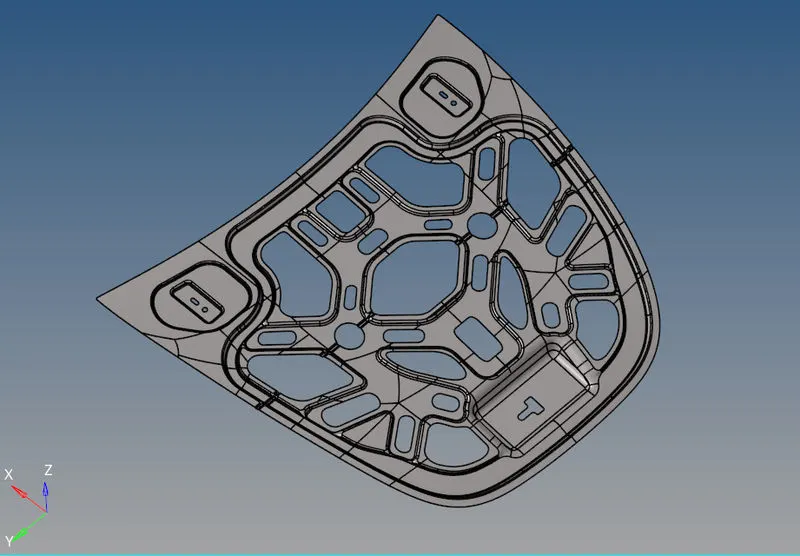
Inner extract
PROCEDURE
First ,the solids are deleted and then the midsurface of each component is generated one by one using the midsurface option. Some portions of the midsurface generated of the inner extract needed cleanup.
Some of the tools used for cleanup include 'filler surface' option in quick edit tool panel, 'extend' option in surface edit tool and various 'trim' options in surface edit tool. Also, washer split option was used whenever necessary from the quick edit panel.
Each of the components were meshed seperately. Some of the feature lines in the components especially in the inner extract were suppresed using the 'toogle edge' option in quick edit tool for obtaining a proper mesh flow.
The components were then meshed starting from one side and then progressed to other sides. 'Automesh' option was used for the initial meshing of the surfaces.
To check whether the elements met the desired quality criteria as mentioned in the objective 'check elements' tool was used. In areas where mesh quality was particularly bad 'rebuild mesh' was used. While using 'rebuild mesh' tool the criterias that we wanted was input in the criteria editor which was accessed by clicking the 'edit criteria' option present in the tool.
Some of the main rules followed for otaining a good quality mesh were:
- Cyclical quads were avoided as much as possible
- Back to back tria were avoided
- Opposite tria elements was avoided as much as possible.
- Tria elements on the edge of the geometry was avoided
- Tria elements were avoided near the holes.
- Tria elements on the feature lines and fillets were avoided as much as possible.
- Tria concentration was made less
'Smooth' tool was sometimes used to space out elements more uniformly as shown below.
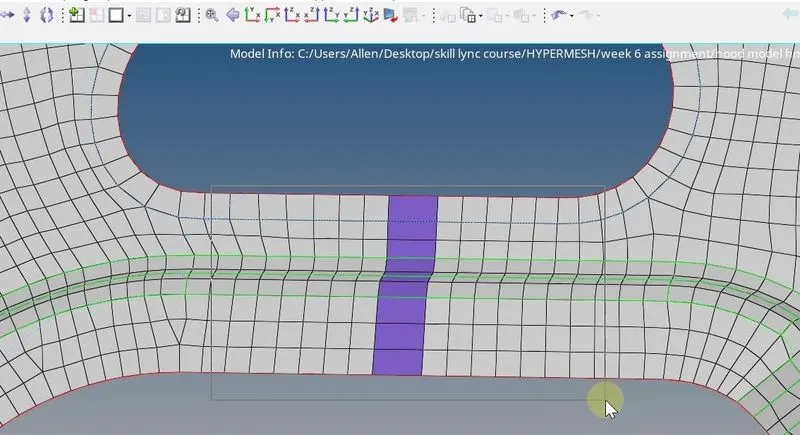
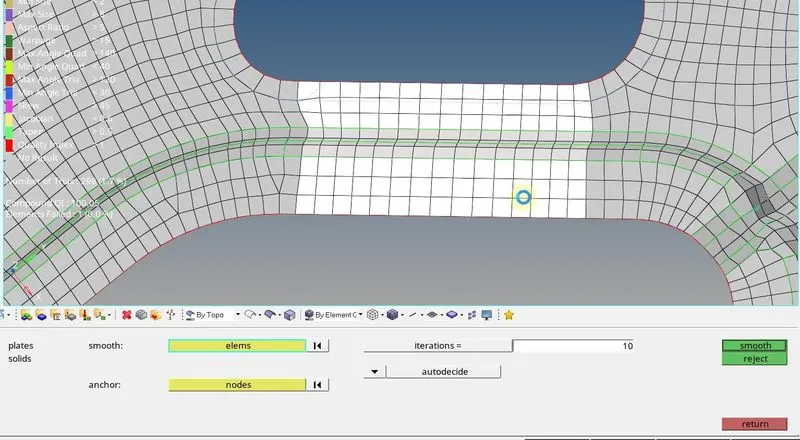
Before using smooth tool After using smooth tool
'Swap edge' option present in 'quality index' is used to remove tria elements falling on the feature lines as shown below.
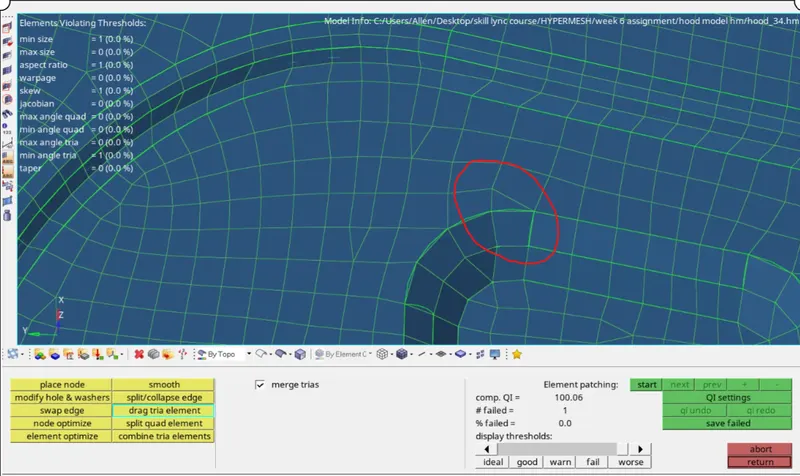
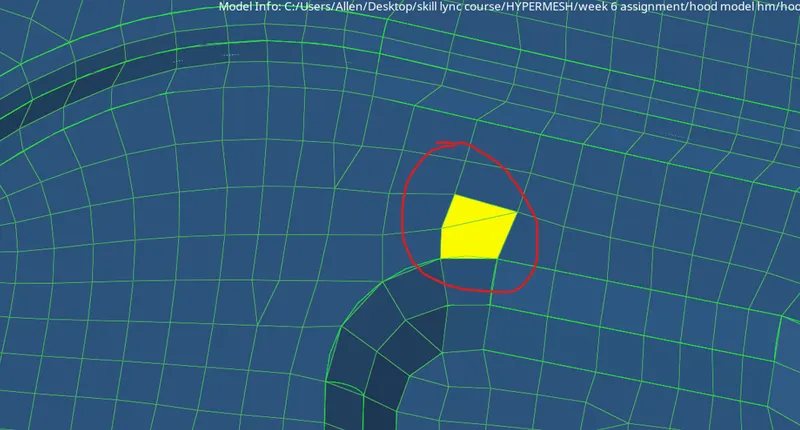
Before using swap edge After using swap edge tool
'Drag tria elements' option in quality index tool was used when tria elements needed to be dragged from one position to another. 'Element optimize' option in the quality index tool was also extensively ussed to refine the meshes where needed.
'Edit element' was also used to split ,combine or create elements when needed. One major type of failure of elements that occoured along complex curves was due to warpage.Usually this is solved by using translate tool.
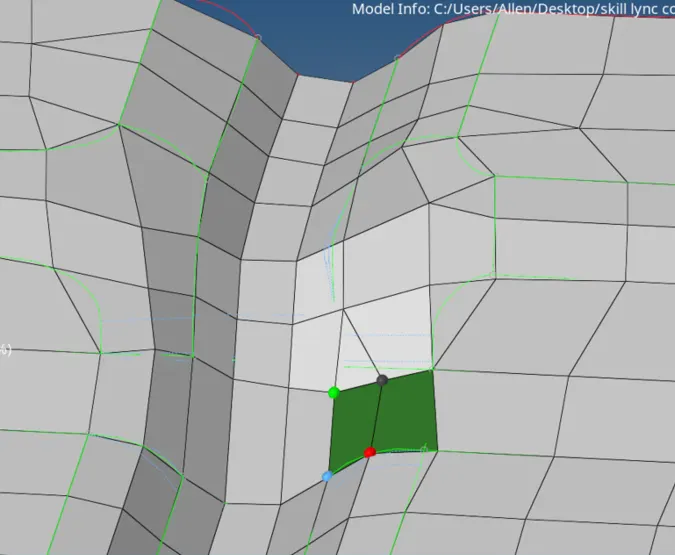
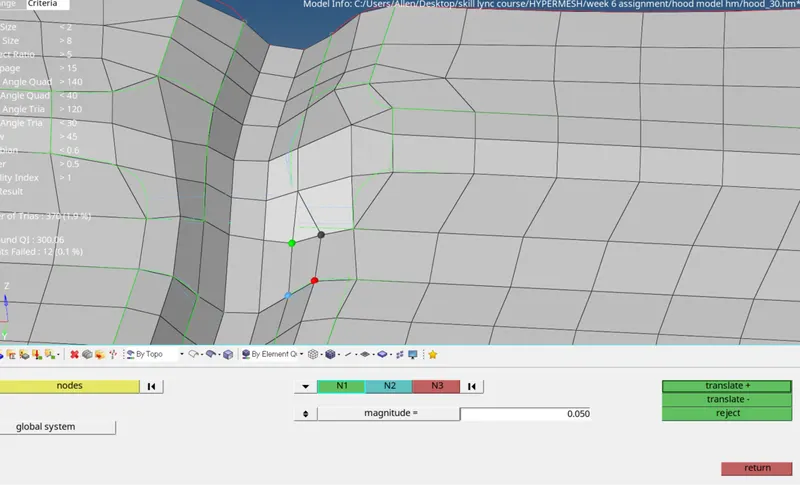
Before translate After translate
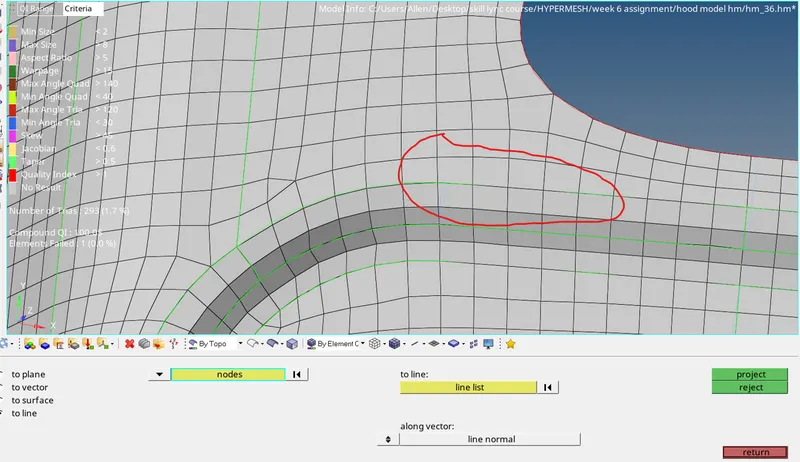
'Project' tool was used to align nodes to feature lines as well as nodes to surfaces when needed. Figure below shows the application of the project tool.
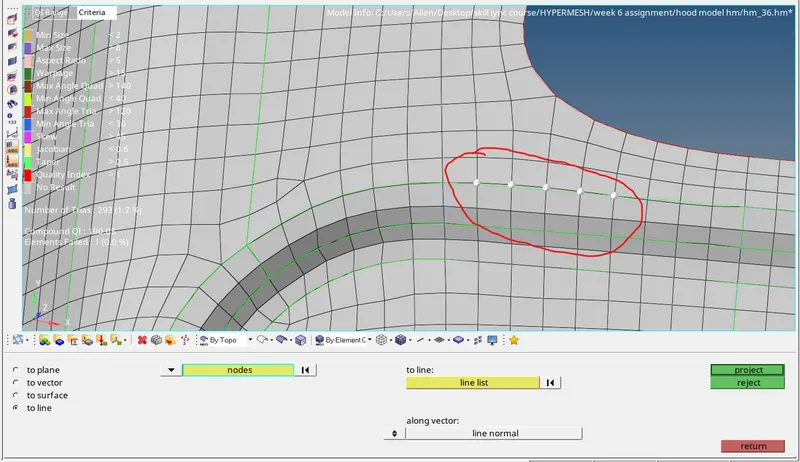
Sometimes splitting elements can lead to non connectivity between adjacent elements.These problems are solved by the 'equivalence' option present in the edges tool. For easier meshing the symmetry of the components was exploited. In this case inner_extract and the outer_extract had a plane of symmetry so only half portins of each components was meshed and then it was reflected upon its plane of symmetry for generating the complete mesh. Reflect tool was used for this purpose.
Finally after meshing all the components we check it for any equivalence issues using edges tool. Extra free edges if present are checked using the 'find edges' option in 'edges' tool.For finding if any duplicate elements are present in the final mesh we use duplicate option in the 'check elements' tool.
'Normals' tool is used for checking and correcting the direction of normals of elements ,if there are any which are not in the same direction as that of its neighbours as shown below.
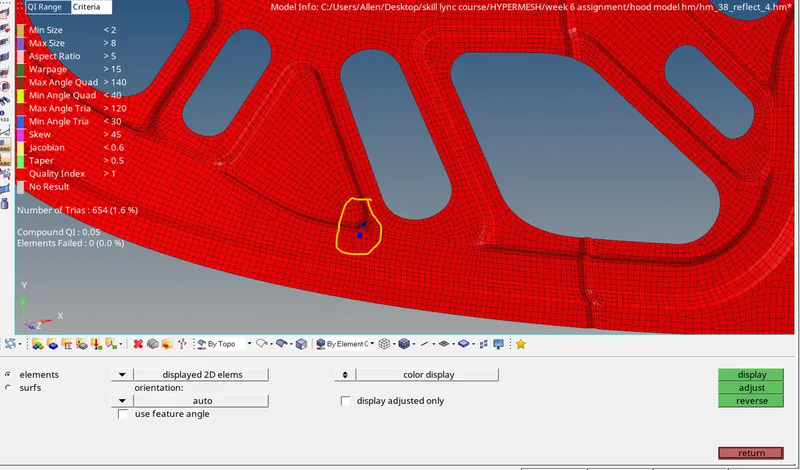
Finally the correct thickness is assigned to the mesh.
RESULT
The hood was completely meshed and a target element size of 5 was met wherever possible while at the same time reducing the number of tria elements and occourences of cyclical quads.
The final image of the model is shown below.
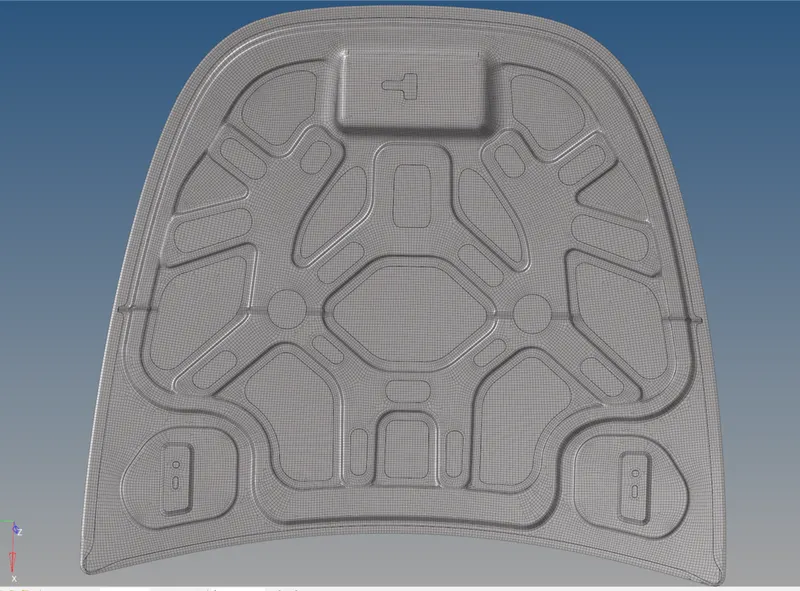
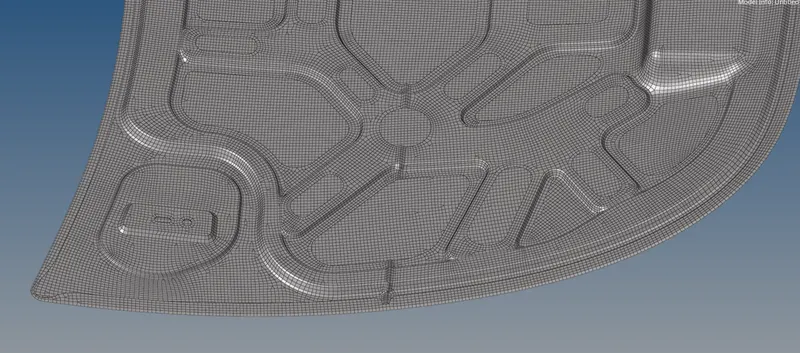
Full model
Latch reinforcement
Hinge reinforcement