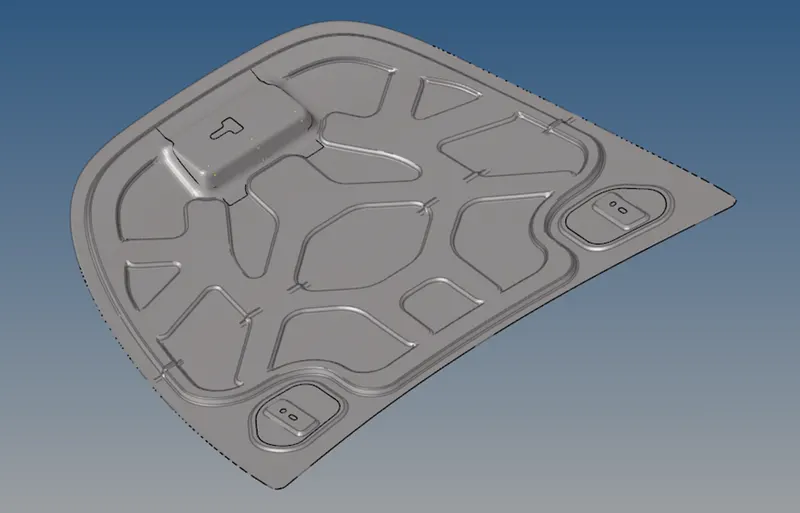
Week 6-Meshing of Hood Challenge
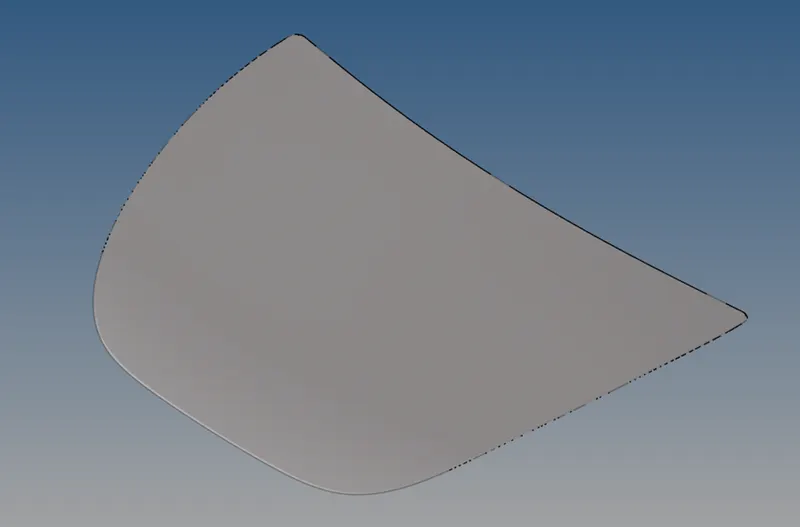
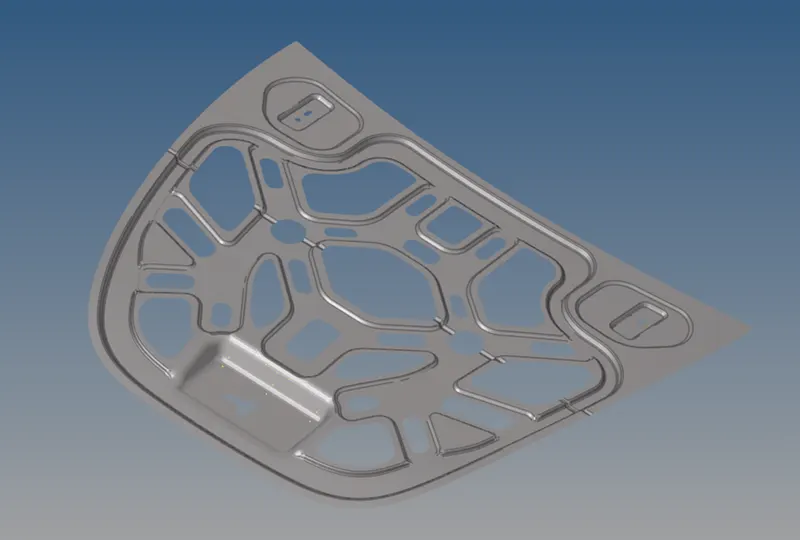
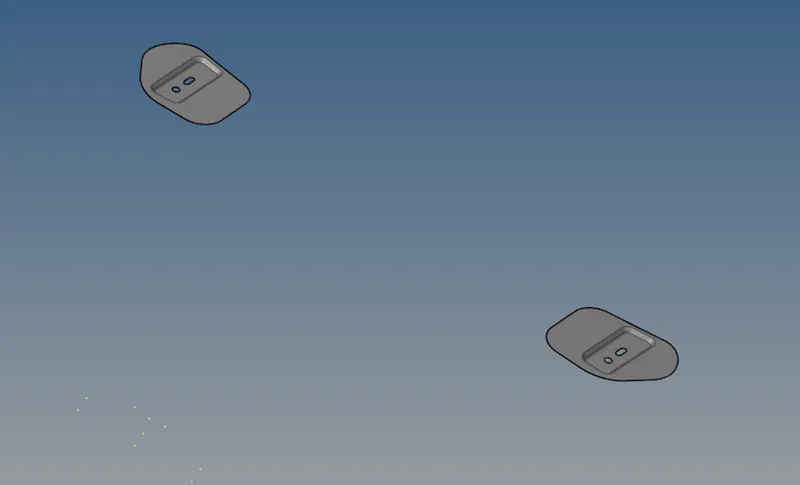
Aim: To extract the mid-surface and mesh the given model.
Procedure:
- Import the model
- Extract the midsurface of the components one by one using Geom > midsurface tool.
- The Offset method was used in this case
- If the midsurface was symmetrical then one half was deleted
- The surface was split wherever necessary to improve the mesh flow
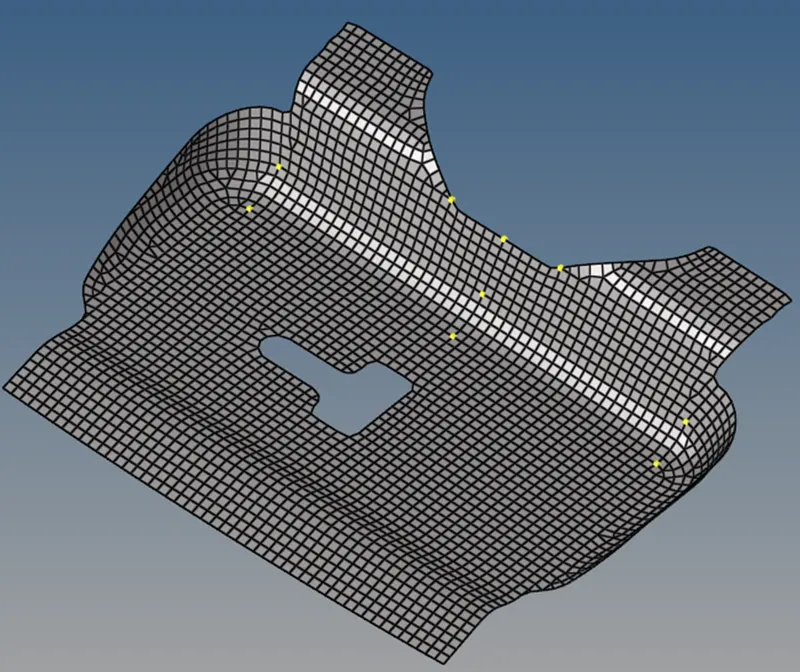
- It was meshed using 2D > automesh option
- The mesh was further improved using tools like Rebuild, quality index, edit element, etc.
- The Tool > reflect option was used to recreate the deleted half.
- After reflect, the edges tool was used to find free edges and get rid of them using equivalence option
- The normals of the elements was checked and necessary reversal was done wherever required using Elements > normals option.
Result: