Week 6-Meshing of Hood Challenge
Objective:-
Follow the below-mentioned quality criteria, mesh the hood panel and assign thickness:
Target Element Length = 5 Units
| S.N | Quality Criteria | Value |
| 1 | Aspect Ratio | 5 |
| 2 | Skewness | 45 |
| 3 | Warping | 15 |
| 4 | Taper | 0.5 |
| 5 | Min. Length | 2 Units |
| 6 | Max. Length | 8 Units |
| 7 | Min angle Quad | 45 |
| 8 | Max angle Quad | 135 |
| 9 | Min angle Tria | 20 |
| 10 | Max angle Tria | 120 |
| 10 | Tria % | 10 |
Procedure:-
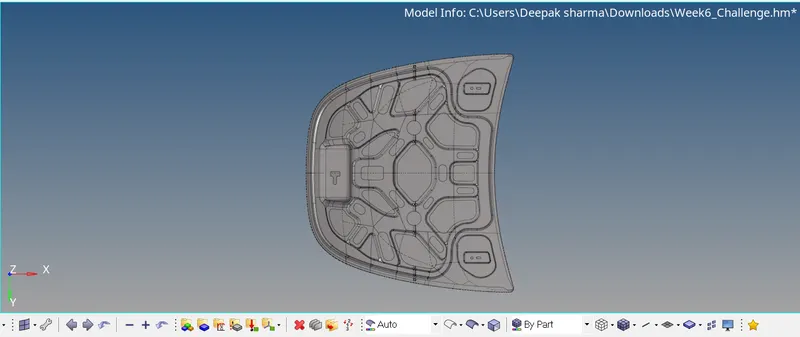
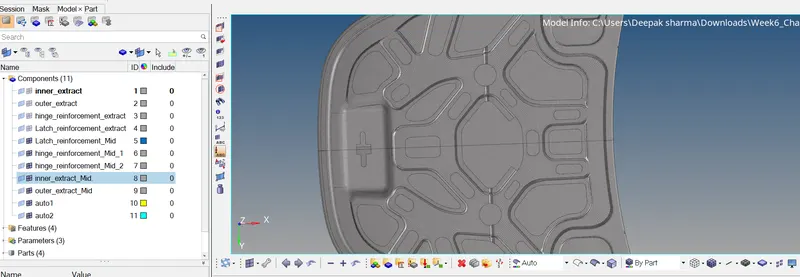
1. Import the stp file.
2. Check for the free edges, and clean the parent geometry using "autocleanup" command.
3. Now create the mid-surface seperately for each of the given component, by one by one hiding the the component and assigning different name as per the parent to mid-surface generated.
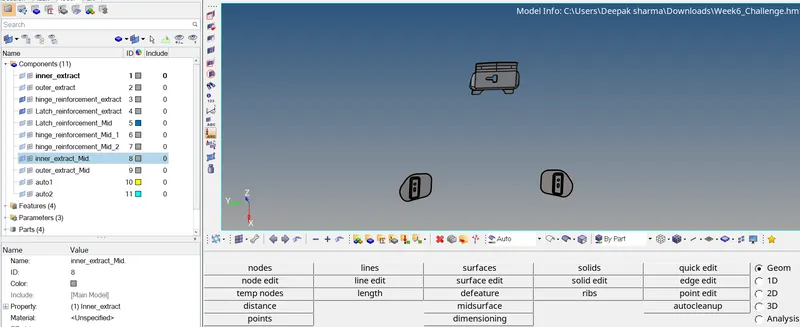
4. Keep cleaning the obtained mid-surface using "autocleanup".
5. Edit the meshing criteria as given, and save the file.
6. Start meshing each of the component one by one using "Automesh", mixed.
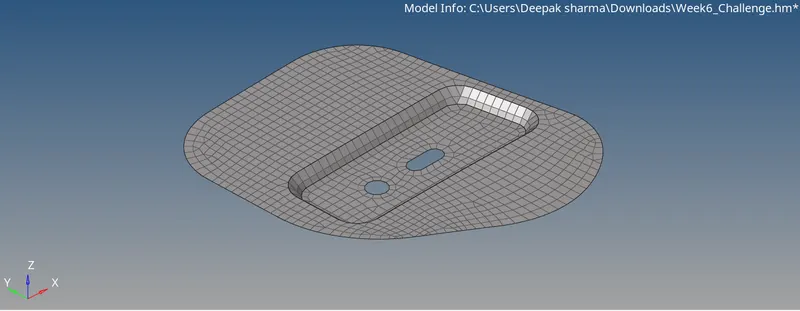
7. Keep the quality criteria clear by checking & fixing the elements which could be failed.
8. In the bigger components whose geometry is symmetrical for ex. Outer Extract & Inner Extract, mesh half of the elements and reflect it to the other half, which would save the time.
9. After meshing the model, create the property seperatetly for each component and assign thickness according to the thickness of the component.
10. After assigning thickness assign respective property to each of the component and go for 2D Detailed elememt representation.
11. And the assigned thickness model will look like this.
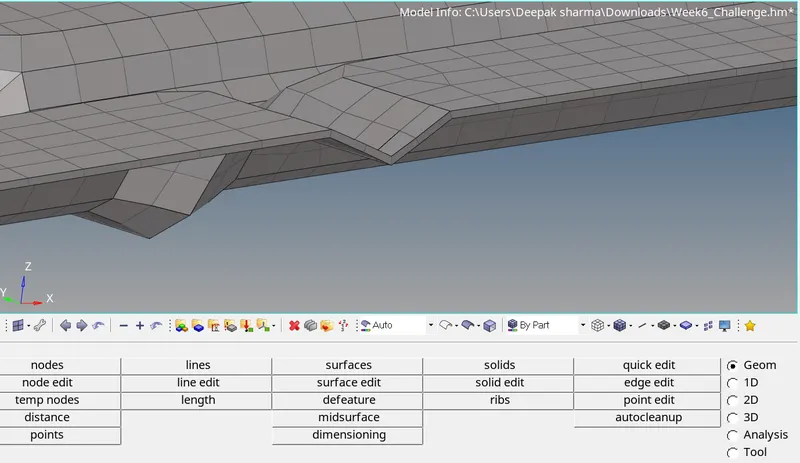
12. Assemble all the componets and finally check the quality criteria for the mesh.
13. Final Meshed model will look like this.