Week 6-Meshing of Hood Challenge
Aim
To clean up geometry and to extract mid-surface and generate mesh on Hood using Hyper mesh.
Objective
Importing the model
clean up geometry
creating midsurface
meshing
quality criteria
Procedure
importing the model:
The format of the file is stp, then first of all select import solver deck command, choose import geometry type and select file type is STEP.
file >> Import >> select the file >> Import.
now select the file from our folder and import it.
There are four different components
- Inner Extract
- Outer Extract
- Hinge Reinforcement Extract
- Latch Reinforcement Extract
Extracting mid-surface
To extract the mid-surface,
go to geom >> mid-surface >> select any extraction option >> select the surface >> extract.
Check for any geometrical errors
Now the Mid surface of all 4 component is obtained
Parting the Components
We can remove the unwanted lines inbetween the geometry and can properly create the lines for meshing.
To toggle lines
Geoms>>> Quick Edits>>> Toggle Lines
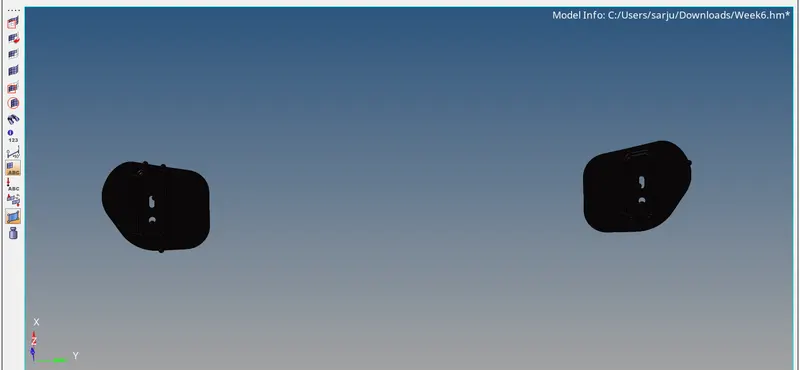
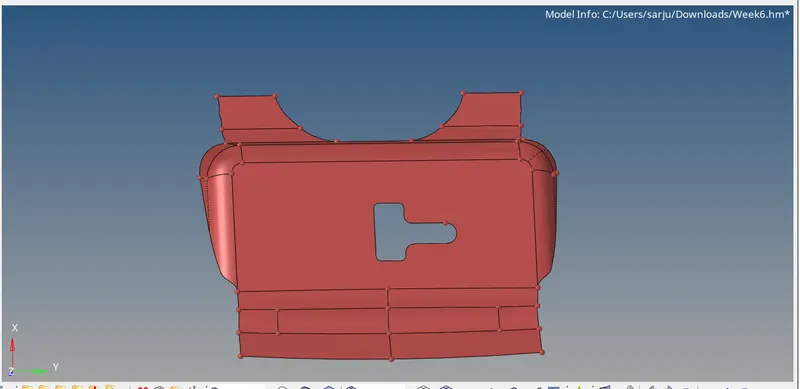
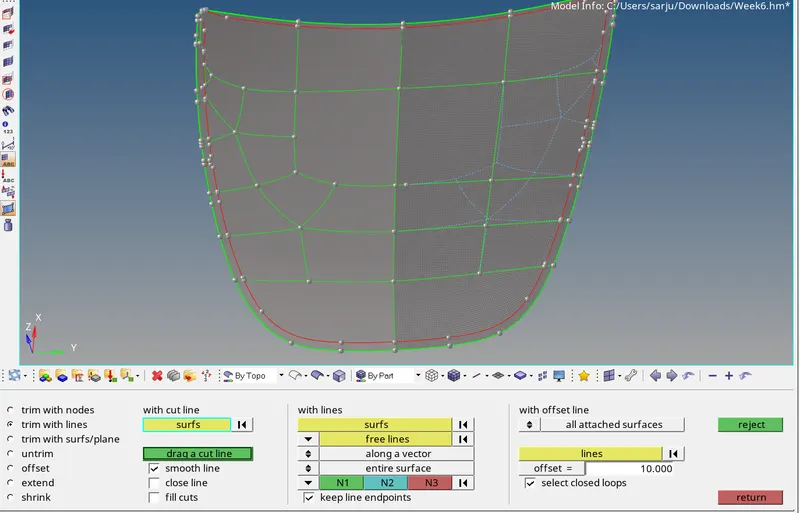
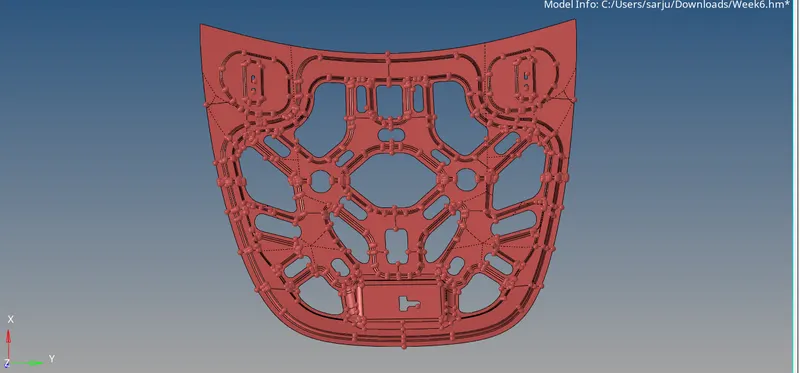
To create lines or trimming surface we can use two optoions
Geoms >>> Quick Edits >>> trim with Surface>> lines
Another method
Geoms >>> Surface edits >>> Trim surface with lines >>> Drag a cut line
Generating mesh
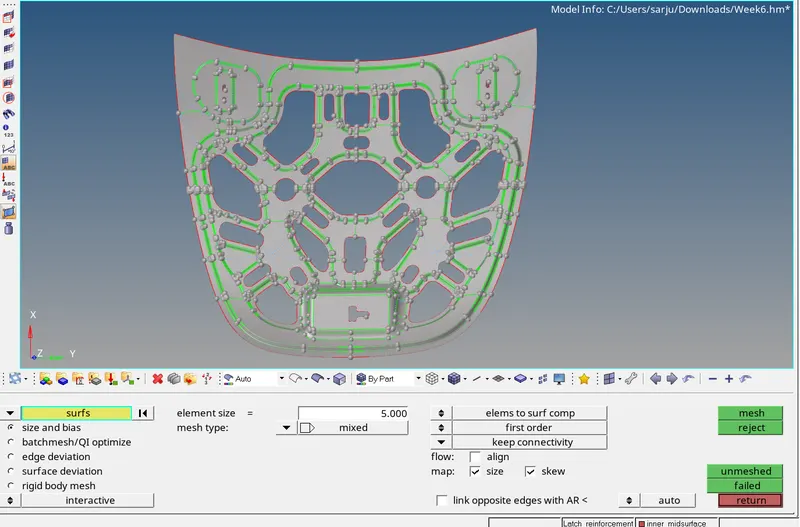
To mesh the component
2D >> automesh >> select the surface >> mesh.
Start the Meshing with the closed area with less free edges
Keep the Mesh flow as per geometry and create mesh with less tria elements
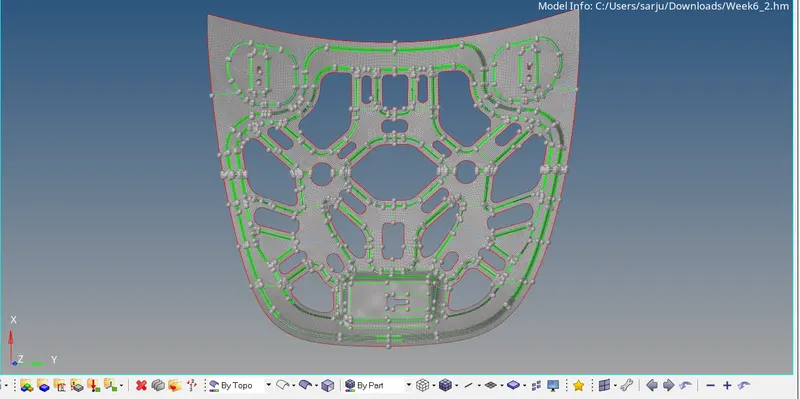
Now the meshing is done
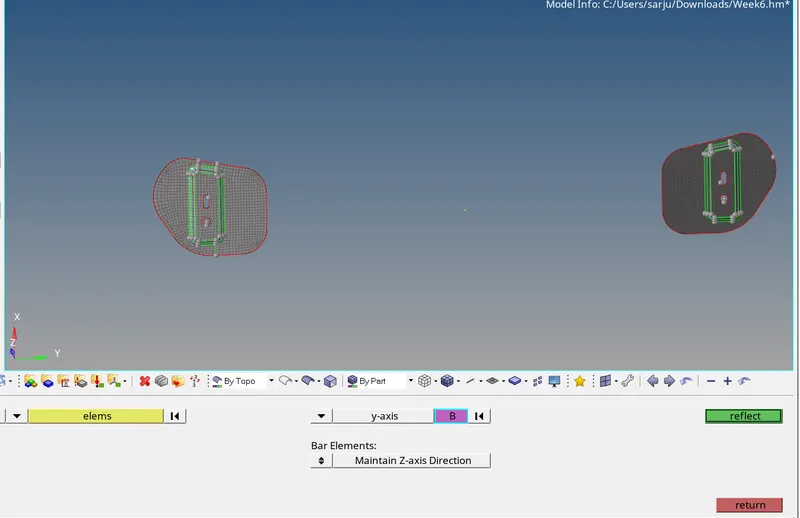
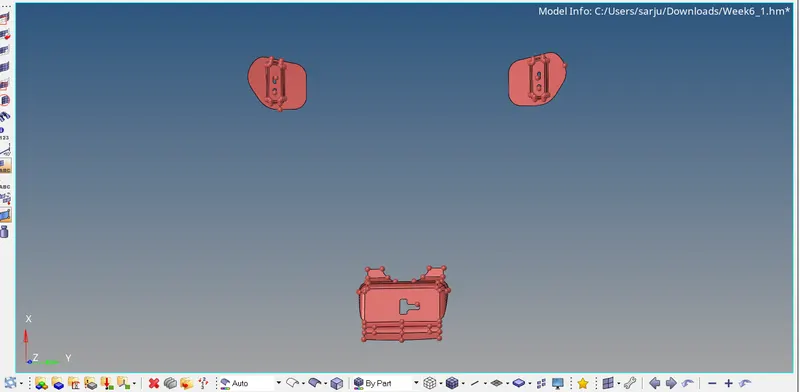
Reflecting the Symmetrical Surfaces
If the surface on both sides are symmetrical we can reflect the surface by using command
Tools>>> Reflect>>> Click on Elements>>> Selects the elements or surface >>> make duplicate>>> current geometry >>> select axis>>> Select node>>> Reflect
Quality criteria
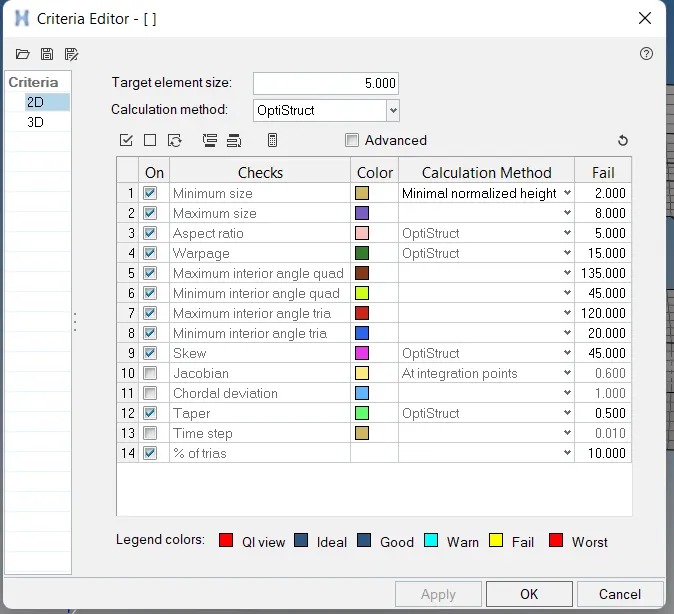
Give the quality criteria for the elements in the criteria box
2D>>>rebuild Mesh>>>Quality Criteria
Give the required criteria
Then check for Quality index
2D >>> Quality index
If there are more elements out of quality we use Rebuild option to make in good quality
2D>>>rebuild Mesh>>>select elements>>>Rebuild
Tools used for Getting good Quality
2D>>> Edit Element>>> create or Combile or Edit
2D>>> Smooth>>>iteration of 10>>> Smooth
2D>>> Quality index>>> Cleanup tools>>>>Element optimize
2D>>> Quality index>>> Cleanup tools>>>>Node optimize
2D>>> Quality index>>> Cleanup tools>>>>Combine tria Element
2D>>> Quality index>>> Cleanup tools>>>>Swap edges
Tools>>>Edges>>>Elements>>>Preview Equalance>>>Equalance
Tools>>>Check elements>>>>Duplicates
Final Meshing Result
CONCLUSION
The given car hood model is properly Mid surfaced and meshed as per given quality criteria.