Week 6-Meshing of Hood Challenge
MESHING OF HOODS MODEL OF A CAR
AIM :
To Midsurface and mesh the given components in the Hoods model of an car by using the given quality criteria and -
target length .
OBJECTIVES :
- To mid surface the given 4 components including , Inner extract , Outer extract ,Hinge reinforcement extract and latch .
- To mesh the components by mixed option using given quality criteria .
PROCEDURE :
- Import the model by FILE>>OPEN>>MODEL>>Hoods_model.hm>>Import .
- Visually inspect the model for any free edges , non-manifold lines and other imperfections.
- Turn ON the wireframe mode and check for geometric errors .
- Click the Visualization options and enable suitable free edges and missed surfaces .
- Reconstruct the free edges and missed surfaces .
6. After geometric clean up we want to perform midsurfacing for the component .
7. Go to Geometry>>Mid surface>>auto mid >>tick the extraction options>>select skin offset
back to auto extraction>>select all the surface>>extract .
8. Isolate the mid-surface from the model by isolate only .
9. Analyse the mid-surfaced file for any errors or improper actions .
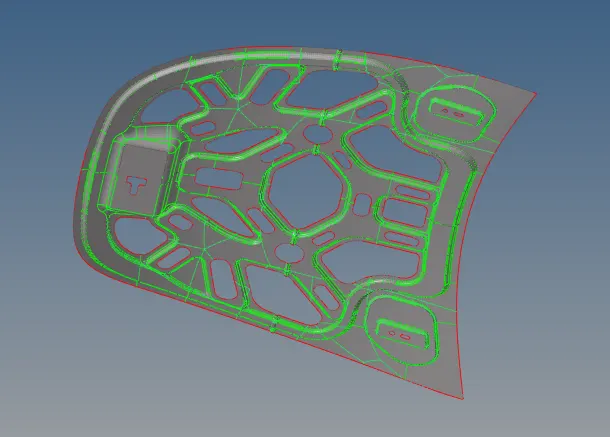
10. Take mid-surface for the whole 4 components using skin offset option as the same .
11. Give the given quality parameters to the model and target length .
preferences >> criteria file settings
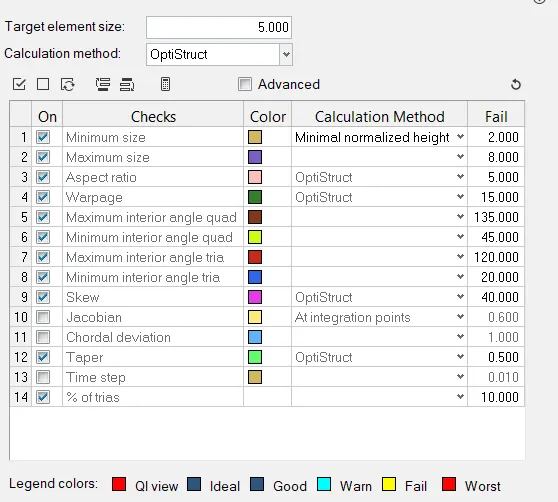
12. Look for the mid surfaced geometry and toggle compressed lines and closer lines which will fail for min-length .
Geometry >> Quick edit >> toggle edges >> select the lines to be suppresed .
13. After this , mesh the component part by part by auto mesh option .
2D >> Auto mesh >> select the surface to be meshed >> give element size = 5 >> mesh
14. Mesh the entire component by this auto mesh option .
15. Turn the By element quality mode ON and check for the quality errors .
16. Rebuild the mesh if the mesh flow is poor and choose the best one with out quality errors .
2D >> REBUILD >> Select elements >> rebuild .
17. Check the mesh quality and improve the mesh using the following tools as per the requirements .
2D >> Quality index >> clean up tools >> select the tools as per the requirement >> perform
18. Select the required clean up tools and improve the mesh and clear for all quality errors .
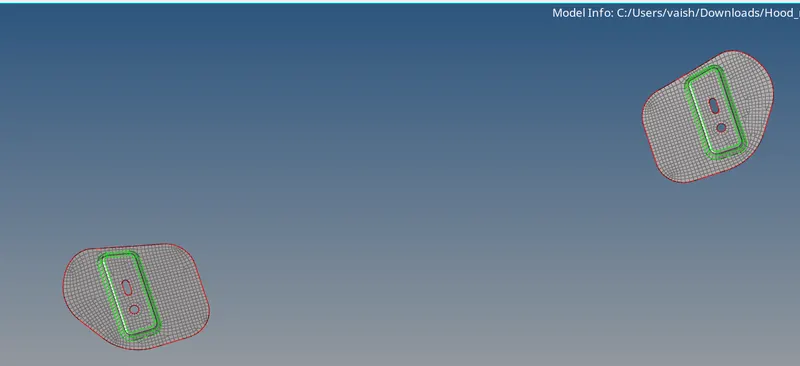
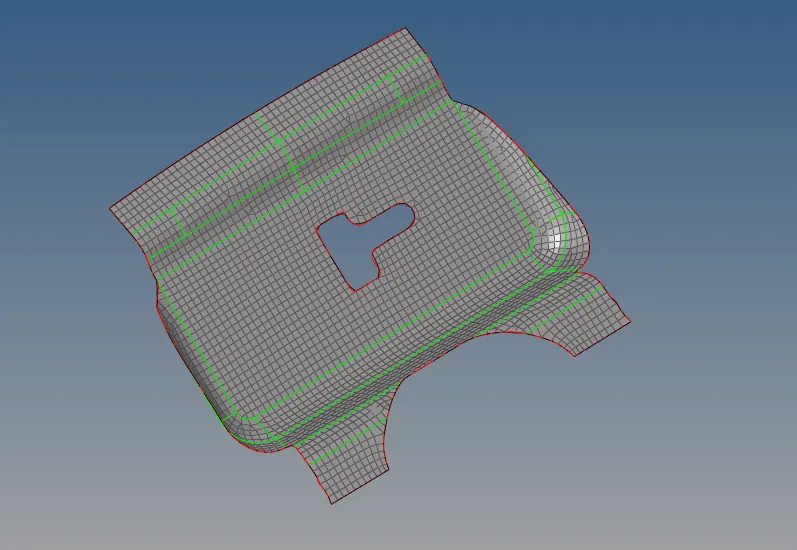
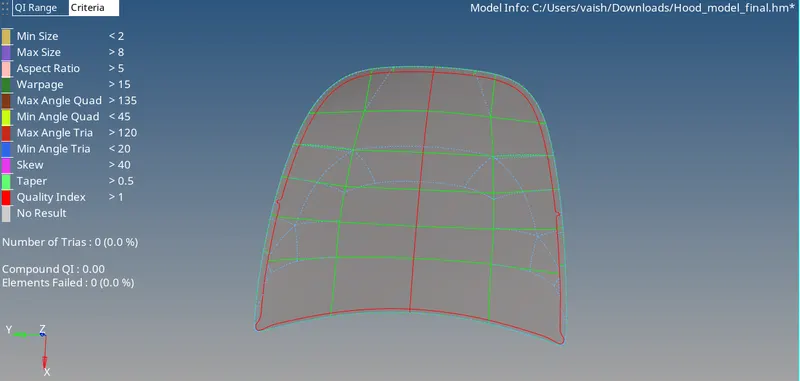
NOTE * - As the number of nodes exceeds the limits in hypermesh student version ,the finished components and files are
saved inside a compressed folder as a zip file .
CONCLUSION
Midsurfaced and meshed the given components in the Hoods model of an car by using the given quality criteria and -
target length by using hypermesh preprocessor .