Week 6-Meshing of Hood Challenge
aim: to extract the mid surface and then generate mesh on hood using hypermesh
given model:
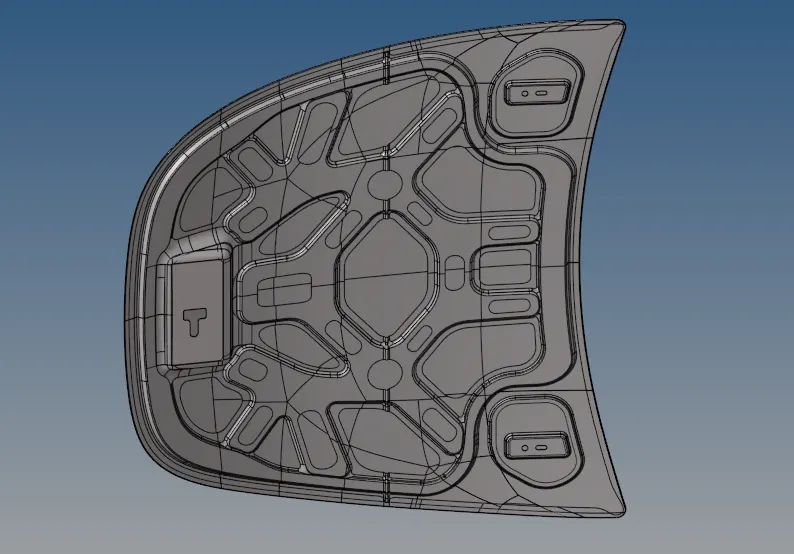
Steps Involved:
1. Importing geometry and cleanup.
2. Extracting Mid-surface and assigning properties.
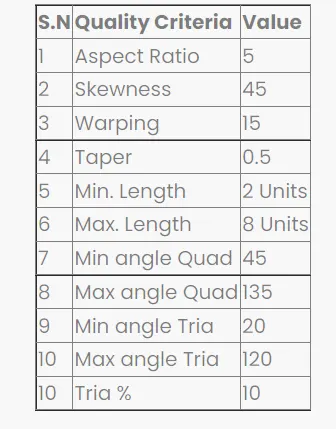
3. Meshing the surface with in the given quality criteria.
given quality criteria
Procedure:
Step 1: Importing geometry and cleanup:
To import the geometry, go to file >> Import >> select the file>> Import. After importing the geometry, the geometry is checked for any missing surfaces or triple cons. If there are no errors present in the geometry then the geometry is ready for the mid-surface extraction.
delete the solid1:
After importing, we change the geometry color mode to BY TOPO, we find that the model consist of solids, Which is not required for our further process
So we delete the solid from the model which alos benefits in less time consumption for computing in hypermesh After deleting the solid create a mid surface individually
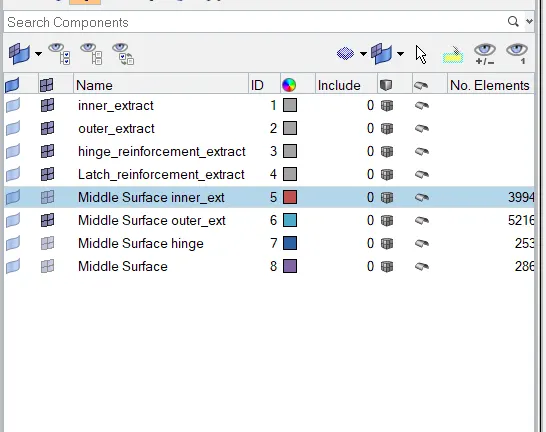
We extract the mid surface using auto mid surface option stly gonna create a mid surface for inner extract
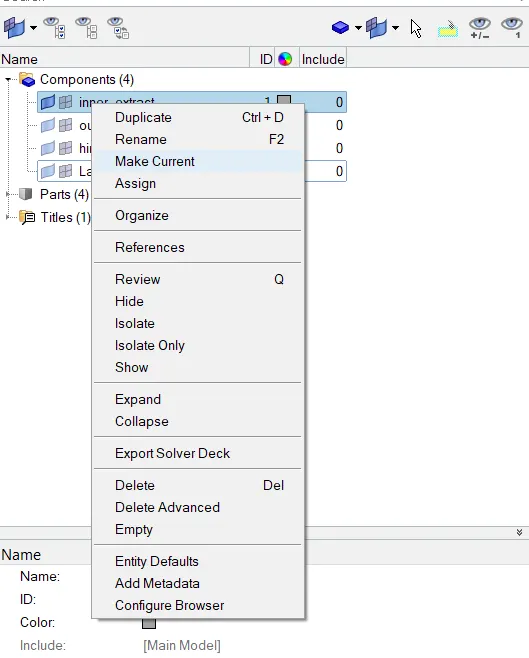
for that, right clicking on the inner extract part in the part list and selecting to make current and invisible all the other components
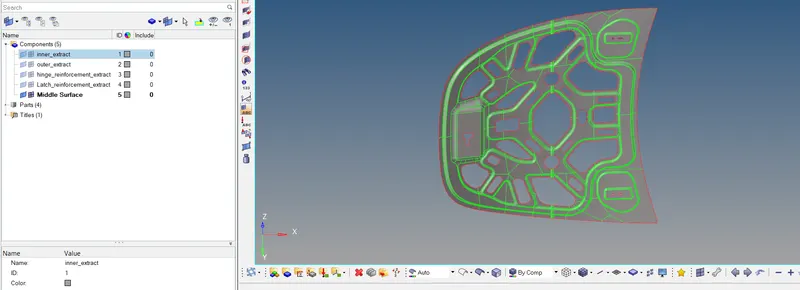
like wise extract the other mid surfaces individually as shown in the figure
Step 2: Extracting mid-surface and assigning properties:
- Mid-surface can be extracted by any of the 4 methods below.
- 1.Offset plane sweep
- 2. Offset plane.
- 3.offset
- 4.skin Offset
- To extract the mid-surface, go to geom>>mid-surface >> select any extraction option>> selectine surface >> extract in this challenge offset plane sweep is used.
- After extracting the mid-surface, it is checked for any geometrical errors like needle faces, missing surfacesand triple cons if any of the errors prosent then it should be rectified immediately.
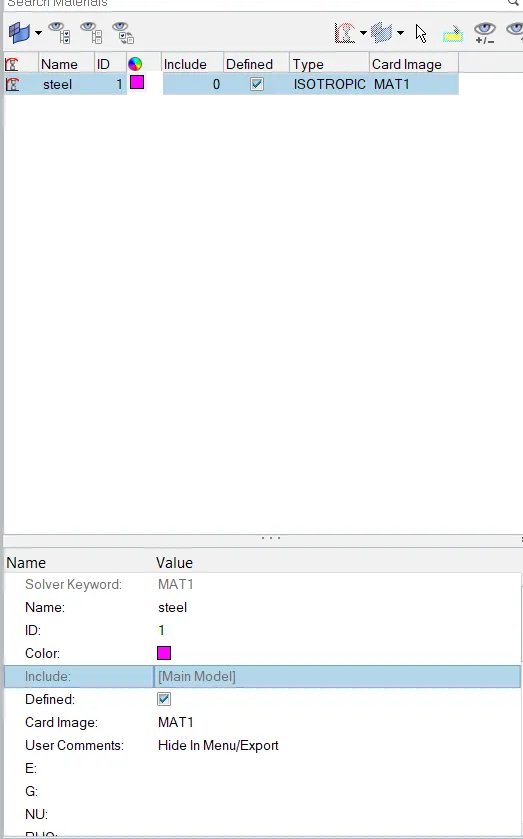
- Now the properties like thickness, material etc, need to be assigned to the mid-surface.
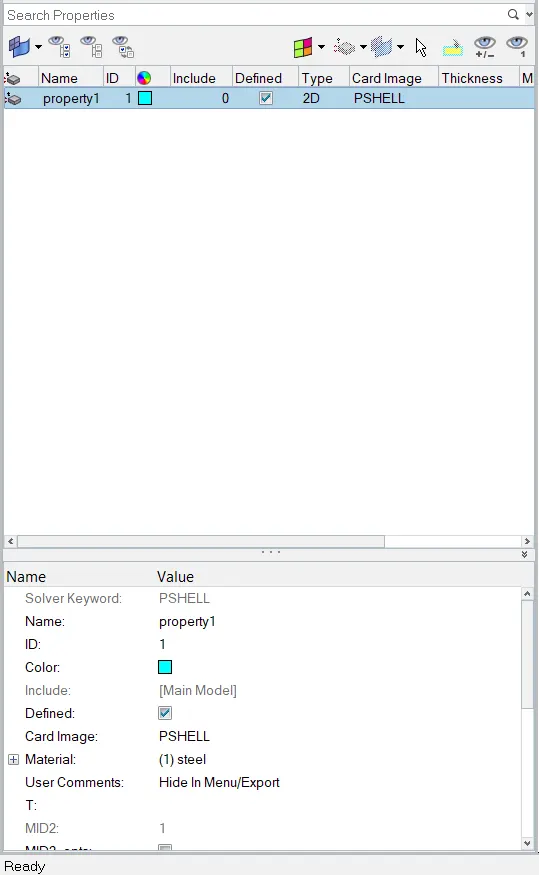
- To assign the properties, select model in database and right click and choose create and then property
- Now all the properties are entered in the property tab and the properties are assigned to the respective mid surfaces
- To assign the properties to mid-surface, right click on the mid-surface and then select assign and select the respective properties which needs to be assigned.
Step 3: Generating mesh within the given quality criteria:
Before generating mesh the geometry is cut into smaller rectangles for good mesh flow
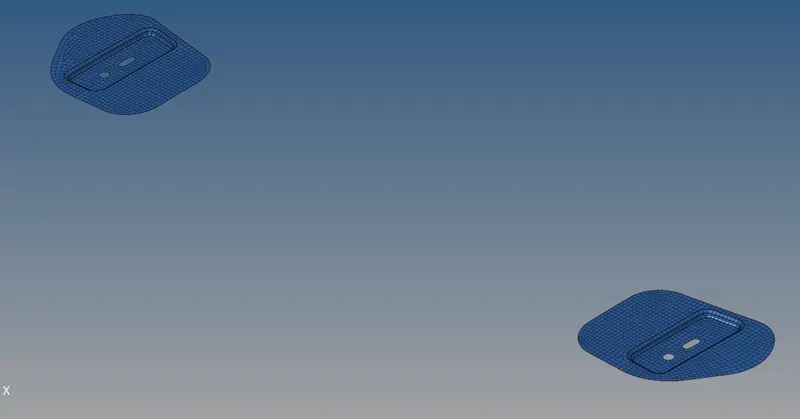
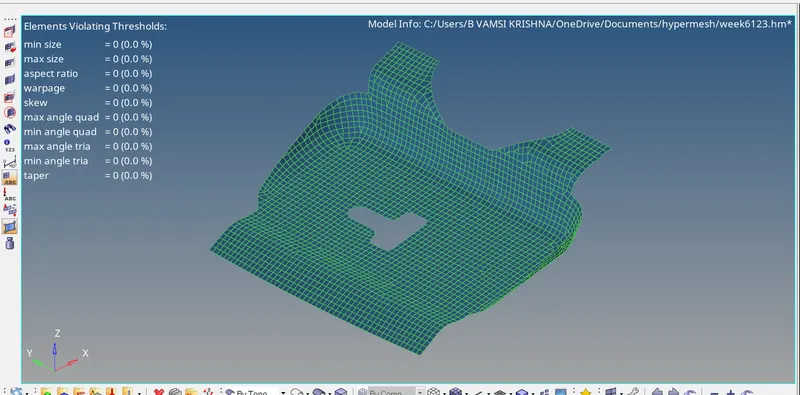
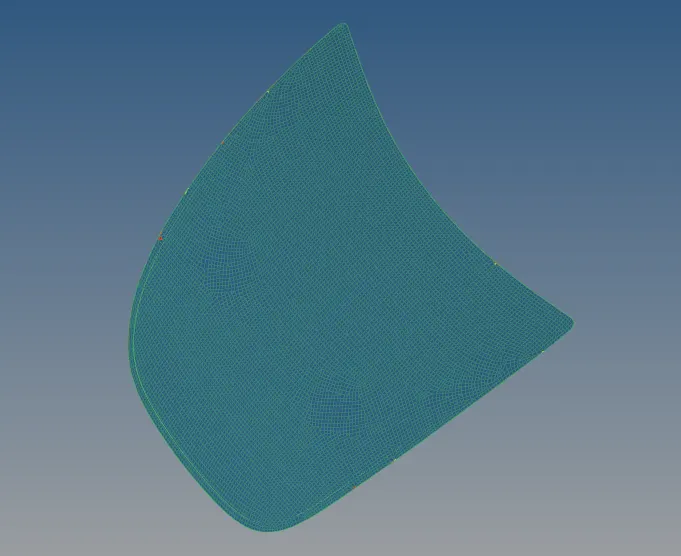
To generate mesh go to 2D automesh>> select the surface >> mesh. To edit the mesh for proper flow, the elements are selected and meshed again
If any elements are failing for quality then cleanup tools option which is present in quality index can be used.
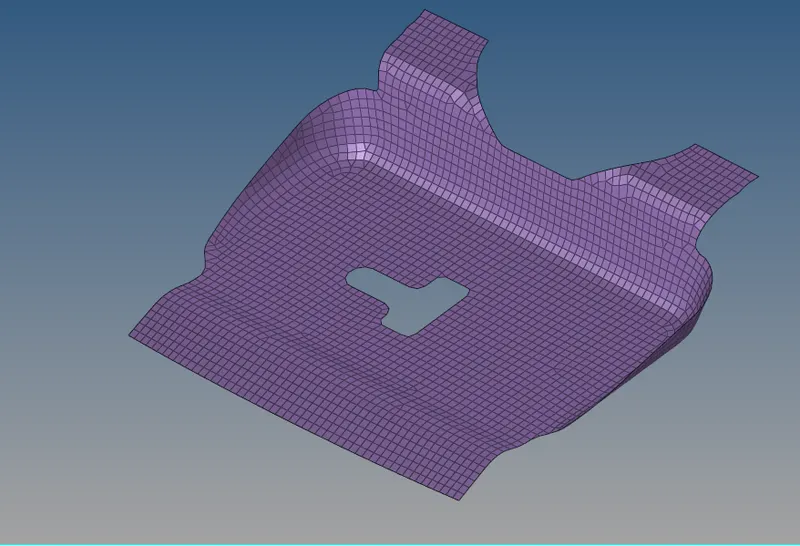
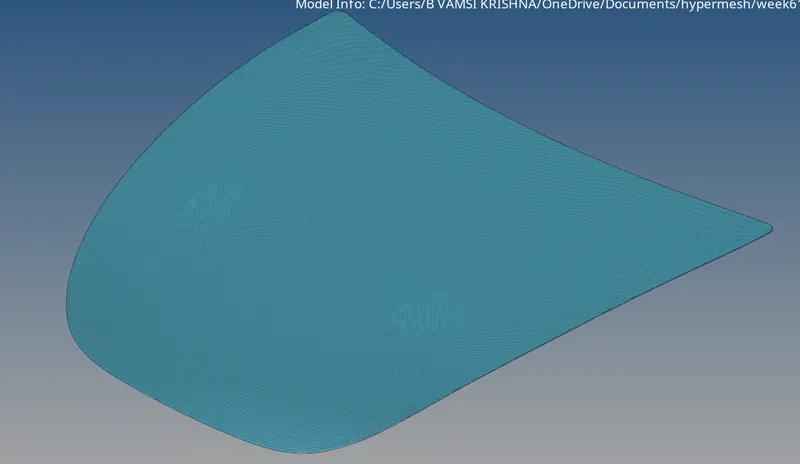
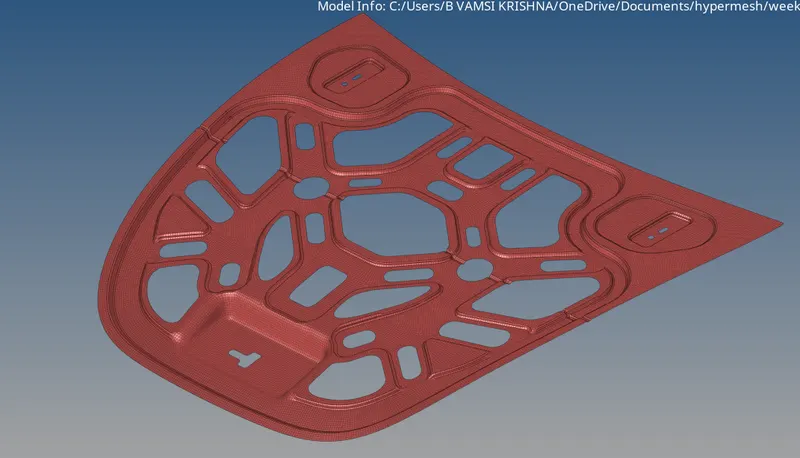
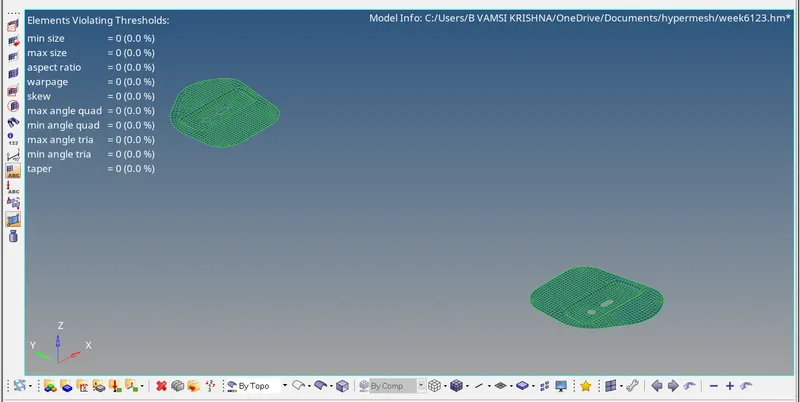
conclusion:
the given hood panel mid surface is extracted and mesh is generatad with quality criteria
google drivel link:
https://drive.google.com/file/d/1S9NkUjnJqgA8irec2lnE5HTJoD1KhZrL/view?usp=sharing
https://drive.google.com/file/d/1S9NkUjnJqgA8irec2lnE5HTJoD1KhZrL/view?usp=sharing