Week 6-Meshing of Hood Challenge
21 DAYS FAST TRACK PROGRAM HYPERMESH
Ans: steps:
- Firstly, I deleted all the components except one which is “inner_extract_body1”.
- Do autocleanup.
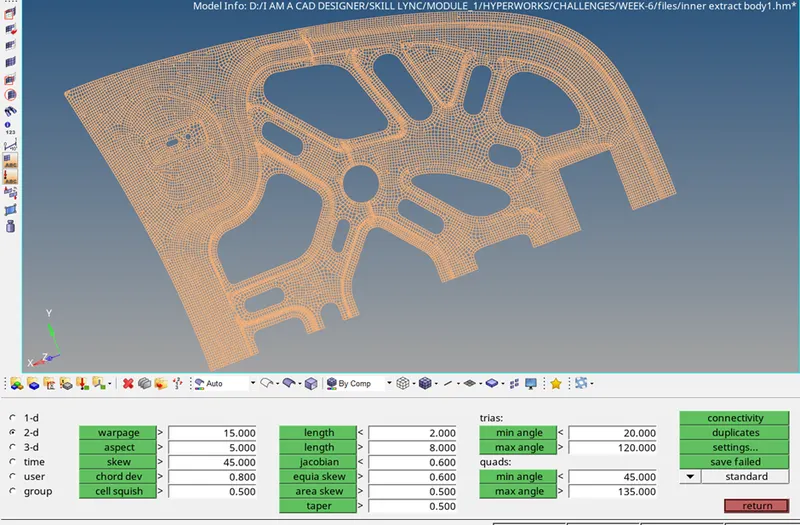
- Edit criteria as given in question.
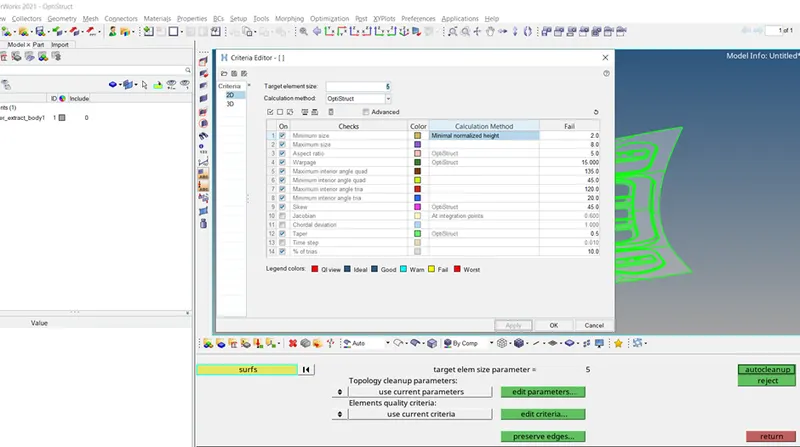
- Check thickness of the sheet.
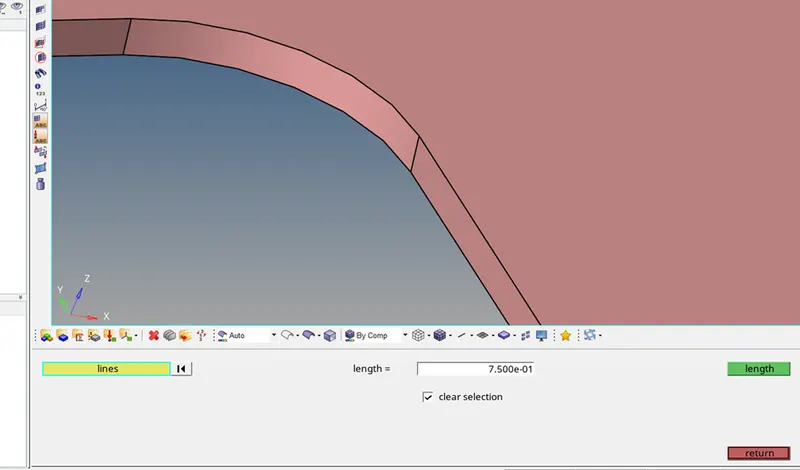
Which is 0.75 units.
- Assign thickness as 0.75 units to the geometry.
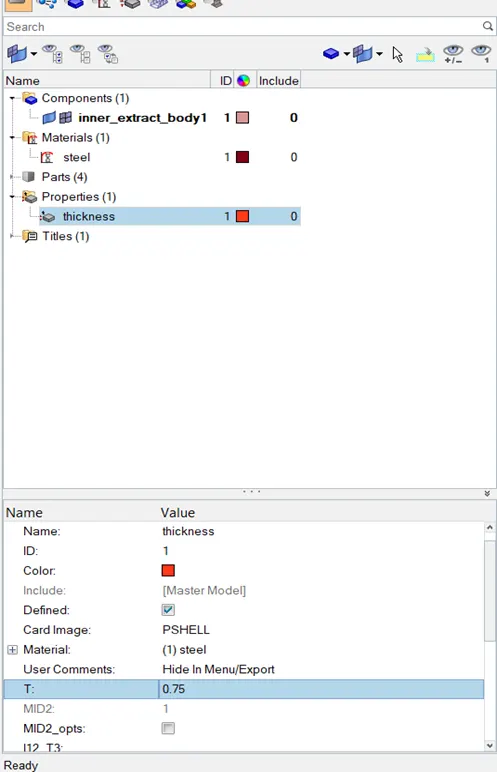
- Create a property and material.
- Assign material name as steel.
- Select property and assign thickness in it as 0.75.
- Now click on the component “inner_extract_body1”
- Assign the property “thickness ” to it.
- Do mid surface extraction.
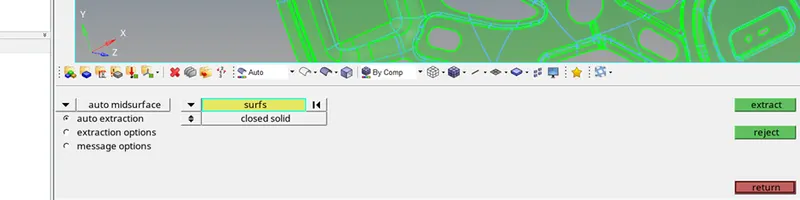
- Create a new component named “front small hood”
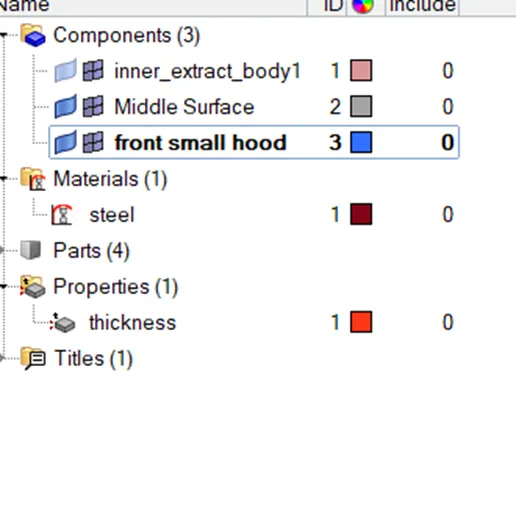
- Mask this portion/surface of the whole geomerty.
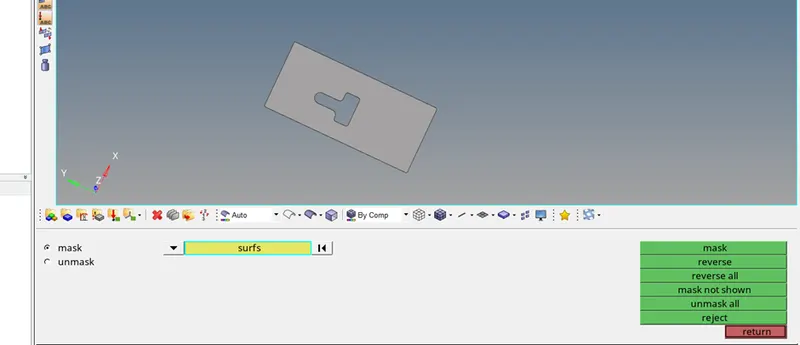
- Move this surface to new component named “front small hood”.
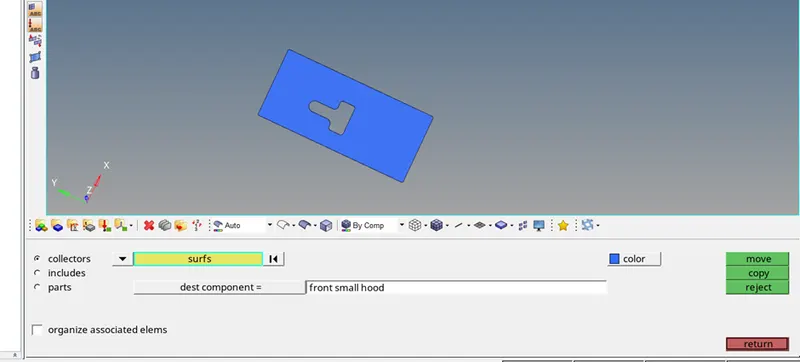
- Go to organize tool and select the surface on screen set dest component as shown in picture and click on move button.
- Why to do so? Because the whole component is symmetric about y axis except this particular surface. This surface will interfere while doing a symmetric mesh.
- Deleted all the one side surfaces as they were symmetric by using delete surface form quick edit tool.
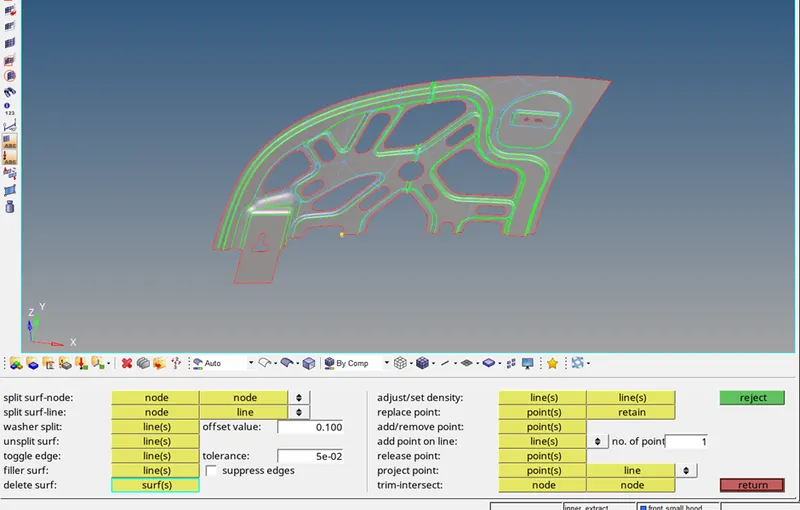
- Now let’s do 2d mesh for displayed surfaces target element length as 5.
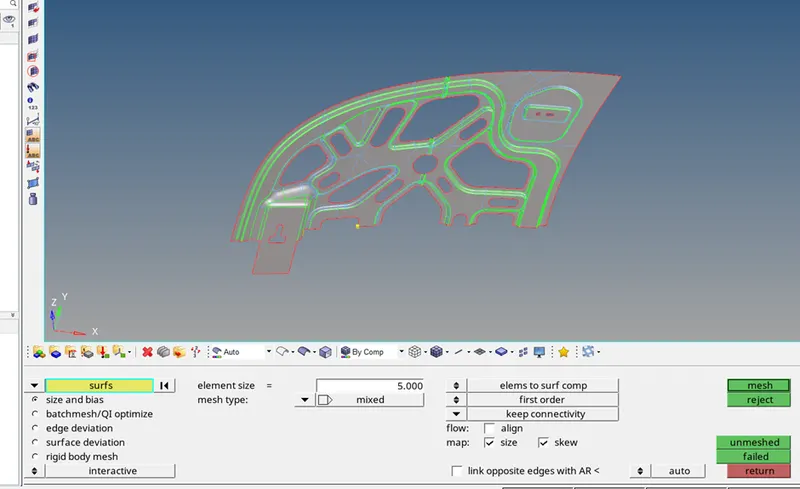
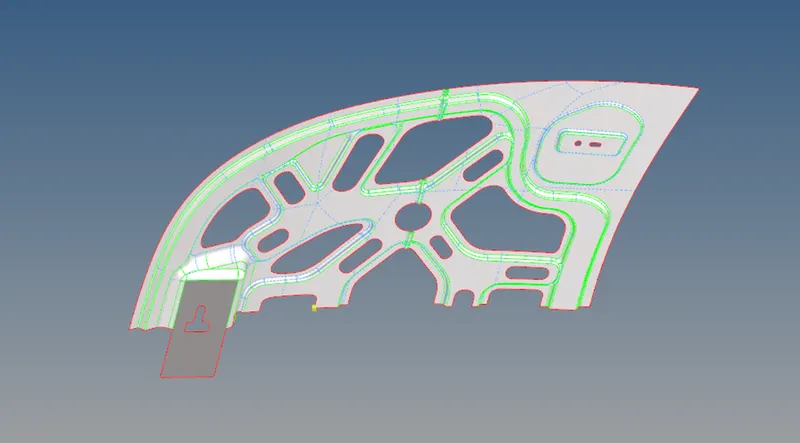
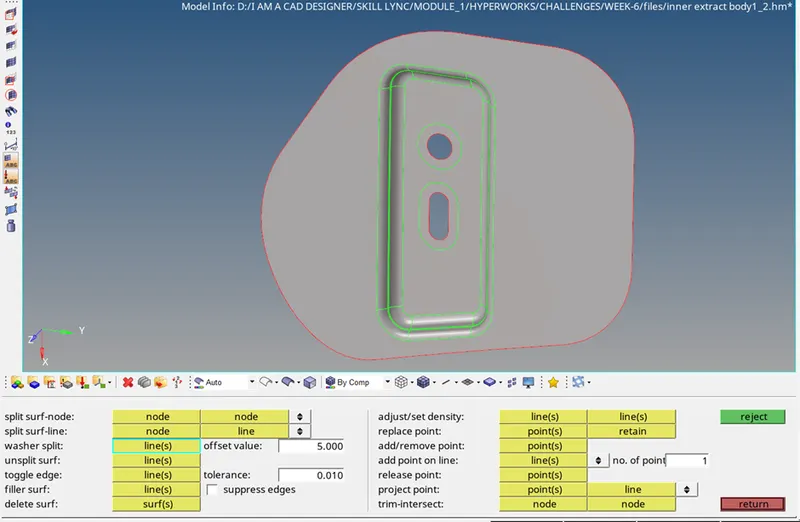
- Created washer split wherever there are pin holes, of 5 units.
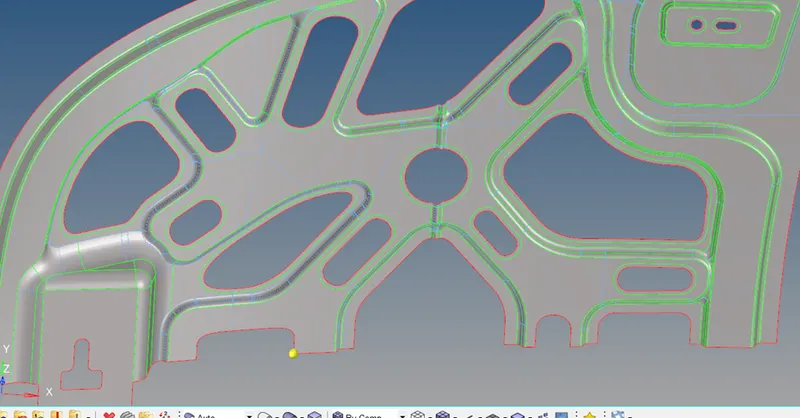
- Generated automesh.
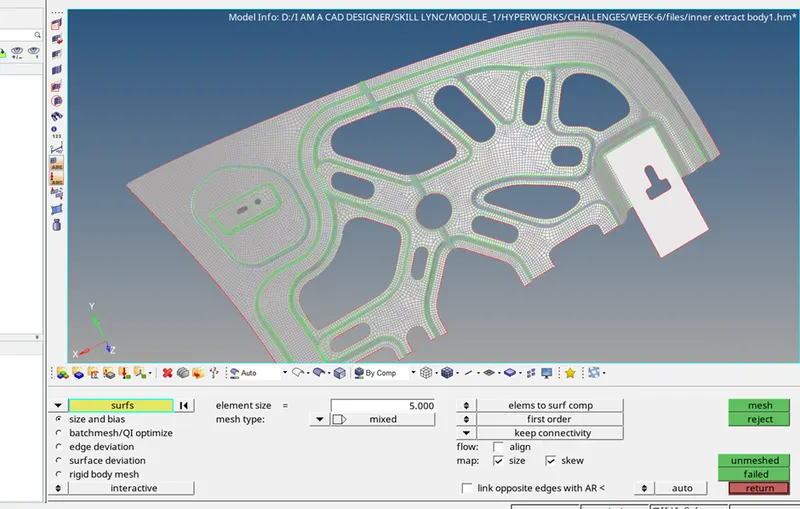
- Now press F10 to go to check elements tool in tools.
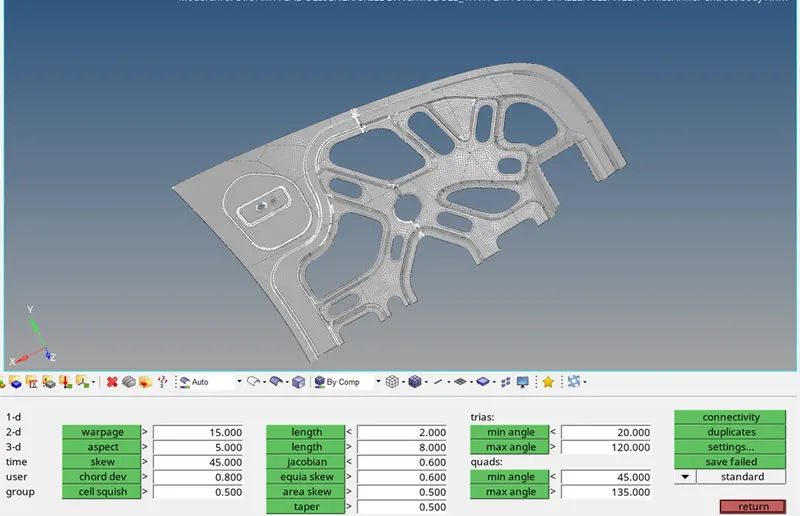
- Click on mini. Length, the white highlighted are failed mesh for mini. Length criteria.
- Click on save failed.
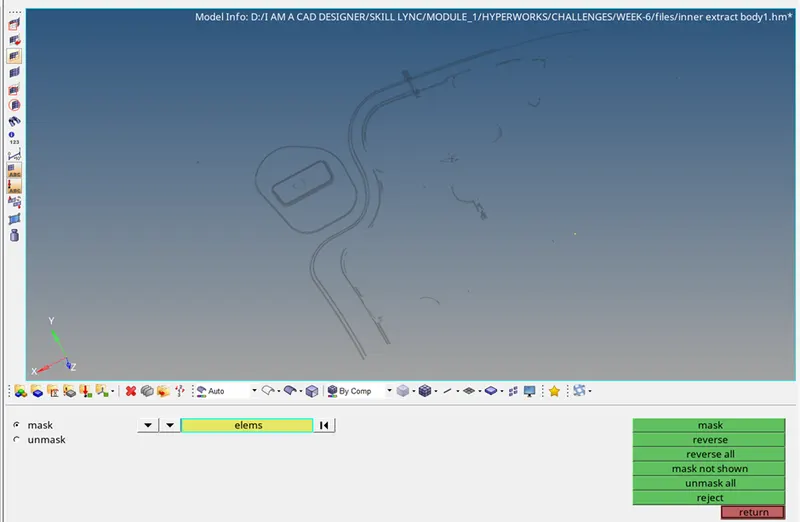
- Go to toolsà mask
- Select elementsà retrieve
- Mask it and reverse it.
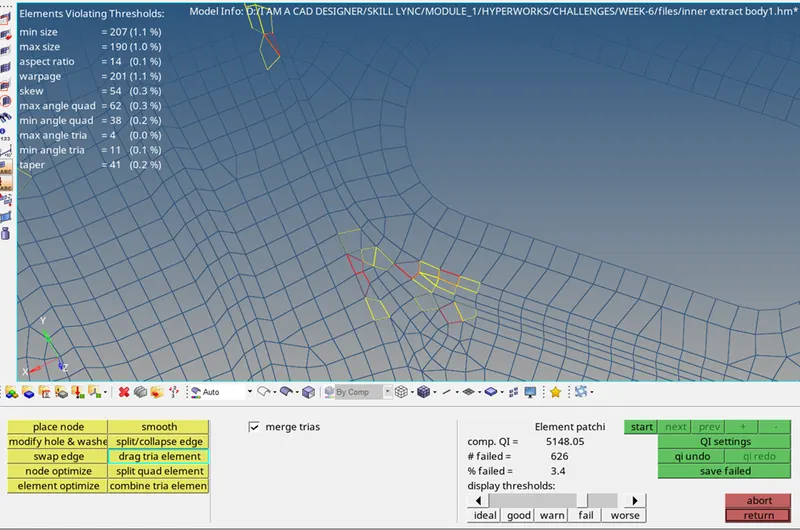
- Using quality index tools to optimize the elements and make them fit in the given element criteria.
- After using all tools of quality index, final result looks like this, without any failed elements in the given criteria.
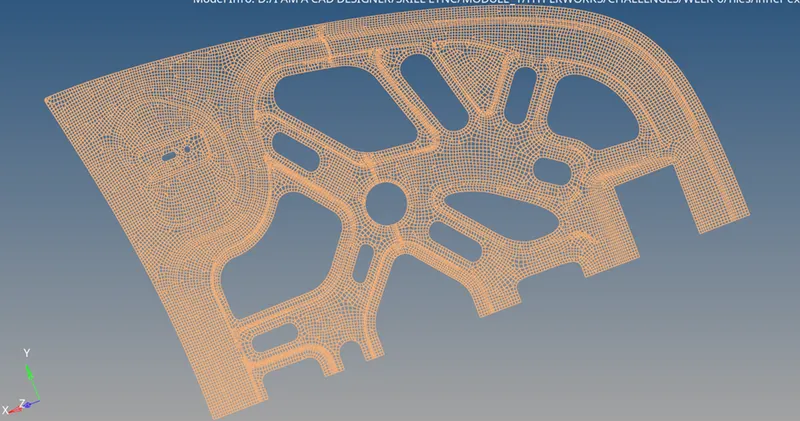
- Now once again use check elem in tools panel to check failed elements and there are’nt any except there are failed elements in jacobian and chord dev criteria, which I didn’t resolve as its not given In question.
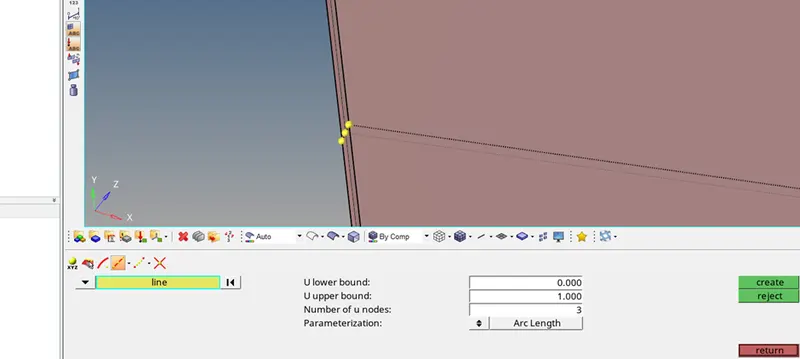
- Create nodes as shown in picture using nodeà extract paramters for assigning symmetricity for the elements.
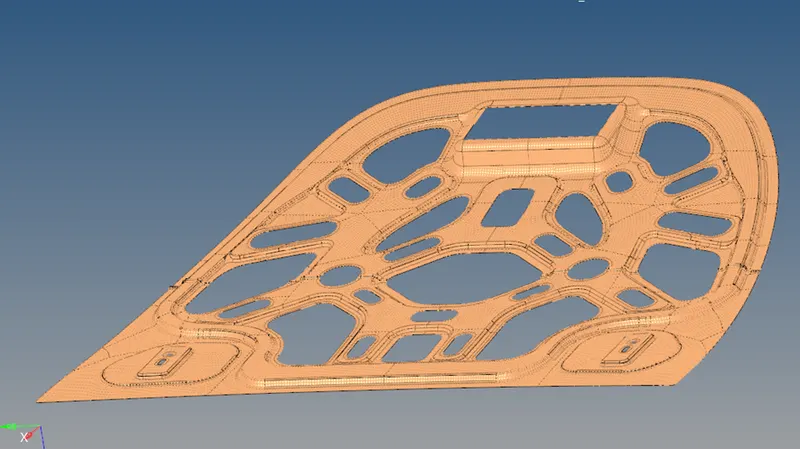
- Now use reflect in tools panel.
- Select all elements displayed but first duplicate it, now select nodes which we created earlier and select a base point and click on reflect.
- Now hide this surface and elements and show “front small hood” and lets mesh it.
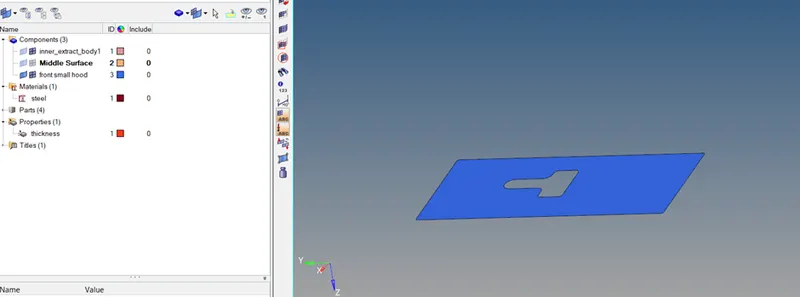
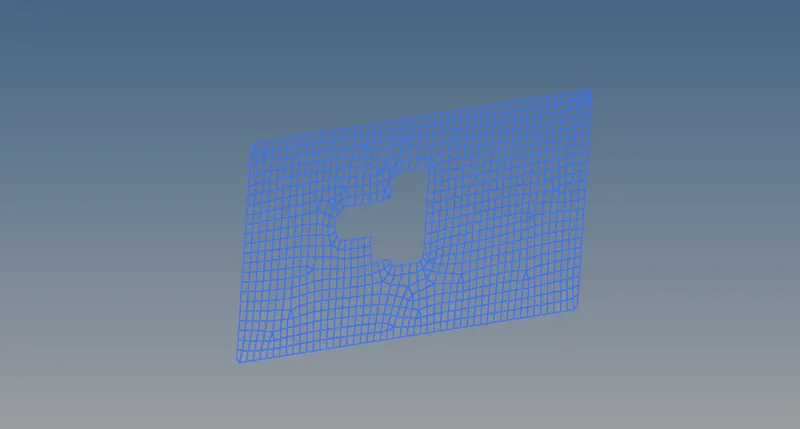
- Now this mesh is in other component so lets move it to the original component that is “middle surface”.
- To do so, go to toolsàorganize and select all elements which are displayed.
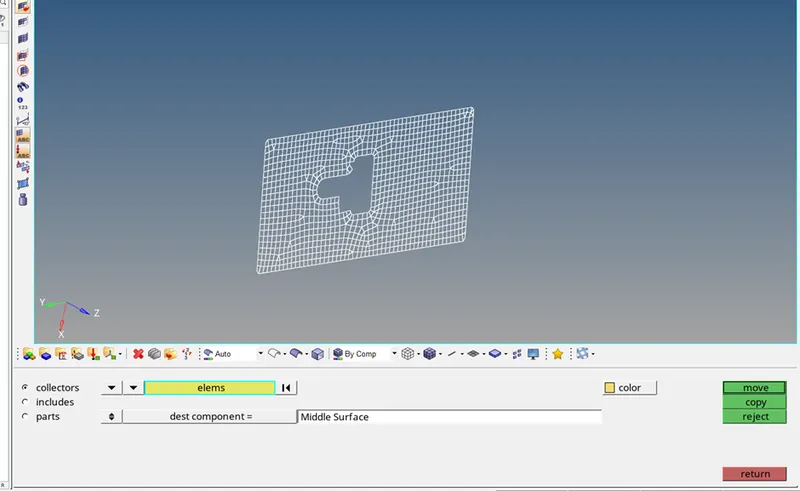
- Set dest component as middle surface and click on move. And same goes for surface.
- After doing so, we find some error like this.
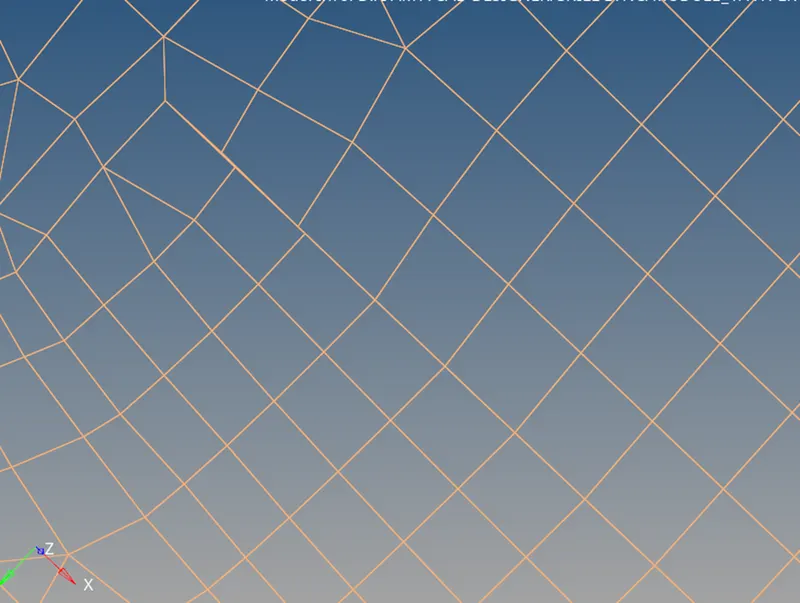
- The nodes are not at single junction, they are at multiple junction.
- So to overcome this problem, go to 2d mesh panel à select replace option.
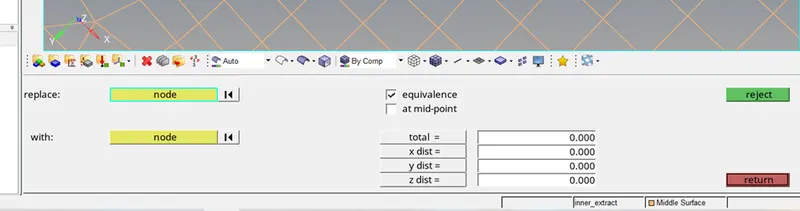
- Select replace node and with node.
- Again check for quality criteria.
- All done.
- Now again import the geometry, to do same procedure for other component.
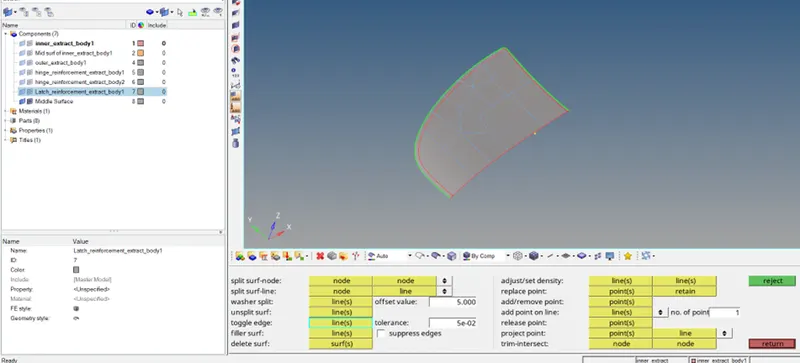
- Now I am the same procedure for “outer extract body1”.
- Mid surface extracted
- Deleted half of the surfaces as they were symmetric.
- suppressed extra edges.
- Split the surface at hem feature, as shown in question.
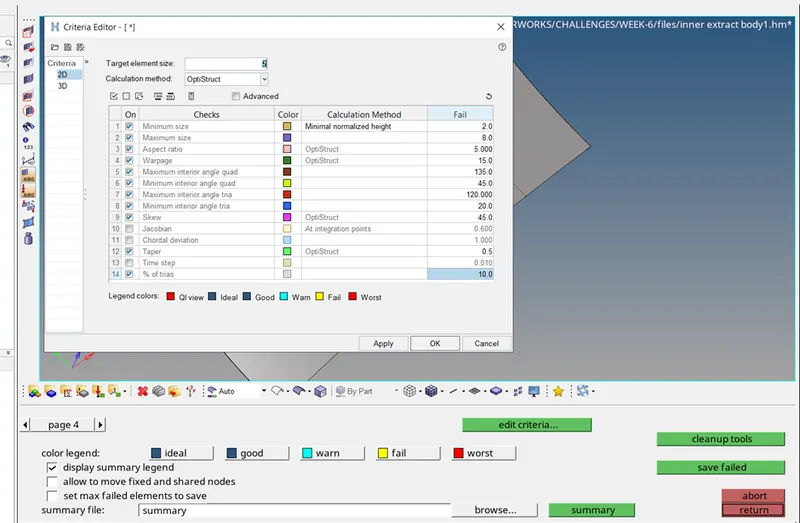
- Again set the criteria as shown.
- Again meshed.
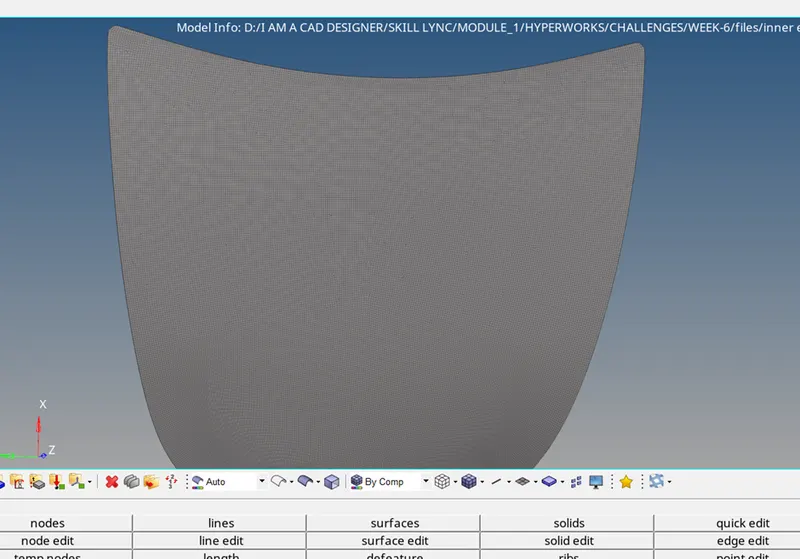
- After all the procedure for checking quality criteria, this is the final result for outer_extract_body1
- Now, do the same procedure for “hinge reinforcement extract body1”
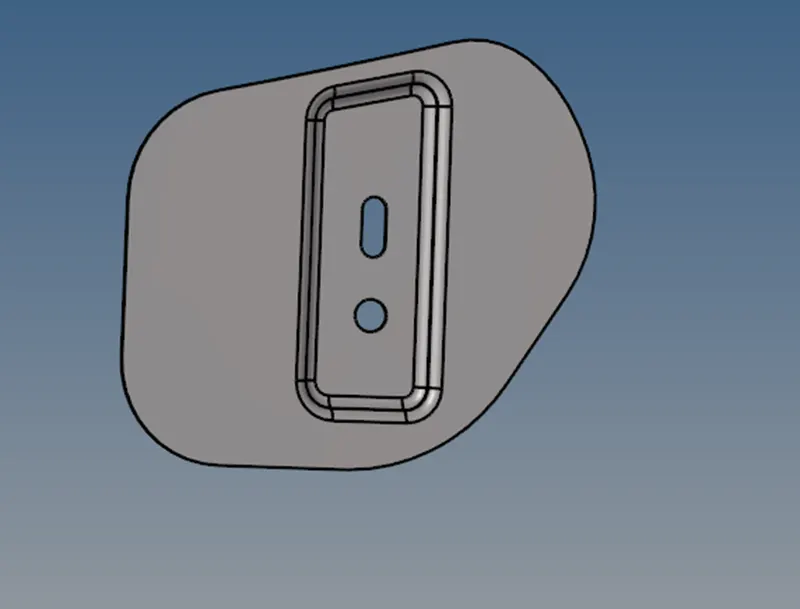
- Extracting mid surface.
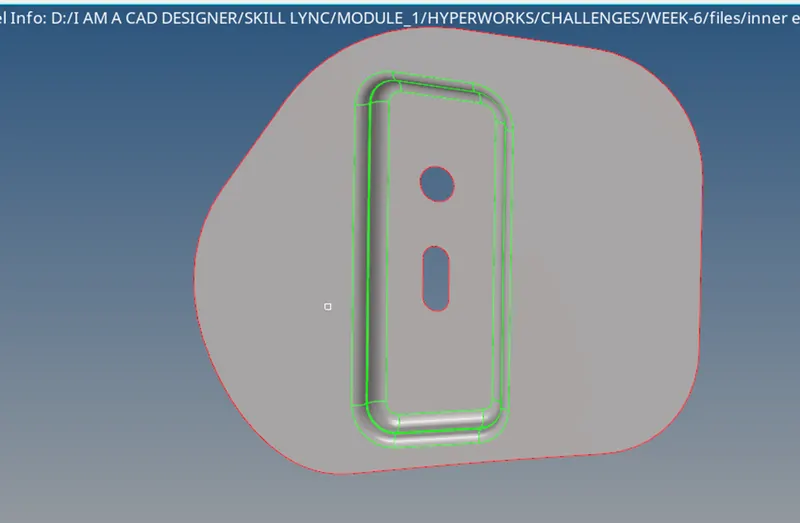
- Washer split of 5 units.
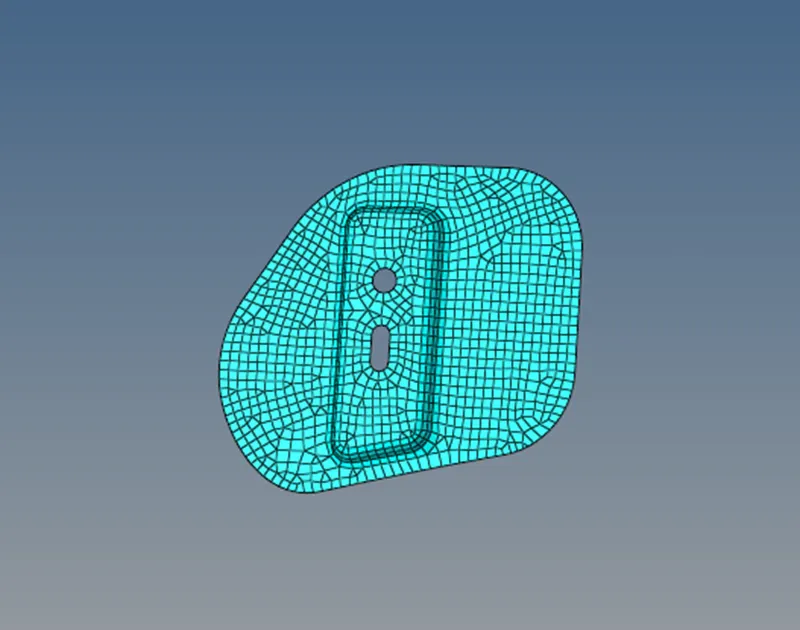
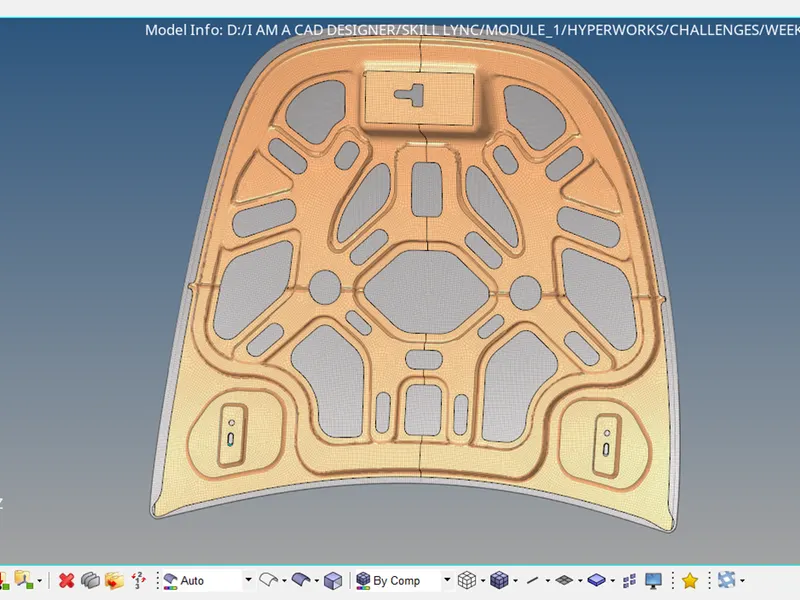
- After all the meshing of different components, the result:
DOUBTS FROM MY SIDE:
- If we fulfill the quality criteria of meshing, does that mean, the quality of the mesh is good?
- I have not done the meshing of Latch, as instructor told me not to.