Week 6-Meshing of Hood Challenge
THEORY:
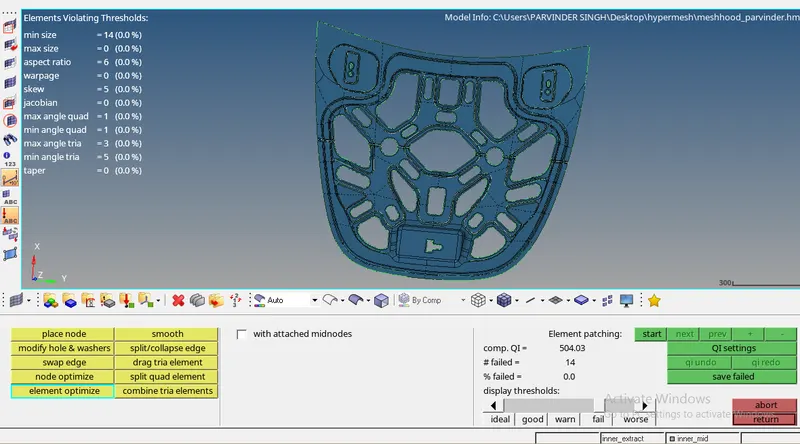
In this challenge , firstly the model file is imported and then the solid part is deleted and afterwards misurfacing is done. Midsurfacing brings out a single surface or shell from the 3d model. This technique is used because meshing of 3d model will be quite complex which can use hexa or tetra mesh indulging in increasing the storage capacity of the system, Whereas in midsurface, only 2d elements can be used. Afterwards, autocleanup of model is done which generally consist of topology cleanup. Finally, meshing of the components are done.Mesh is made up of elements which containd nodes that represents the shape of the geometery and is one of the important step of FEA simulation. In the given component, it is told to generate the mixed mesh for crash and safety simulations. At last, material thickness is assigned to the component.
PROCEDURE:
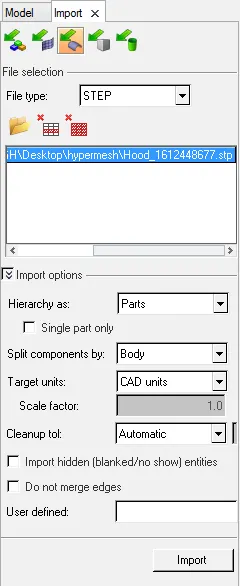
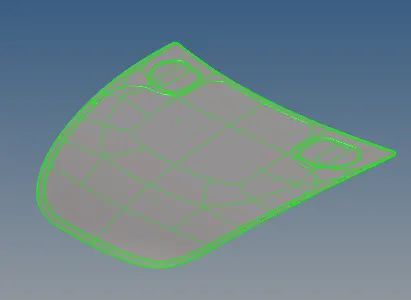
1) IMPORT THE MODEL:
2) CREATING MIDSURFACE:
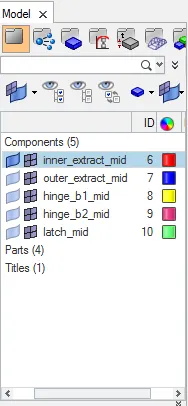
- It is created using the midsurface command from the geometeric tools.
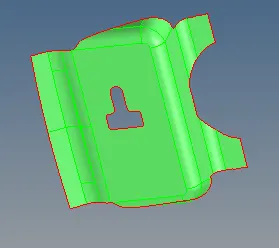
- As it was told to do the midsurfacing for each component separately, so it is shown below:
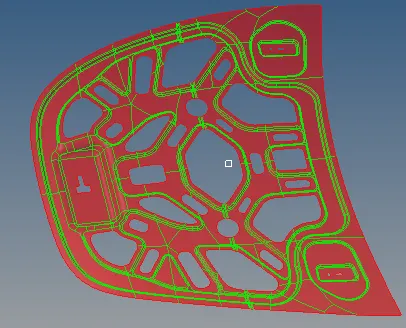
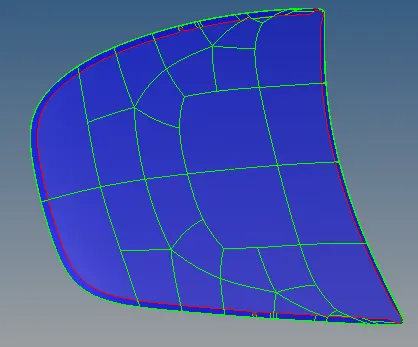
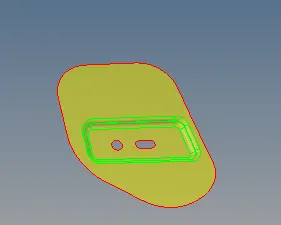
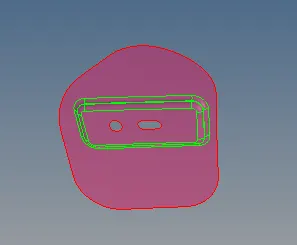
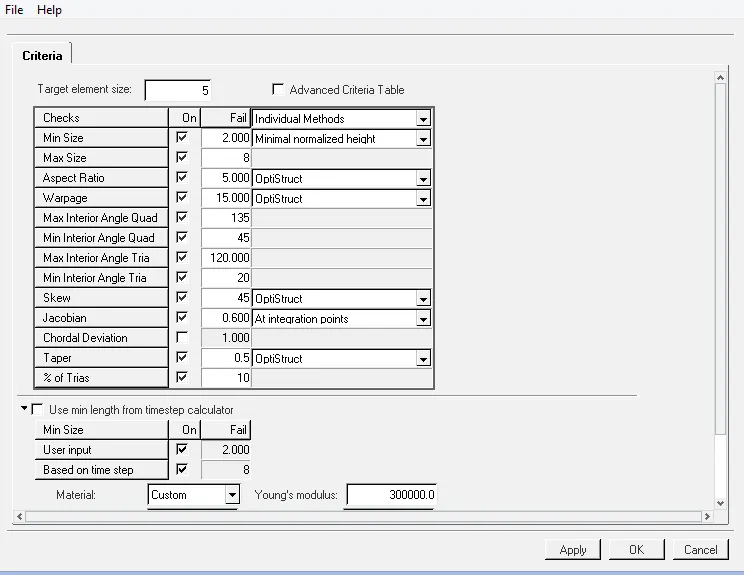
3) INPUTING THE CRITERIA FILE AS PER THE GIVEN SPECIFICATIONS:
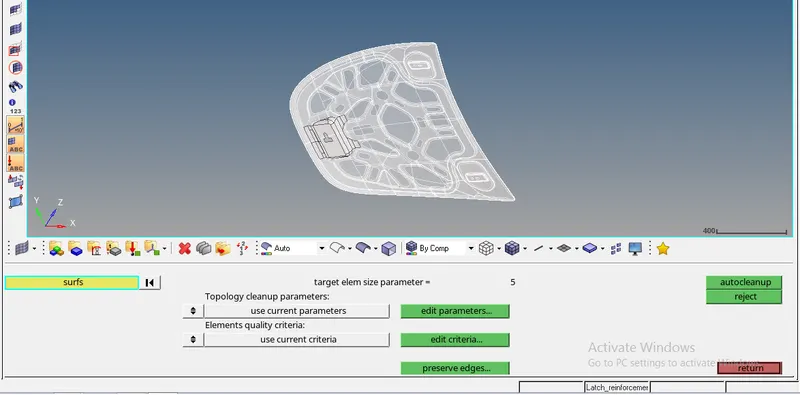
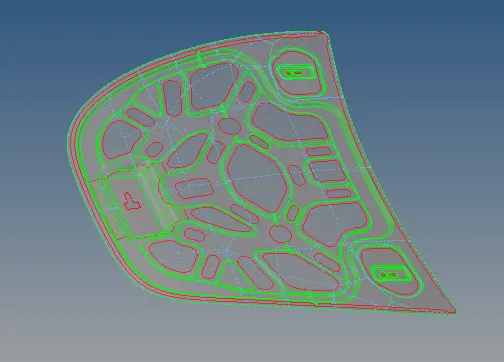
4) DOING AUTOCLEANUP OF THE GEOMETERY:
5)Using the mixed option for generating the mesh for each component:
1st PART-
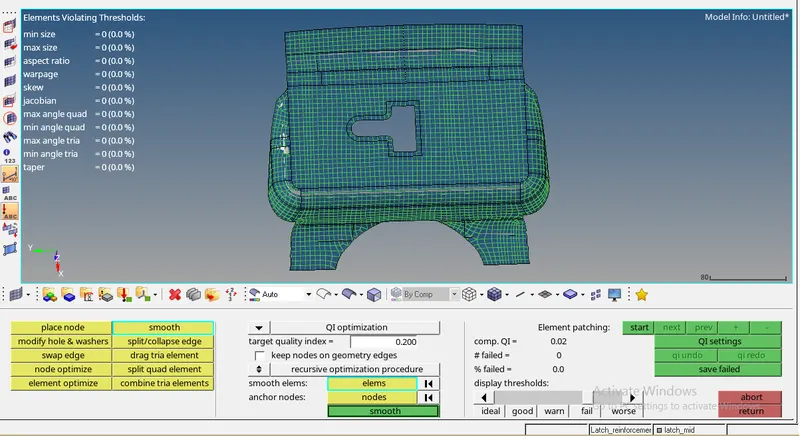
2ND PART)
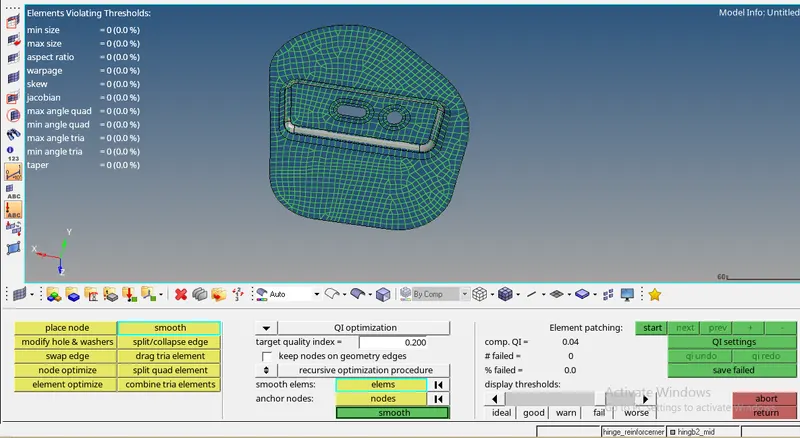
3rd PART)
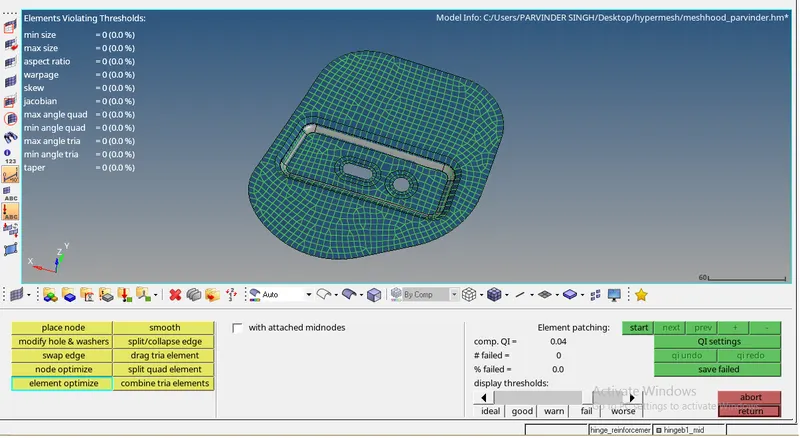
4th PART)
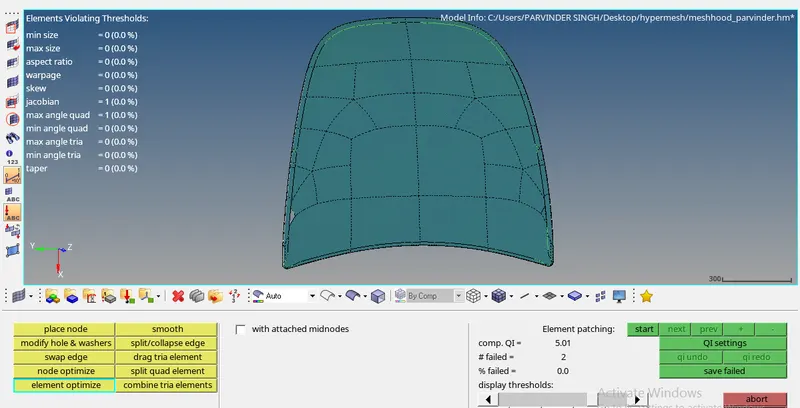
5th PART)
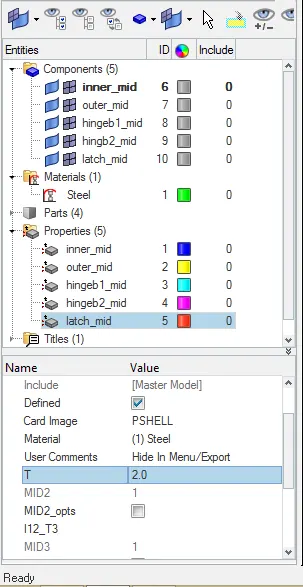
ASSIGNING THICKNESS: