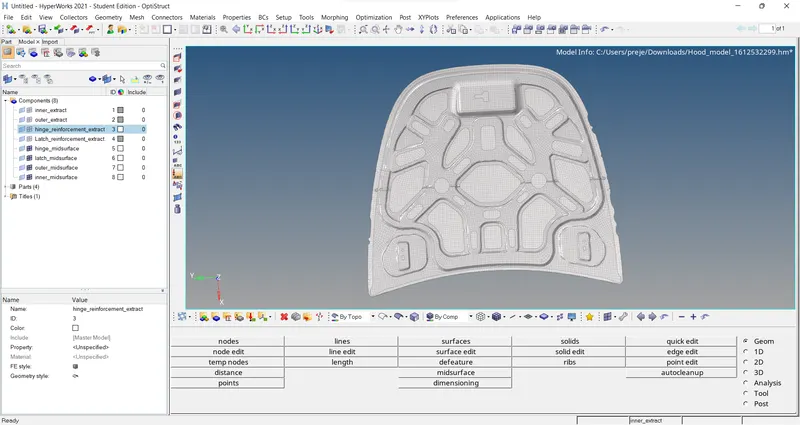
Week 6-Meshing of Hood Challenge
Follow the below-mentioned quality criteria, mesh the component given below and assign thickness:
Target Element Length = 5 Units
| S.N | Quality Criteria | Value |
| 1 | Aspect Ratio | 5 |
| 2 | Skewness | 45 |
| 3 | Warping | 15 |
| 4 | Taper | 0.5 |
| 5 | Min. Length | 2 Units |
| 6 | Max. Length | 8 Units |
| 7 | Min angle Quad | 45 |
| 8 | Max angle Quad | 135 |
| 9 | Min angle Tria | 20 |
| 10 | Max angle Tria | 120 |
| 10 | Tria % | 10 |
procedure:
first import the model which is in hm
then hide all the components and unhide which are going to work on
make that as current
then go to gemoetry and click on mid surface select the surface click all then create mid surface and then rename that mid surface
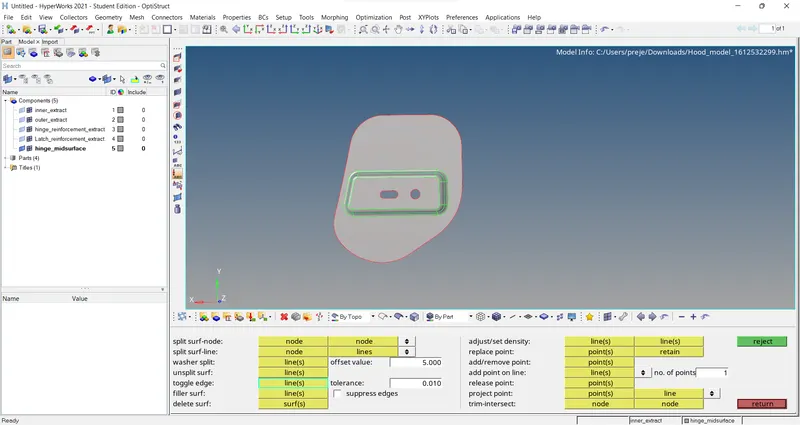
then click on quick edit check for extra filler lines then clear that
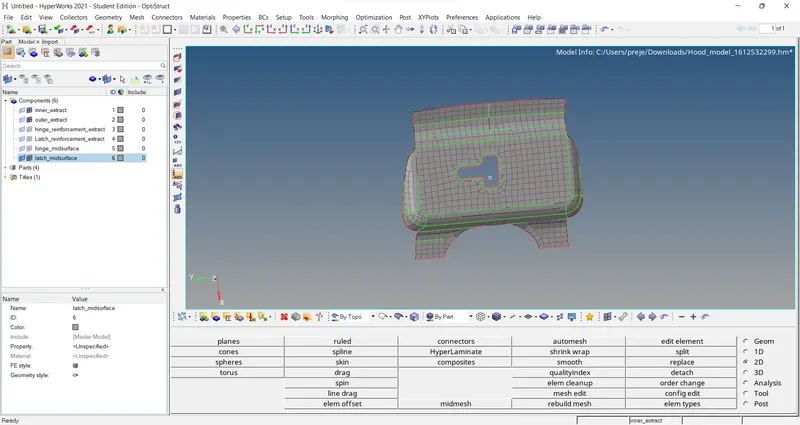
go to 2d click on auto mesh then mesh with required elements and sizes
and if it has any trias go to 2d click on remesh and select the parts which are required for remeshing and
go to smooth and makes the lines smoother
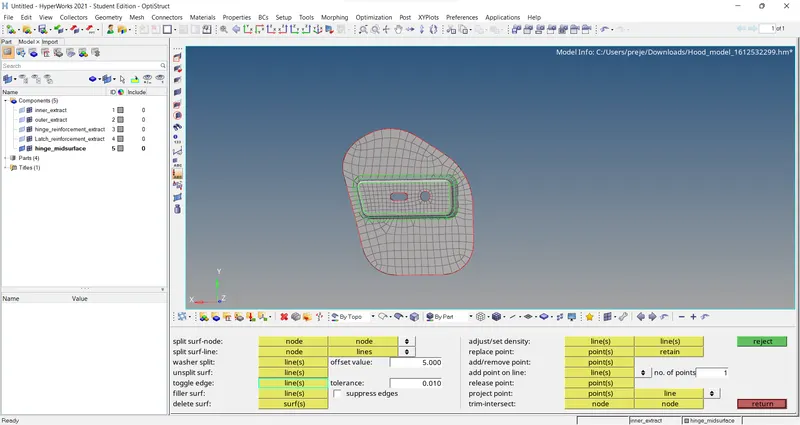
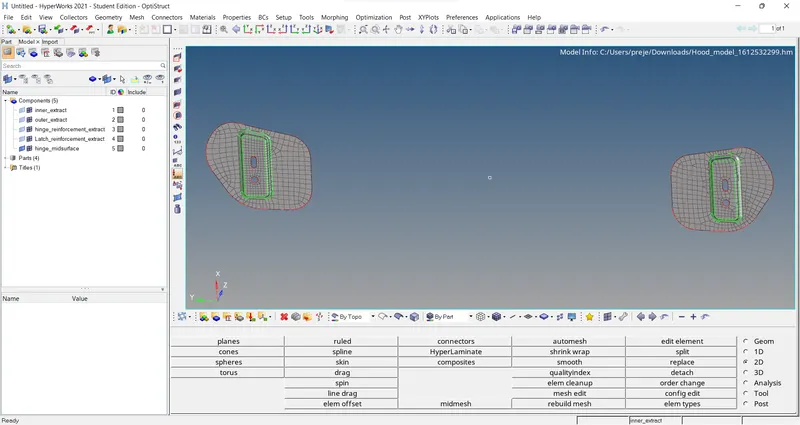
hide and unhide this and the same process is required
where we have to create a midsurface rename it
go to 2d click on auto mesh makes it looks perfect
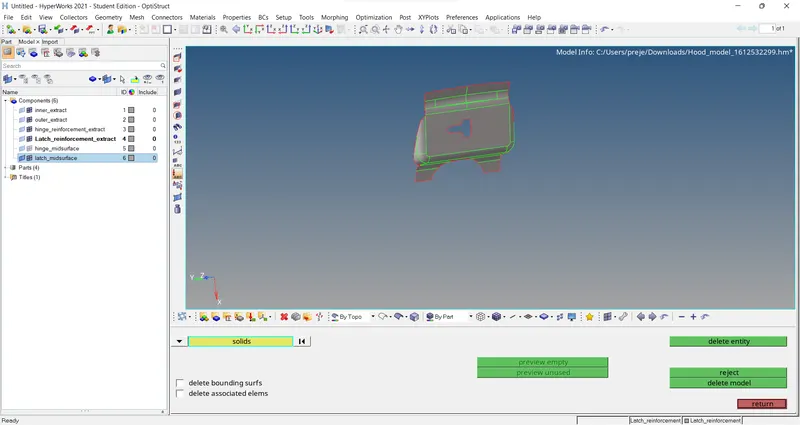
if not go to remesh in 2d click on that and make it smoother by clicking on smooth in 2d
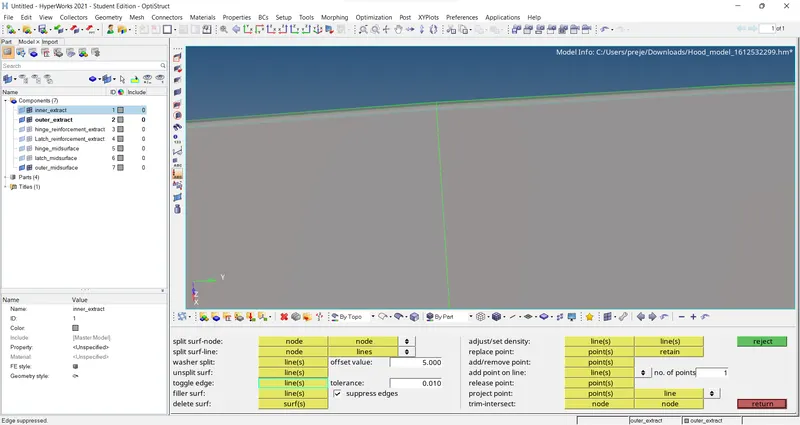
this is where the filler lines are checked before meshing so that it meshing dont get distrurbed
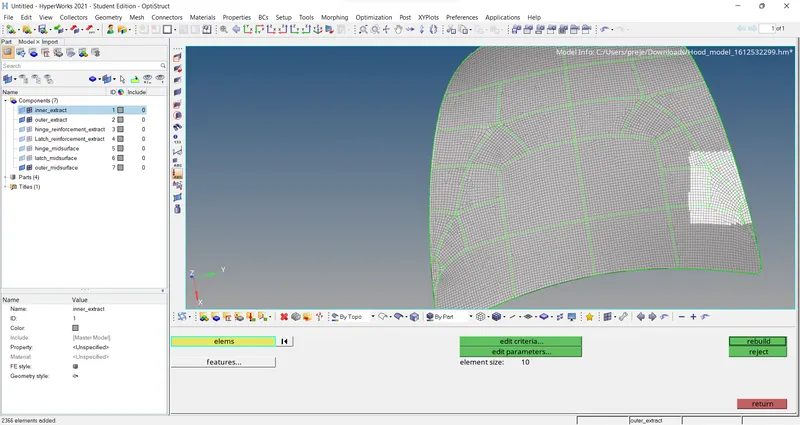
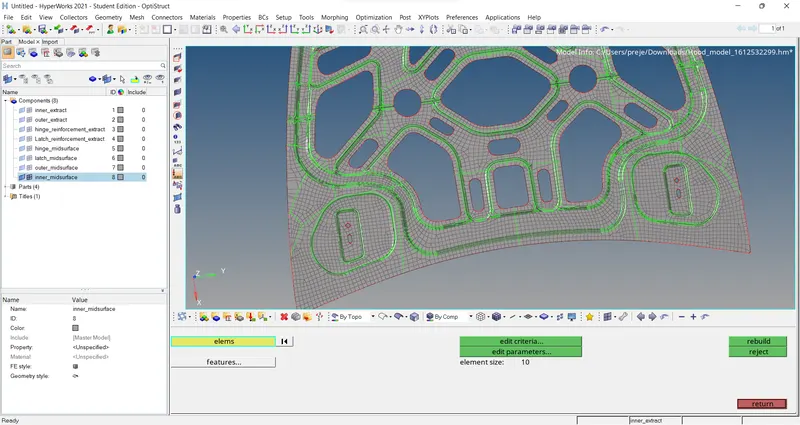
final output