Week 6-Meshing of Hood Challenge
AIM:
Mesh the component according to given quality criteria.
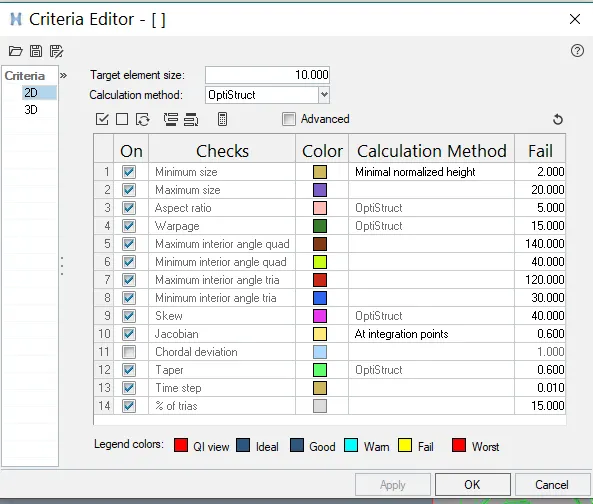
Quality criteria:
| S.N | Quality Criteria | Value |
| 1 | Aspect Ratio | 5 |
| 2 | Skewness | 45 |
| 3 | Warping | 15 |
| 4 | Taper | 0.5 |
| 5 | Min. Length | 2 Units |
| 6 | Max. Length | 8 Units |
| 7 | Min angle Quad | 45 |
| 8 | Max angle Quad | 135 |
| 9 | Min angle Tria | 20 |
| 10 | Max angle Tria | 120 |
| 10 | Tria % | 10 |
PROCEDURE:
1. Import the model.
File>import>geometry
2. The model of hood consists of 4 components:
1. Inner extract
2.Outer extract
3.Hinge reinforcement
4.Latch reinforcement
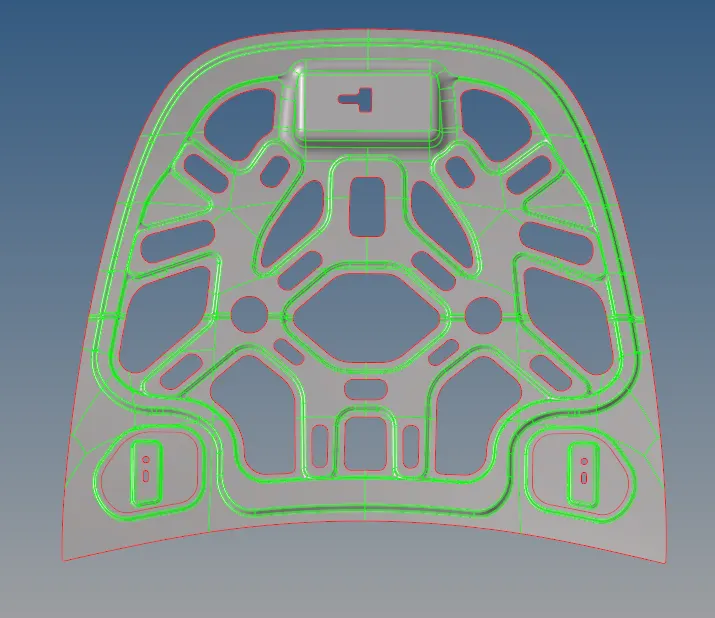
2. Midsurface generation.
1.Delete all the solids as we need to mesh only the midsuface.
2.Now display any one part, inner extract and generate midsuface.
Geo>midsurface>surf select
3. Geometry cleanup
Perform manual cleanup on the geomeytry untill all the topological errors are cleared.
Tools used for cleanup:
- Toggle edge
- Split surf
- filler
- add/remove points
- ruled
- Unsplit surf
4. Meshing
The inner extract part is symmetric part so if we mesh on half part the mesh can be reflected to another half by using reflect tool.So trim and mask the second half symmetrically.
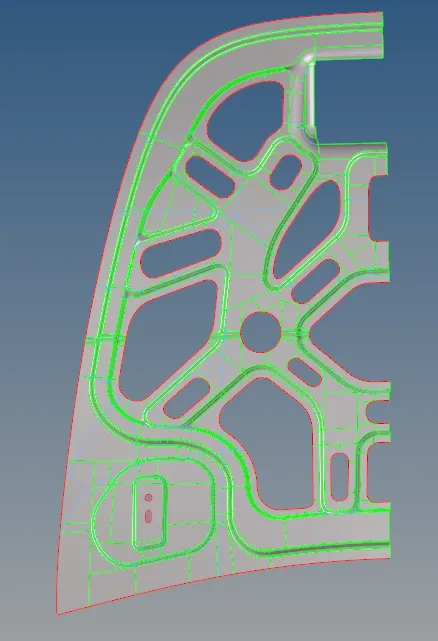
Now mesh this component and assign criteria file settings.
Reflect:
We use this option for symmetric sections to reflect the mesh geneerated to its other half.
command: Tools>reflect>elements>axis>base.
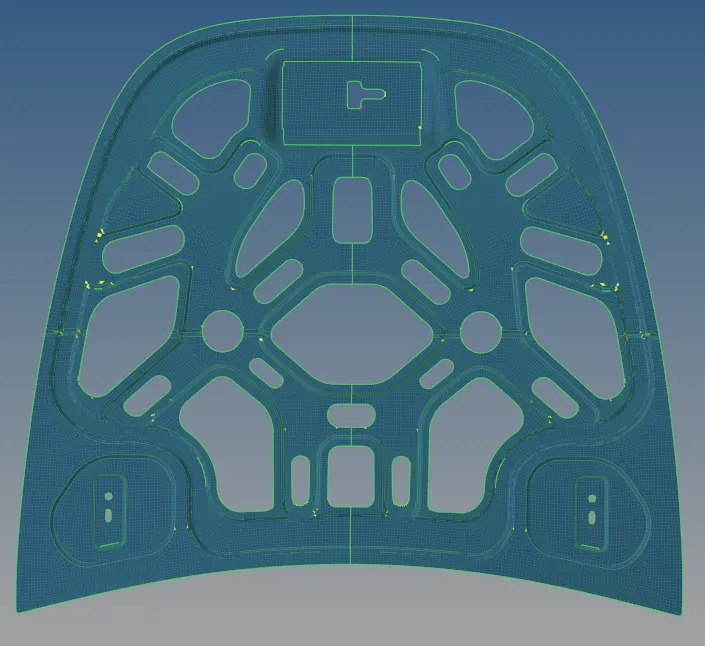
6.Quality index
Check the component for various errors and clear using cleanup tools in quality index
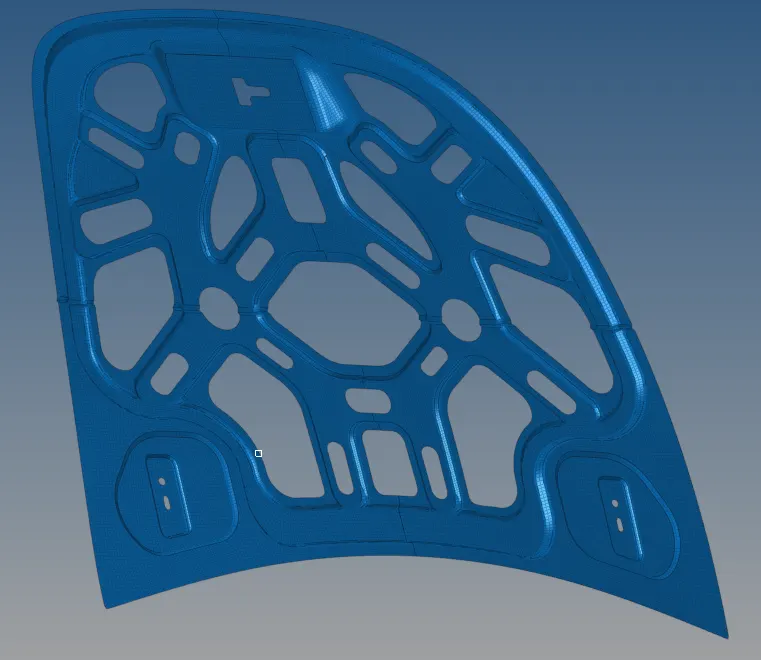
Fig: Inner extract after final mesh.
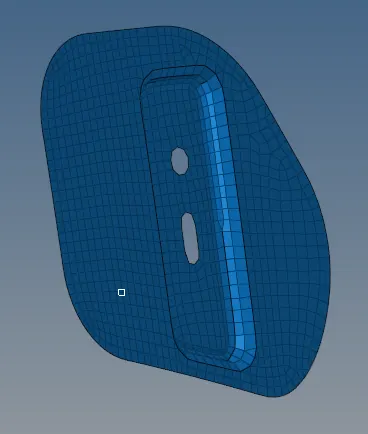
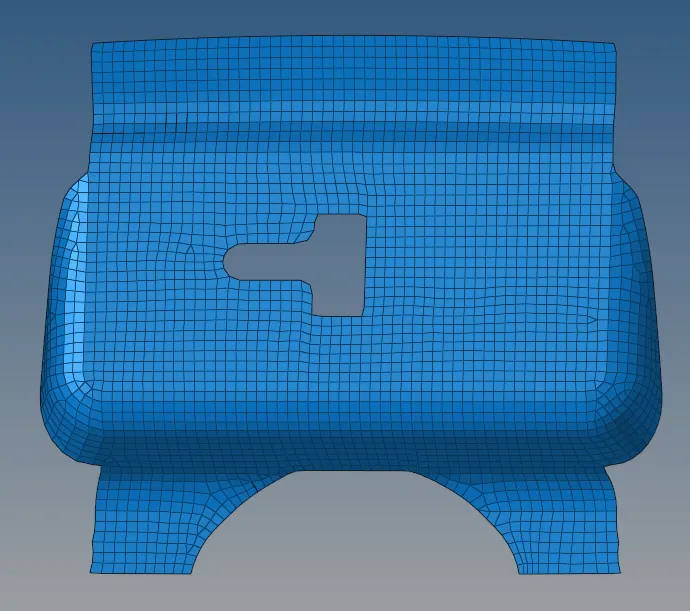
7.Similarly in the same way do meshing for all the parts.
HINGE:
LATCH:
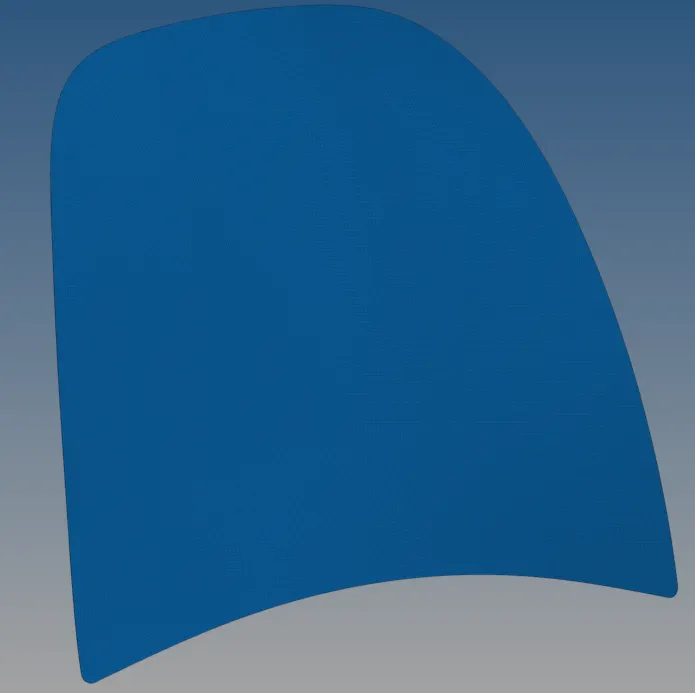
OUTER EXTRACT:
CONCLUSION:
In this challenge we have known,
- How to successfully perform manual geometry cleanup.
- Identify and Build the missing surface.
- Generate the midsurface.
- Perform meshing successfully.
- Perform quality checks and identify and solve the errors.
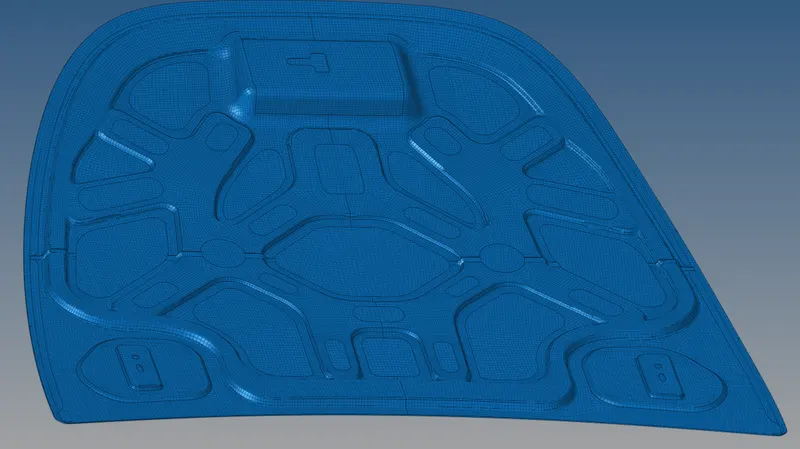
Fig: Final component after perfect mesh.