Week 6-Meshing of Hood Challenge
AIM: To extract Mid surface and Mesh the given model
PROCEDURE:
Step 1:-
- Imoprt the model and check for number of components present
- Set current component as the component which you are working on
- Hide all the model and start extracting the mid surface one by one
- Firstly auto cleanup the model, so that geometry error are maximum fixed
- Suppress the edges manually which might not satisfy the quality criteria
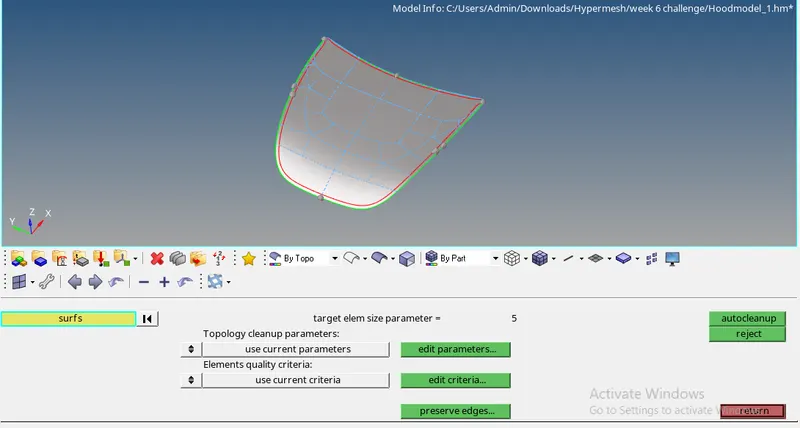
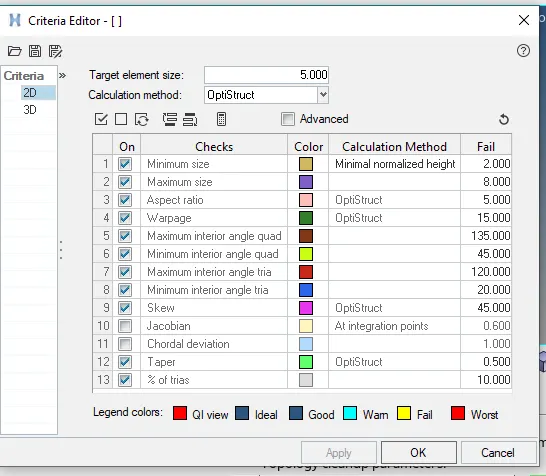
- Set the quality criteria by edit criteria in autocleanup option
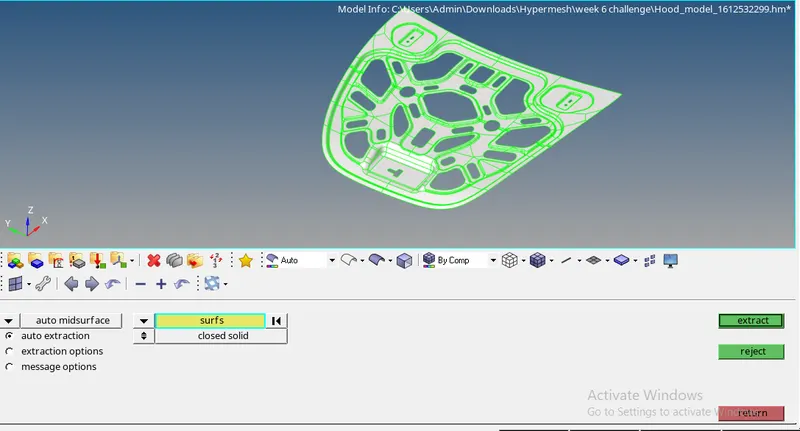
- Extract Mid surface as shown in below image
Step 2:-
- Each Extracted mid surface should have new model ID
create by right click>Create>Component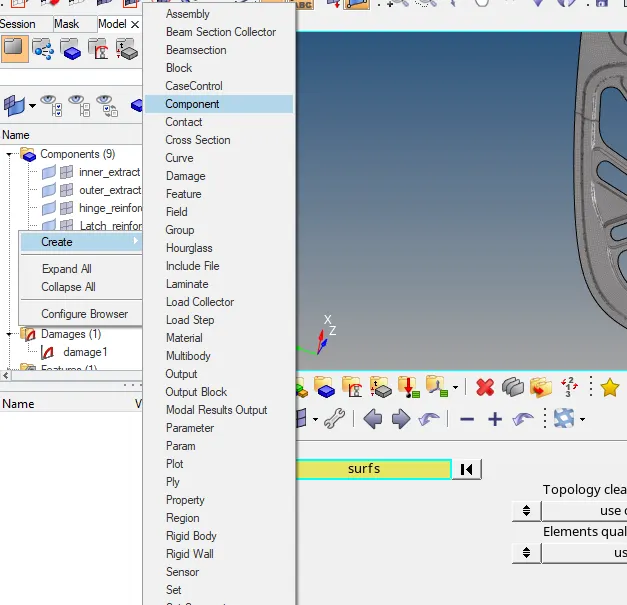
- Create new property ID for mid surface and assign material to the same
- Material ID also to be created(Consider all the components are made of same material)
- In property ID the card image should be PSHELL for mid surafce and thickness of the component should be specified
- Create Property ID and Model ID for all the components
Step 3:-
- Automesh the component portion by portion by giving the element size as 5mm
- Make sure the mesh flow is proper and avoid opposite trias by remeshing
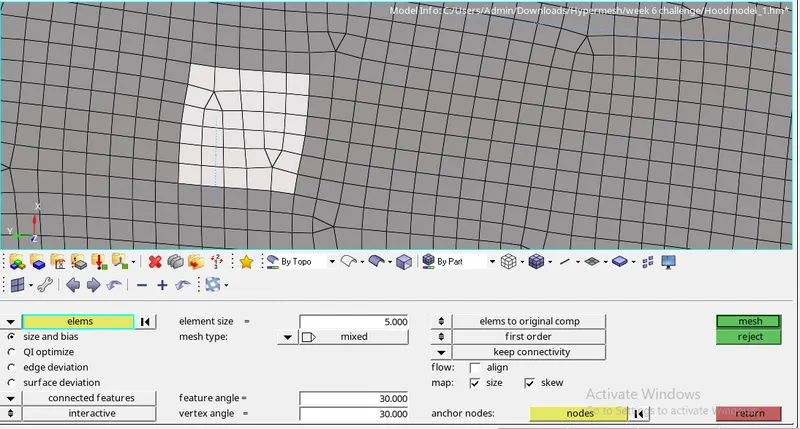
- Correct the mesh flow and check for the quality errors in 2D>quality index and
Tools>check elements - Fix the quality error by Cleanup tolls like Drag tria element,Element optimize, node optimize,Smooth and etc
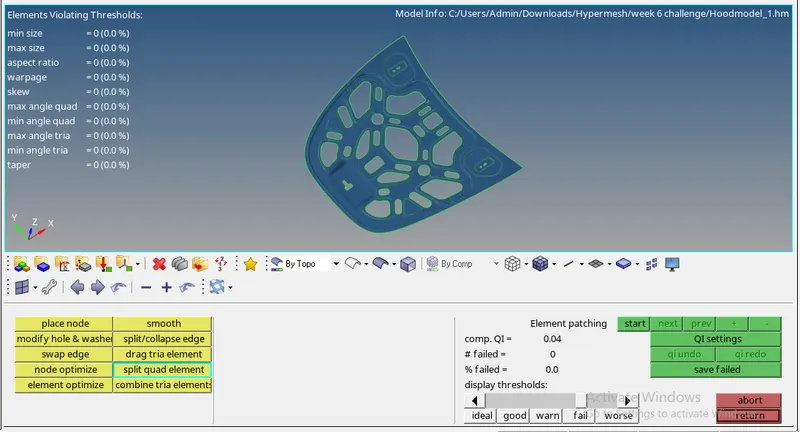
- Below image shows the zero quality error in Inner Extract component
Step 4:-
- Repeat the same procedure for all the components
- Make the sure the current part is set according to the part which you are working on
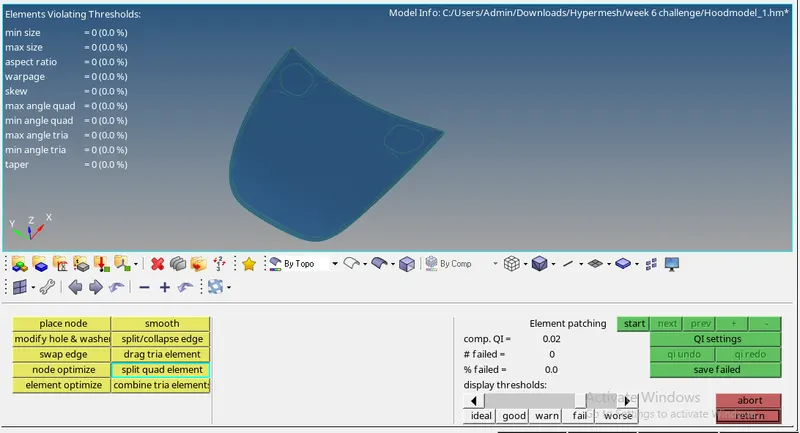
- Below the image shows there is zero quality error in the model
CONCLUSION:
- Understood how to clear the quality error
- Understood the concept of equivalance
- Manual geometry clean up is done