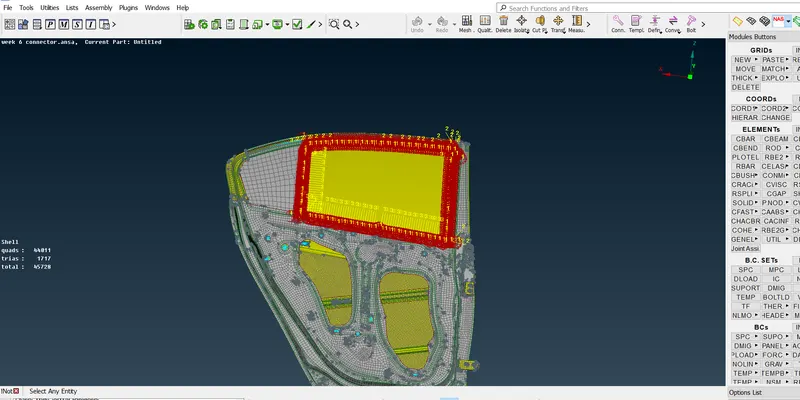
Week 6 - Creating connection for Rear door
AIM:
The connections for the front door by using different 1D elements .
OBJECTIVE:
- Make connector in particular areas.
PROCEDURE:
STEP 1:
The given model.
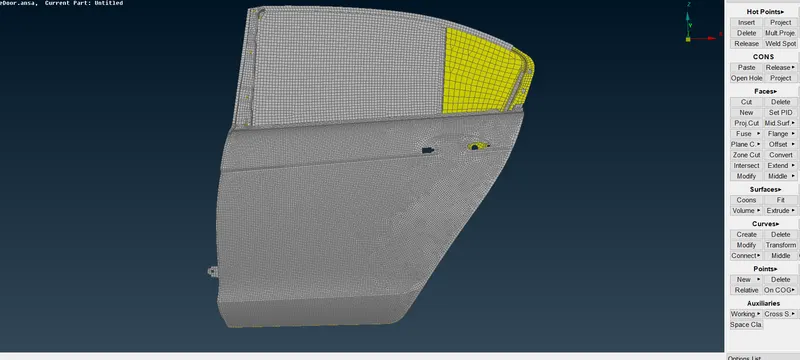
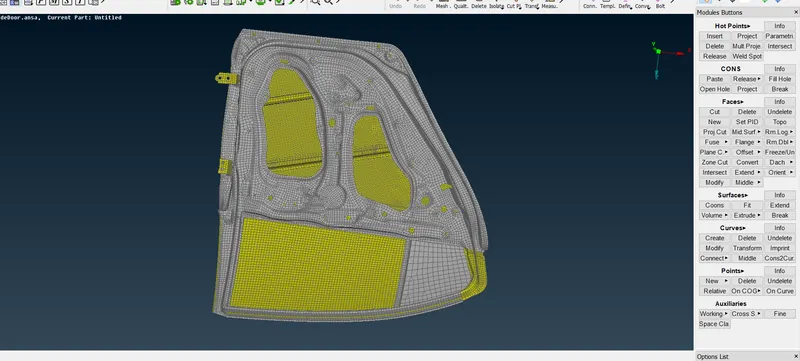
STEP 2:
Go to nastran bar----RBE2 nodes----select many nodes----then extract RBE2 rib.
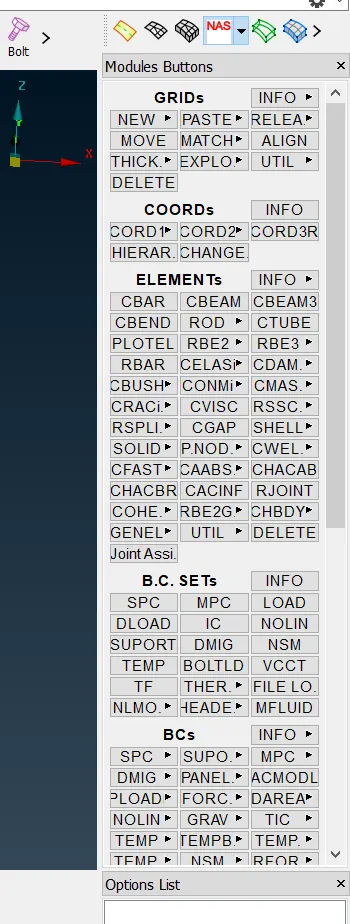
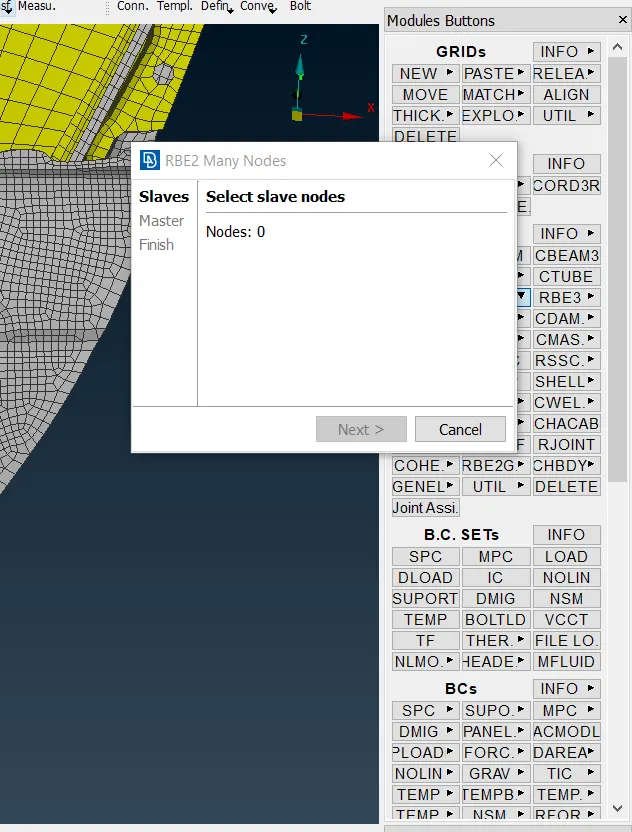
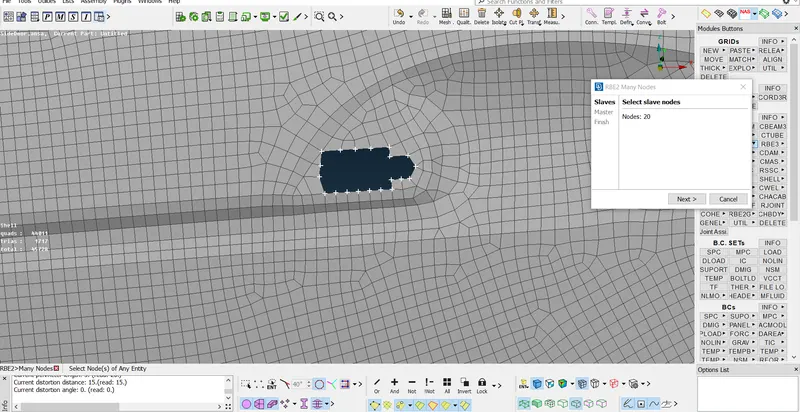
STEP 3:
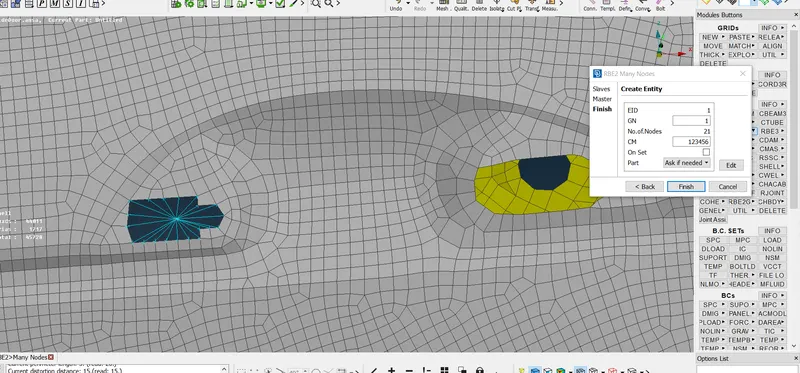
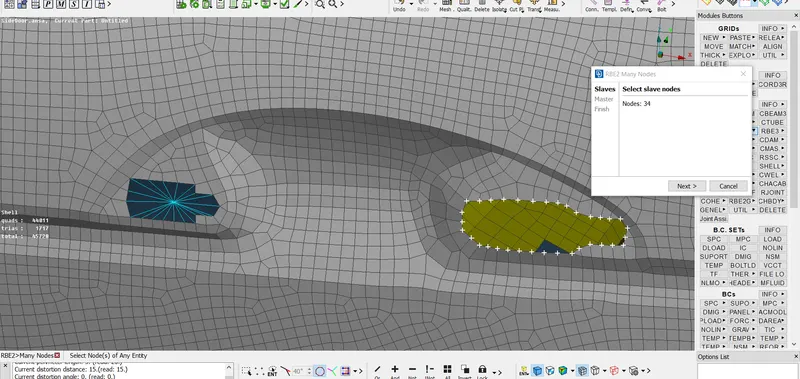
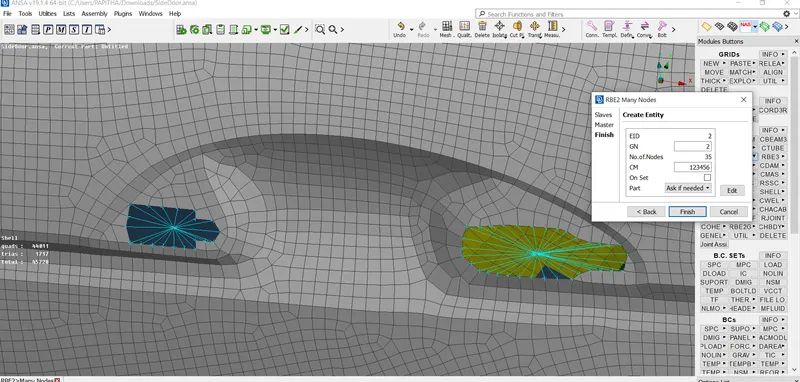
The masss has been created between these RBE2
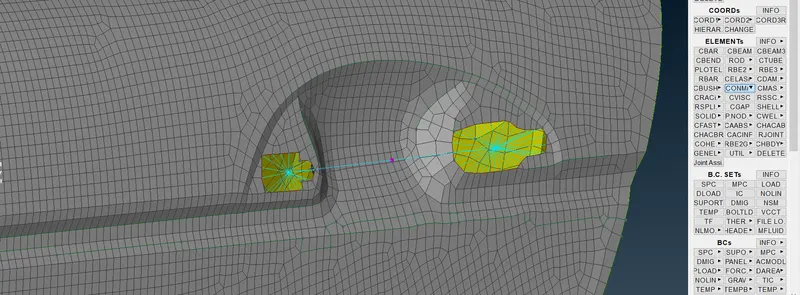
STEP 4:
As same for other area where the RBE2 ribs are needed.
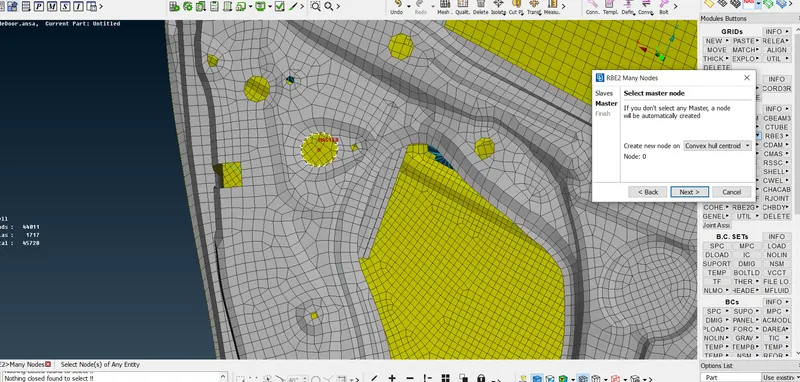
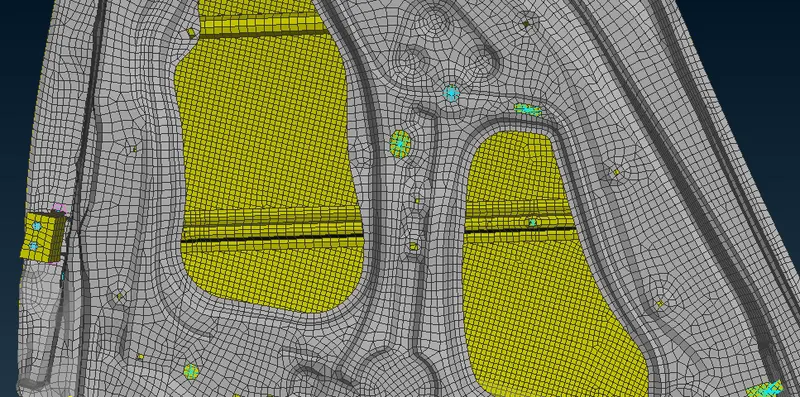
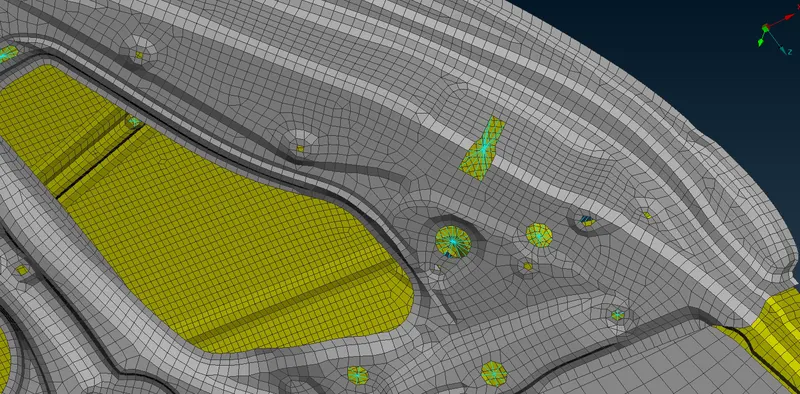
STEP 5:
To do connect spot weld connection
Go to topo----on COG---select the element of corner----spot weld it.
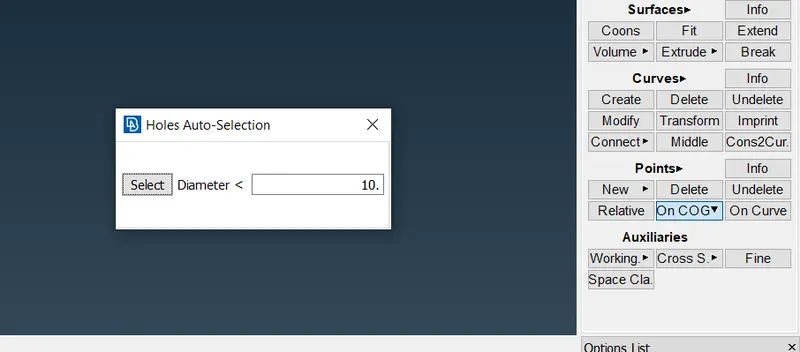
Go to convert ----convert into faces---
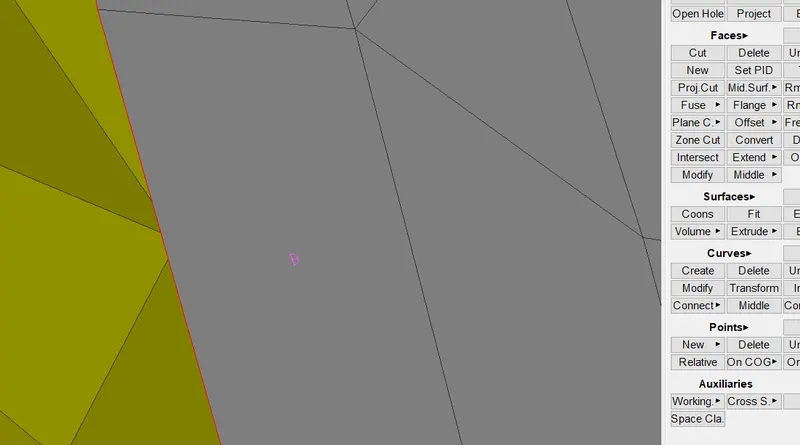
Go to connection manager---type as RBE3-HEXA-RBE3----apply---the spot weld.
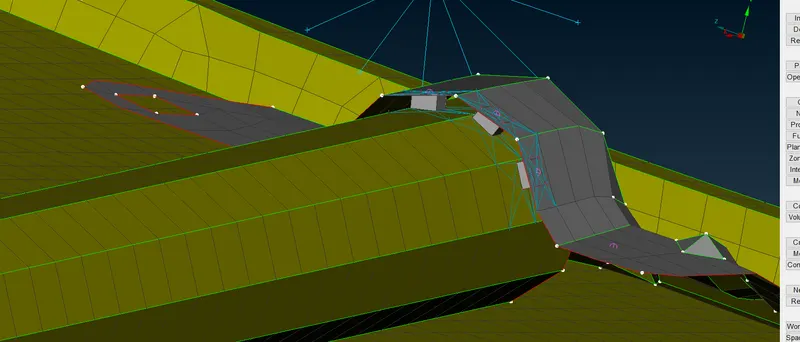
STEP 6:
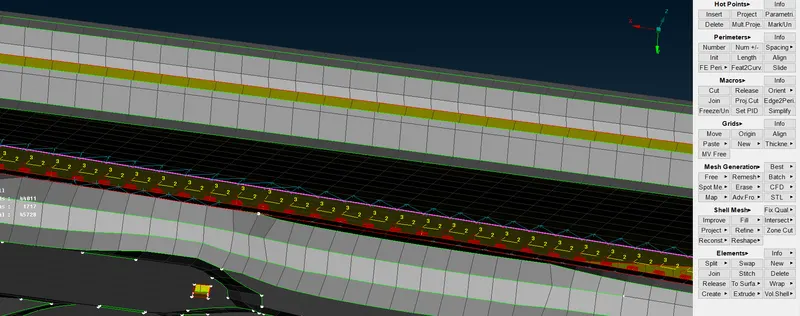
Form spot weld connection at glass door side.
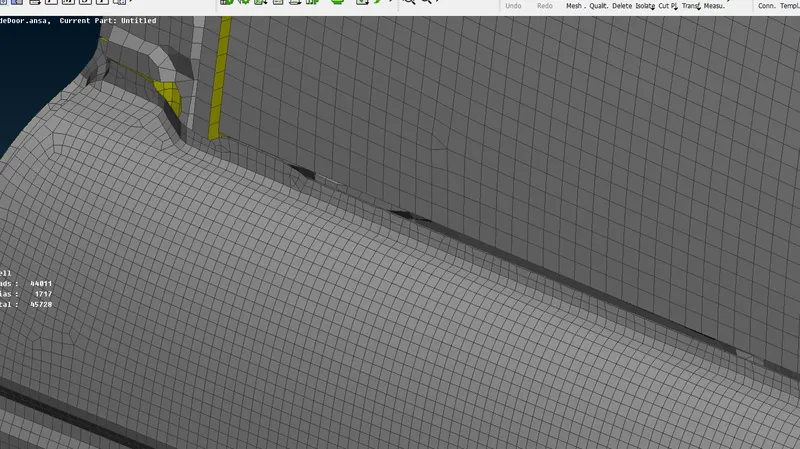
Go to perimeter-----feat 2 curve---select line
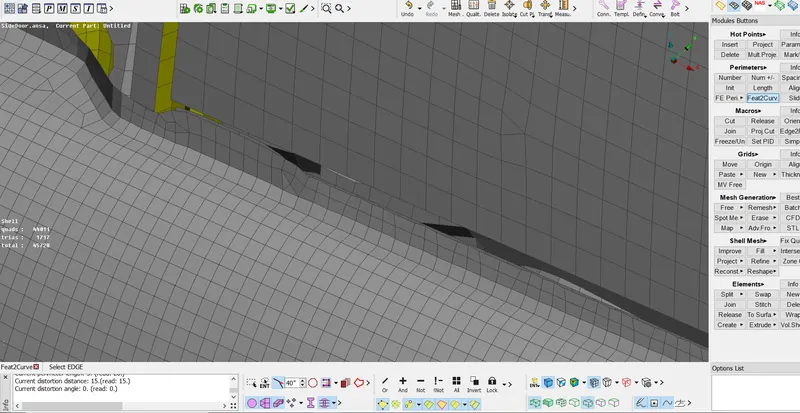
The line has been selected.
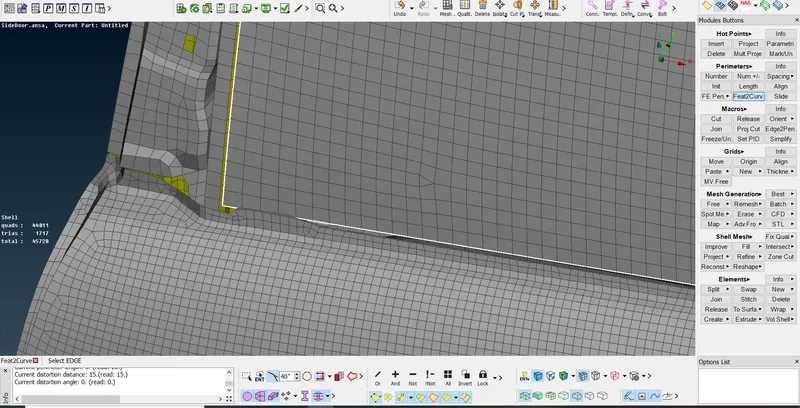
Now, the line has been created.
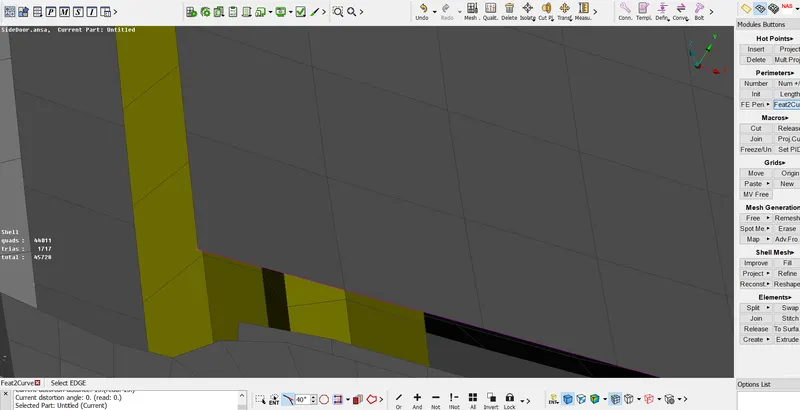
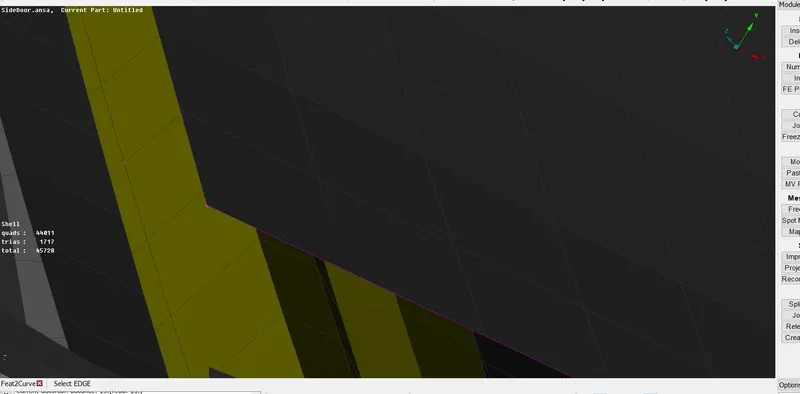
STEP 7:
Go to convert----select the line of glass door---select spot line---then extract.
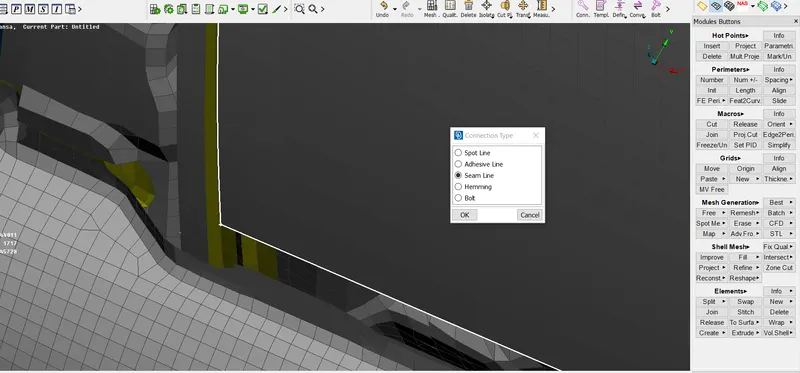
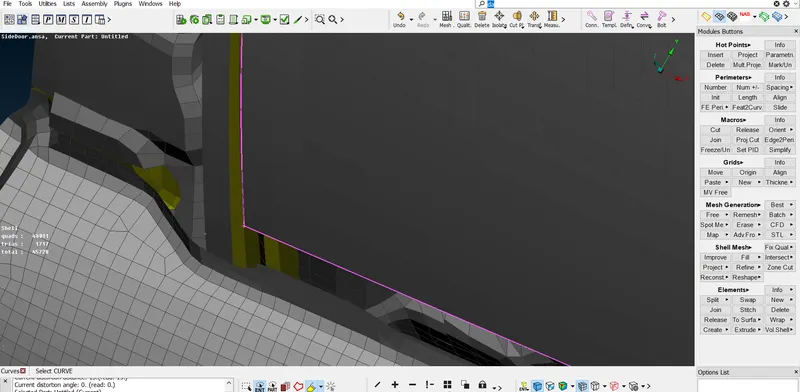
STEP 8:
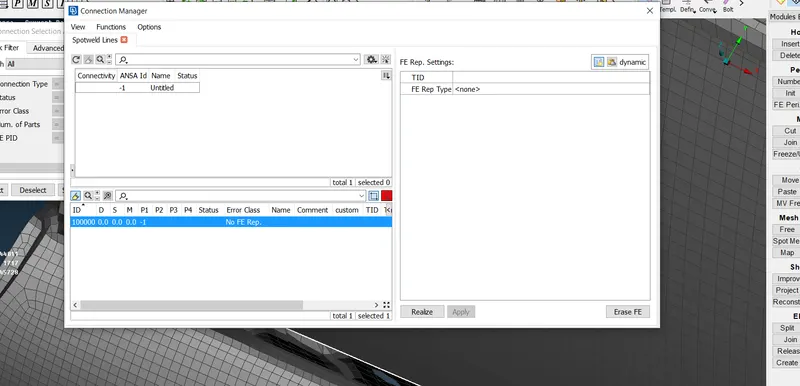
Go to connection manager----select the line click middle mouse button----the new tab will open---
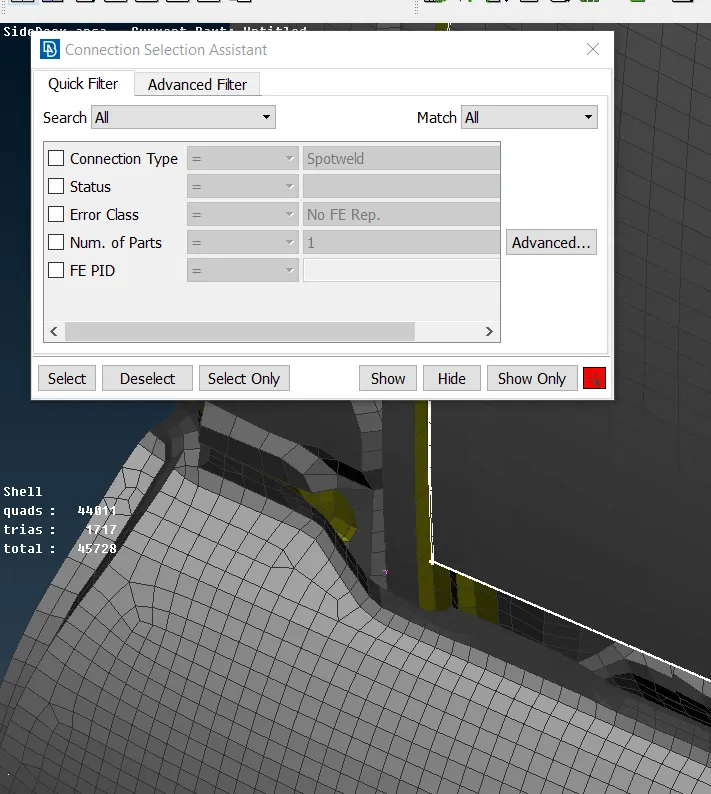
Another tab will open----p1---p2---values to be placed.
STEP 9:
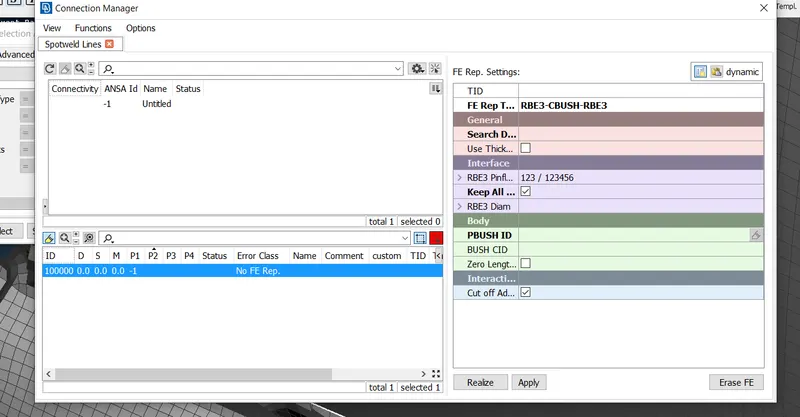
Now FE type has been selected.
Go to FE type----RBE3-CBUSH-RBE3-----give the values---
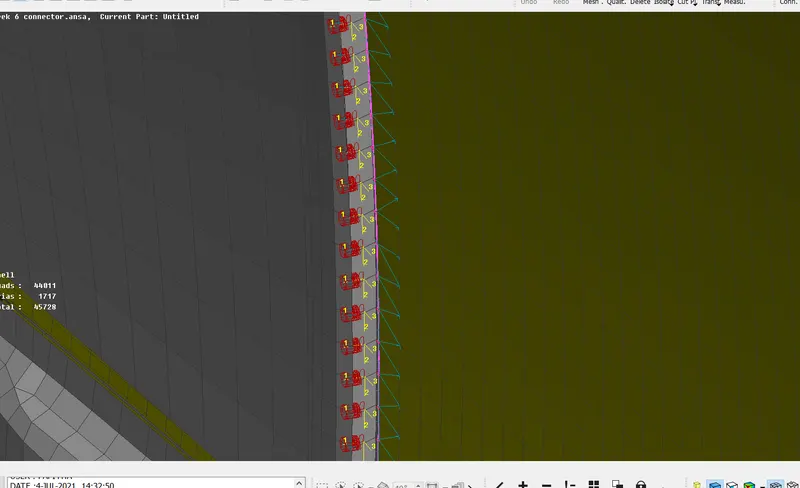
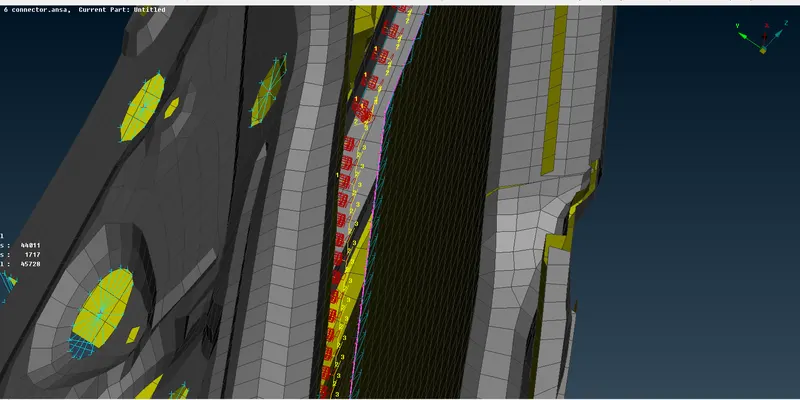
Now the spot weld bush has been placed.
RESULT:
Hence the connection has been done.