Week 12:Project-1-Meshing of Door Inner Panel Challenge
AIM:
Meshing of door inner panel
OBJECTIVE:
- To create manual mid of given model.
- Generate mesh
- Proper mesh flow and quality criteria.
- Assign thickness.
PROCEDURE:
STEP 1:
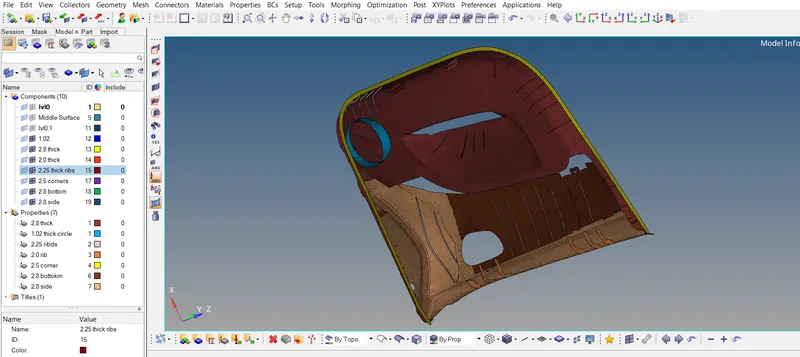
Given model
STEP 2:
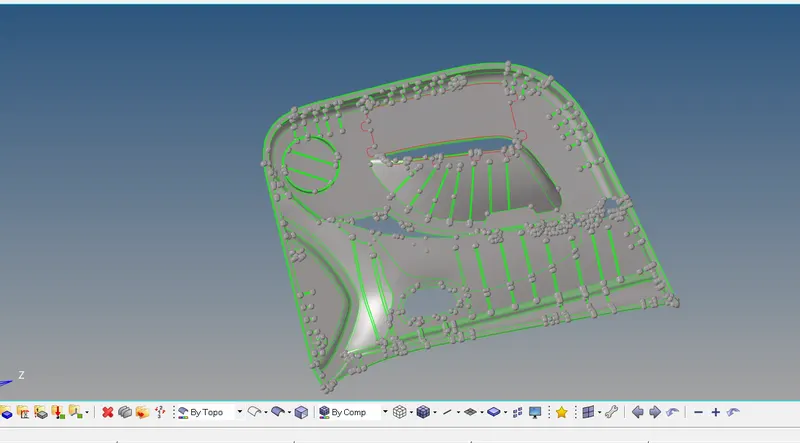
Split the model into 4 parts to do midsurface.
GO to surface edit----trim with surf----select surface ----select base point-----then extract it

STEP 3:
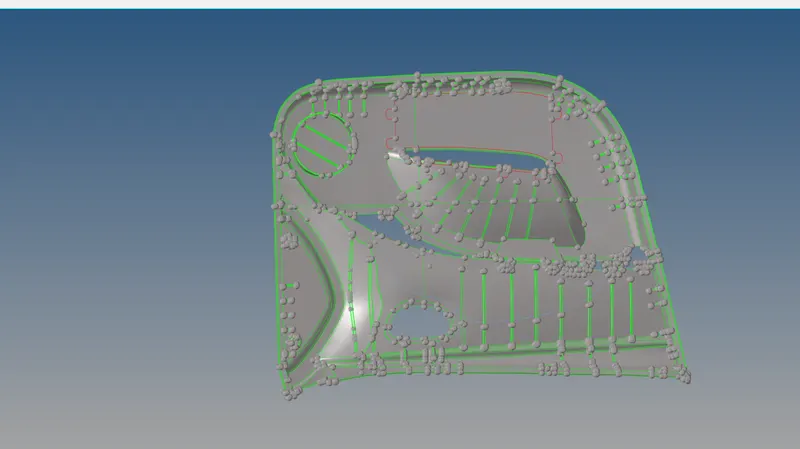
To take manual midsurface of given model.
Measure the distance of two suraface--to take midsurface
Go to geometry----distance---two point----measue thedistance of two surafce.
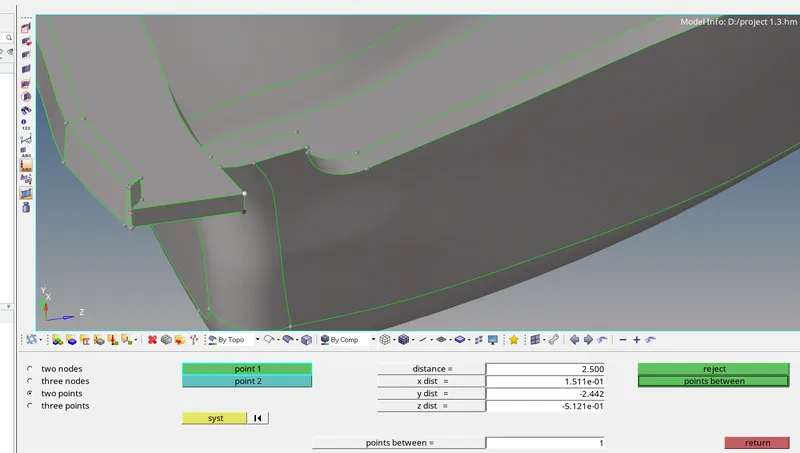
Then----Go to surface edit----offset ---measure of two surface ----then extact
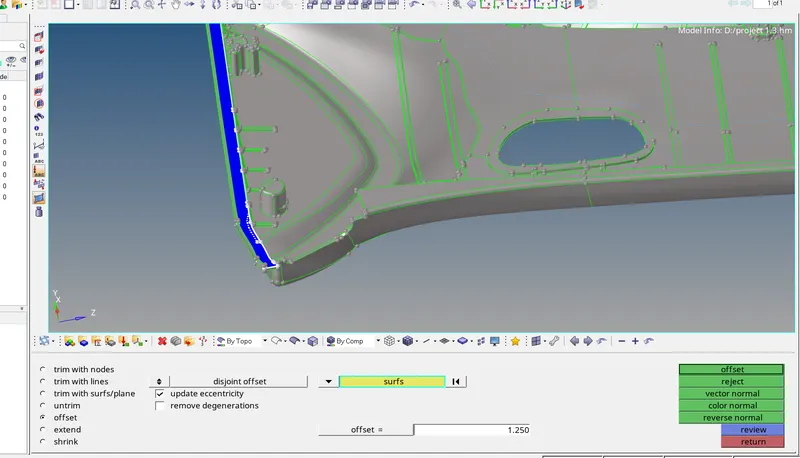
STEP 4:
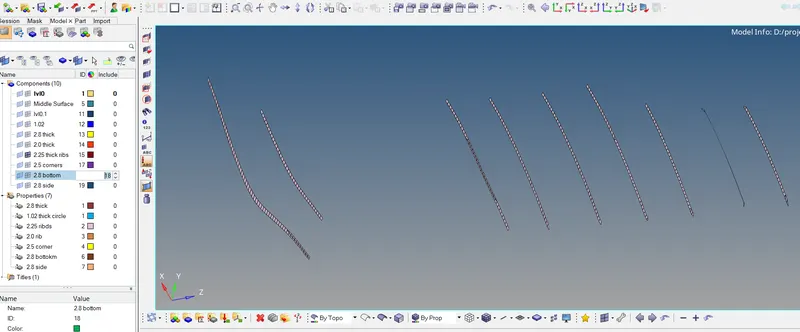
As same for ribs
Go to geometry----defeature---surf fillets----apply radius then find

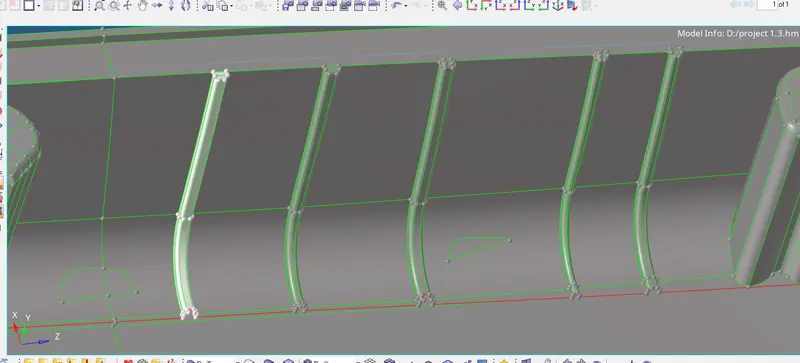
STEP 5:
To capture the analytical for dog house.
Split the dog house into L-shape
Go to quick edit--surf node
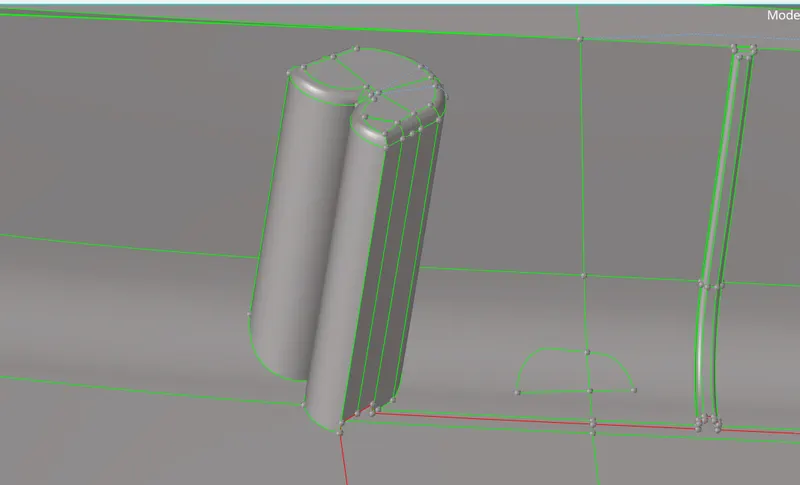
STEP 6:
Convert the L-shape line into extract edges
Go to lines---extract edges----then create surface by ruled option


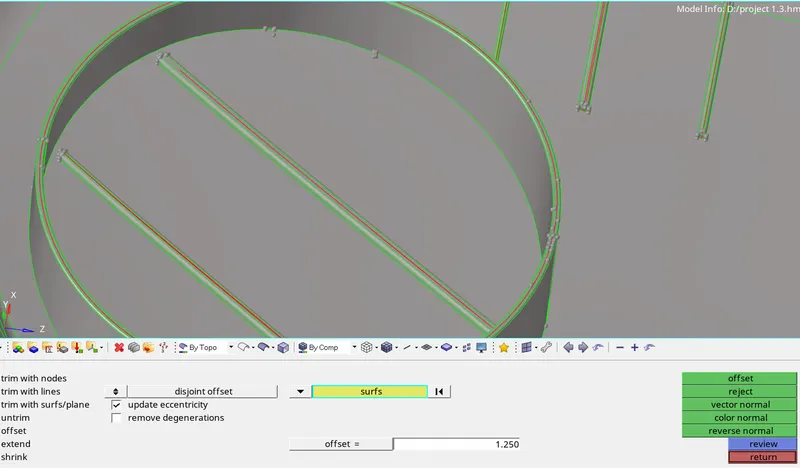
STEP 7:
A same for other part
Go to distance measure the two surfaces----then offset it
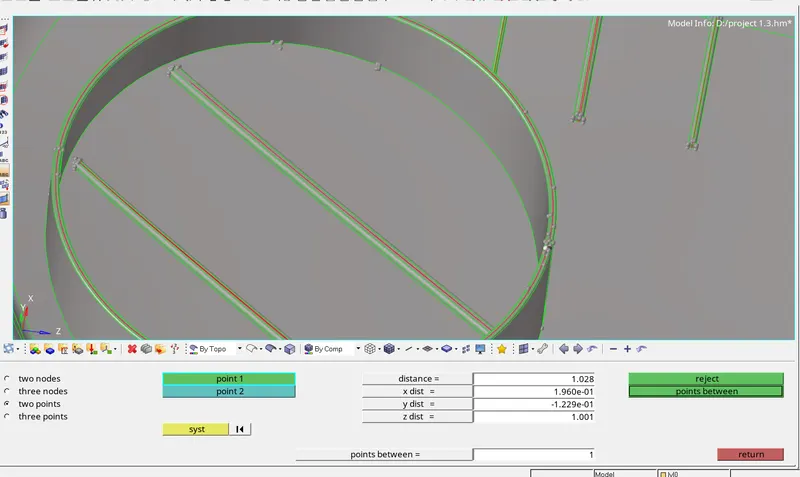
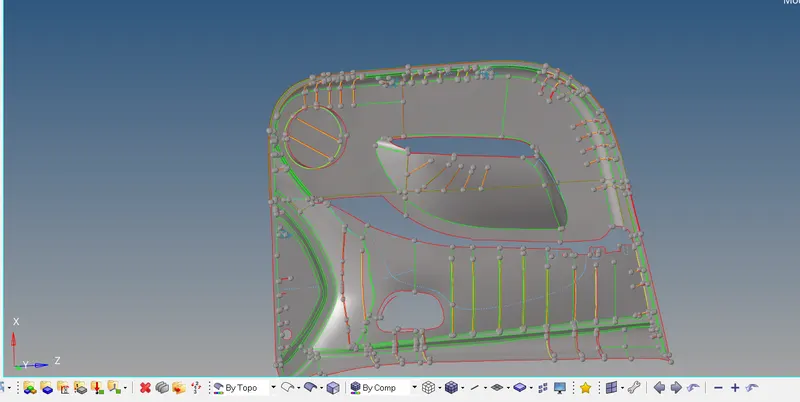
STEP 8:
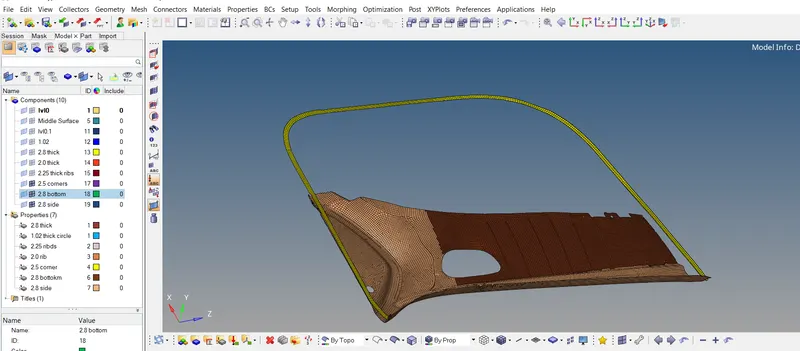
AS same for other part ----- (Final mid )
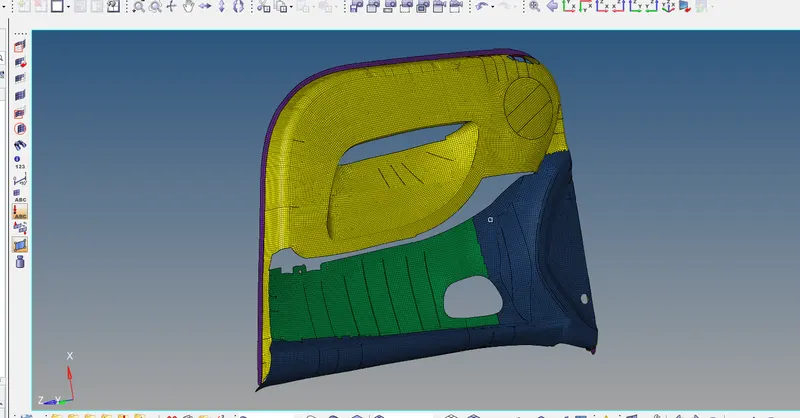
STEP 9:
Generate mesh---element size =4
Go to 2D ----automesh---element size=4----extract.
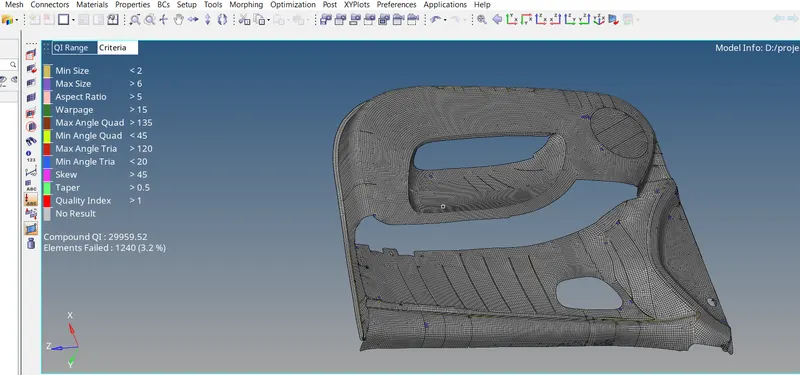
STEP 10:
Proper mesh flow and quality criteria.
STEP 11:
Assign thickness for each part
Measure the distance of two surface---mesh it---to assign thickness----
Go to toool---organize---move the one part of meshed part into diff component after measured thickness of it.
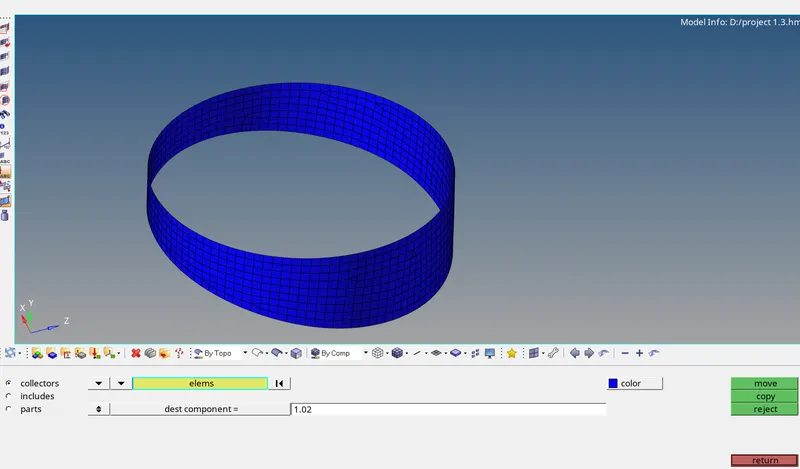
STEP 12:
Create properties for this part.
Go to tab area-----create property
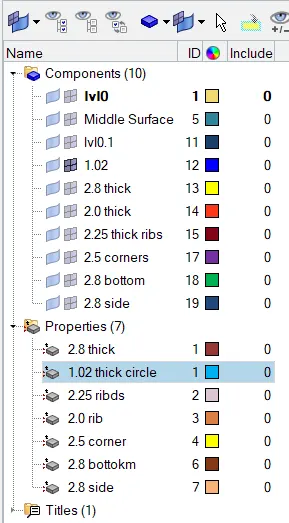
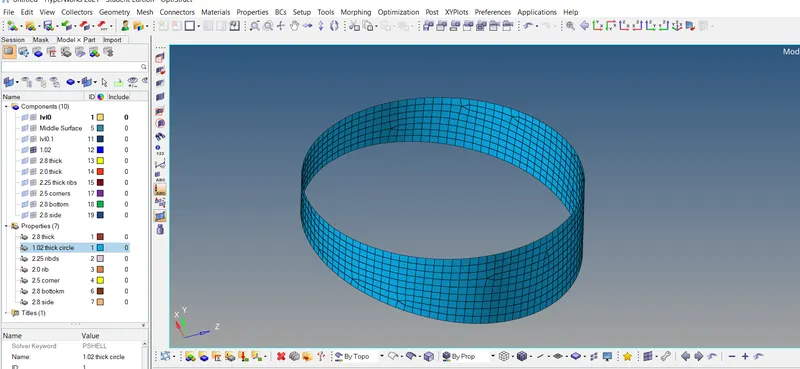
STEP 13:
Change into BY PROP
STEP 14:
AS same for other part
Measure the distance of two surface---mesh it---to assign thickness----
Go to toool---organize---move the one part of meshed part into diff component after measured thickness of it.
Then create property ----
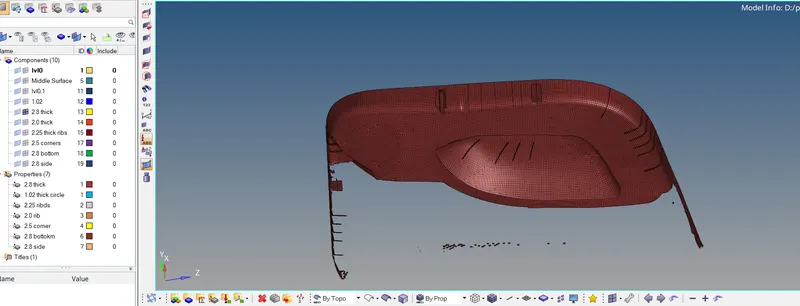
STEP 15:
Thickness