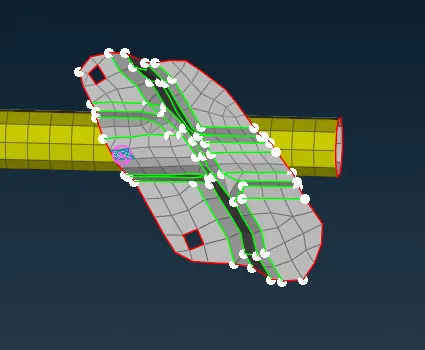
Week 6 - Creating connection for Rear door
AIM:
To give the proper connections for the given door model
Procedure:
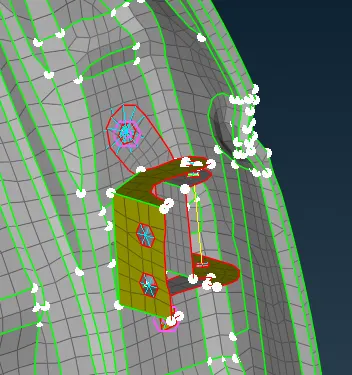
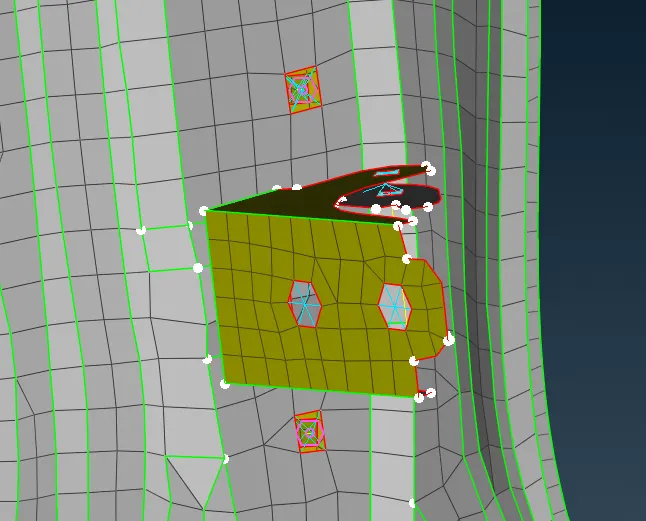
1. After importing the model wherever the connection are to given are checked
2. The parts are splitted into different PID's to make the connections
3. First the bolt connections are made
4. The bolt connections are made using the RBE2 elements in the Nastran deck.
5. The another method is that the option of ON COG is used to make a point and then it is converted to bolt connection by using the conversion tool
6. The Bolt connection is made by the clicking of the converted point and then box is opened where the connections are to be realized
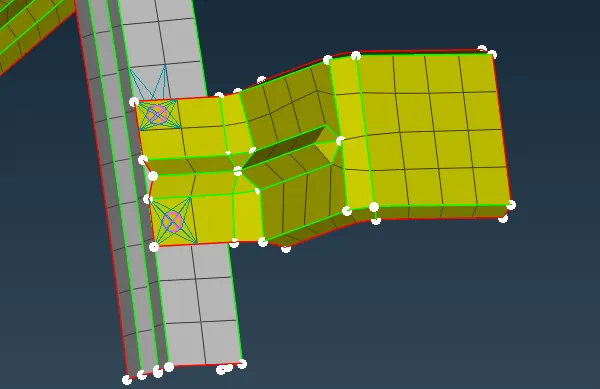
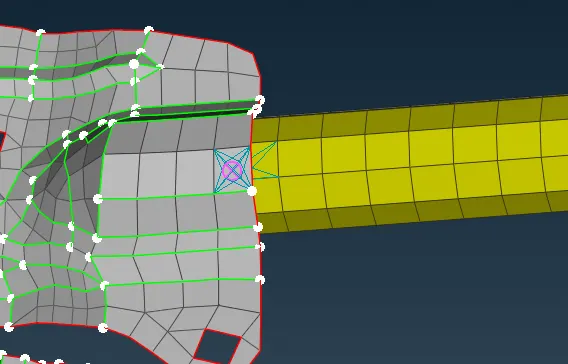
7. Then the same procedure is used for the spot weld portion where the two PID are selected to make the connections
8. In the Hinge portion the RBE2 two nodes are used to realize and the DOF are restricted in the suitable axis
9. The important portion is that near the window and the rubber beading there is a connection called Cbush is to realized
10. In the given model there are two windows and those are made connection by using the RBE3-cbush-RBE3 connection
11. In this by using feat2curve curves are made and then the curves are converted to spot line and then those lines are then realized to cbush connection