Week 6 - Creating connection for Rear door
Aim-Performing siutable connection to the rear door.
Objective - Given Rear door FE model, Create and Apply different PIDs for different components and do connections.
Procedure-
1.PID-Give the seperate pid for different components.
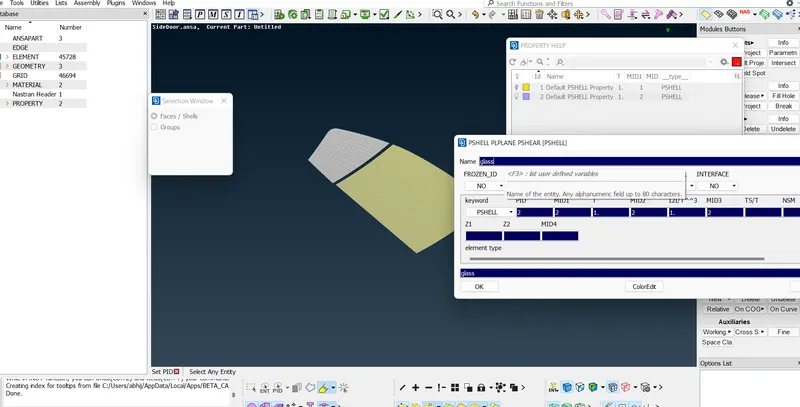
fig1.0
2.Bolt connections-
a.create cog point where bolt is.
b.by convert select the cog point and middle click and select bolt.
c.by connection select bolt and after that select one by one part near bolt and then realize.
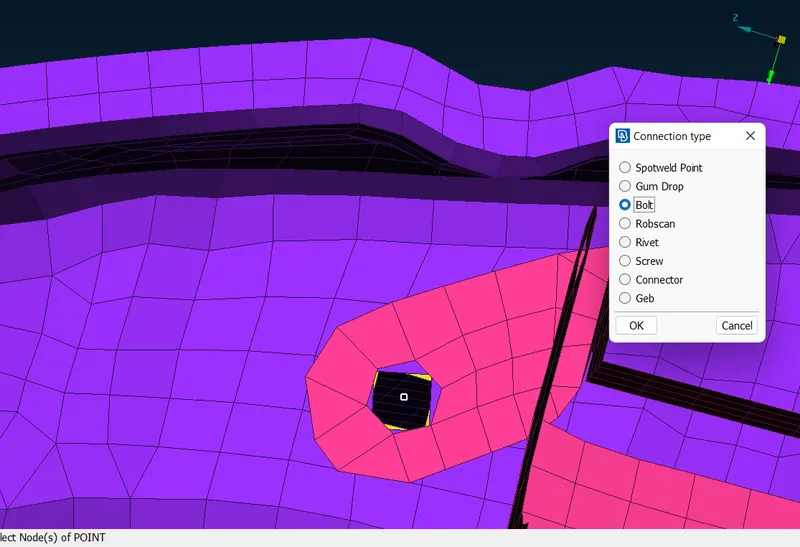
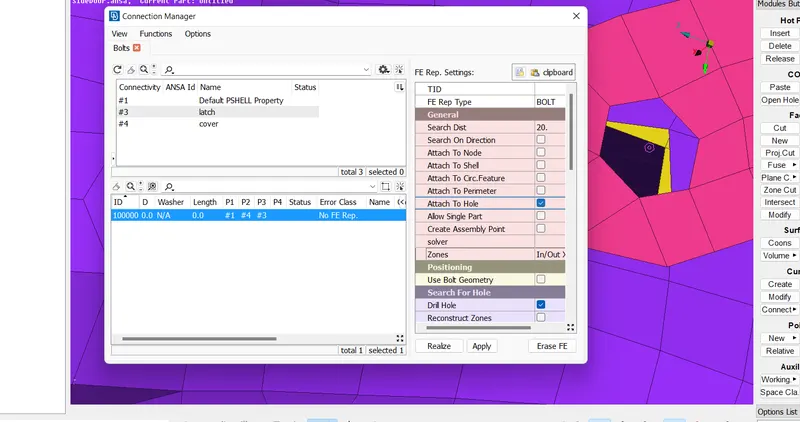
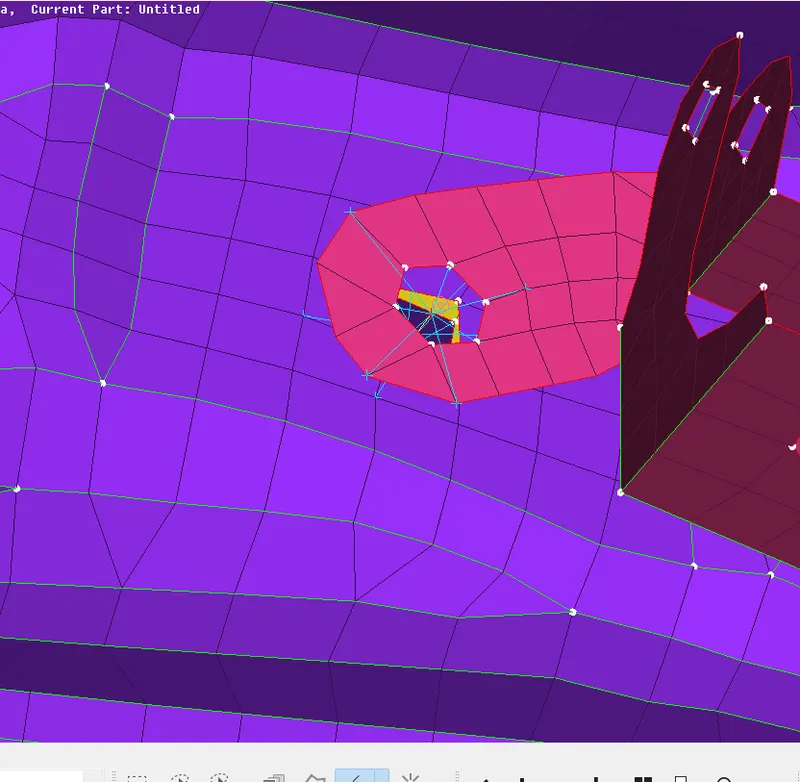
2.Do the connection where the door is rotating this part is hinged on one side-
a.by using rbe 2>many nodes generate rigidity.
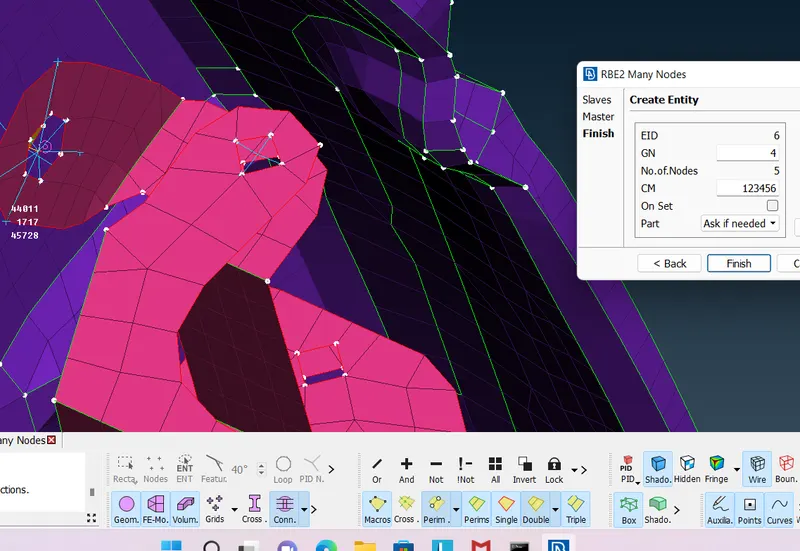
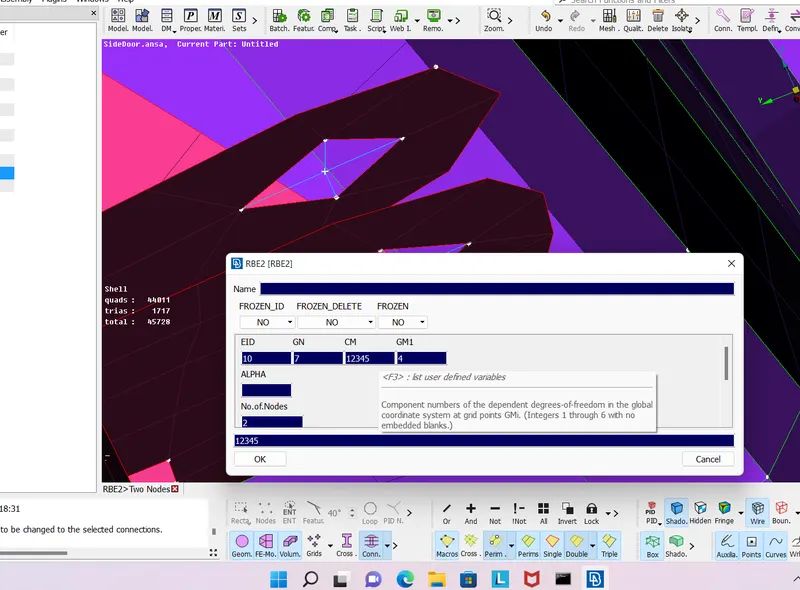
b.by using two node connect them and release the 6th degrre of freedom because it is rotating on that side.
3.Generating weld -
a.create cog point-
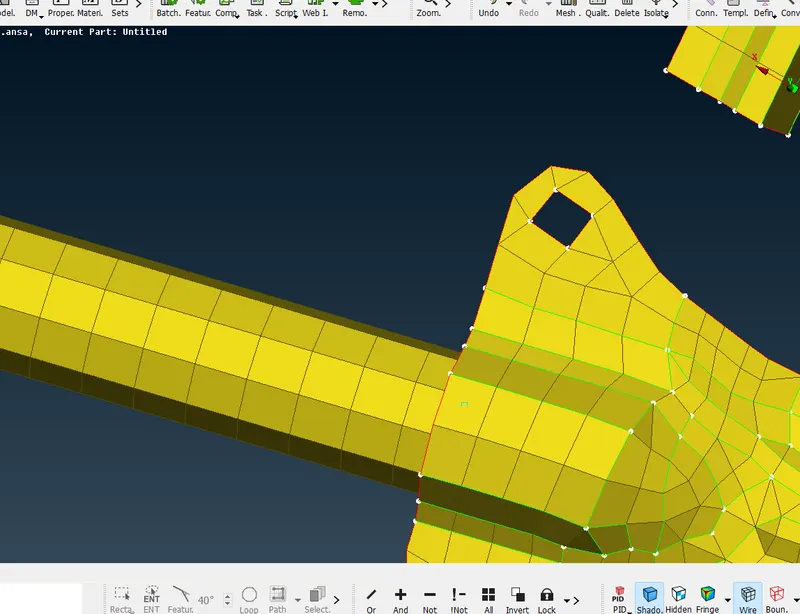
b.convert the cog point in to spotweld point-
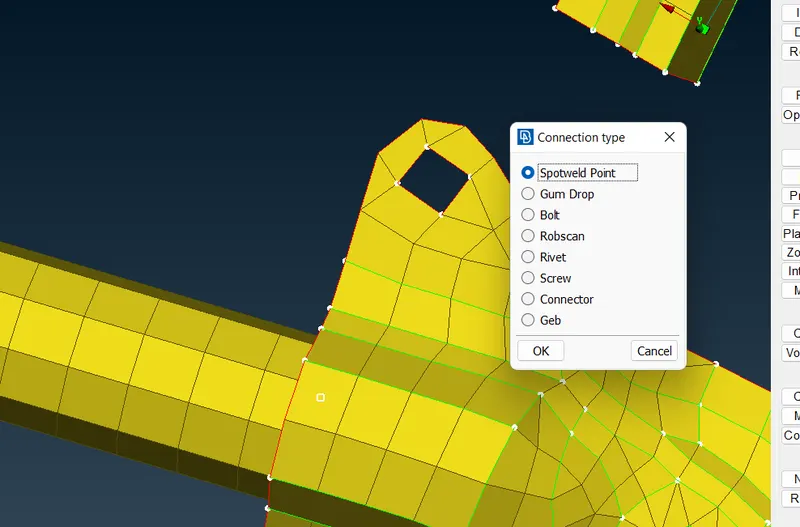
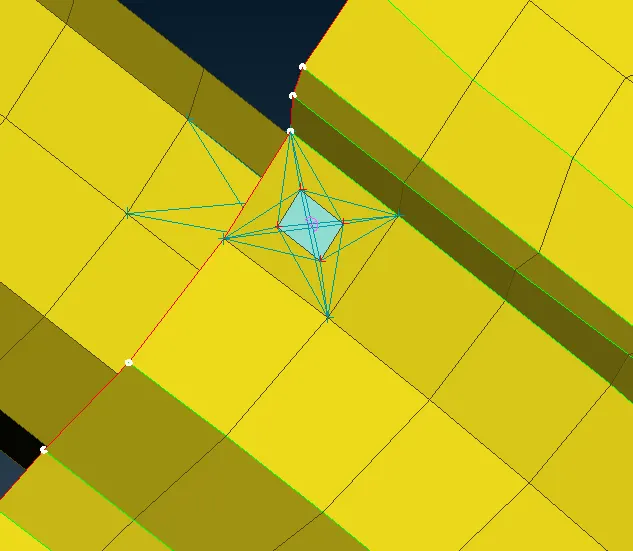
c.do the connection by selecting one by one part and rbe hexa3-
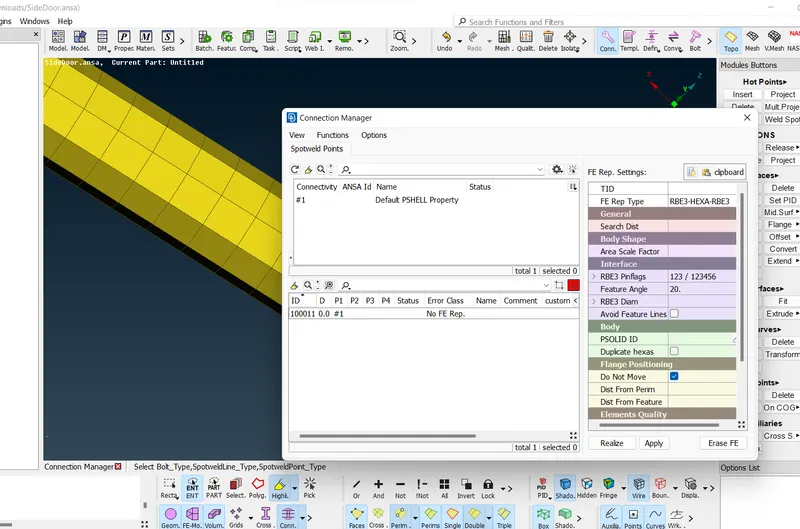
d.spot weld completed-
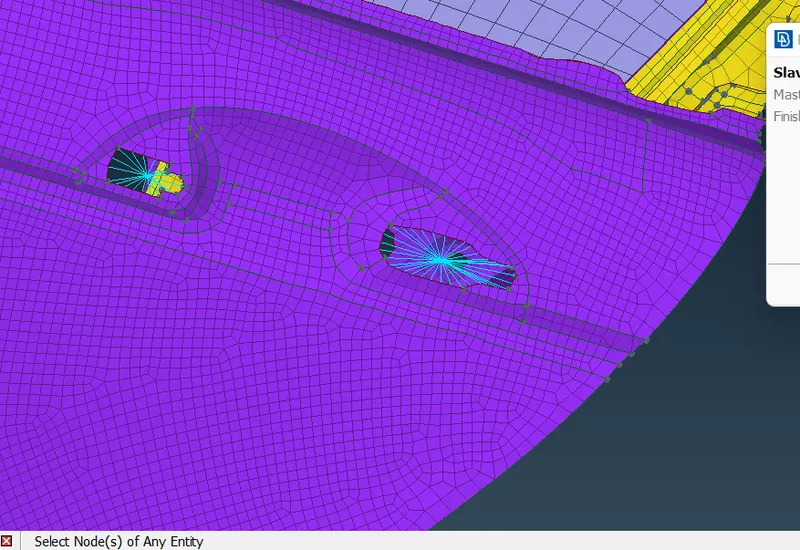
4.Door lock connection-
a.create the rigid connection on handle by using rbe2 many nodes and join the centre node two of them-
4.
b.at the centre of handle there will be mass by using con mass2 select the node at centre and middle click and the mass-
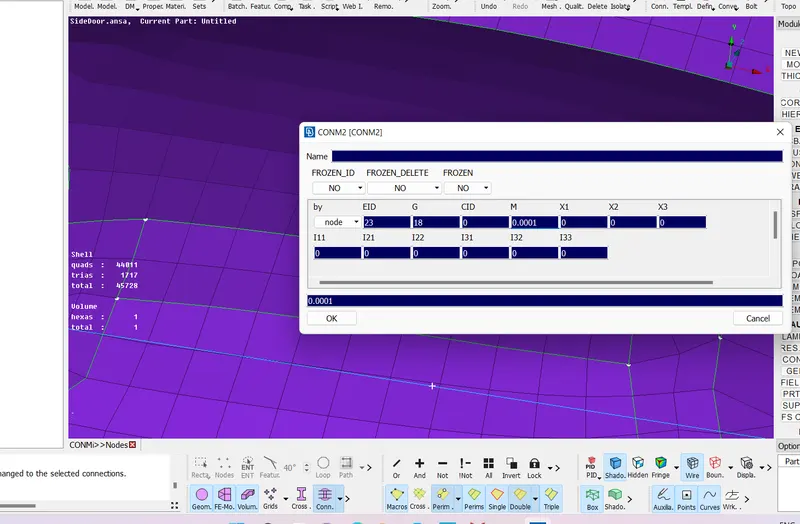
c.con mass attached-
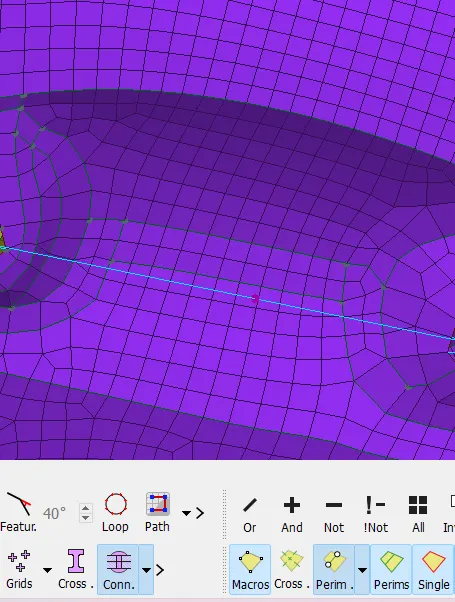
5.C bush at the glass window-
a.create the curves by using the feat2curve in mesh panel-
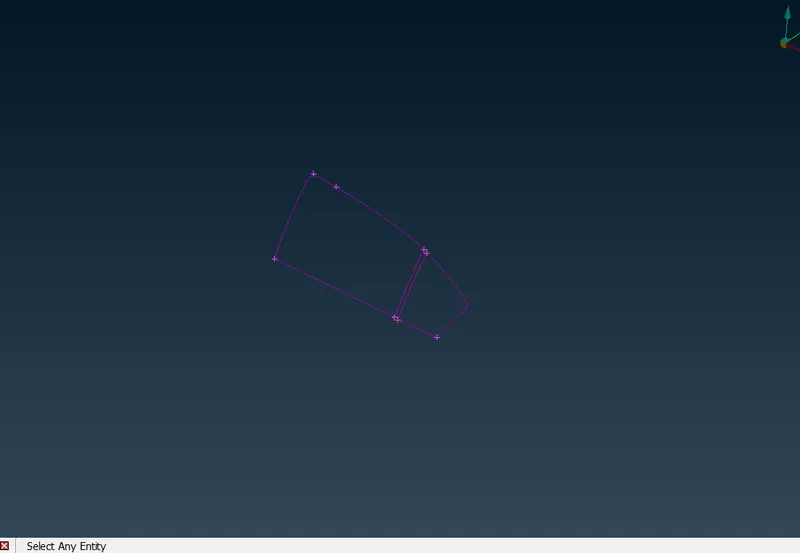
b.copy the line-
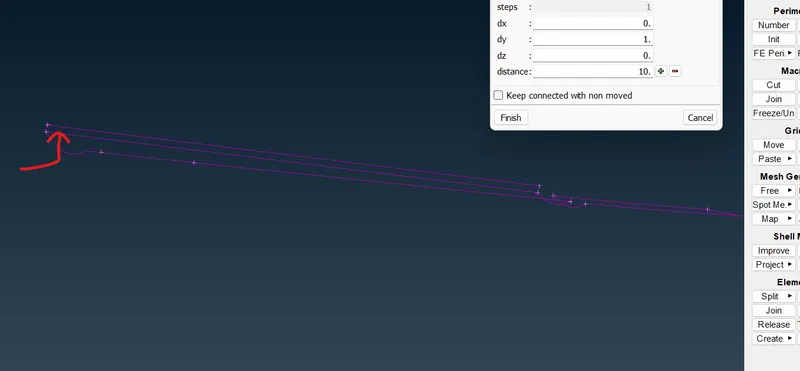
c.convert the curves in to the spot line one by one-
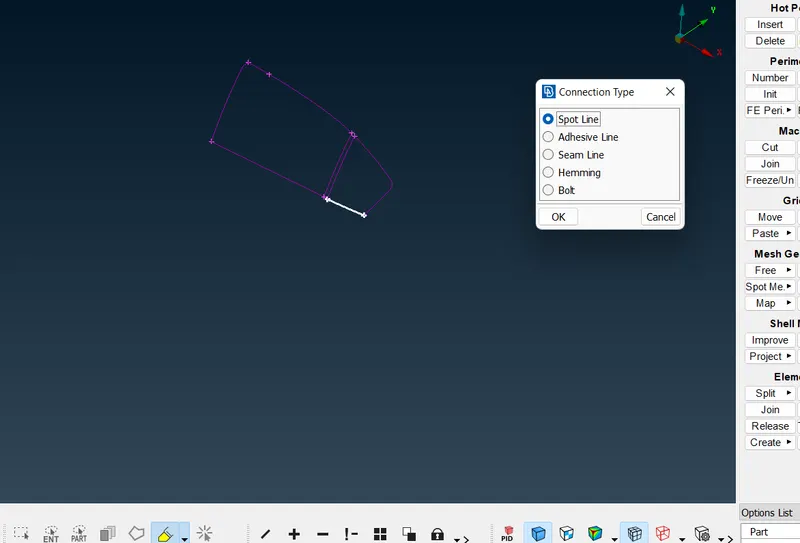
d.connect them by using the rbe cbush and select the part carefully-
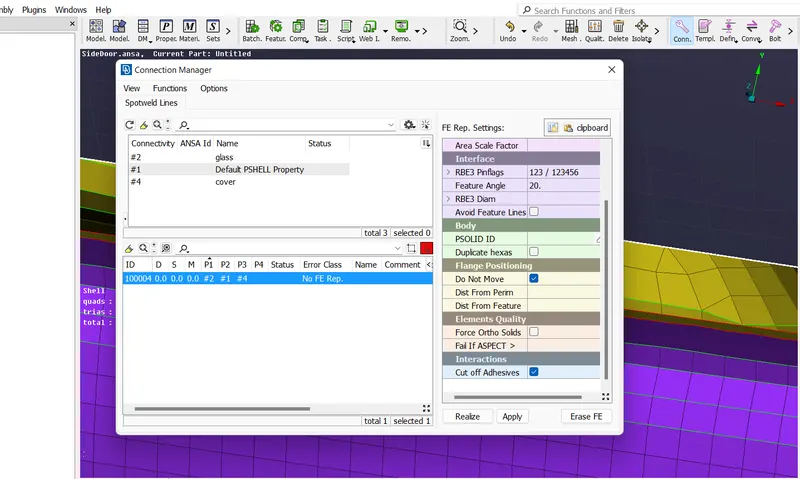
e.completed cbush-
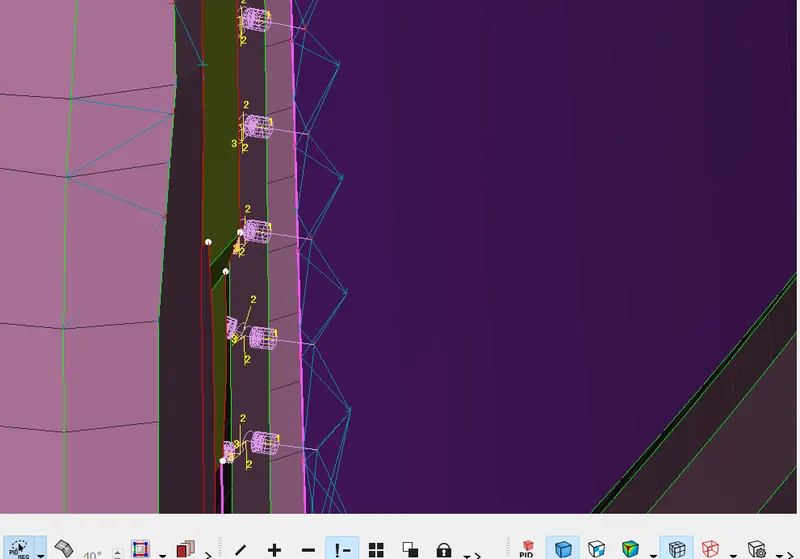
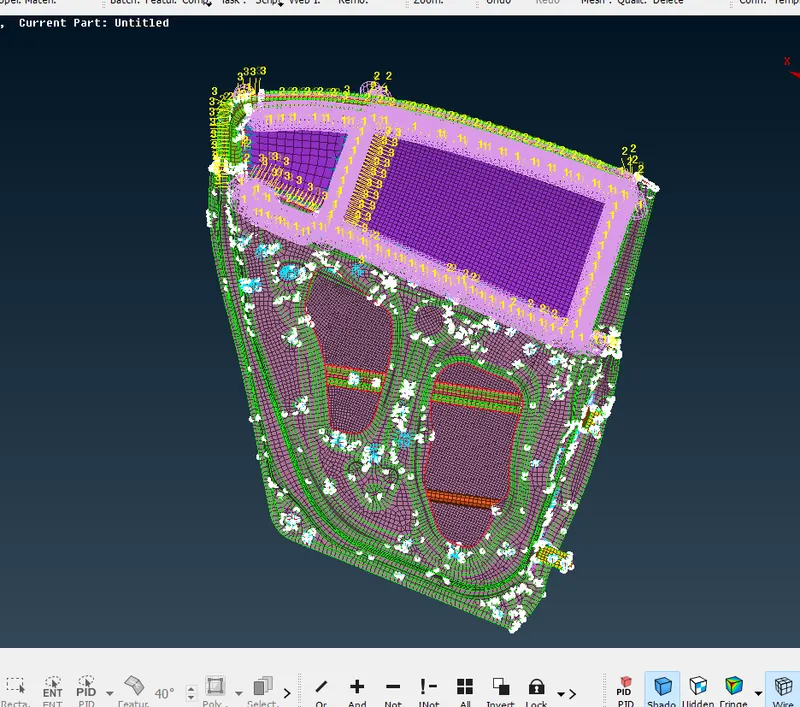
6.complete model with connections-
Outcomes -learned about nvh and rbe and connections.