Week 6 - Creating connection for Rear door
Our Objective is to Creating connection for Rear door
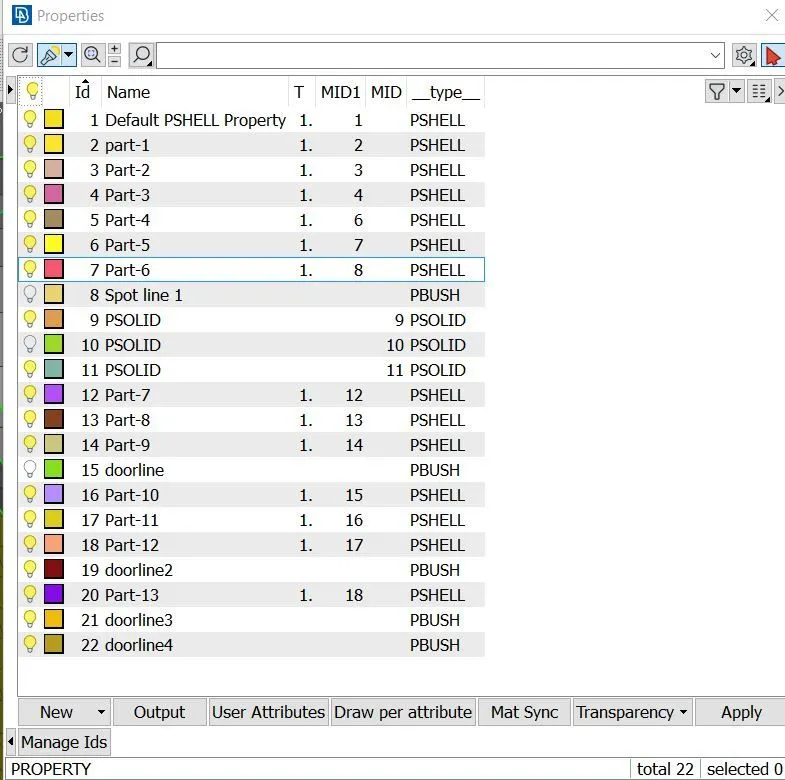
First of all I downloaded model & then started making PIDs of different elements after that I started working on hinge part of the door as shown below.
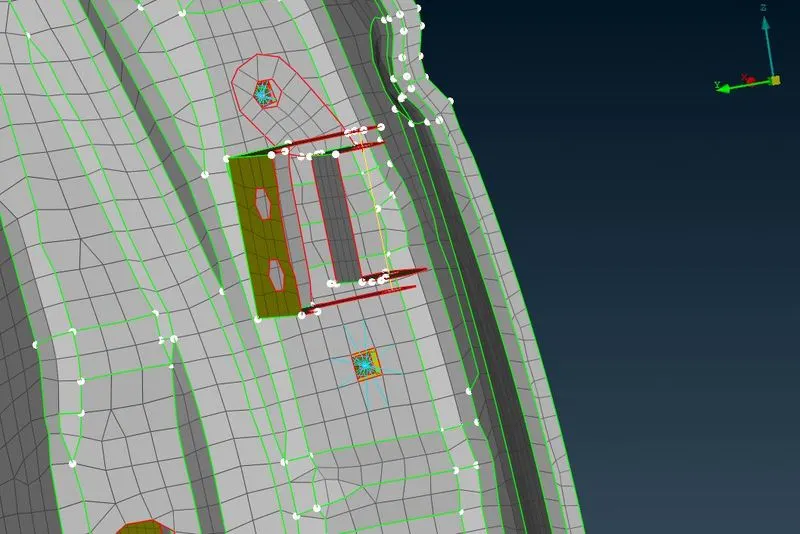
Above we can see that first of all I make spot weld at holes then I make connection at hinge part after that I moved further to next holes , lets see the pics
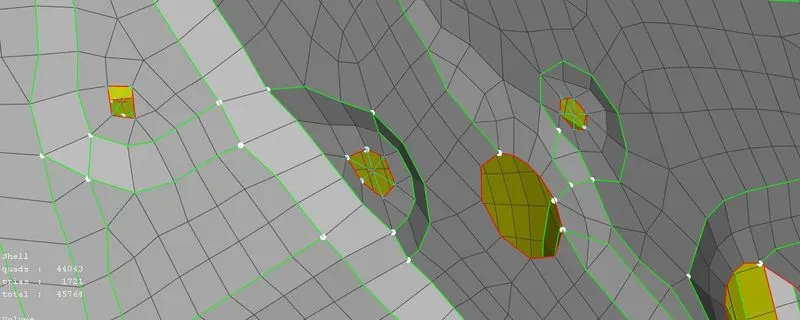
here we can see that I have created spot weld at differrent sites as shown above , afterwards I created spot line connection at to join two detached parts
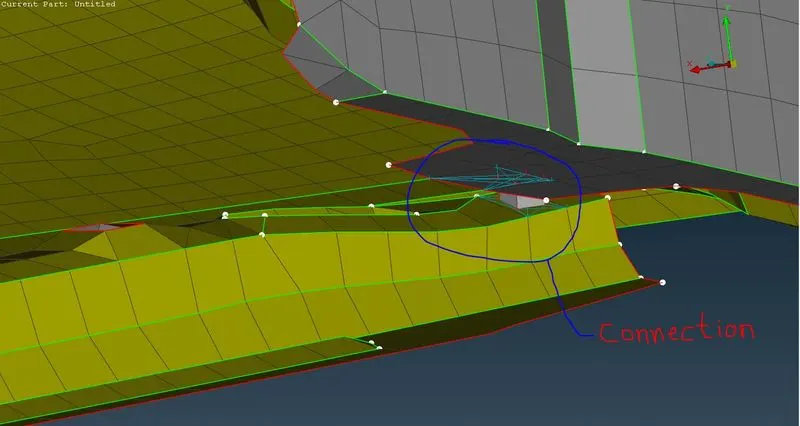
Similarly I have done at another side of same part
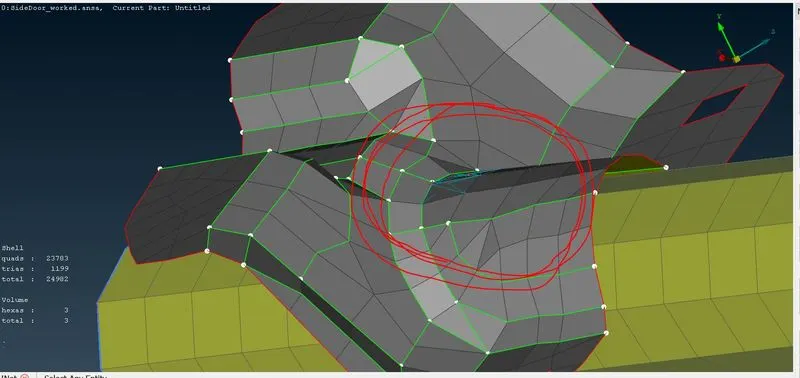
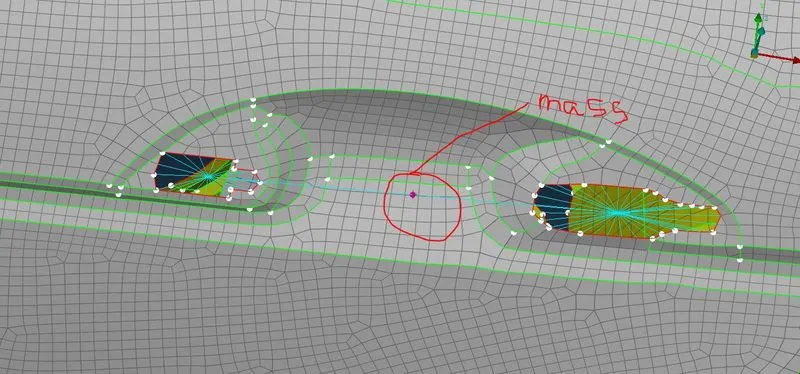
After ward I started working on door handle for that I created spot weld at two hole and then I gave spot line connection at between two holes , finally I assigned center of mass to the handle of about 100 grms
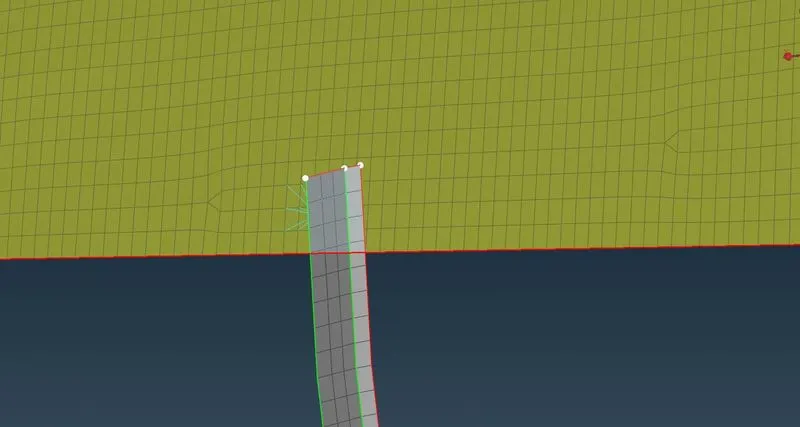
after that I started working on sliding mechanism and glass , I did that by extending the the part of slider to the glass and then connected by spot weld
after that I created a curve around glass door
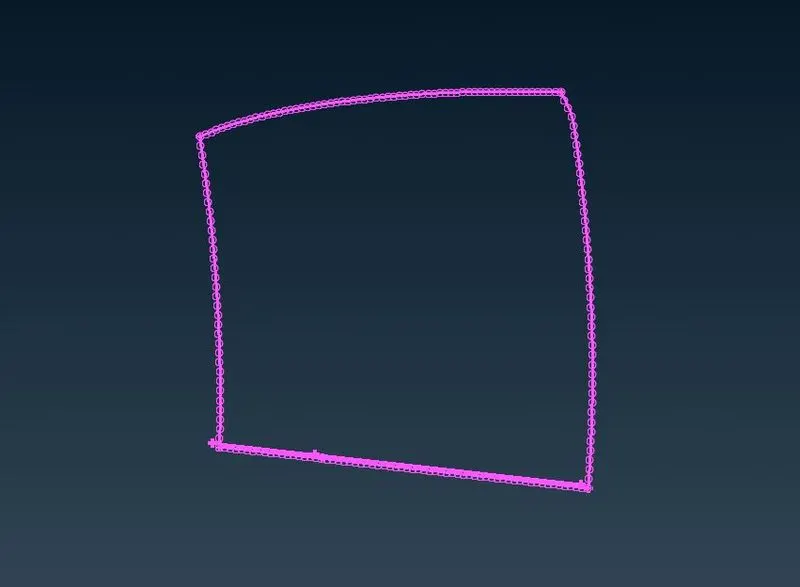
After that i assign RB3-CBUSH-RB3 and created the boundary of glass
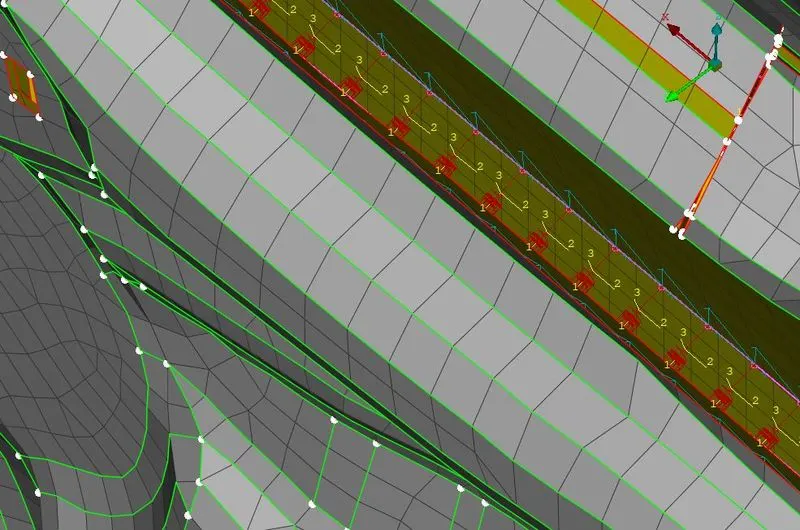
Similarly I created all around the glass as shown above.
PLZ find the model attached in ZIP format & the password is:- sideDoor_123