Week 6 - Creating connection for Rear door
Aim:- for the given Rear door FE model, Create and Apply different PIDs for different components.
Steps:-
Import cad model to ansa.
Go for geometry check
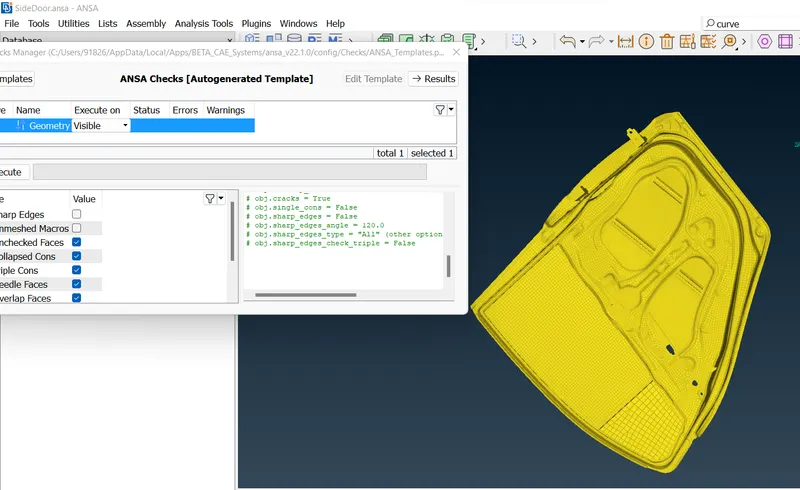
Set PID's for different parts to identify them easily.
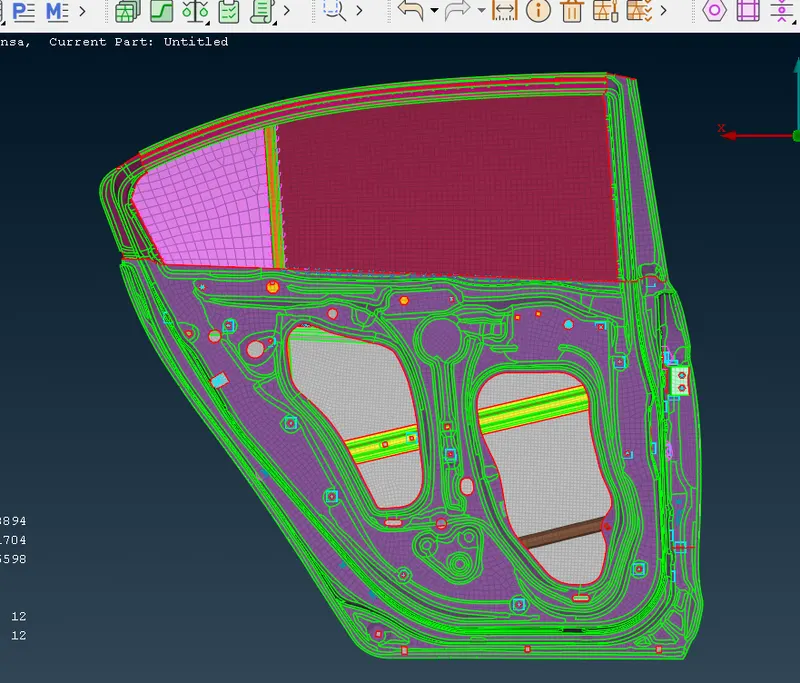
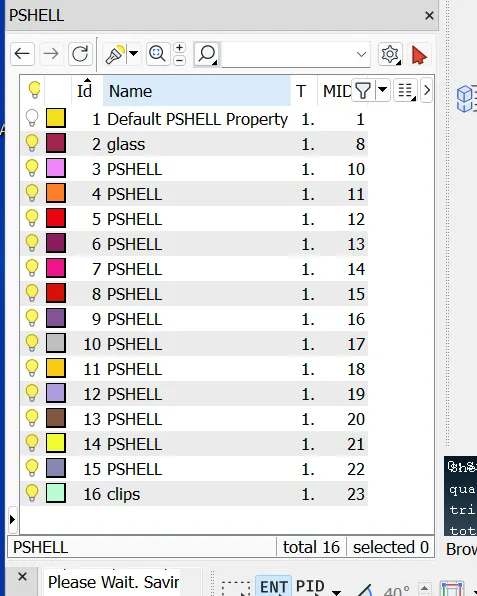
Next Part is connections.
1.Identift bolt connections.
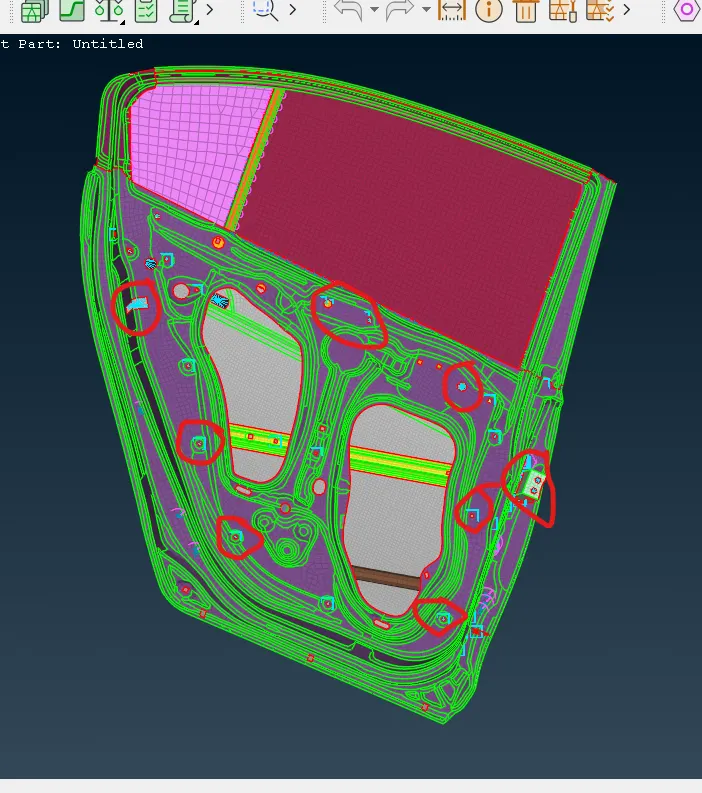
For bolt connection- selet Nastran tab - RB2-Many node .
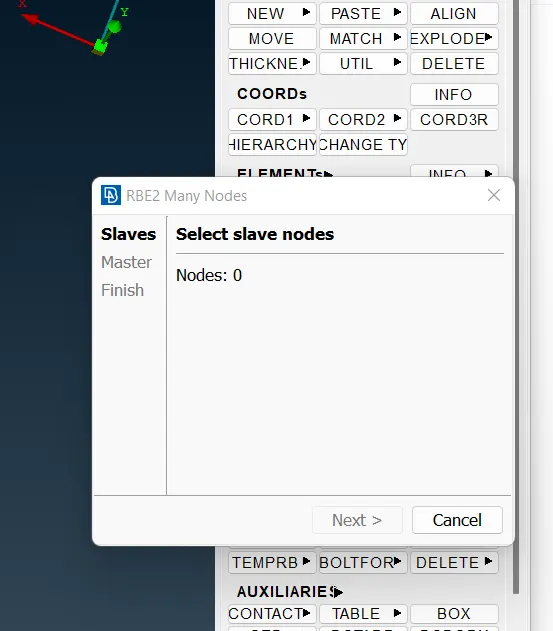
Selects nodes and degree of freedom
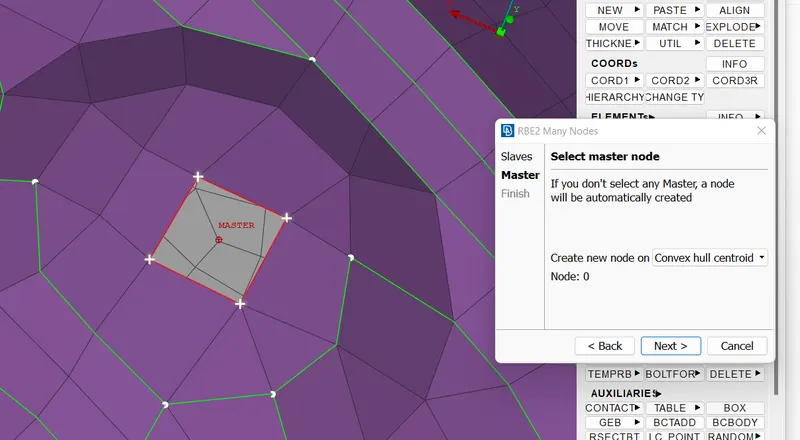
Master node get selected and bolt connection formed.
next to find spot weld connections
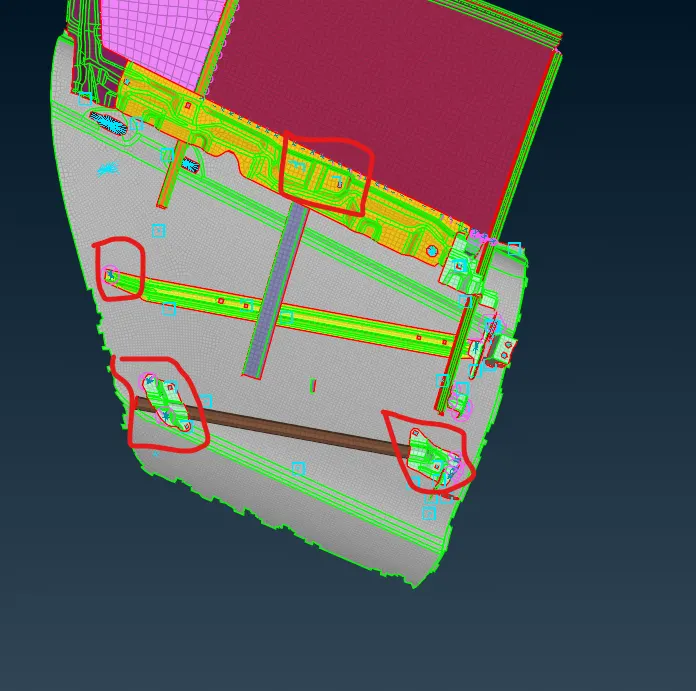
To form spot weld connection go to topo selet point on cog option.selet nodes where we need point convert that cog to sopt weld point.
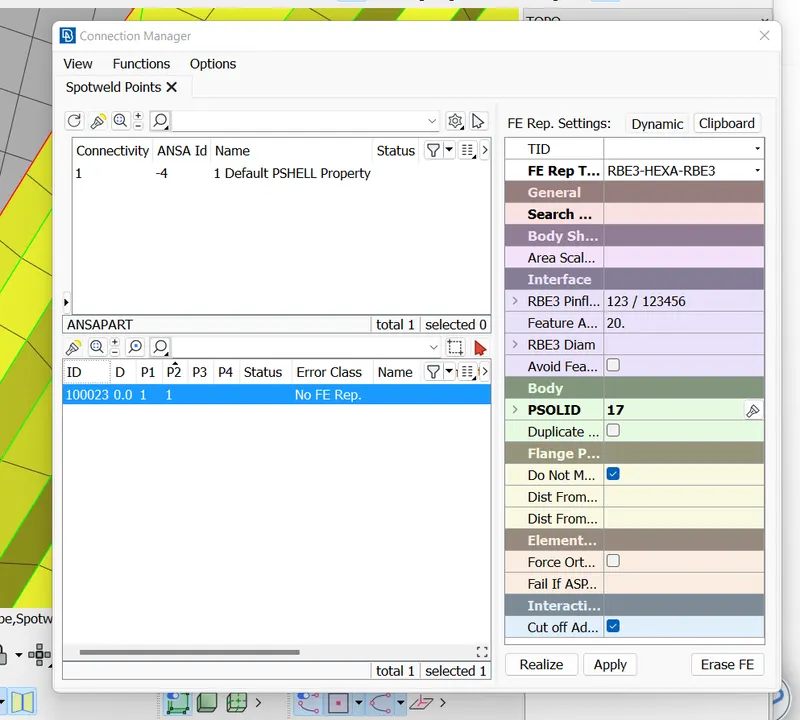
go to connection manager selt point. privide valus for p1 p2 and use RB3-HEXA-RAB3.Prepare property card psolid.After that realize connection and connection done.
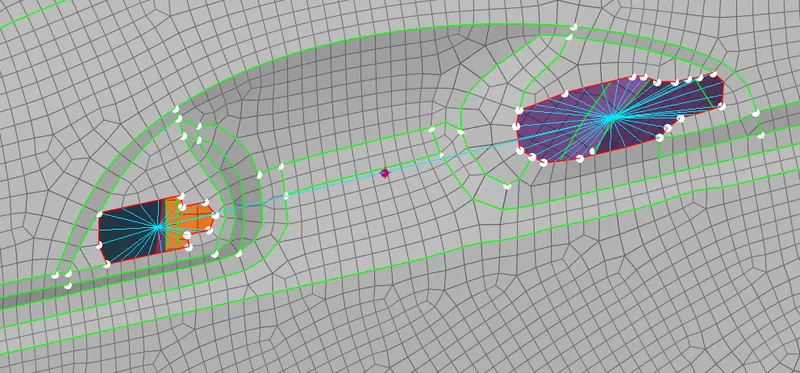
Many node RB2 created and mass is applied on master node point.
Next part is connection of glass
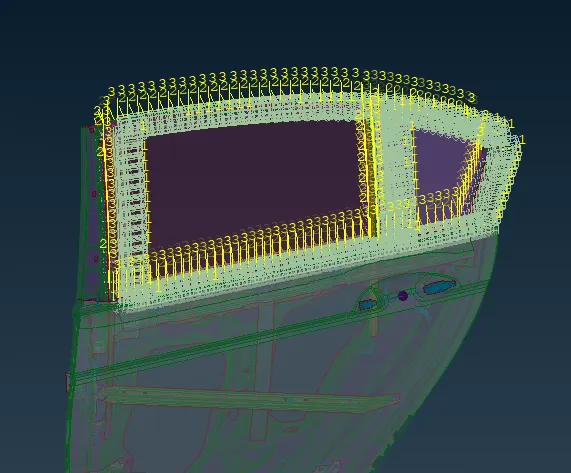
Feature on curve is formeed using FEA outline. then transform that curve by 10 mm.then convert curve to spotweld line.selet line for connection.
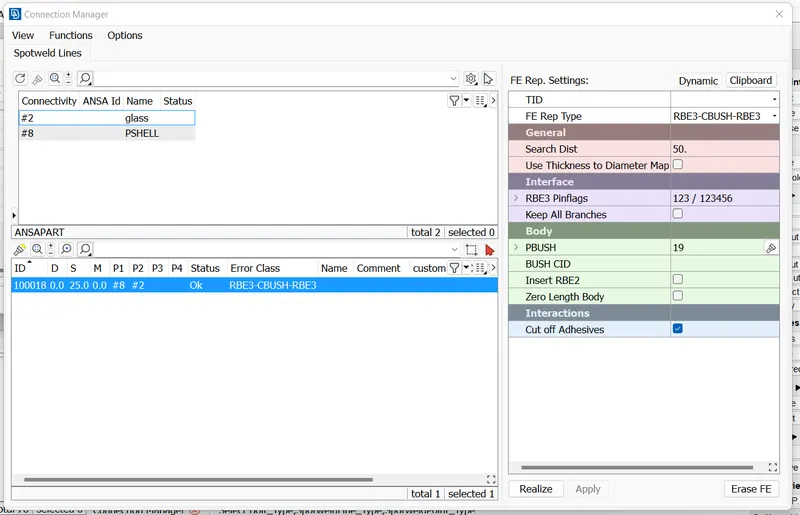
Select element with cord and cid zero.
Issues occured for seletion of pid for weld .