Week 6 - Creating connection for Rear door
Aim:
For the given Rear door FE model, Create and Apply different PIDs for different components and Perform suitable connections.
Procedure:
Make the suitable connections by selecting the proper connections. Basically there are two different connections in this door model.
- Bolt connection
- Spot weld
Step 1:
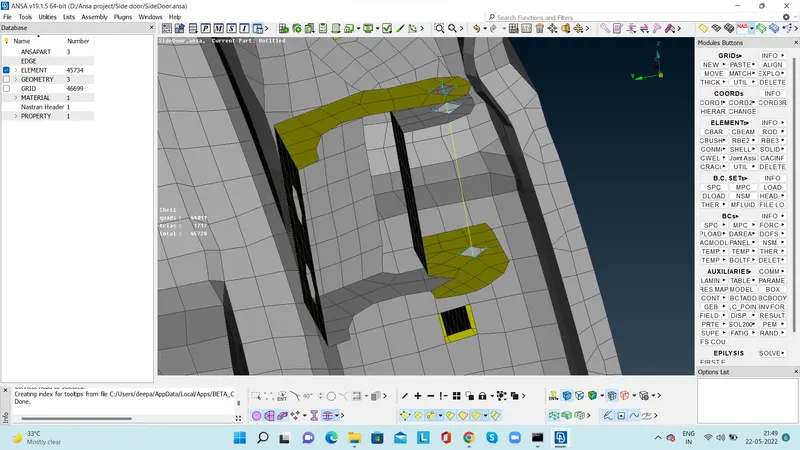
Start the coonection from the door hinge area. Make the the connection for the door hinges connection in multiple ways.
- Selection of node is one way
- Selection of node by loop is other option
- Selection of node by feature option is other way
- Make the cog and enable the connection
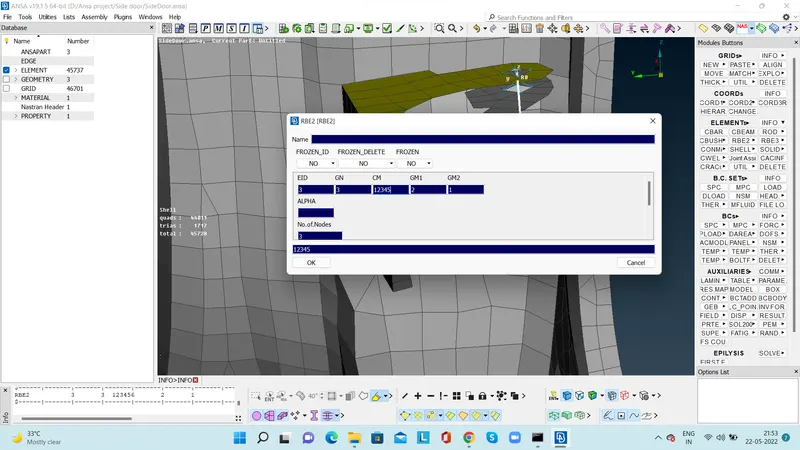
Make the the connection RB2 by choosing the nodes and connect the top door node and bottom node of the door hinges by the option many nodes.
Check the door rotational axis and the door will move only in x and y axis so the rotation in z axis need to resist.The rotational axis in 123456. Remove the z axis so replace the axis of rotation to 12345.
Step 2:
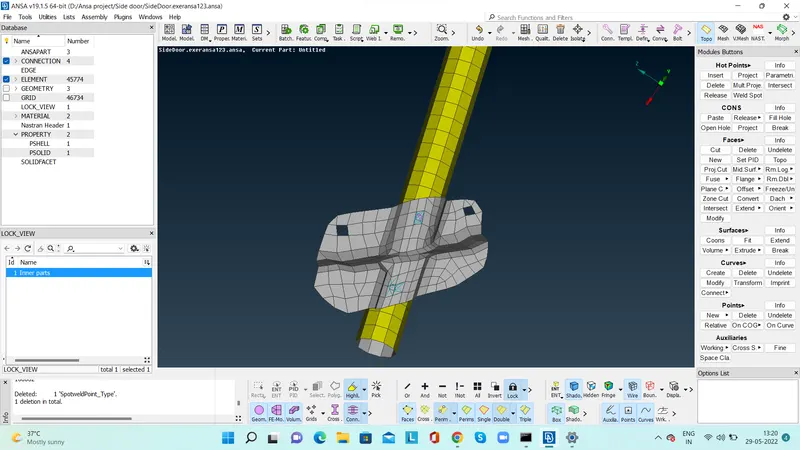
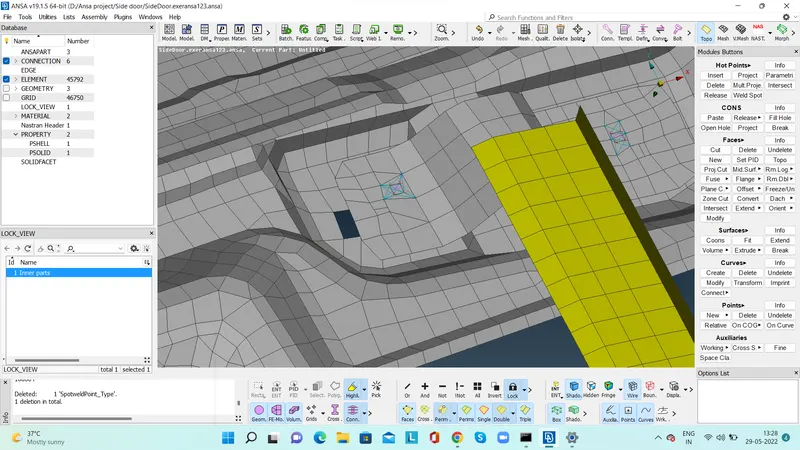
Connect all the other bolt connection by cog option. Activate the connection by connection manager. In the connection manager for bolt connection select the two different part ID. Create an new P SOLID and realize the bolt connection.
Connect all the connection with bolt and spot weld respectively based on the joints.
Step 3:
Make the connection for the door handle. Make the two nodes for the door handle and by using many nodes establish the connection. For door handle apply the proper weight 100kg for the door handle.
Step4:
Foor the glass RB3-CBUSH connection is the proper conection. At first by using the FEA2 curve option make the curved area for the glass alone . Make a copy for the curve in x axis alone.Extend the channel which is connected to the feeder and make a rigid connection between the channel and glass.
By using the RB3-CBUSH realize the connection for the curved region and provide the spring index k1,k2,k3,k4,k5 and k6 value. Make a new P SOLID for the bush connection and realize the connection.
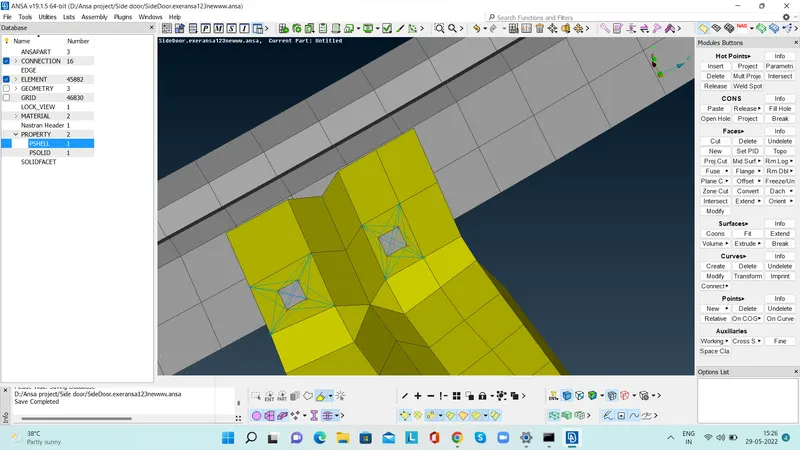
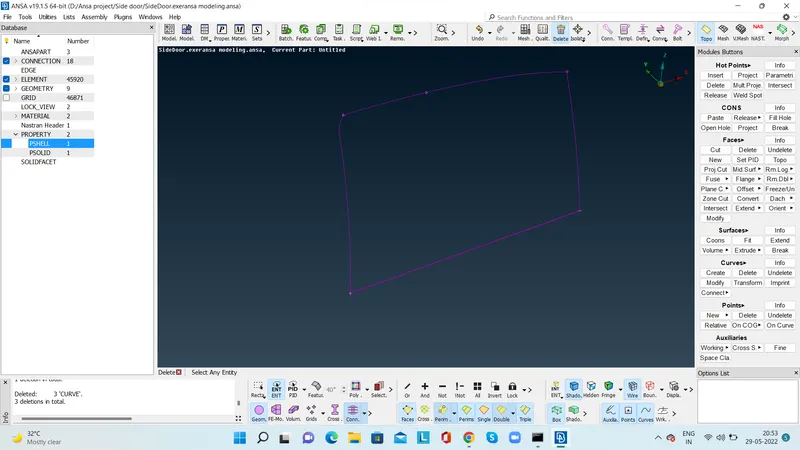
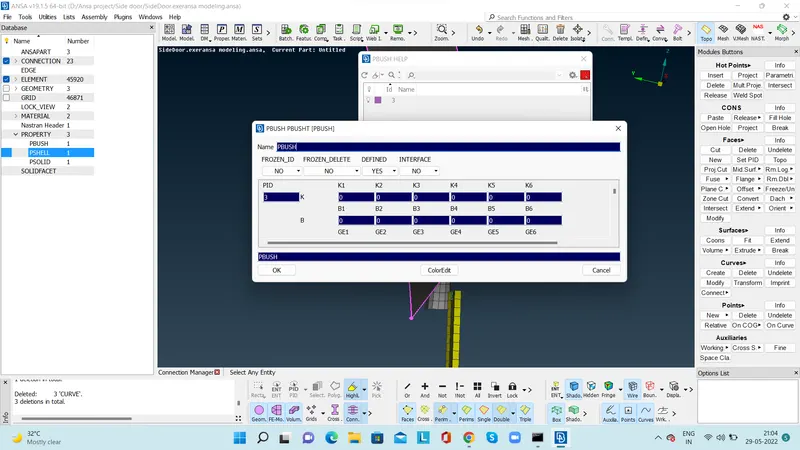
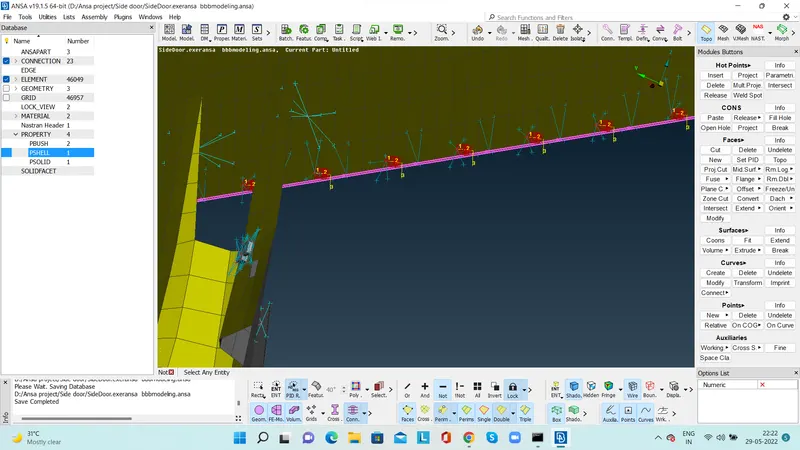
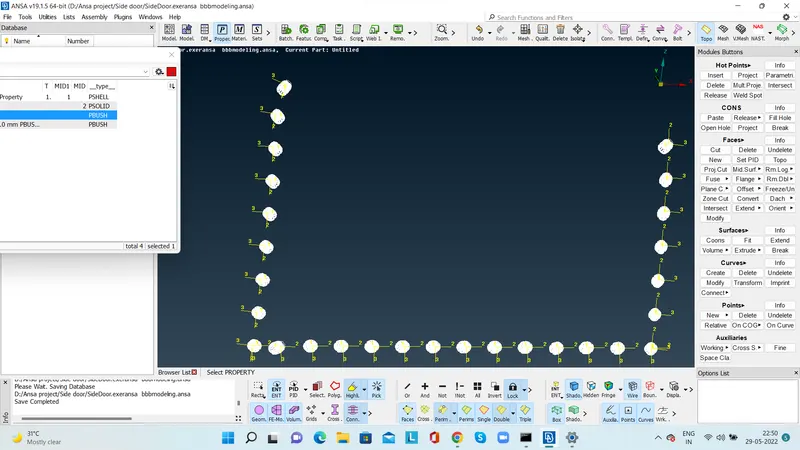
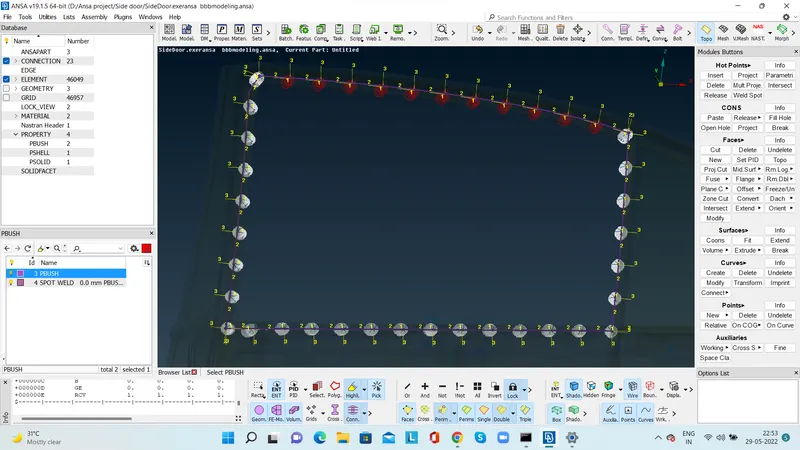
Out come:
For analysis of the model a proper connection is very important.Suitable connection is the back bone of the analysis.A wrong selection of the connection will resulted into wrong assumption.
Conclusion:
Proper connection has been realized for all the connection