2D Mesh on a HOOD
Aim :
2D Meshing the hood component in HYPERWORKS.
Software: Hyperworks.
Procedure :
Firstly import the CAD model to the hypermesh.
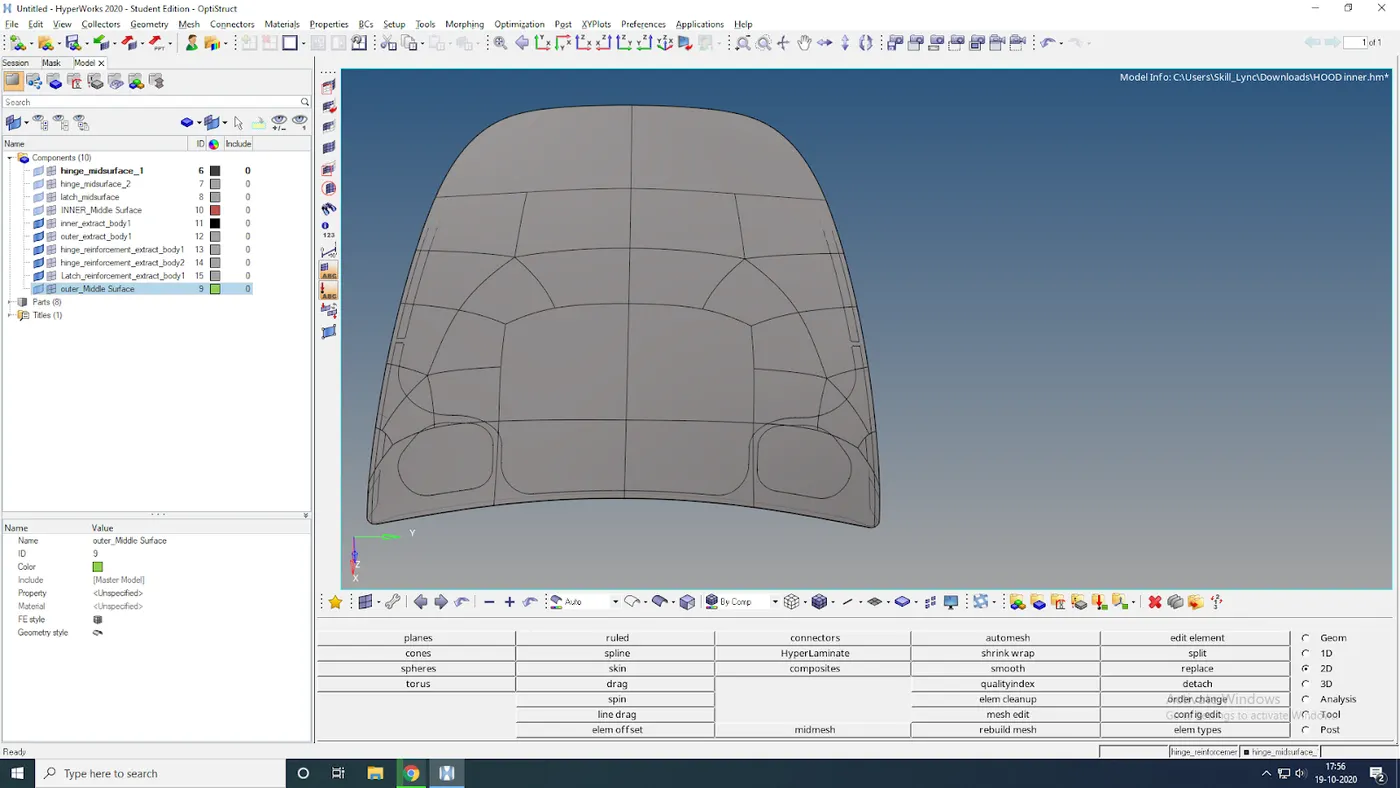
After importing the CAD model delete all the solids of the component.
Now seperate the hood into different parts as shown in the below figure.
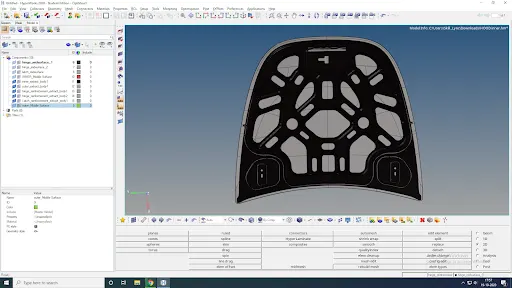
Then create midsurfaces seperately for every component and make sure to rename the midsurfaces inorder to avoid the confusion.
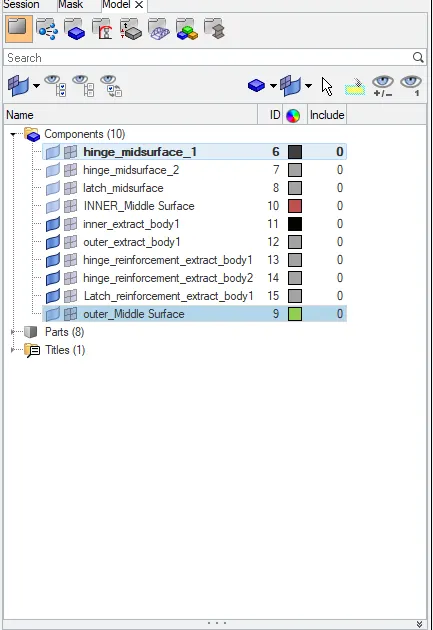
Below figures shows the midsurfaces of each component.
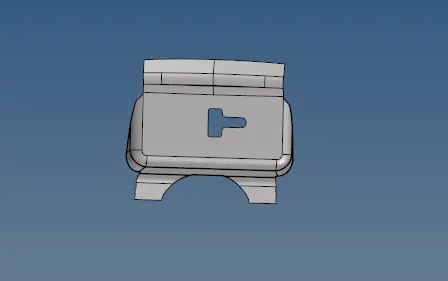
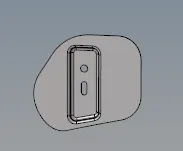
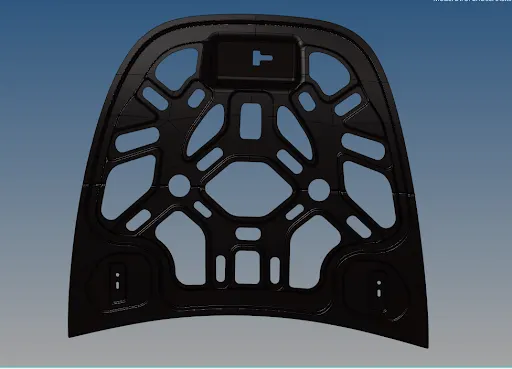
Now cleanup the whole component and set the given criteria and target size. The "criteria file settings" can be found by going to the option of menu bar > preferences.
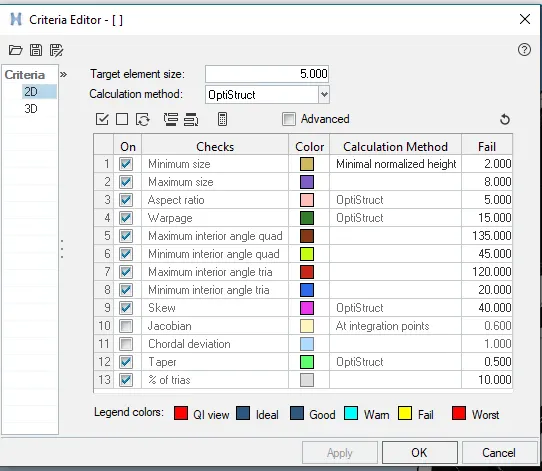
Then automesh the components one by one.
Starting from hinge meshed it and then reflect it by using the option 'reflect' in tools.

Now cut the hood outer part into half and then mesh it.
Similarly reflect the outer half by selecting the vectors on the edge of the mesh as shown below.
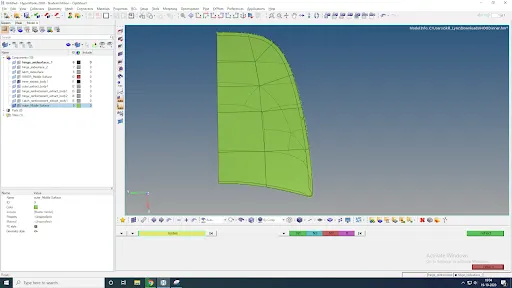
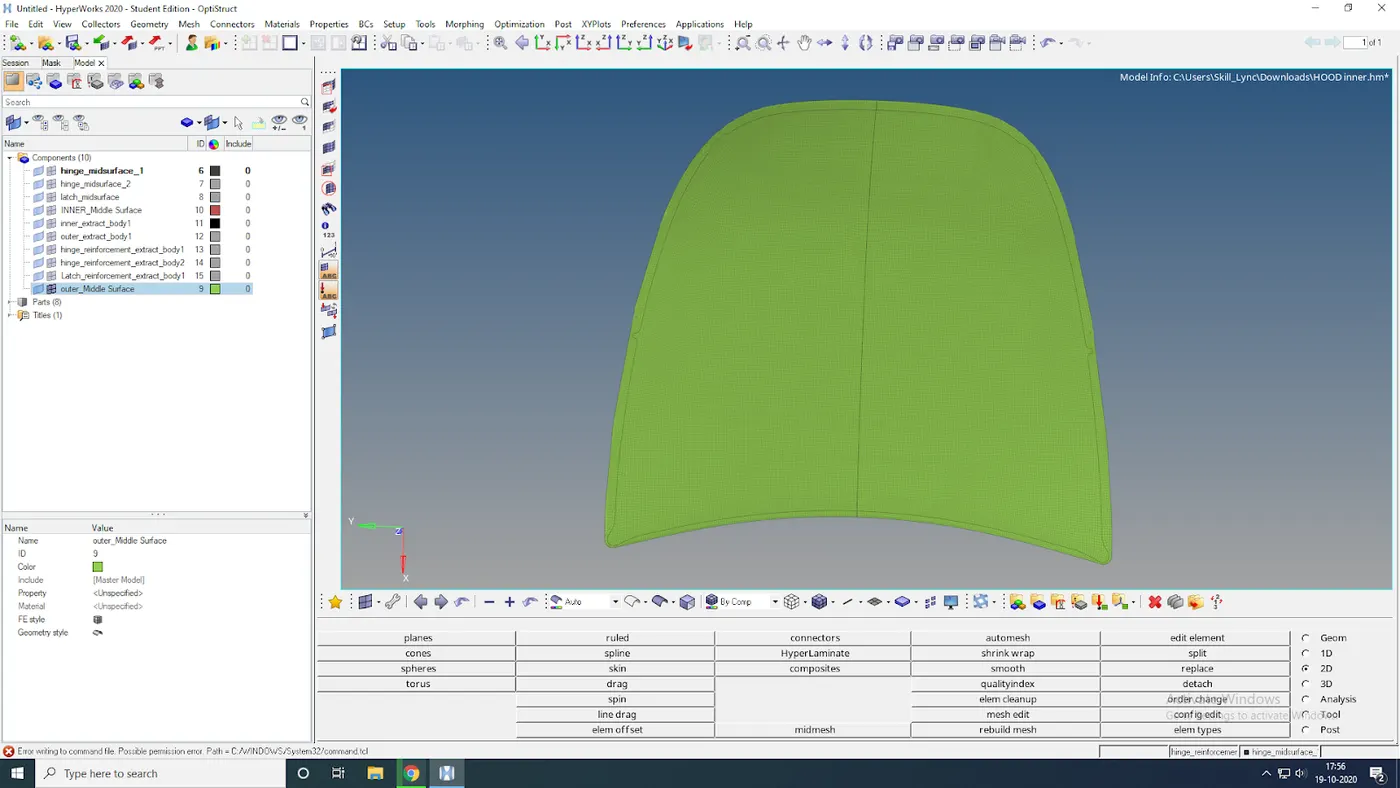
Now similarly mesh the inner part and reflect it.
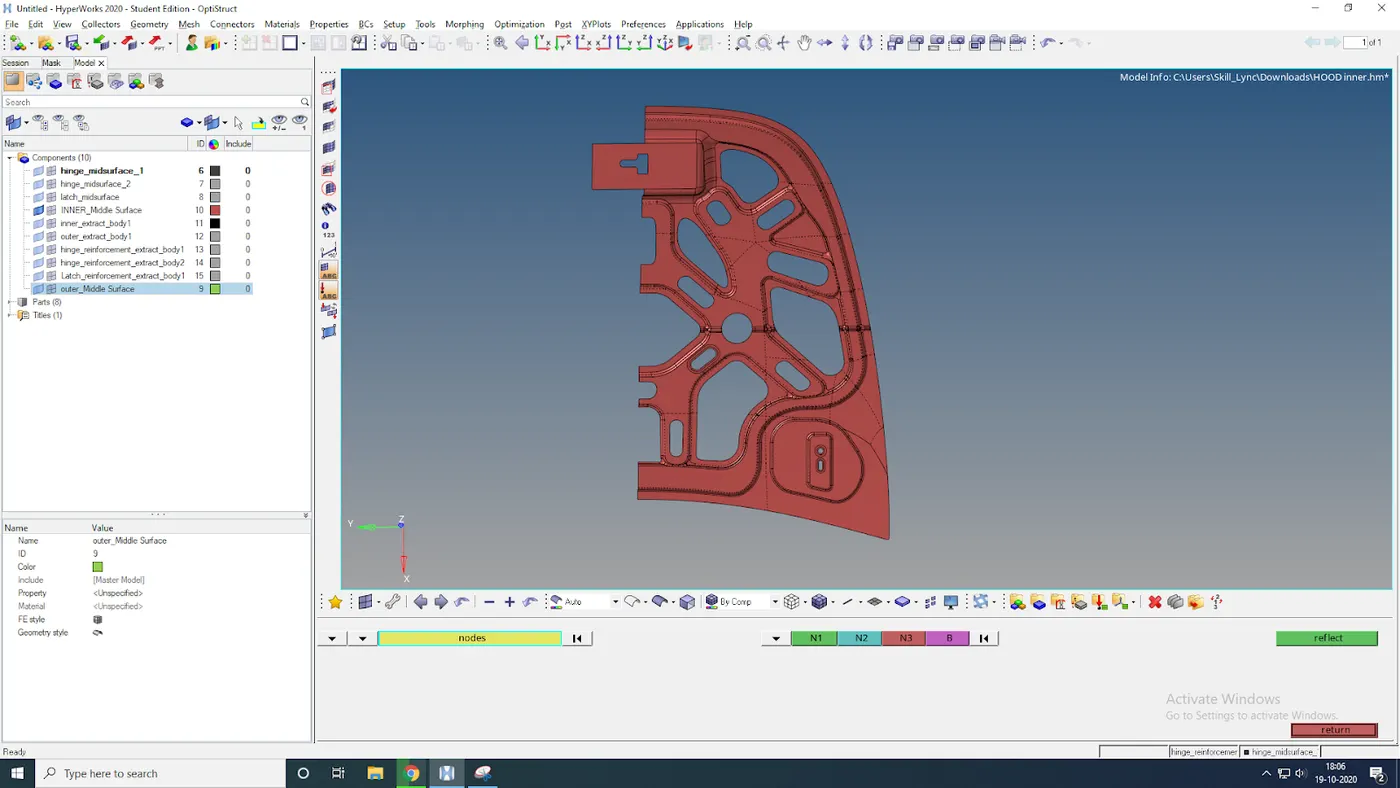
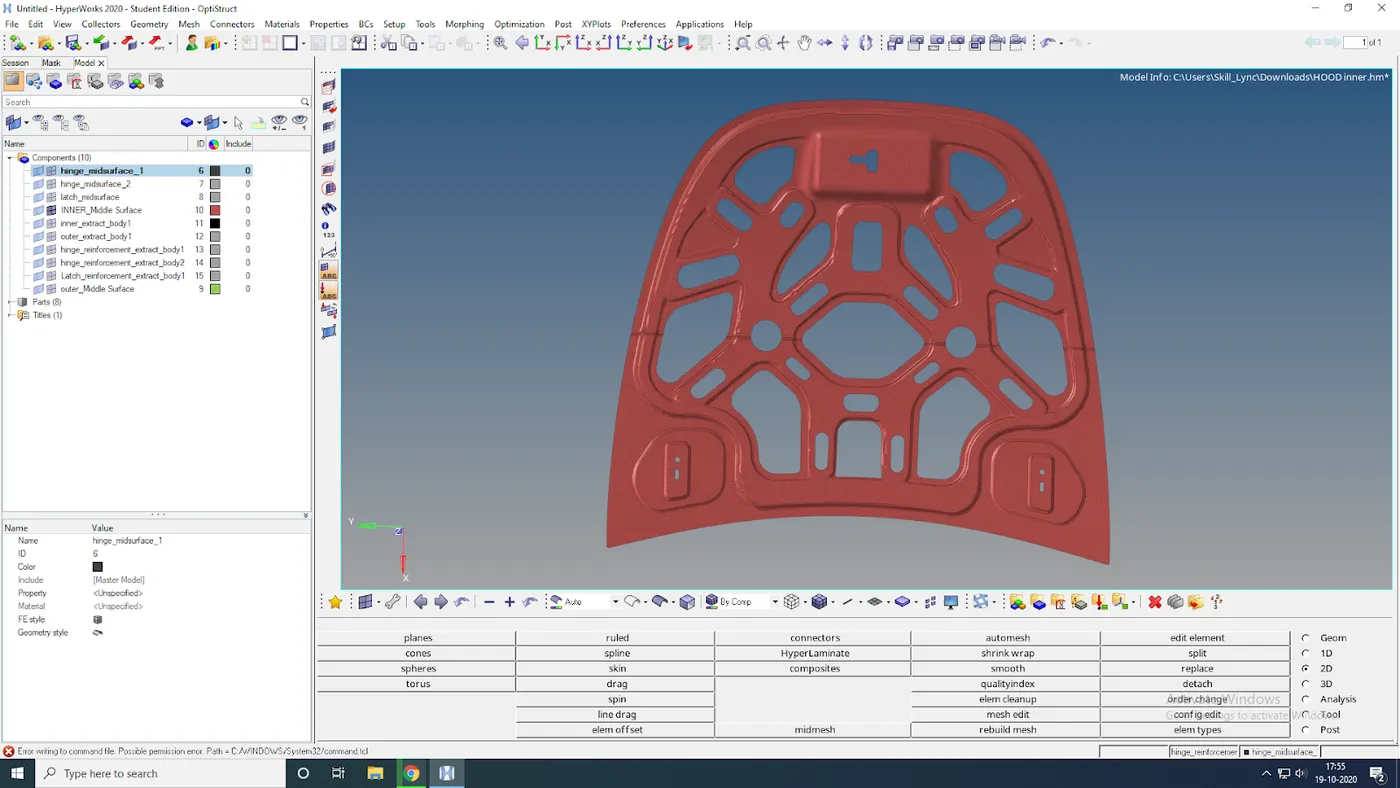
After meshing every component check the quality criteria and solve the errors by using quality index's cleanup tools.

Final output:
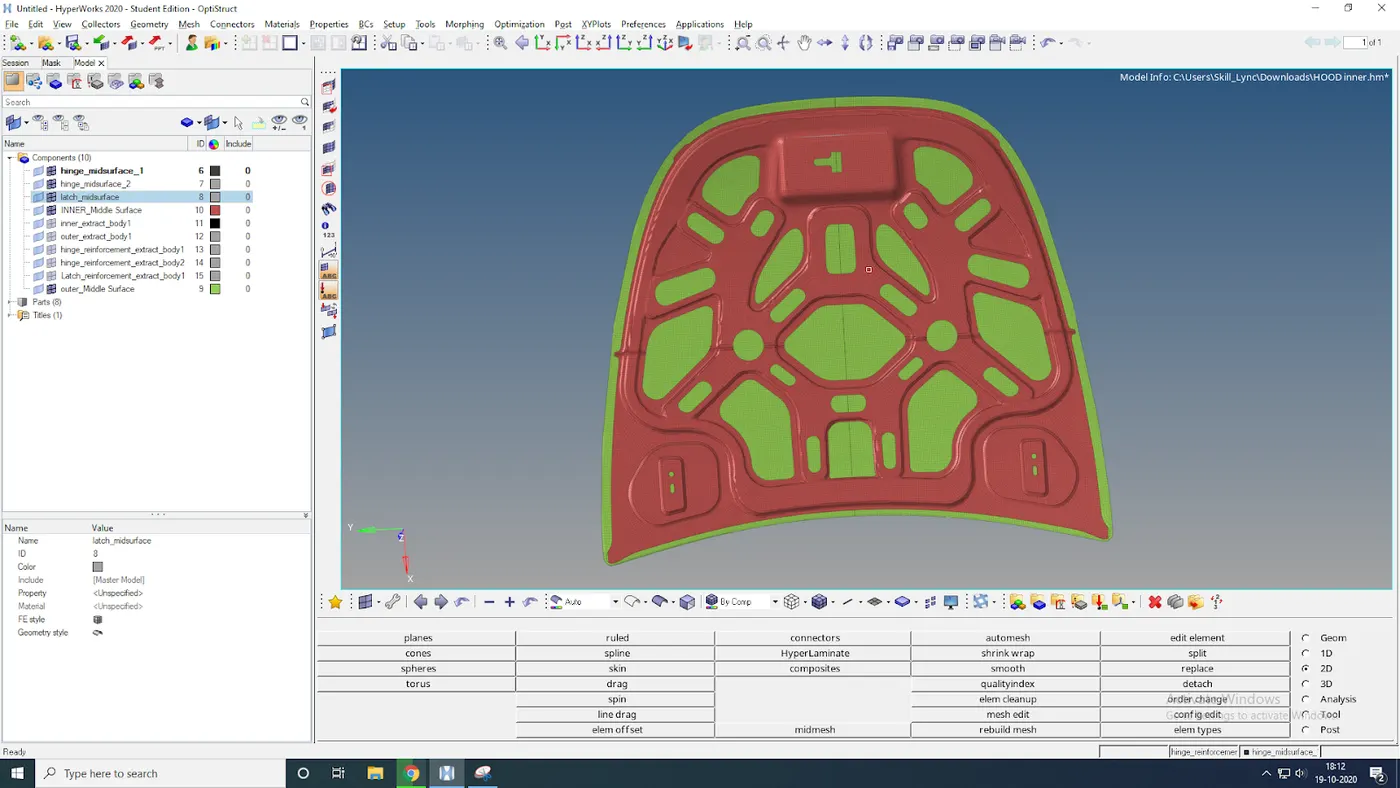
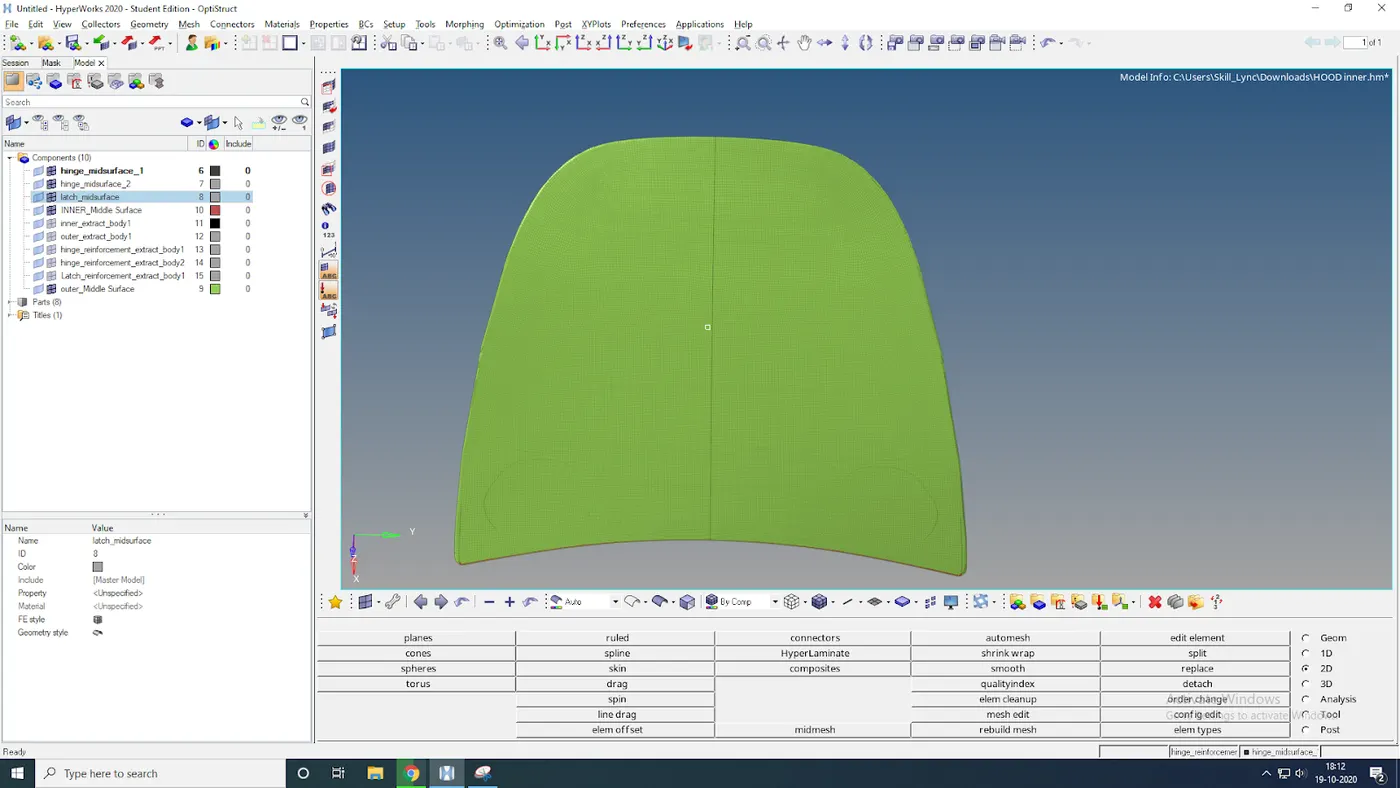
Result: The given hood is been meshed with the given quality criteria.