Week 6- Challenge
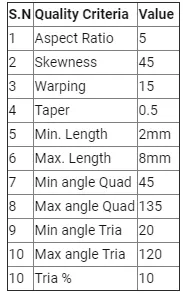
AIM: Extract the mid surface for each component, mesh the given hood component with the given target element size and satisfied mentioned quality criteria.
Procedure:
1. importing the geometry and cleanup the model
2.meshing the component
3.Improving the quality
4.Reflecting the element and the surface.
1.Importing the geometry and cleaning the geometry.
The below image shows the given model, and remove all the errors and extract the mid surface.
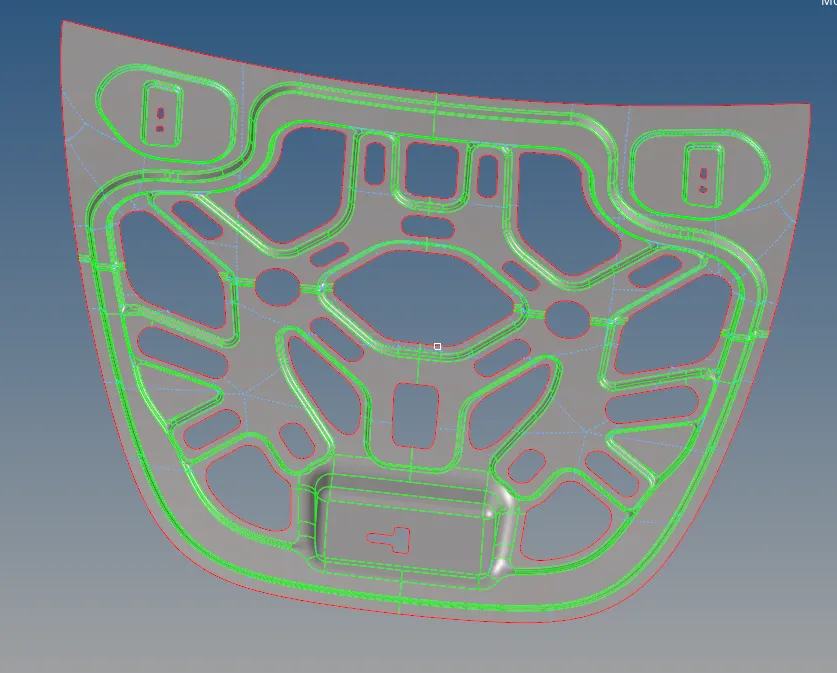
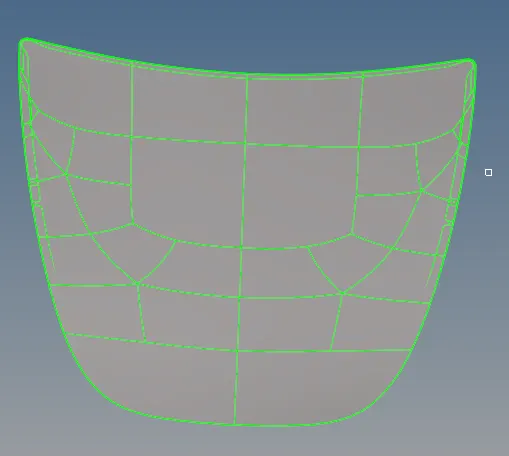
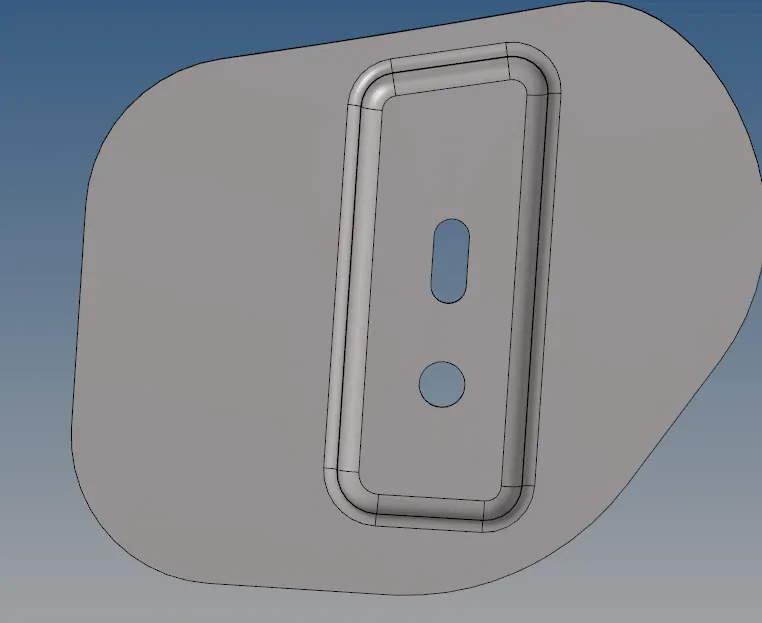
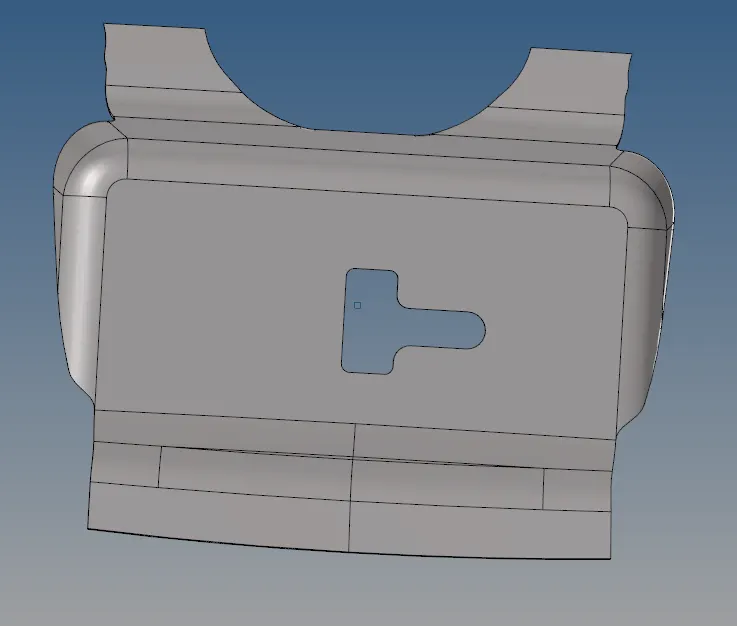
The above model consist of some topo error remove these errors using quick edit tool.Then extract the midsurface from the actual component by using mid surface tool.Then we cleanup the mid surface by toggle the unnecessary lines by using toggle edges and creating lines where neccessary by using split surf nodes and split surf line tools.Cleaning the mid surface is neccesary for smooth meshing with less quality errors.
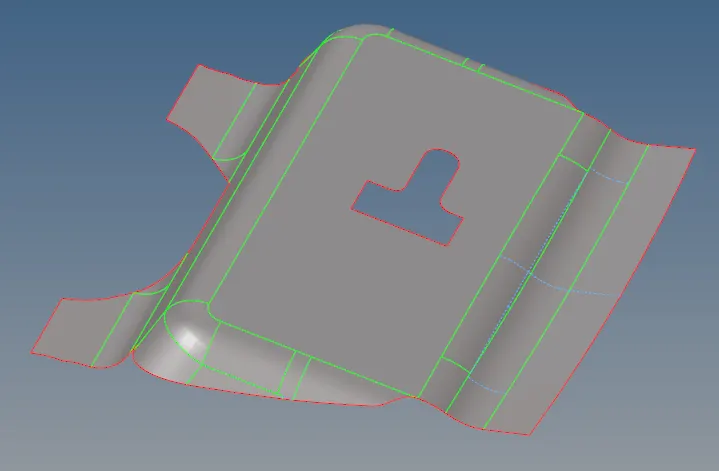
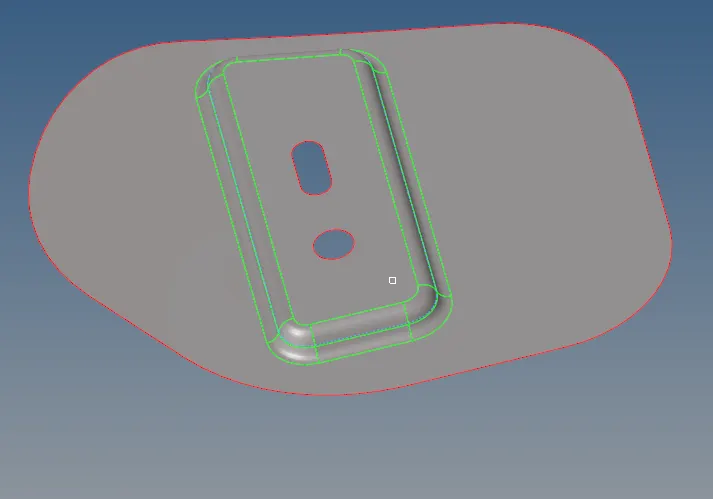
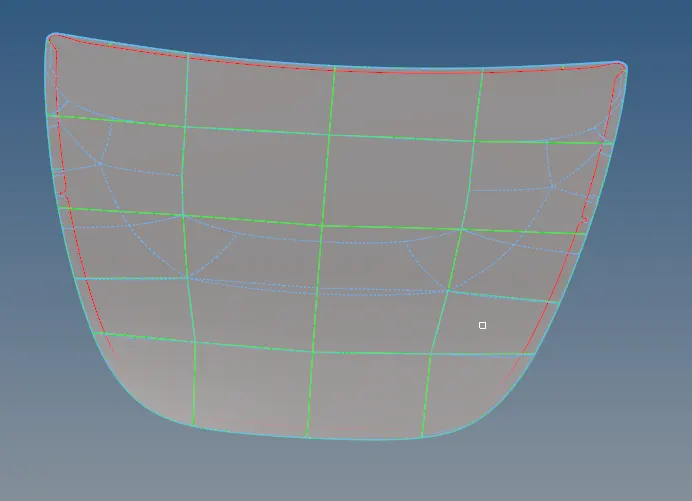
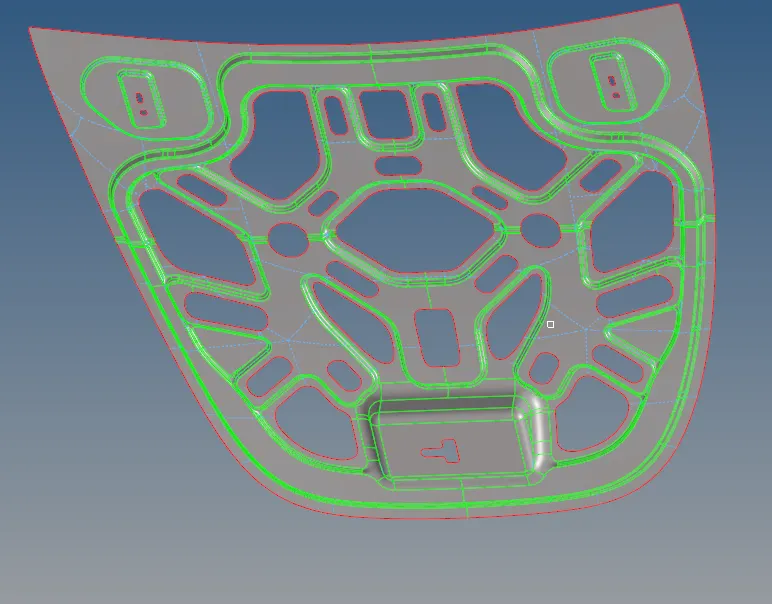
In the above figures we have manual geometry cleanup and then extract the midsurface from the parent geometry.
Meshing The components:
Mesh can be created by using the auto mesh tool from the 2D. We are creating the 2D mesh separetly on the each component at the element size of 5mm.

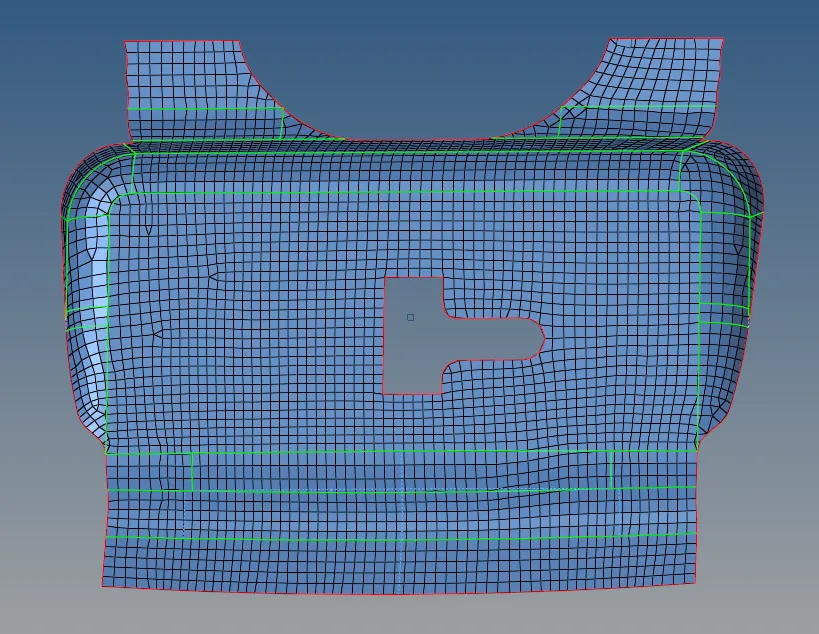
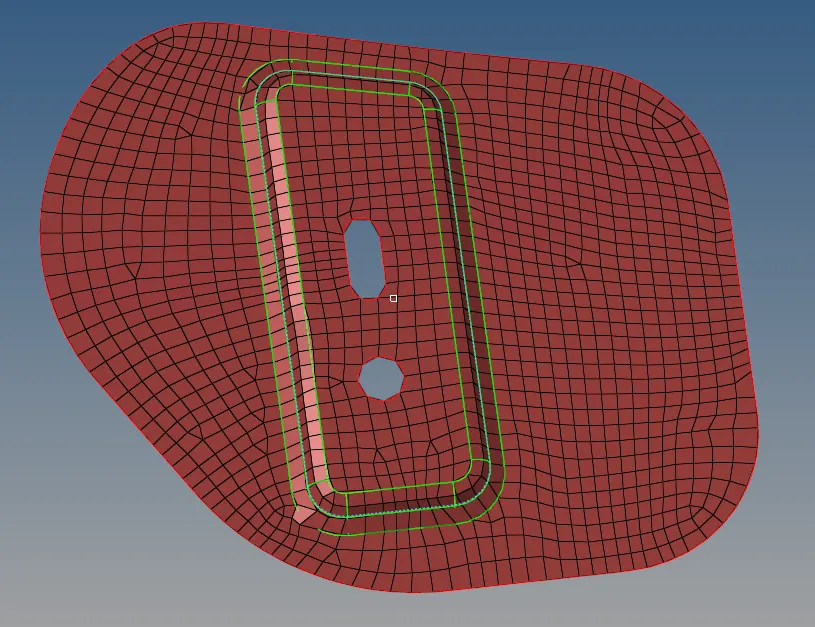
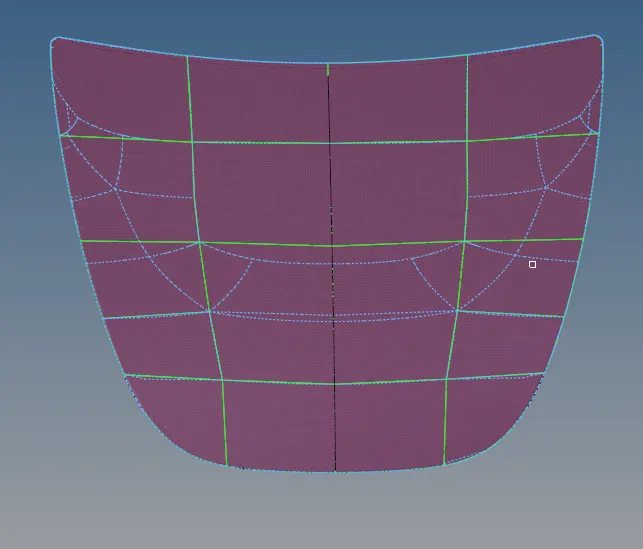
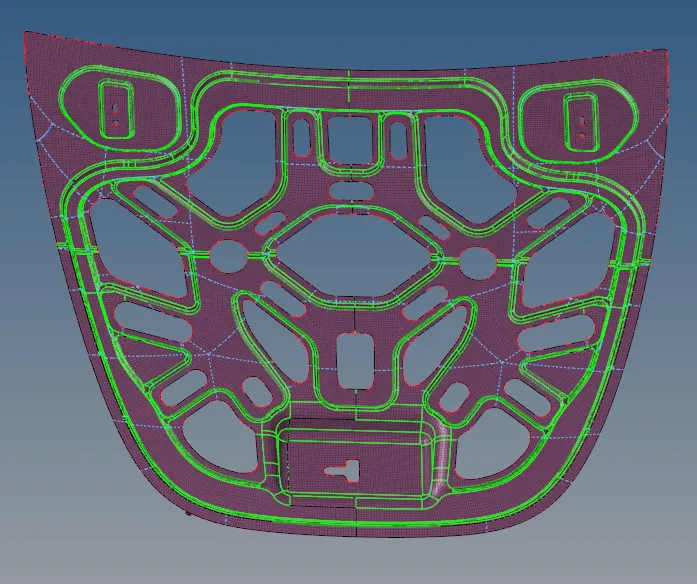
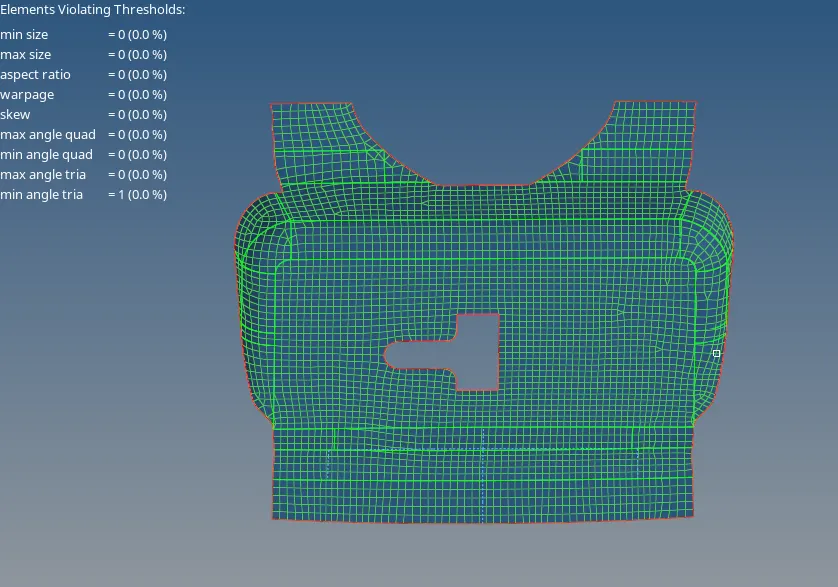
The above image show the meshed components.
4.Reflecting process:
The reflect the process can be carried out by using the reflect tool from the tool. this tool reflects the elements one side to the other side with respect to the base node . Before reflecting the element we create dublicate elements by using the dublicate tool. It makes a faster process.If we do not create the dublicate elements the selected elements reflect other surfaces.
5.Quality index:
After working on the mesh we move to the quality index tool from 2D.In this tool,we give the given parameters by using the edit criteria and check these parameter and arrange it according to the given parameter these can be reduced by using the cleanup tool.

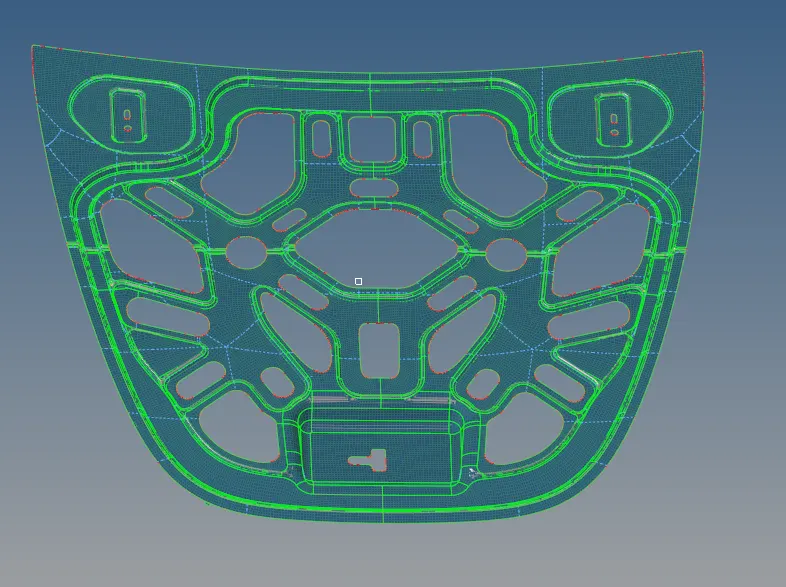
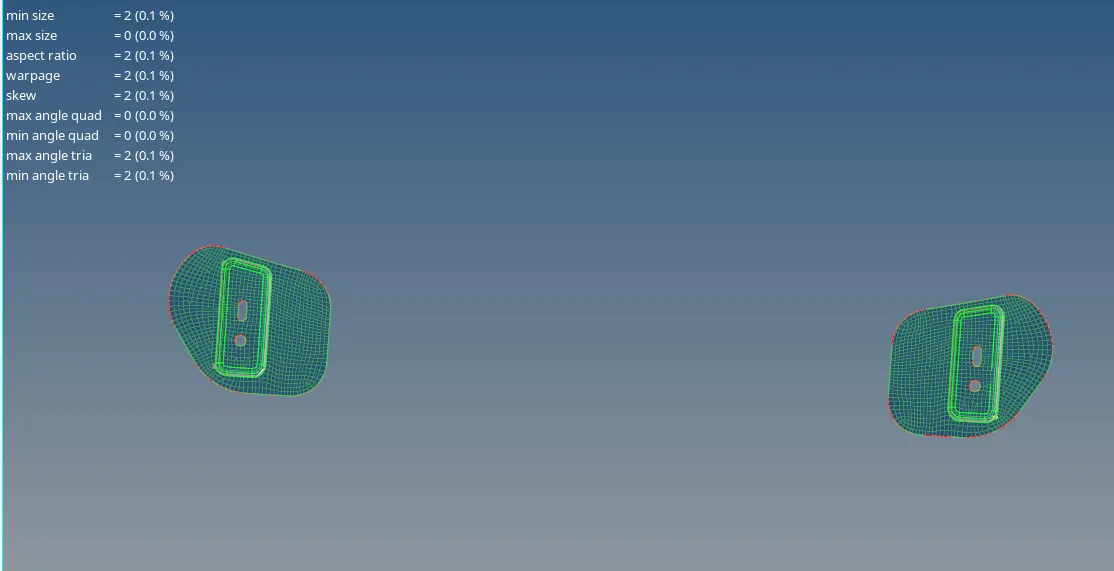
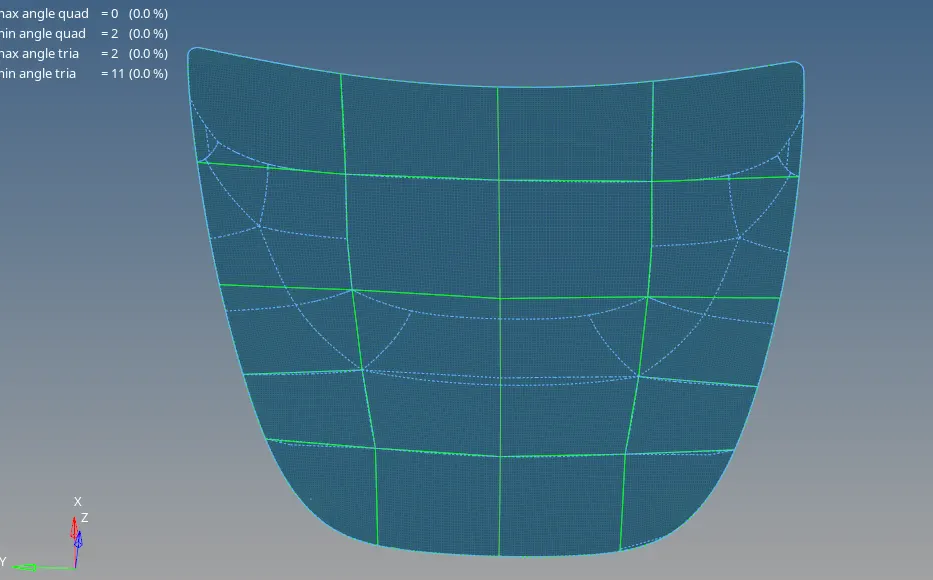
Midsurface Extraction Method:
Use the auto midsurface panel to extract the mid surface of sheet metal stamping, molded plastic parts with the ribs, and other parts that have thickness clearly smaller than width and length.
Automid surface tool:
Use the automid surface tool to extract the modify mid surfaces.
Interim edit tools:
Use the final edit tools repair surfaces and modify plates,base surfaces and collaped lines on the mid surface.
Final edit tools:
Use final edit tools repair surfaces and modify target after mid surface has been extracted,
Conclusion:
1.In challenge , we learn how to mesh the hood components.
2.We learn mask,reflect,quality index and organise tools.
3.To improve the quality parameters as per given criteria.