Week 6
Providing Connections to an Automobile Rear Door
Using ANSA
Objective : To make connections at required places for the given rear door of car.
Procedure : In ANSA the connections were made in the model using NASTRAN module buttons.
Step 1 : Import the model into the ANSA graphic user window. The model was imported by using file -> input -> NASTRAN.
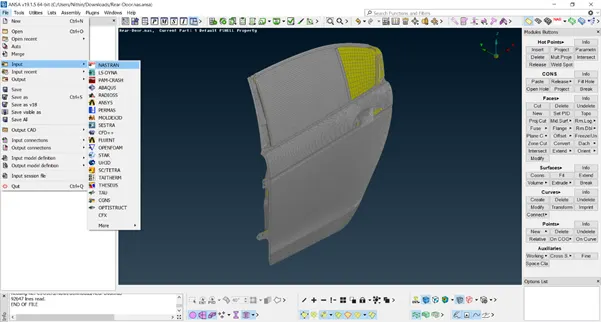
Step 2 : The model is checked for any geometrical errors. If there is any we can clear it manually and automatically which ever is possible or preferred.
Connections :
Bolt : Make points using COG option at required bolt connections to be made.
- . Convert those points to 3 D bolt points using convert option.
- Realize the bolt connections from connection manager by assigning the respective PID’s of the components.
- Giving specific zone types.
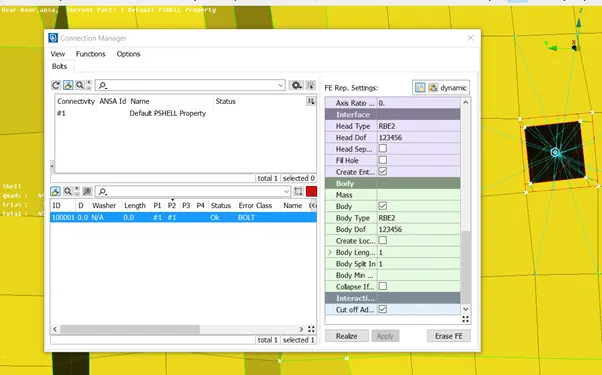
Zone type : In/out
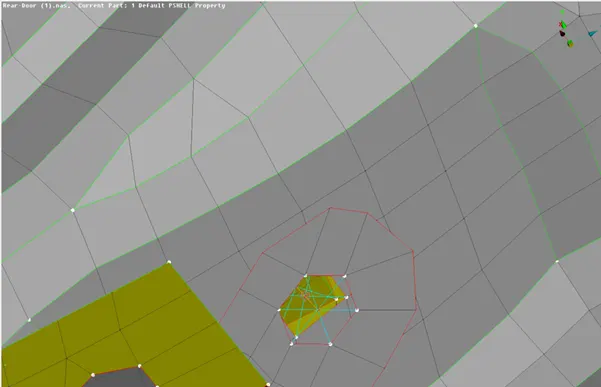
Zone type : INNER
RBE 2 Connections : The RBE 2 connections were made at most places on the door assembly. Mainly 2 types of RBE 2 connections were made i.e RBE 2 Many nodes and RBE2 2 nodes.
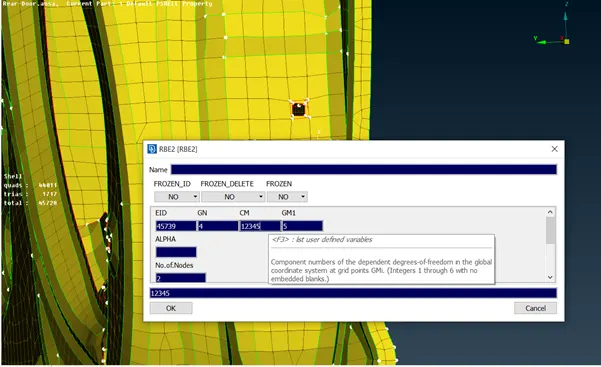
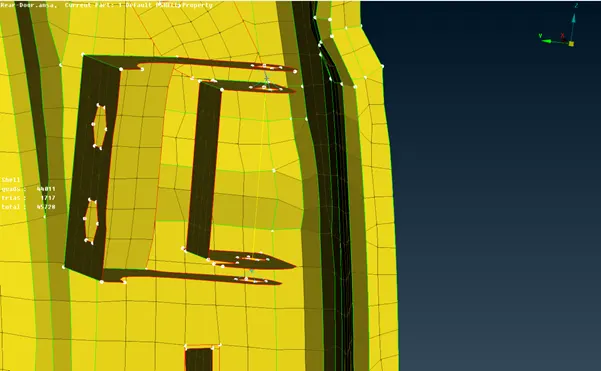
RBE 2 connections were also used in bolt connections.
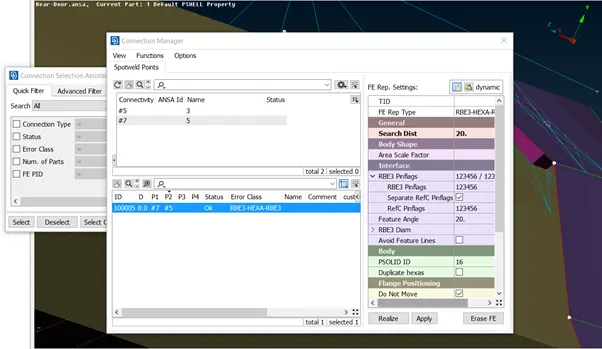
Spot Weld : For spot weld the COG points were made at necessary places and those converted into spot weld connections and then realized giving them necessary PID’s making RBE3 Hexa RBE3 element type connection.
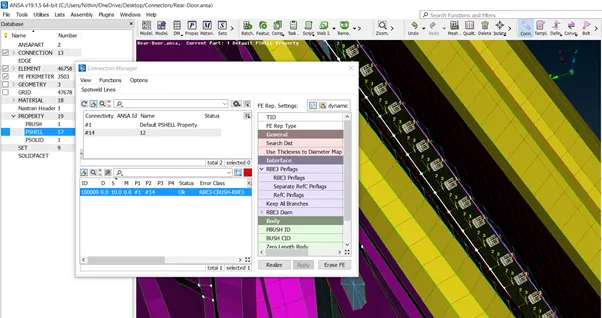
C BUSH : This connection was made for glass sliding mechanism. It was made using the curves of glass line and used as spotline. The CBUSH vectors is changed to same global axis.
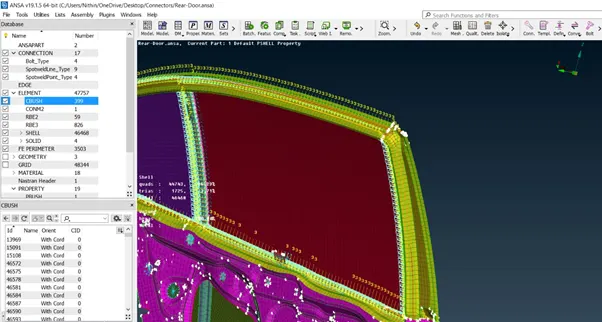
The RBE2 elements were also used on the glass to hold it.
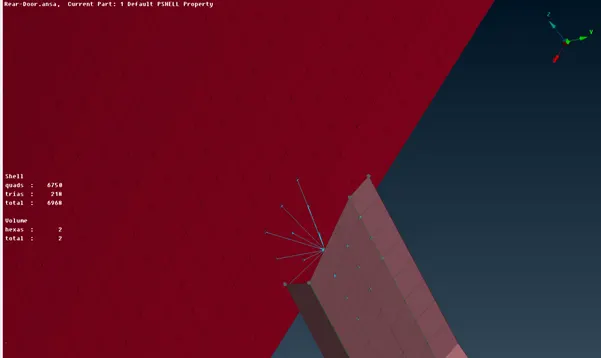
For Door handle : The connection was made using RBE2 elements because door handle is generally modelled as mass element.
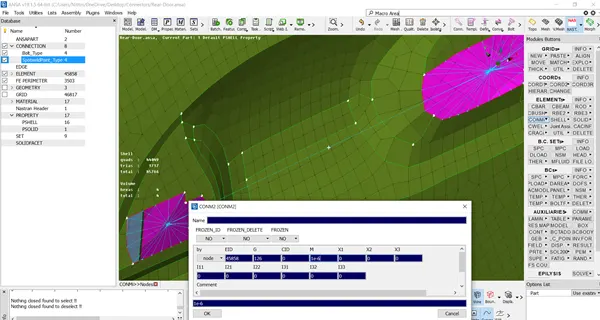
Conclusion : All connections were made at necessary areas. Different types of connections were made.