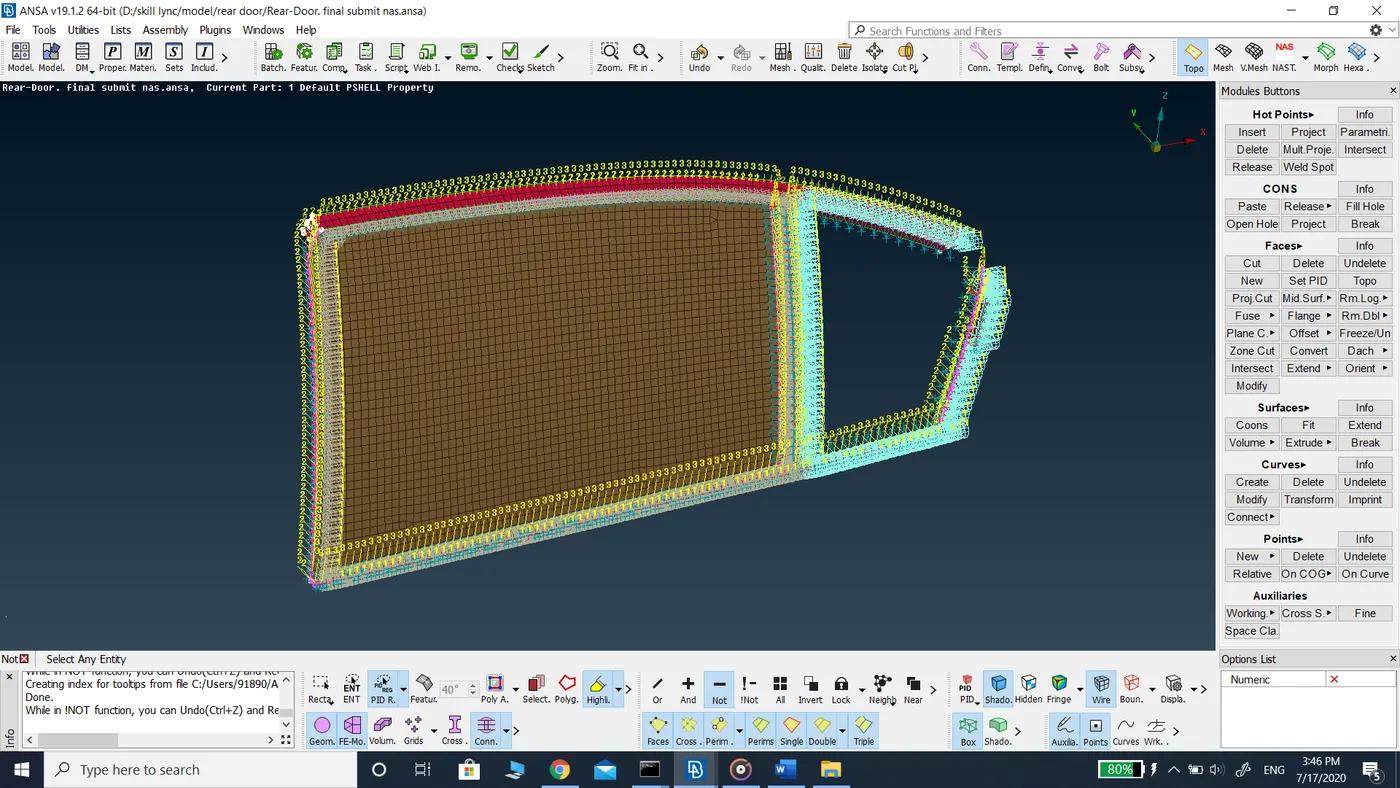
Connections for Rear Door Model using ANSA
Report on Connections for the Rear Door model
Aim: To generate appropriate connections for the rear door model.
Procedure:-
- The given rear door model is downloaded from the skill lync database.
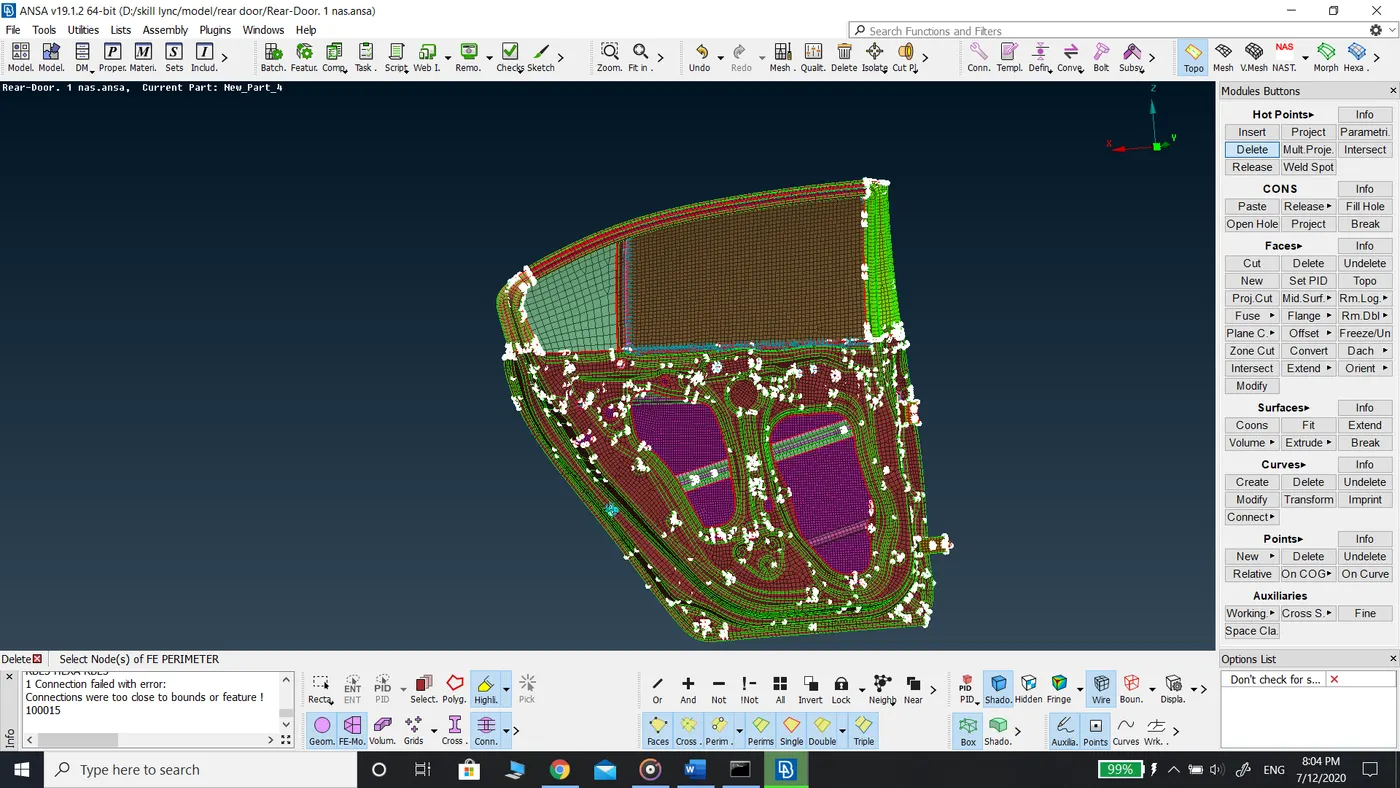
- Property ID is assigned to the different components in the model using faces set PID with a combination of feature angle selection, PID region, polygon line selection.
- The model is reviewed area by area to find the necessary connections.
- For generating Cluster type of connections, Elements RBE2 many nodes command in NASTRAN mode.
- For generating Bolt type of connections there are two ways:
- Using RBE2 many nodes command in NASTRAN, then again RBE2 two nodes select the center point of the connections.
- Using connection manager, Create center point using points COG on the hole and Assembly Convert command.
- Convert the COG point into a bolt. Then Using the connection manager select the surfaces the two surfaces where to define the bolt connection. Select the FE Rep type as BOLT.
- Input the necessary values in the connection manager according to the data present and click apply and realize. The bolt connection is generated.
- Hence the connections are generated to the necessary areas.
Learning Outcomes:
- Nastran Elements deck
- RBE2 (Many Nodes) – Defines a rigid body element of form 2 between selected grid points, 3D points, etc. This element is a rigid body with independent degrees of freedom specified at a single grid point and with dependent degrees of freedom at an arbitrary number of grid points.
- CBAR: Defines a simple beam element between two selected grid points, 3D points, etc. By, default, such elements are represented in ANSA a thick line connecting two blue crosses.
- CBUSH: Defines a generalized spring and damper structural element that can be non-linear or frequency-dependent. CBUSH elements are represented in ANSA as a red line with a damper and spring symbol.
- CONM1: Defines a general form concentrated mass element connection which is a 6x6 symmetric mass matrix at a geometric grid point. CONM1 elements are represented in ANSA as a green sphere.
- CONM2: Defines a rigid body form concentrated mass element connection which is a concentrated mass at a selected grid point. By default, such elements are represented in ANSA as a magenta sphere.
Conclusion:
In this challenge, I learned about the connections manager and Nastran Deck. I was introduced to different types of connections and their applications.
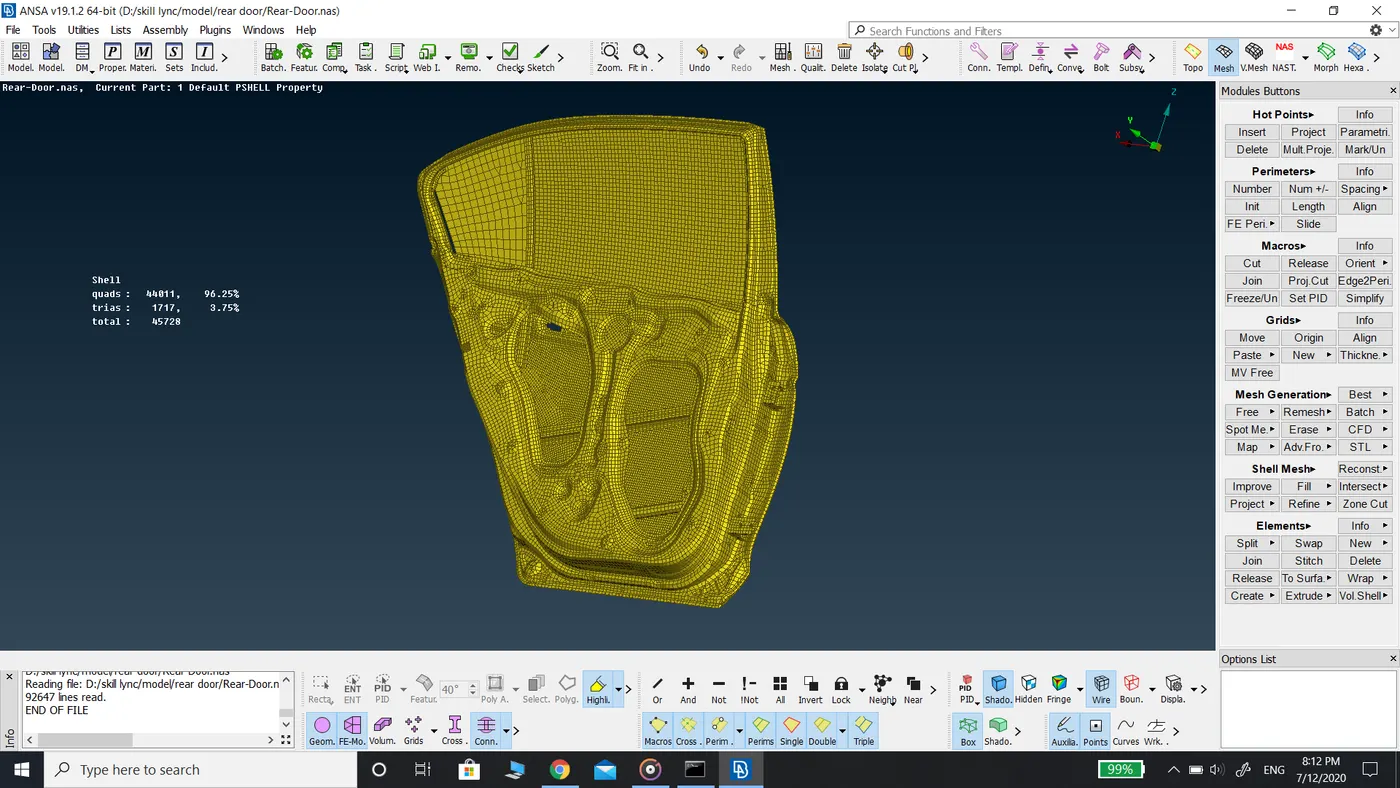
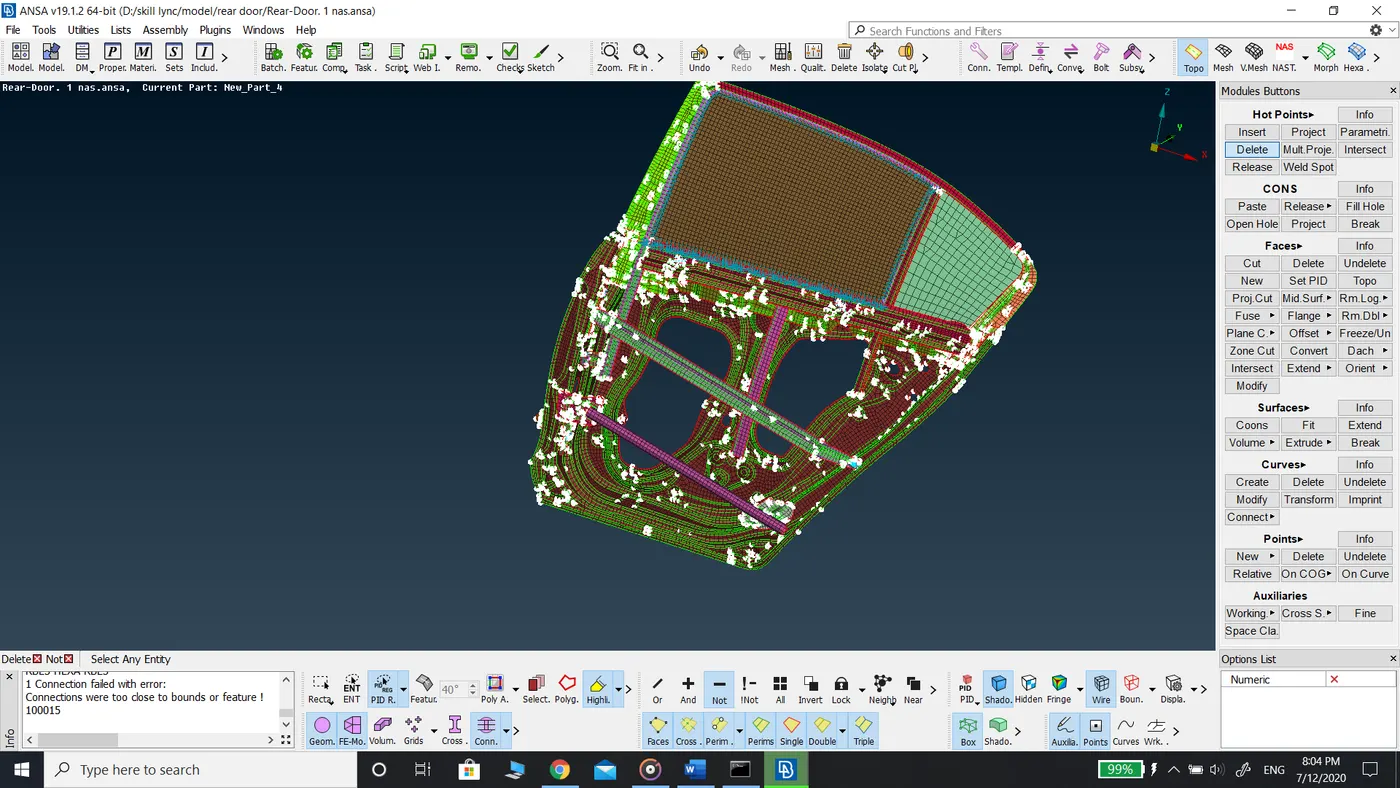
Model before assigning PID
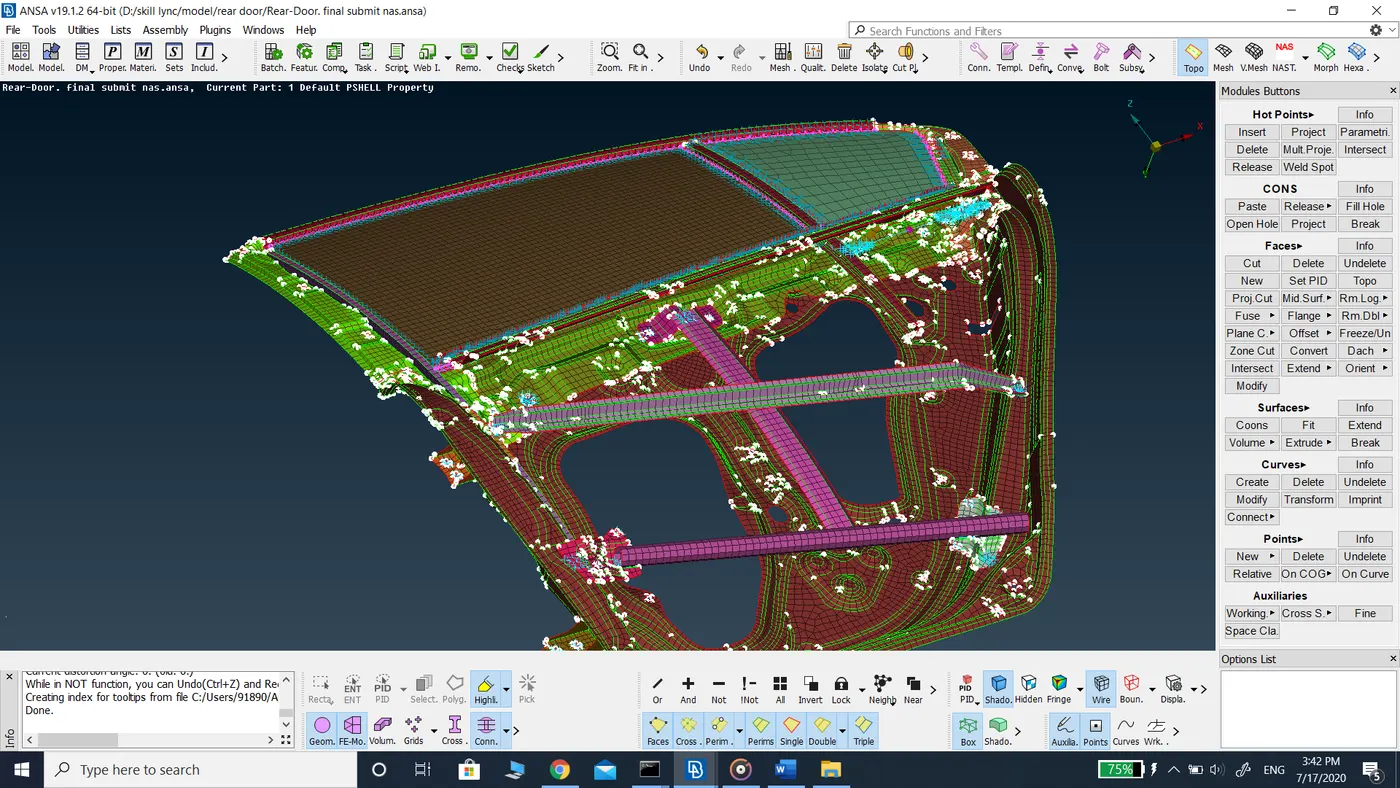
After assigning PID to each component.
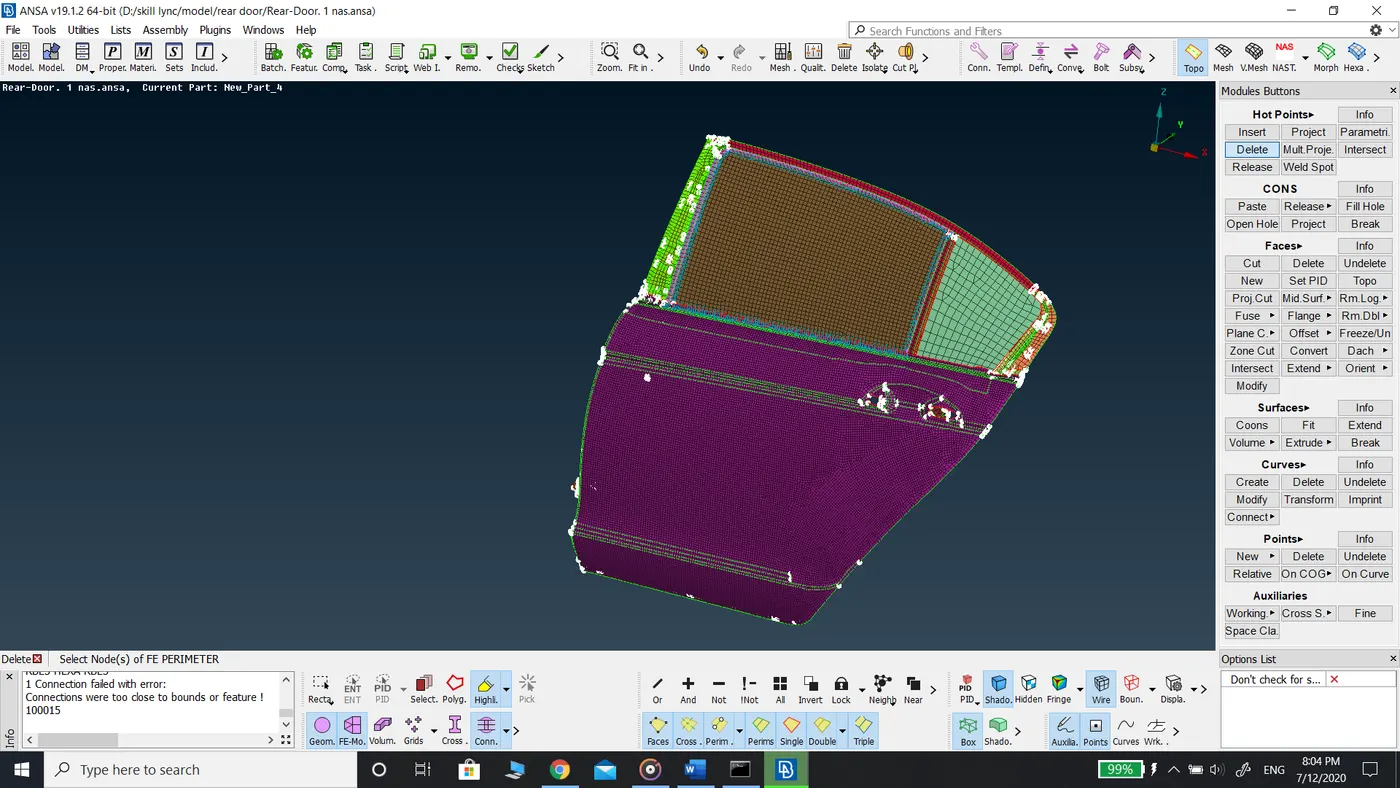
Different sectional views of the rear door model.
Connections at hinge
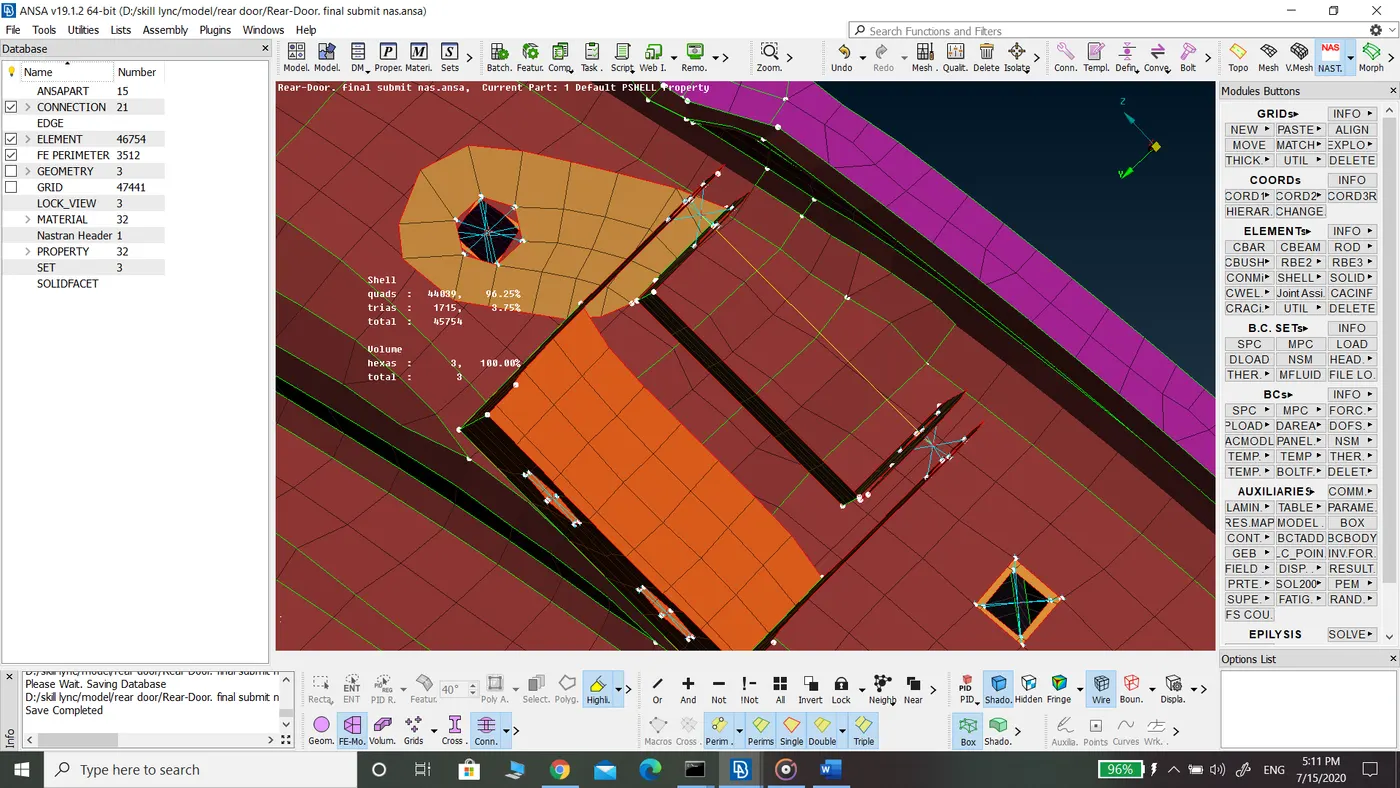
Connections at the Door handle
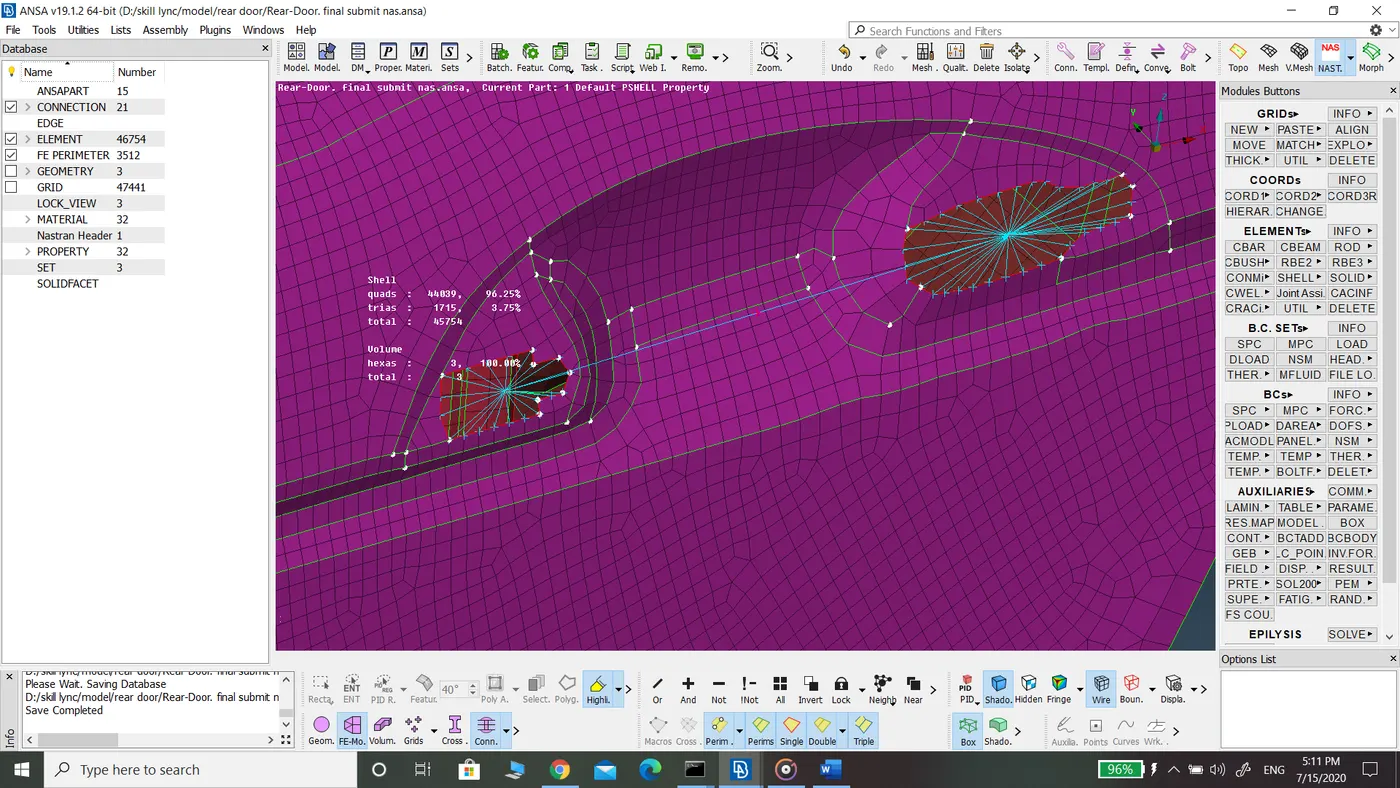
Damper connection at the Door mirror