Meshing of Bottle Cap
Report on Meshing of Bottle Cap model
Aim: To check for geometrical errors and generate a mesh with the given mesh quality criteria.
The mesh quality criteria as follows:
|
S.No |
Quality Criteria |
Value |
|
1 |
Target/Average length |
1 |
|
2 |
Minimum Length |
.5 |
|
3 |
Maximum Length |
3 |
|
4 |
Aspect |
3 |
|
5 |
Warpage |
15 |
|
6 |
Skewness |
45 |
|
7 |
Jacobian |
0.7 |
|
8 |
Minimum Quad Angle |
45 |
|
9 |
Maximum Quad Angle |
135 |
|
10 |
Minimum Tria Angle |
30 |
|
11 |
Maximum Tria Angle |
120 |
|
10 |
Tria Percentage |
15 |
Procedure:
- When the model is downloaded, topo command is used to connect all the surface to make it a single geometry and geometry check is performed mid surface is extracted for each feature in the bottle cap.
- The mid surface is extracted in two methods depending on the thickness of the feature.
- For uniform thickness mid surface is extracted using faces offset command with entity in features selection since the geometry of the feature does not contain any complex fillets and shapes.
- For non- uniform thickness mid surface is extracted using faces middle command with entity in features selection because the thickness is varying along the length and since the mid-point of the thickness of the feature cannot be calculated offset command cannot be used to extract mid surface for non-uniform thickness features.
- After the extraction of mid surface of the model, the geometry check is performed to check for any geometry errors and geometry clean-up is done until there are zero errors.
- After the geometry cleanup, PID is assigned with thickness to mid surface extracted for each feature in the bottle cap model.
- For plastic feature i.e., for non-uniform thickness feature, it is divided into parts and assigned thickness for each part between the range of maximum to minimum thickness measured from the parent geometry.
- After the extraction of mid surface target length 1 is assigned for the model using length command in perimeters in mesh mode.
- The model is reviewed area by area to check the perimeters matching the requirements.
- Defeaturing is done to those areas who have a length less than the target length. It is done using the cut command in macros in topo mode. Unwanted cons, curved cons and cons on straight surfaces are hidden for good mesh flow.
- After defeaturing the component, geometry check is performed once again for geometrical errors.
- The model is opened in mesh mode and mesh quality criteria are entered in the quality criteria and mesh parameters are also entered.
- Meshing is done using Best mesh with a mixed element type for good mesh flow.
- Once the mesh is generated, it is reconstructed using reconstruction command in shell mesh to eliminate any mesh quality errors.
- The component is reviewed area by area for proper mesh flow and to check for rotating quads and opposite triangular elements.
- Rotating quads and opposite triangular elements are solved using a combination of commands such as split, paste, join, swap, and smooth.
- While solving rotating quads and tria elements the component is checked for off elements using hidden drawing style.
- Those off elements are also solved using a combination of commands mentioned above.
- The orientation of the model is checked again.
Learning Outcomes:
Extraction of mid surface for plastic components:-
a. Select faces middle command and select the feature for which mid surface has to be extracted.
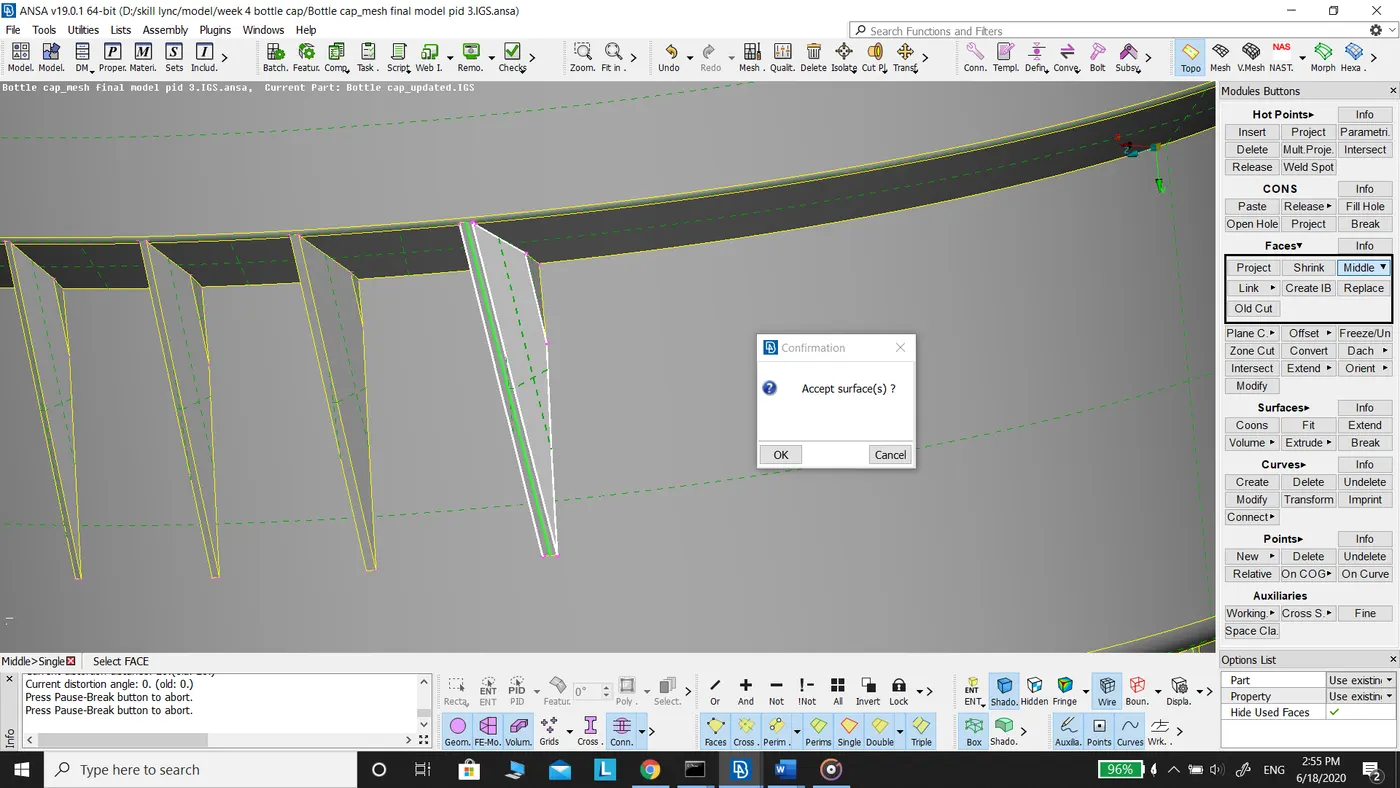
b. Click ok after the selection of the surface.
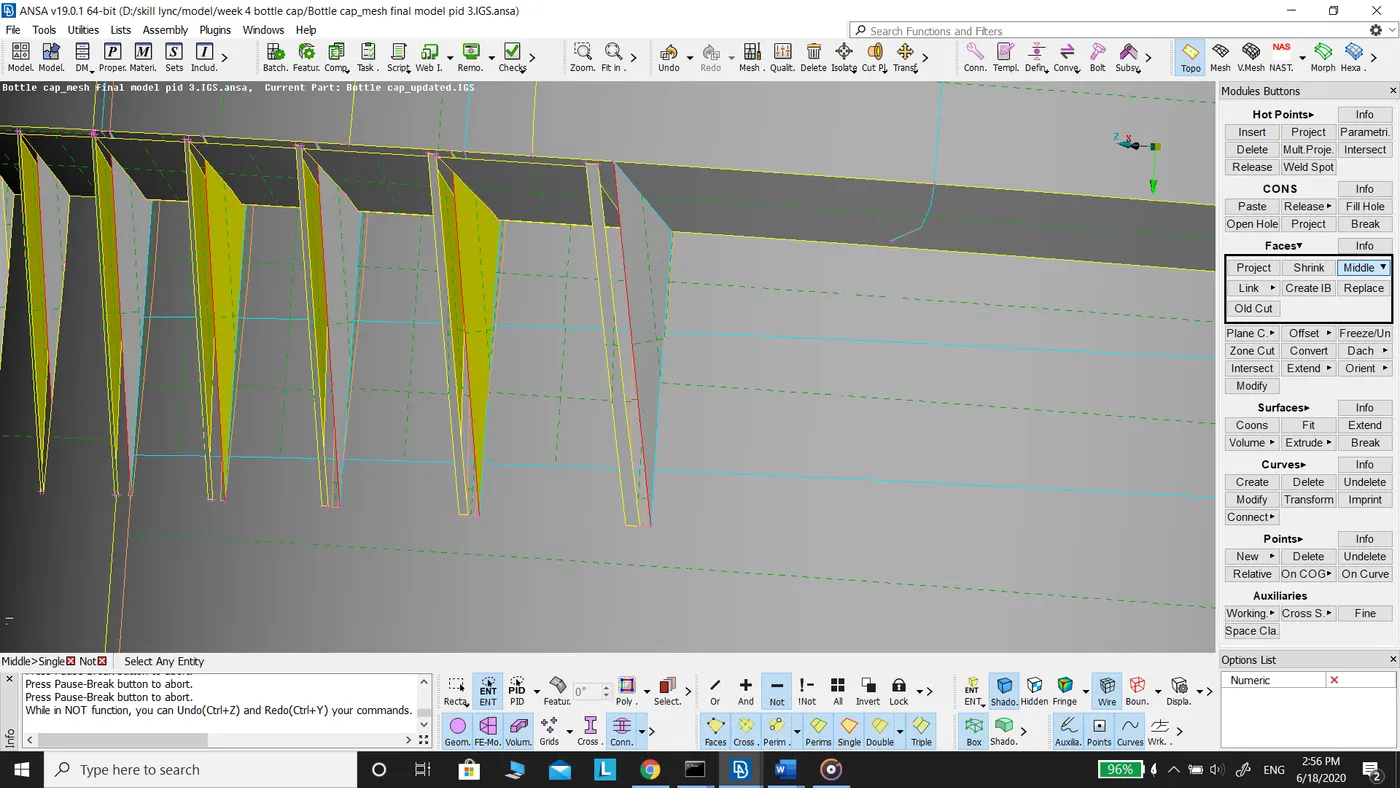
c. The mid surface for the triangular rib is extracted.
Note: Unlike offset command middle command allows you to select a pair of faces for extraction of mid surface.
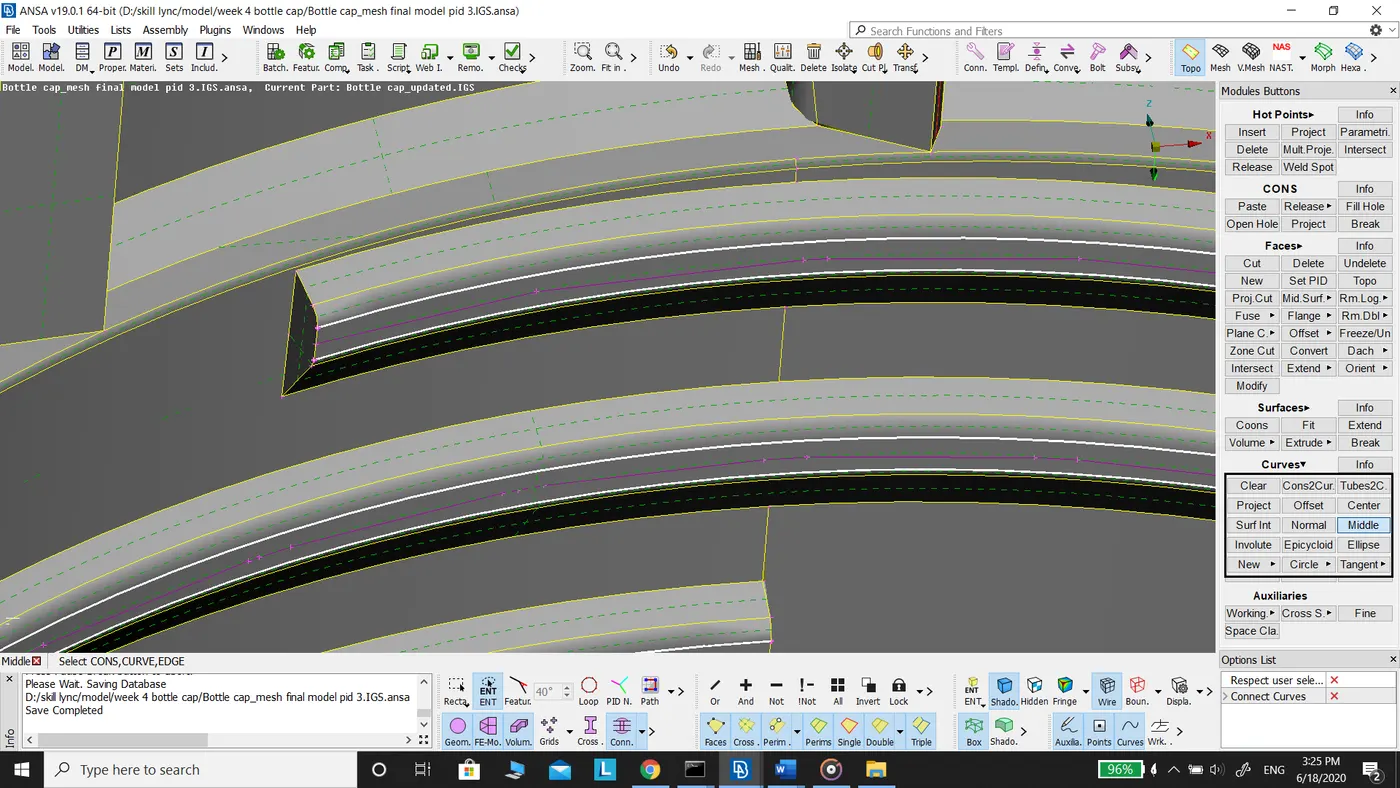
2. Extraction of mid surface for the thread.
a. Using Curve middle command midpoint of the thread is extracted.
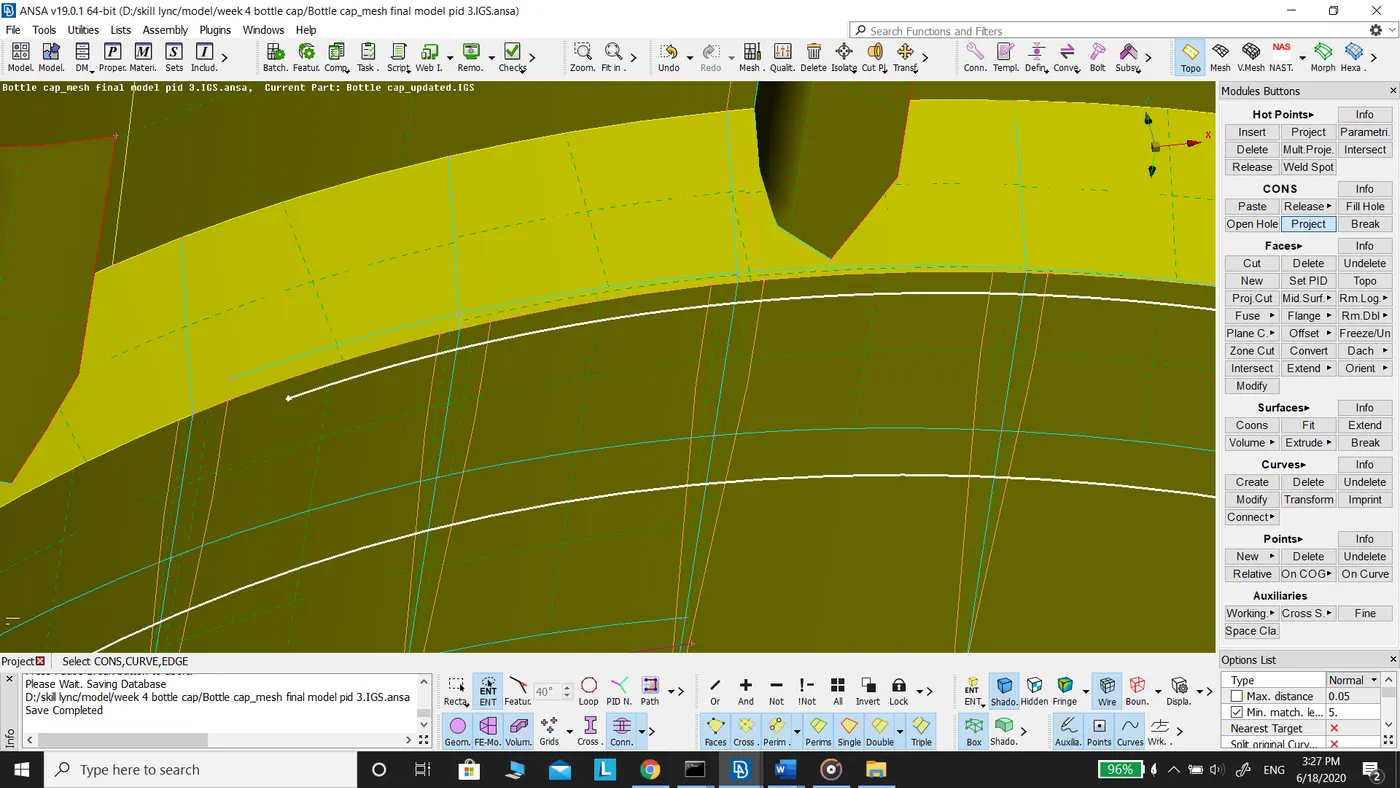
b.Then using the cons project, the mid curve is projected onto the mid surface.
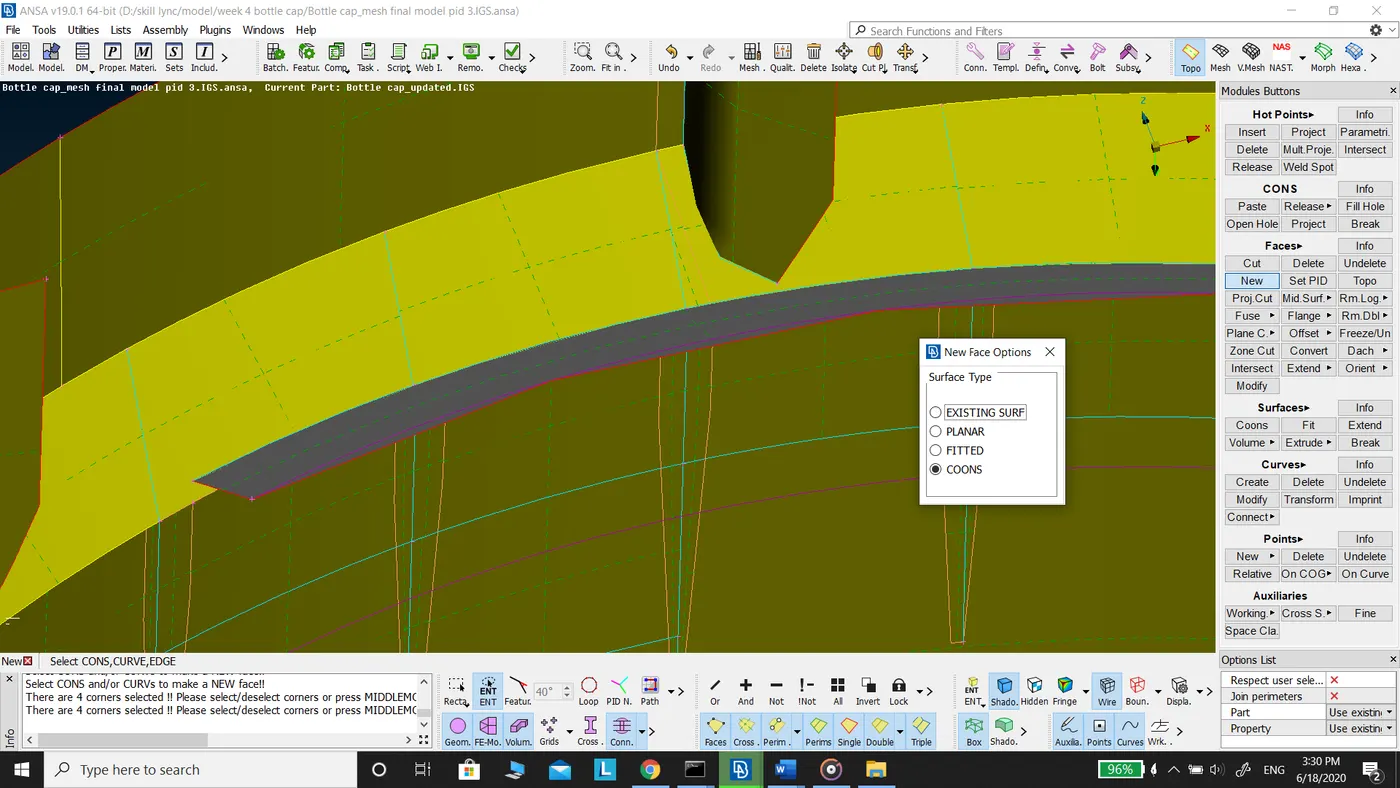
c.Using faces new command mid surface is extracted between the mid curve and projected con.
3. Extraction of mid surface for teeth.
a. Select the curves for extracting mid curve using curves middle command.
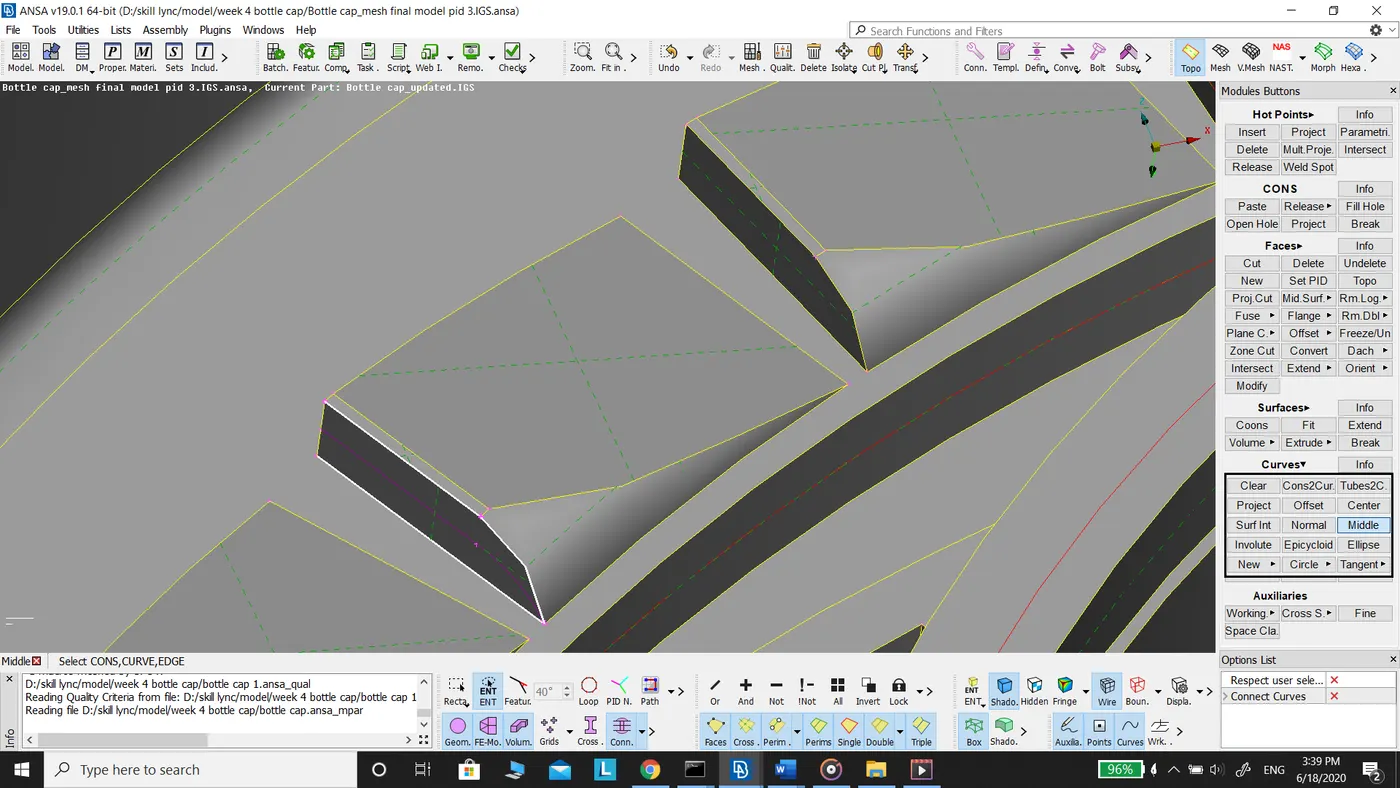
b. Project the con on to the mid surface as shown in the figure below.
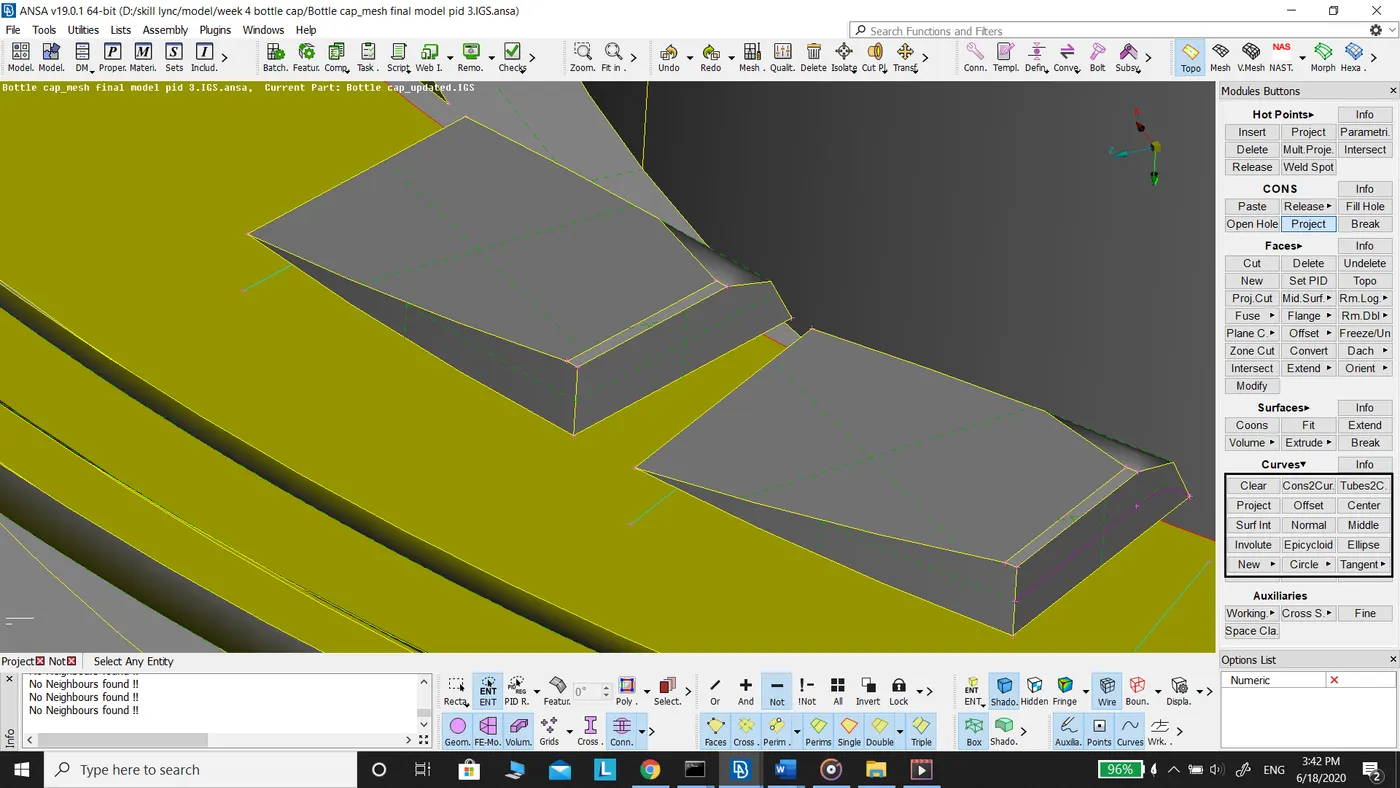
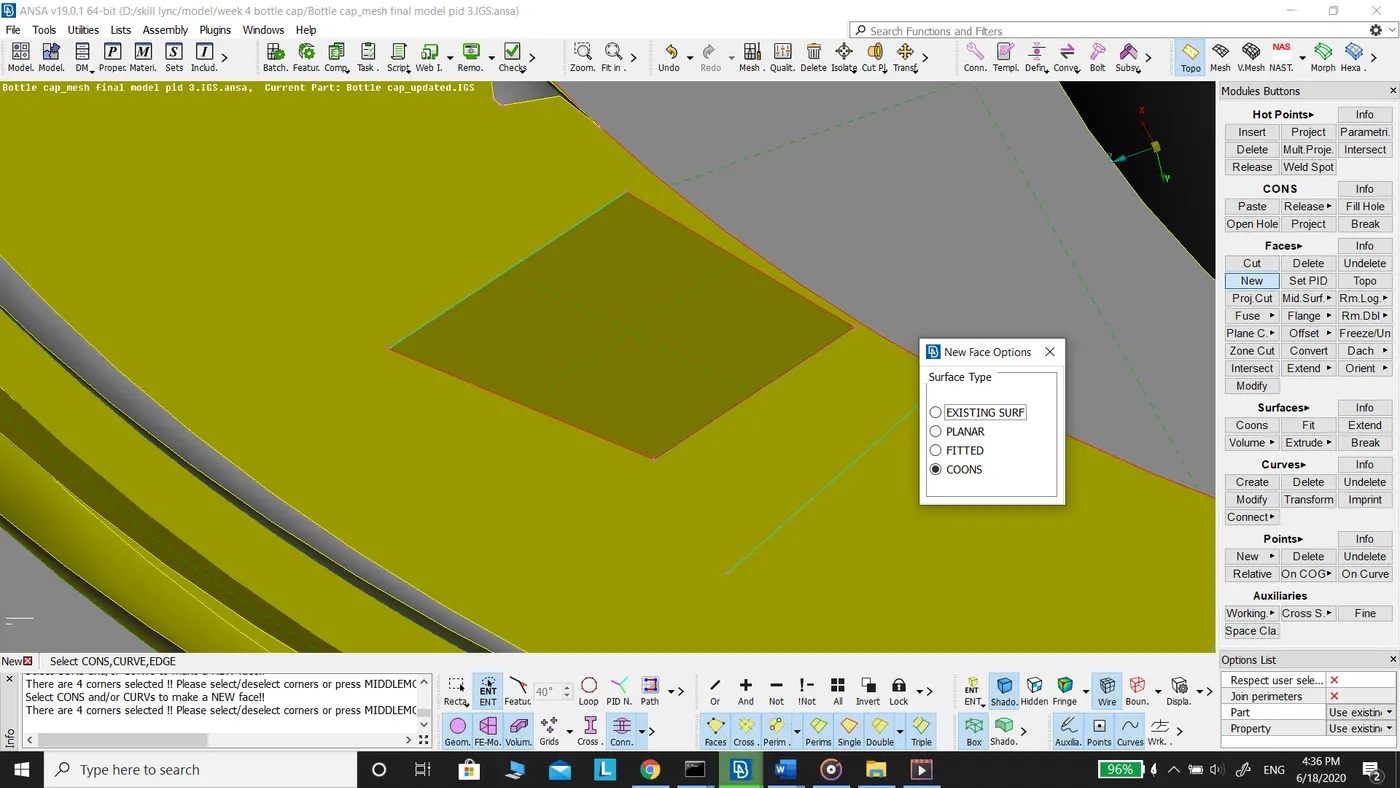
c. Create a new face using Faces new fitted command.
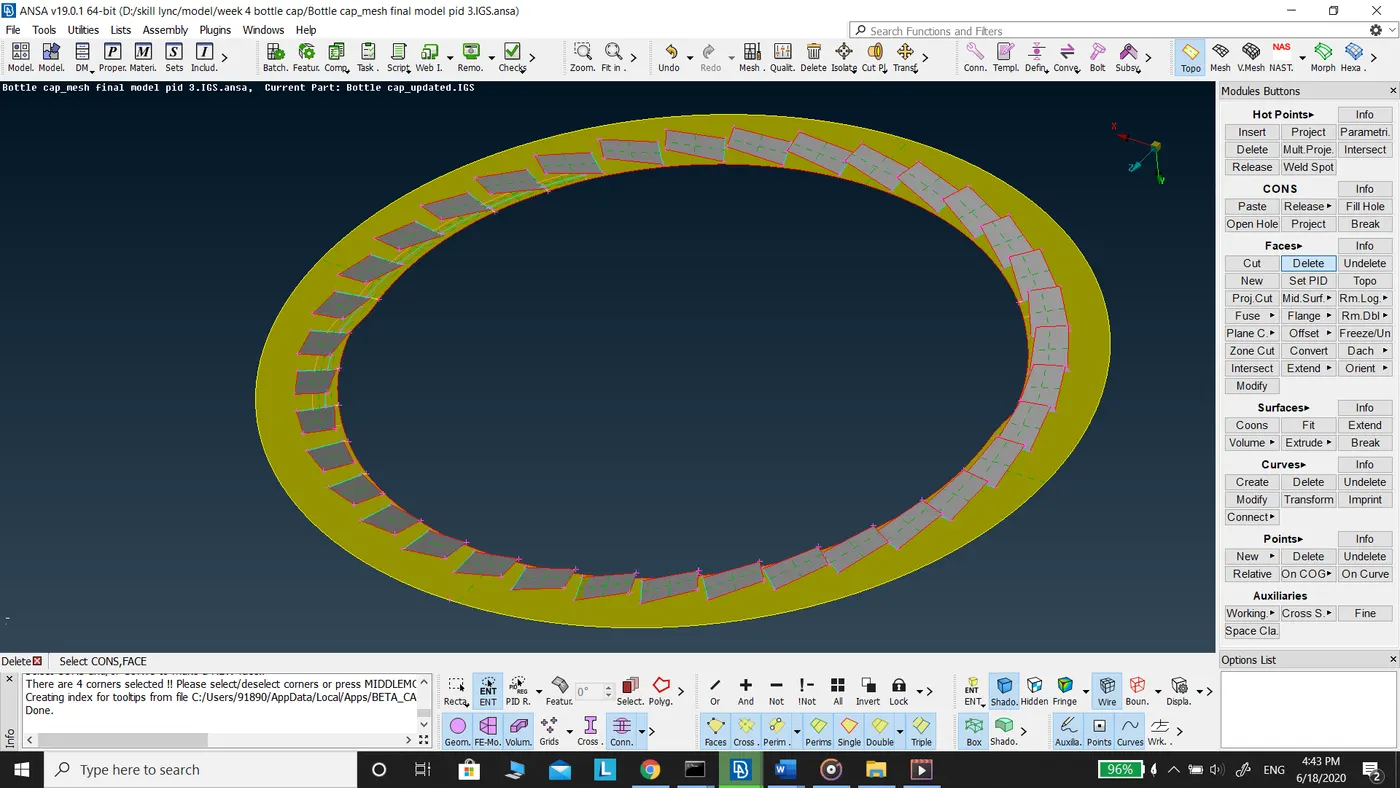
d. Use transform rotate command to copy the teeth for easy extraction of mid surface for all the teeth.
Conclusion:
In this challenge, I learned about the plastic components and extraction of mid surface of these type components. I was introduced to middle command in faces for the extraction of mid surface of plastic components.
For the given model total generated mesh elements are 8791
Quad elements : 8663 (98.54%)
Tria elements: 128 (1.46%)
Off elements : 8 (0.09%)
Mid Surface of Bottle Cap:
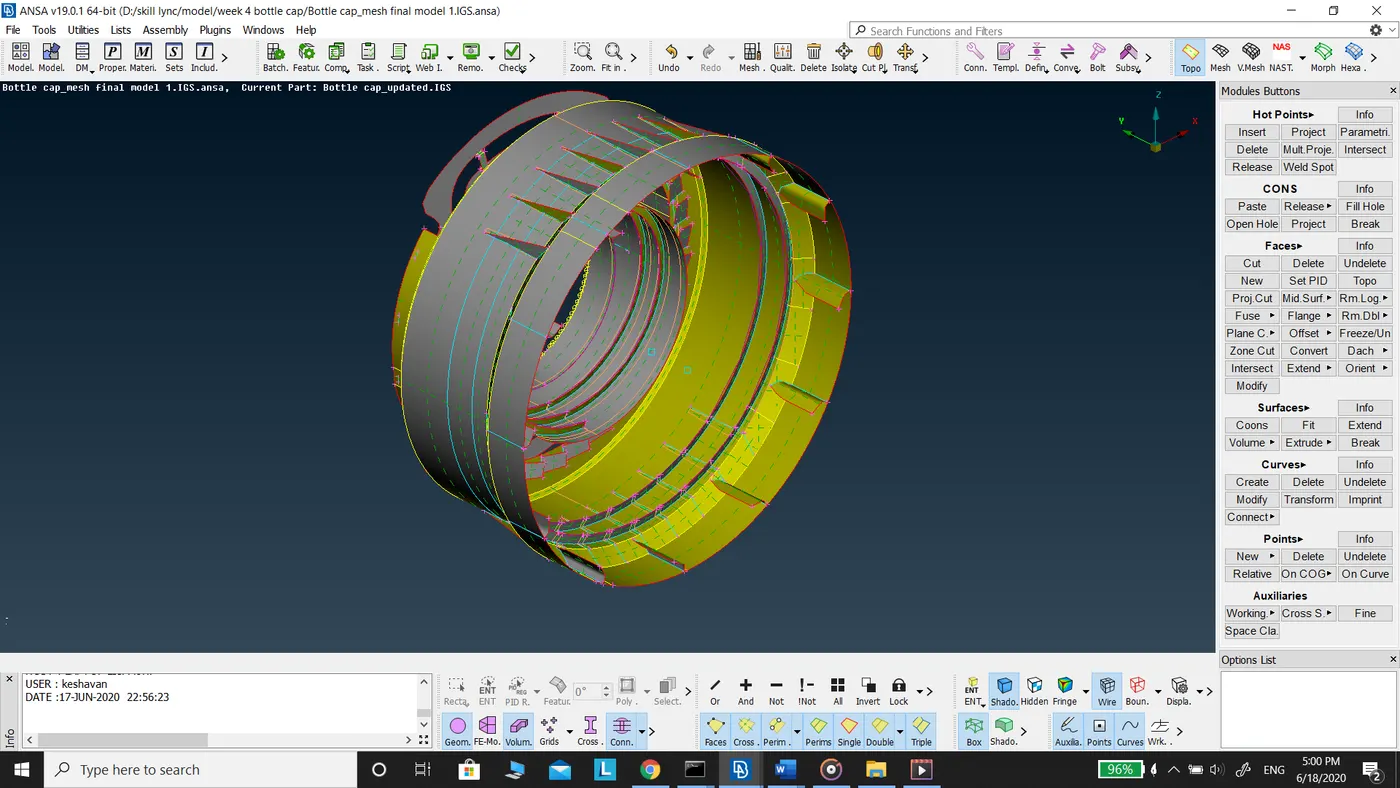
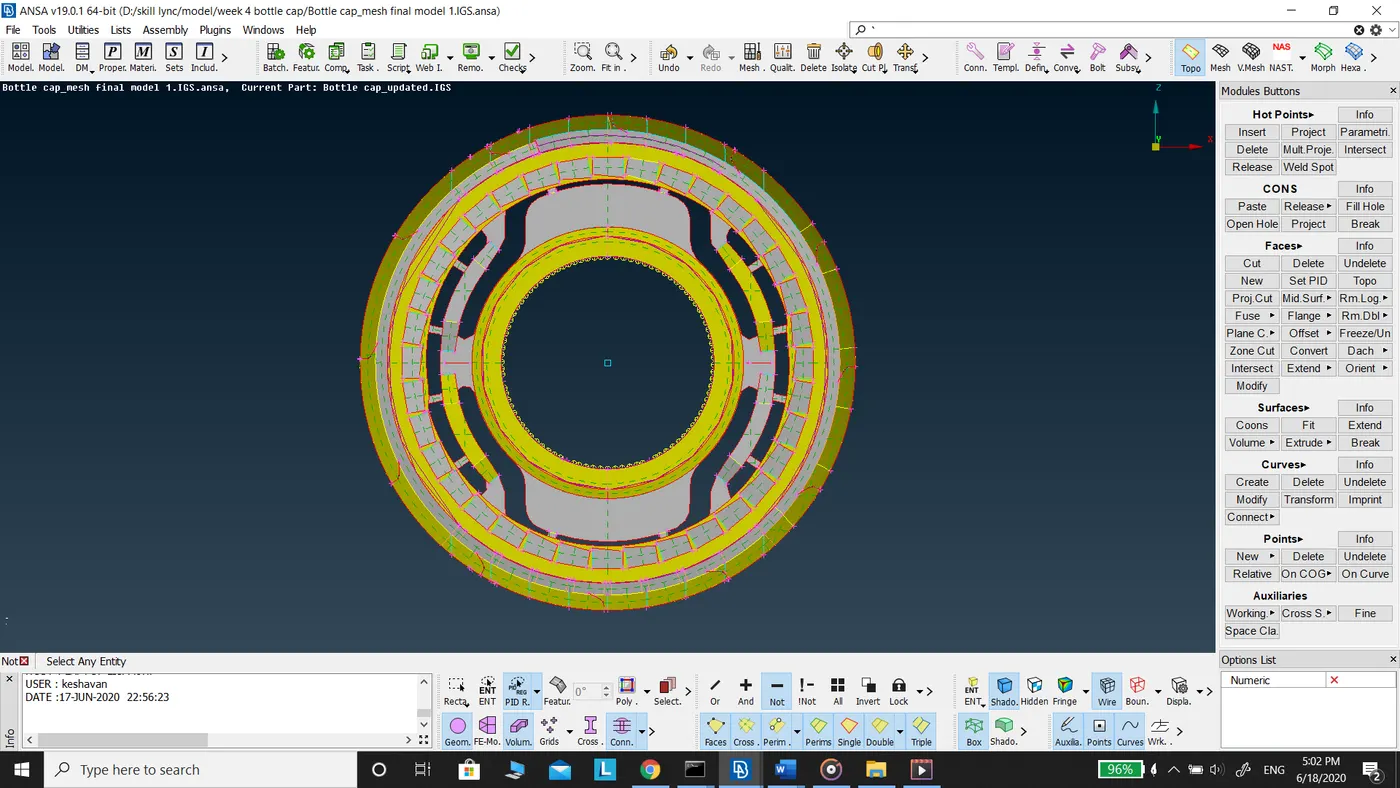
Meshing of Bottle Cap model
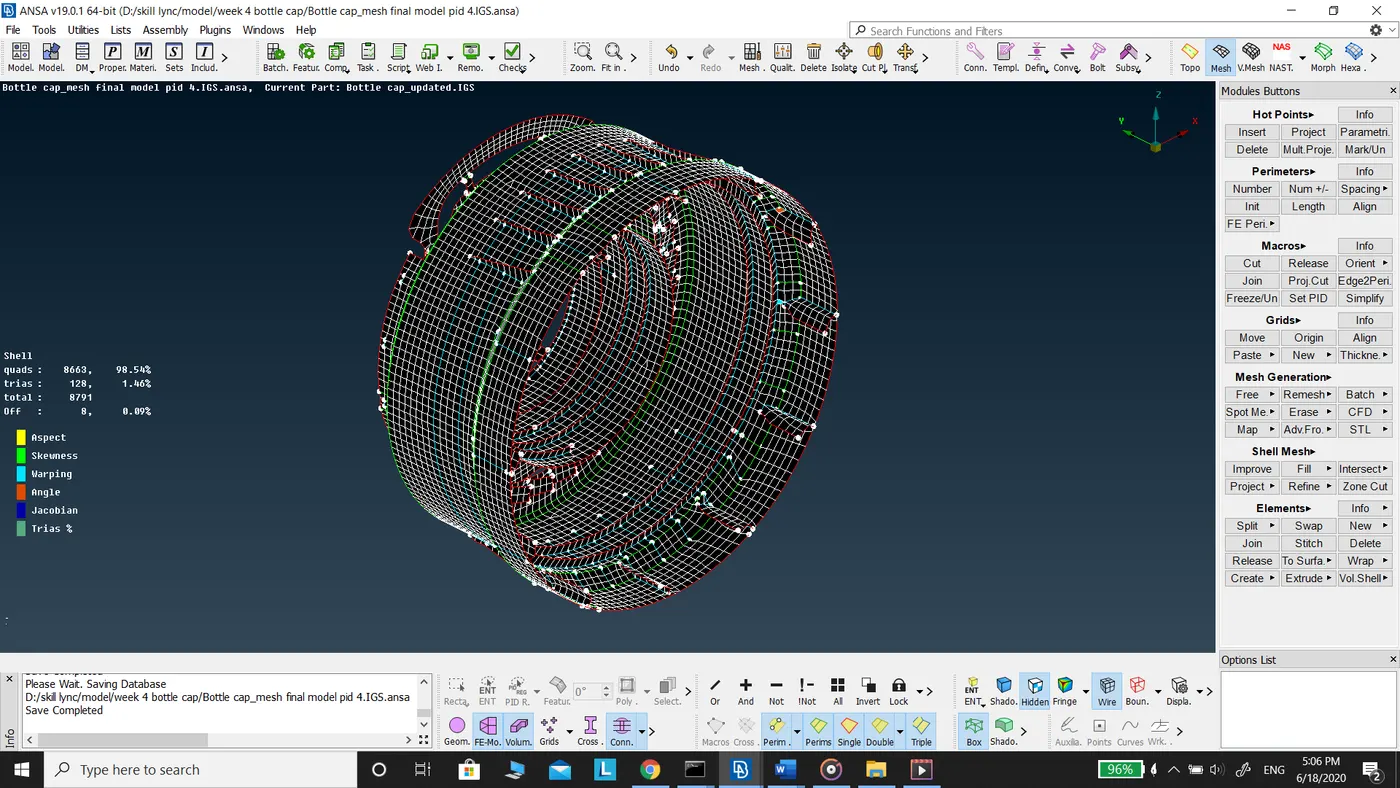
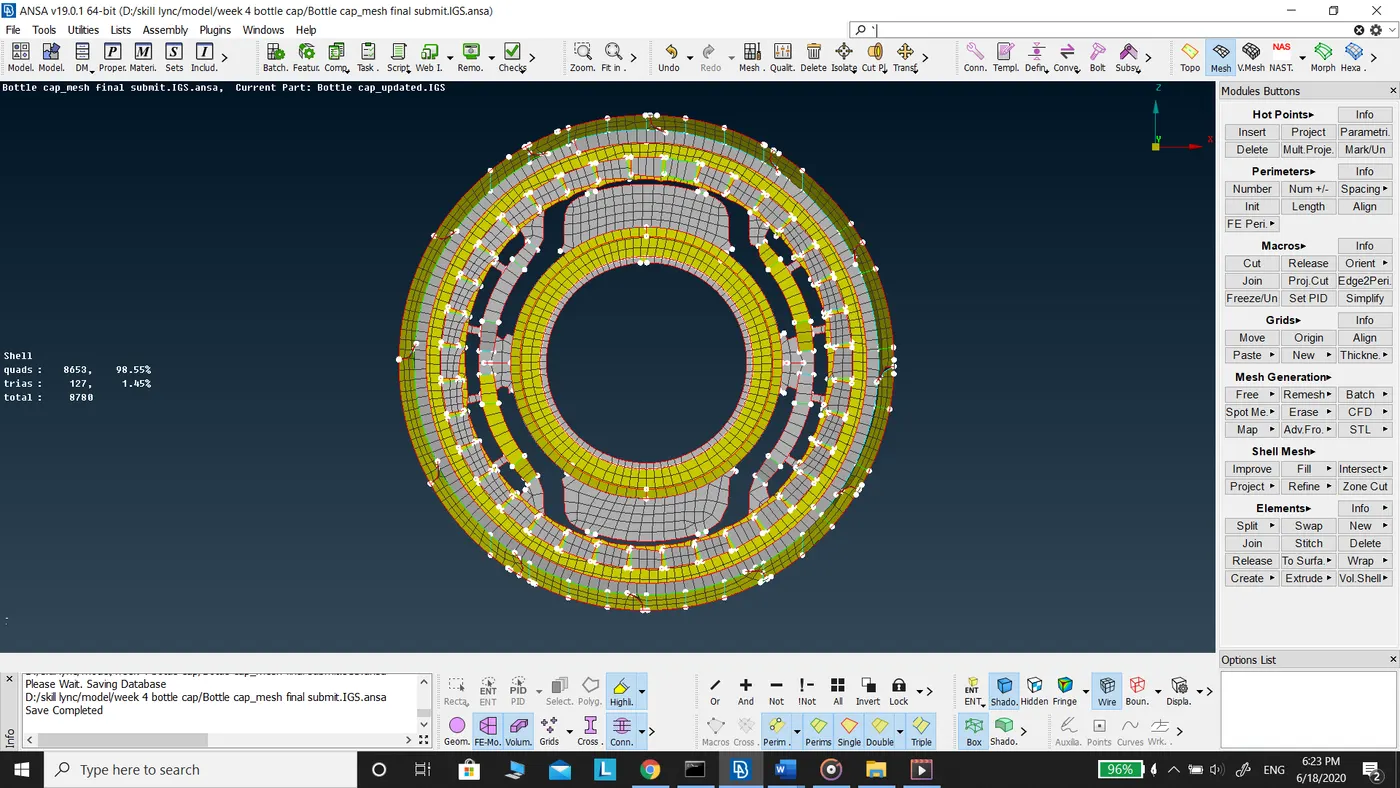
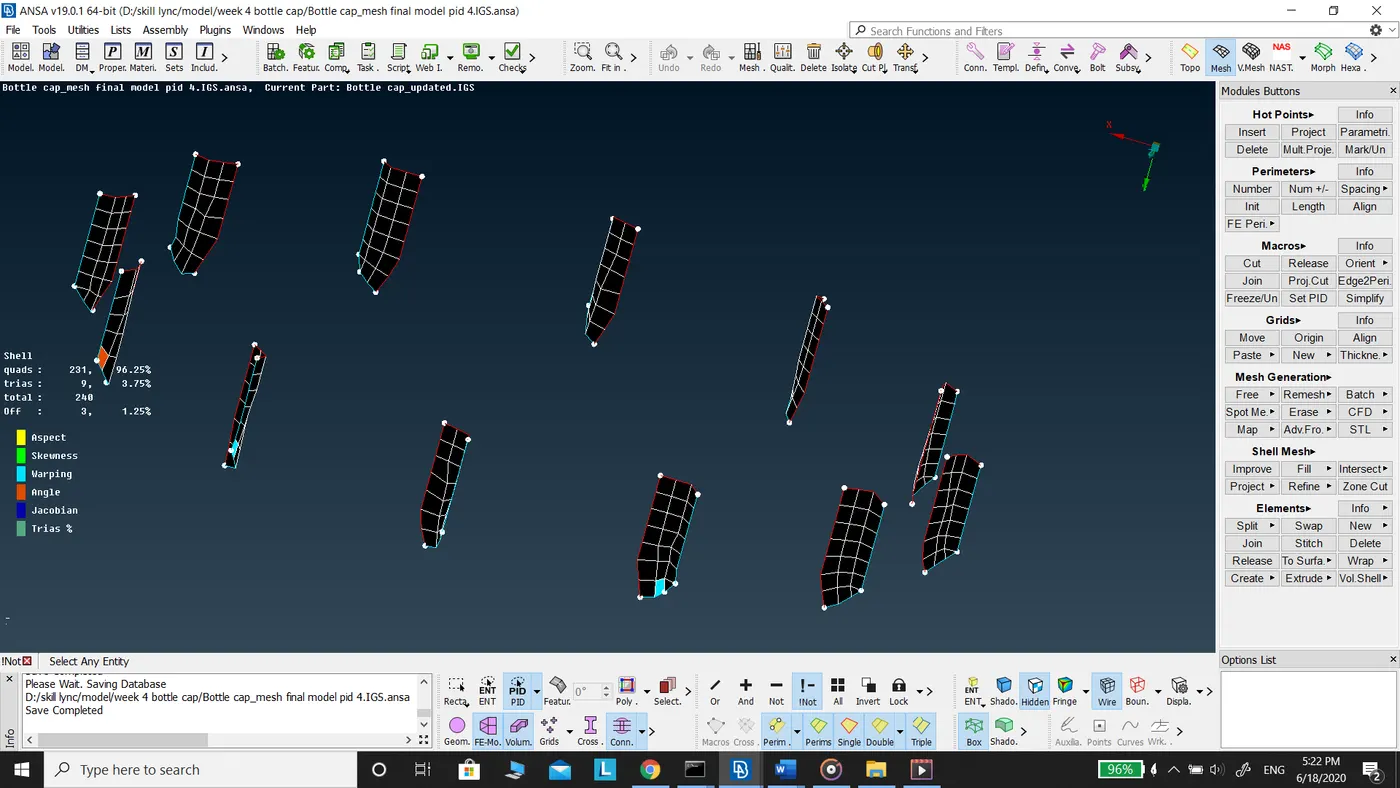
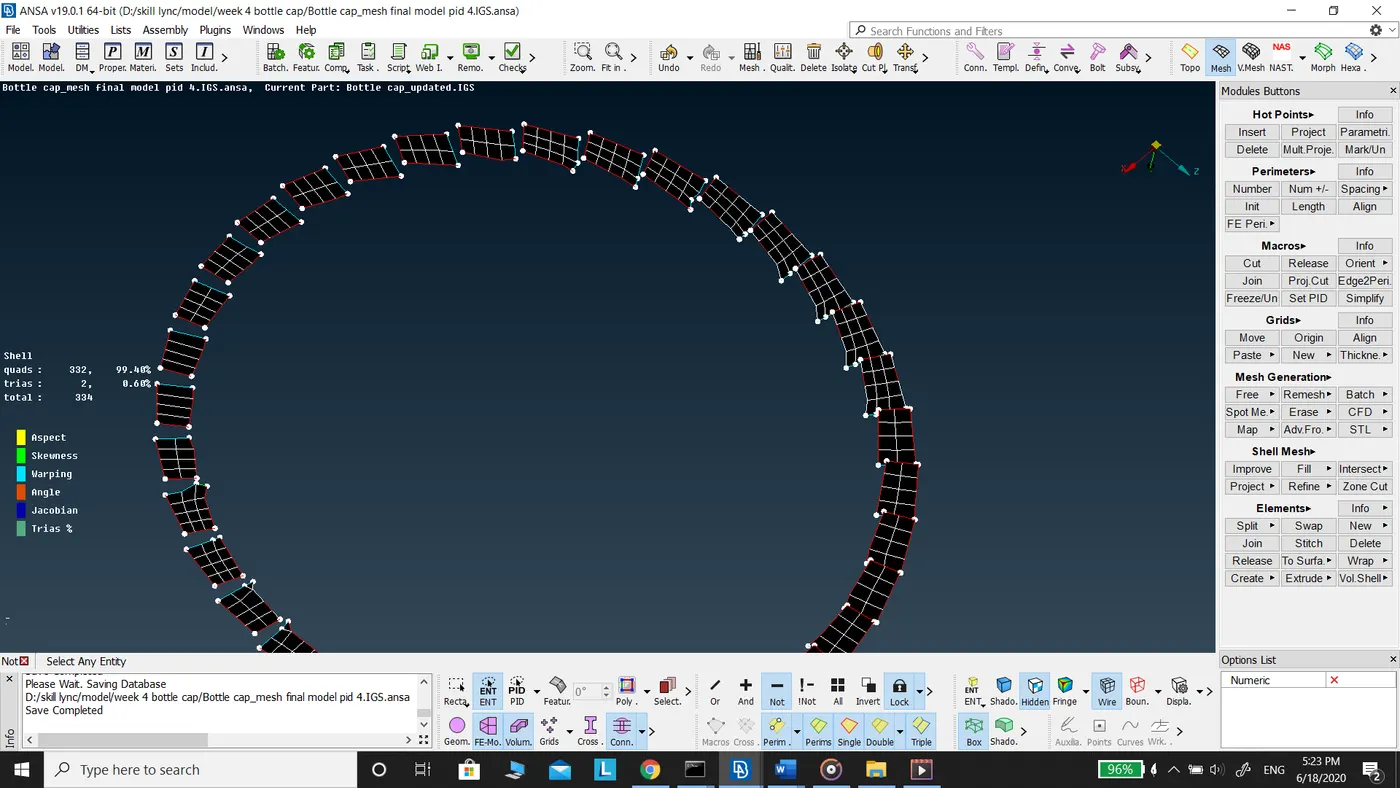
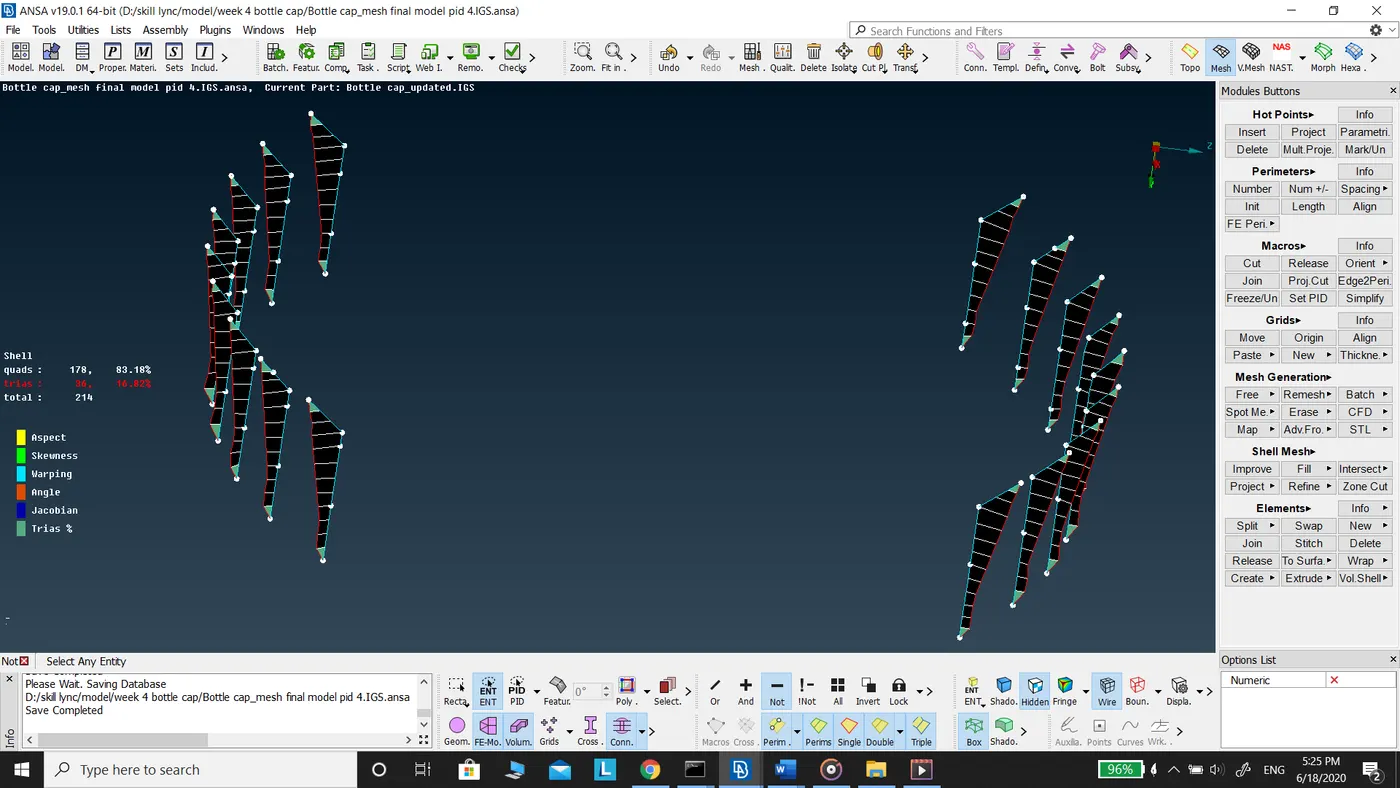
Mesh Elements on Plastic Components