Week- 5 - Solid meshing
AIM:
The given Rear view mirror component, check for the geometrical errors and mesh the Surfaces with the given 2D element Quality criteria.Use 3D tetra elements to mesh the Volumes defined in the model.
OBJECTIVE:
- To do 2D mesh in tria or ortho tria.
- Check the quality criteria.
- Do 3D volumetric mesh
PROCEDURE:
STEP 1:
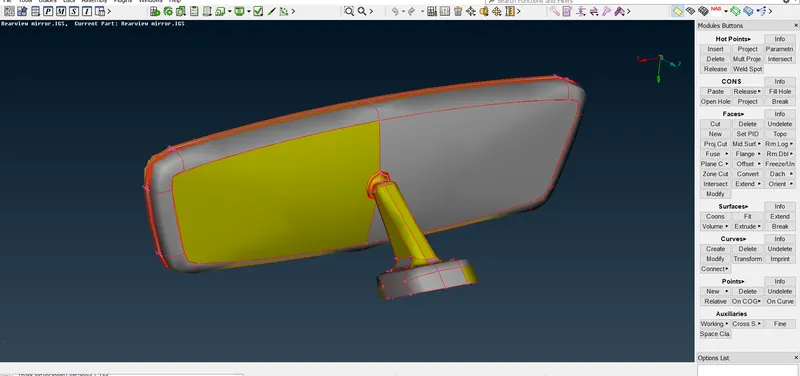
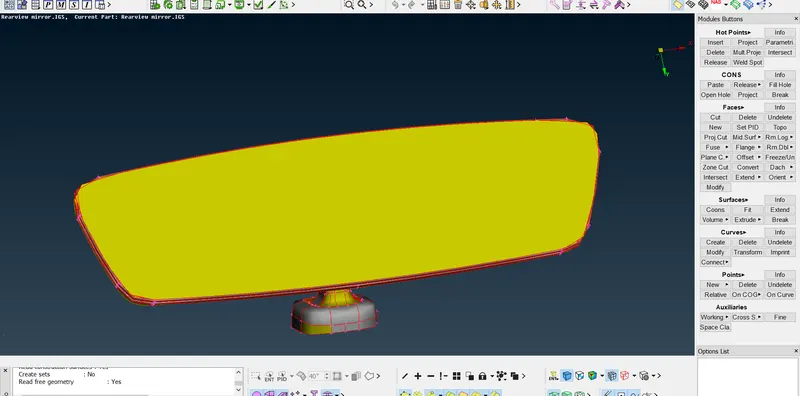
The given model.
STEP 2:
For each part seperate property has been given.
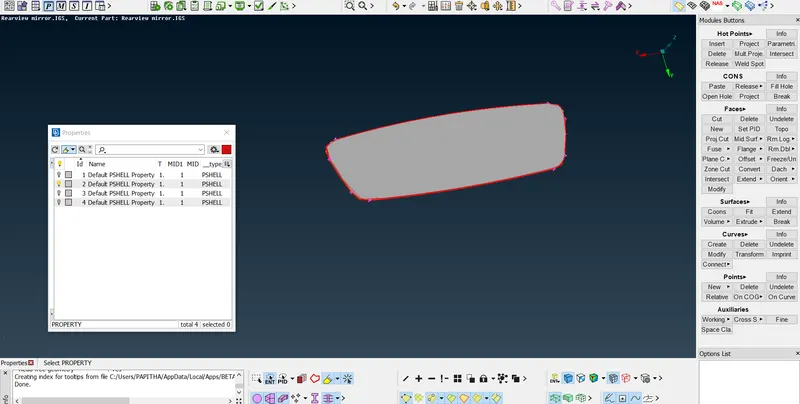
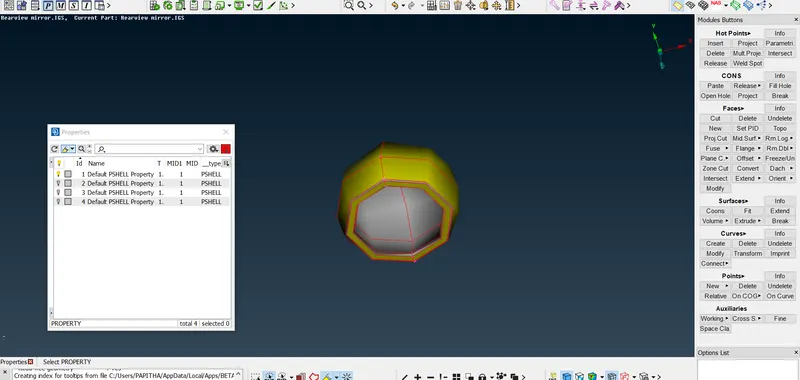
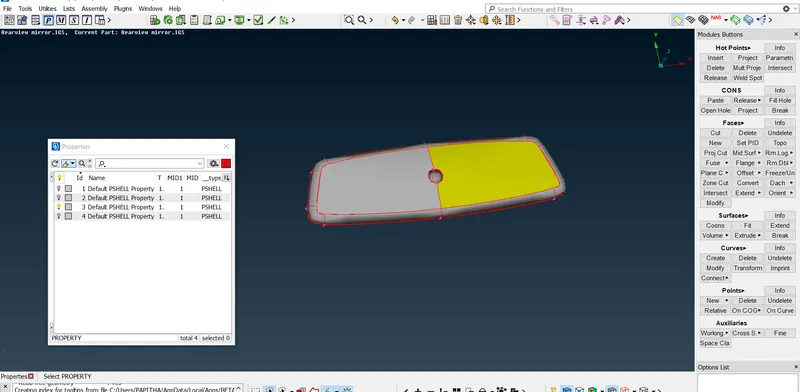
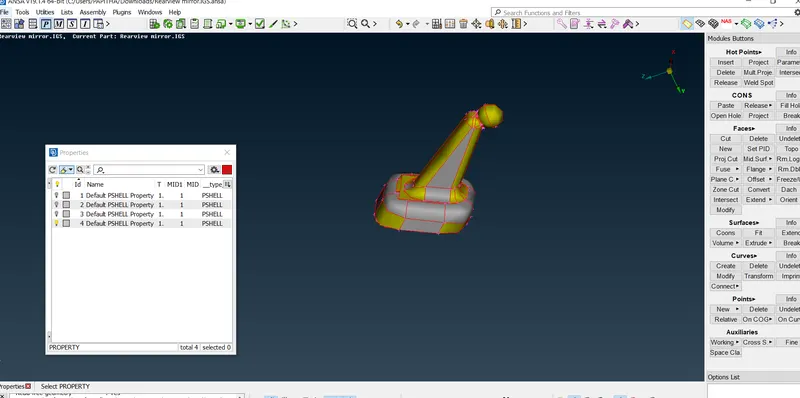
STEP 3:
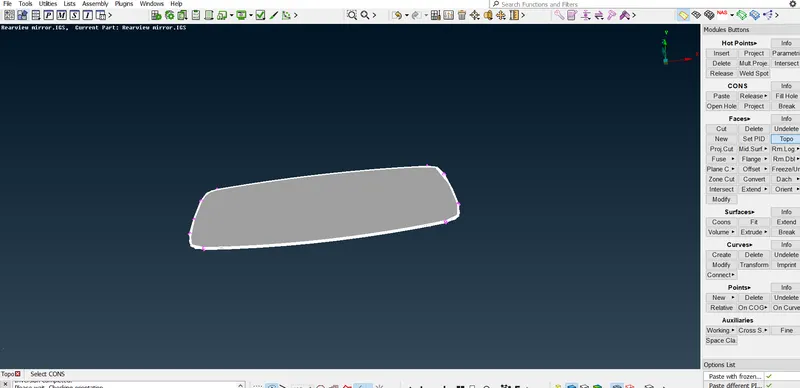
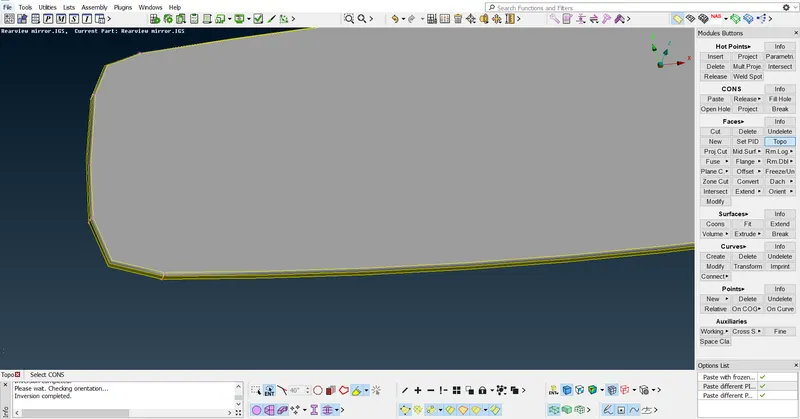
Given model topo it
Go to faces----topo----select all topo it
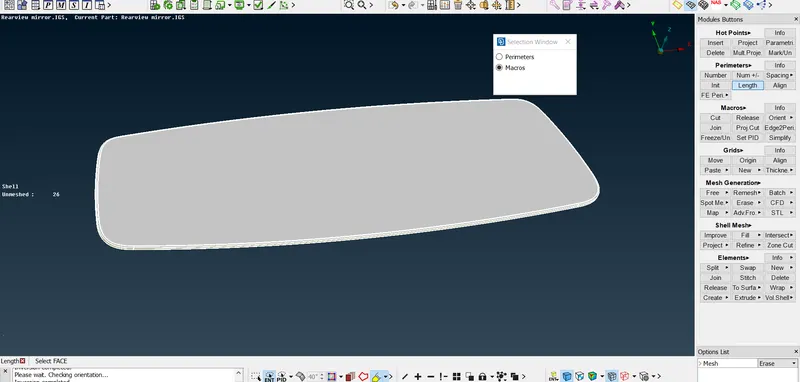
STEP 4:
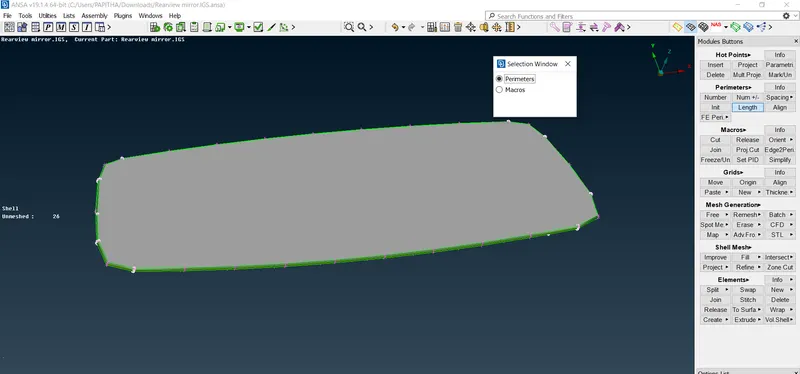
Apply given length to the component
Go to mesh----perimeter----length----select all---put given value as 1---then extract
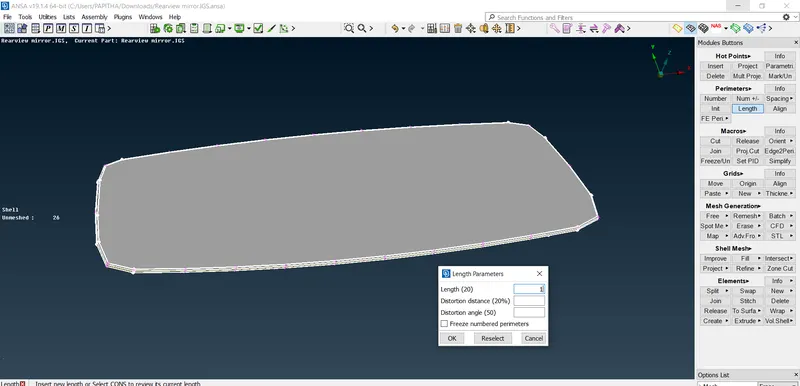
As same for macros---to been done.
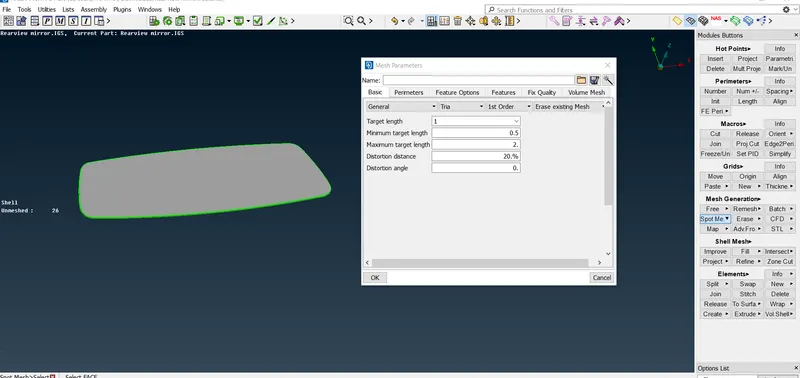
STEP 5:
Then go to mesh parameter----assign given values
Go to mesh parameter----given values to been assign ----click ok
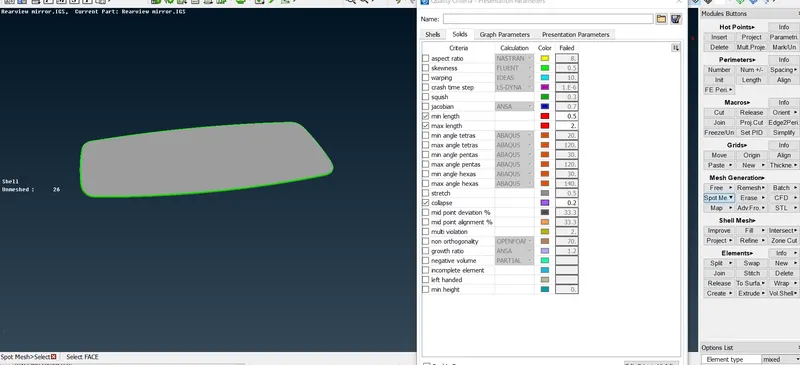
STEP 6:
Go to quality criteria---assign the given values
STEP 7:
After assigned the value
Go to mesh---spot mesh----select element type for curved surface as ORTHO TRIA ----flat surface as TRIA.
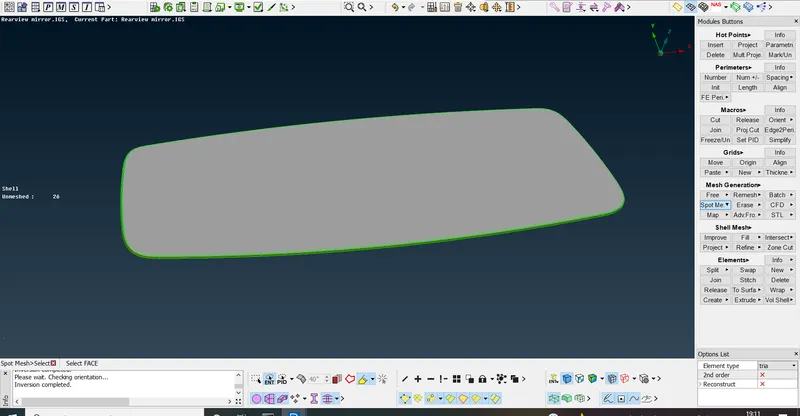
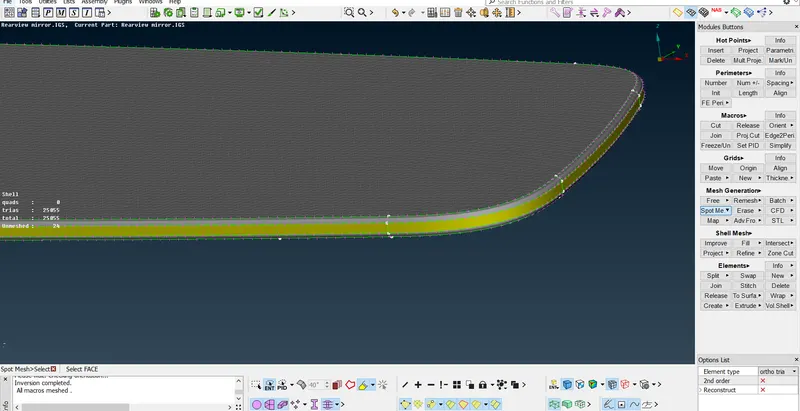
For flattened surface TRIA element type has been used.
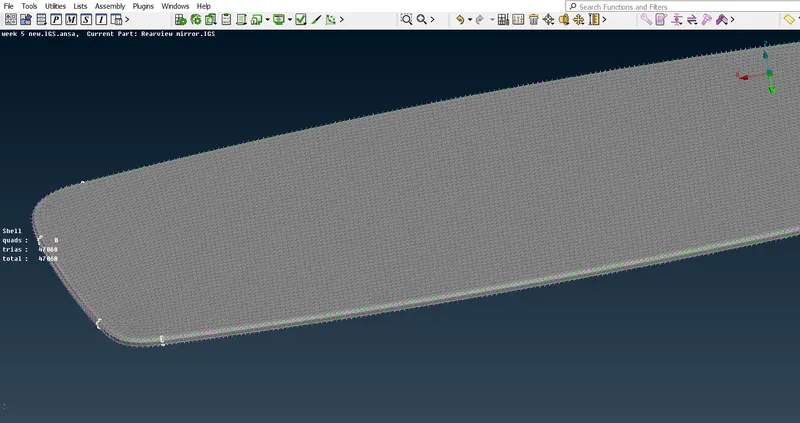
STEP 8:
Then got o volumetric panel to do tetra mesh
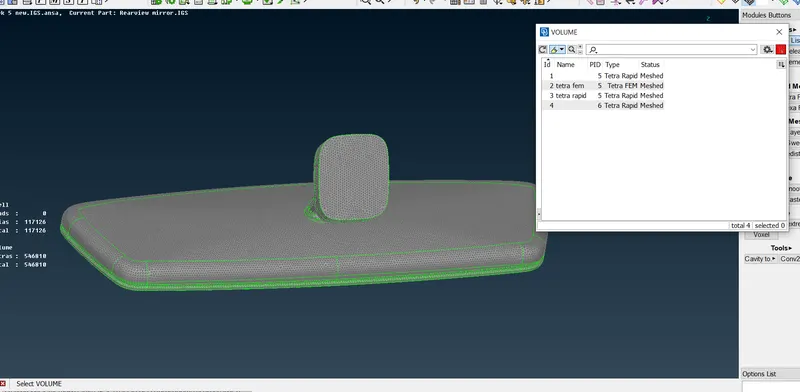
Go to volume mesh----volume---define ----auto----select all---after that list will create.
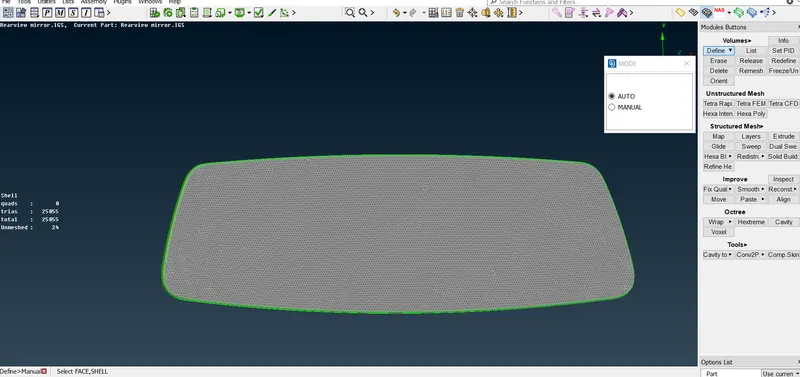
The list will created
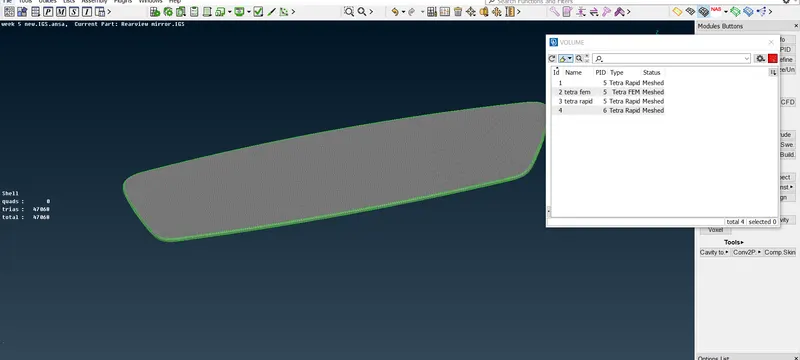
STEP 9:
Go to unstructural mesh----tetra rapid or tetra FEM---to do volume tetra mesh.
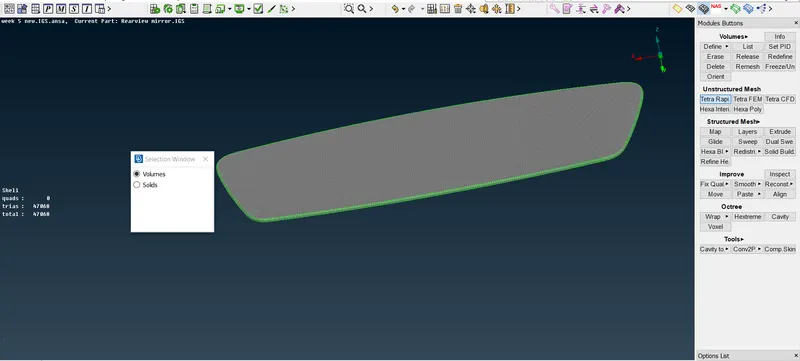
To check that volume mesh has been generated are not.
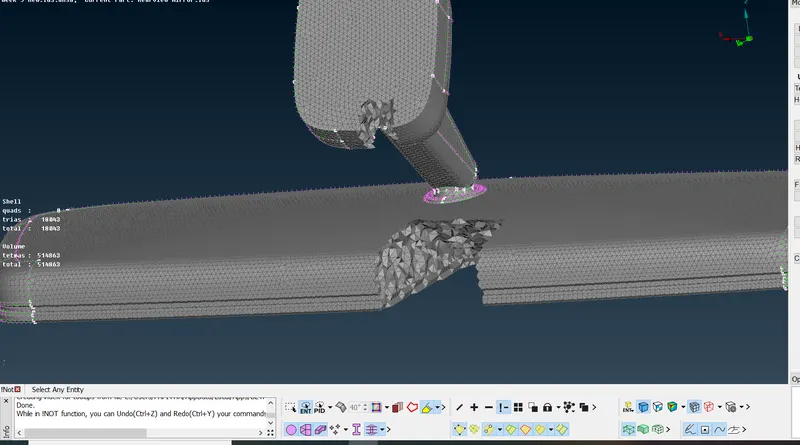
Go to iNot---select particular part---then check it out
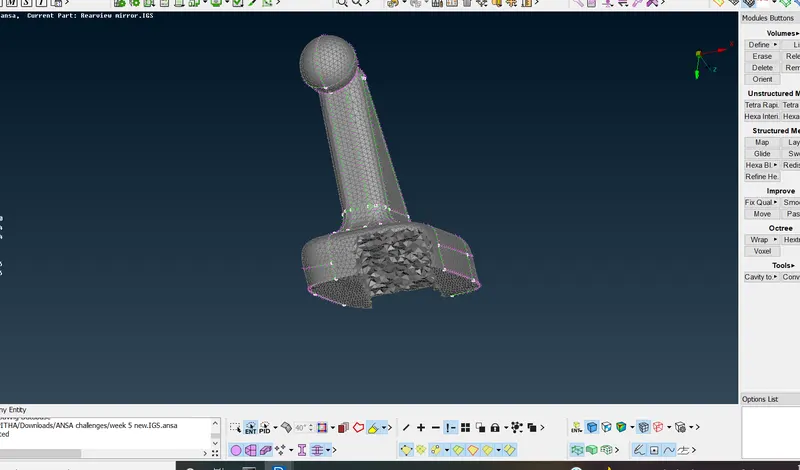
For this tetra FEM has been used.
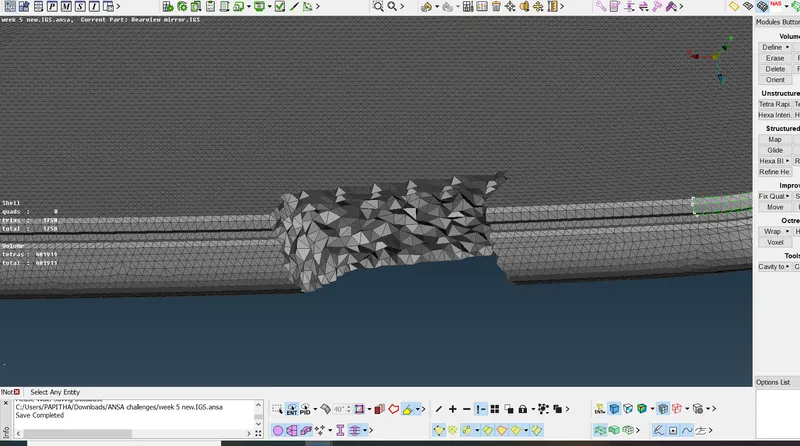
STEP 10:
As same procedure followed for other parts.
For this tetra rapid has been used.
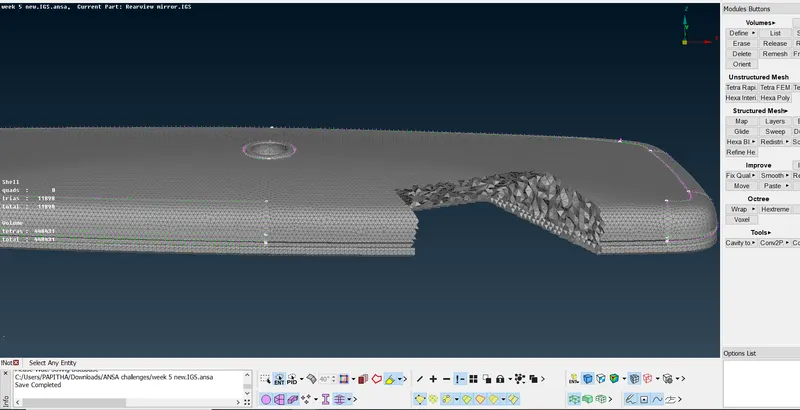
For this tetra rapid has been used.
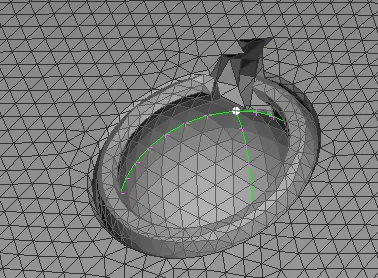
For this tetra FEM has been used.
STEP 11:
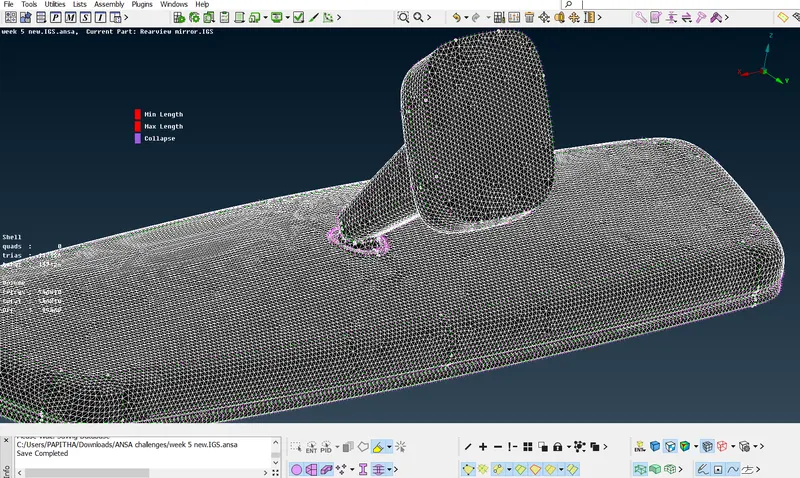
With good quality criteria has been done.
RESULT:
Hence the surface mesh and volumetric mesh has been done with good quality criteria.