Week- 5 - Solid meshing
Week- 5 - Solid meshing
AIM:
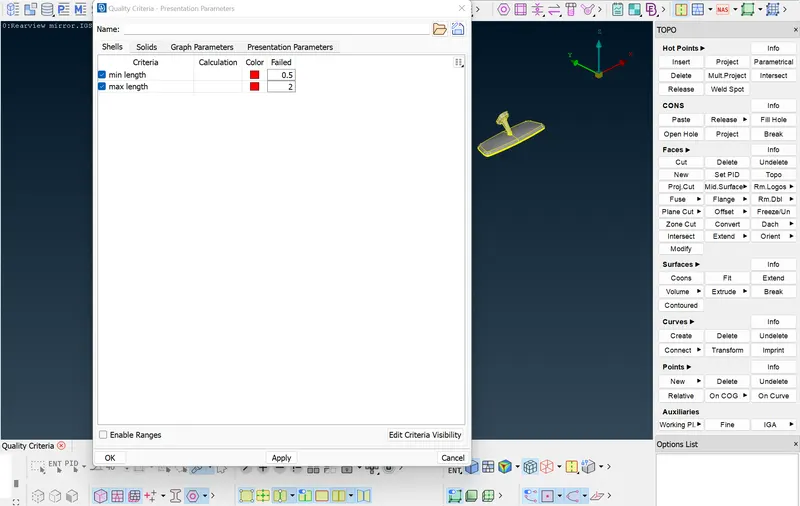
or the given Rear view mirror component, check for geometrical errors and mesh the Surfaces with the given 2D element Quality criteria given below.
|
S.No |
Quality Criteria |
Value |
|
1 |
Target/Average length |
1 |
|
2 |
Minimum Length |
0.5 |
|
3 |
Maximum Length |
2 |
PROCEDURE:
* Import the CAD model
- Import the CAD model into ansa software
* Geometry cleanup
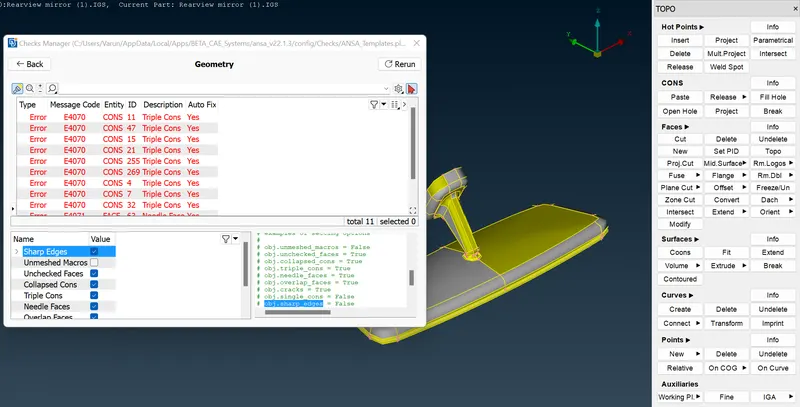
- Do a Topo to the model to stitch all the surfaces together.
- Geometry cleanup must be done before further modifications and fixing all the errors given.
* 2D Meshing
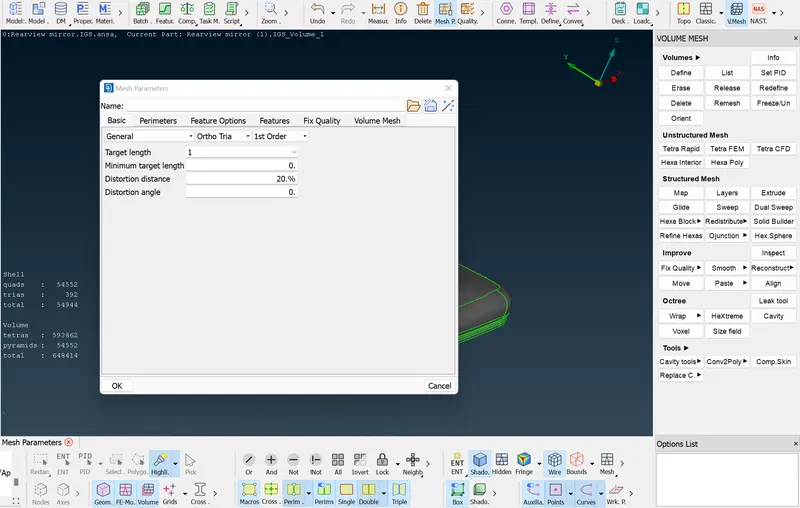
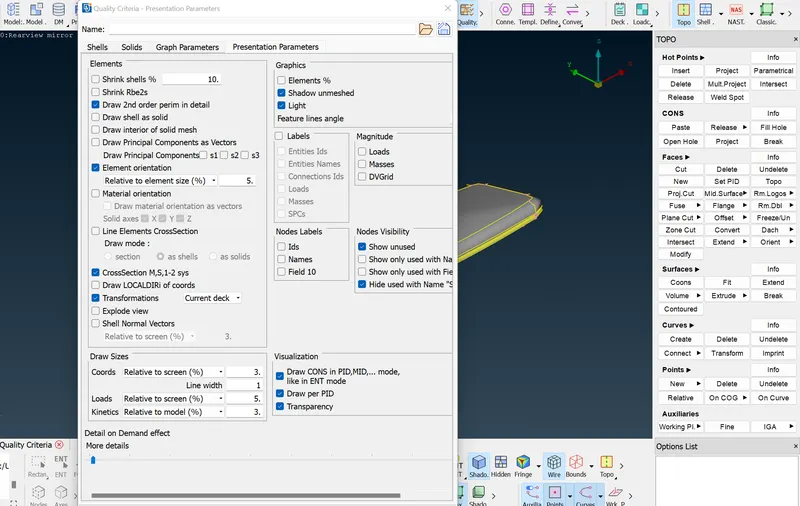
- Set the given quality criteria and mesh parameter values for the model and mesh the model with an ortho tria mesh. An ortho tria mesh is used because there are several curved surfaces and ortho tria mesh gives the best mesh flow for a curved surface.
- Then the meshing is done by the spot mesh tool.
*Volume Mesh
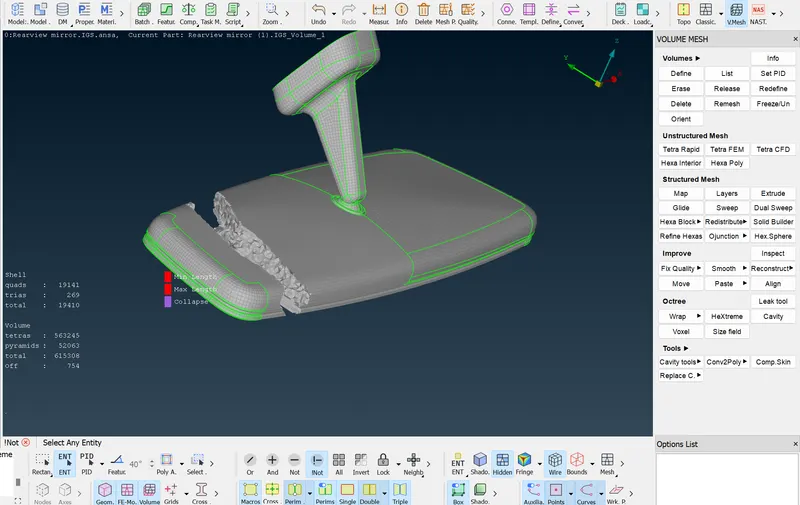
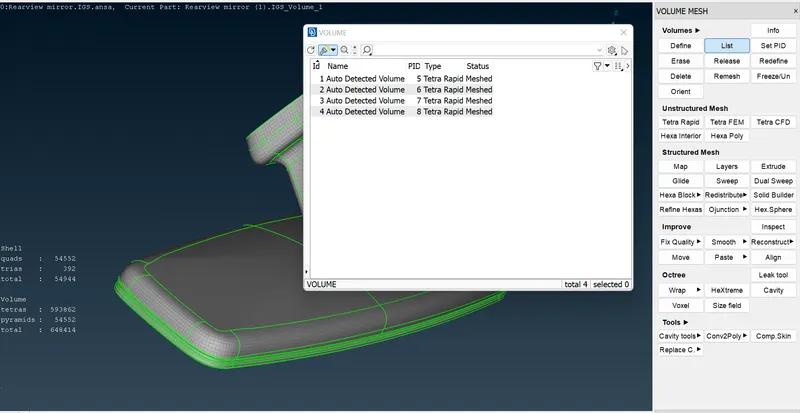
- Volume is given to the model by using a mesh module
- With the given collapse value of 0.2, volume mesh is done.
- To get a volume mesh, the rapid mesh method needs to be done by clicking on Volume>List>Remesh. A tetra rapid mesh is done.
- To improve the mesh quality flow in the model, the Fix Qulity> Visible/Select option can be selected.
RESULT: