Week- 5 - Solid meshing
Aim : For the given Rear view mirror component, check for the geometrical errors and mesh the Surfaces with the given 2D element Quality criteria
Procedure
- First step is to import the IGS file that is provided into the ANSA software
- Then apply topo to object
- After applying topo check for geometry errors, if found errors resolve those errors and then proceed to next process
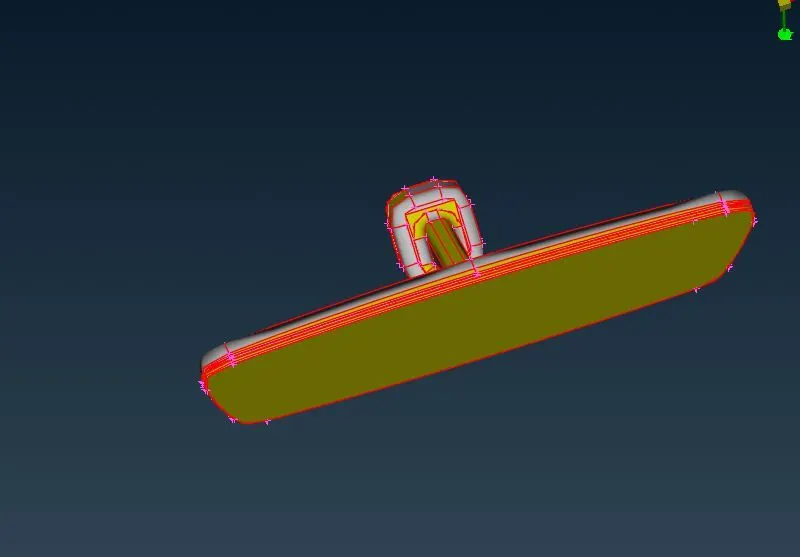
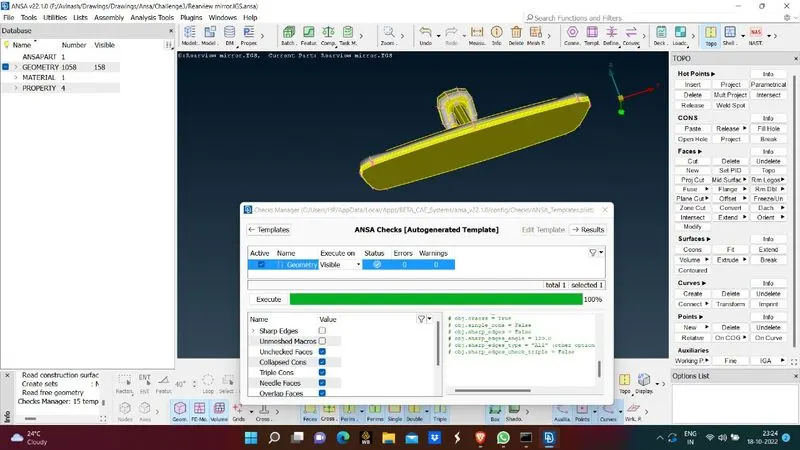
- After all errors resolved give mesh parameters and criteria that is provided in this case Min length - 0.5, max length 2, target length 1
- Choose mesh type as Ortho tria
- Apply spot mesh on all surfaces and use ortho tria mesh on curved surfaces and tria mesh on flat surfaces
- After mesh is applied check for off elements and eliminate them
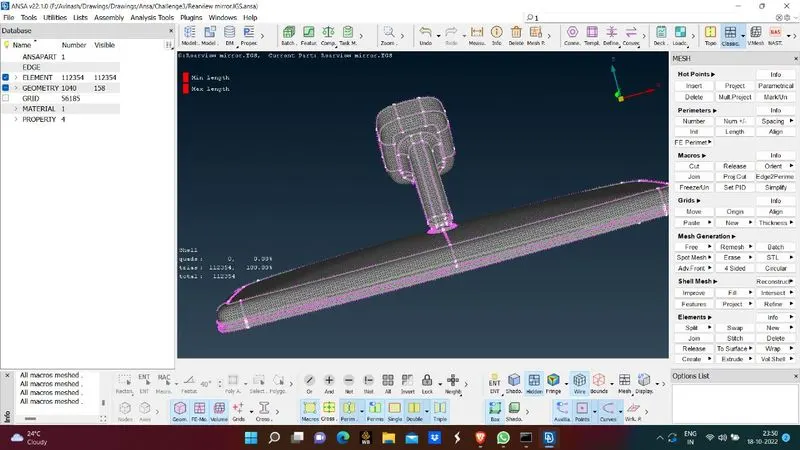
- After meshing is done go to vomuetric mesh
- Here ANSA cannot identify closed solid volume objects, so define the volume by selecting object
- Apply the mesh criteria that is provided in this condition Tet collapse- 0.2, and eliminate errors without disturbing surface like forming dents etc
- Then ANSA by default shows the unmeshed volumes that are present
- Then apply Tetra Rapid on the solid objects individually
- Then we can we see volume mesh is done
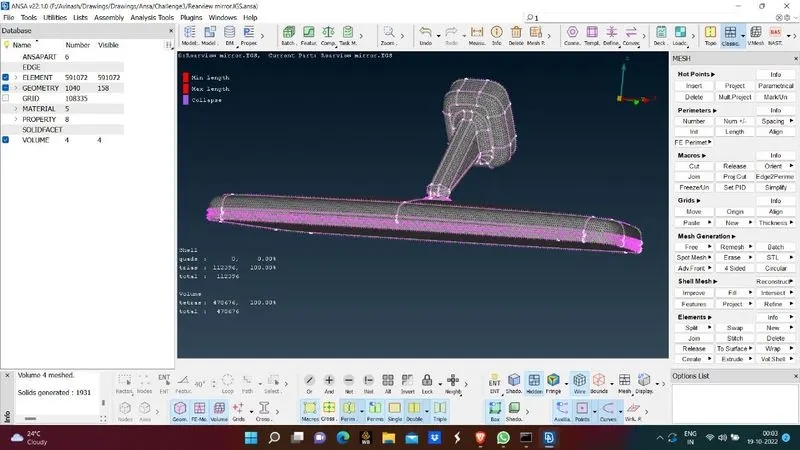
Learning Outcomes:
- By this we can able to understand the mesh pattern in this solid object
- We are able to mesh the object and eliminate errors
- We learnt how volume mesh will be done and the procedure to be followed
Conclusion:
- Mesh is generated succesfully on surface of solid and volume mesh is also generated.
- Off elements are eliminated