Week 3 - 2D meshing for sheet metal
Aim : To do a Pre-Processing on a given hood model using ANSA Software
Procedure:
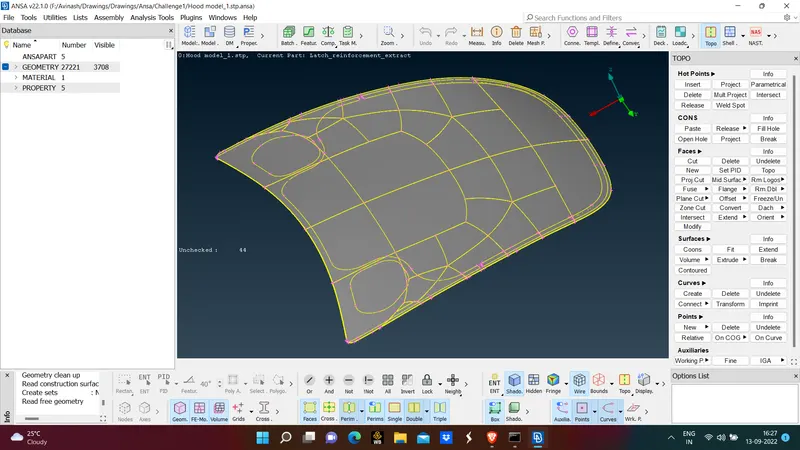
- Open given file in ANSA
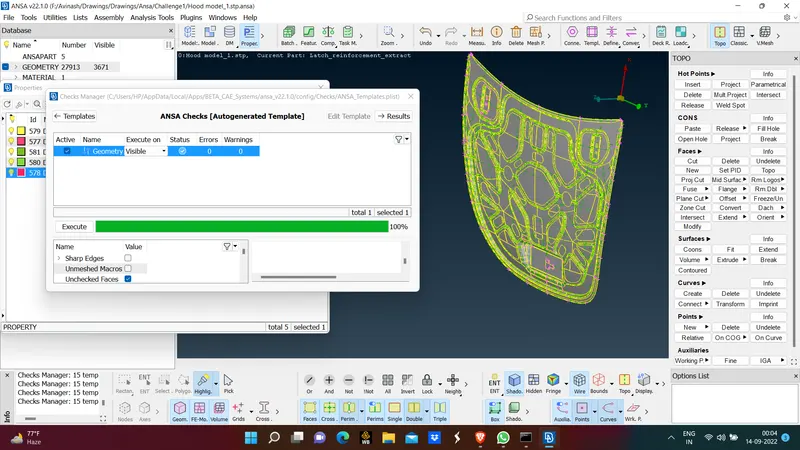
- In given filw total of 5 parts are avaiable, So apply geometry check on each part
Checks - Geometry Check - Select part - Execute -Result
- Check for errors on a particular part if it can fix itself and apply or else try removing errors by checking i.e single cons,triple cons, face break etc
- If triple cons appear apply topo nd release con and fix the issue by changing it into double con.
- If there is a break in face then apply new face.
- After fixing all issues again chack for geometry check.
- As a part for graphics of software some parts may not appear with full curves so
Auxiliarities - Fine
- Check the thickness of the part at certain points to check for average thickness
Measure - Thickness
- If thichiness is same at all places apply offset and extract midsurface
- After extracting midsurface also check for geometry check and for this time don't apply signle cons.
- Again if errors pop up clear the errors.
- Again apply topo
- For further step apply mesh parameters as provided
- Apply
Paramters - length - Part
- Length should be around 5mm
- Check at all regions of part whether 5mm is applicable
- Make sure hotpoints should be near to adjacent surface
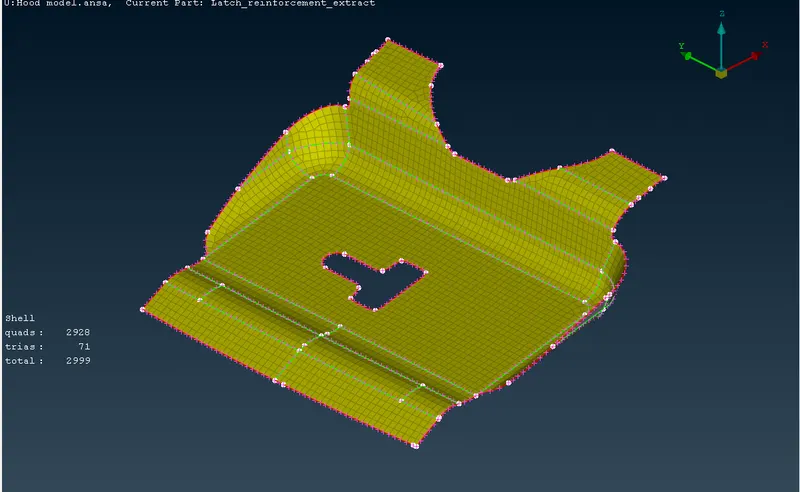
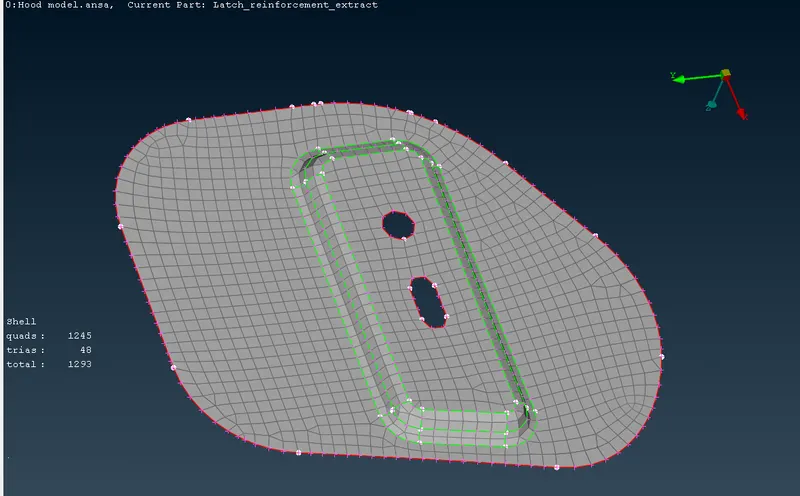
- Then apply mesh as follows
Mesh generation - Best - Select area
- After the mesh generated check for mesh elements failing
- To solve failed elements
Shell mesh - Reconstruction - Select failed area
- Apply same method the elements failed criteria is zero
- Make sure quad percentage should be high
- Make sure to remove trias at corners of part which causes for element failure
- To remove trias
Elements- Split - Tria
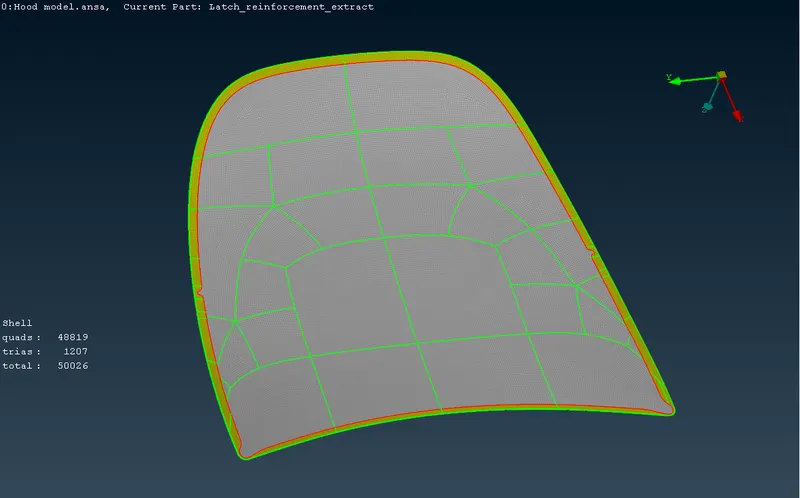
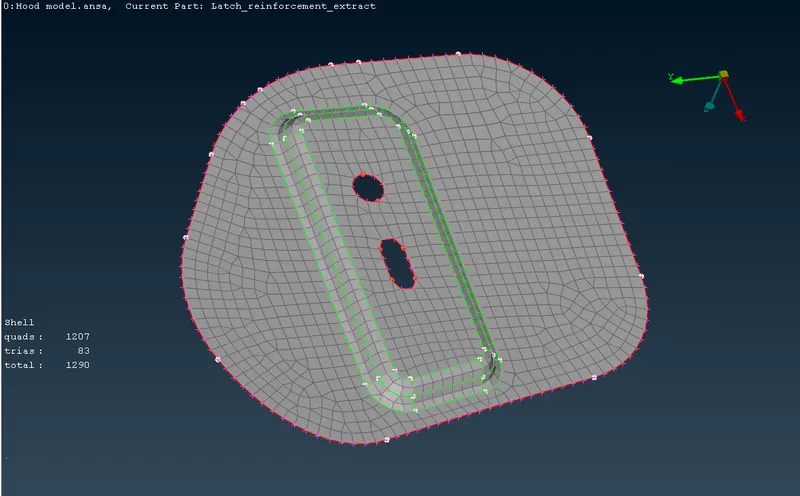
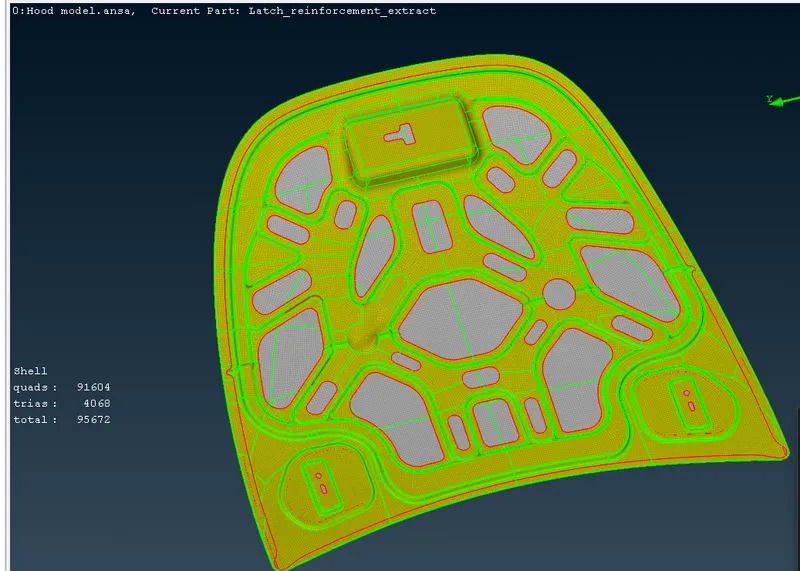
- Apply the above procedure for all parts for given components and apply mesh
- After failing element percentage is 0% apply thickness
- Go to properties of each part and apply thickness
- Then mesh for all parts is done successfully
Learning Outcomes :
- In this challenge I learnt how to clean geometry
- Learnt how to extract midsurface
- Learnt how to apply mesh parameters
- Learnt how to apply mesh and eliminate failure elements
Result :
- Midsurface is extracted from parent part
- Geometry cleanup is done
- Mesh parameters are applied
- Mesh is applies and failing elements are eliminated