Project 1 - 2D meshing on the instrumental Panel
Aim : 2D meshing on the given instrumental Panel
Procedure:
- Import the given file in ANSA
- Check for geometry checks
- If found any errors clear them with required actions
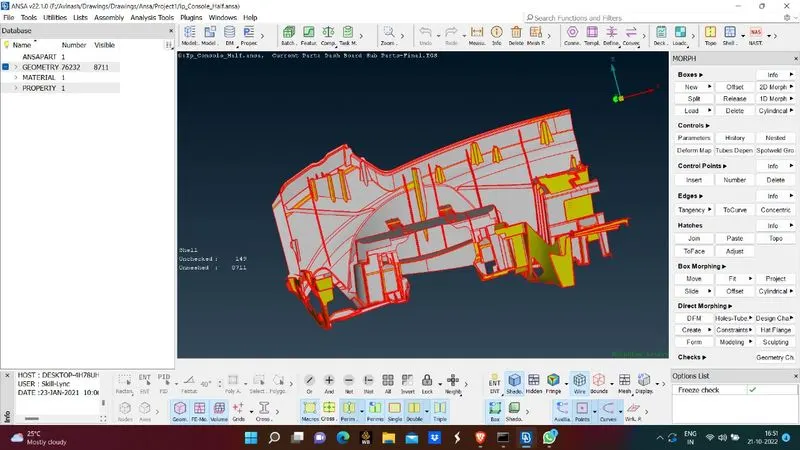
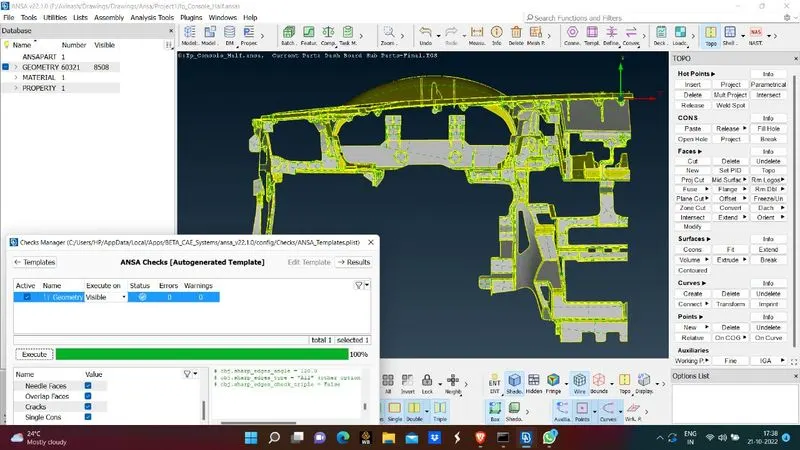
- When the geometry is good now extract midsurface from CAD geometry
- For geometry extraction follow the below procedure
Faces - Mid surface - Casting/extrusion
- Give the thickness and mesh element size for midsurface extraction and mesh the surface
- It takes few minutes to perform action
- When midsurface is extracted give mesh criteria features in parameters
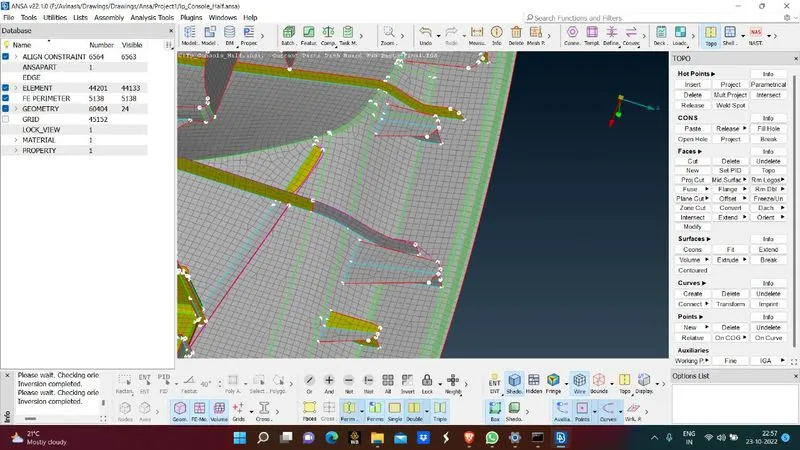
- With the help of align manager align the distorted surfaces where ever required
- At some places new mesh flow should be created inorder to delete the failed mesh surface
- In align manager we can see some empty areas where the ANSA failed to identify the criteria so check for emplty areas and give correct alignment
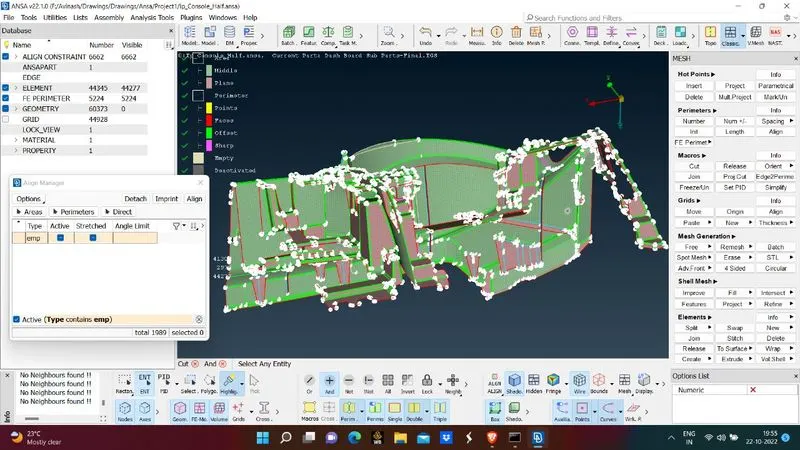
- Here we need to align correct midsurfaces and correct planes for required surfaces by editing their selected criteria
- All the areas should be mentioned in align manager so that it stores each and every data of the meash surface and its features.
- Later it is useful for many other actions
- When all the areas are aligned check for mesh criteria
- If mesh failing eliments are found , try to solve them by taking necessary actions.
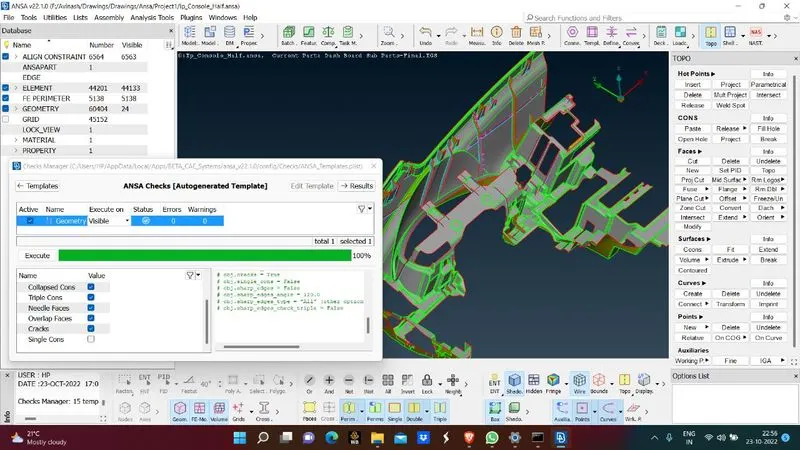
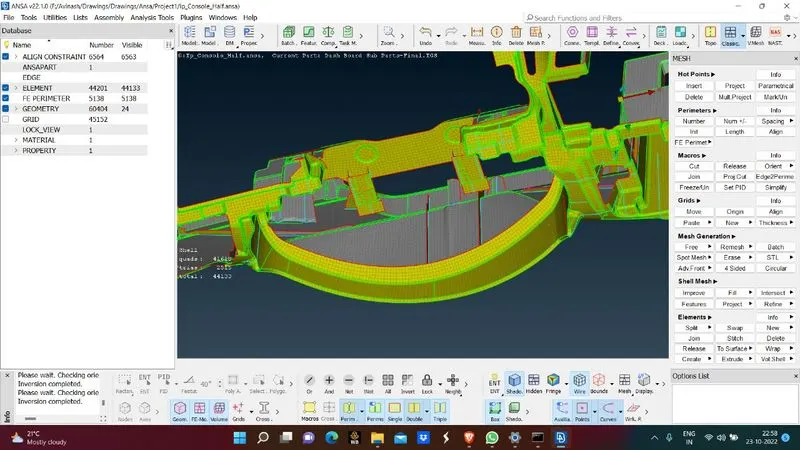
- When all failing elements are cleared select ' Draw shell to Solid' option.
- Now we can the see the solid model with mesh generated in it.
Learning Outcomes:
- Learnt how automatic midsurface extraction can be done
- Learnt the usage of align manager
- Learnt the crucial role of align manager
- Learnt how in some cases ANSA fails and how to manage the error
Conclusion:
- Midsurface is extracted succesfully
- Mesh is done based on the mesh parameters
- Fail elements are removed
- Align manager should be used for whole operations for better surface featuring details